What are you looking for?
Search

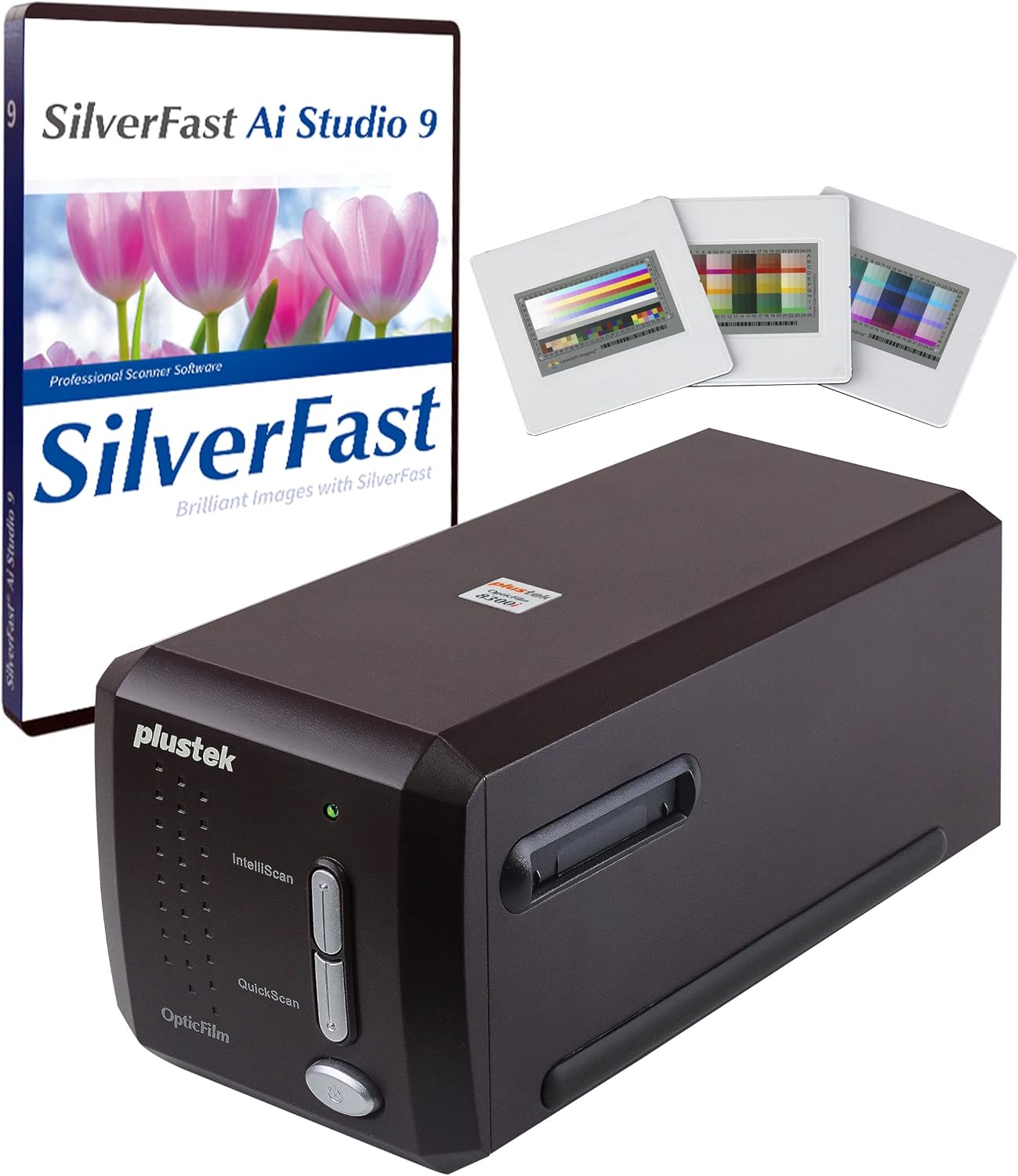
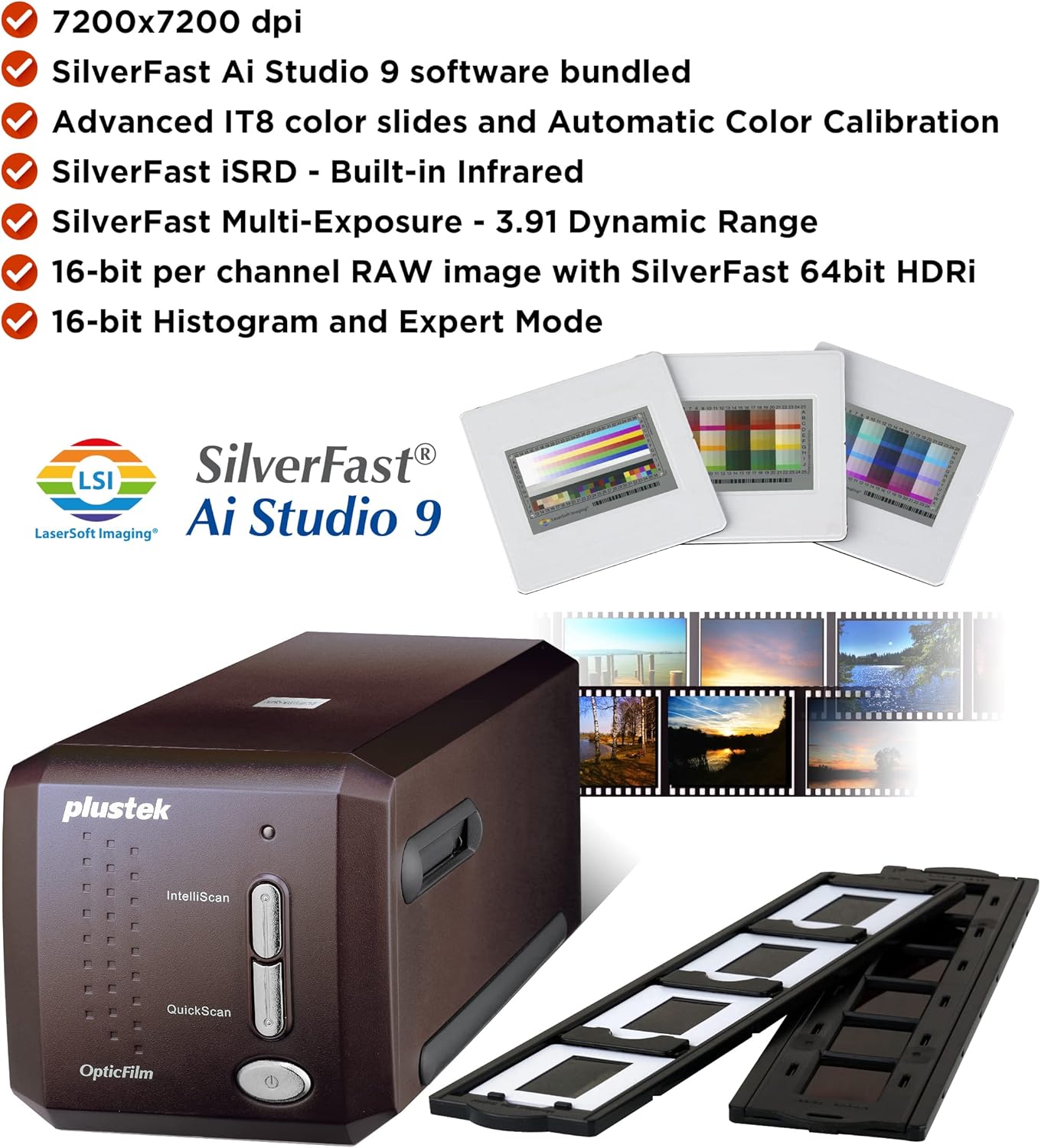
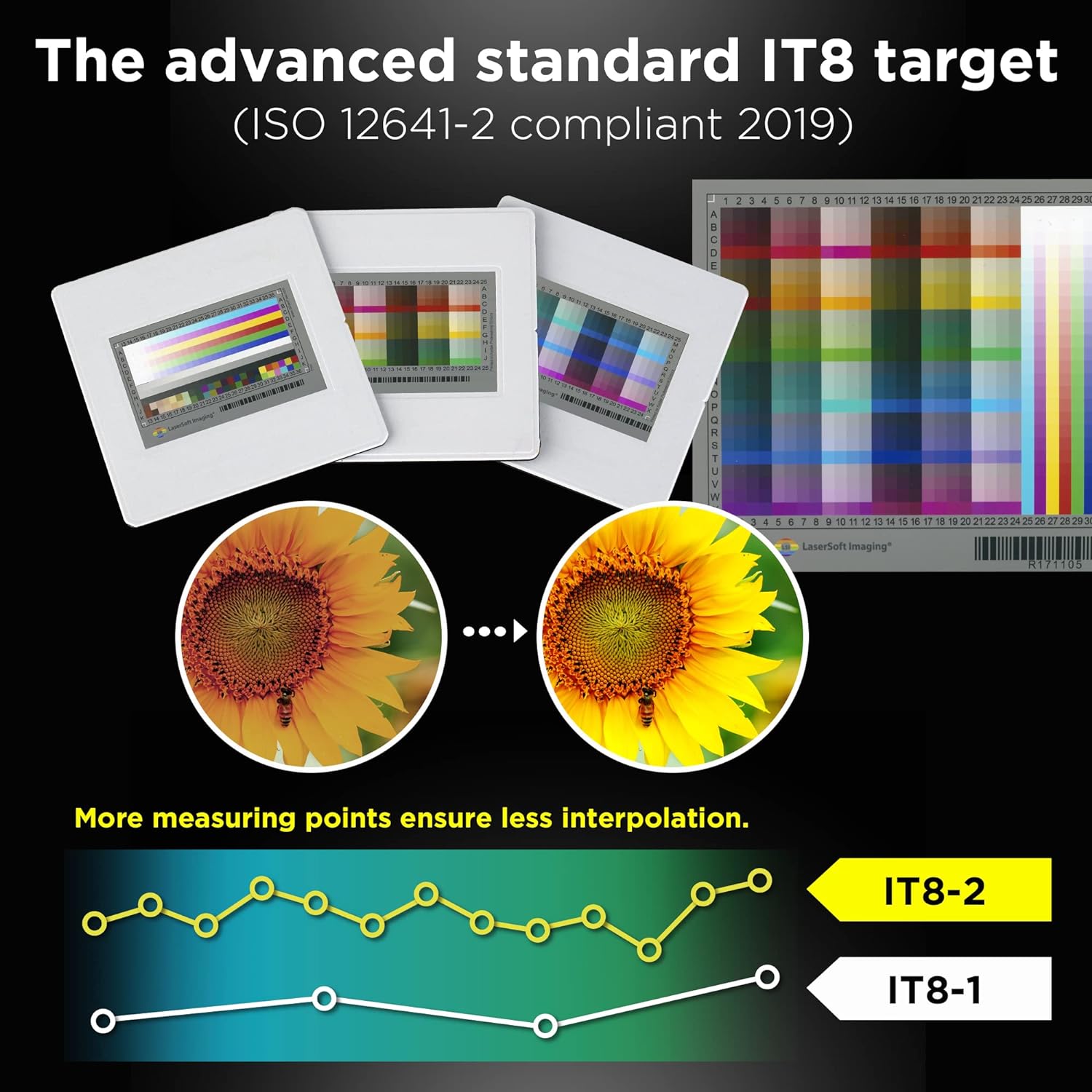
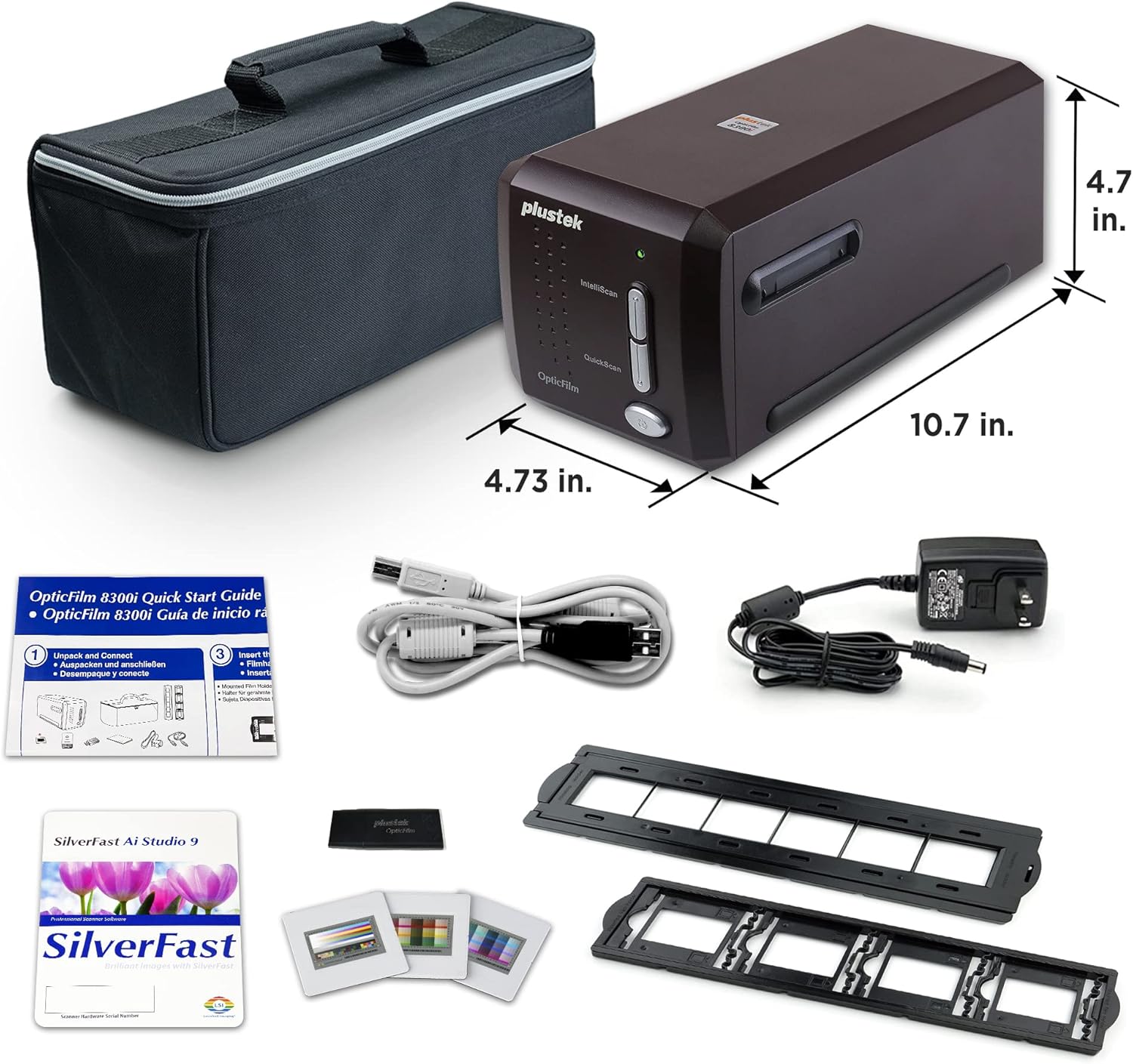
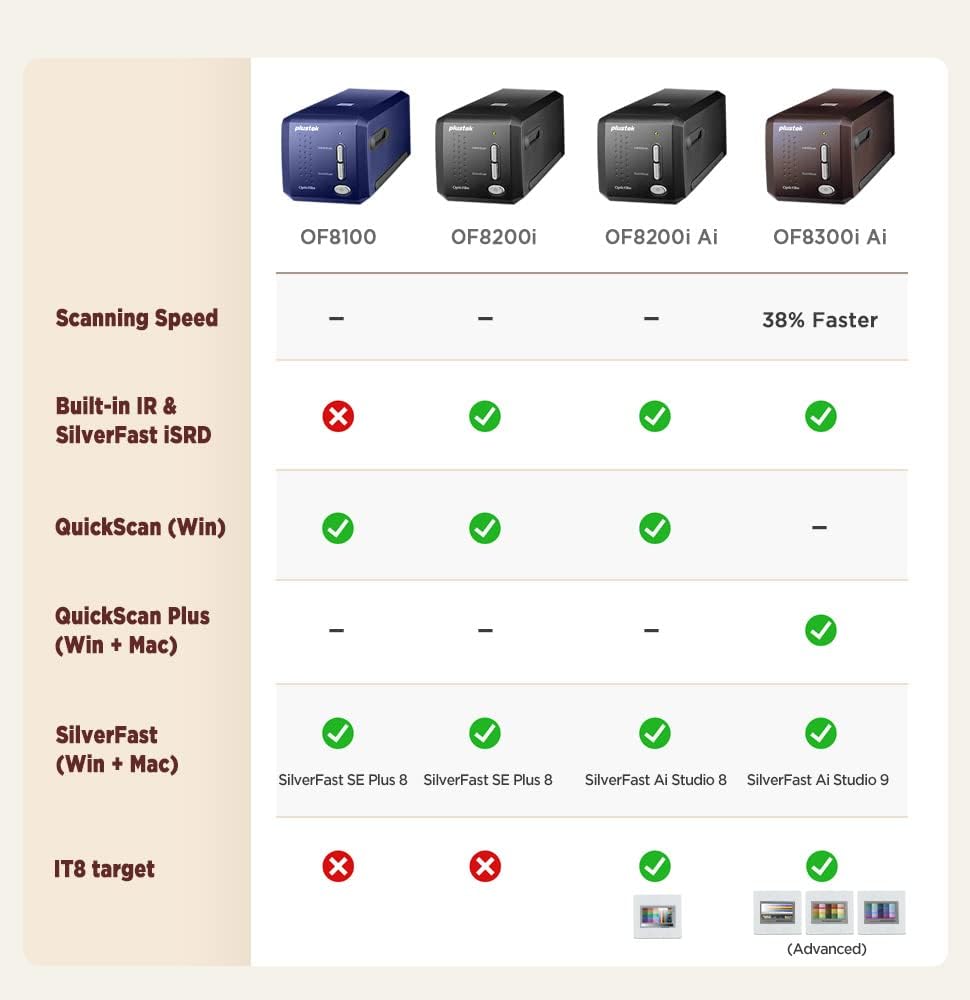
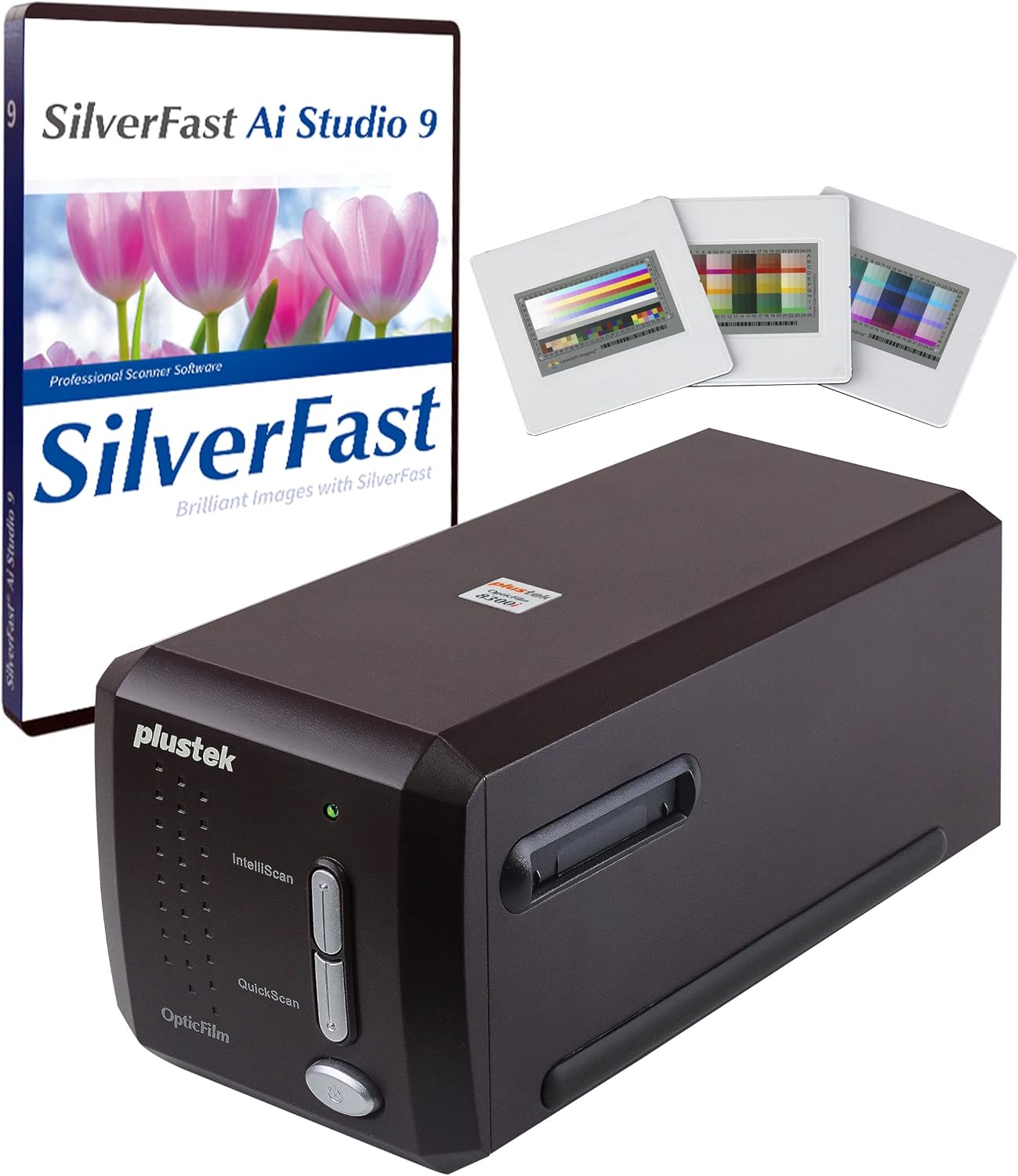
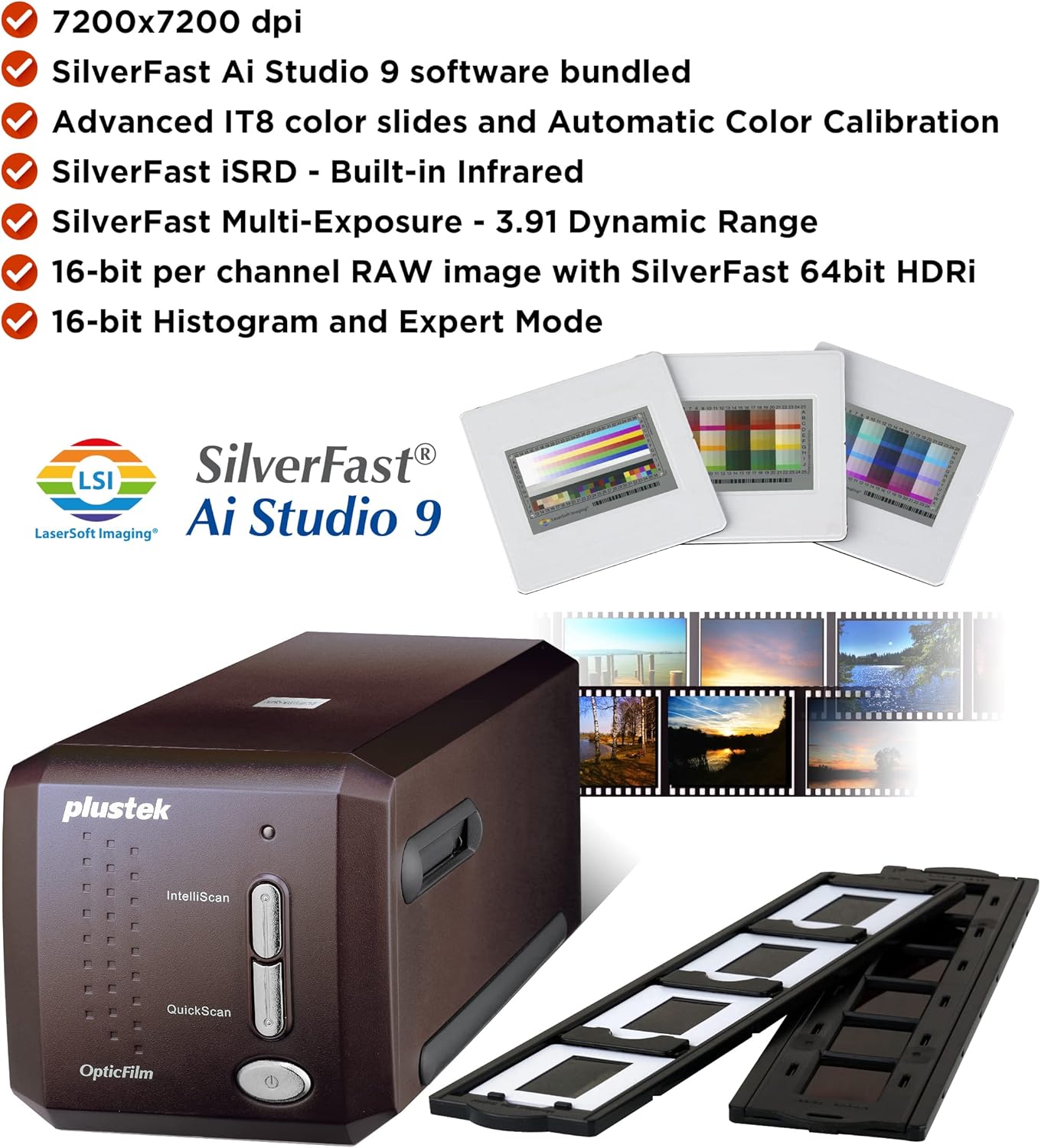
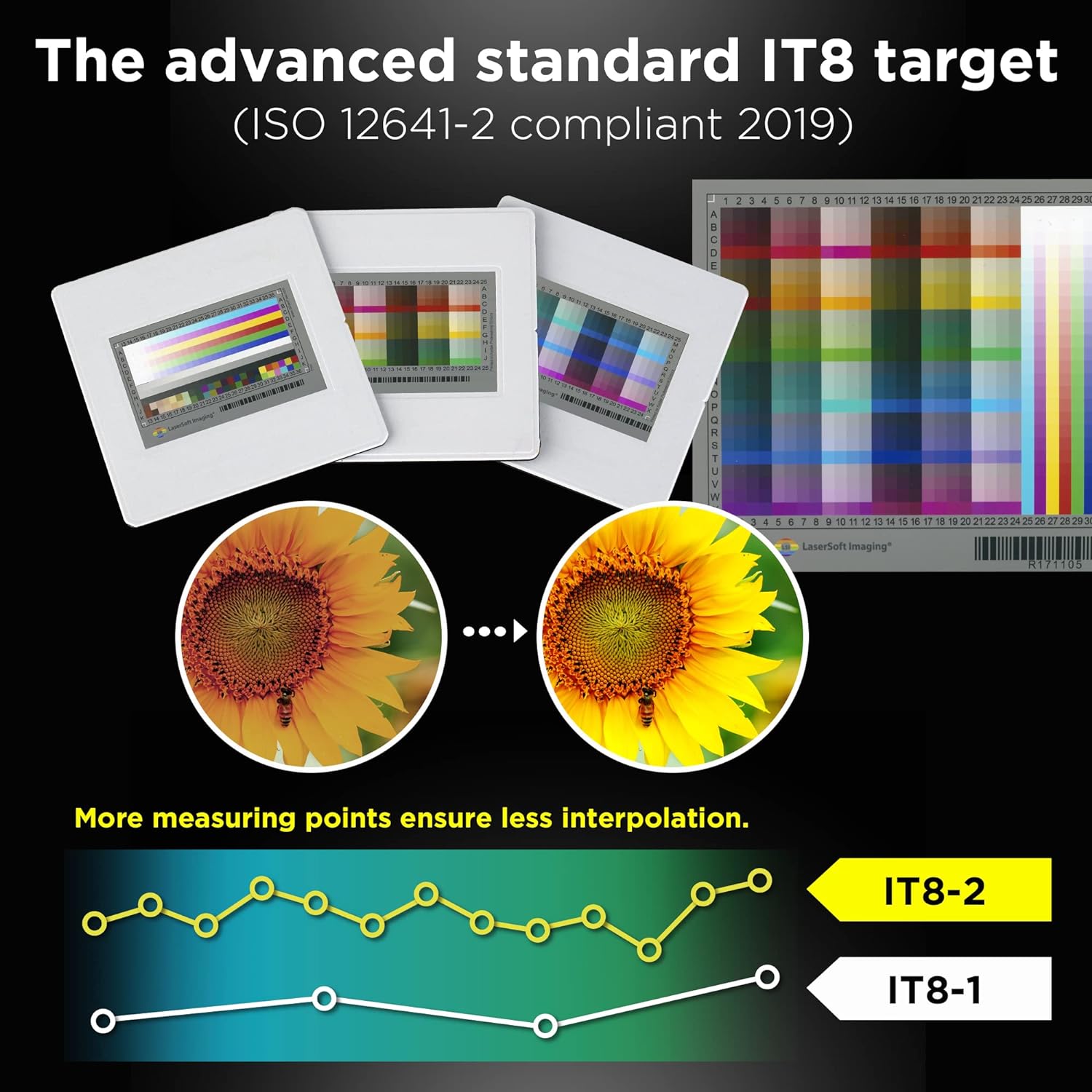
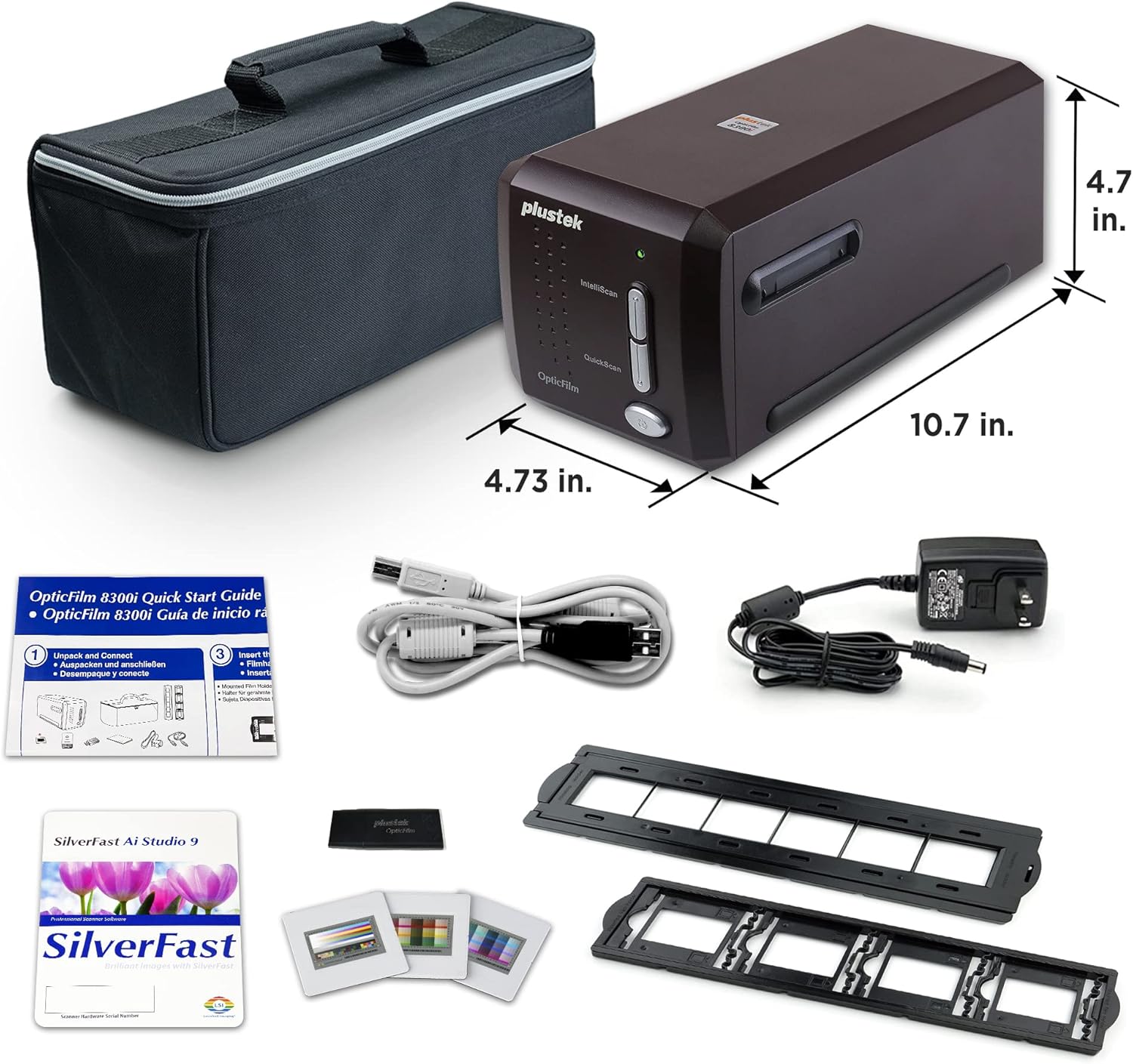

[Advanced IT 8 Targets Included] bundled with 3-slide of 35mm Calibration Target (99 USD) this advanced standard IT8 target (ISO 12641-2 compliant 2019) gives more measuring point to ensure less interpolation while performing scanner color calibration.
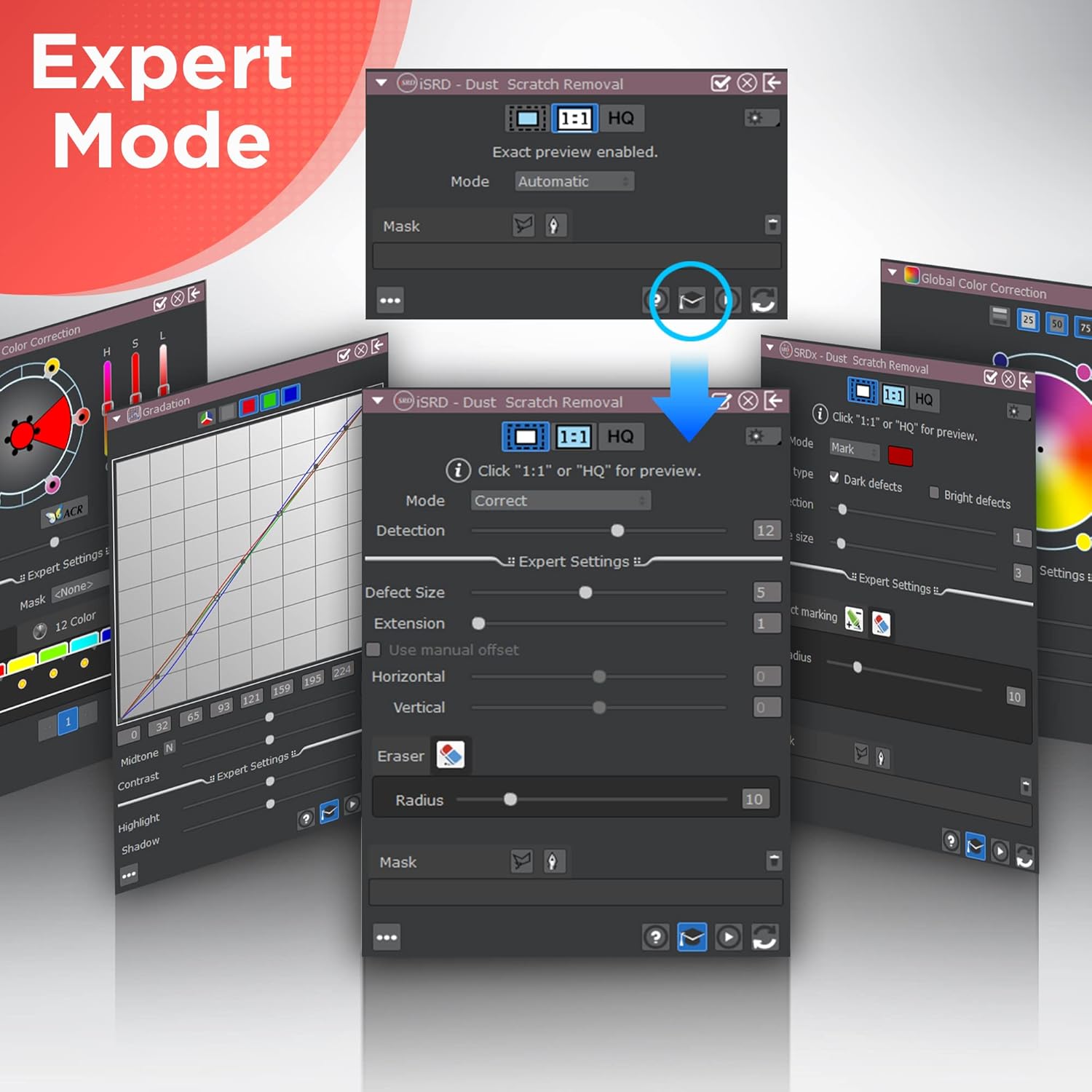
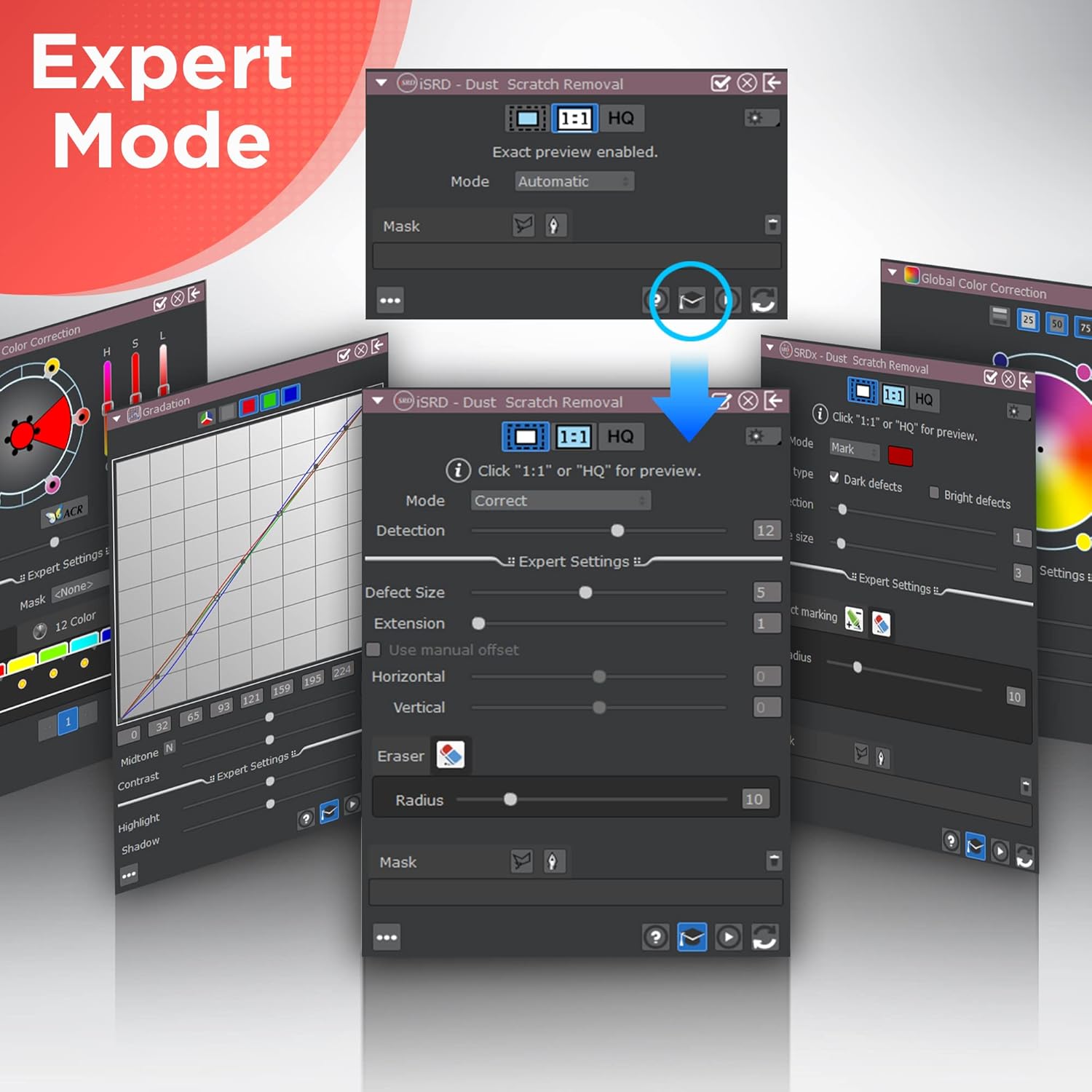
[Dual Professional Software Included] - Bundled with world's digital imaging software - SilverFast 9 Ai studio & Quick Scan Plus easier to digitizeand archive slide and films with well-designed hardware feature and advanced image processing.
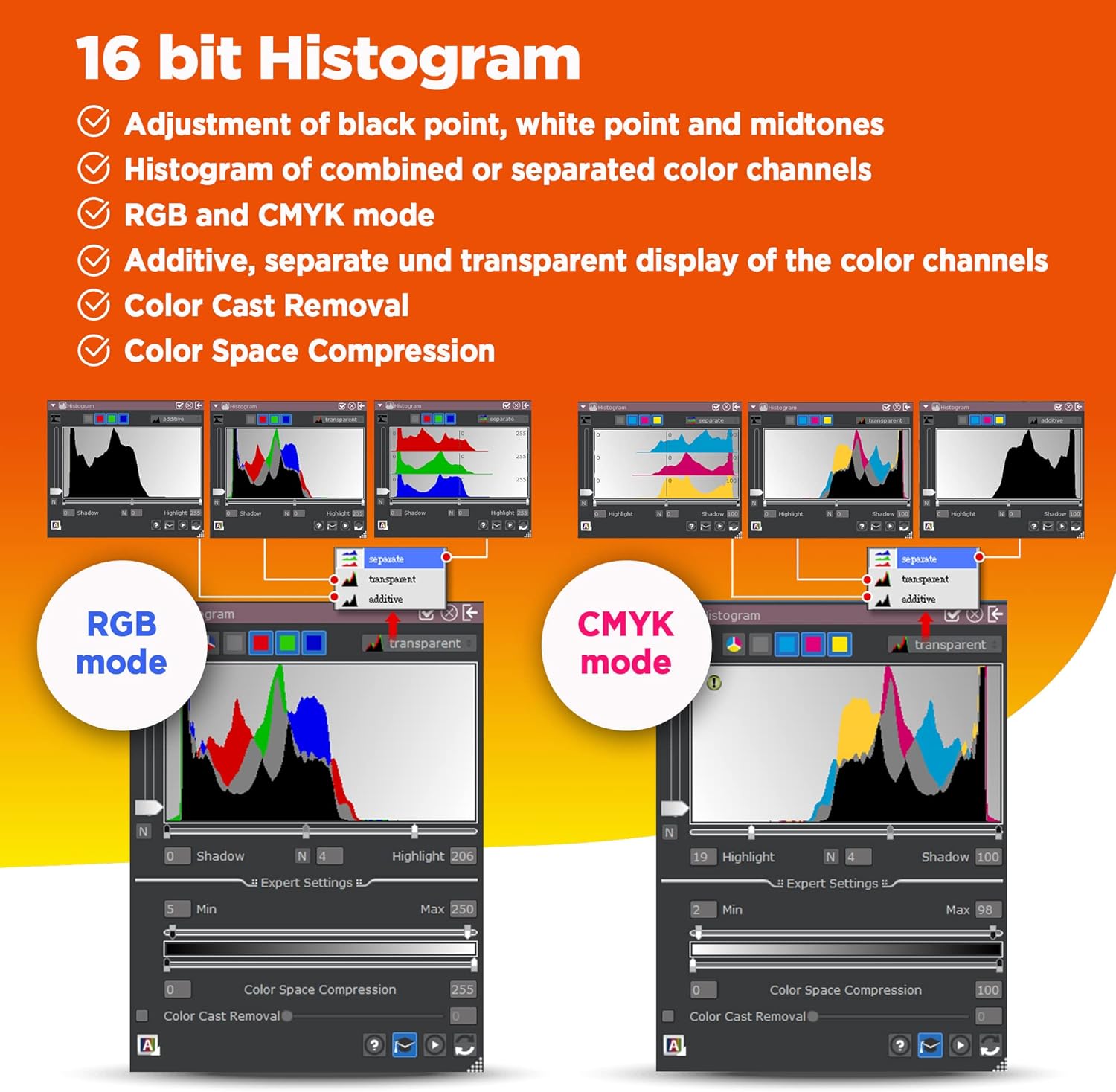
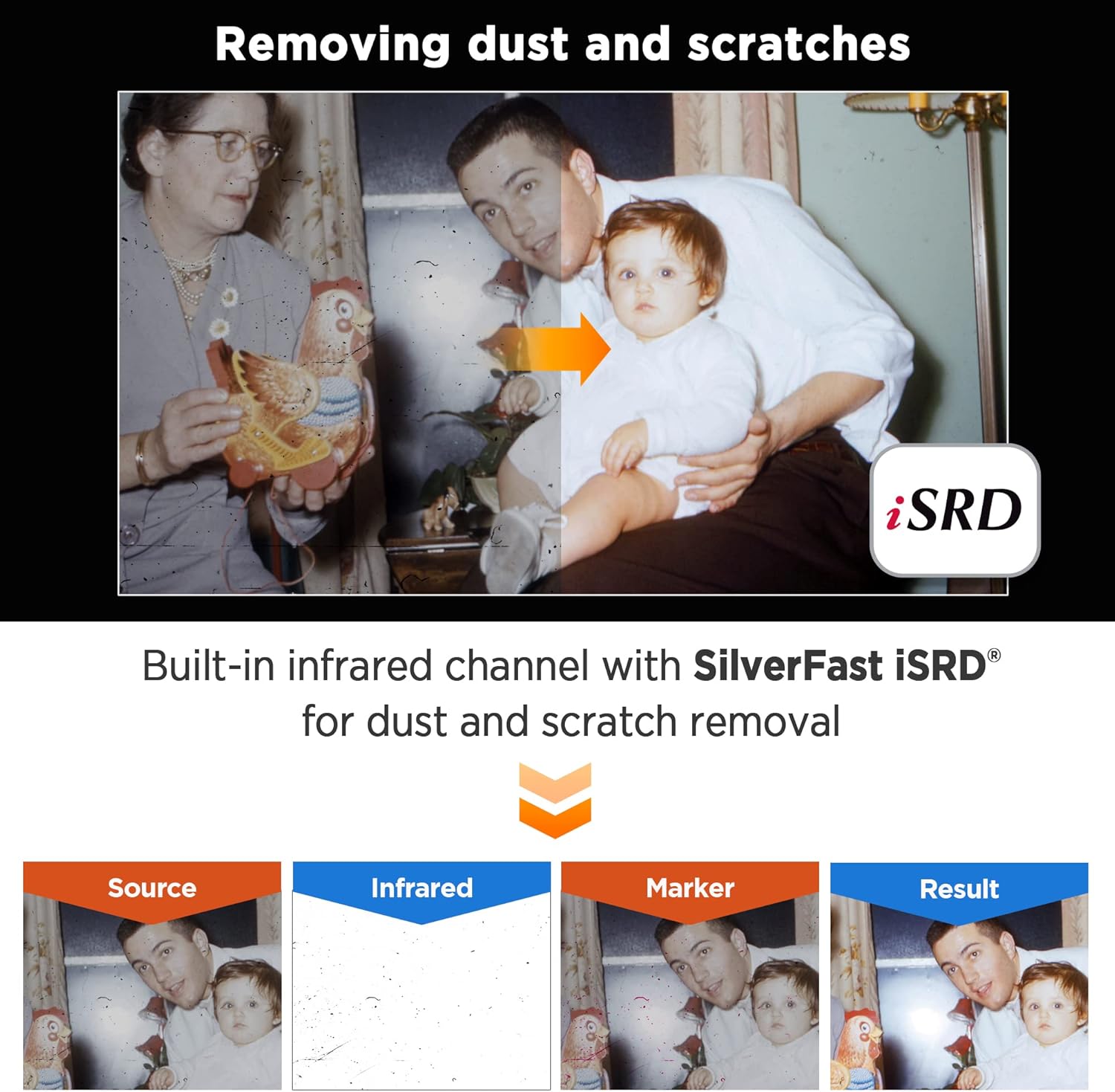
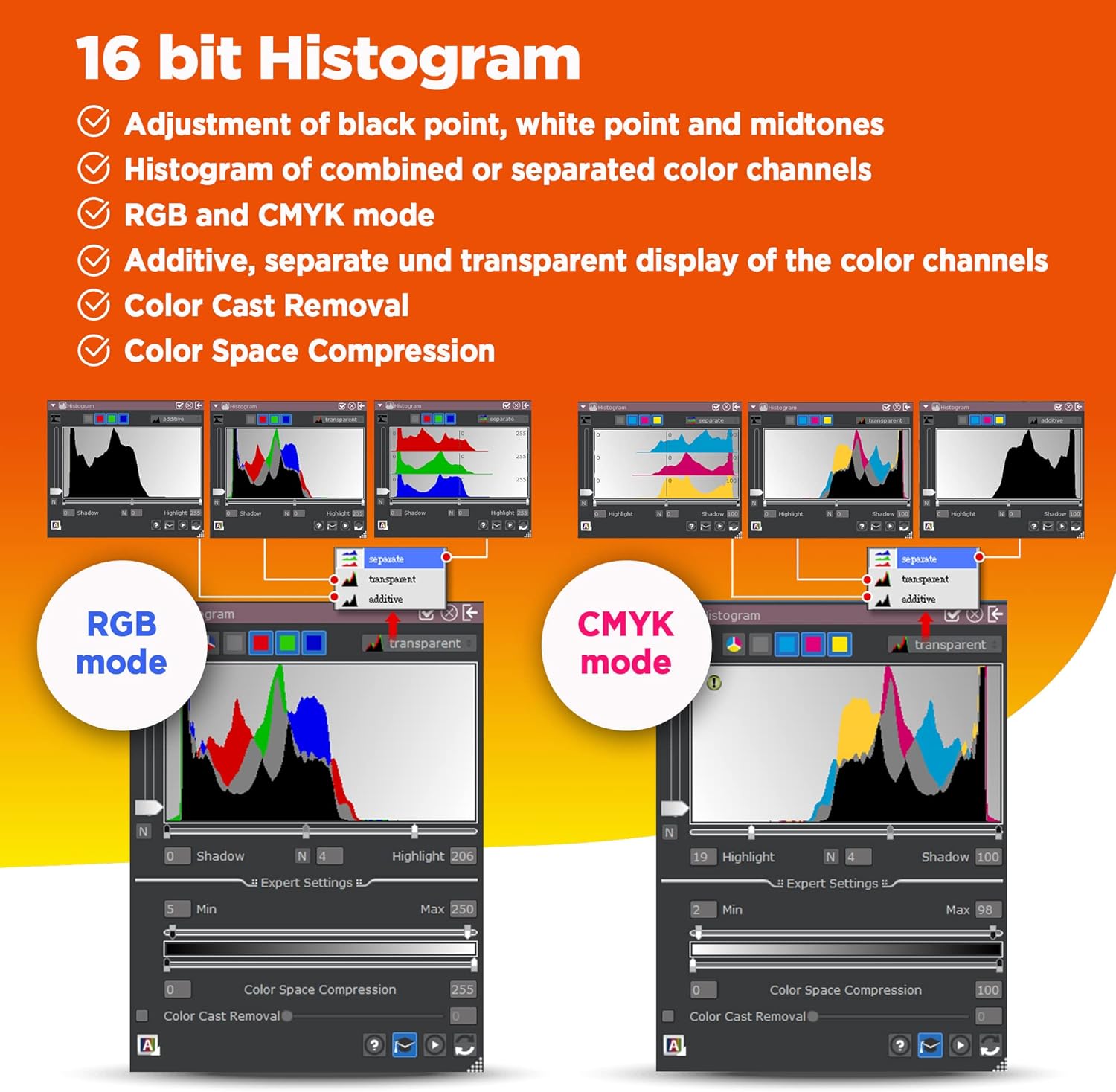
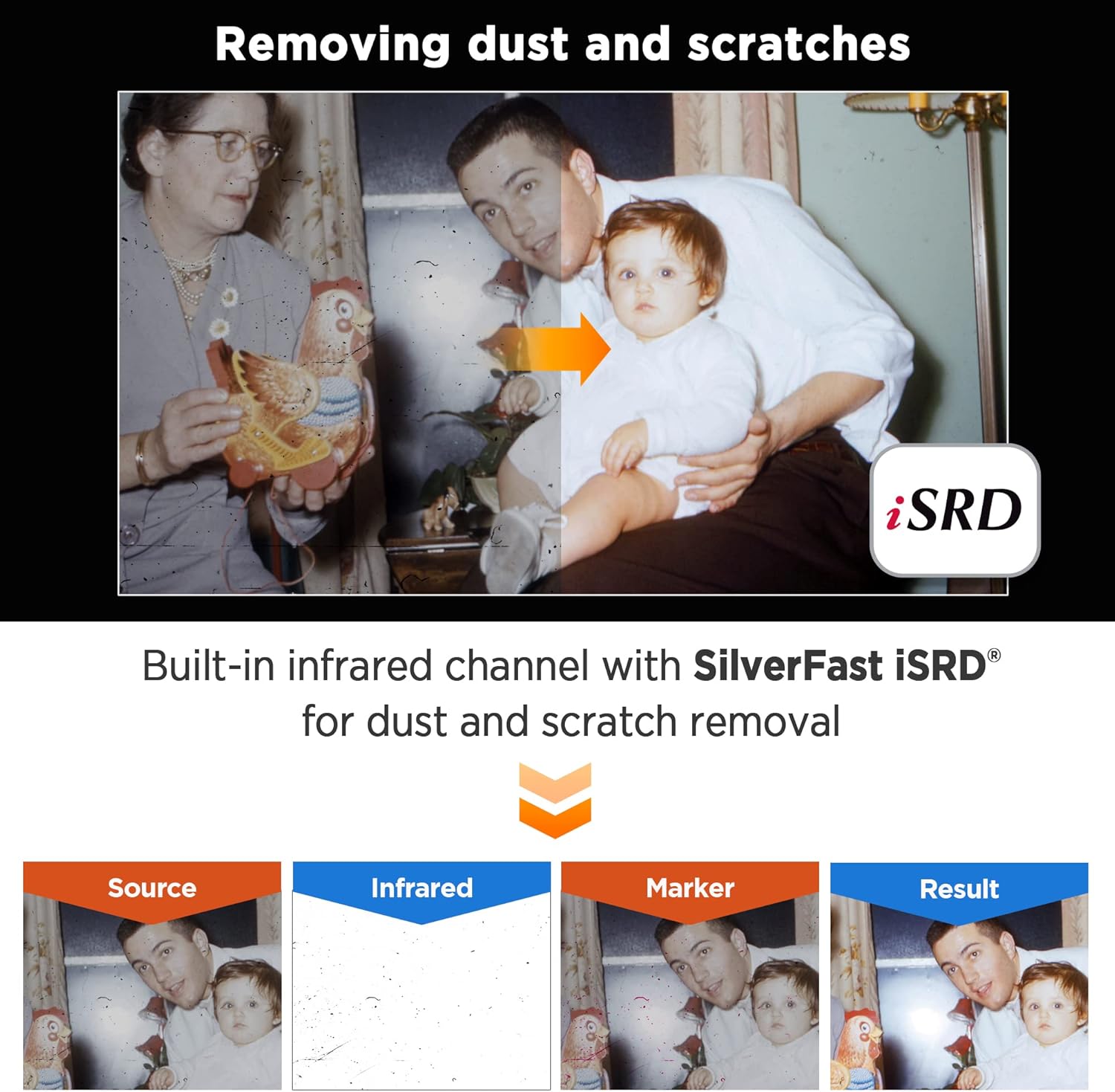
[New Algorithms] SilverFast 9 with new algorithms eliminated the boundaries of film and digital image; successfully optimized the image result by built-in infrared iSRD HDRi 16-bit Histogram Multi-Exposure or NegaFix.
[Support Windows 7/8/10/11 and Mac OS] USB flash drive included. User can easily install and start using it without optical disc drive. also provided US-based expert services via phone or online support.
1Advanced IT 8 Targets27200 dpi Resoultion33.91 Dmax4Built-in ICC profile
Who is this machine suitable for?
OpticFilm 8300i Ai is ideal for professional photographers hobbyists graphic designers and anyone who demands exceptional image qualityespecially when producing high-quality photo enlargements.
What's the scan speed?
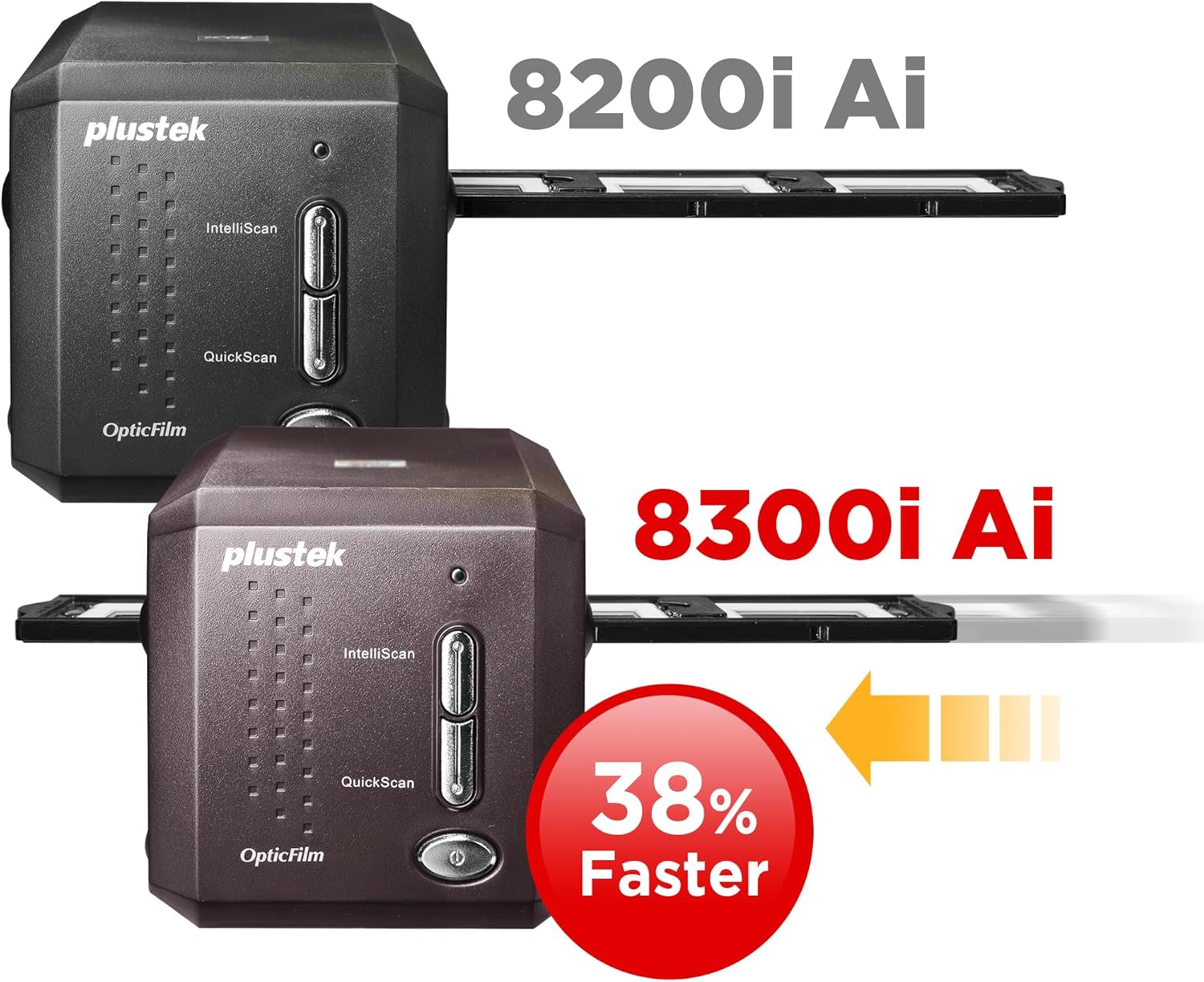
Scan speed depends on the scan resolution: higher DPI (dots per inch) results in longer scan times. Additionally using IR (iSRD) dust and scratch removal will approximately double the scanning duration.
Can OpticFilm 8300i series perform batch scanning or scan panoramic film?
No please select OpticFilm 135i sereis
I dont have a CD-ROM. How can I install the scanner driver and SilverFast software?
The package will include a USB flash drive user can use this install scanner driver. For Silverfast software please follow quick install guide or see below image registry a Silverfast account and use scanner series number to active Silverfast
Perfectly Remove Dust & Scratches
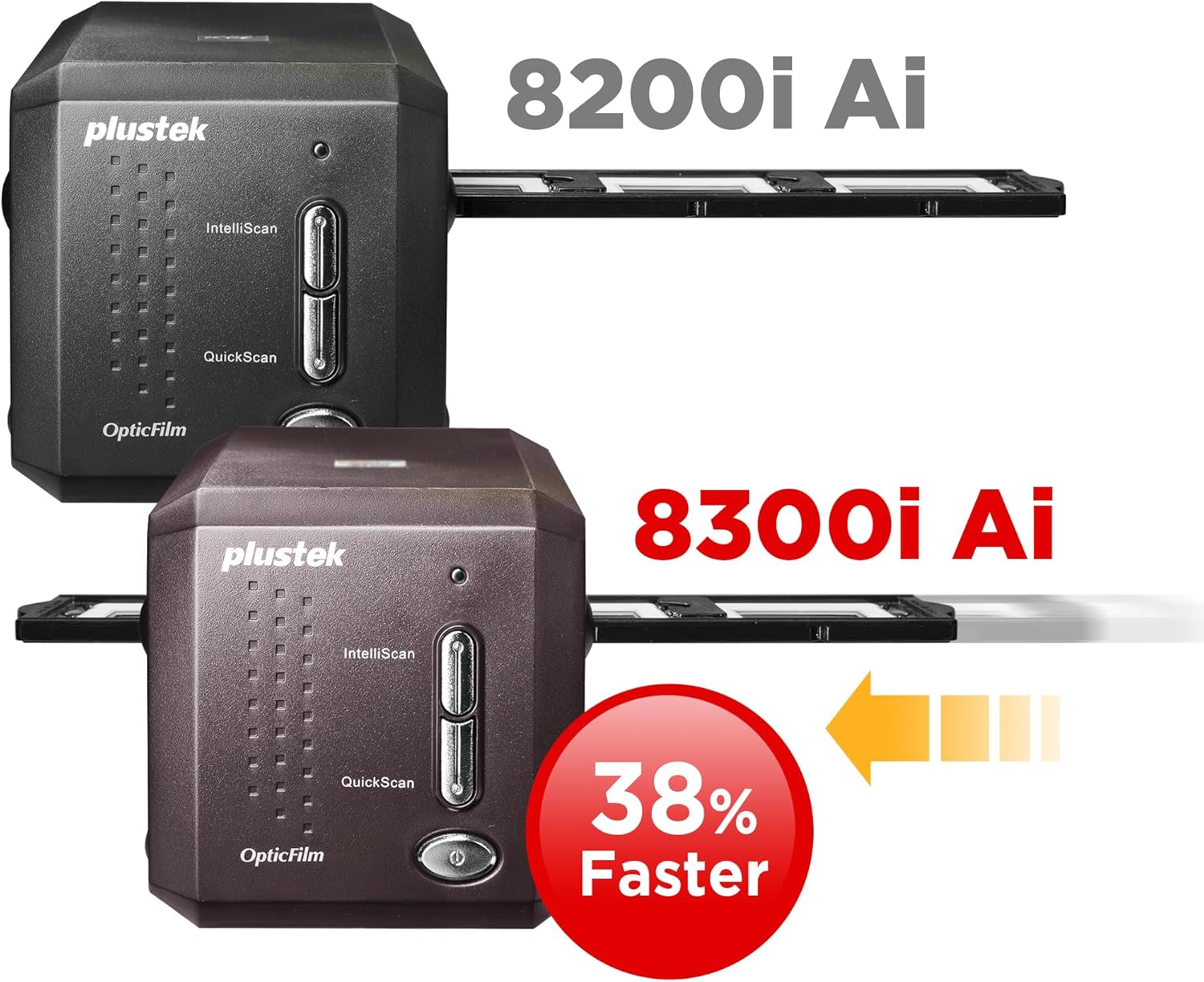
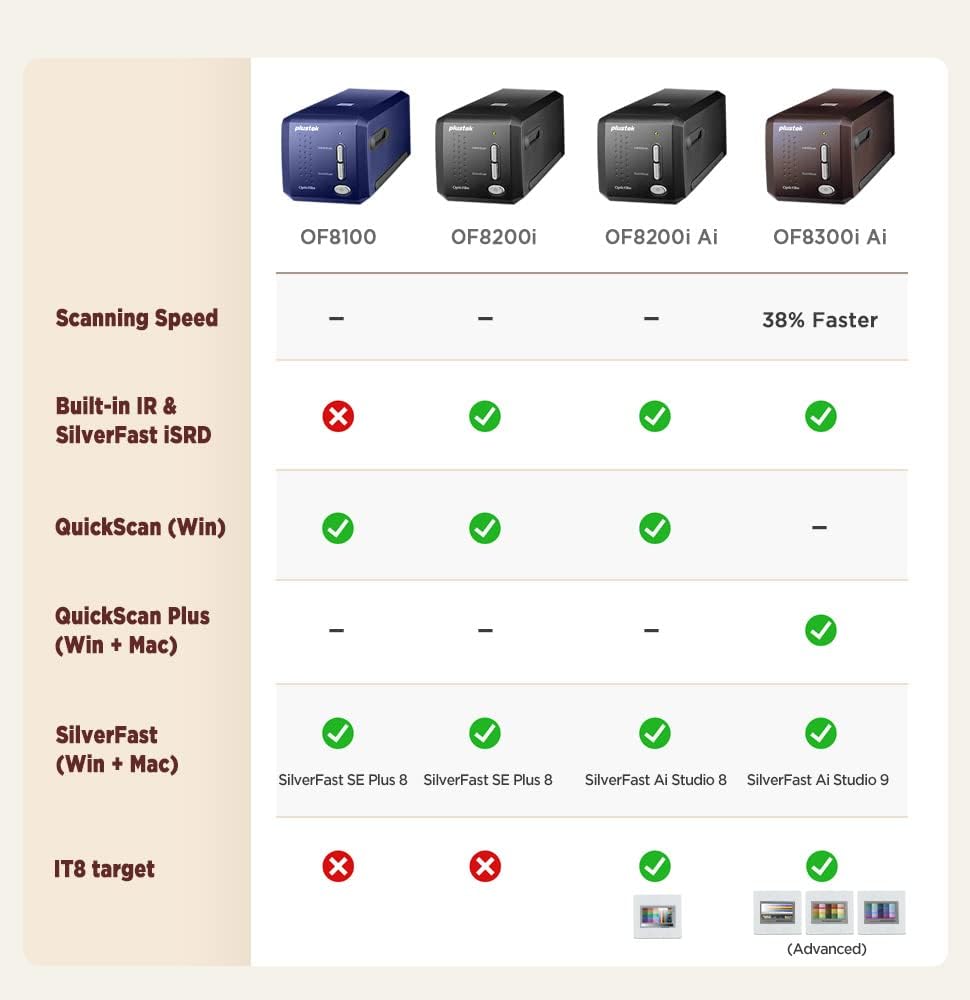
Whats the difference between the OpticFilm 8200i Ai and the OpticFilm 8300i Ai?
Who is this machine suitable for?
What's the scan speed?
Can OpticFilm 8300i series perform batch scanning or scan panoramic film?
I dont have a CD-ROM. How can I install the scanner driver and SilverFast software?
How to Active Silverfast Software

You have successfully commented, please wait for review
Copied Successfully
You can enjoy up to 1 free gift!