What are you looking for?
Search

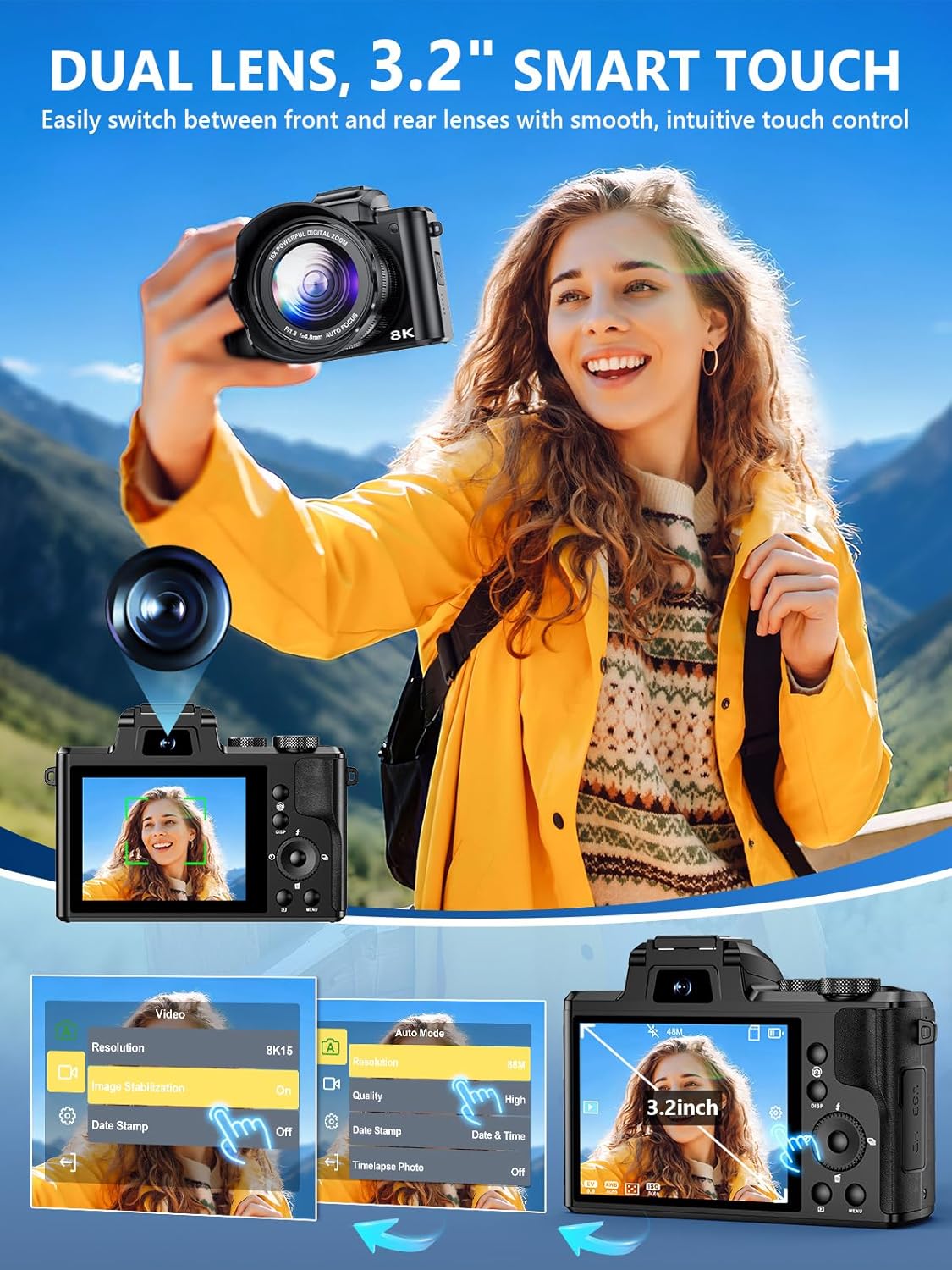
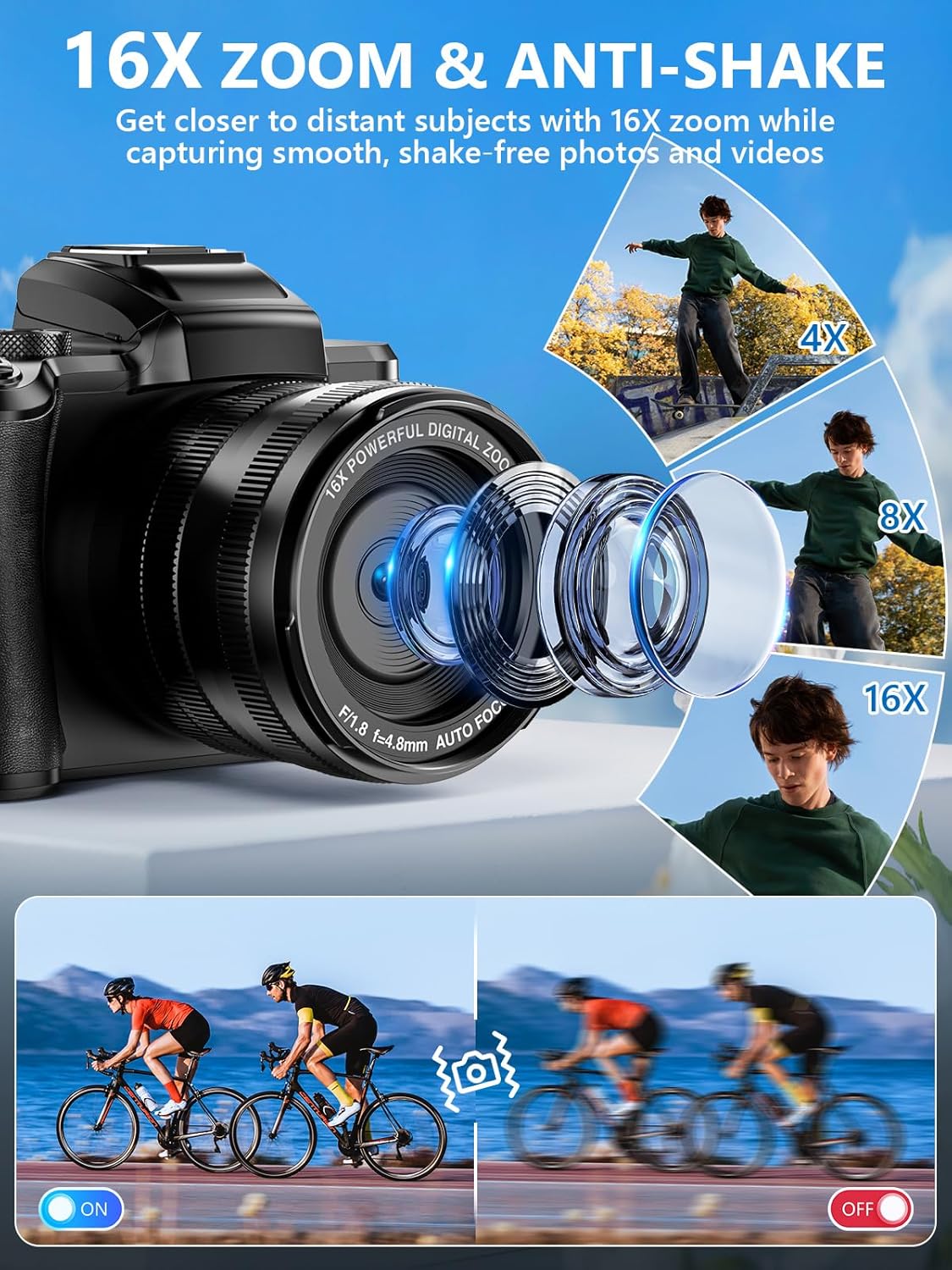
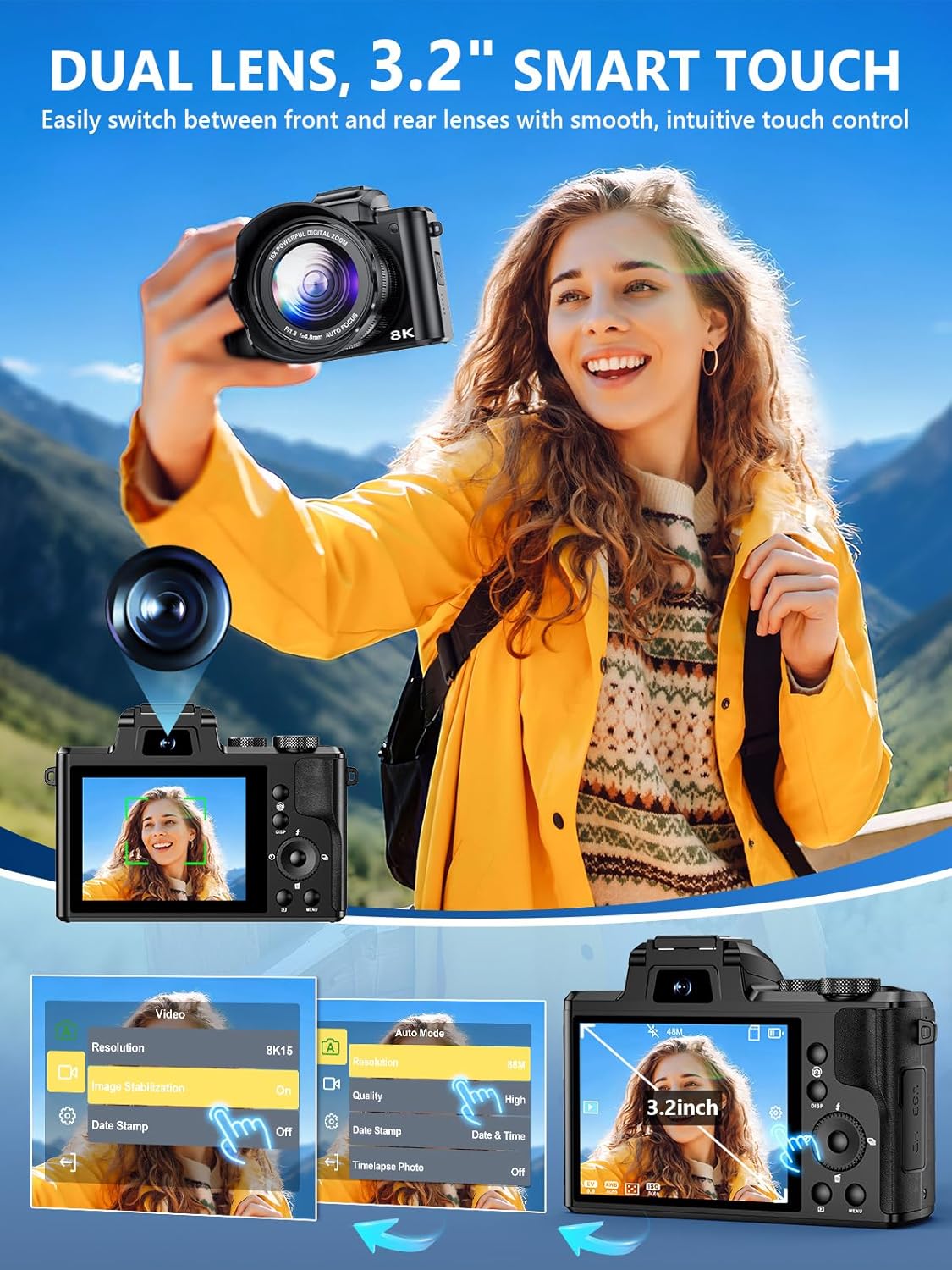
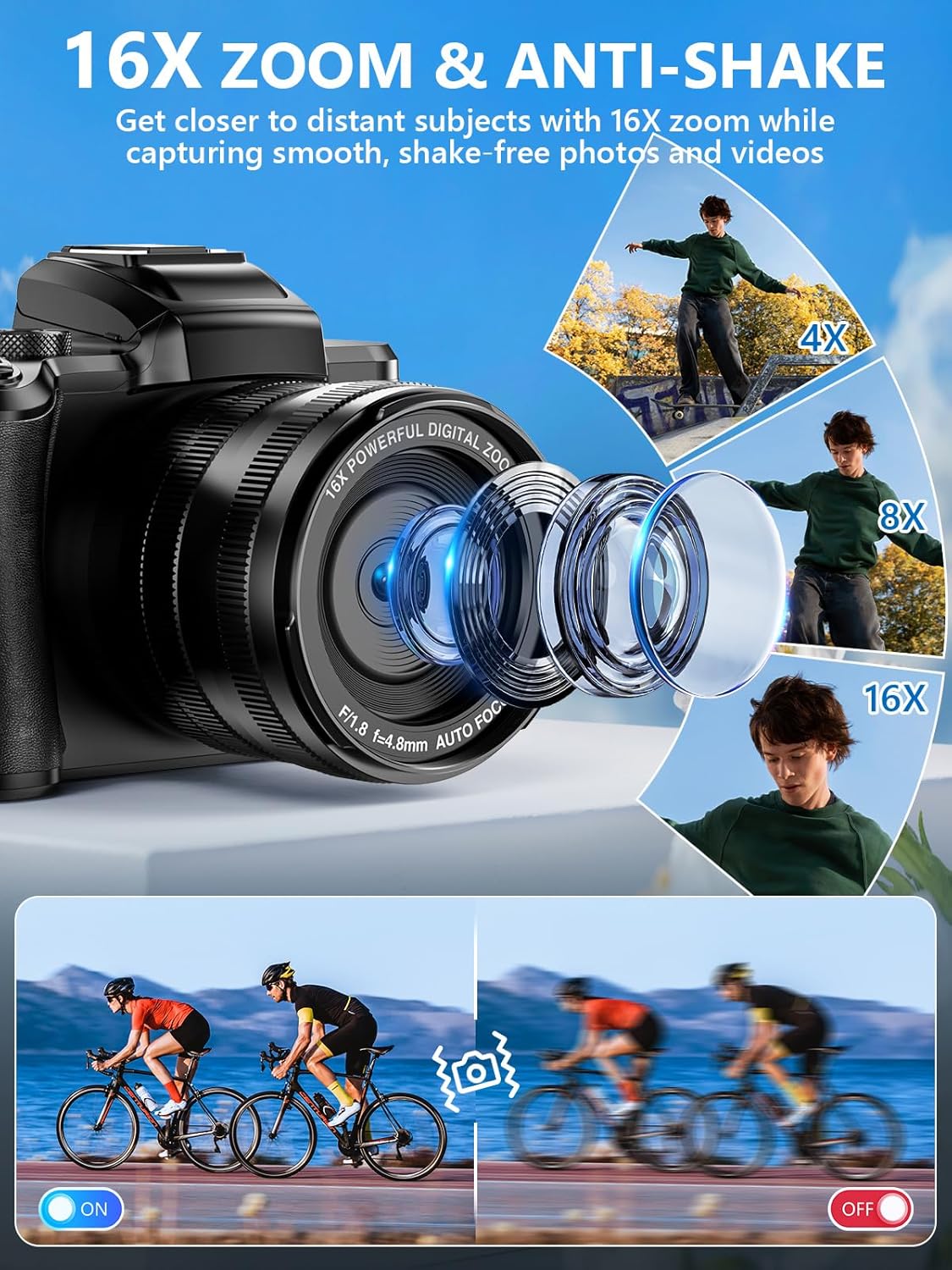

Dual-Lens & Touchscreen ControlEquipped with both front and rear lenses this cameras for photography makes it easy to switch between selfies vlogs and group shots. The built-in anti-shake and fast autofocus help deliver clearer images with less blur. A 3.2-inch HD touchscreen lets you frame your shots smoothly and operate the point and shoot digital camera with ease perfect for beginners and everyday photography
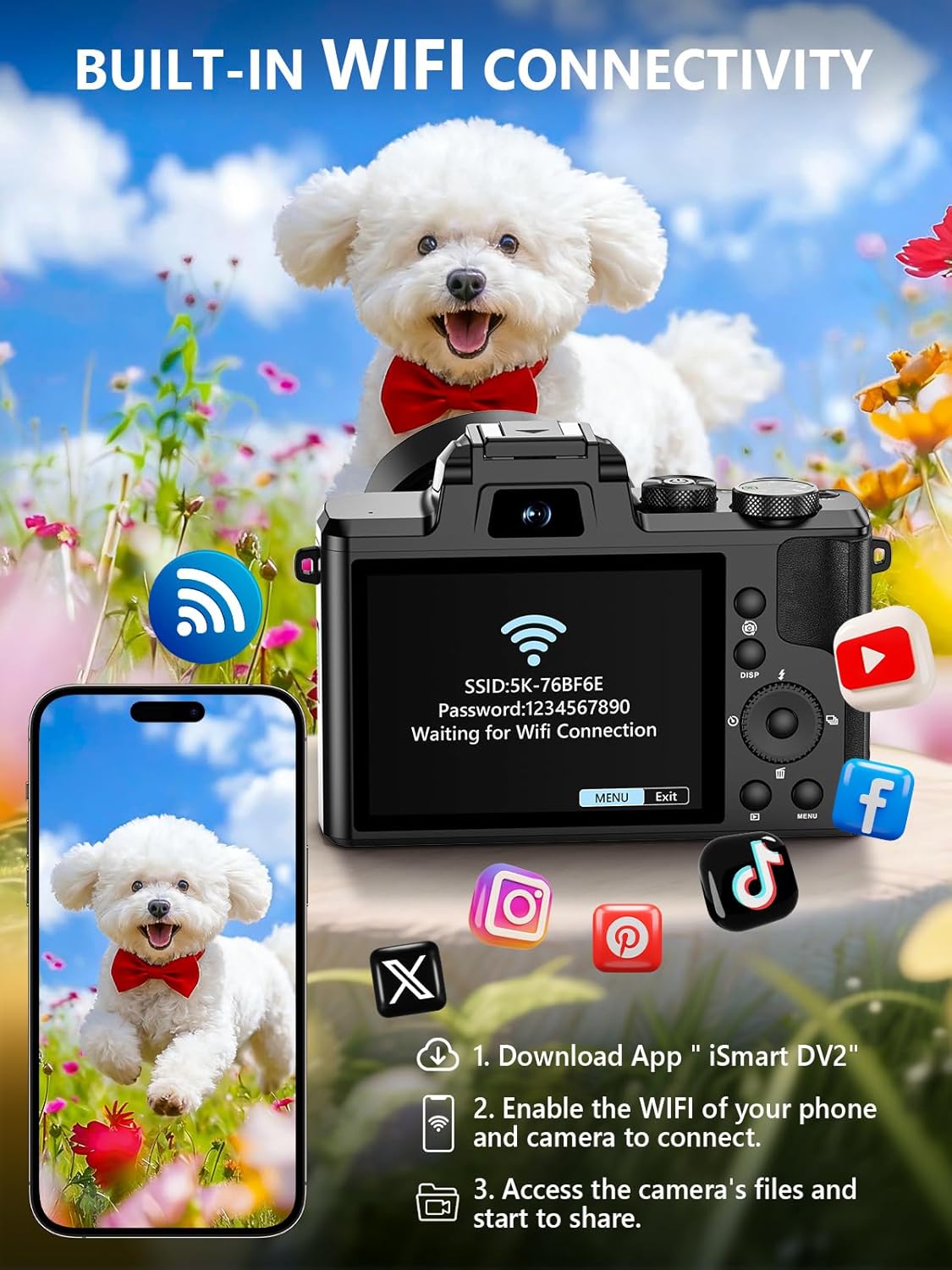
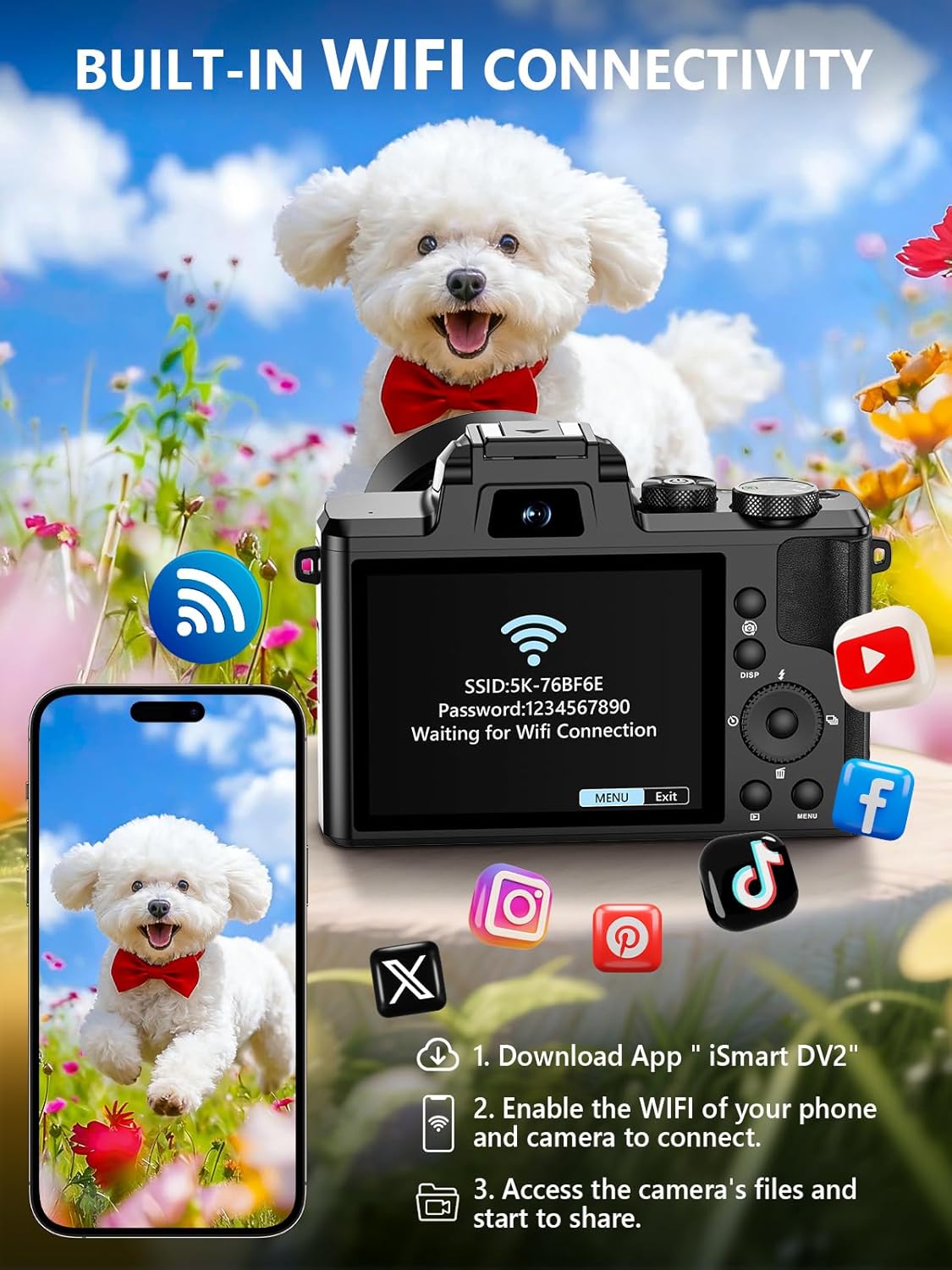
Wi-Fi Sharing & HDMI OutputEasily transfer photos and videos to your smartphone via built-in Wi-Fi for quick sharing on social media. Connect the 8k digital camera to a TV or monitor via HDMI for larger-screen viewing. It also works as a webcam for live streaming video calls or online meetings making it versatile for both casual and creative use.
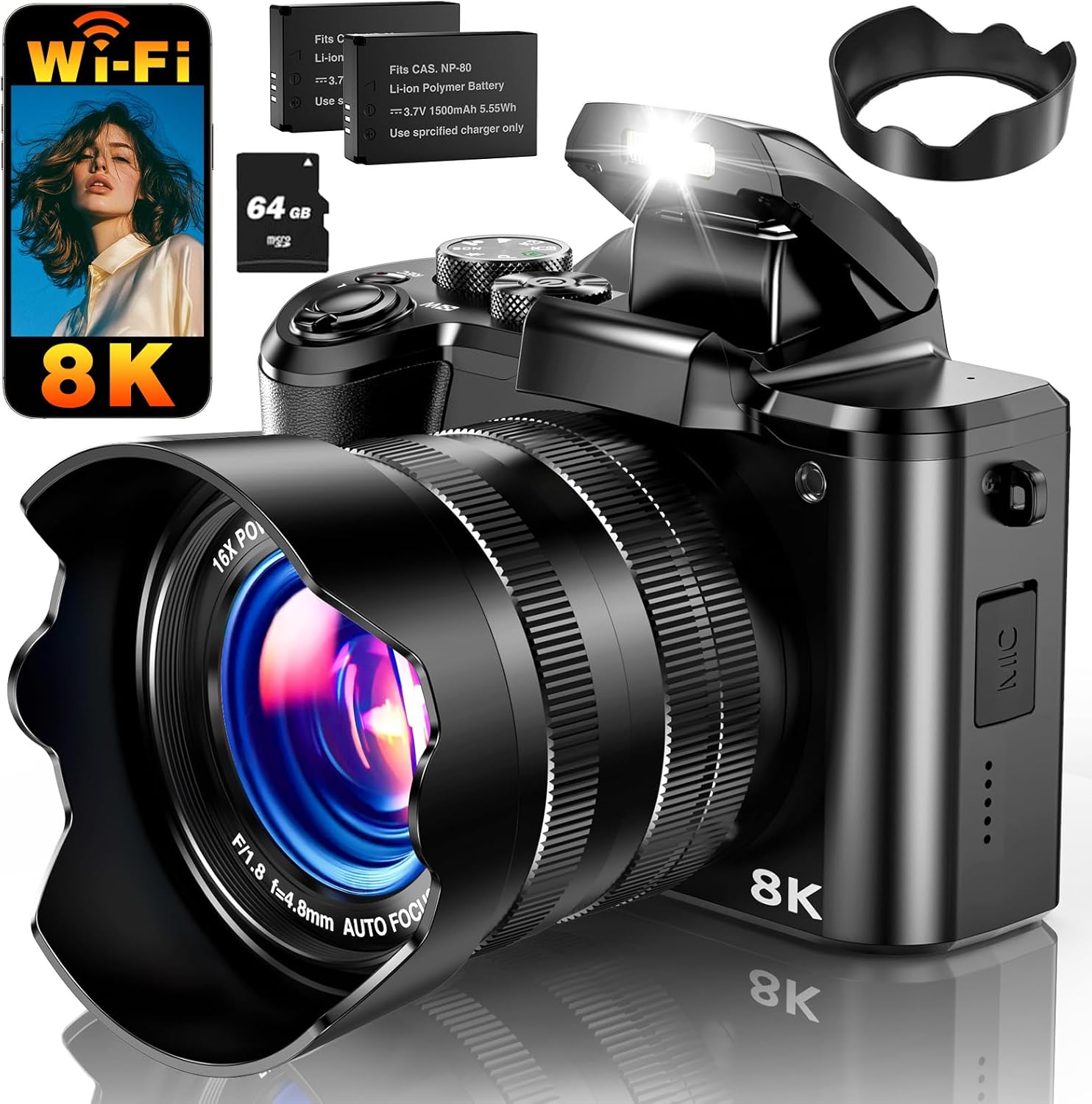
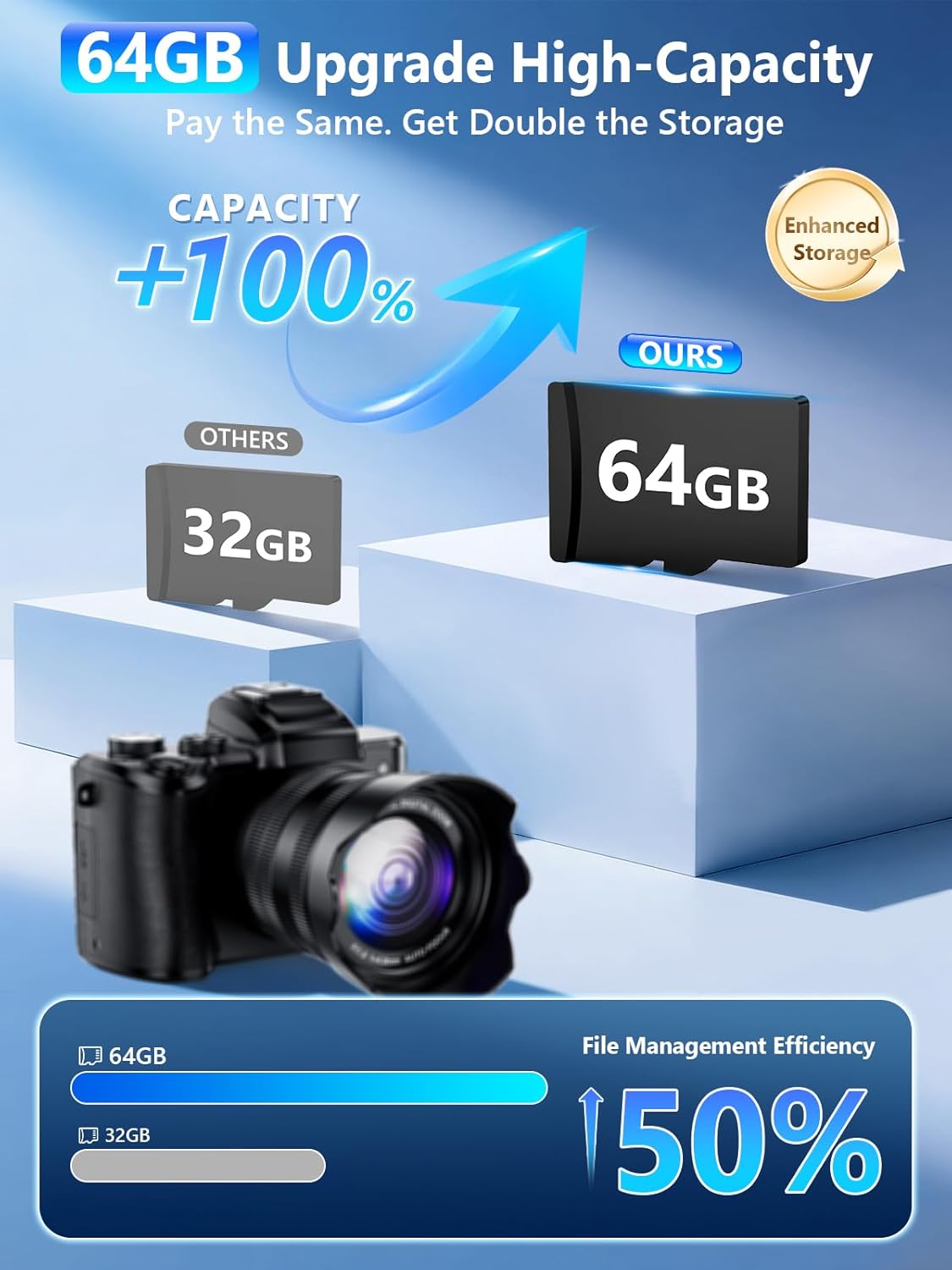
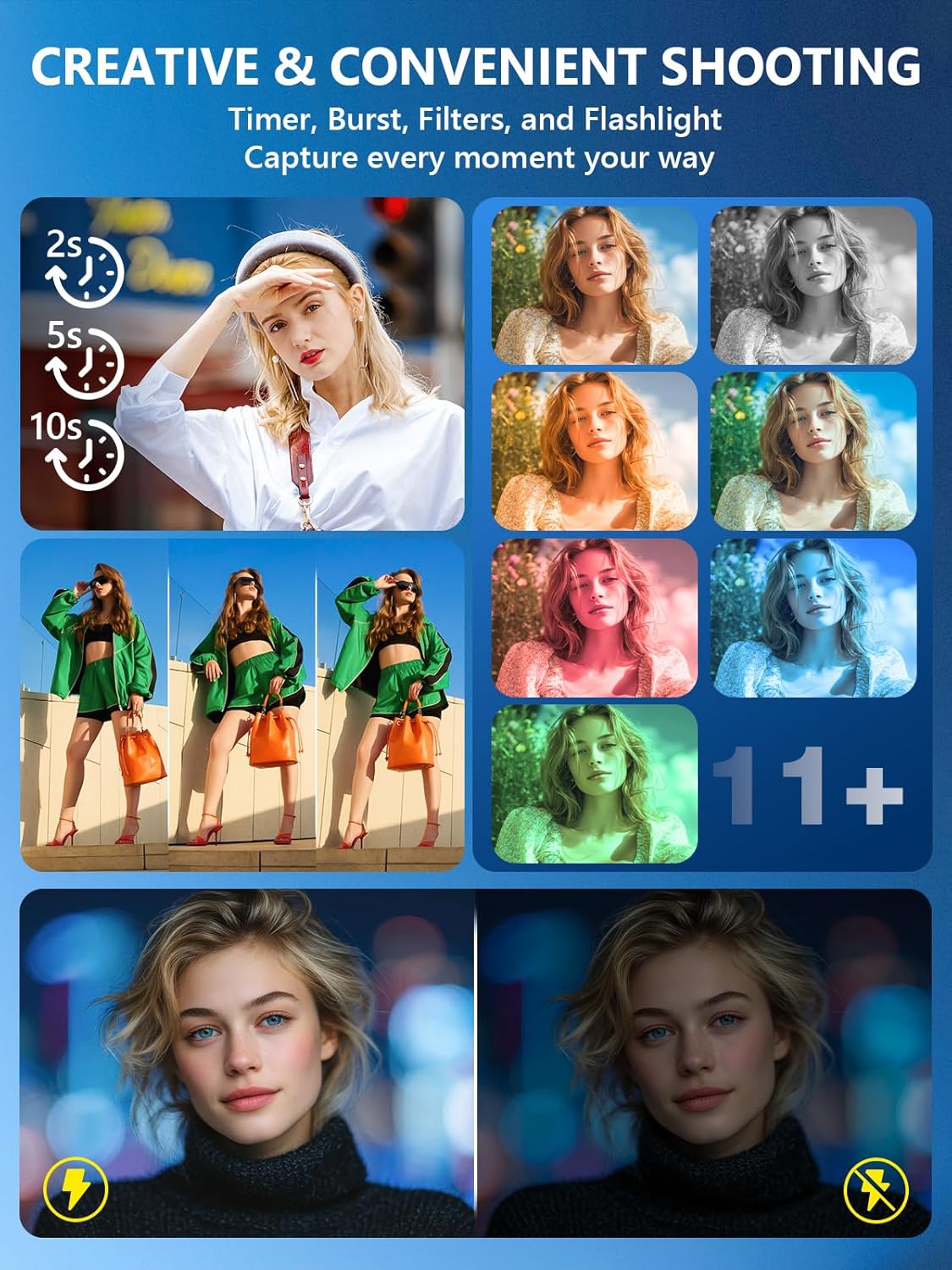
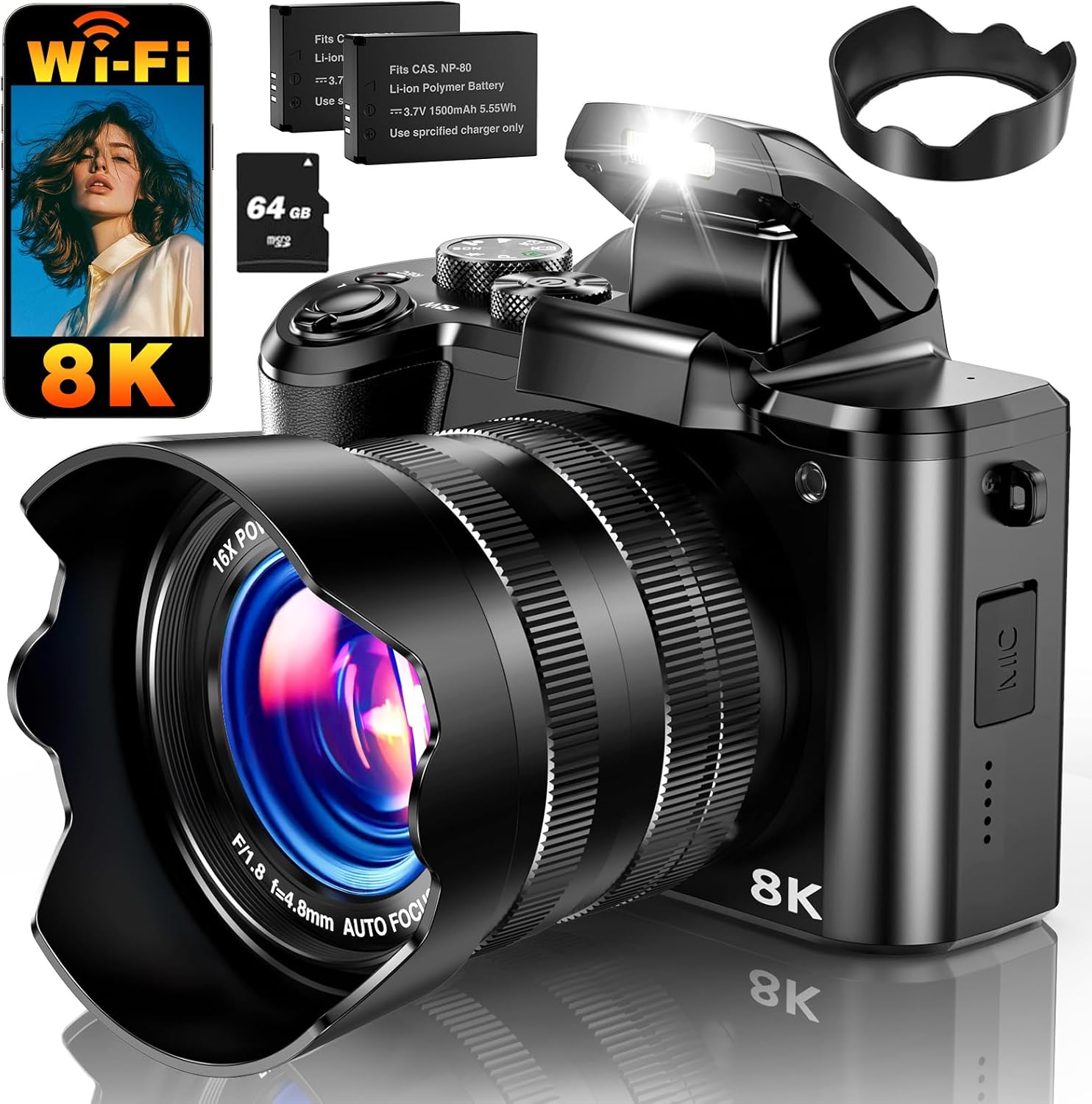
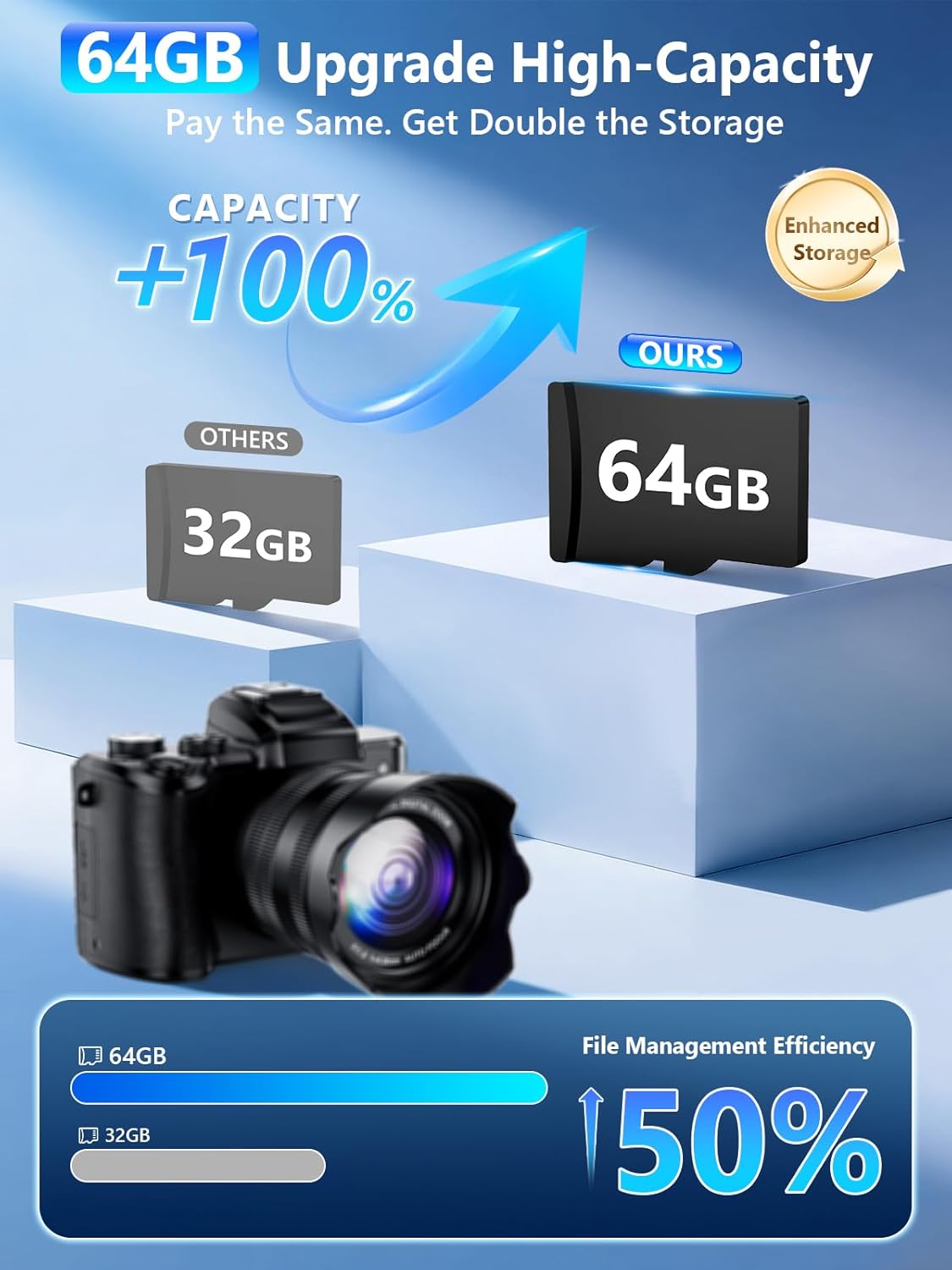
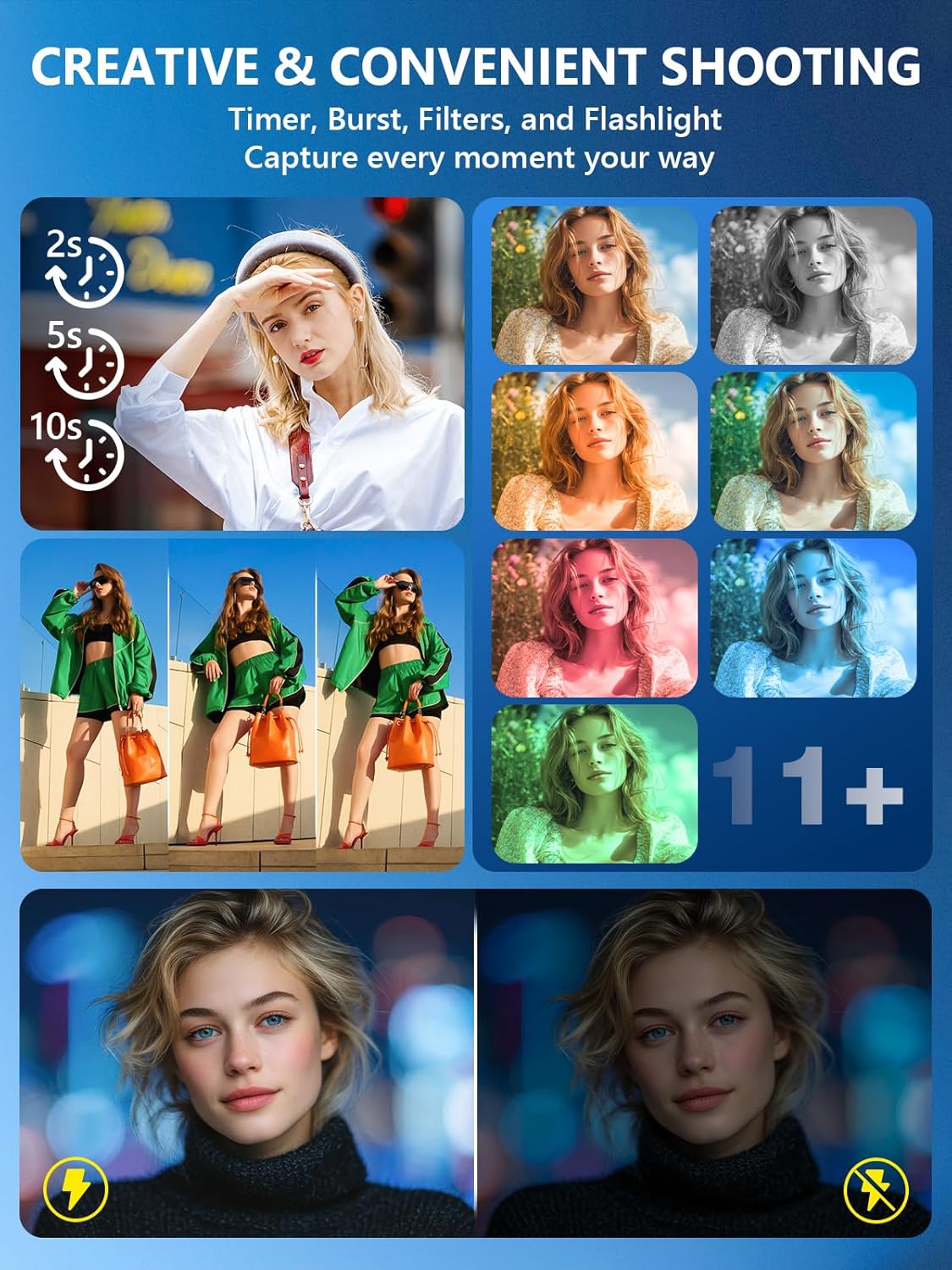
Versatile Vlogging Camera with FlashDesigned with creators in mind this camera features a hot shoe mount for external microphones or fill lights ensuring clear audio and bright footage. The built-in flash enhances low-light shooting while the included 64GB card and two rechargeable batteries keep you powered for hours of filming. (Note: minimum focus distance 10 cm; macro lens not included.)
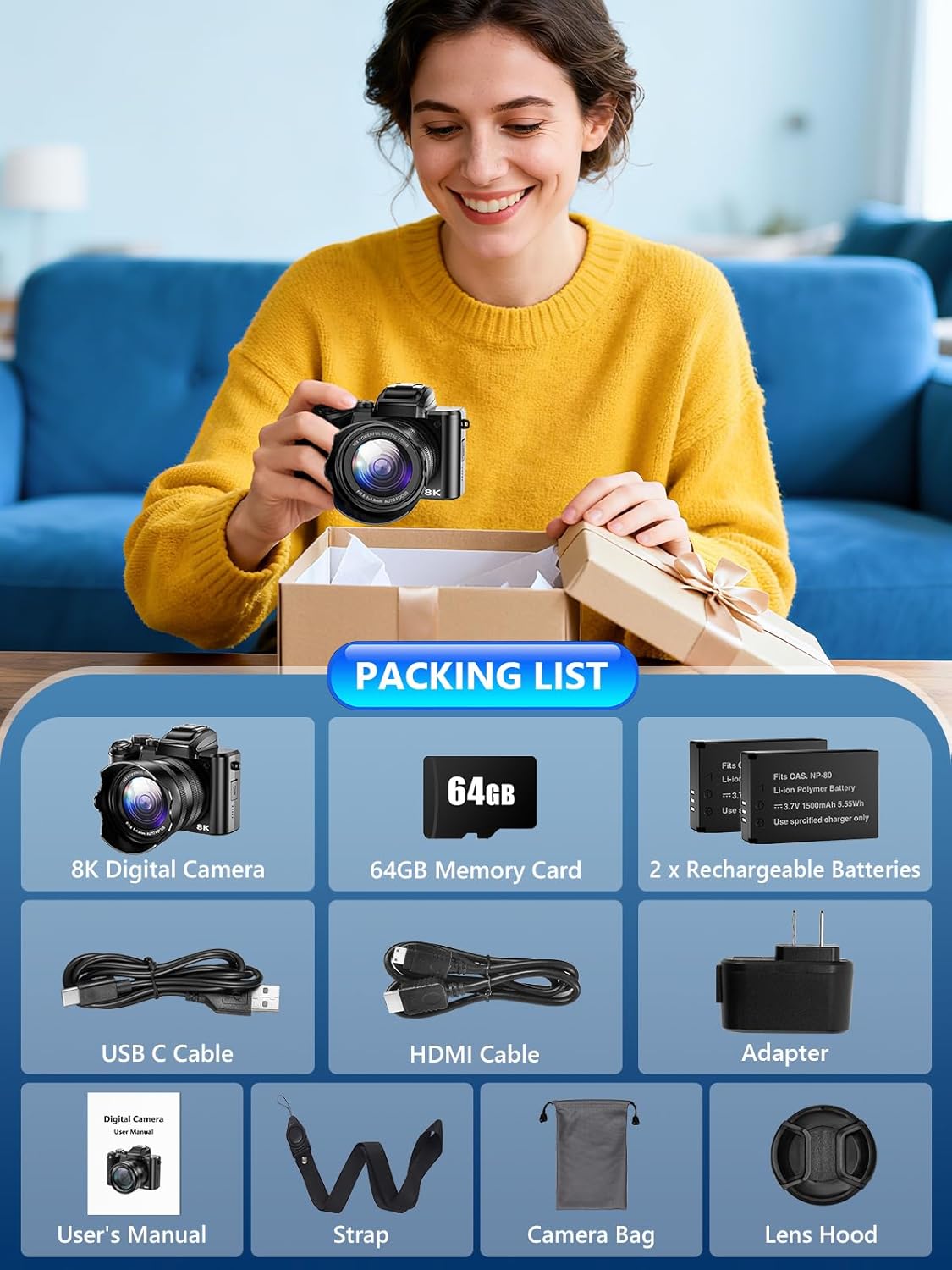
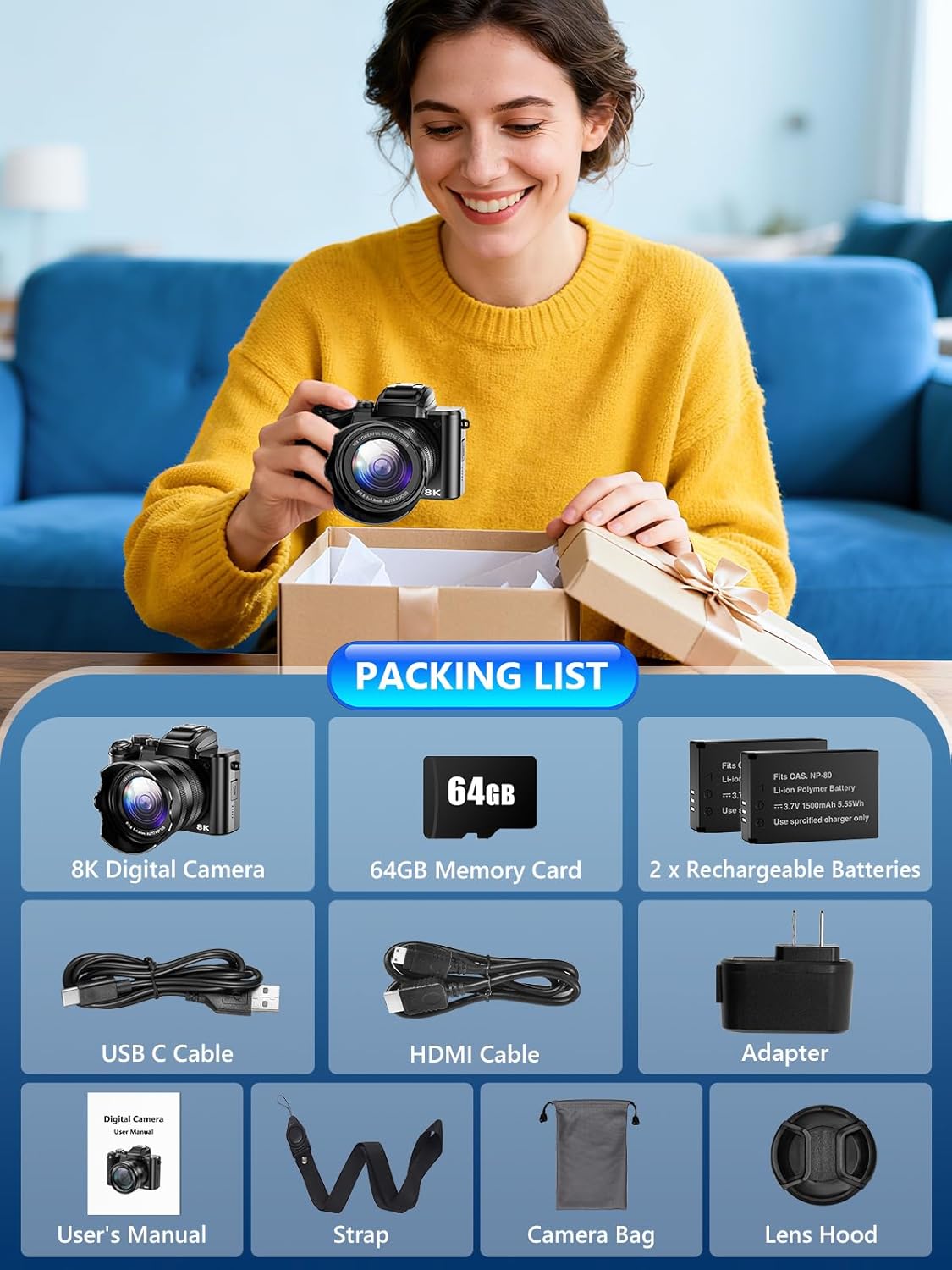
Gift-Ready PackageMeasuring just 5 2.8 3.4 inches this camera is built for travel and everyday use. The package includes: 1 8K Digital Camera 2 Batteries 1 64GB TF Card 1 USB Cable 1 HDMI Cable 1 Charger 1 Lens Hood 1 Lens Cap 1 Camera Bag 1 Cleaning Cloth 1 Manual 1 Strap. Backed by 24/7 customer service it makes an excellent christmas gifts birthday gifts for women anniversary gifts for men
How Can I Get the Best Charging Speed And Battery Performance?
*Keep the camera warm in cold weather to maintain charging efficiency
*Use the original charging cable for more stable charging
*Turn off unused functions to extend battery life
*Use the included dual batteries for longer uninterrupted shooting
How Can I Make My Photos Clearer?
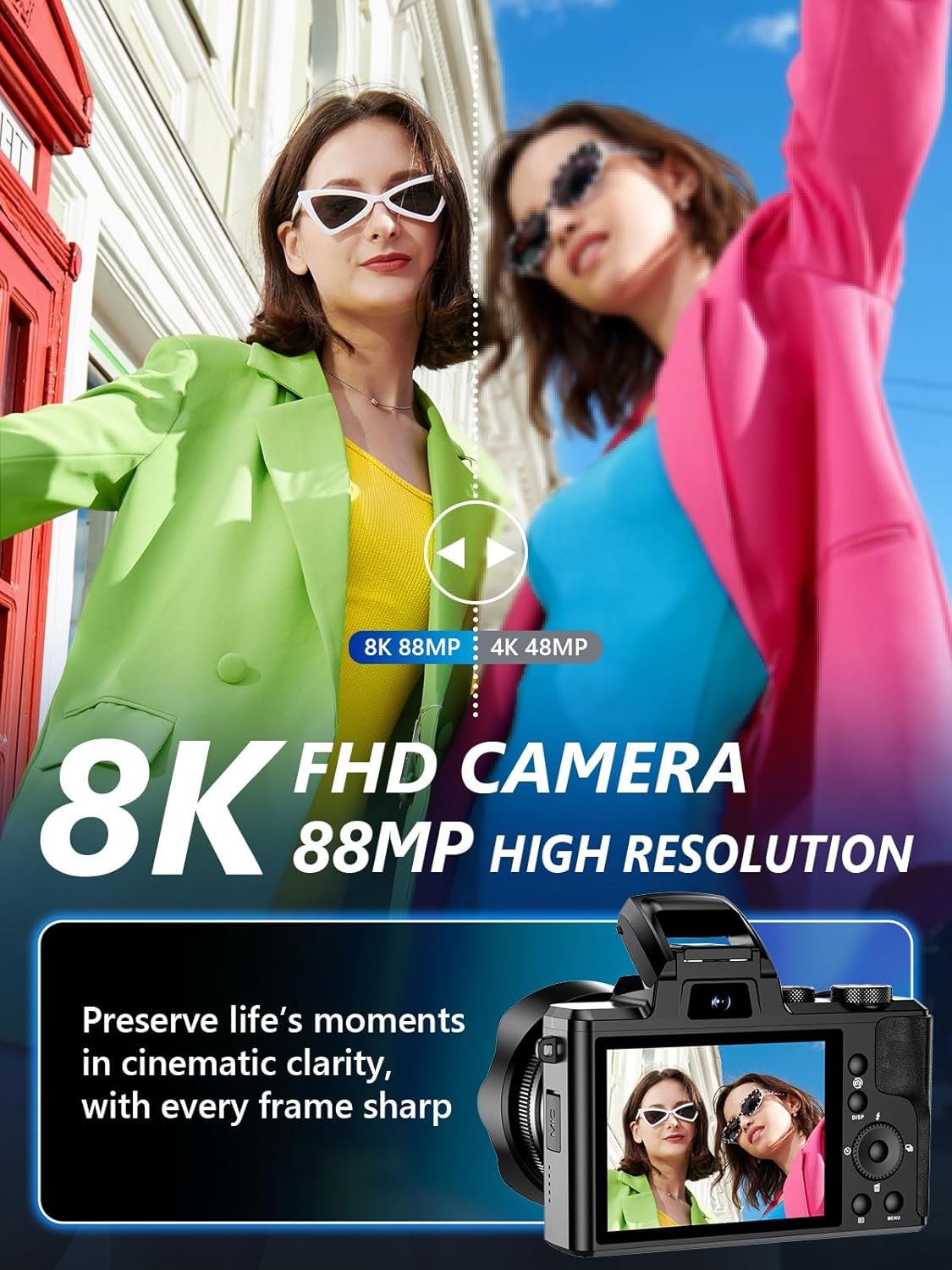
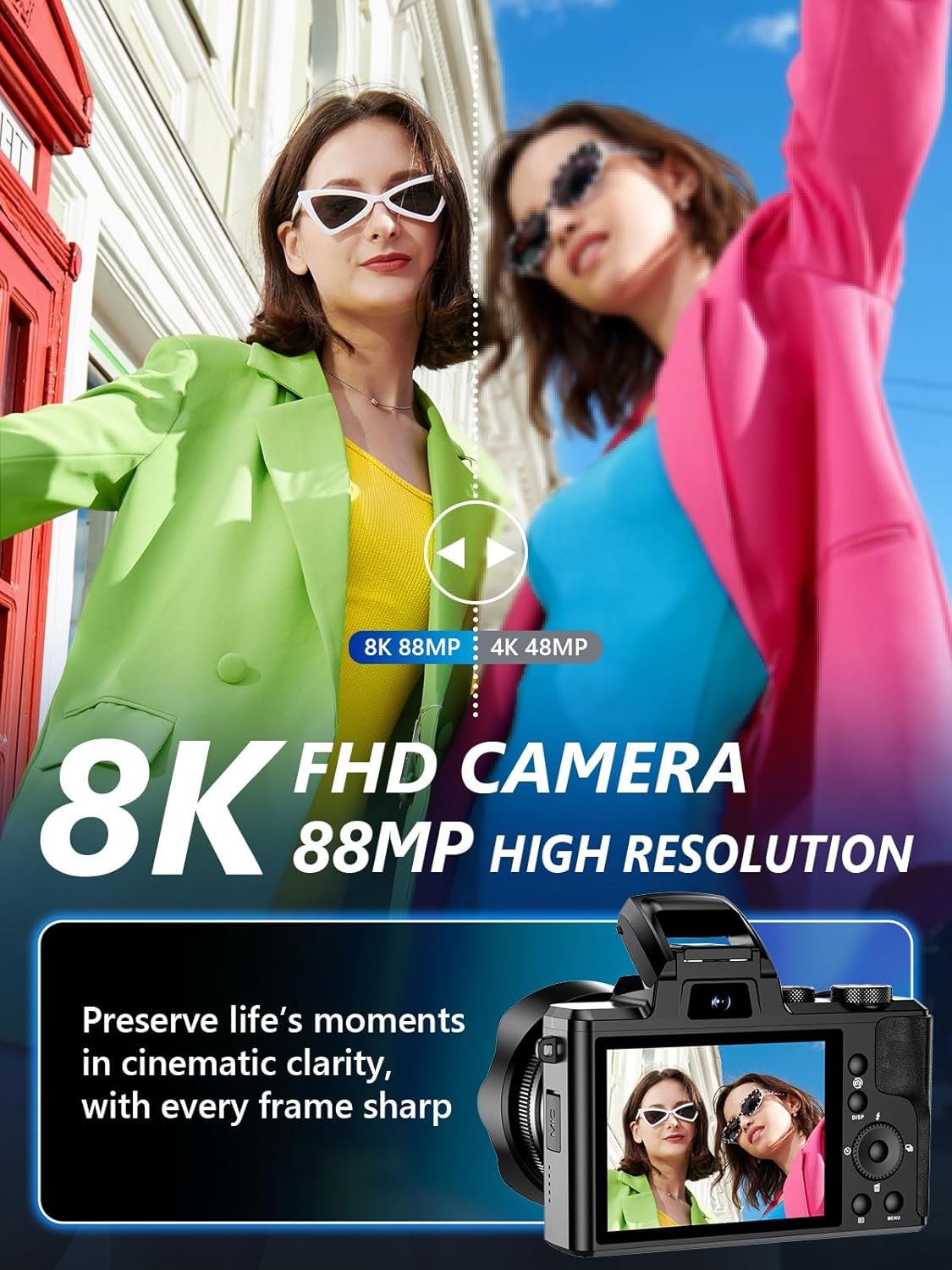
Factory Settings: Photo: 48MP Video:4K 30FPS.
For higher clarity please switch to Photo: 88MP Video: 8K 15FPS
How Do I Take Clear Close-up Photos of Small Objects?
Keep the object about 10 cm from the lens use bright lighting and hold the camera steady. Good light and proper distance help ensure sharp focus
Q2: Why Are My Close-up Photos Blurry?
A: Likely you're too close (less than 10 cm) or isnt steady
Why Cant My Phone Connect To the Camera Via Wi-Fi or Control It Through the App?
1. Restart the camera and re-enable Wi-Fi mode
2. Make sure the app is connected to the cameras Wi-Fi not home Wi-Fi
3. Stay within 5 meters of the camera to avoid interference
4.Allow the app to access local network photos and location
How to Connect the Camera to Your Phone via Wi-Fi?
How Can I Get the Best Charging Speed And Battery Performance?
How Can I Make My Photos Clearer?
How Do I Take Clear Close-up Photos of Small Objects?
Why Cant My Phone Connect To the Camera Via Wi-Fi or Control It Through the App?

You have successfully commented, please wait for review
Copied Successfully
You can enjoy up to 1 free gift!