What are you looking for?
Search

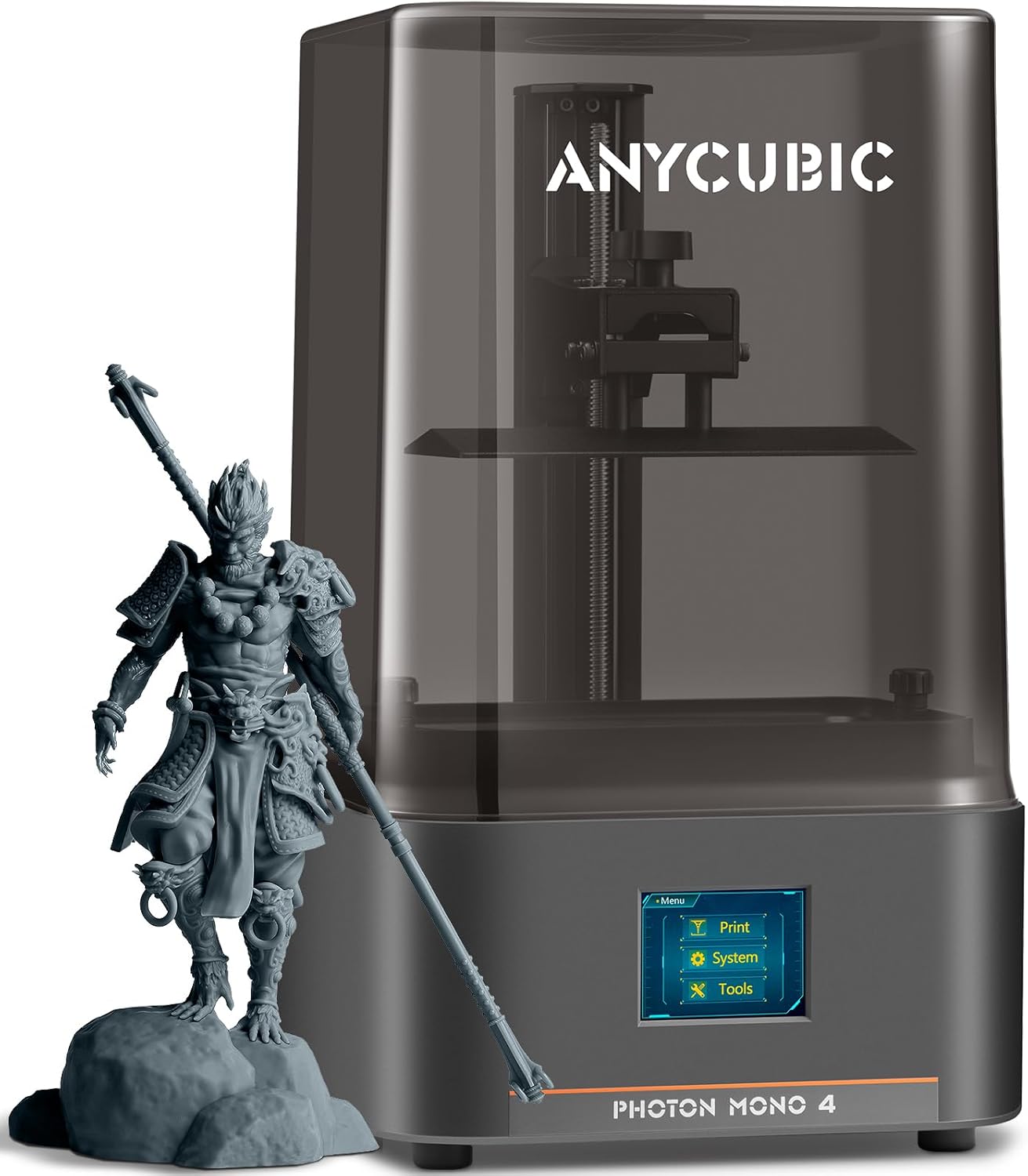
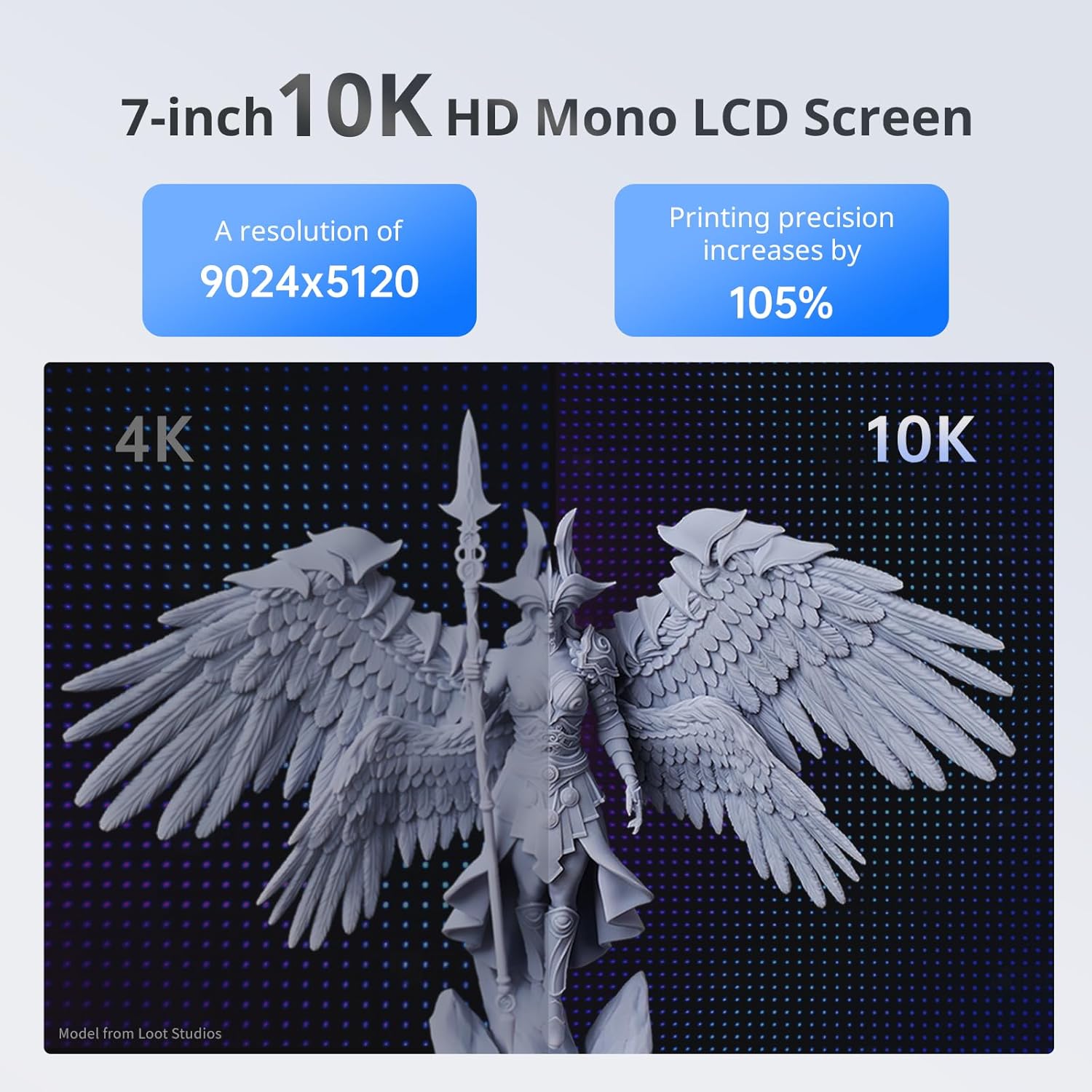
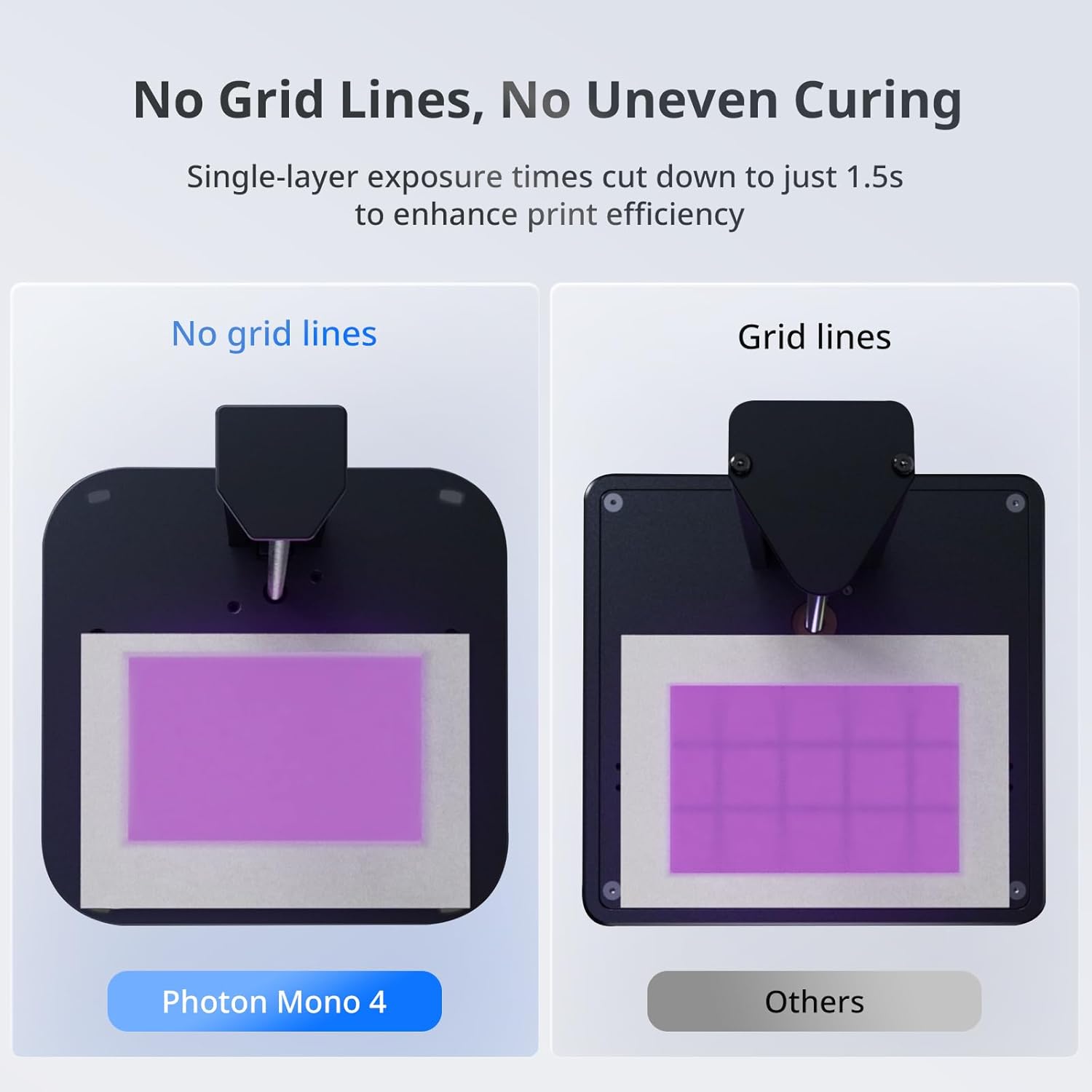
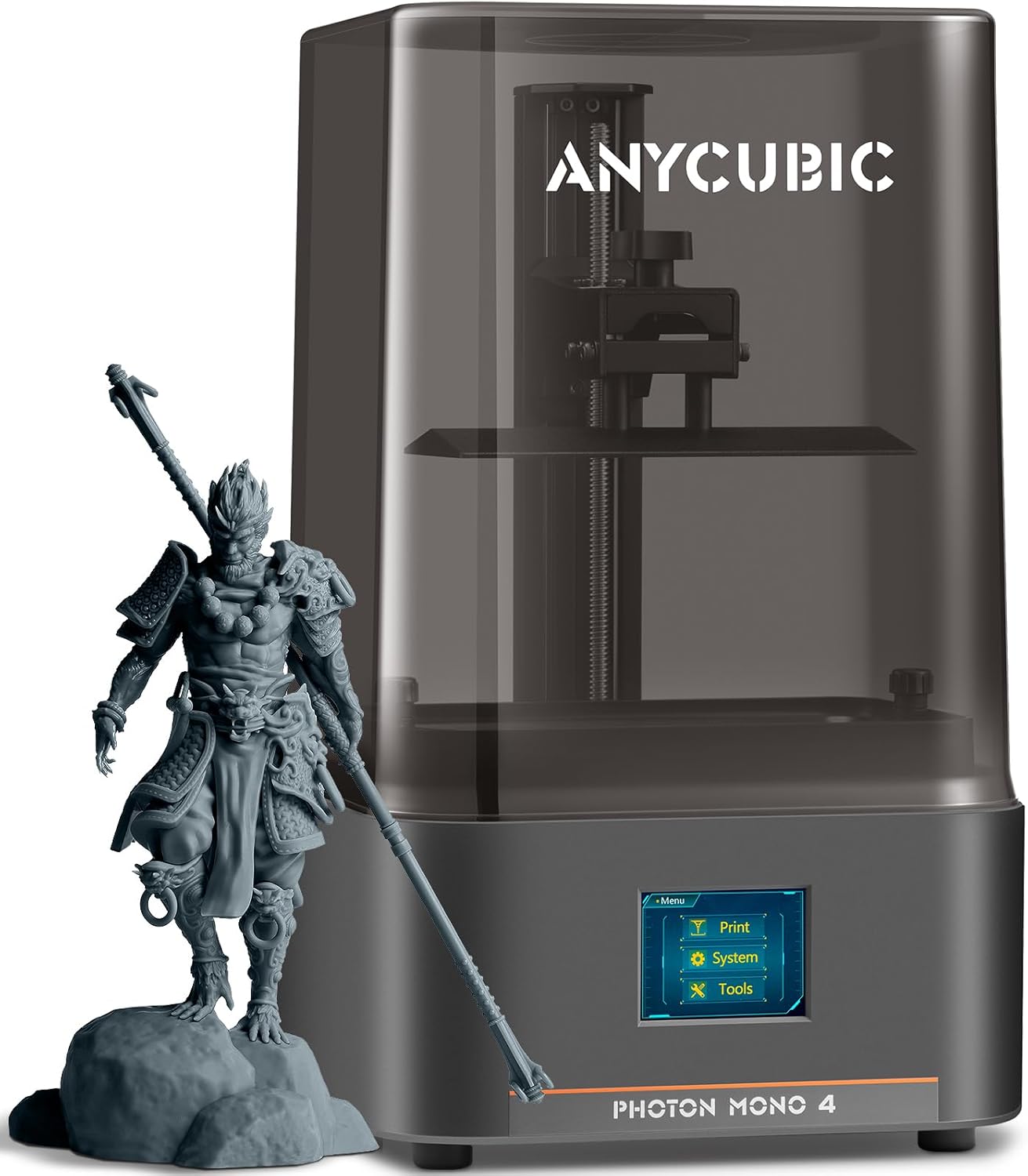
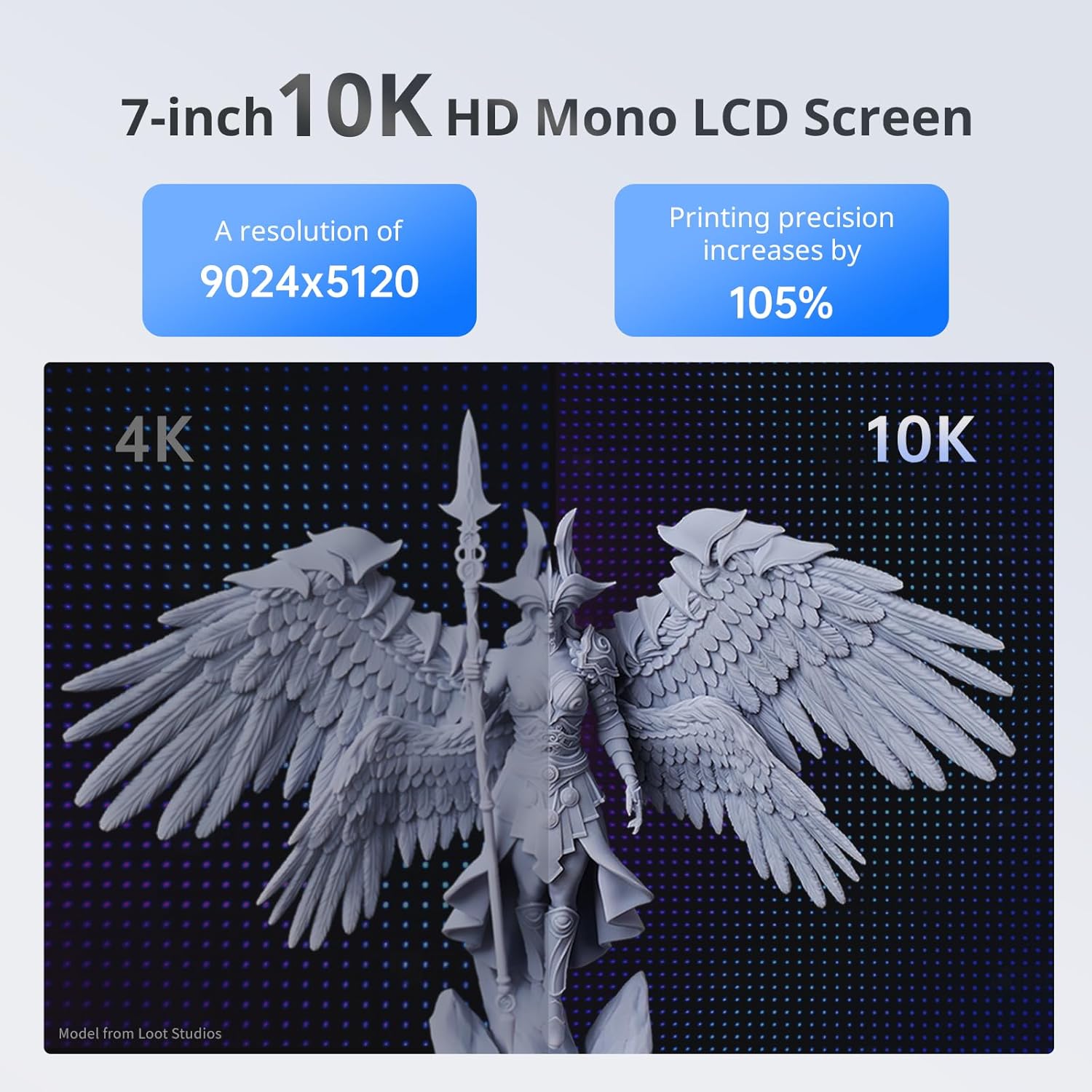
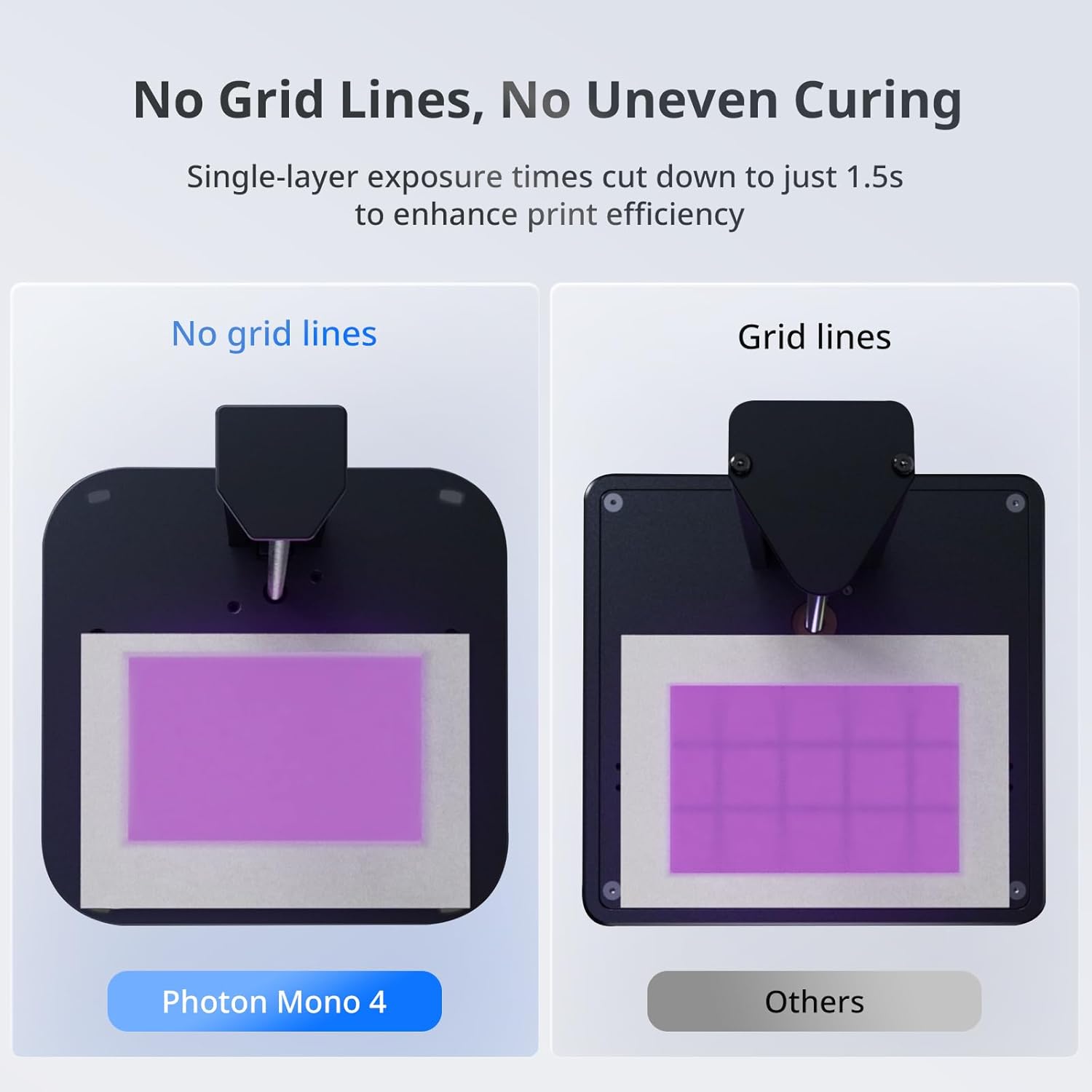

Powerful Light SourceThe time-tested LighTurbo matrix light source technology delivers stable balanced and uniform lighting to reduce layer lines and rasterization creating models with ultra-smooth surface and maximum print details.
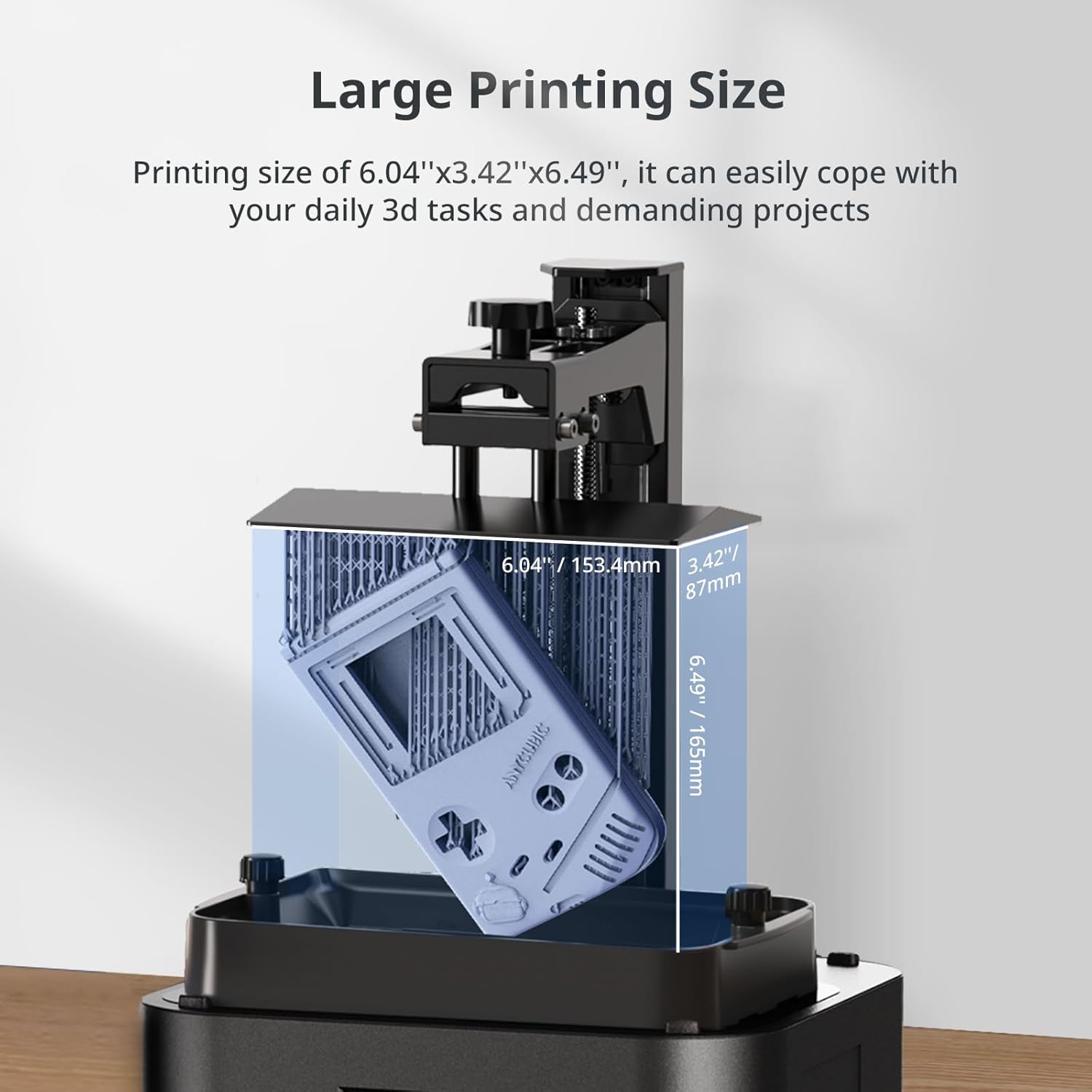
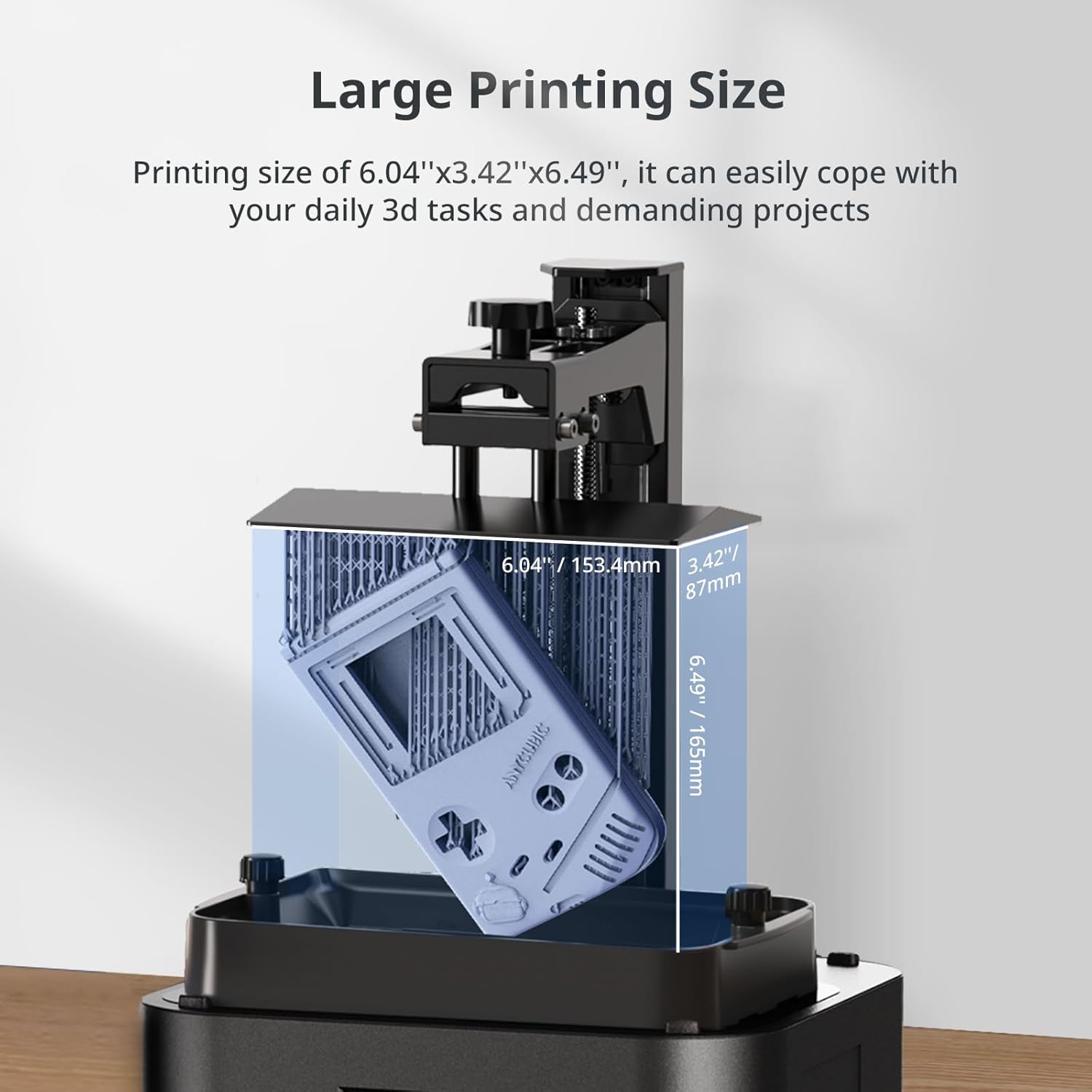
Sufficient Print SizeWith a generous maximum build volume of 6.04'' x 3.42'' x 6.49''/153.4mm x 87mm x 165mm you have ample print space to easily tackle your daily tasks and demanding projects.
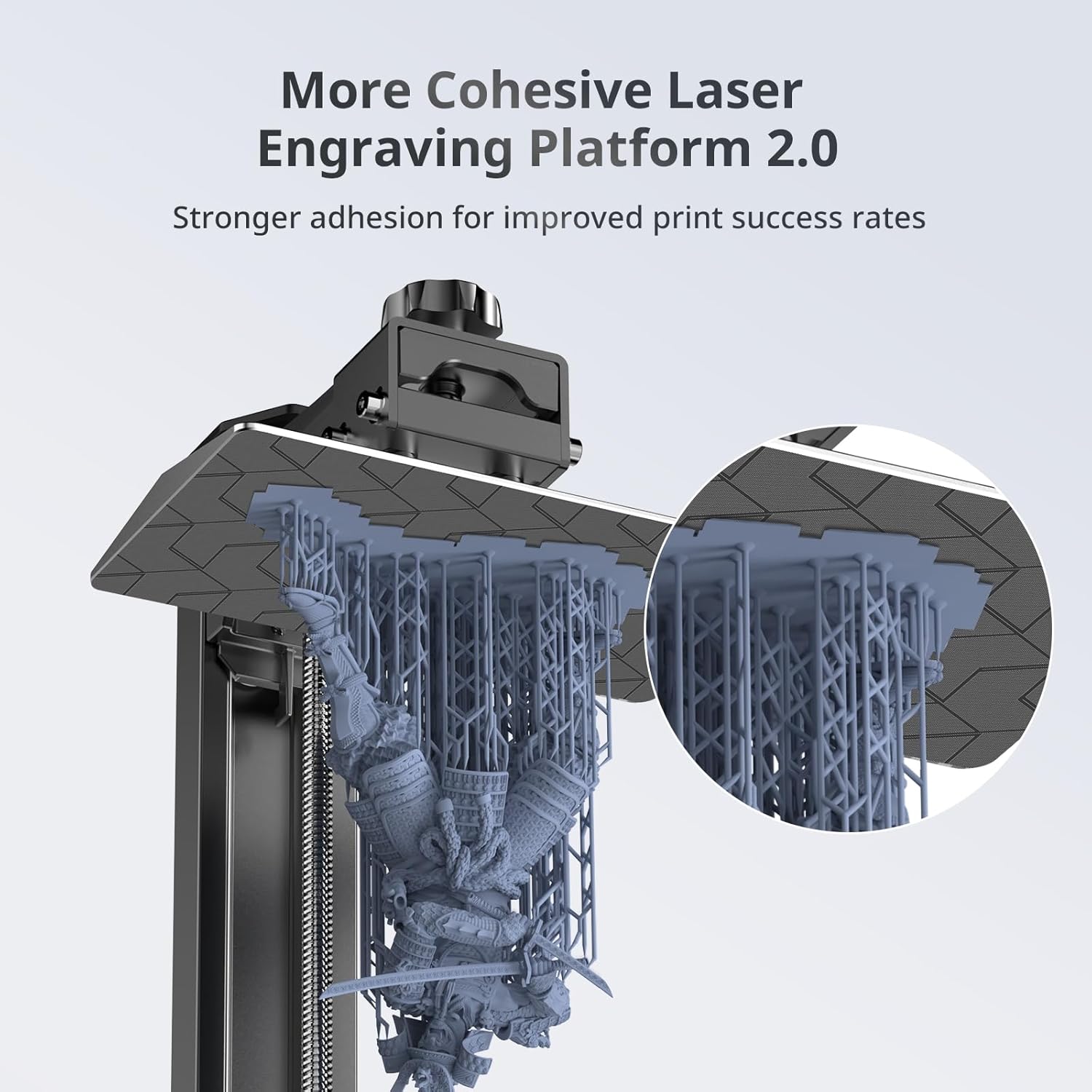
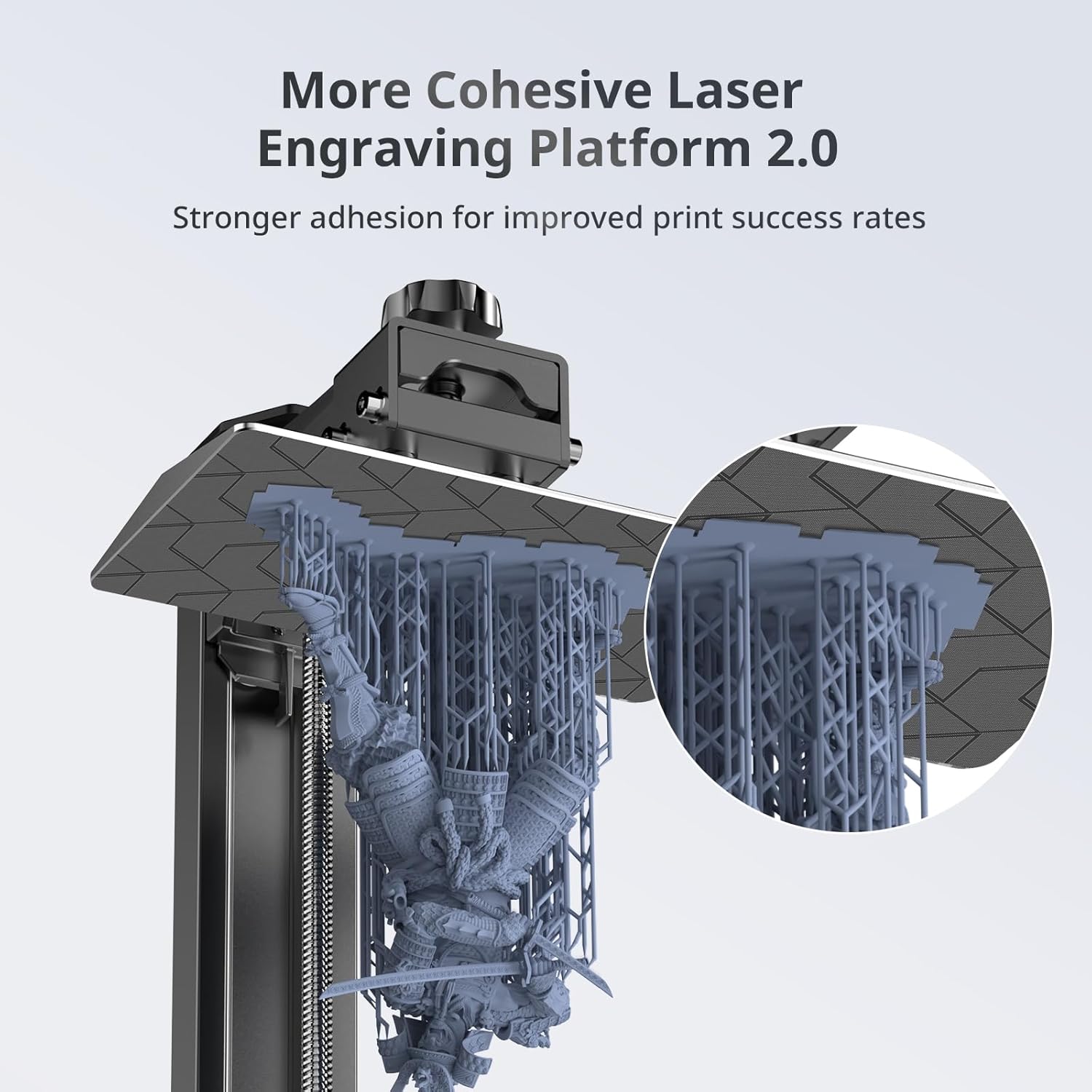
Laser-engraved Print Platform 2.0With a new design the laser engraving platform of the photon mono 4 improves adhesion to mitigate lifting and warping of the model during 3d printing while keeping the removal process simple and smooth.
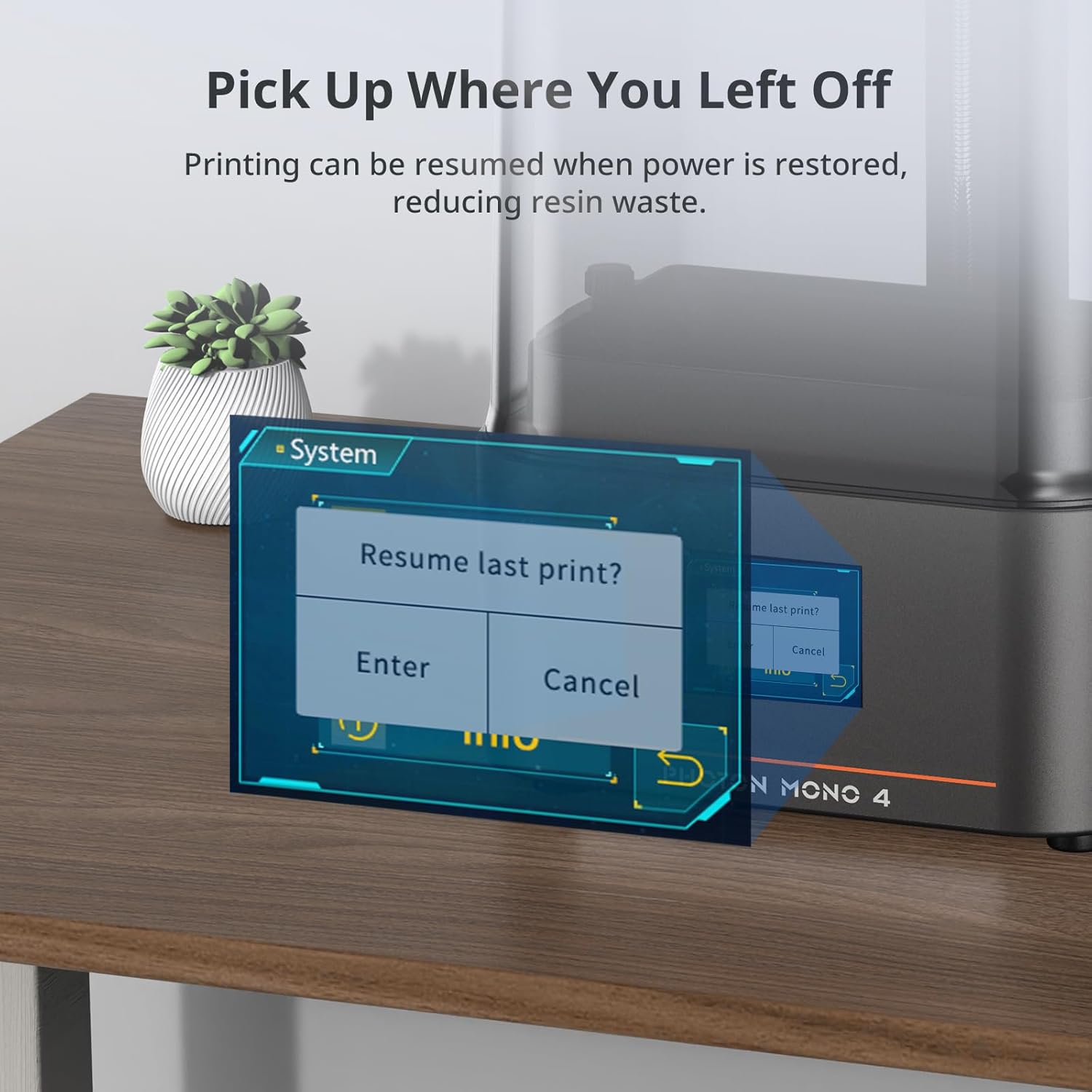
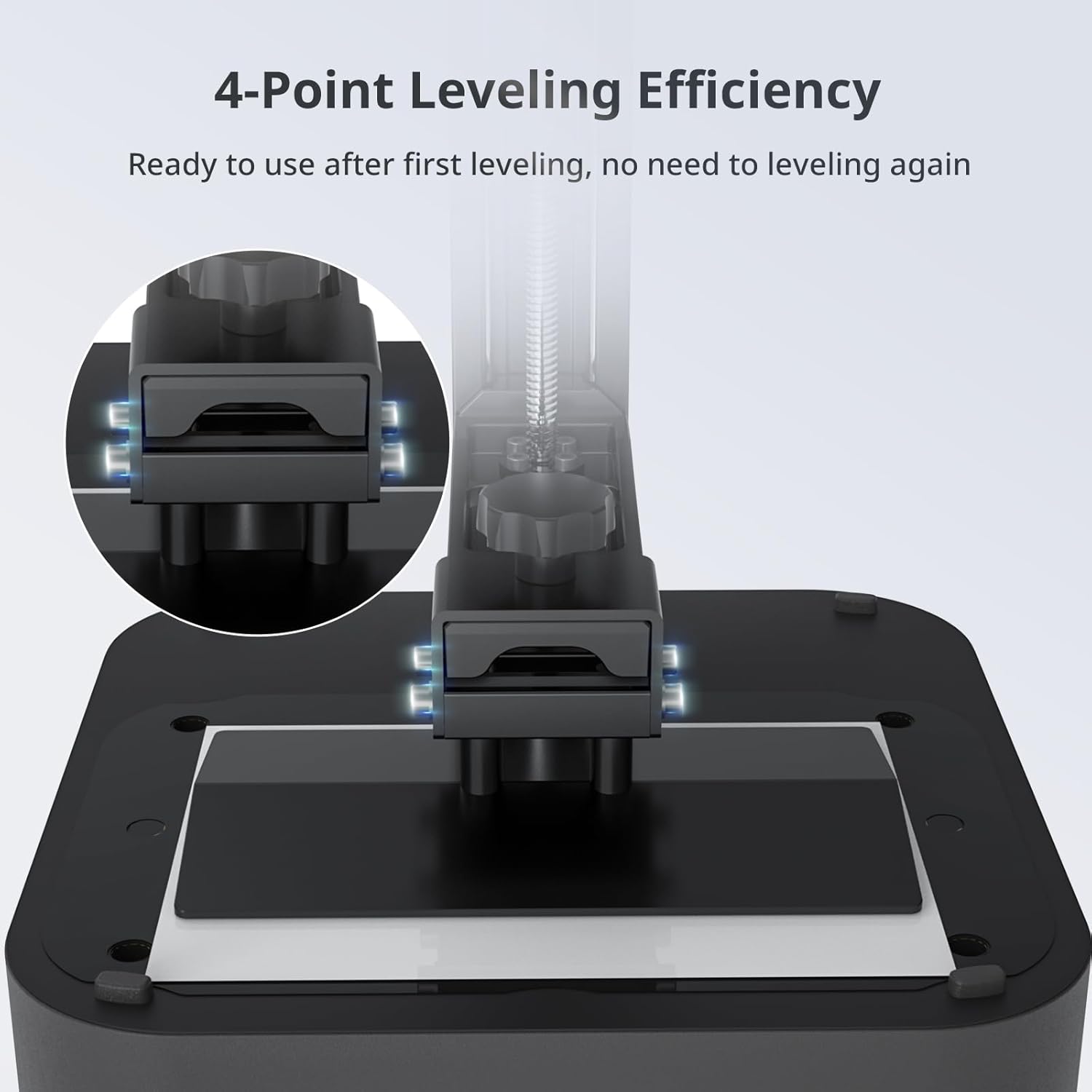
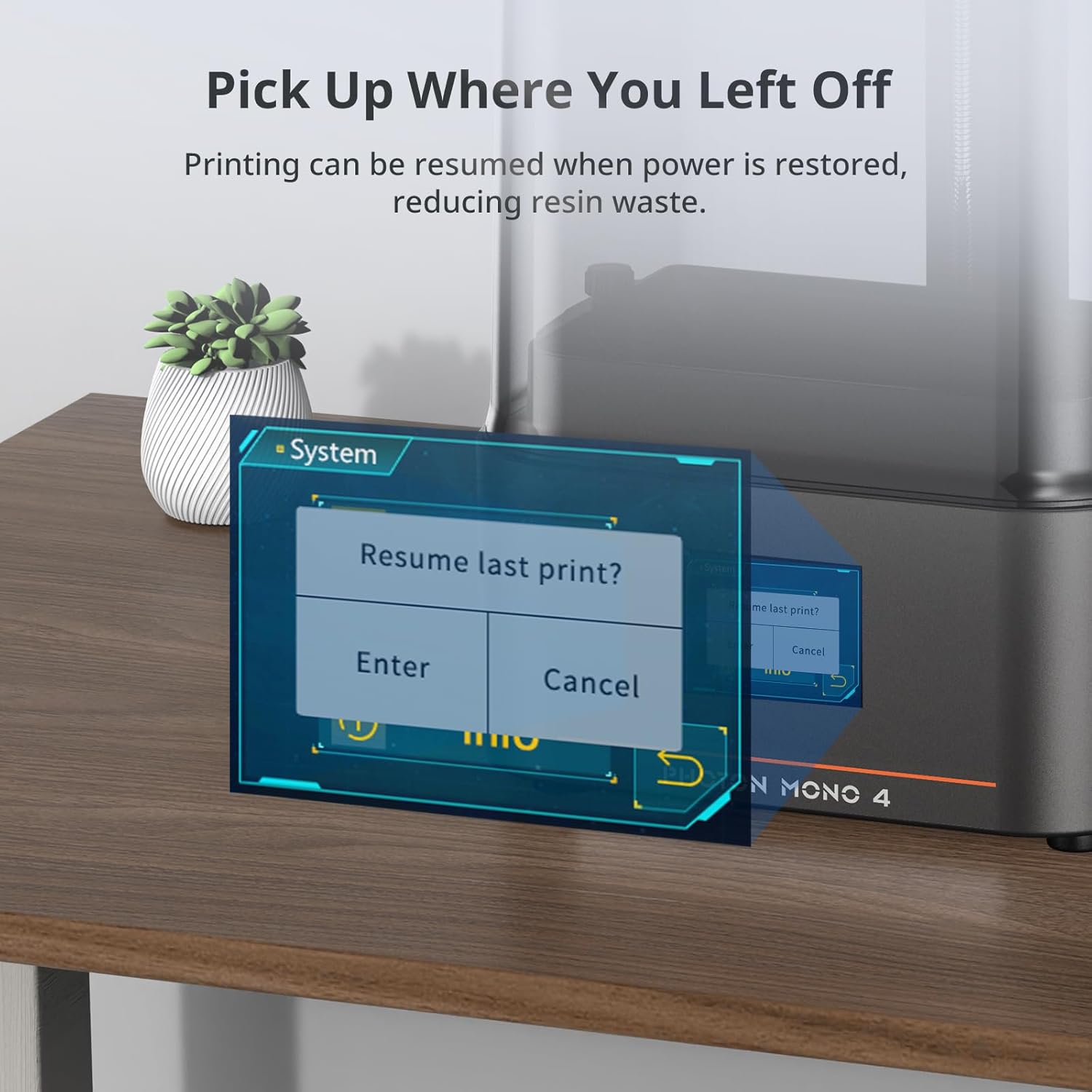
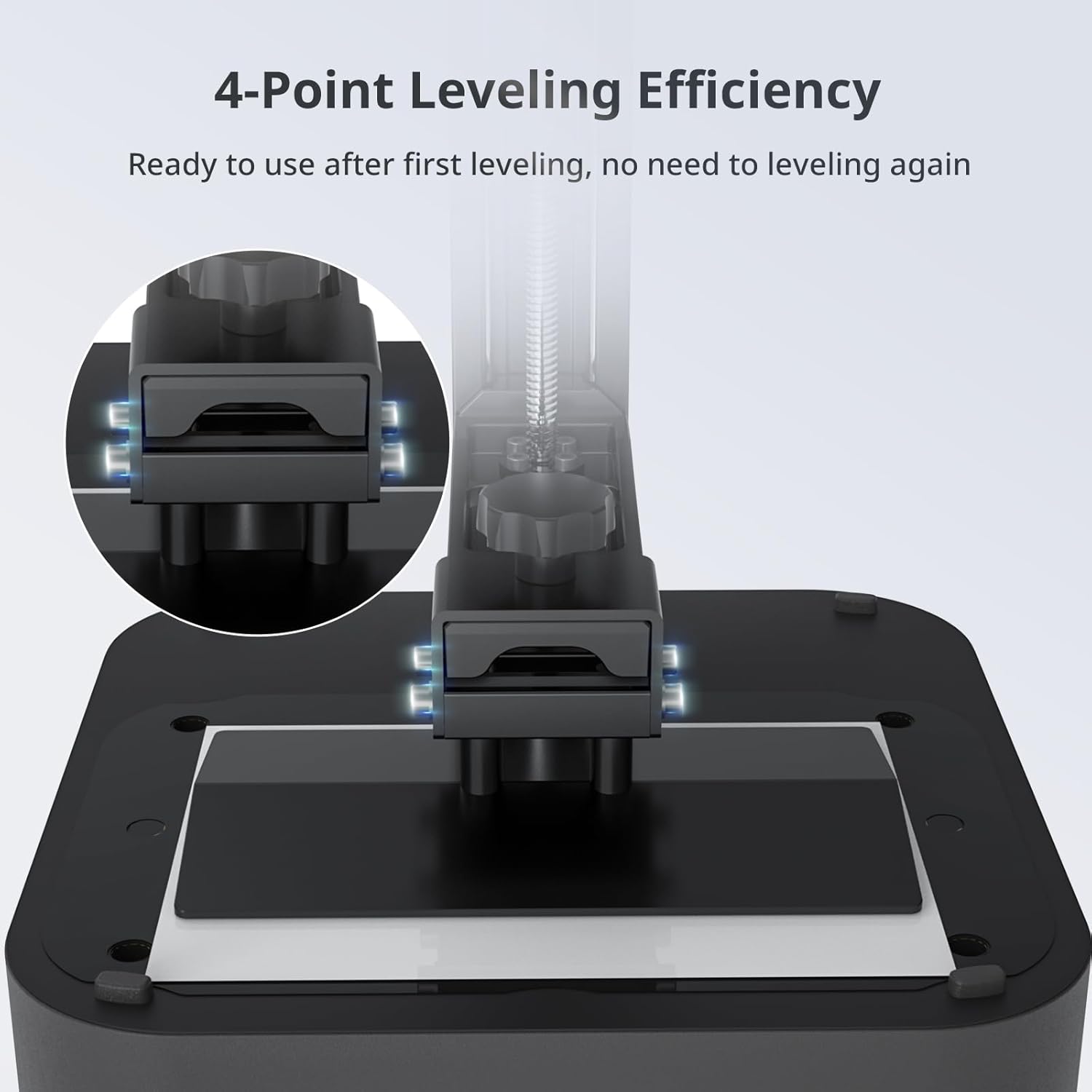
User-friendly FunctionThe 4-point leveling method is ideal for beginners after the first leveling and tightening the 4 screws no need to repeat leveling. Photon mono 4 can resume printing when power is restored effectively reducing material and time wastage.
APP service is not support for Photon Mono 4
- Photon Mono 4 comes with a large protective film for LCD screen If you have printing problems when using it Please try the following steps
- Firstly try increasing the bottom exposure by about 5 seconds
- At the same time try cutting the scratch resistant film to just cover the exposed screen
With a generous maximum print volume of 2.2L (153.4mm*87mm*165mm) you have ample print space to easily tackle your daily tasks and demanding projects.
With a re-engineered build platform and redesigned laser-engraved patterns this generation of build platforms provides just the right amount of adhesion to mitigate model lifting and warping during printing while keeping the removal process simple and smooth.
Every Mono 4 printer was assembled calibrated tuned and tested before shipment. So when you received the printer simply unbox and start printing. (Leveling is needed before printing.)
When a sudden power outage interrupts the printing process the printer is designed to resume printing once power is restored. This feature significantly reduces waste of materials and time.
What slicing software do I need?
It is recommended to use the official Photon Workshop slicing software which supports exporting .pm4n format.
What should I do if the print fails?
The model is not supported automatically generate support with the software
The platform is not flat re-level
Underexposure/overexposure refer to the parameters recommended by the resin manufacturer.
How to maintain our FEP Film
FEP film is a consumable material that needs to be replaced reoularly to keep stable printing perfomance
Please use the plastic shovel we provide instead of a sharp shovel to clean the resin vat or may damage the FEp film and cause resin leakage
How long is the life of the LCD screen?
About 2000 hours of normal use.
How to improve the printing success rate?
2 key tips: Place the large model at a 45 tilt to reduce stress/Replace the FEP film with a new one when the printer indicates that the FEP film has reached the end of its life.
A more comprehensive range of high-quality products at competitive prices
To meet our users' various needs we provided multiple options. So You can always find your suitable 3D printers in our stores whether you are a 3D printing beginner or a professional.
The Choice of Entry-level
10K Ultra High Resolution
Powerful LighTurbo Source
The Story is in the Details
Dream Big Think Big Print Bigger
More Cohesive Platform 2.0
4-Point Leveling Efficiency
Pick Up Where You Left Off
What slicing software do I need?
What should I do if the print fails?
How to maintain our FEP Film
How long is the life of the LCD screen?
How to improve the printing success rate?
What makes our products unique?

You have successfully commented, please wait for review
Copied Successfully
You can enjoy up to 1 free gift!