What are you looking for?
Search

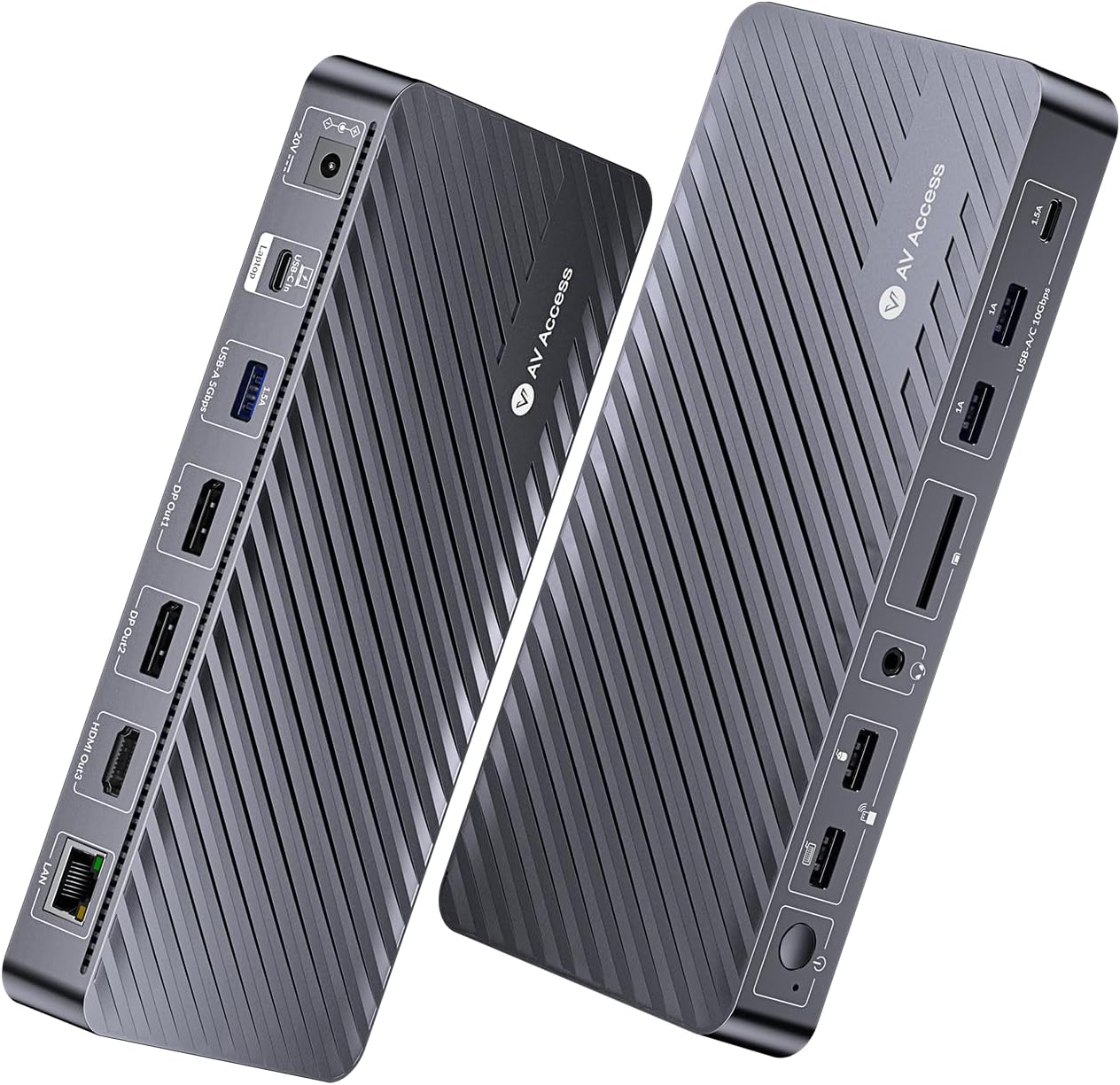
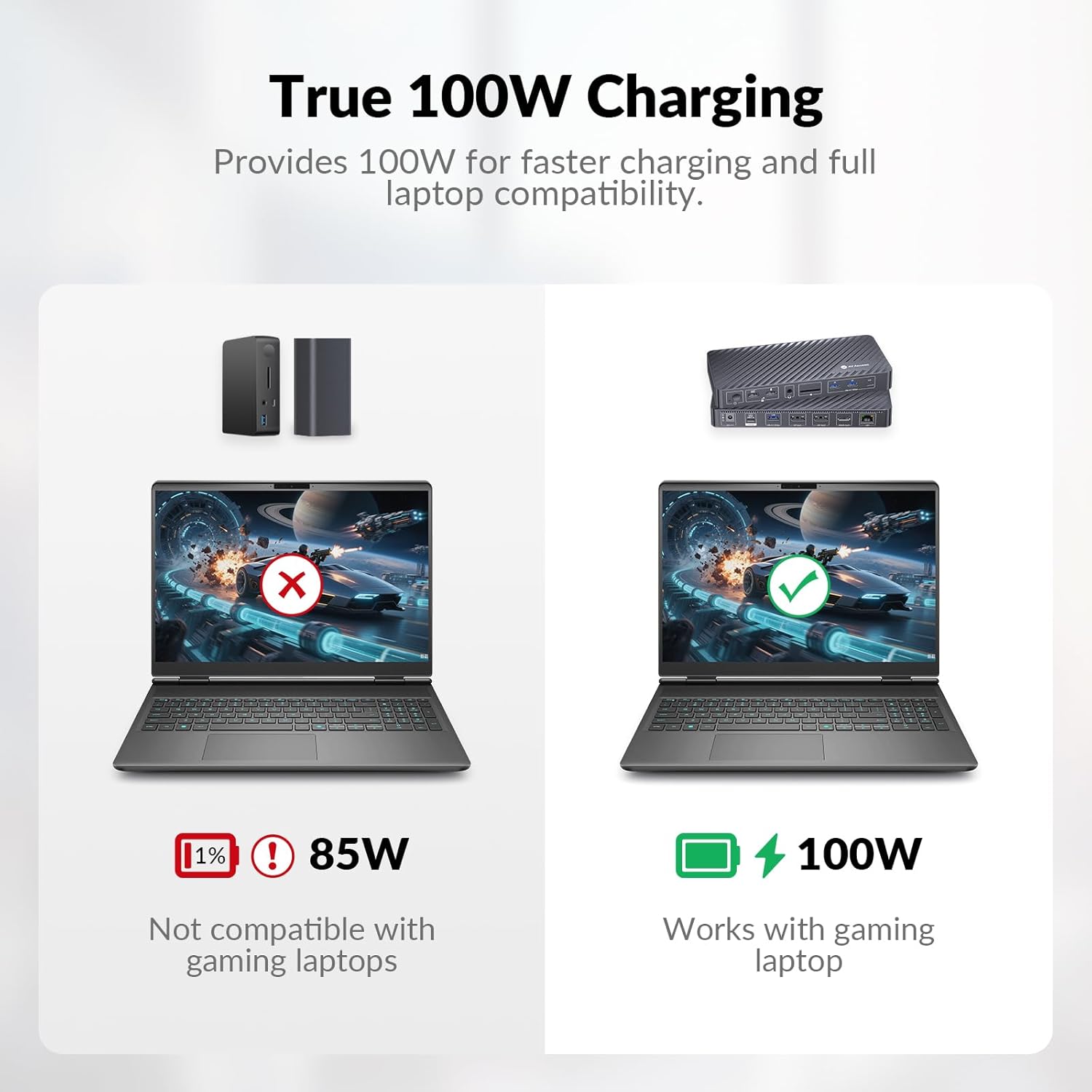
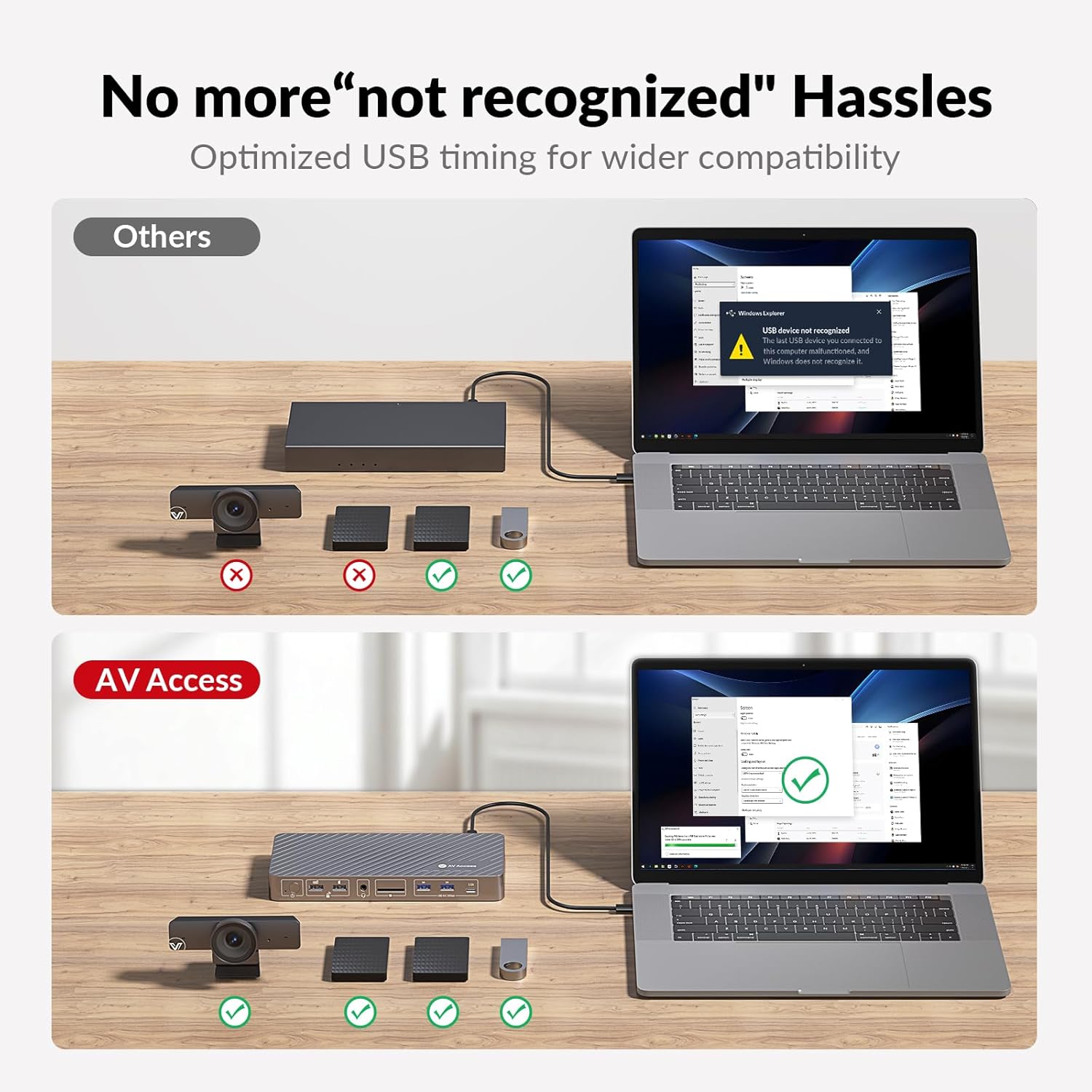
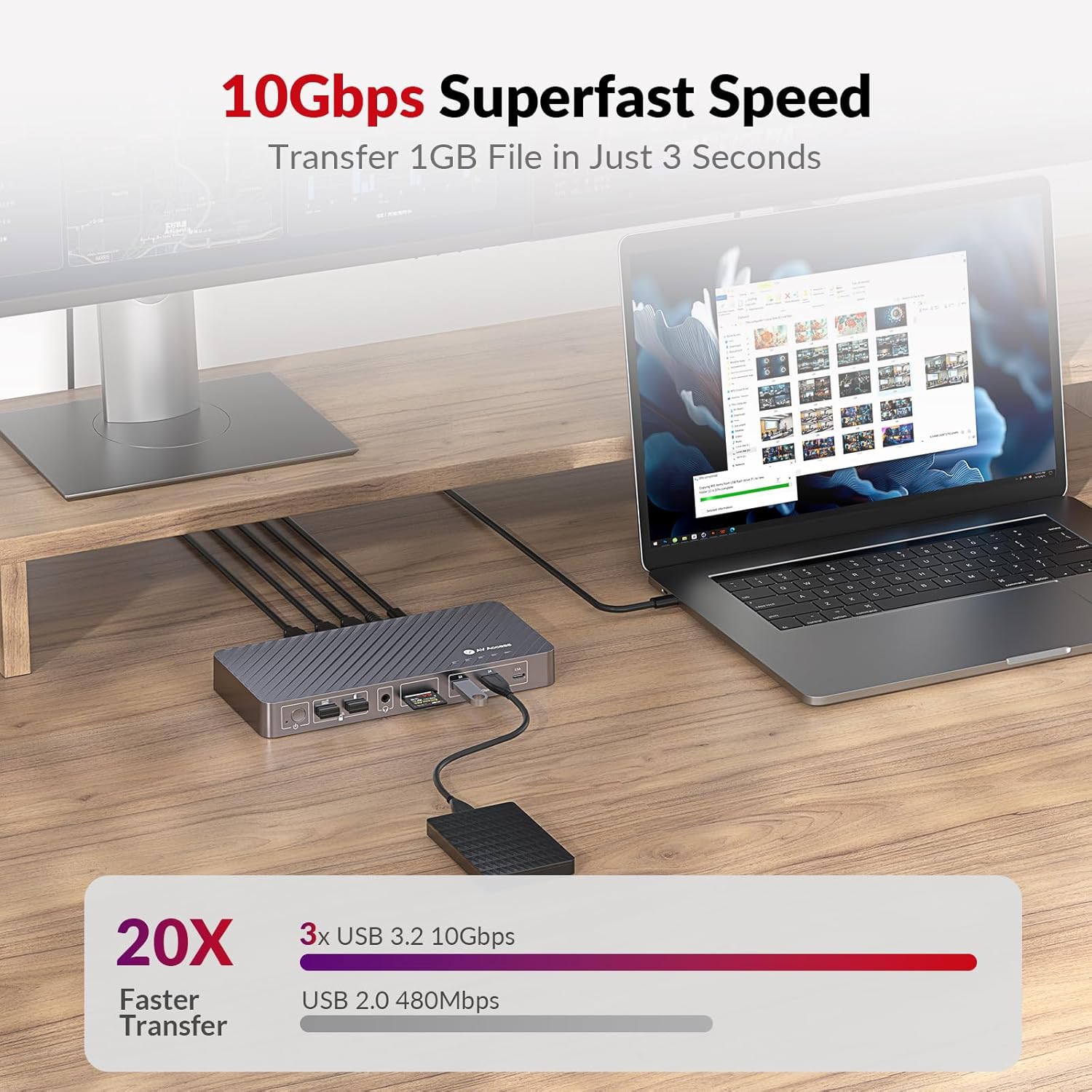
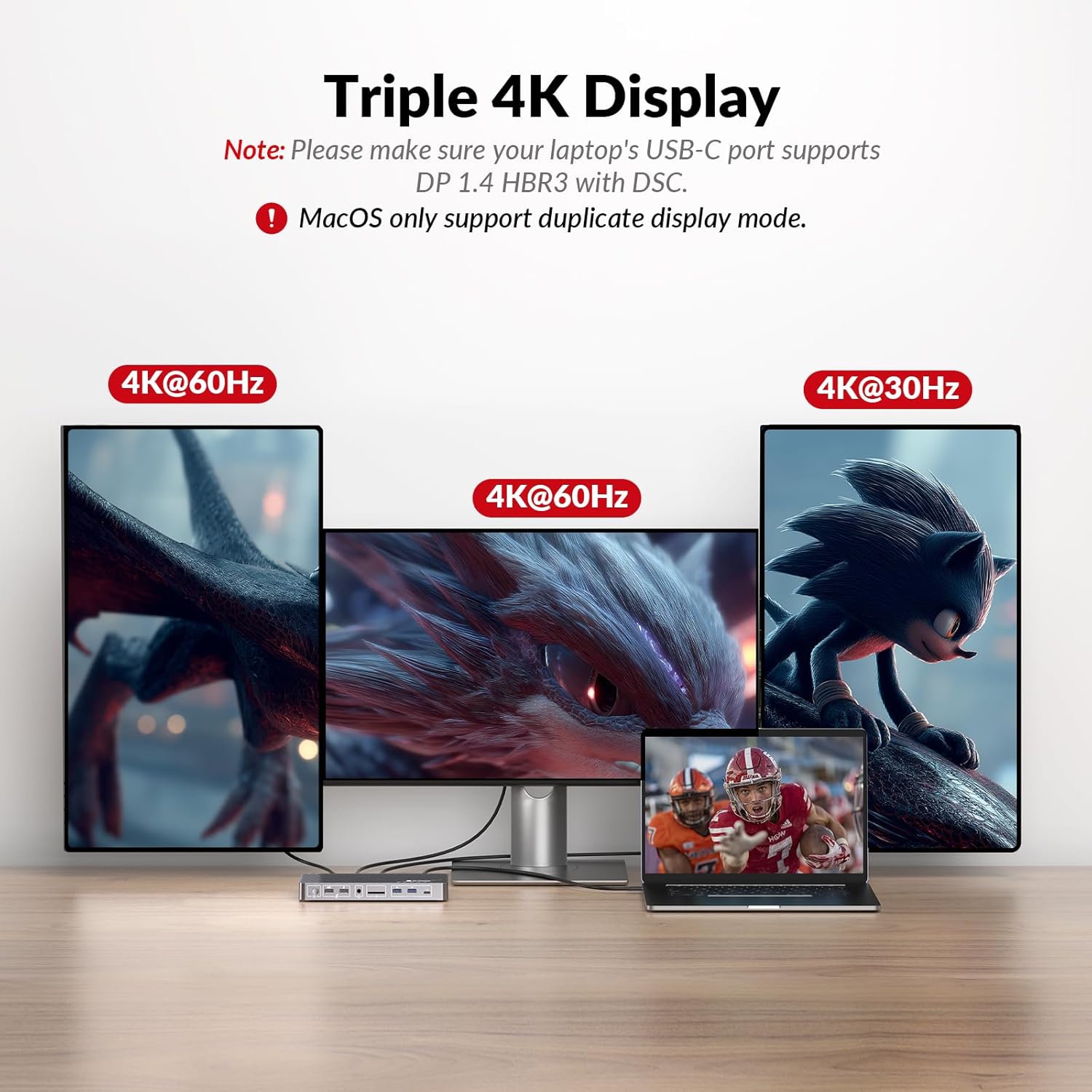
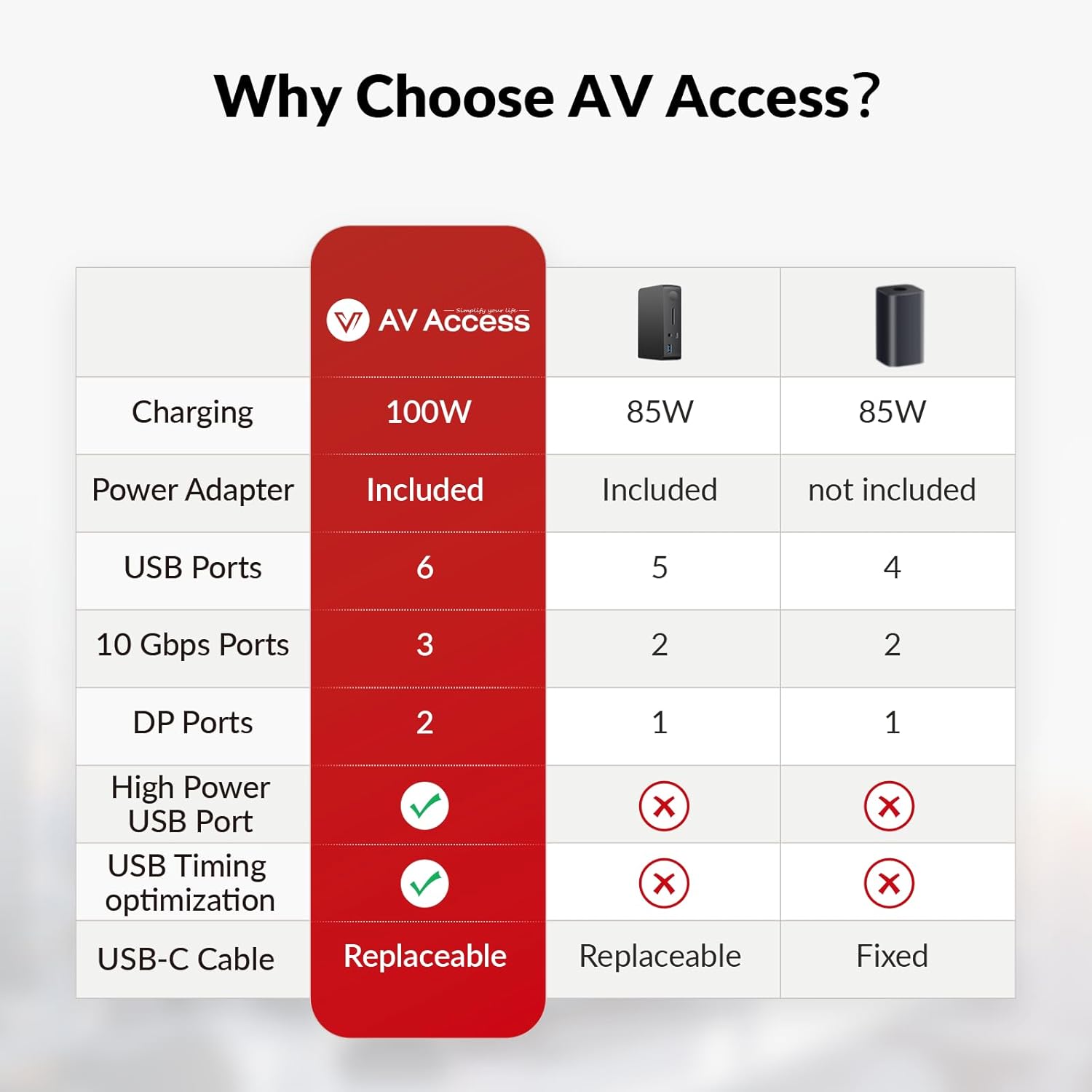
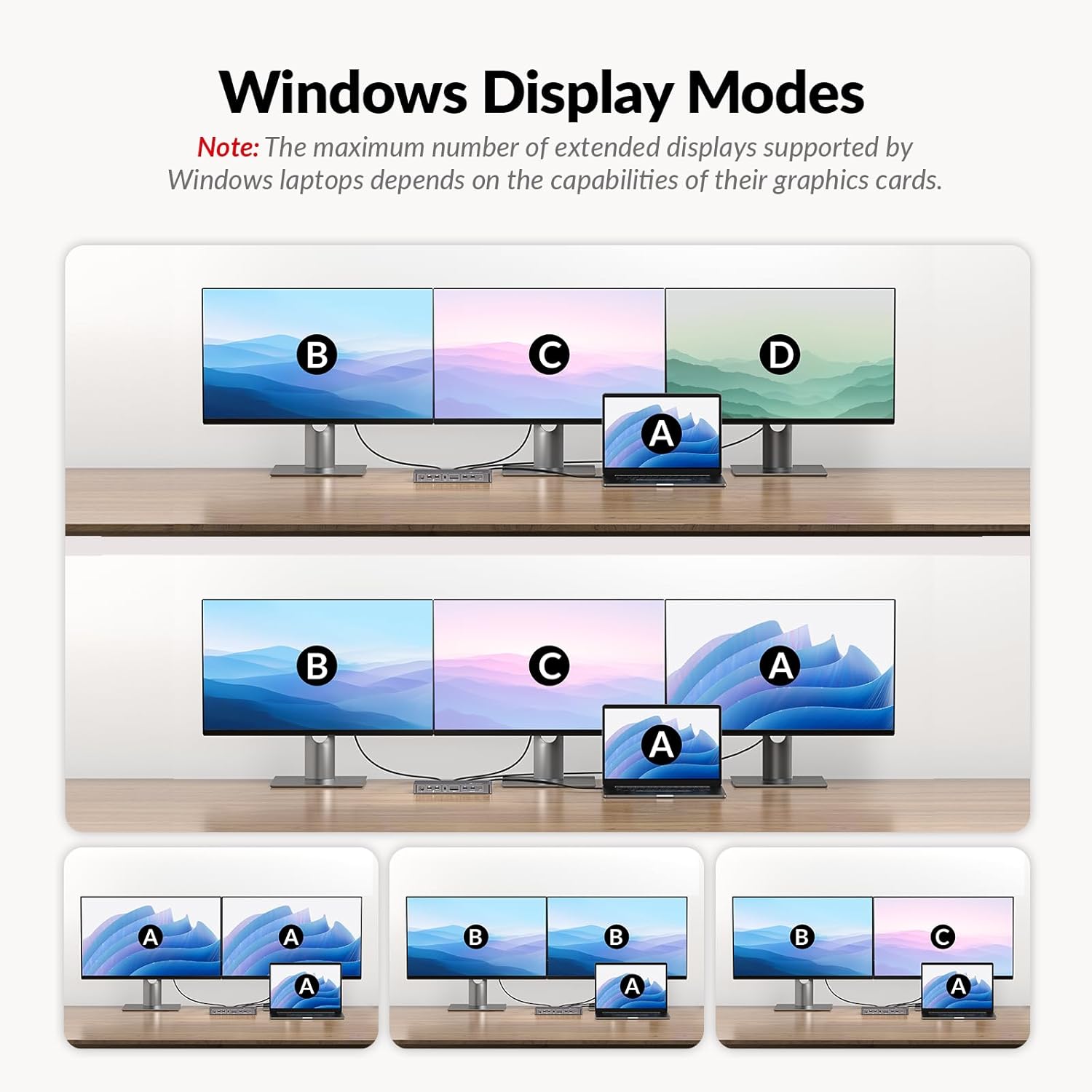
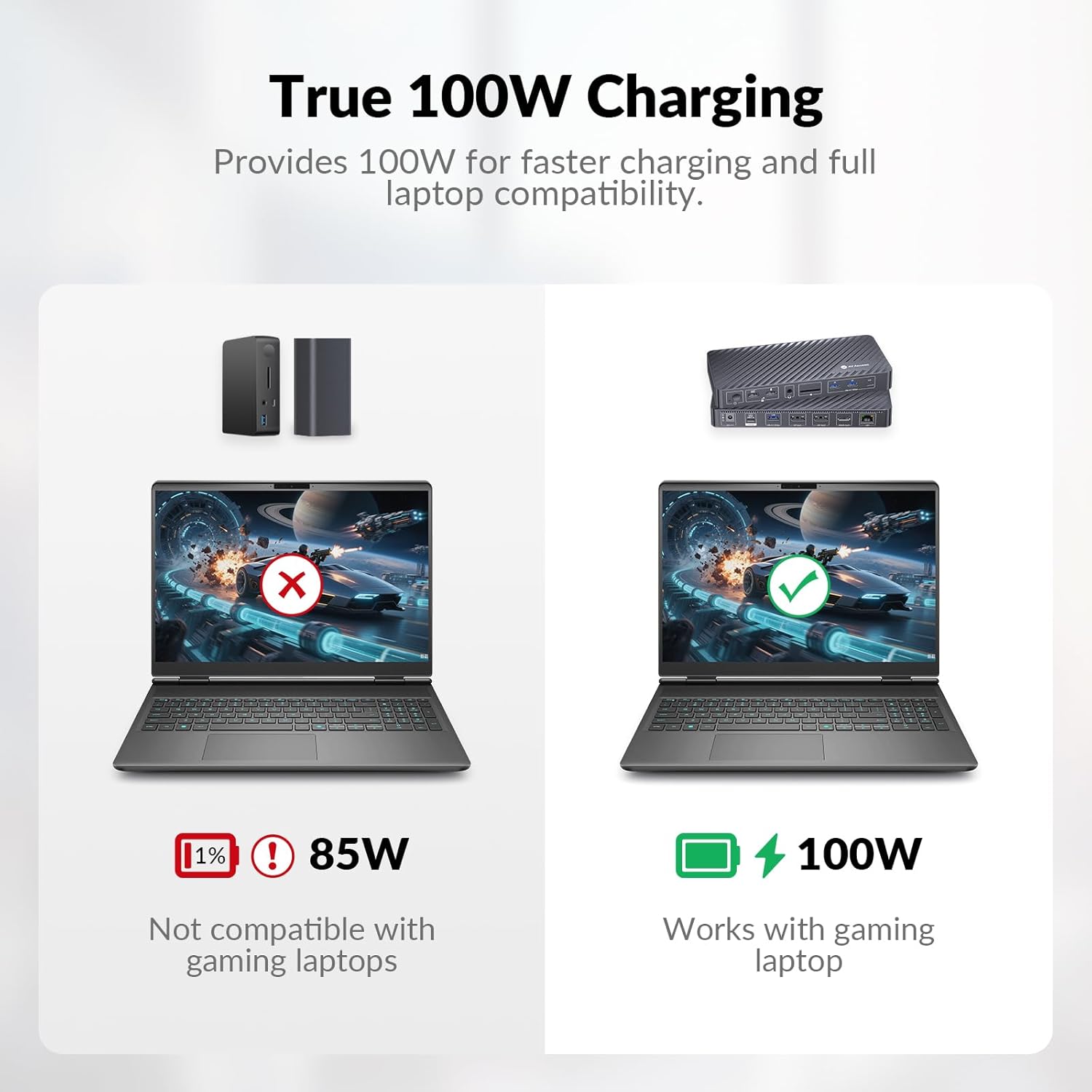
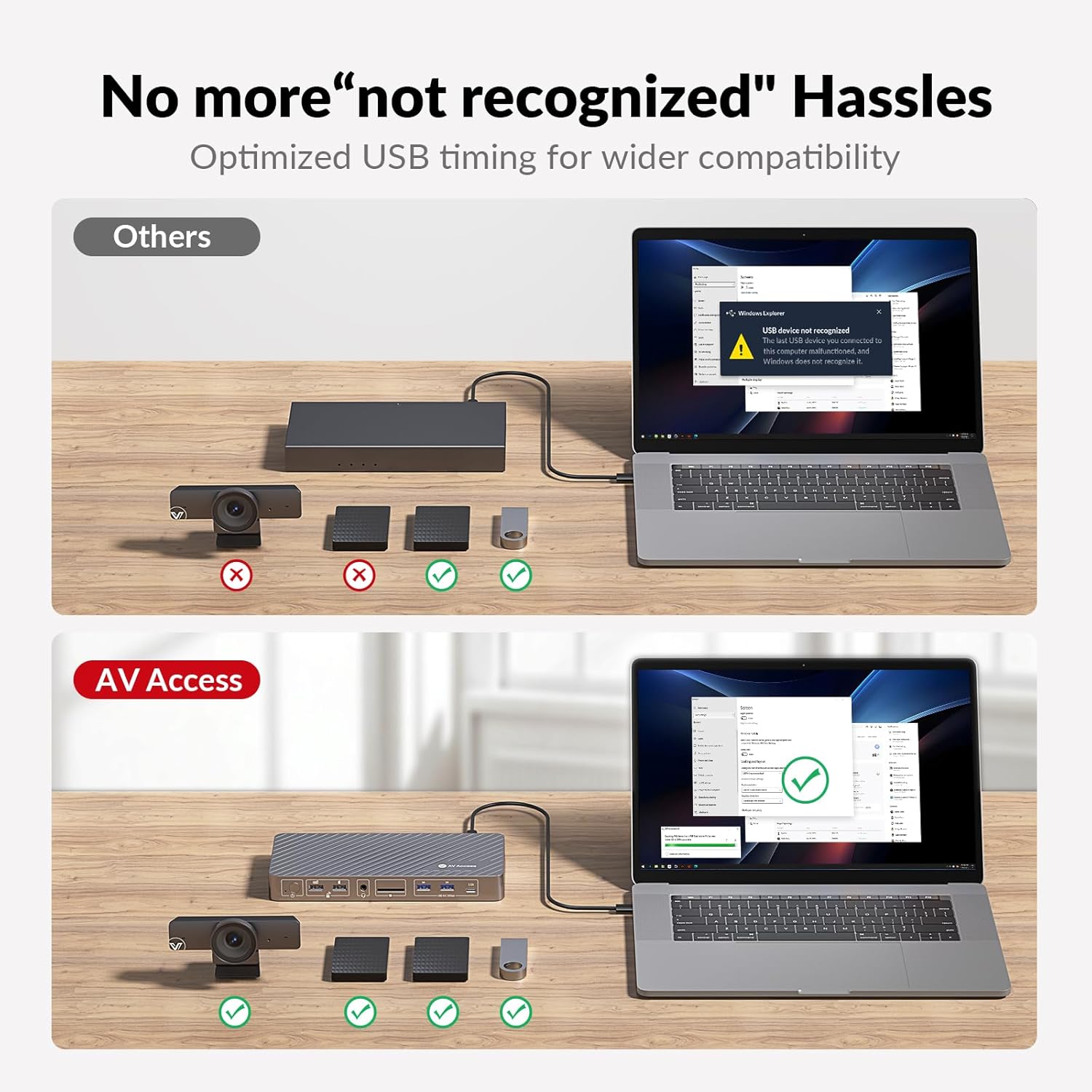
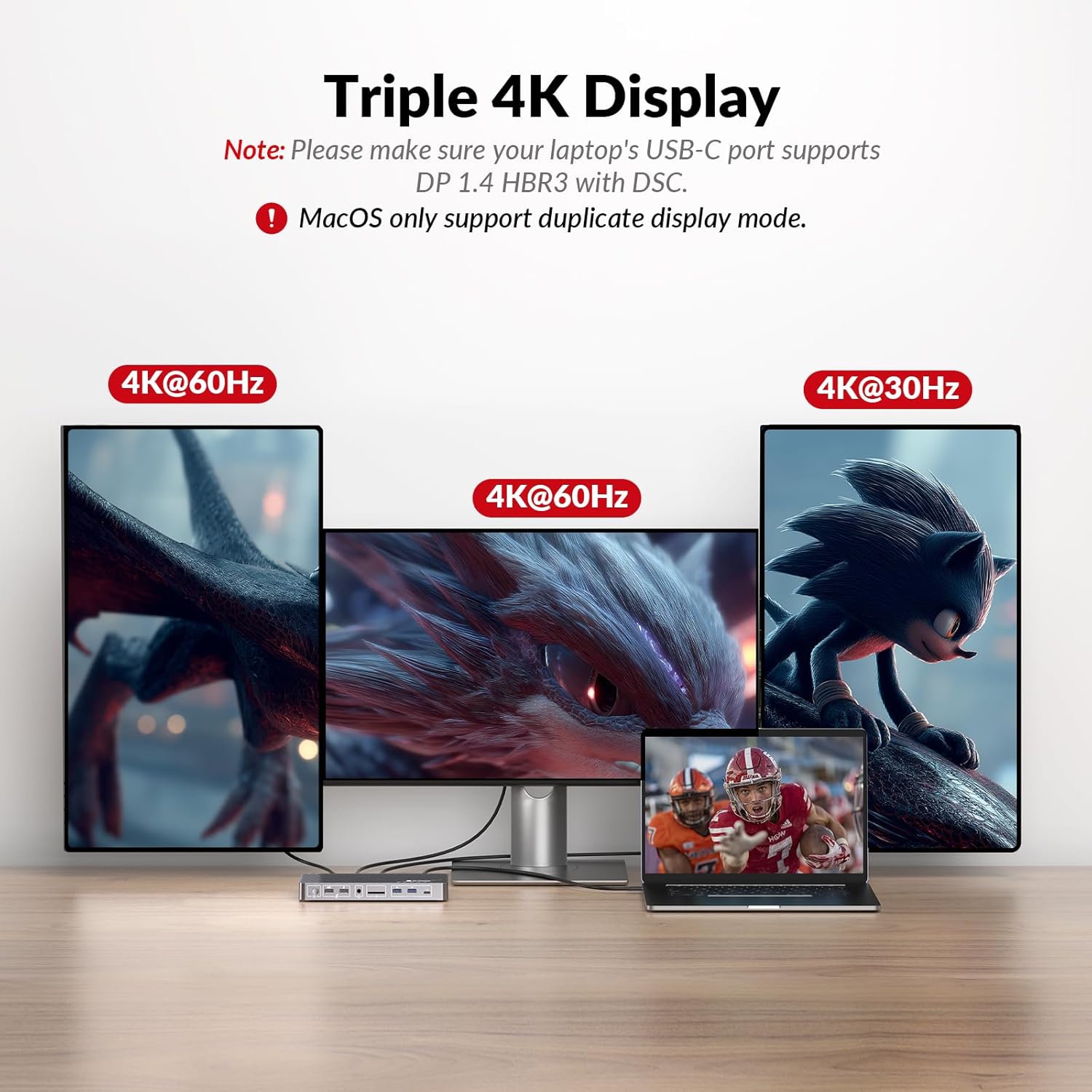
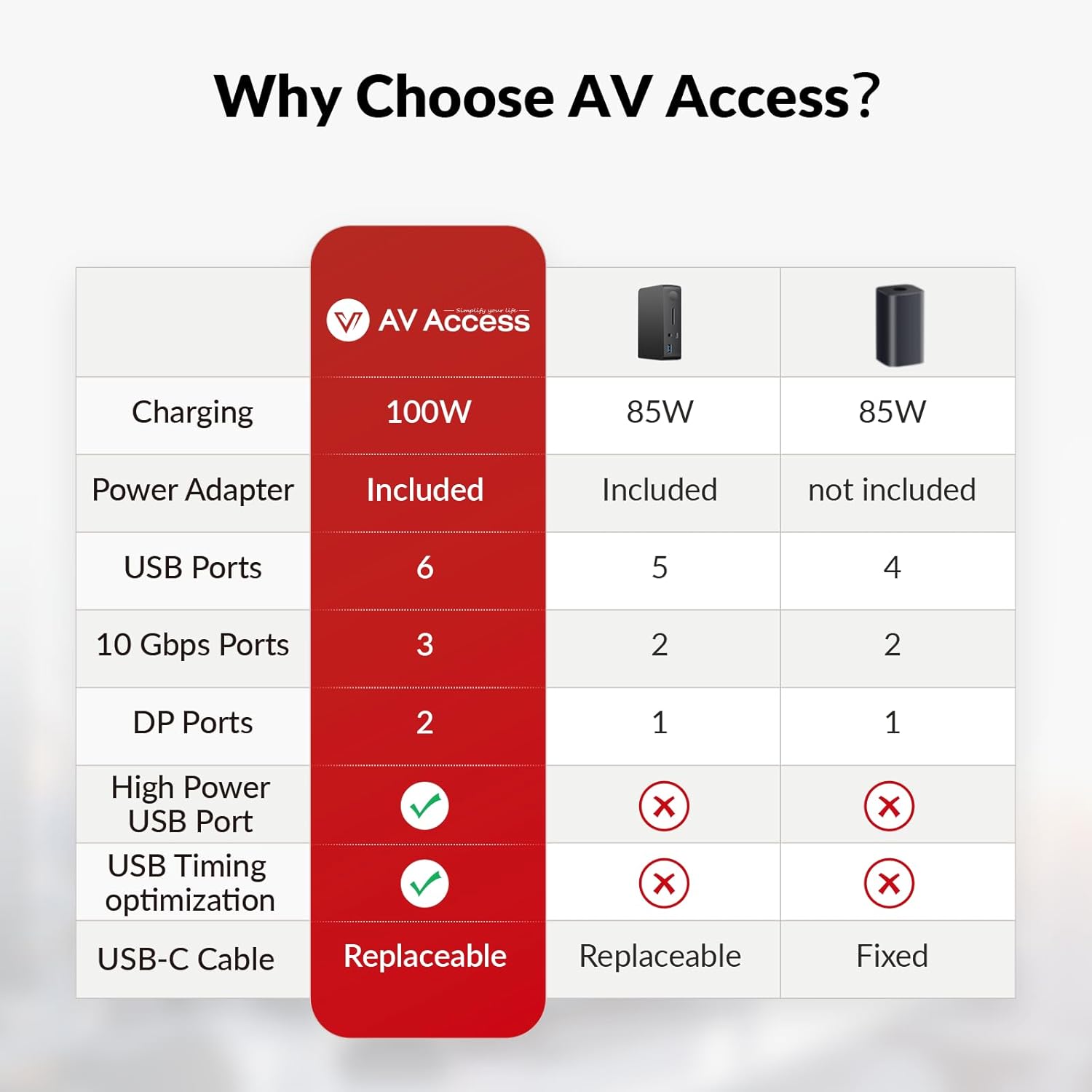
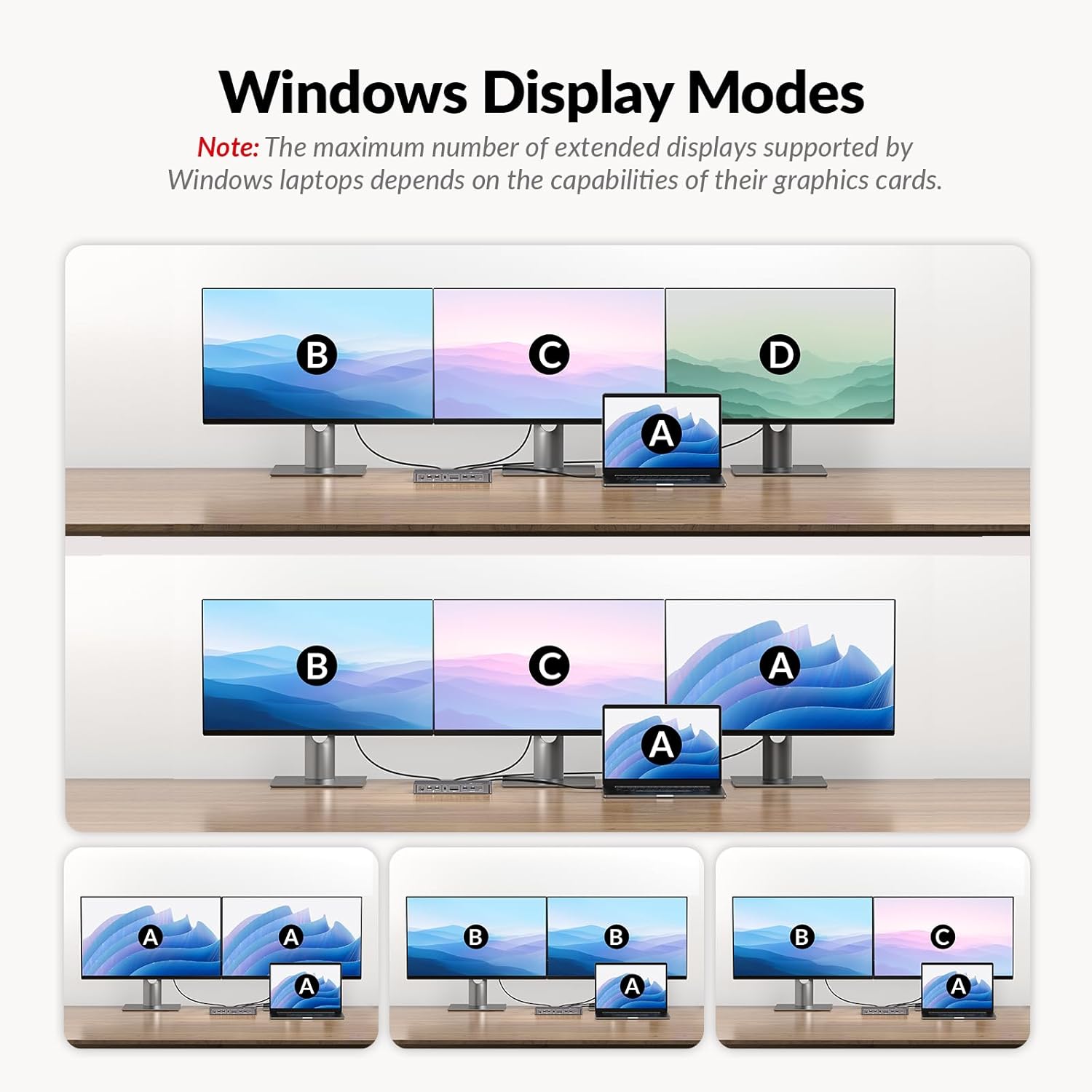

Driver-Free & 100W Charging Enjoy plug-and-play convenience with no drivers required. With a full-featured USB-C (MST) port this laptop docking station 3 monitors enables triple 4K streaming 10Gbps data transfer and 100W laptop chargingall through a single cable. Ideal as a docking station for most USB-C laptops.
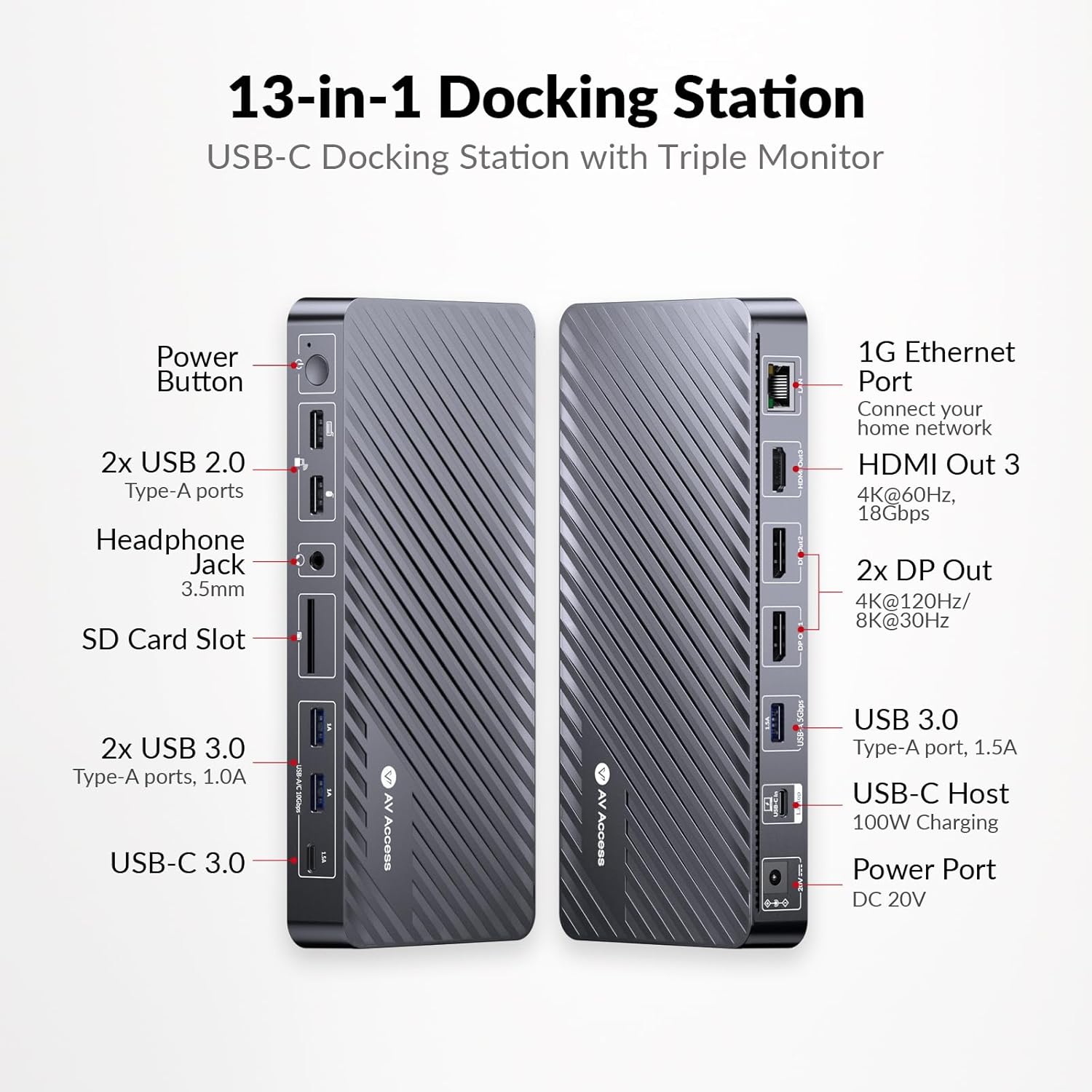
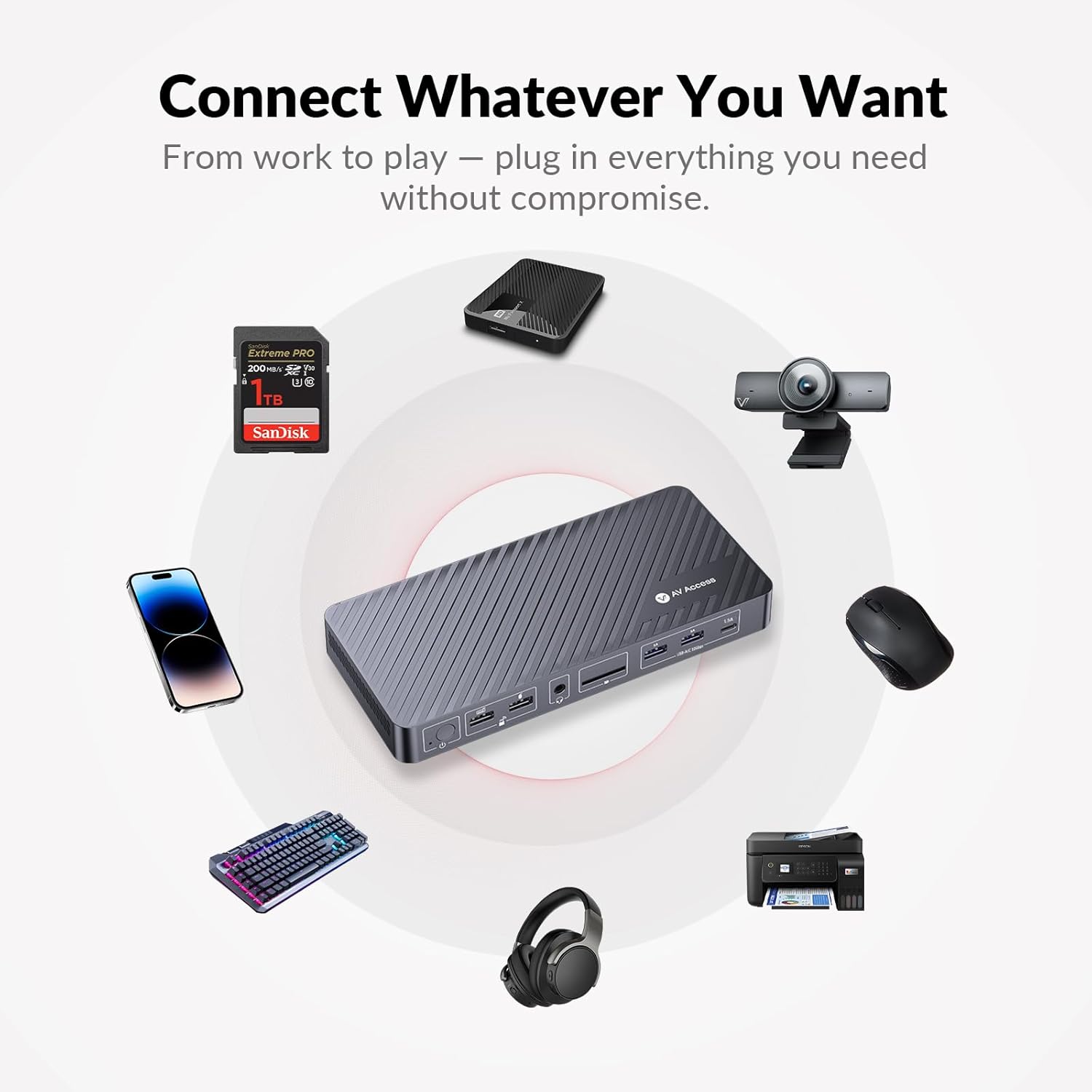
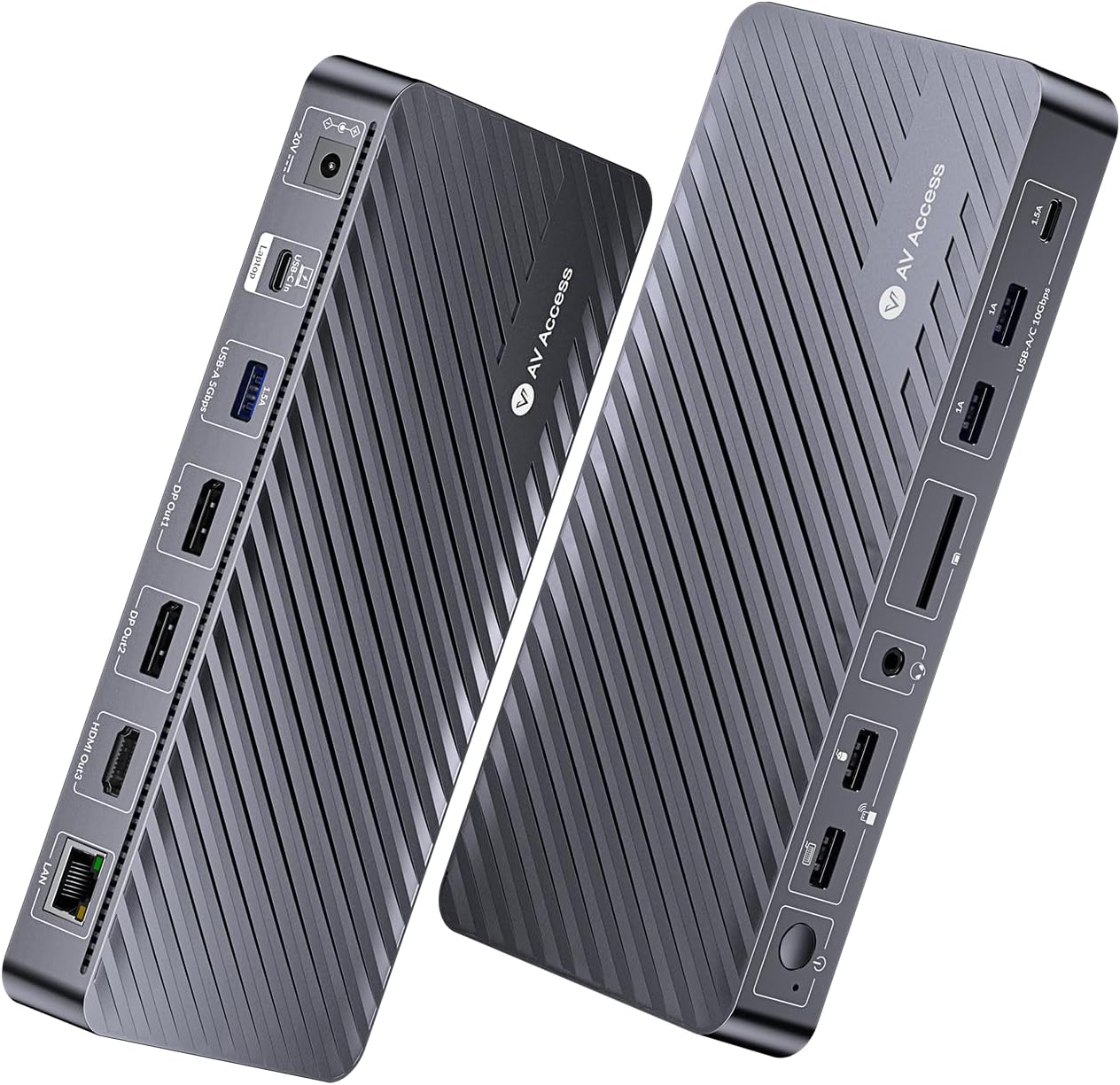
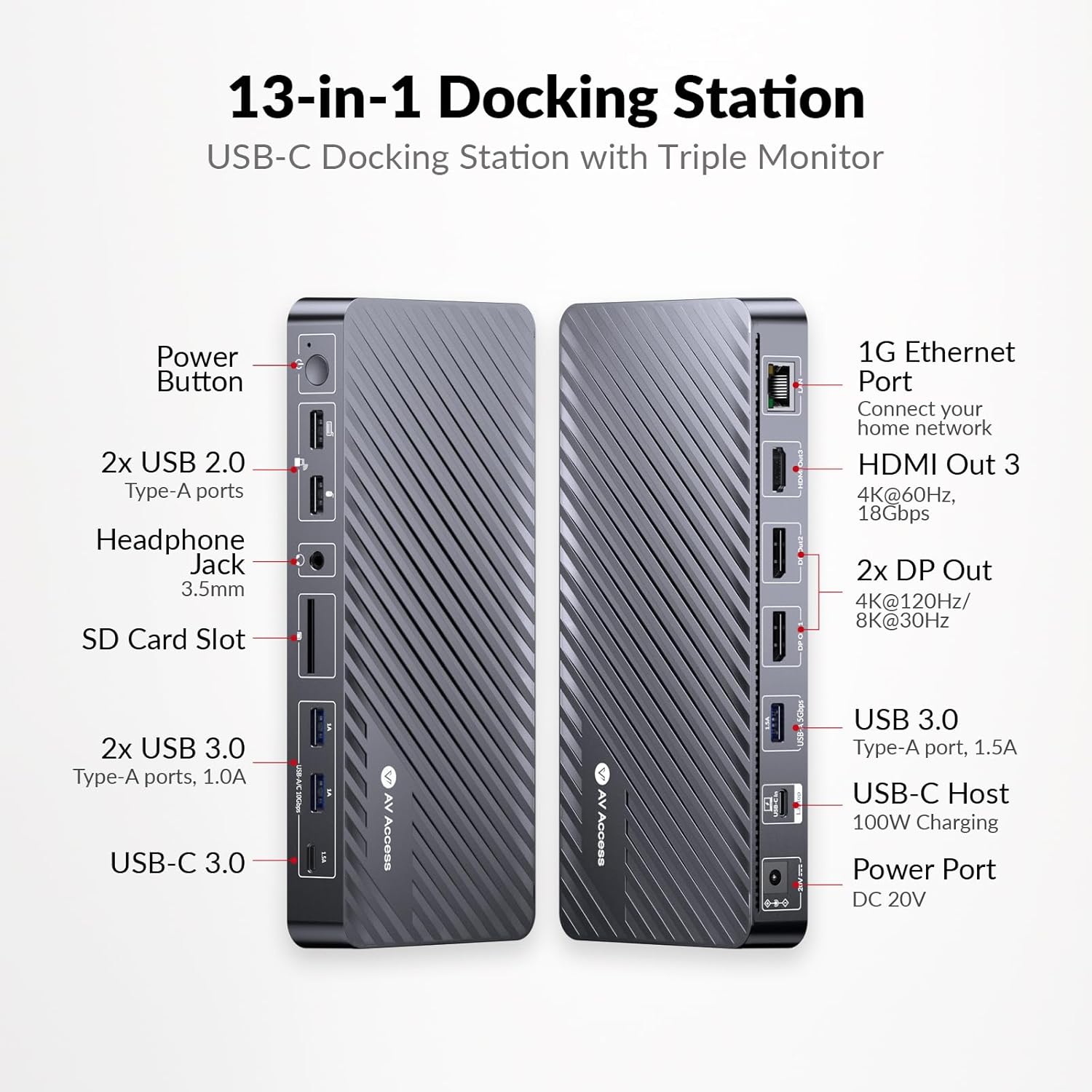
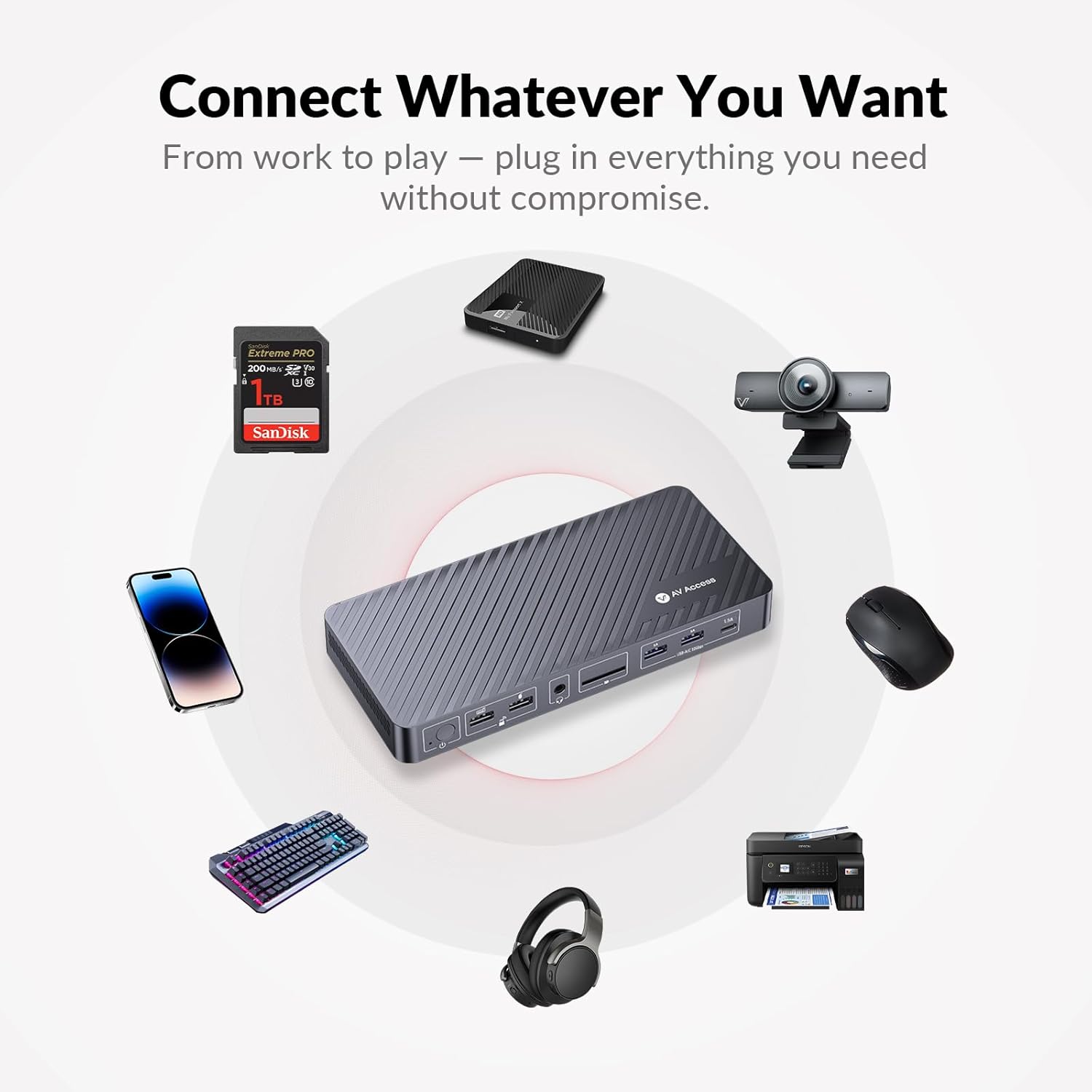
13-in-1 Triple Monitor Docking Station This all-in-one docking station for laptop expands connectivity with 12 ports: HDMI DisplayPort USB 3.0/2.0 USB-C (data) Gigabit Ethernet SD card slot and audio. Perfect for creating a high-performance setup with this laptop docking stations at home office or on the go.
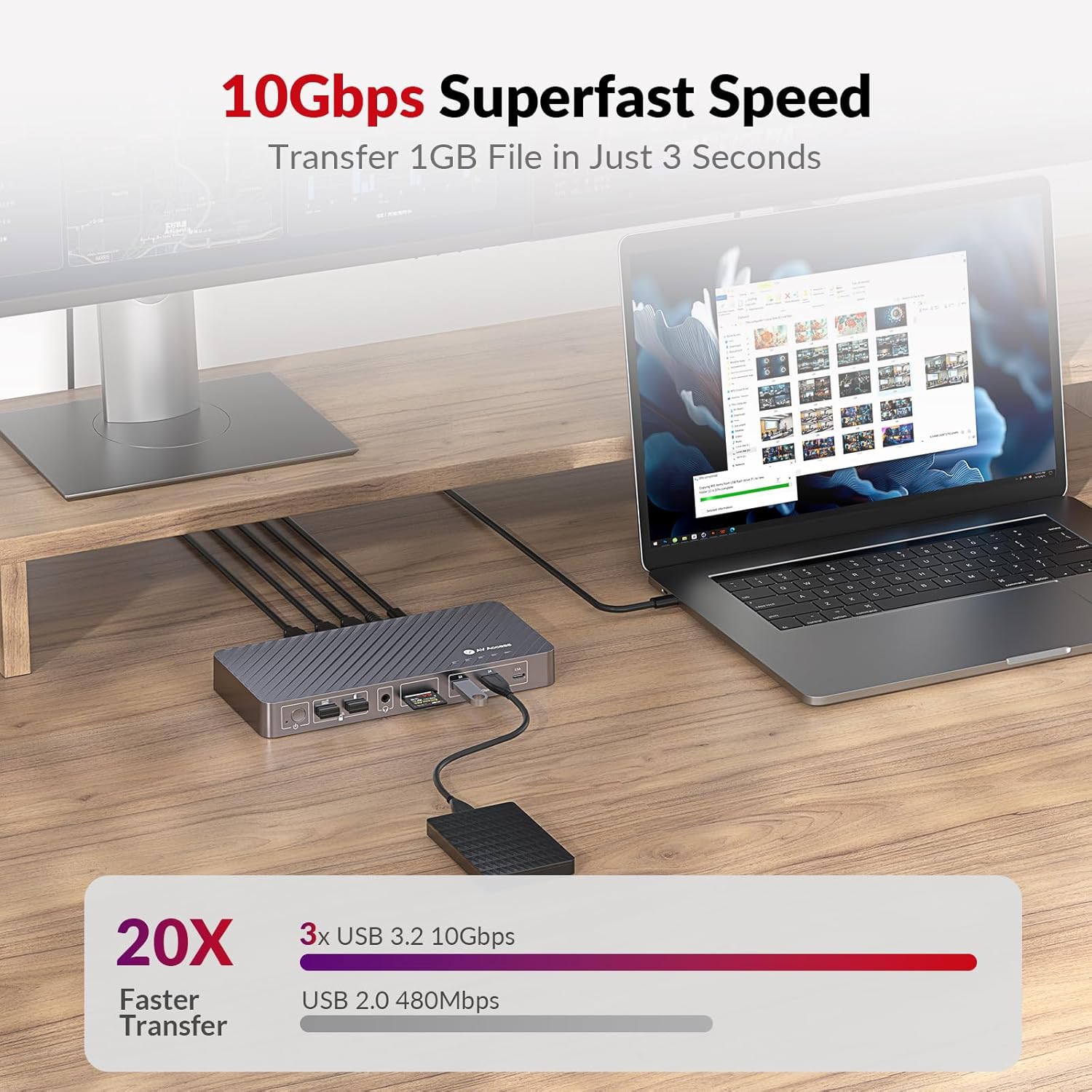
10Gbps Super-Fast Data Transfer Transfer files instantly with 2USB 3.0 Type-A and 1USB 3.0 Type-C ports delivering lightning-fast 10Gbps speeds. Use additional USB 2.0 ports for keyboard mouse and accessories. This hdmi docking station also ensures stable Gigabit Ethernet connectivity for faster more reliable internet.
Important NotesMacOS doesn't support USB-C MST (multi-stream transport) so dual/triple monitors will display duplicate content. The output resolution depends on your laptop's capabilities and the number of connected monitorsplease check the product details for specifications.
-

You have successfully commented, please wait for review
Copied Successfully
You can enjoy up to 1 free gift!