What are you looking for?
Search

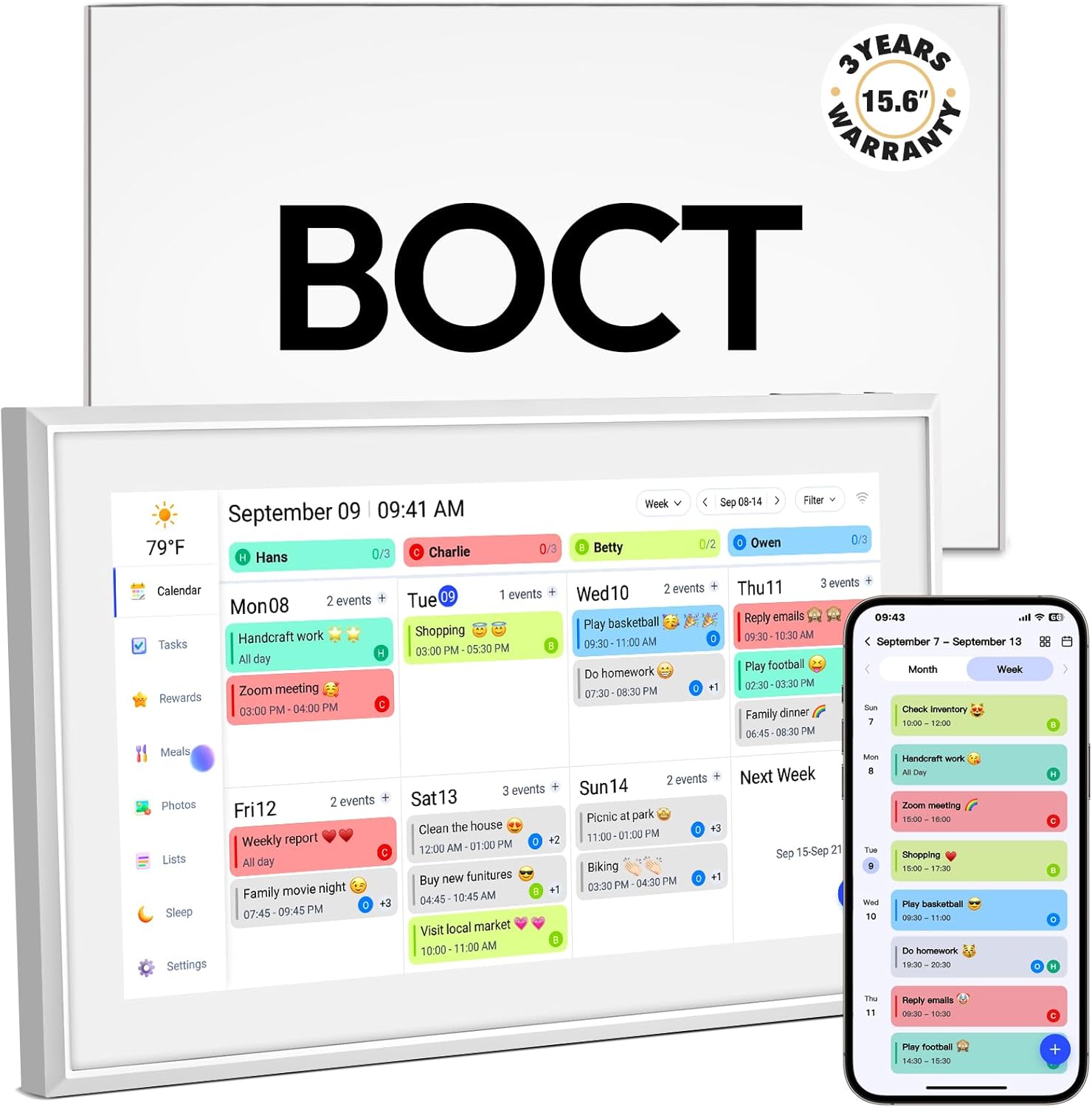
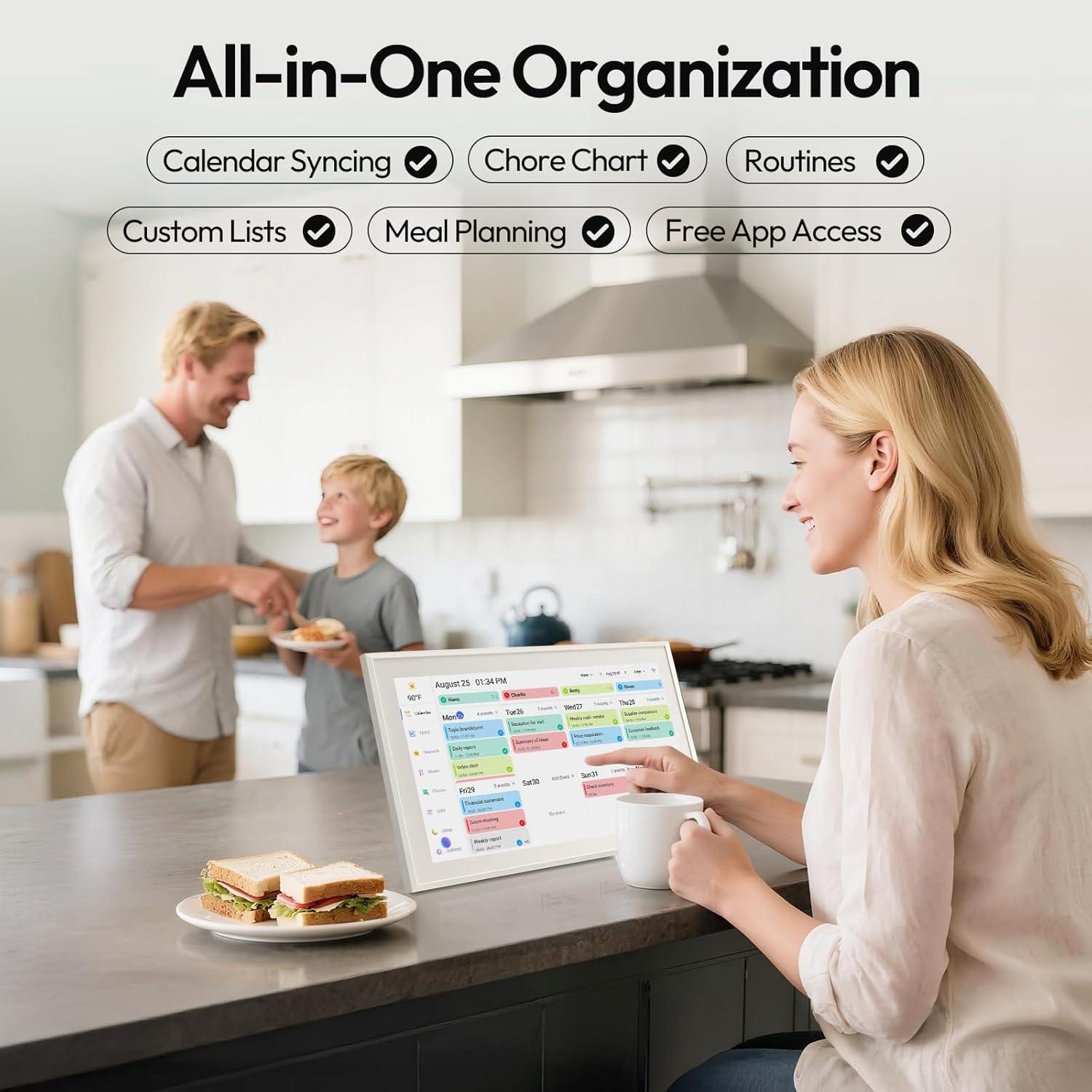
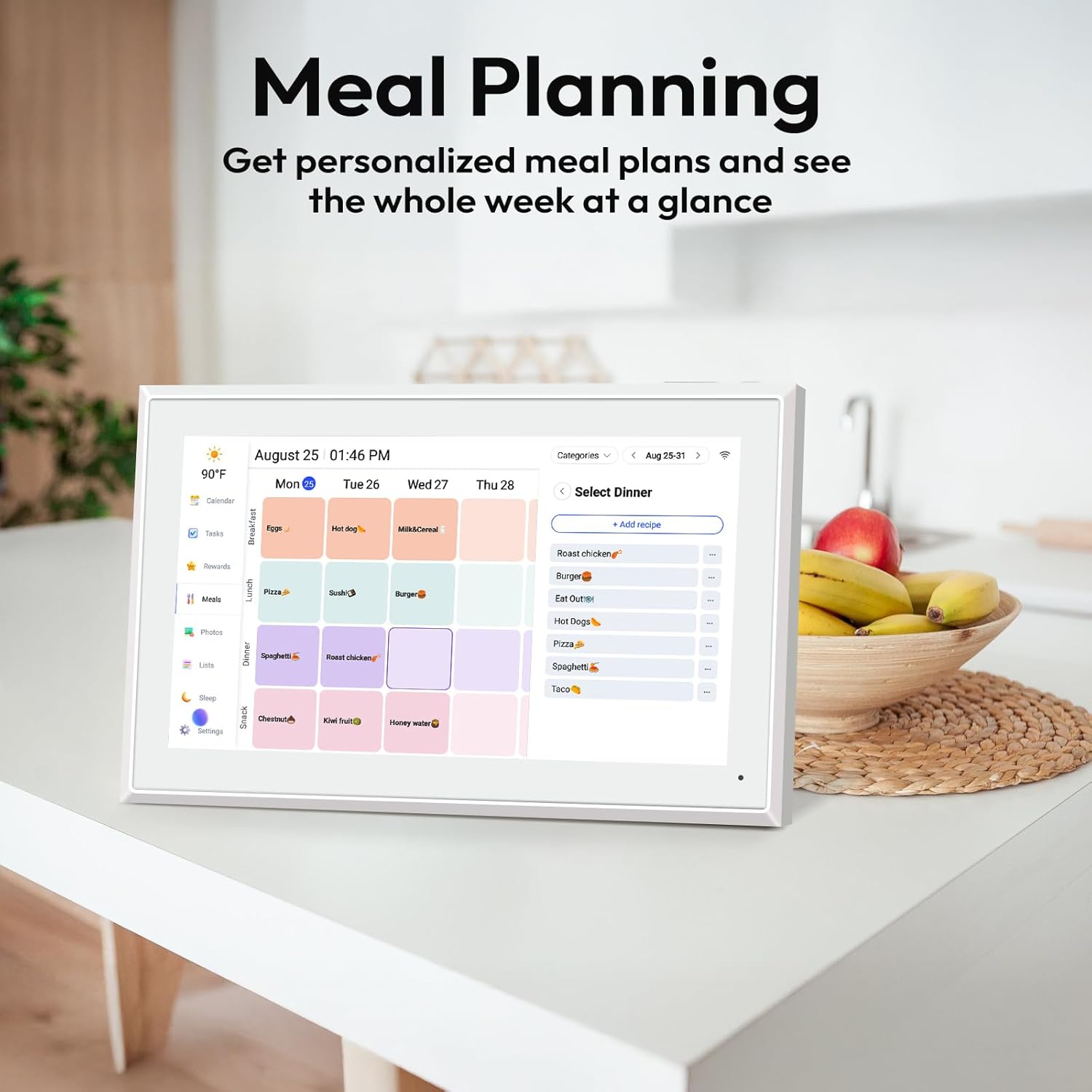
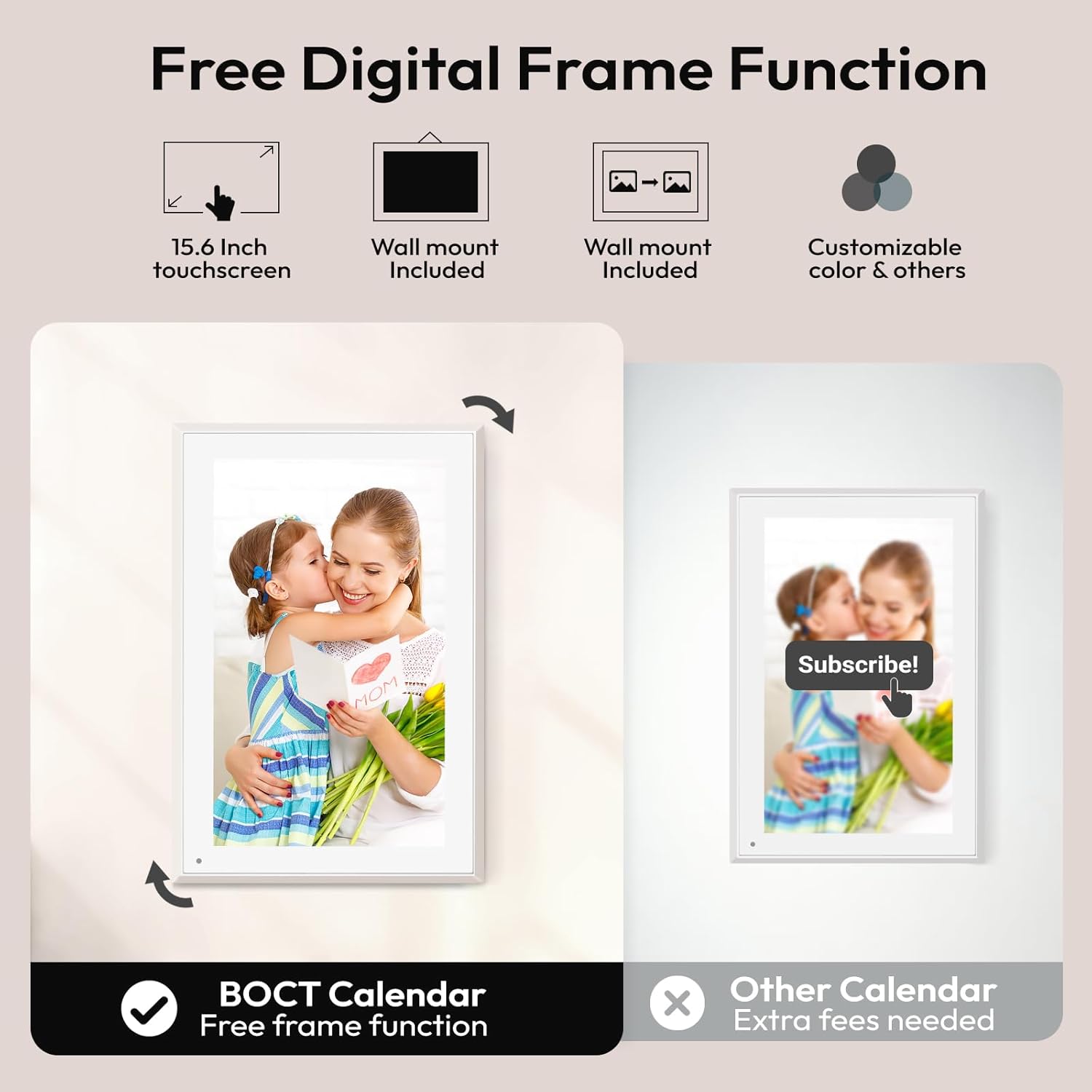
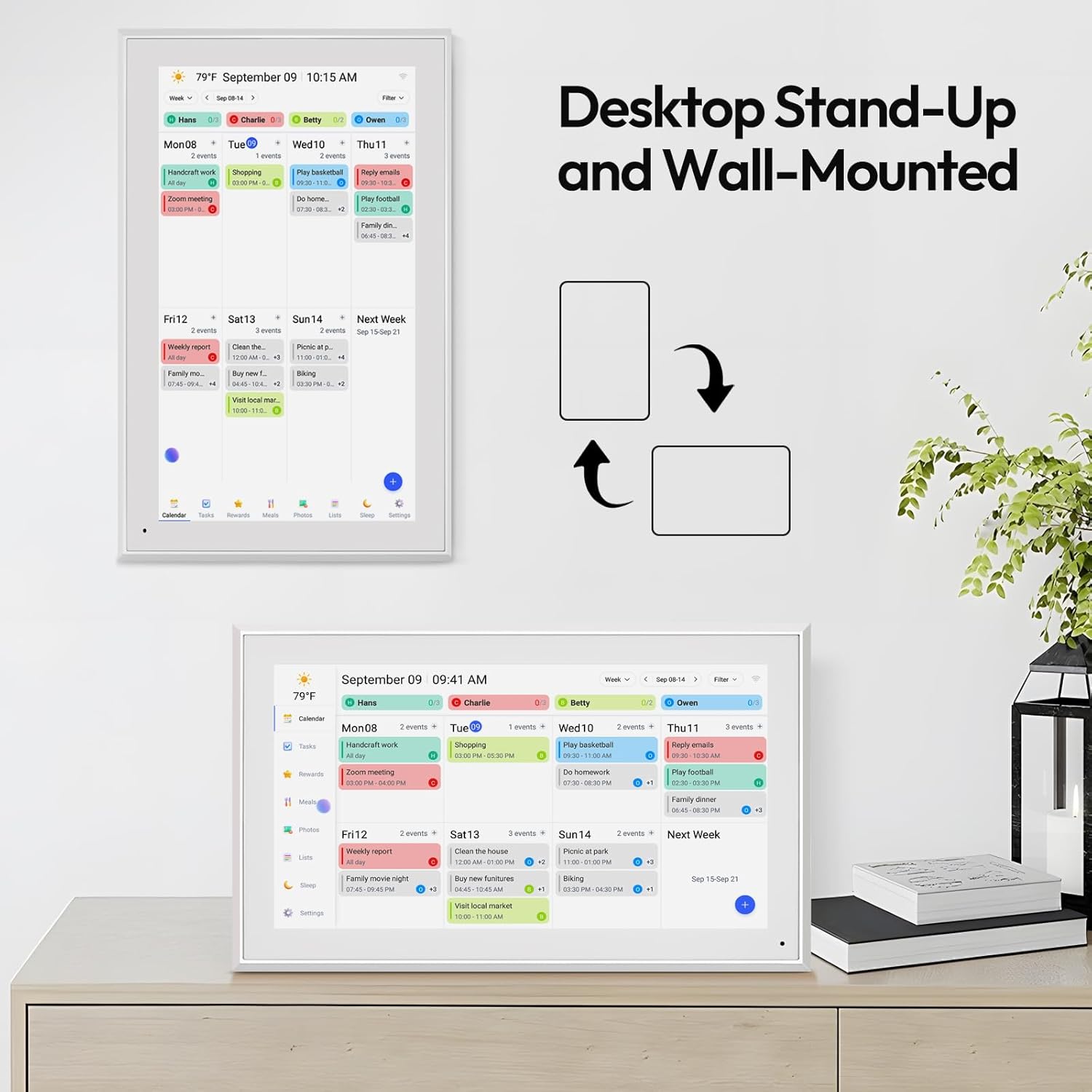
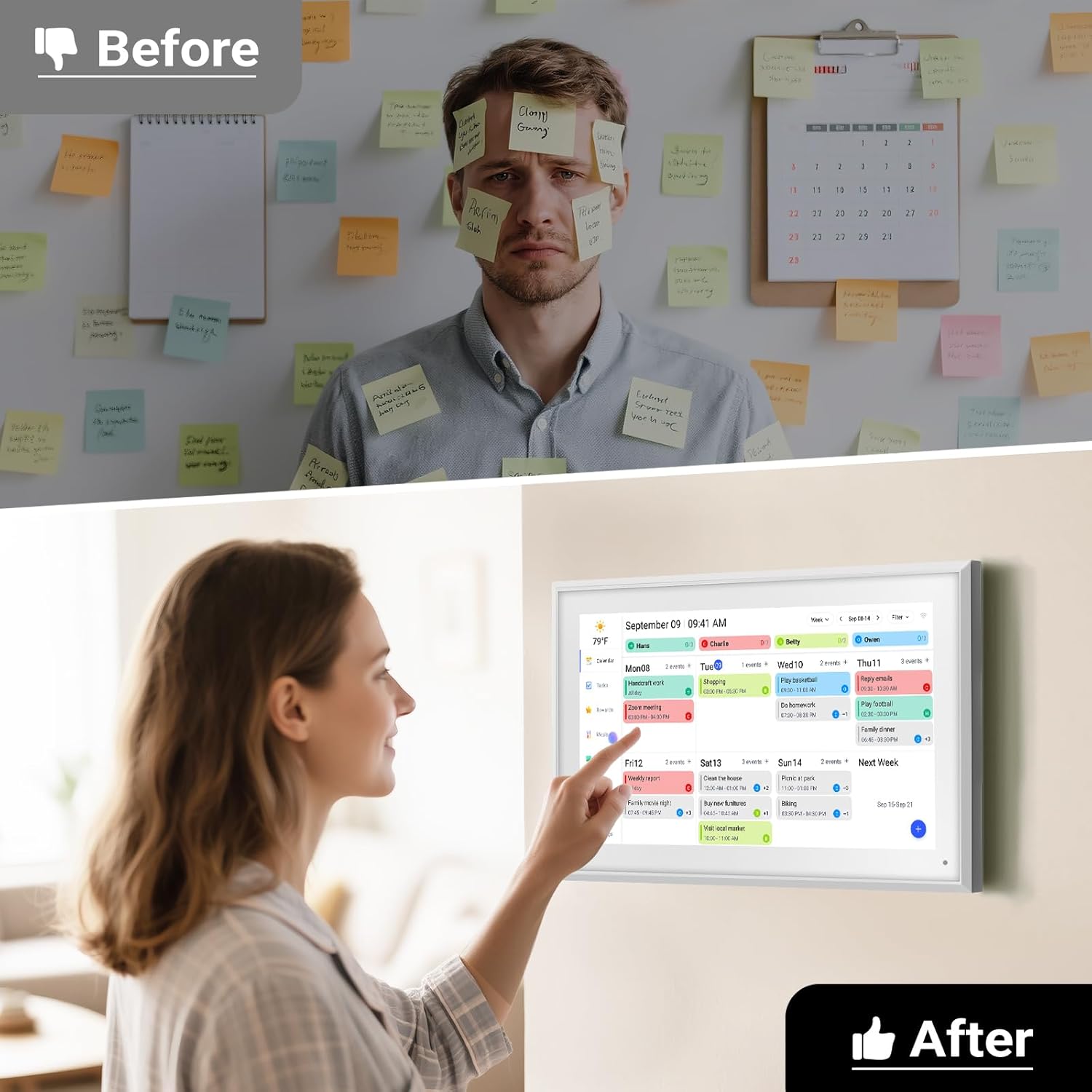
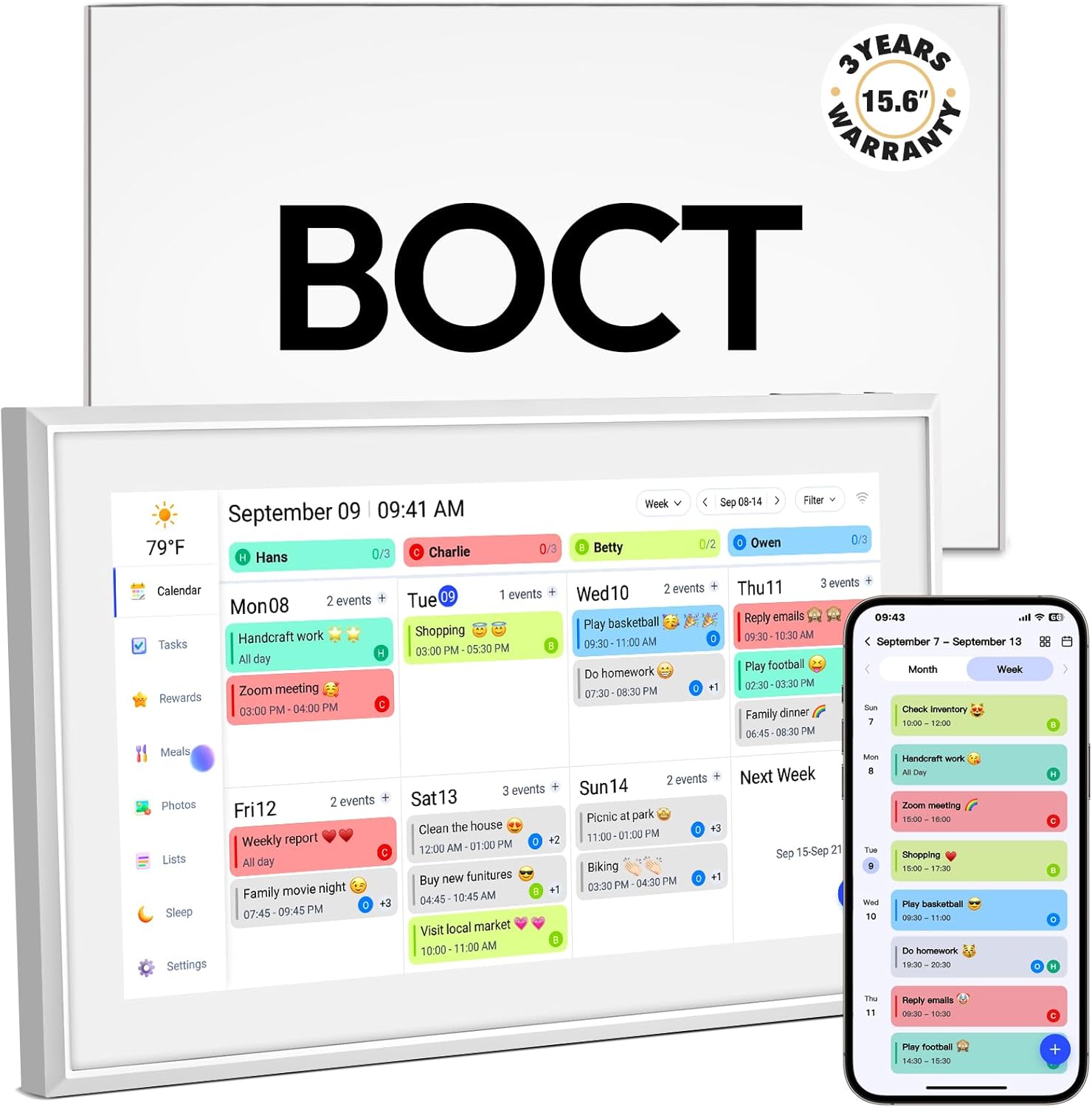
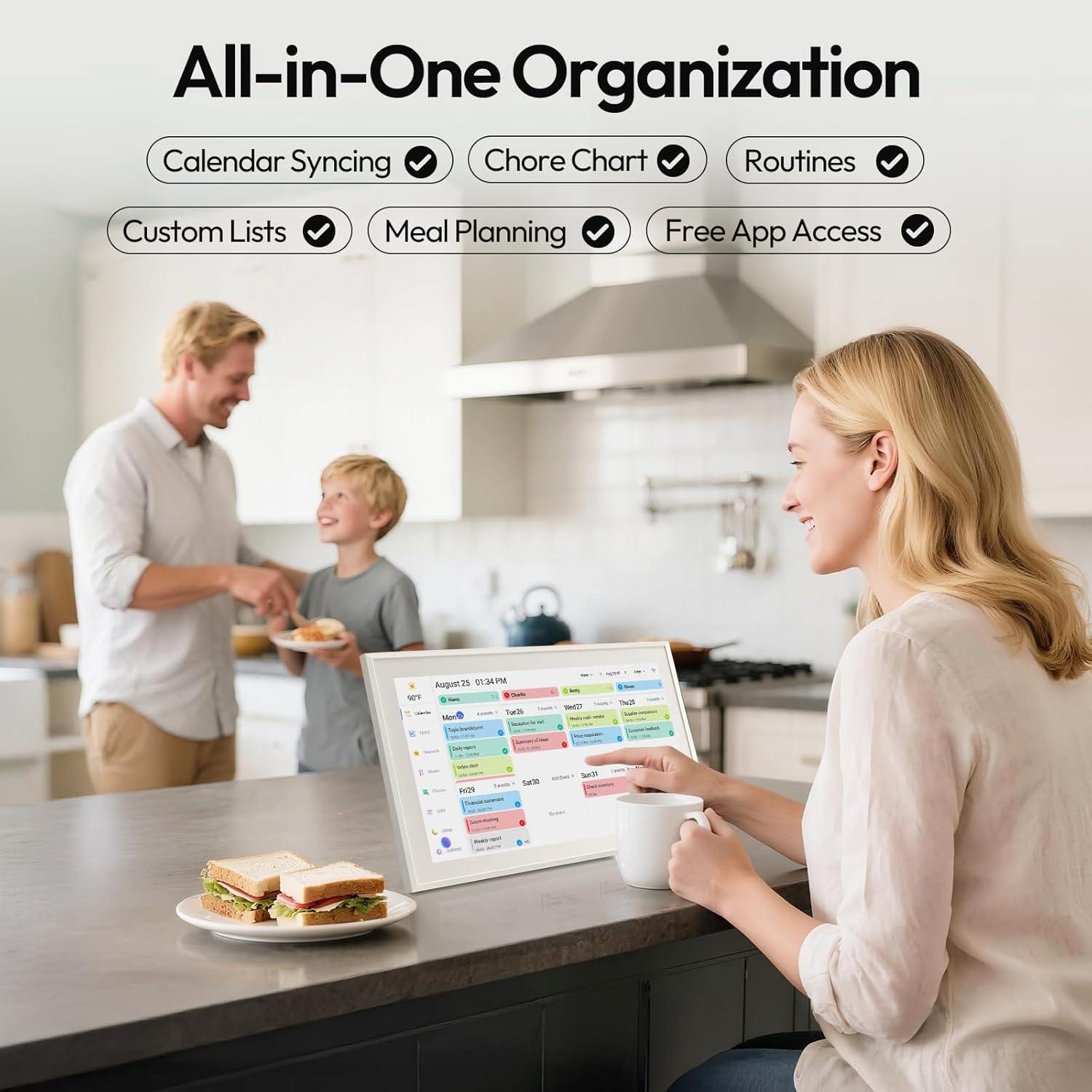
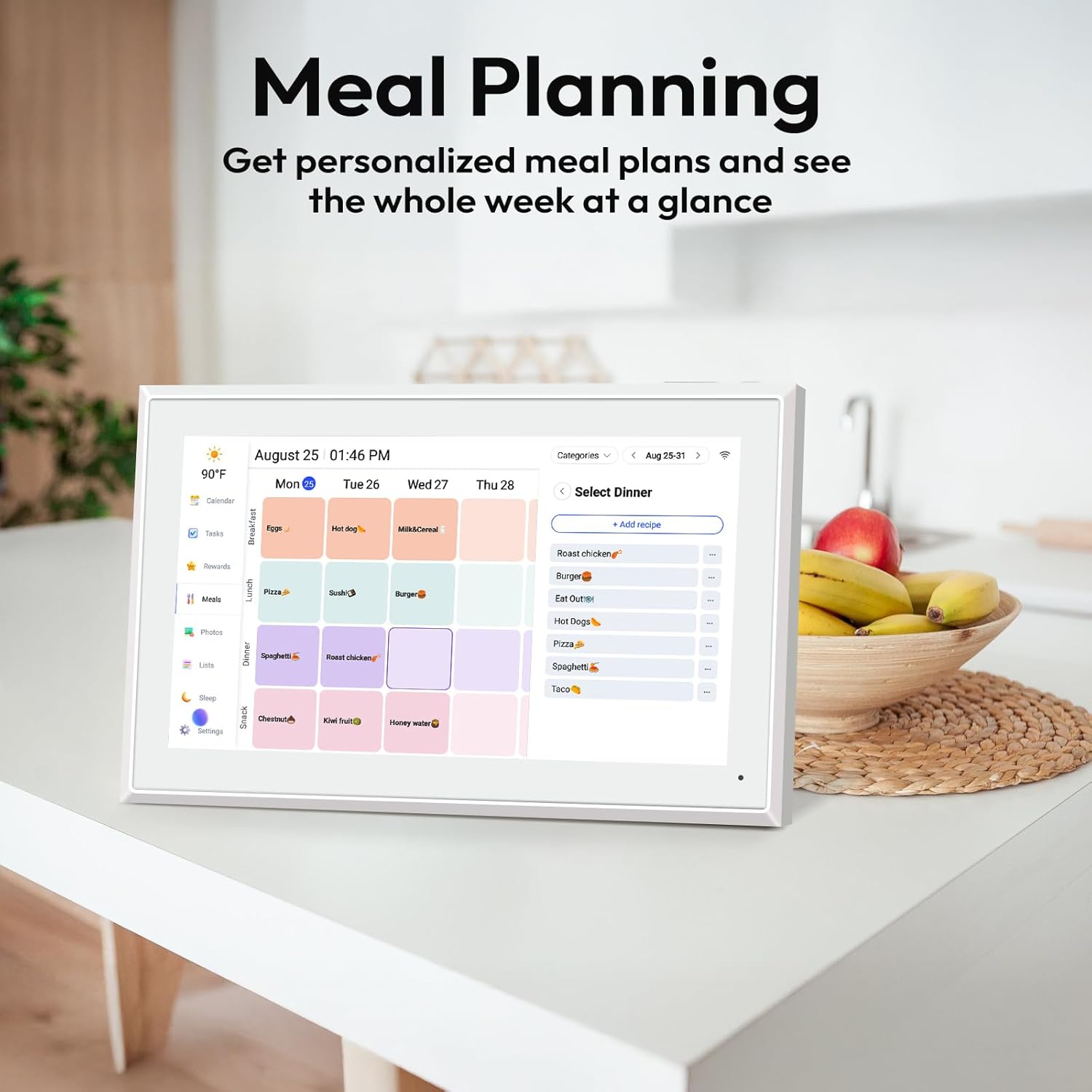
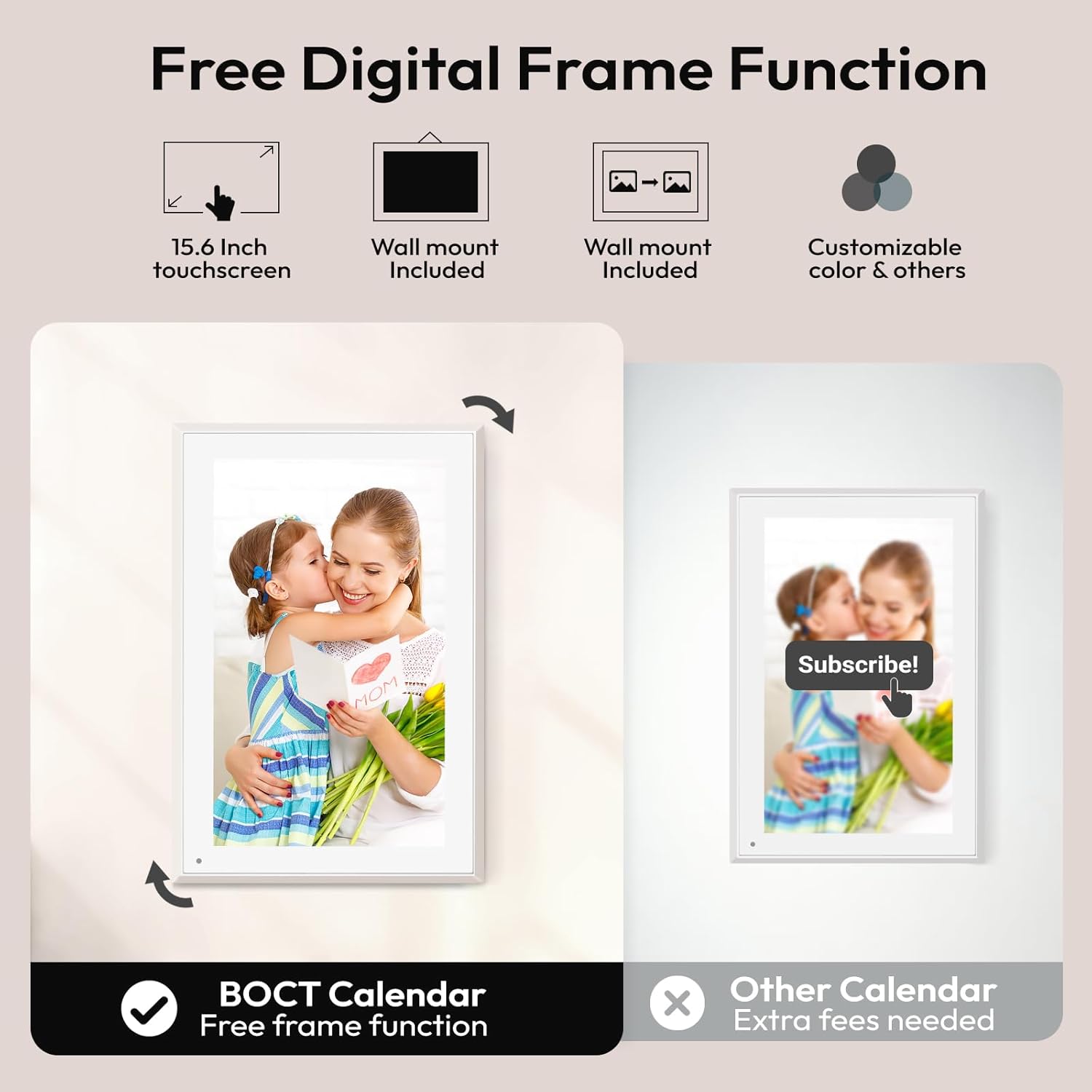
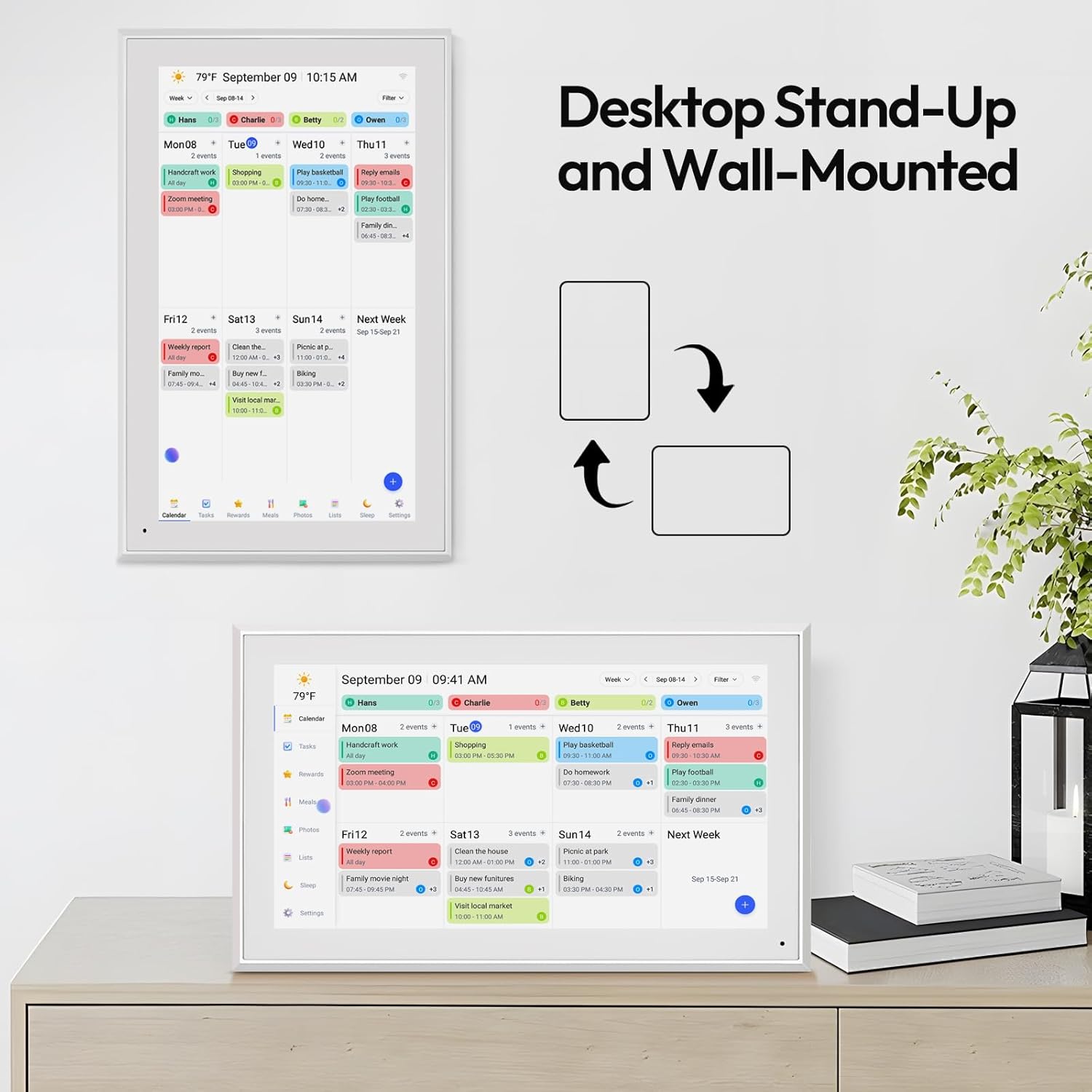
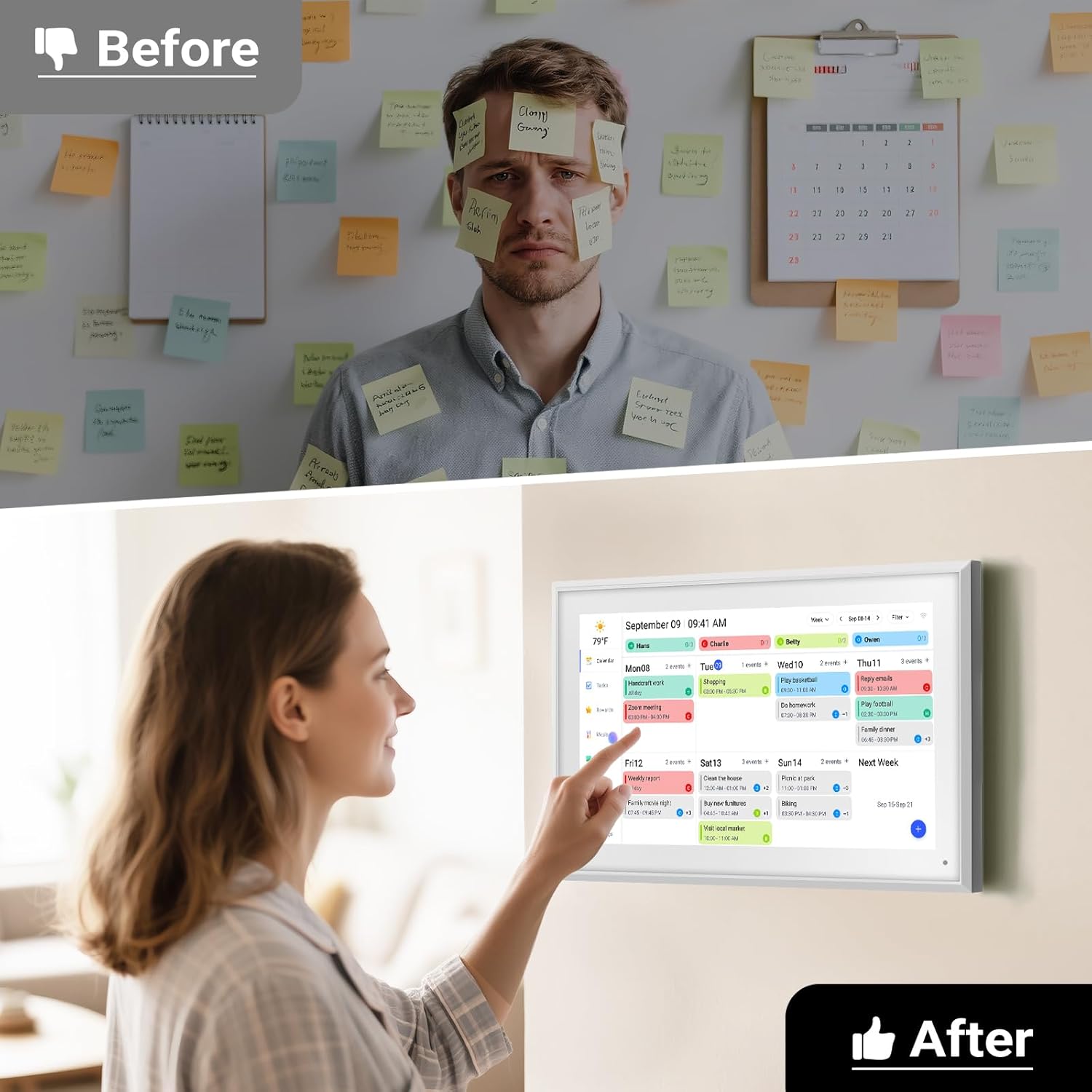

[All-In-One Smart Family Calendar] BOCT digital frame effortlessly organizes and tracks each family member's schedule with the 15.6" FHD touchscreen. Assign different colors and tasks to each family member making family scheduling simpler and more intuitive.
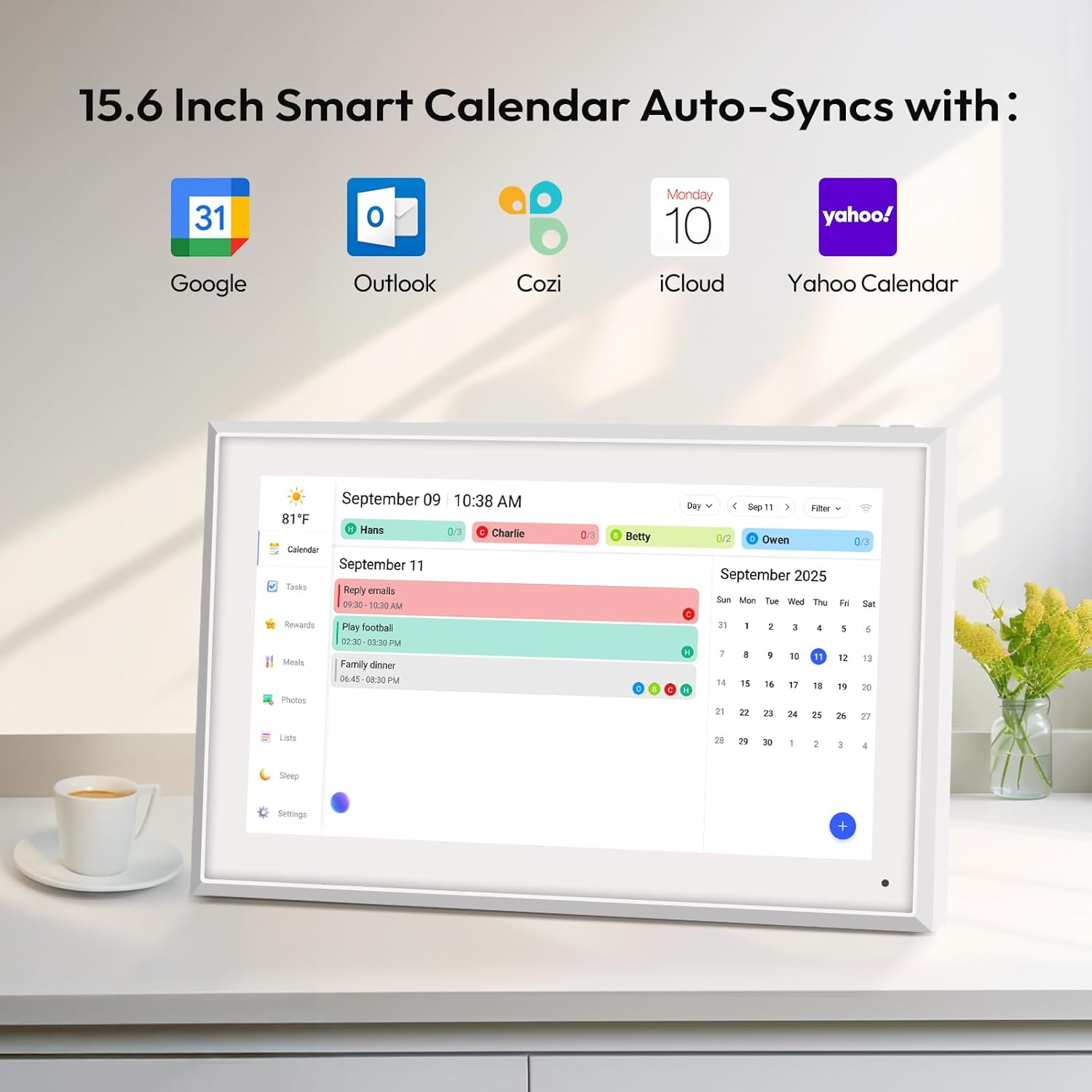
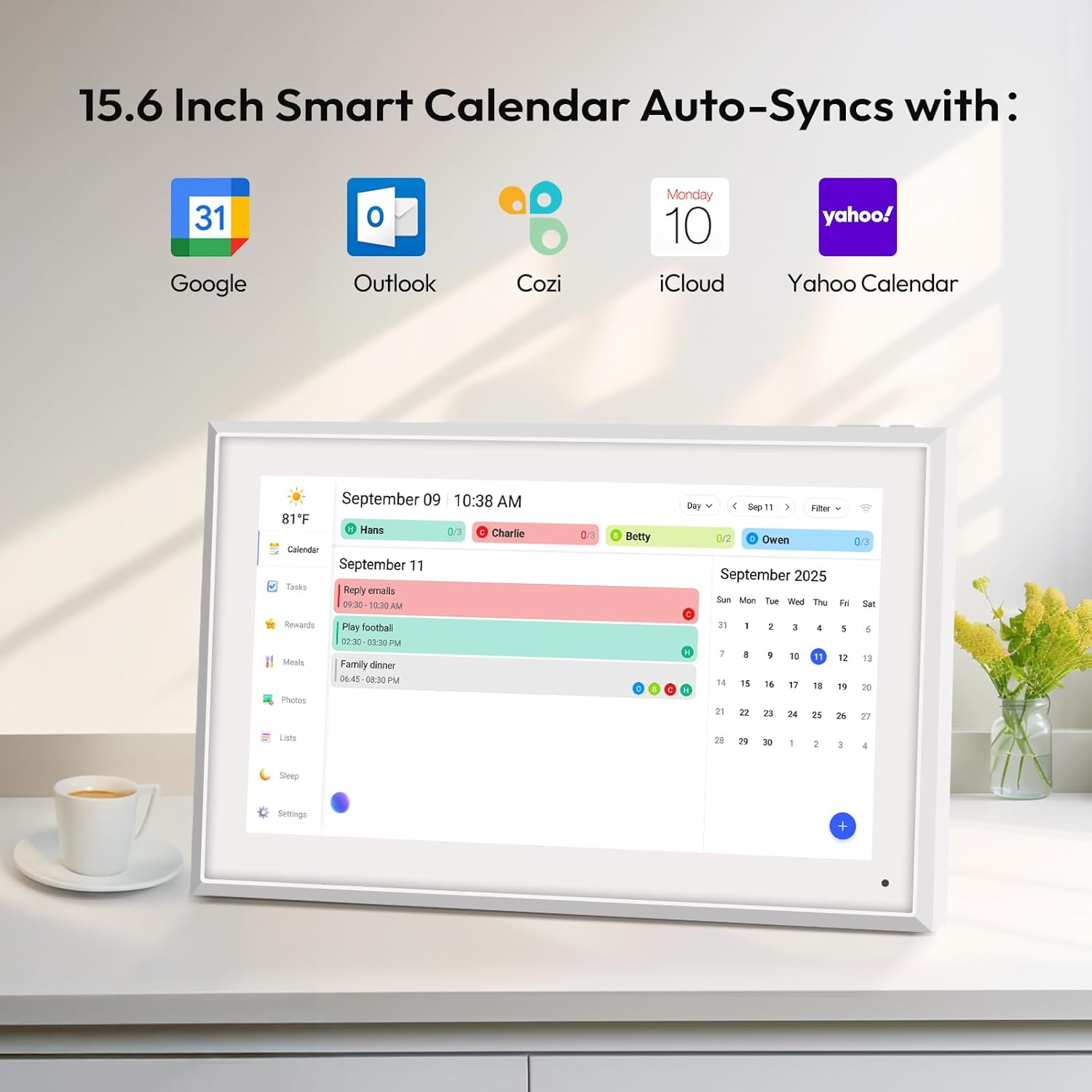
[Easy Setup and Auto-Sync] Enjoy a user-friendly design and our smart wall planner allows for quick setup - plug in connect to Wi-Fi and link your calendar to the Mobile App. Once synced it seamlessly integrates multiple personal calendars. Compatible with iCloud Calendar Google Calendar Outlook Calendar Cozi and Yahoo enabling seamless management and sharing of your schedule across all your devices.
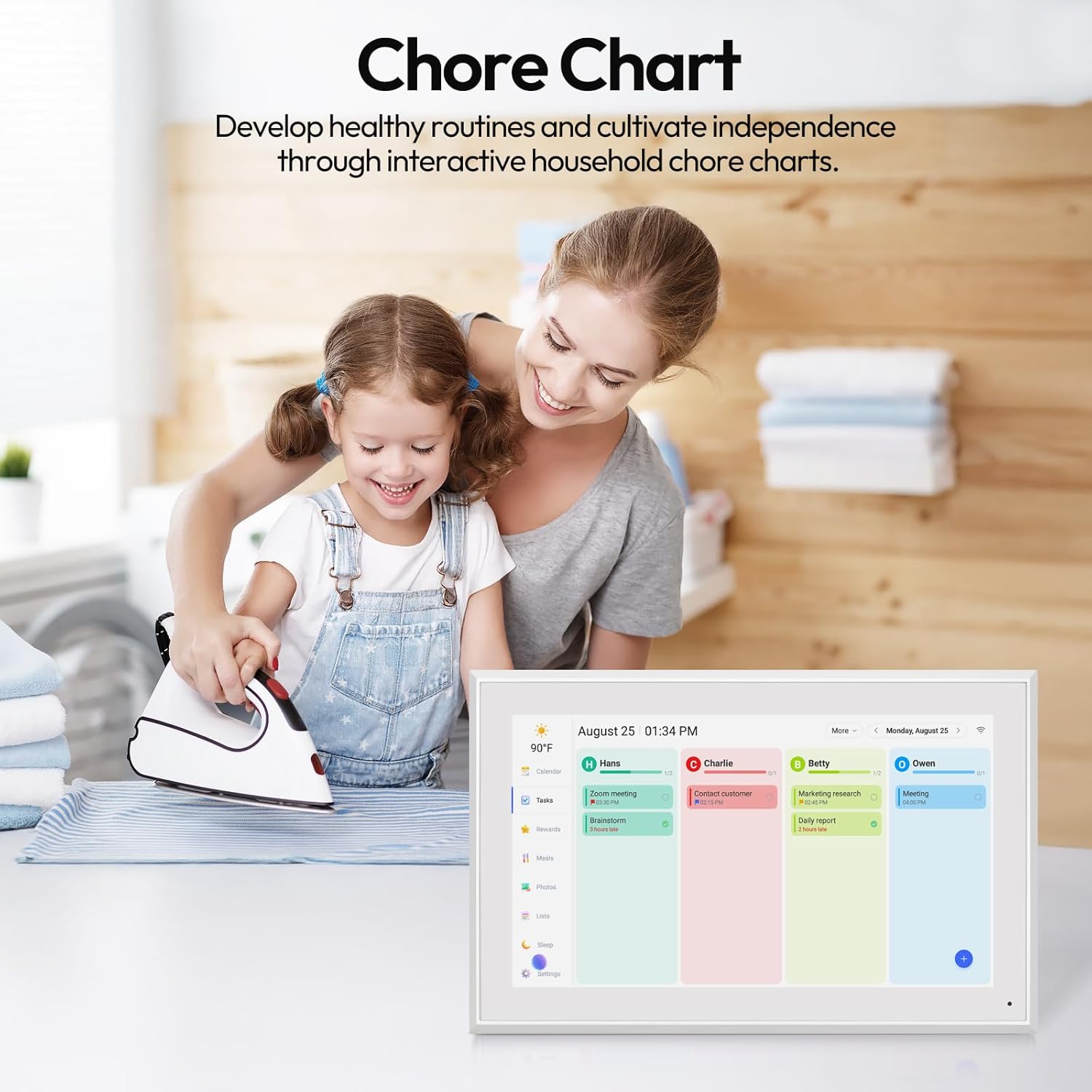
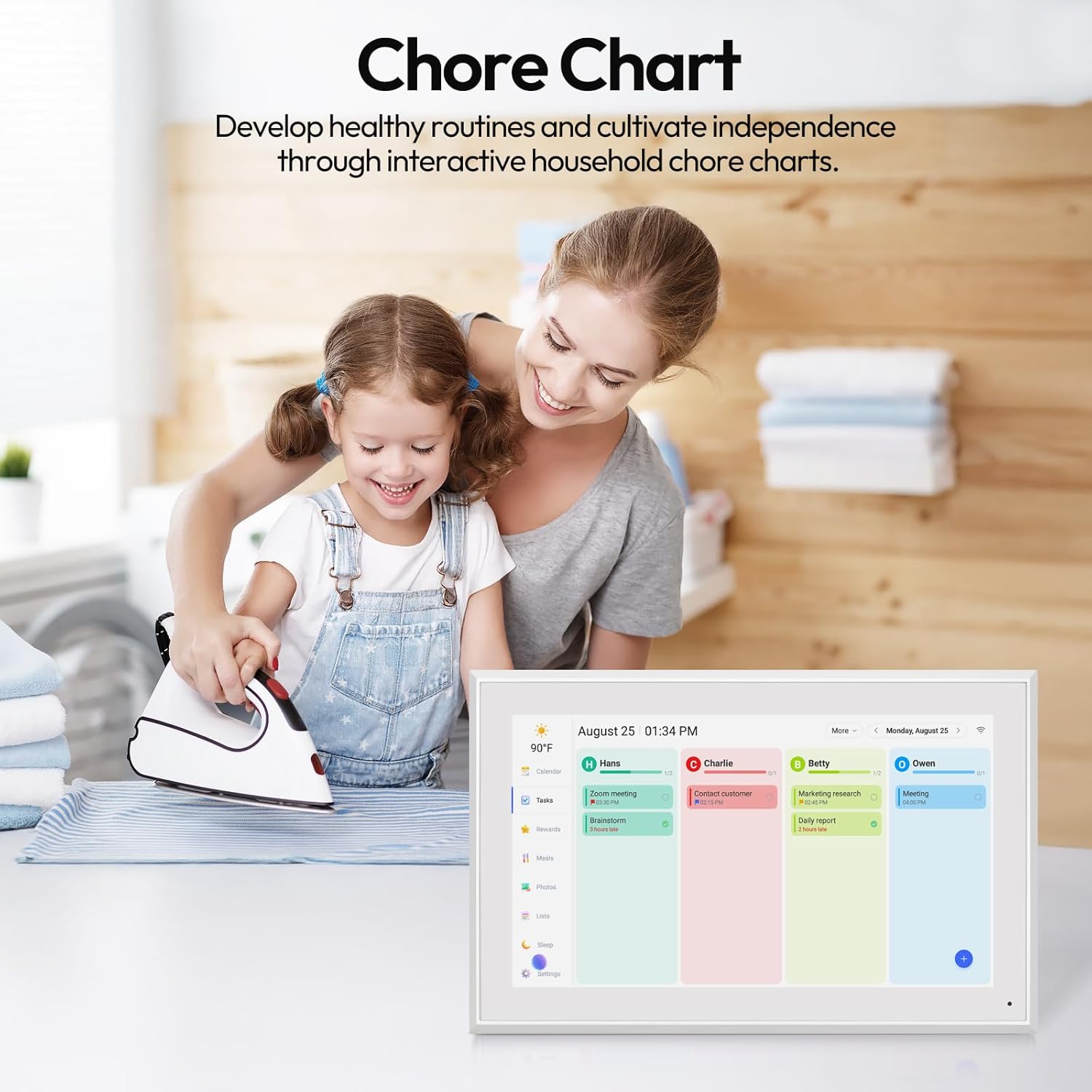
[Interactive Chores Chart & Dinner Planner] Our digital calendar keeps housework organized and motivates family members especially children to develop healthy habits with an interactive chore chart. Display your family dinner plans to keep everyone informed and eliminate the daily "What's for dinner?" question.
[Manage from Anywhere] Stay connected with the powerful eCalendar App. Access and manage your calendar on the go with free features like a photo frame chore chart dinner plan grocery list and more. All these are free functions.
Why BOCT Offers a 3 years Warr-anty
At BOCT our 3 years warr-anty isnt just a policyits a bold statement of unshakeable confidence in our products and an uncompromising commitment to your satisfaction.
How to set up the eCalendar?
(1) Turn on your eCalendar select language connect to WIFI and choose the time zone and city. (2) You'll need the free eCalendar app on mobile. Download the app and get started.
How to set and bind your phone
step1Turn on your eCalendar select language connect to wifi step2choose the time zone and city then enter your 6-digit activation code to get started
How to set up the eCalendar reminder?
Click Settings >> calendar >> Reminders to automatically remind you when the time comes.
BOCT 15.6'' Digital Calendar Wall
What is the after-sales policy of the product?
Why BOCT Offers a 3 years Warr-anty
How to set up the eCalendar?
How to set and bind your phone
How to set up the eCalendar reminder?

You have successfully commented, please wait for review
Copied Successfully
You can enjoy up to 1 free gift!