What are you looking for?
Search

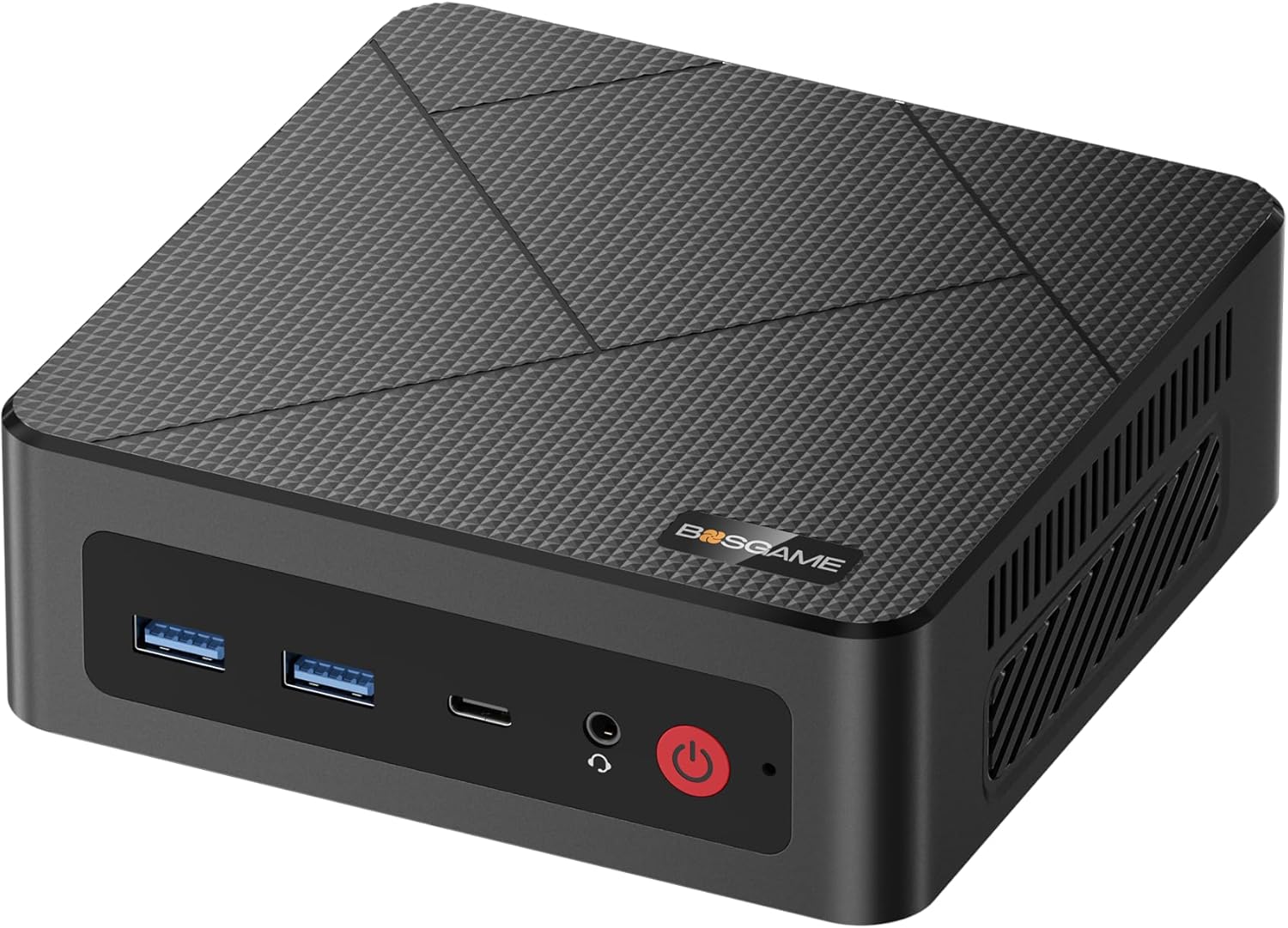
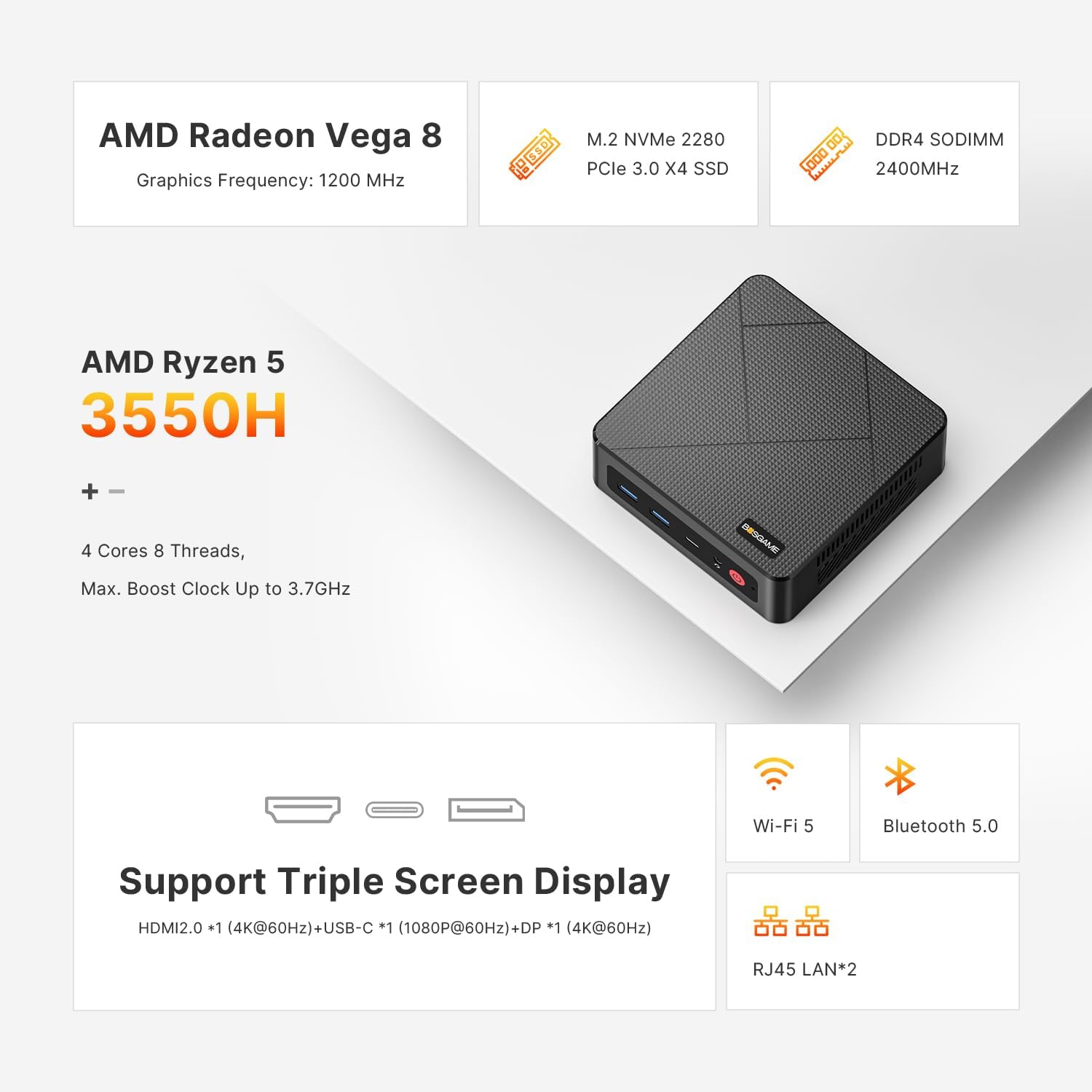
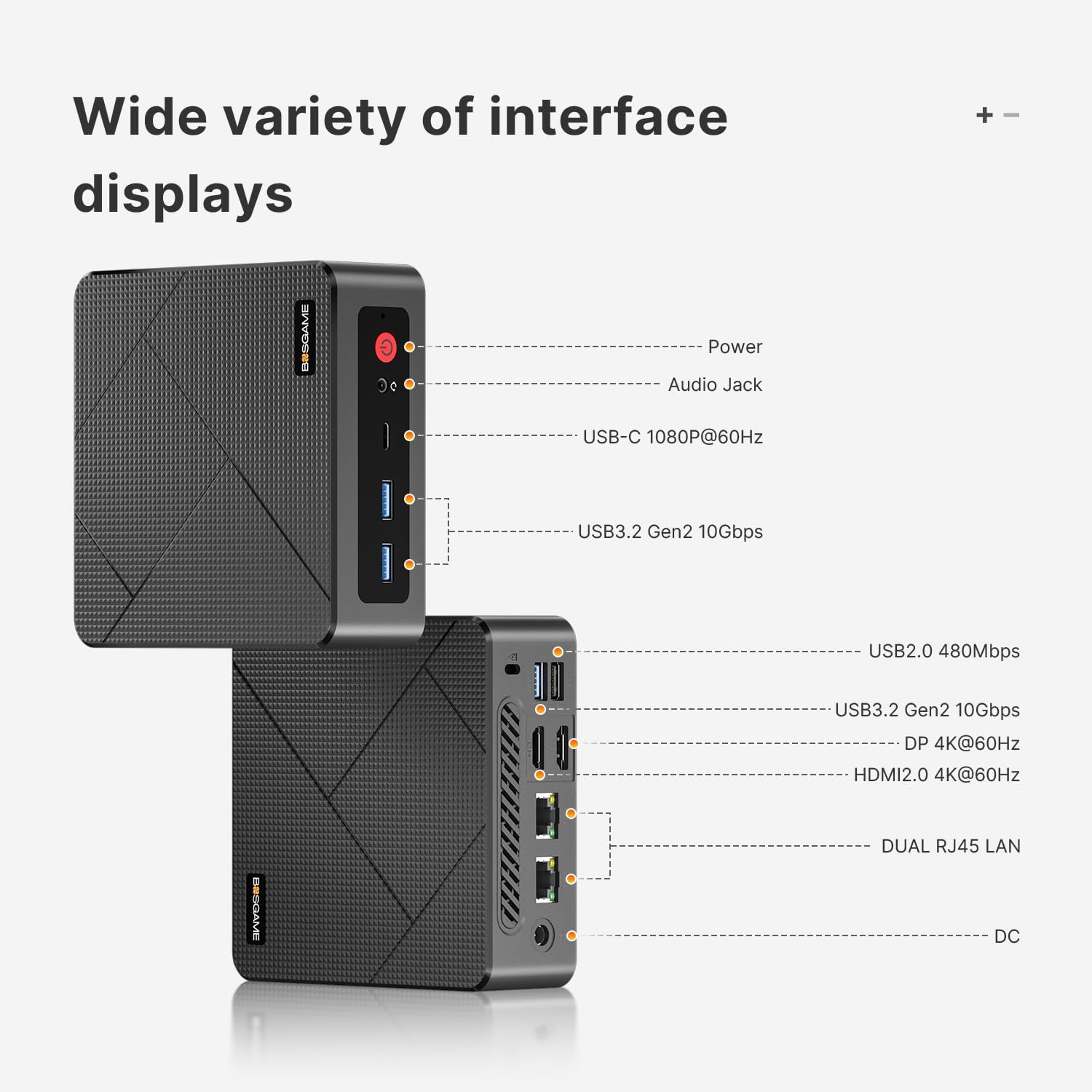
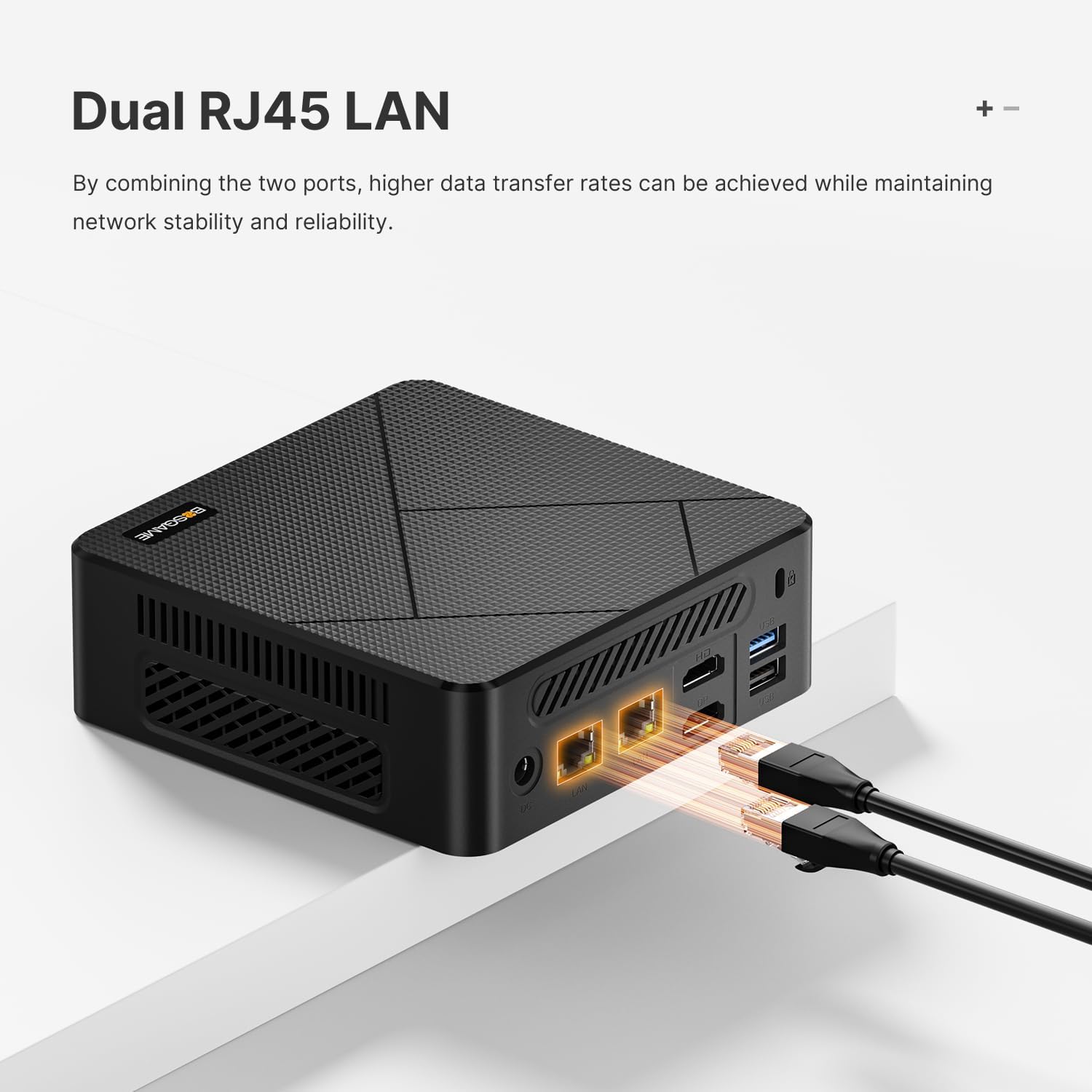

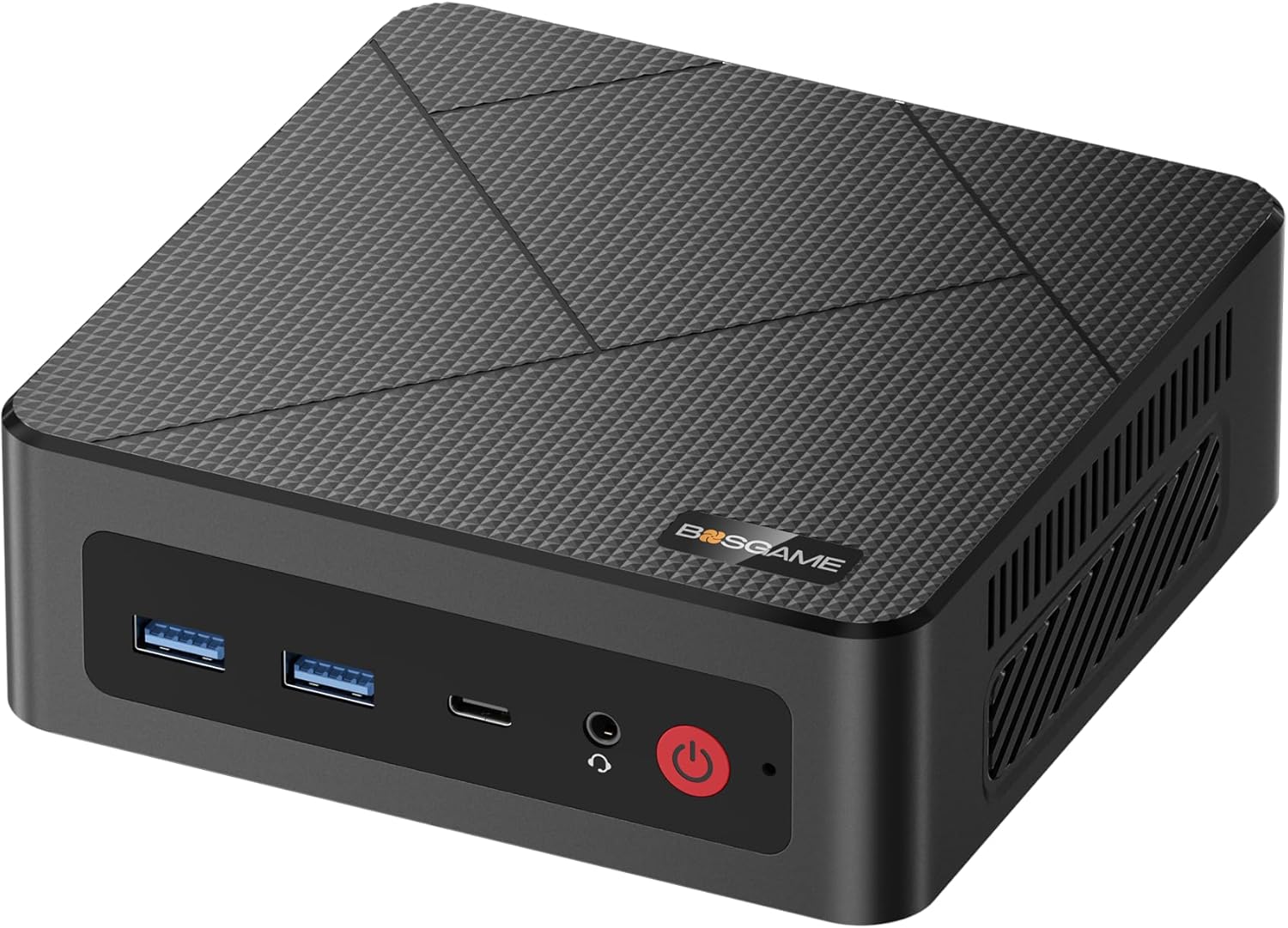
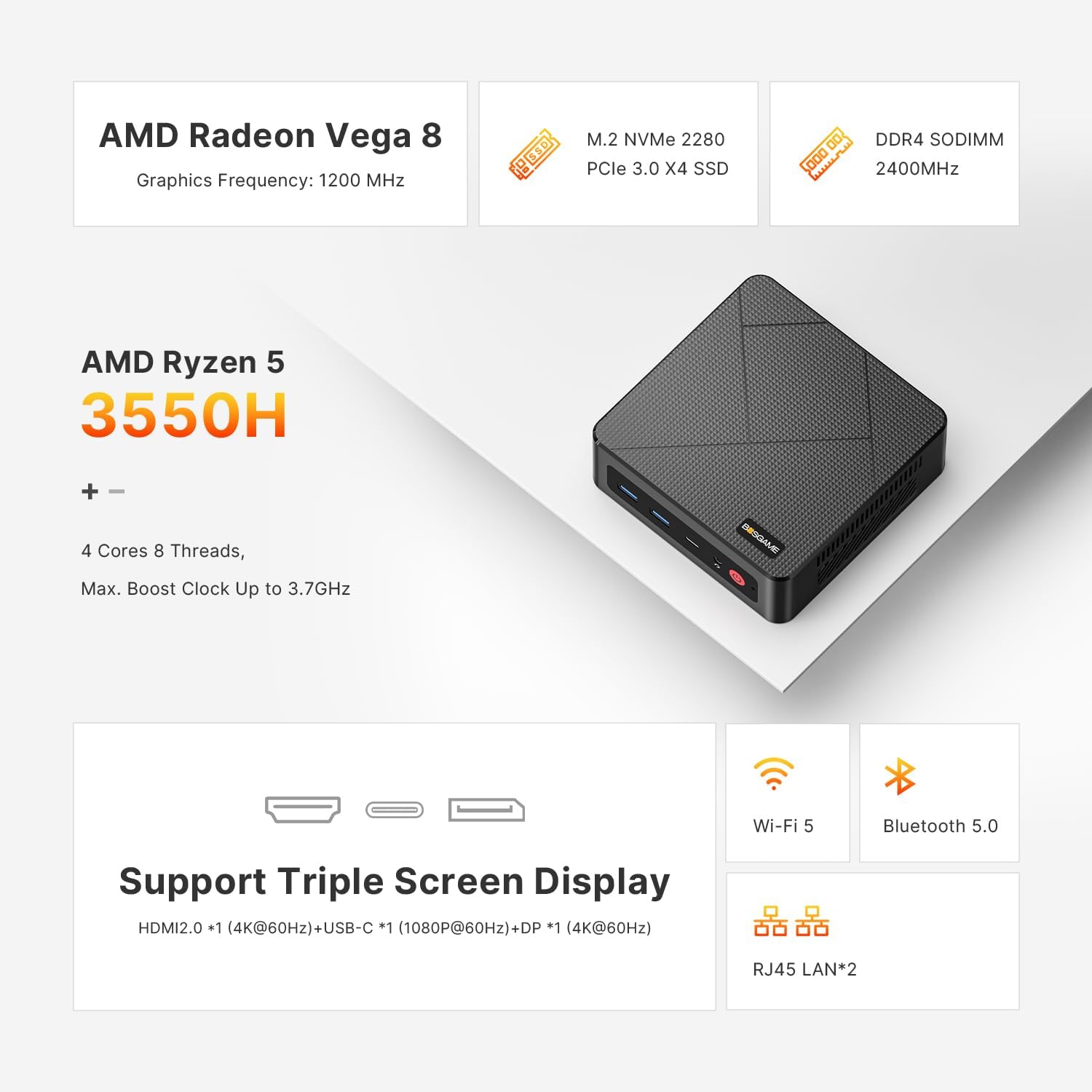
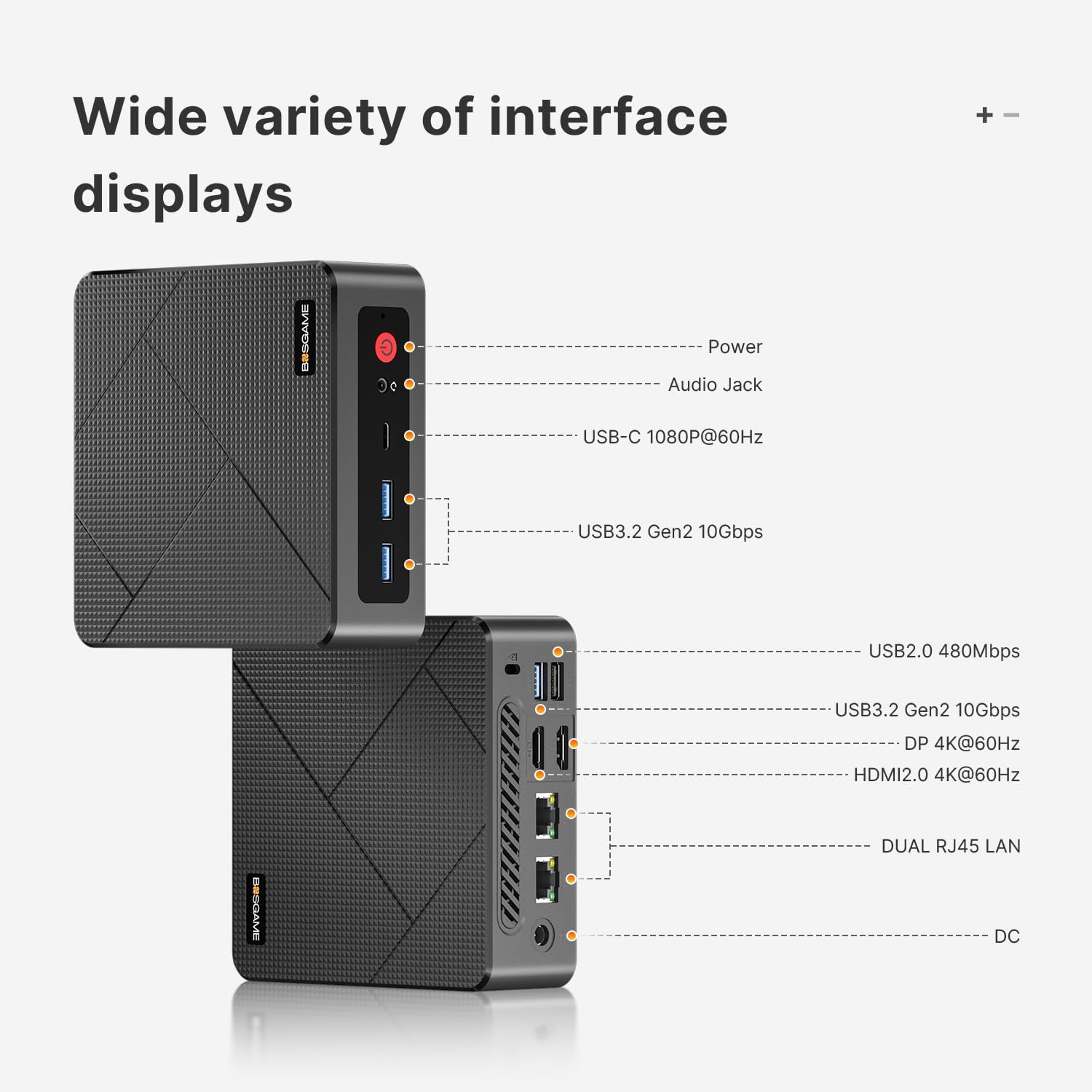
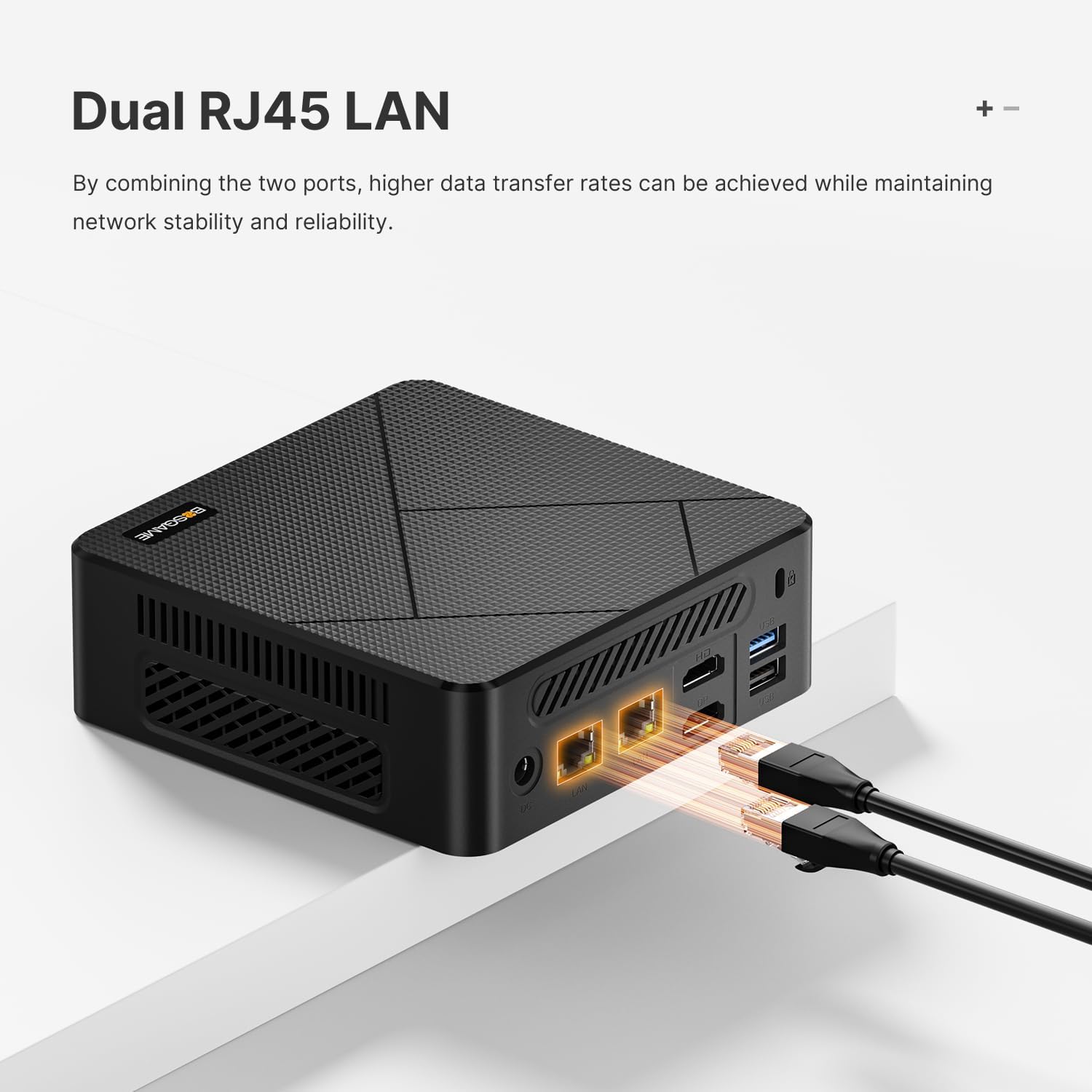


Dual Ethernet Speed Boost: Ryzen 5 3550H desktop computers E4 armed with dual RJ45 Ethernet portsdelivering 2Gbps total bandwidth for blistering wired speeds. Whether youre editing 4K videos or building a Home Lab/NAS Firewall Server this palm-sized PC dominate lag buffering and slow transfers
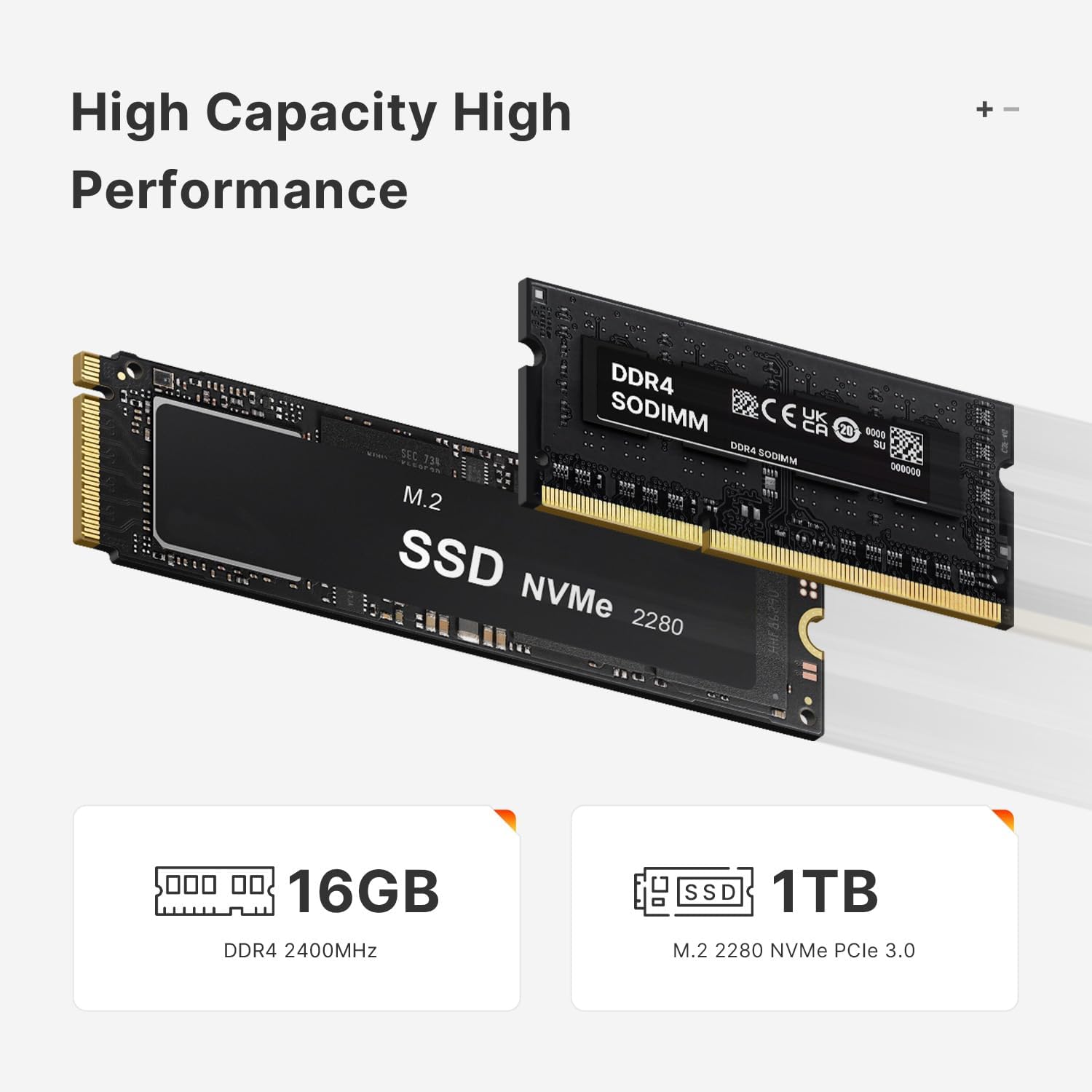
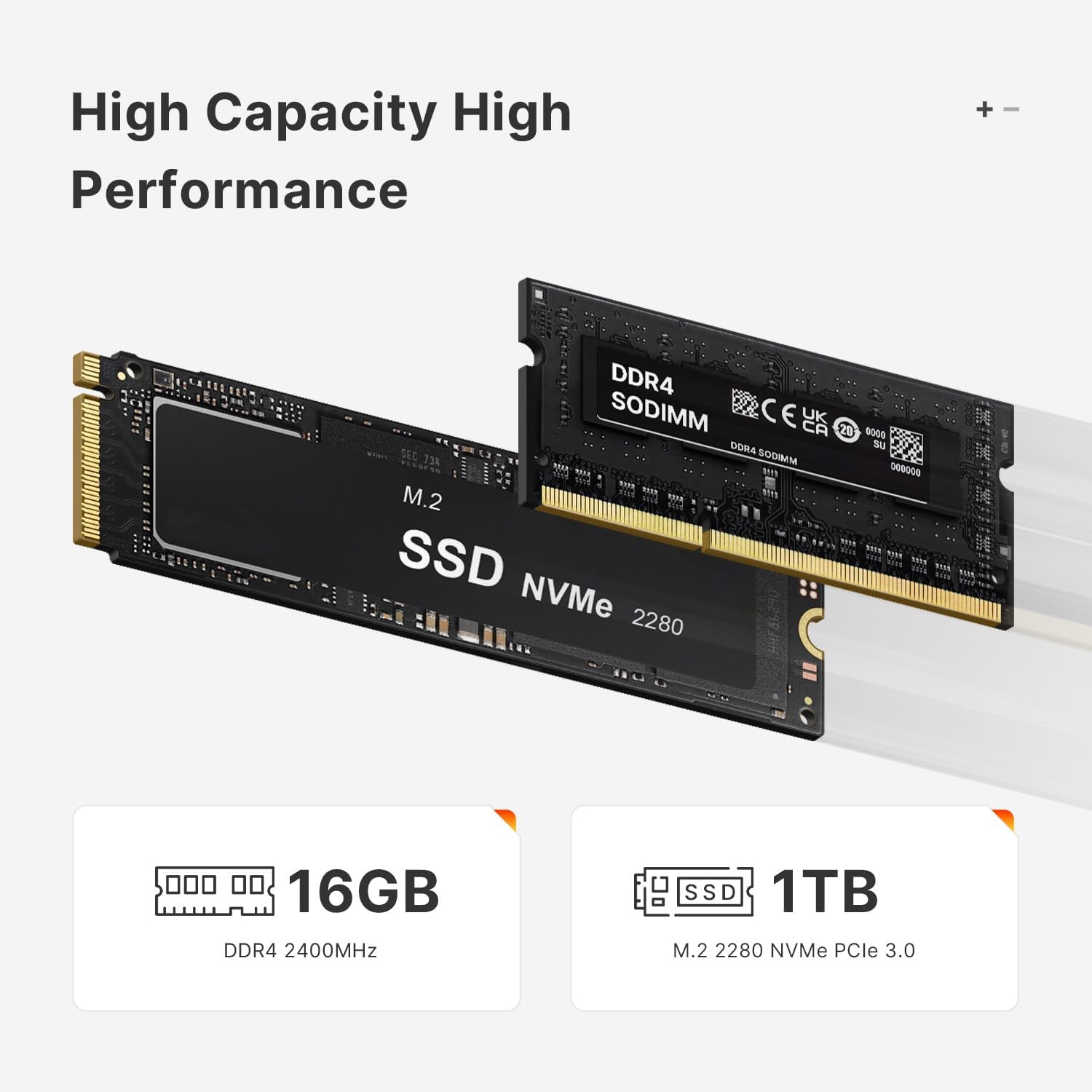
16GB DDR4 RAM 1TB NVMe SSD: The mini computers E4 standard with 1x 16GB SO-DIMM DDR4 RAM Dual-channel RAM support (up to 2400MHz) lets you boost to 32GB later for even faster multitasking. The 1TB M.2 NVMe PCIE 3.0 X4 SSD capacity allows to switch back and forth more applications smoothly
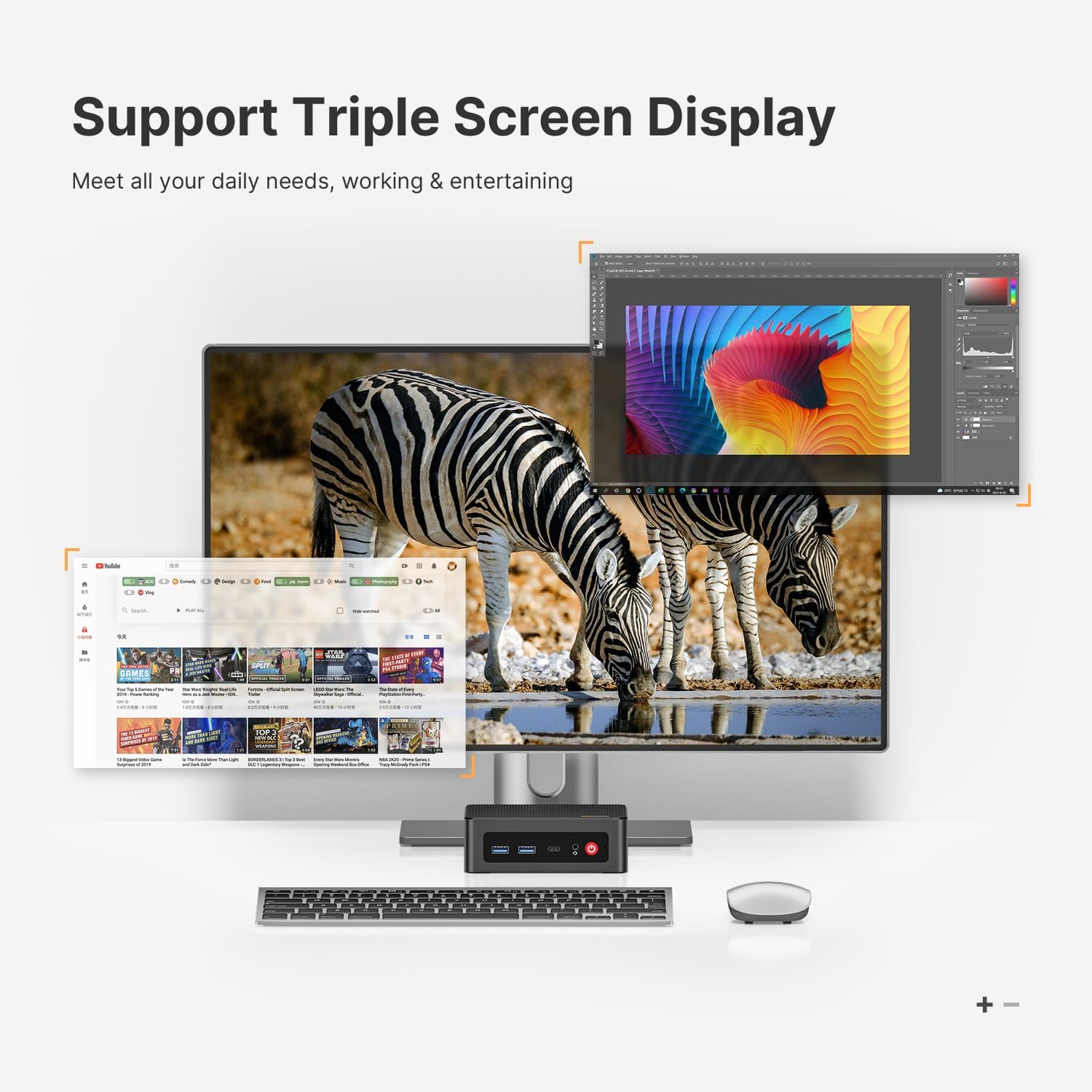
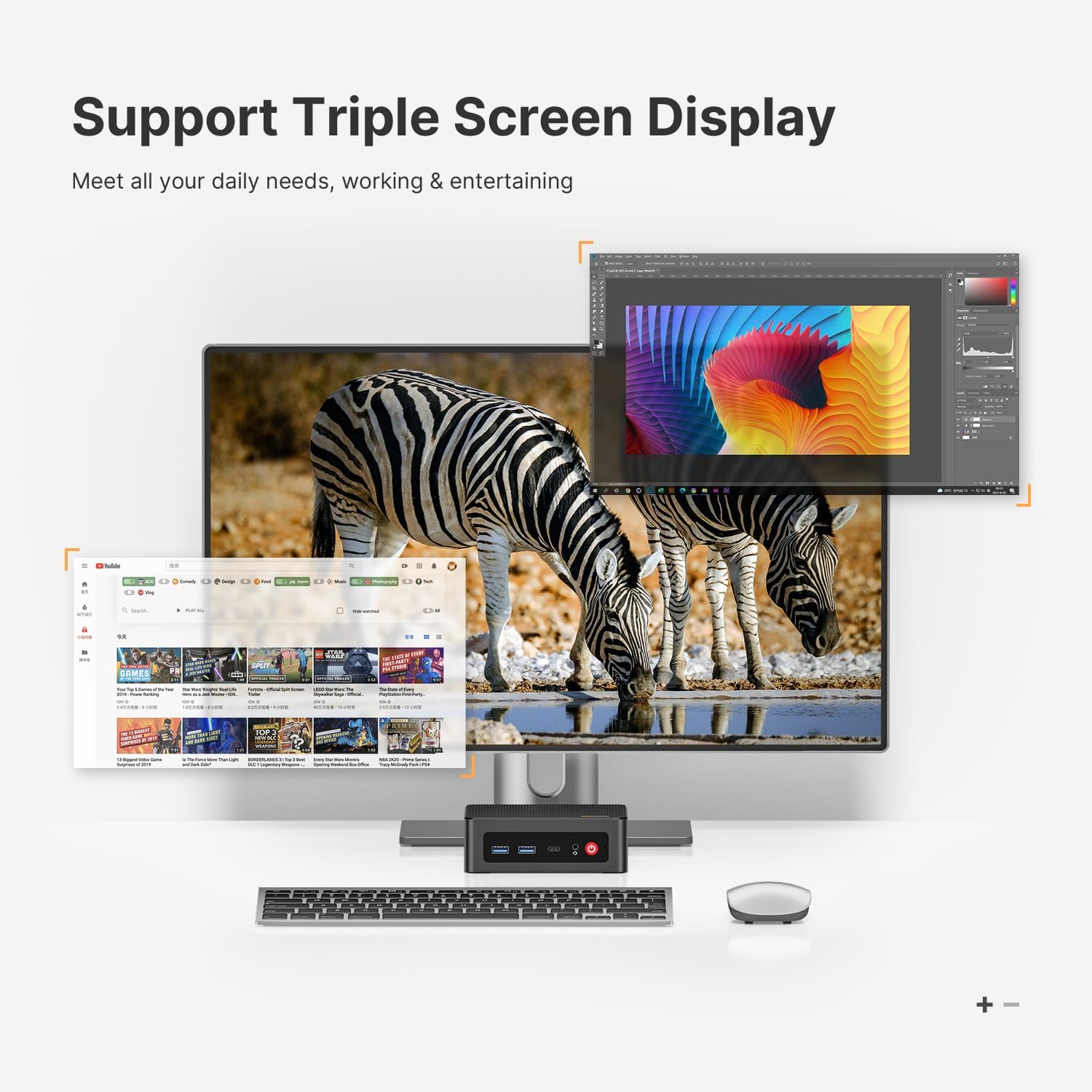
Triple-Screen Powerhouse: Unlock seamless 4K multitasking with the Ryzen 5 3550H Mini Desktop Computerseffortlessly drive three displays (1USB-C + 1HDMI 2.0+1xDisplayport) for Workflow Domination like spreadsheets + video calls + research all in crisp 4K. Enjoy Cinematic Binge Watching and Eye Comfort Matters. Stream movies with true-to-life detail (no blur no lag) at home in your free time
Flexible OS & 1-Year Warranty E4 mini office PC supports Linux and Ubuntu allowing you to choose the OS that best fits your needs. 1-year limited warranty covering design and workmanship defects along with dedicated aftersales support you can enjoy your mini PC with complete peace of mind.
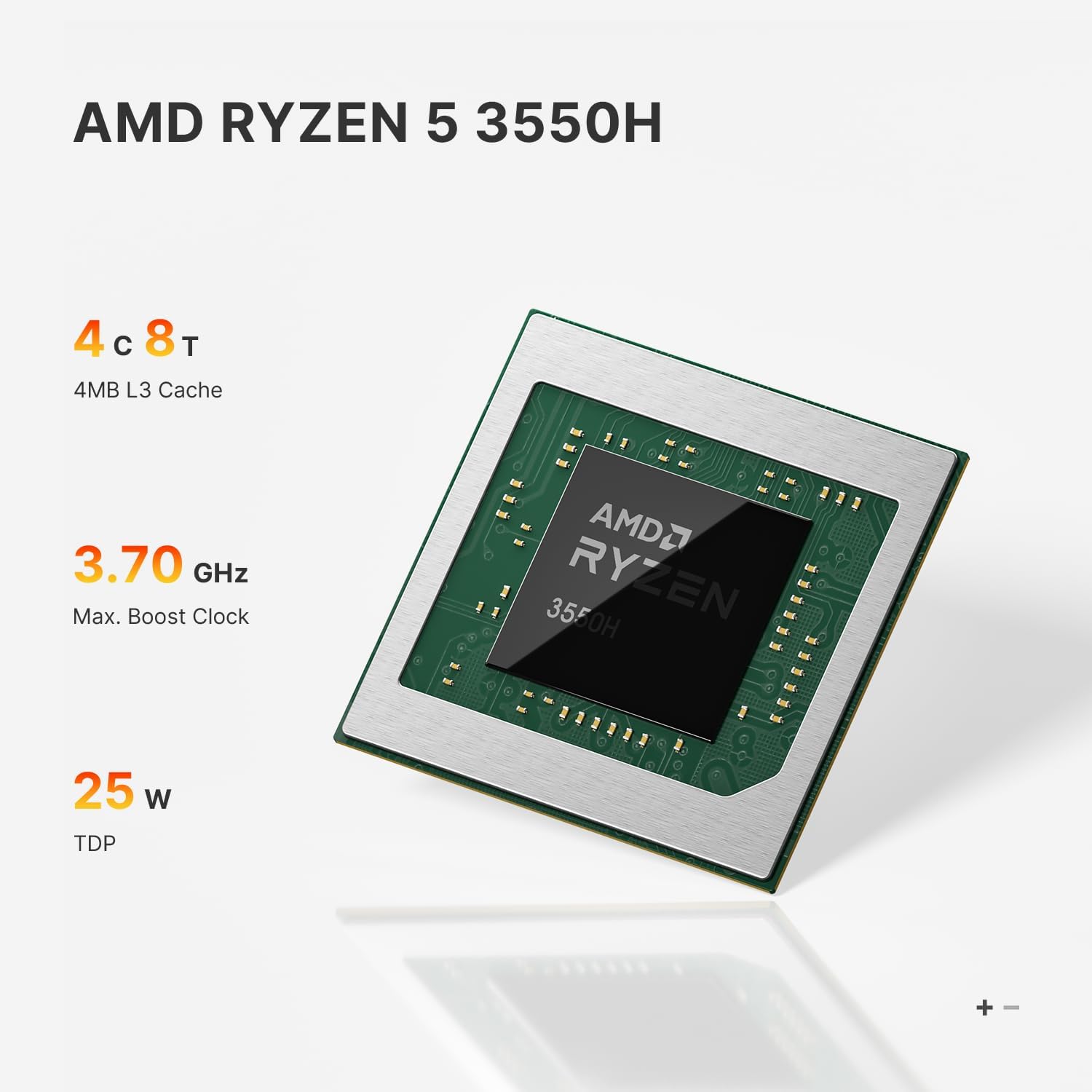
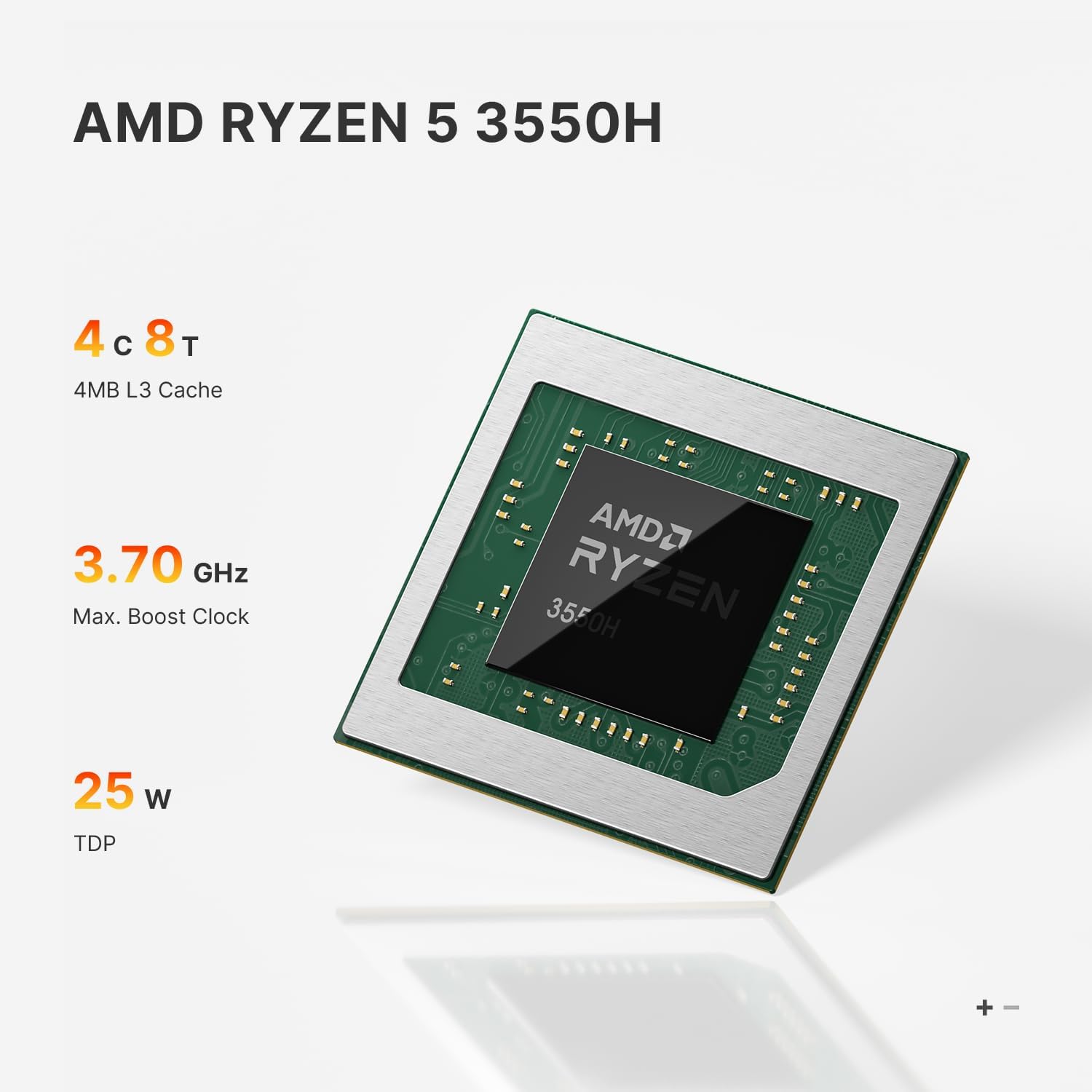
1Ryzen 5 3550H CPU216GB DDR4 1TB NVME SSD3Easy Expansion4Three-screen Display5Unique Silent Design
What should I do if the machine cannot start after the system update?
If the computer cannot start after the system update please visit the SUPPORT_PAGE of the brand official web site download the driver file of the mini computer E4 model and reinstall the drivers.
How should I install new memory?
Please use a screwdriver to open the bottom cover of the E4 mini computer find the memory location and install the new memory.
Newest Edition AMD Ryzen 5 3550H Dual LAN Mini PC 16GB DDR4 & 1TB M.2 NVMe SSD
Dual LAN Ryzen 5 3550H Office Mini PC
Details Parameter information of E4 Mini PC
Mini Desktop Computers Easy to Cope with Daily Needs
Is the operating system installed in Mini PC E4 ?
What should I do if the machine cannot start after the system update?
How should I install new memory?

You have successfully commented, please wait for review
Copied Successfully
You can enjoy up to 1 free gift!