What are you looking for?
Search

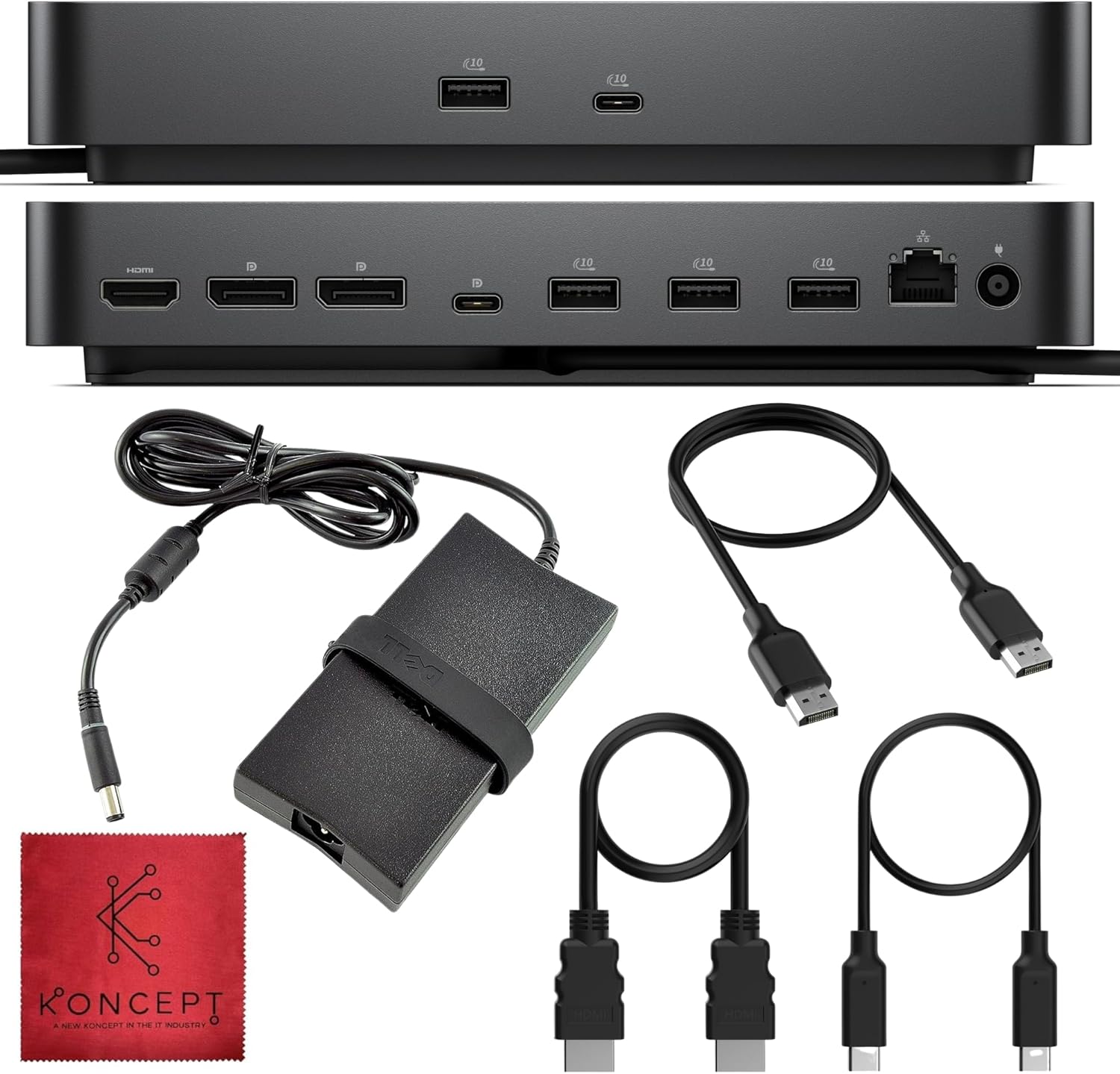
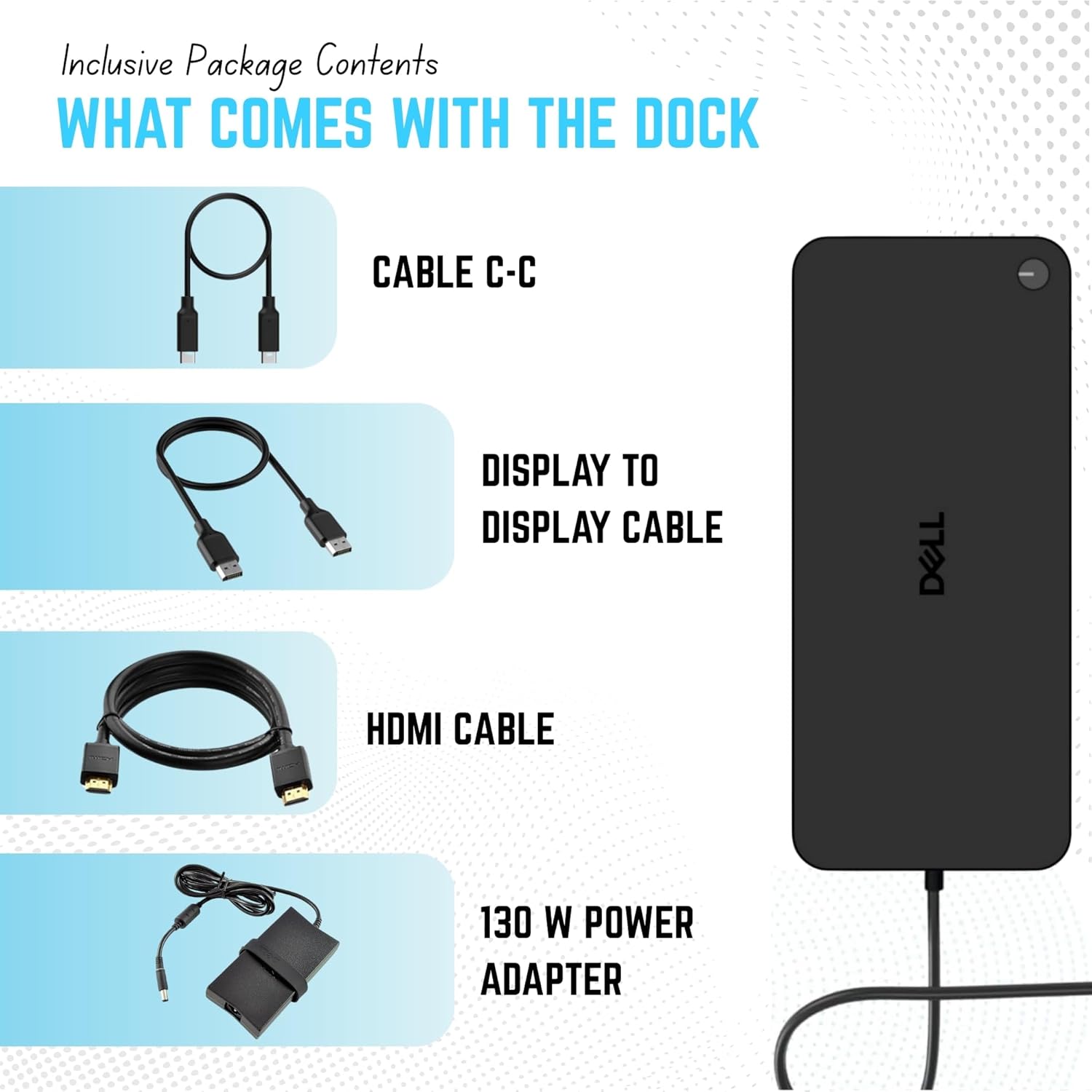
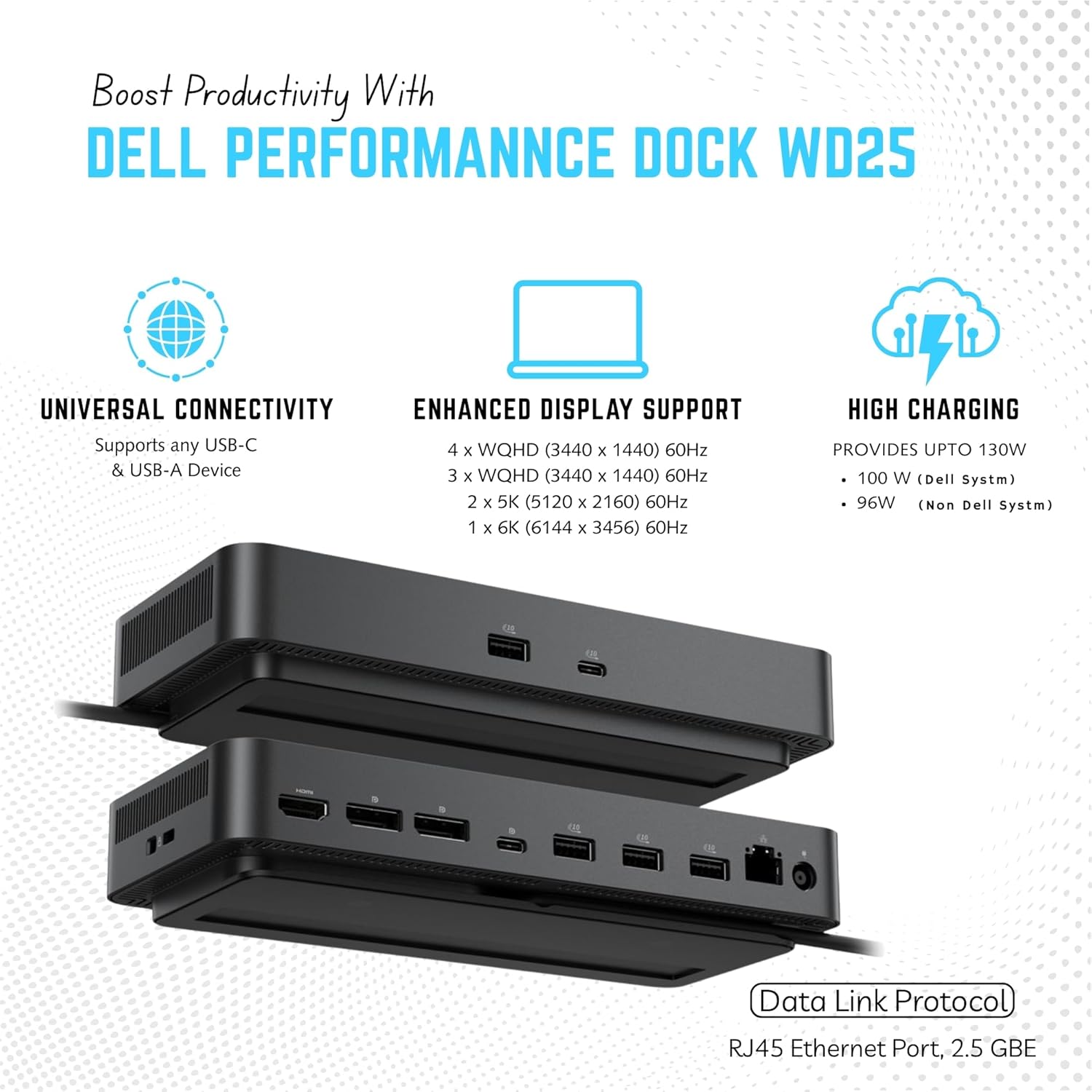
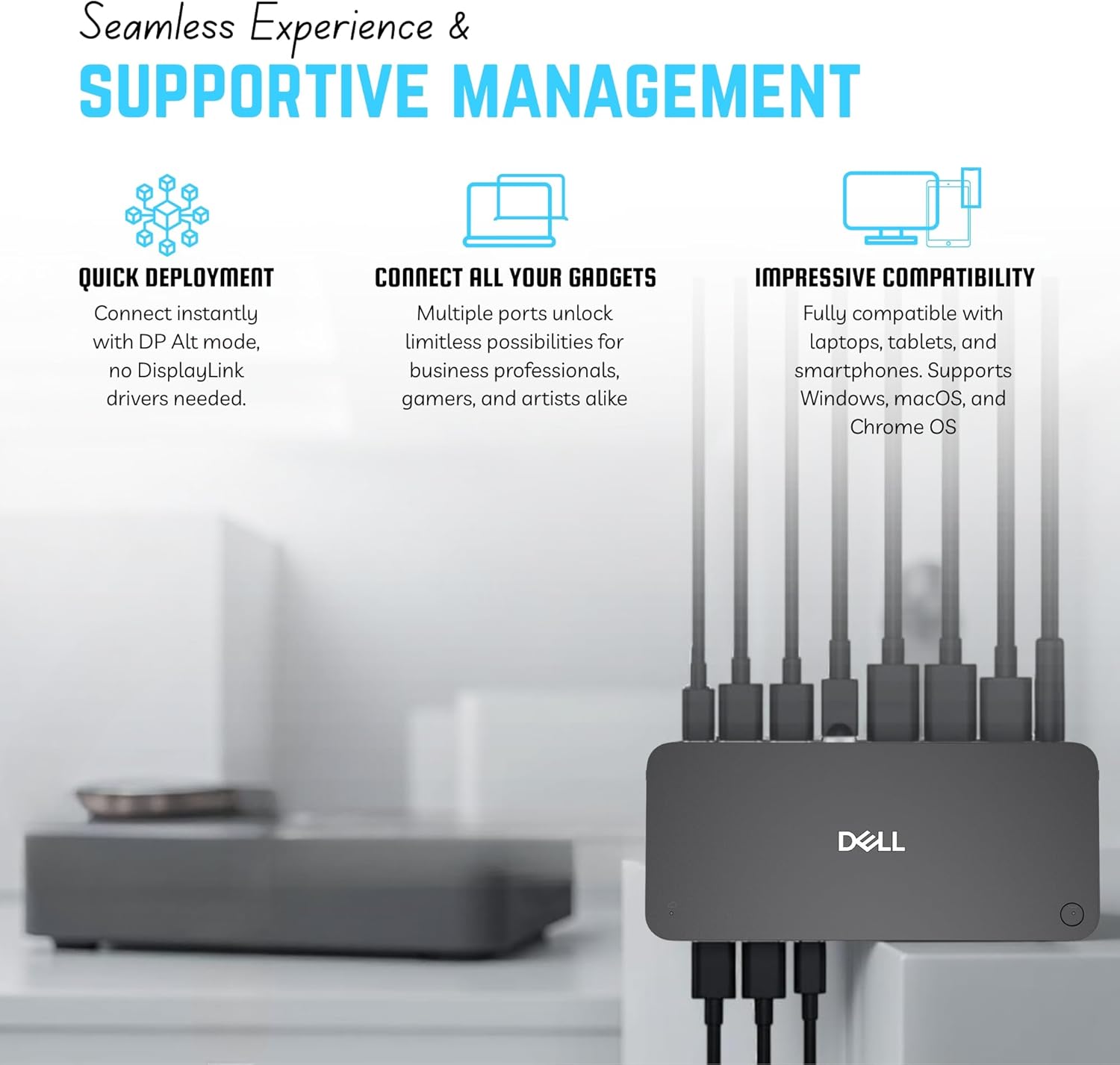


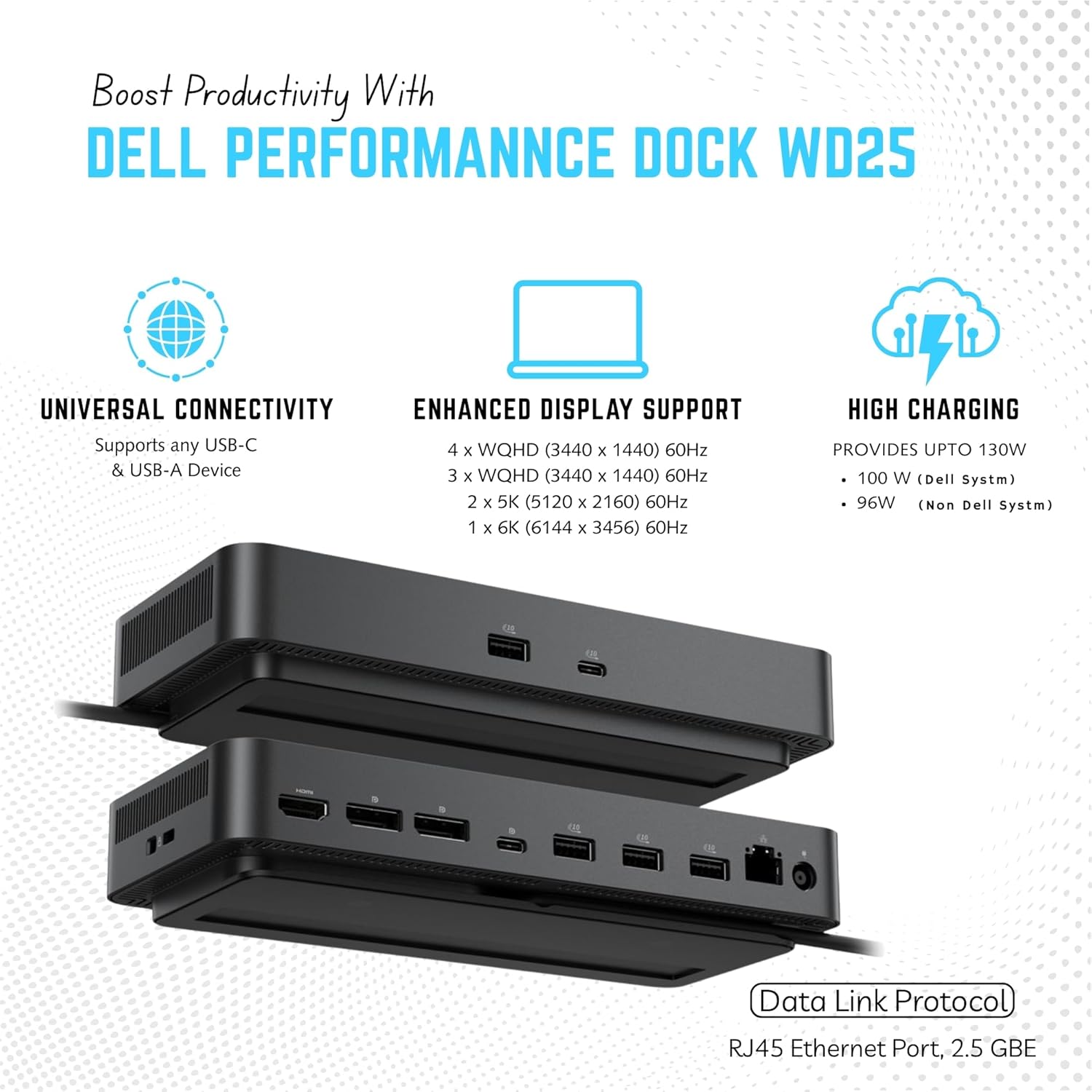



[Powerful Charging Performance] - Supports up to 100W power delivery for Dell laptops and 96W for other USB-C devices
[Ultra Fast Networking] - Stay connected with the built-in 2.5GbE Ethernet port offering faster more stable and secure wired internet connections compared to standard Gigabit ports.
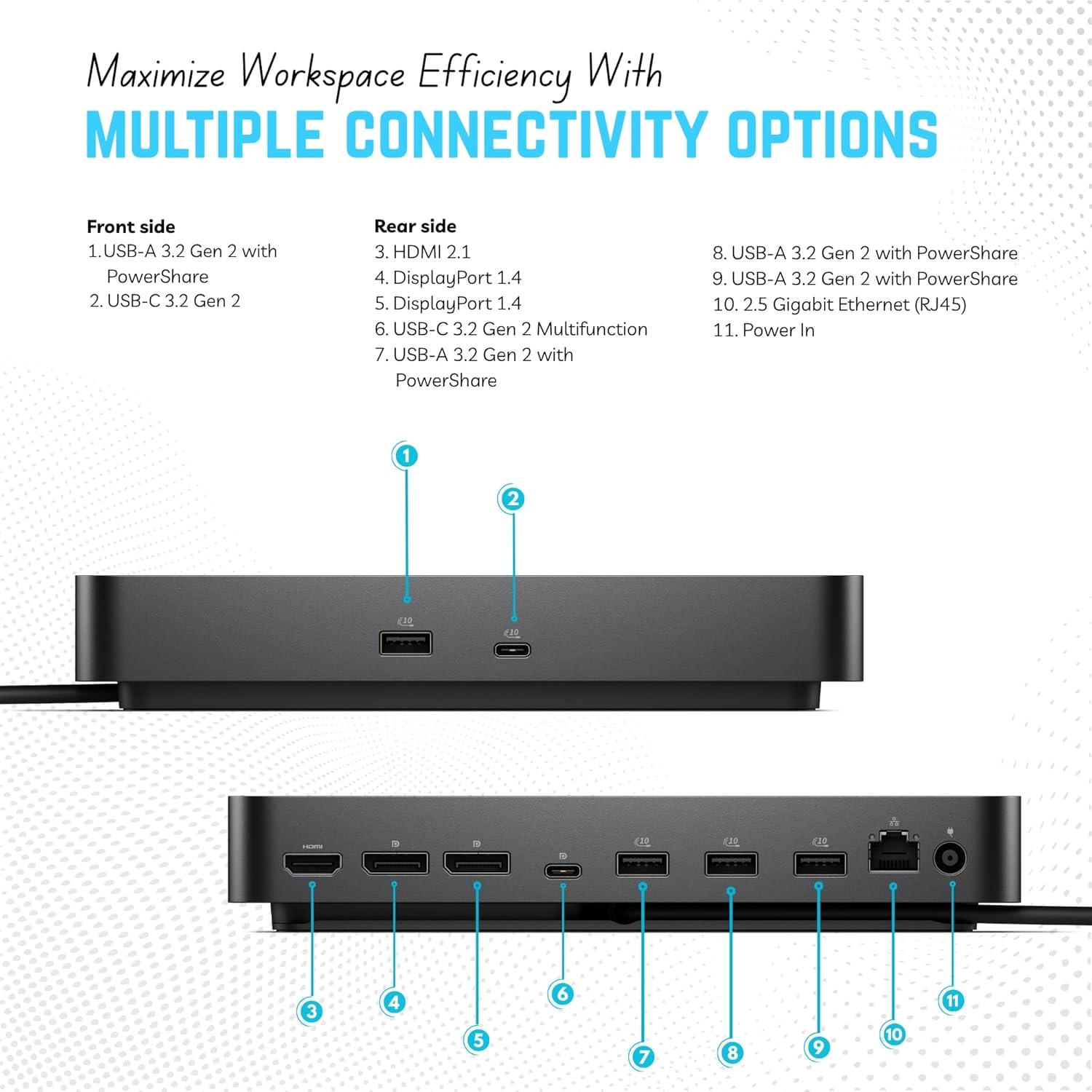
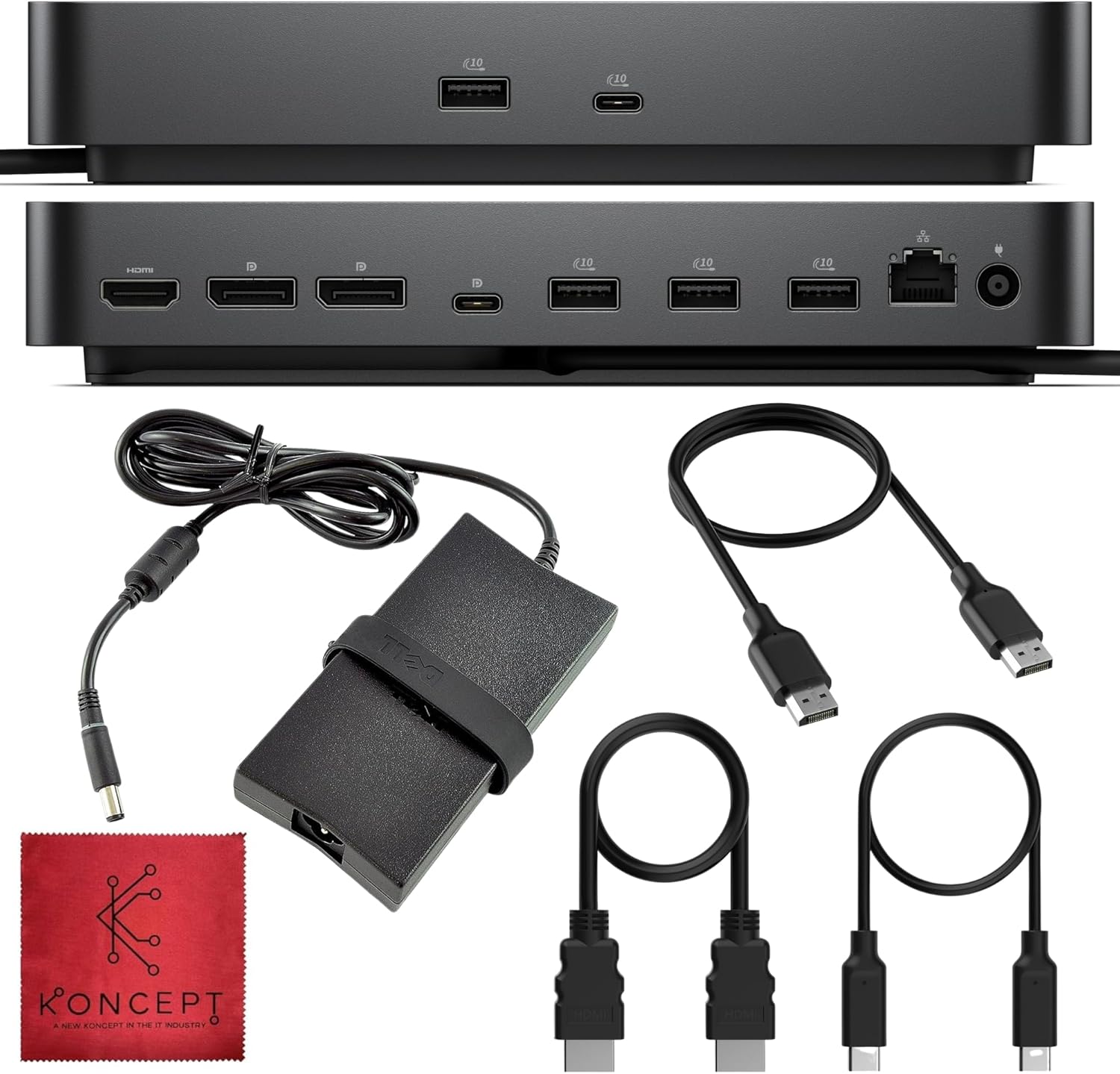
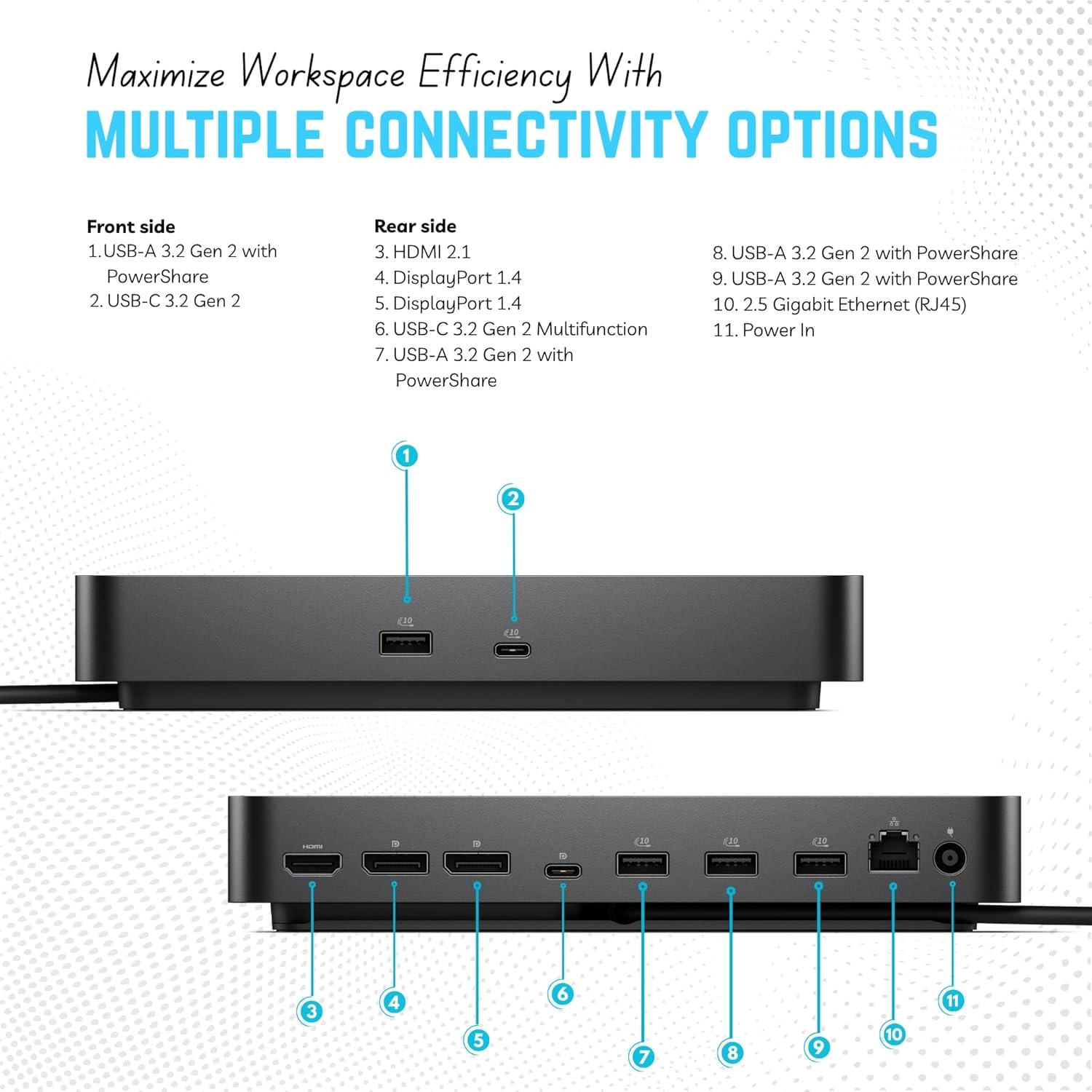
[Multi-Port USB Hub] - Includes 4 x USB-A 3.2 Gen 2 ports and 1 x USB-C 3.2 Gen 2 for fast data transfer and powering peripherals.
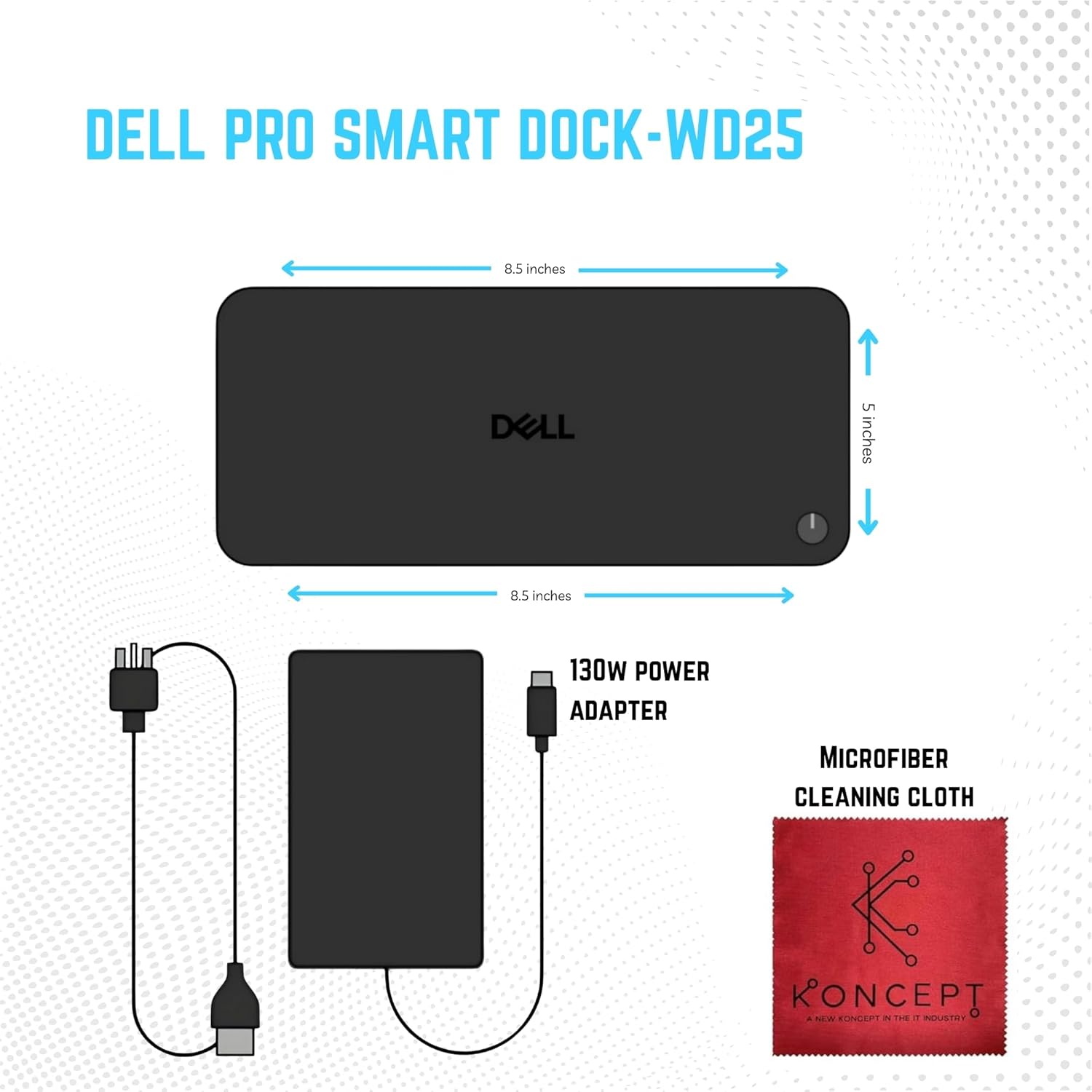
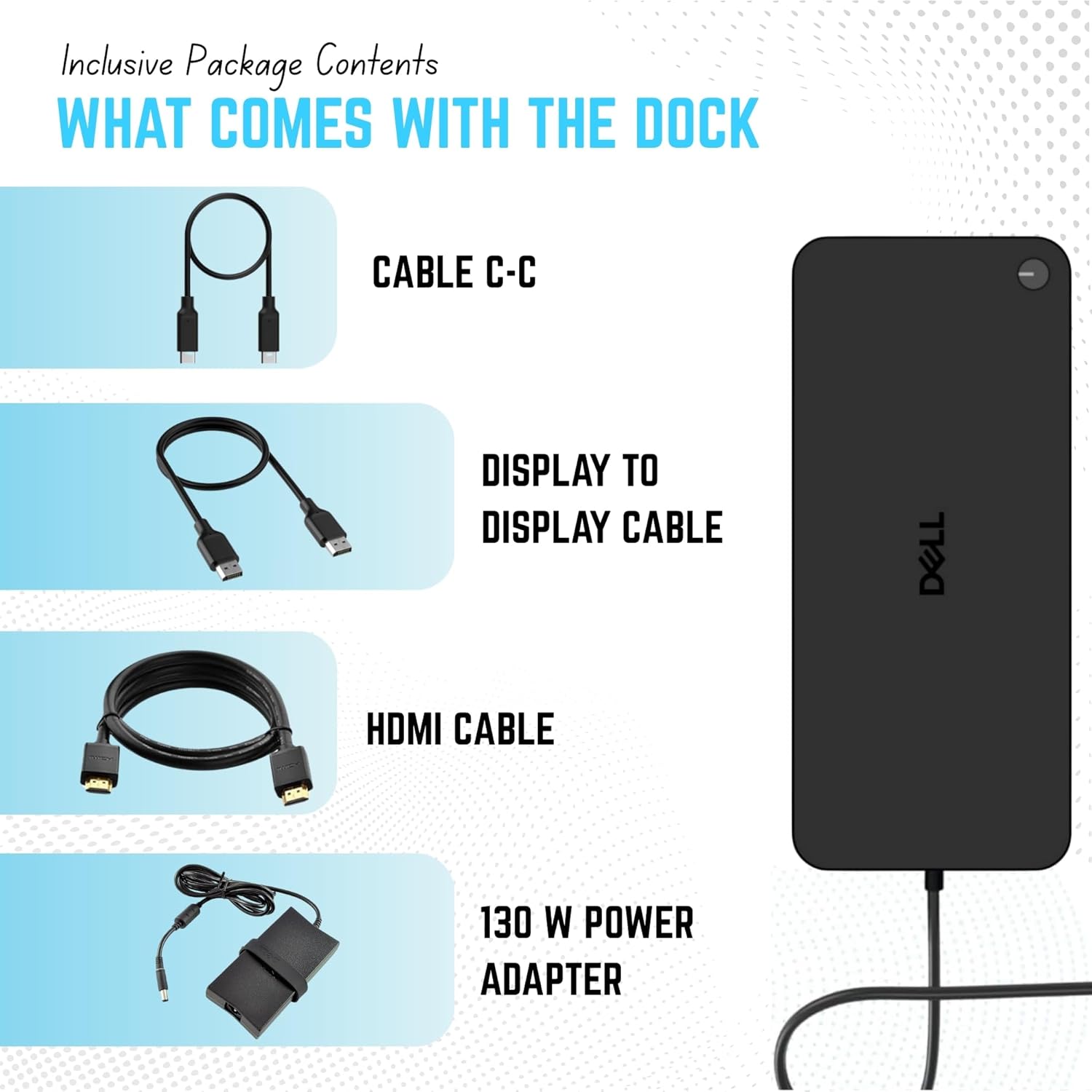
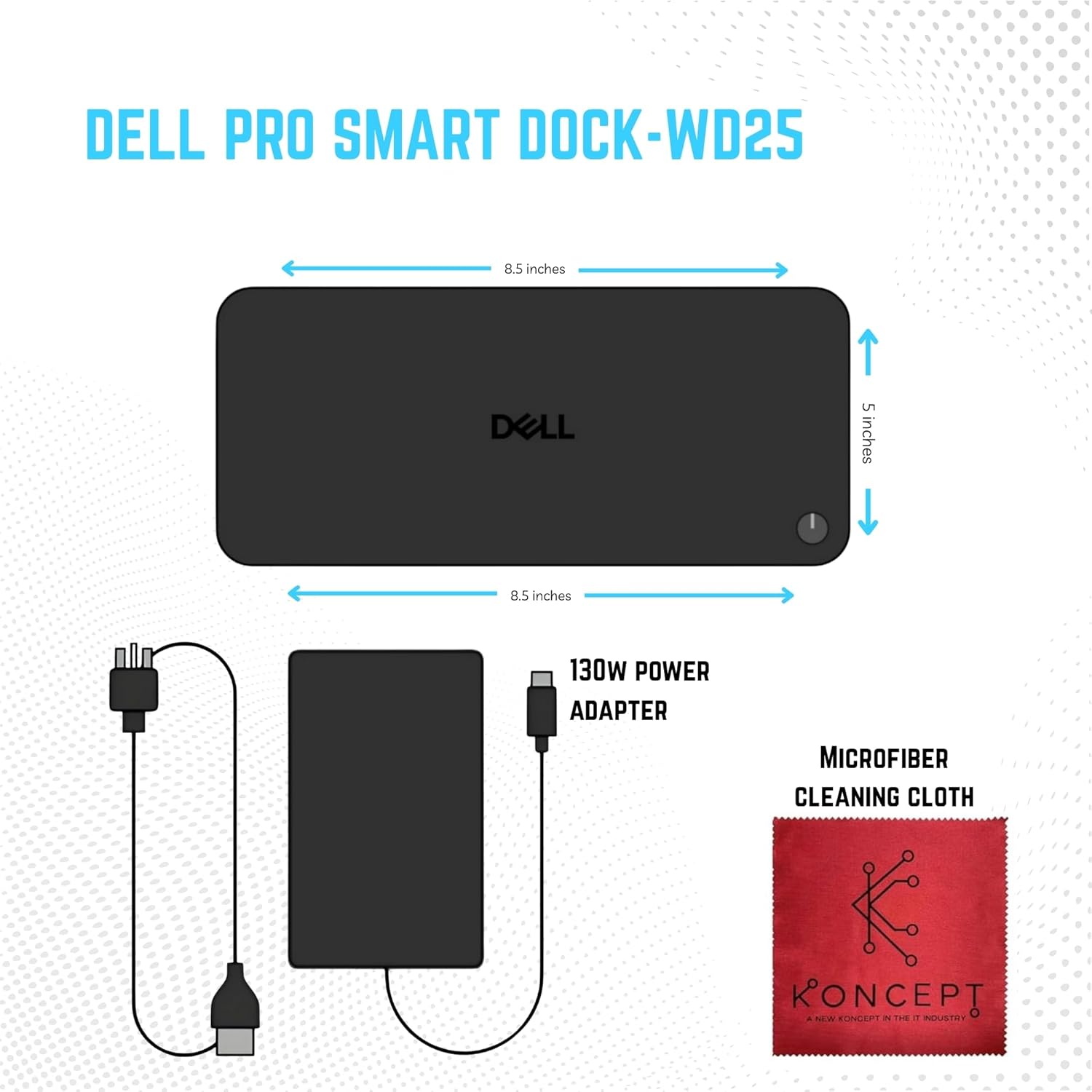
ModelWD 25Video portsOne USB 3.2 Gen2 (10 Gbps) Type-C with DisplayPort 1.4 Alt Mode (MFDP or Multi-Function Display Port) Two DisplayPort 1.4 ports One HDMI 2.1 portExternal displays supported Up to fourUSB Type-A ports Four USB 3.2 Gen2 portsUSB Type-C ports One USB 3.2 Gen2 Type-C port One USB 3.2 Gen2 Type-C with DisplayPort 1.4 Alt Mode portDocking cable length0.9 mPower delivery100 W to Dell computers with 130W 96 W to Non-Dell computers with 130WSystem requirementsCompatible with USB Type-C Thunderbolt computers and USB Type-C computers with DisplayPort Alt ModePower button functionSleep/Wakeup/Power buttonOperating systemsWindows 10 Windows 11 Ubuntu 24.04 64-bit Red Hat Enterprise Linux (RHEL) 9.6 +ChromeOS 137Front USB 3.2 Gen 2 port4.5 WFront USB 3.2 Gen 2 Type-Cport15 WRear USB 3.2 Gen 2 ports 4.5 WRear USB 3.2 Gen2 Type-C port 7.5 WWeight (lb)1.28Input frequency 50 to 60 Hz
Is the Dell WD25 compatible with all laptops?
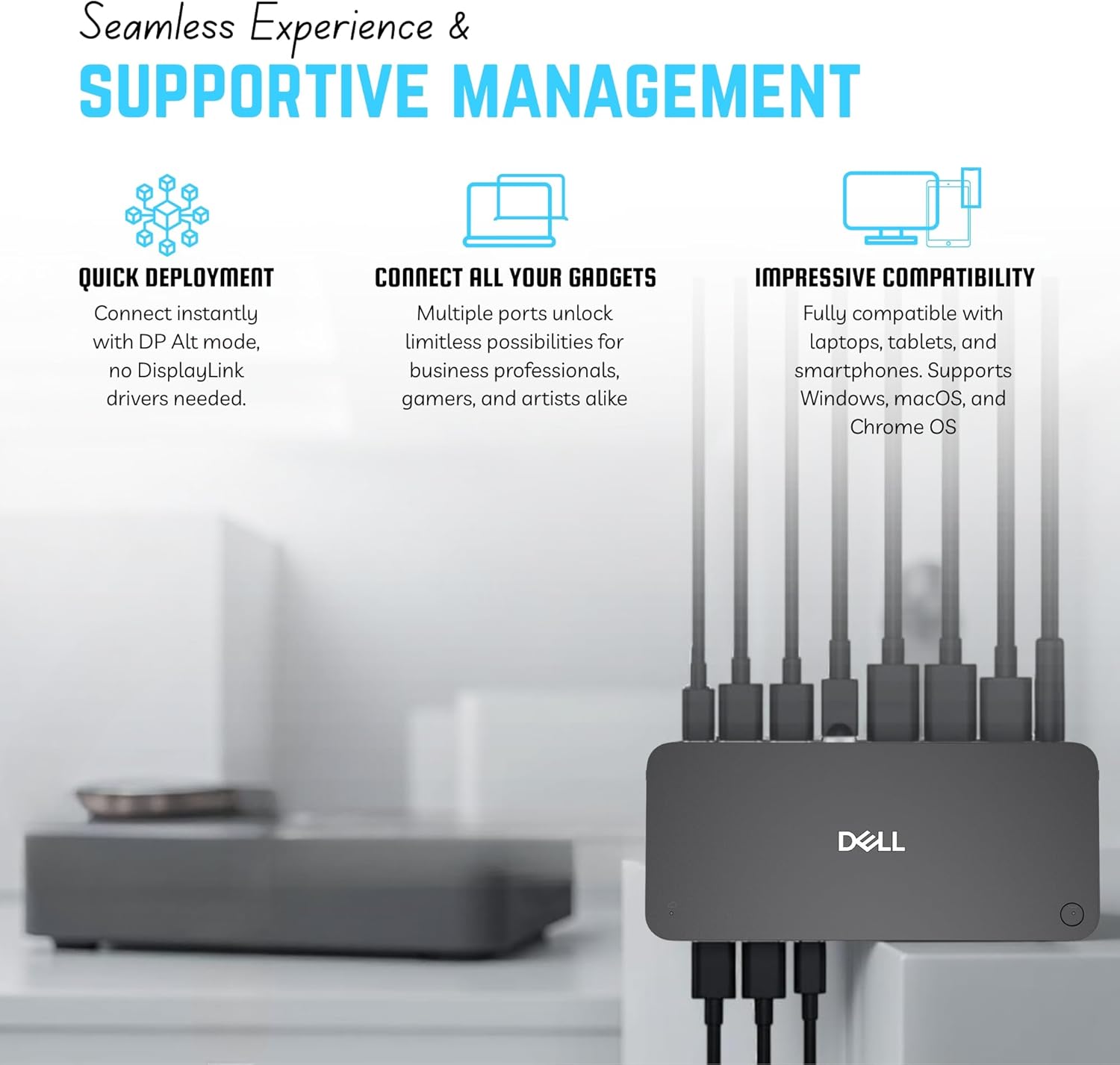
Yes it supports most laptops with a USB-C or Thunderbolt 3/4 port that provides DisplayPort Alt Mode and Power Delivery. Works best with Dell laptops but is also compatible with HP Lenovo and MacBook models.
Can the dock charge my devices even when my laptop is disconnected?
Yes the WD25 can charge phones or USB-powered accessories even if your computer is not connected as long as the docks AC adapter is plugged in.
A hardware installation window appears when I connect the dock. Is that normal?
Yes. When first connected Windows automatically detects the dock and installs drivers. This is a normal plug-and-play setup process.
My connected devices stop working after a power loss. What should I do?
Disconnect the docks AC power for a few seconds then reconnect it. This resets the power contract between your laptop and the dock.
What if my displays dont detect or flicker?
Check that your laptop supports DisplayPort Alt Mode ensure firmware is up to date and use the original Dell cable and adapter supplied with the dock.
Is the Dell WD25 compatible with all laptops?
Can the dock charge my devices even when my laptop is disconnected?
A hardware installation window appears when I connect the dock. Is that normal?
My connected devices stop working after a power loss. What should I do?
What if my displays dont detect or flicker?

You have successfully commented, please wait for review
Copied Successfully
You can enjoy up to 1 free gift!