What are you looking for?
Search

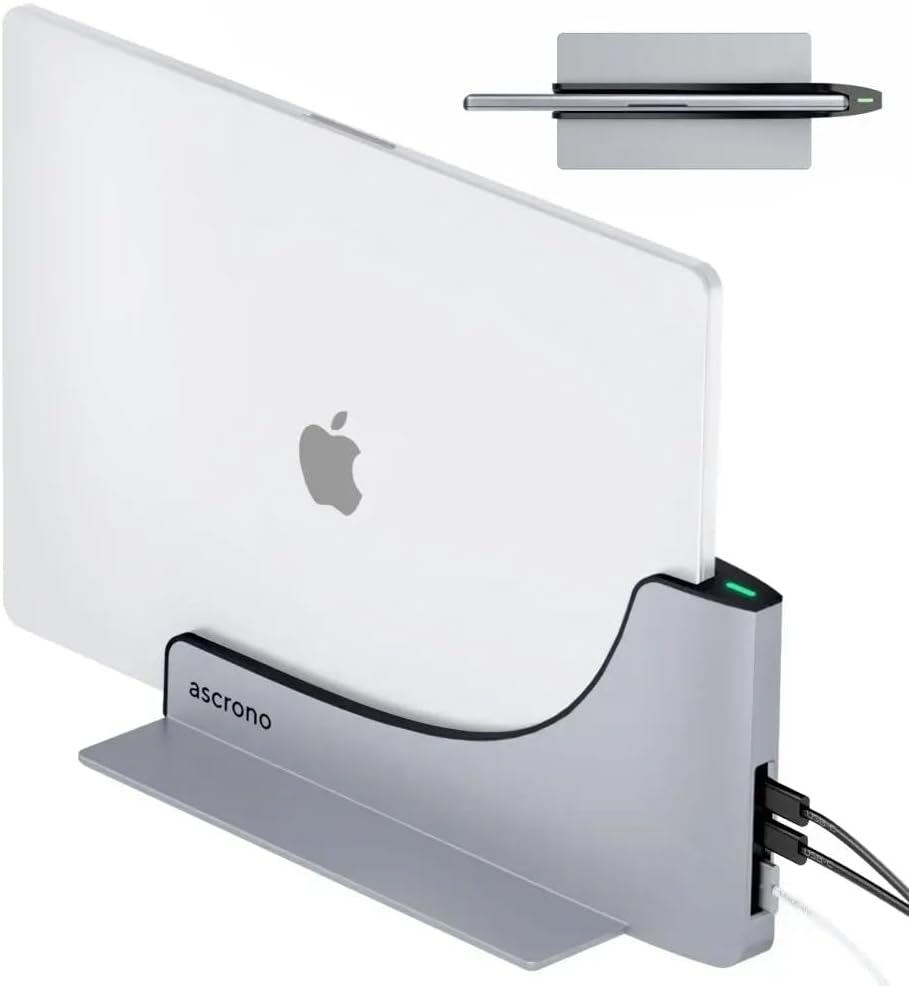

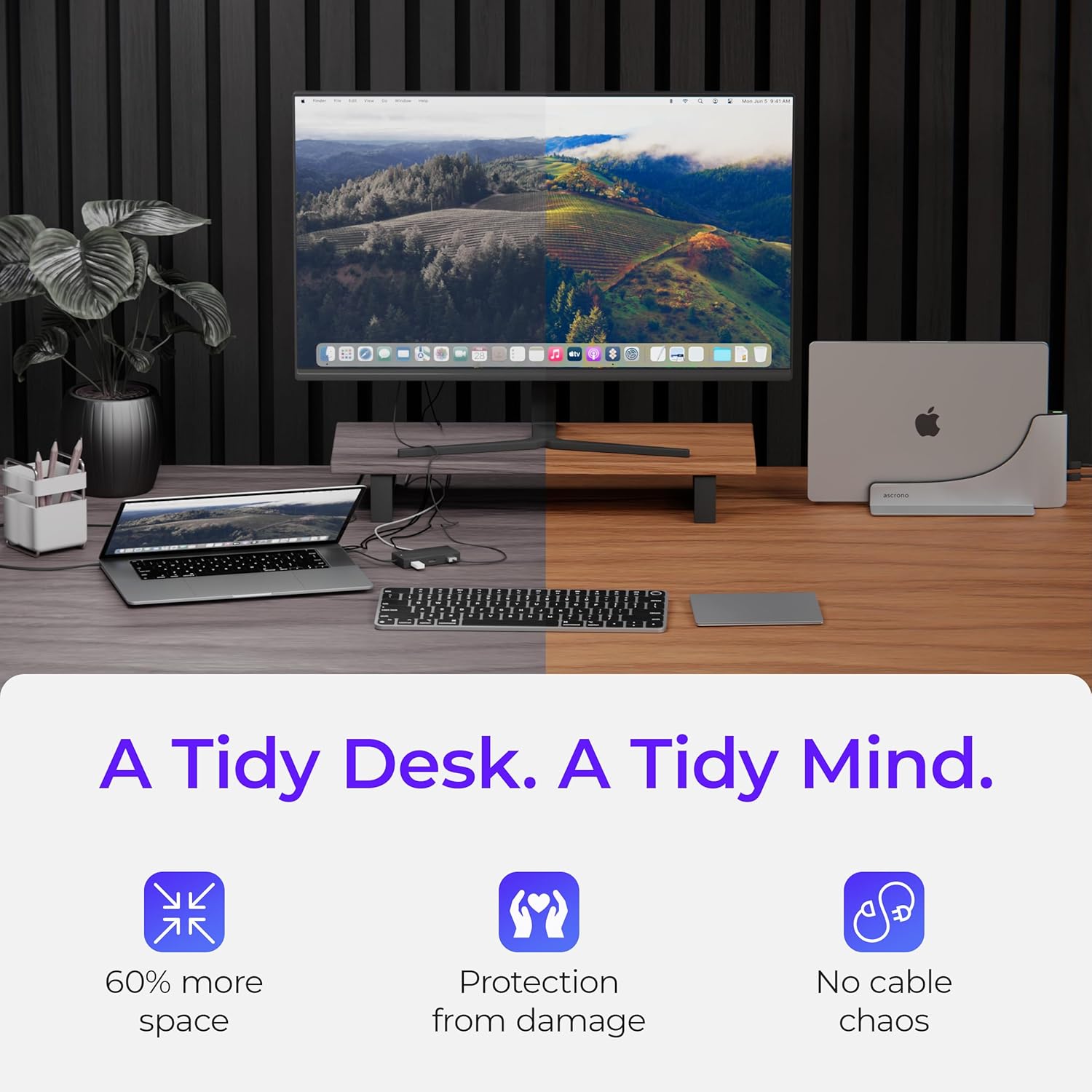
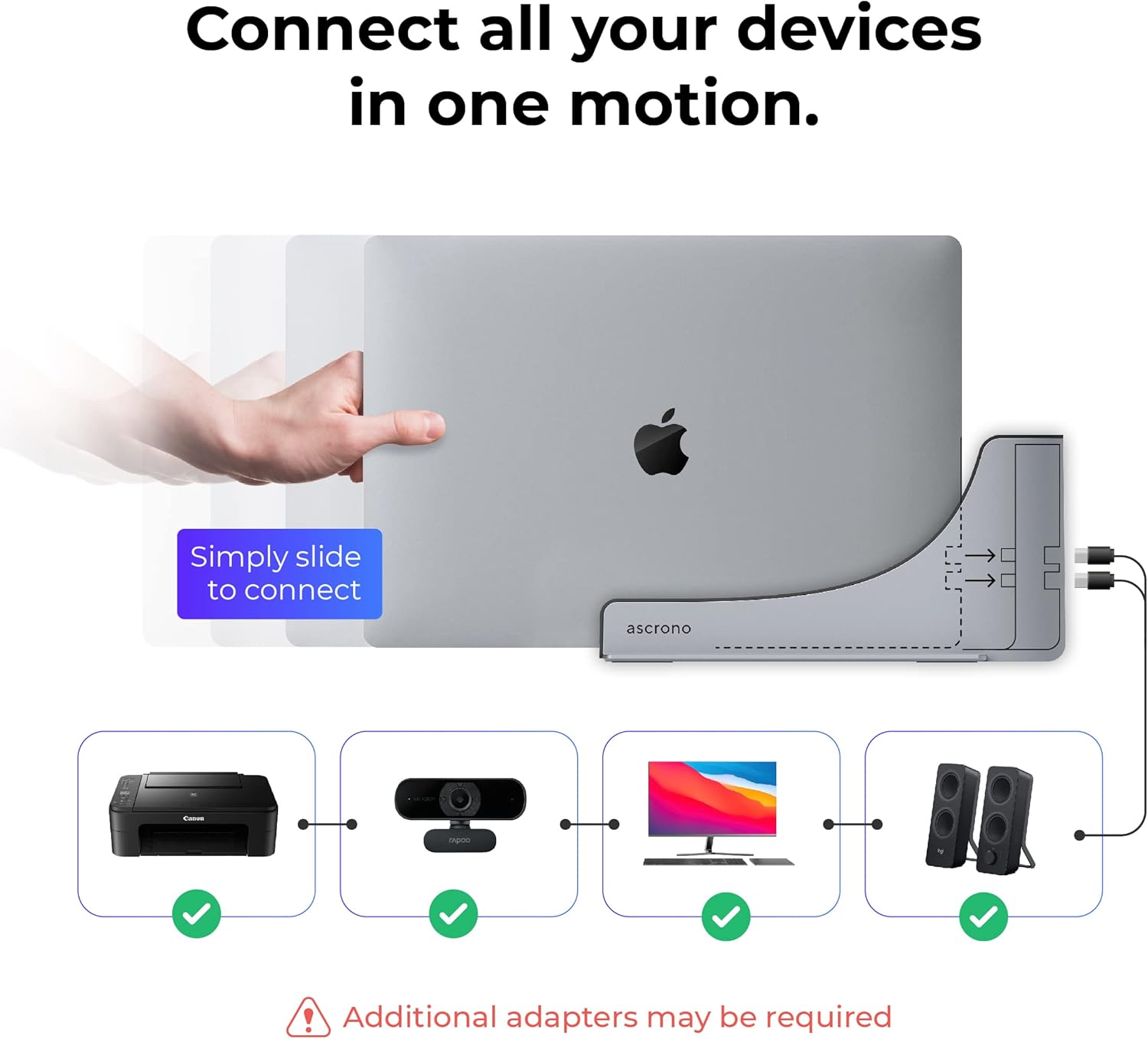
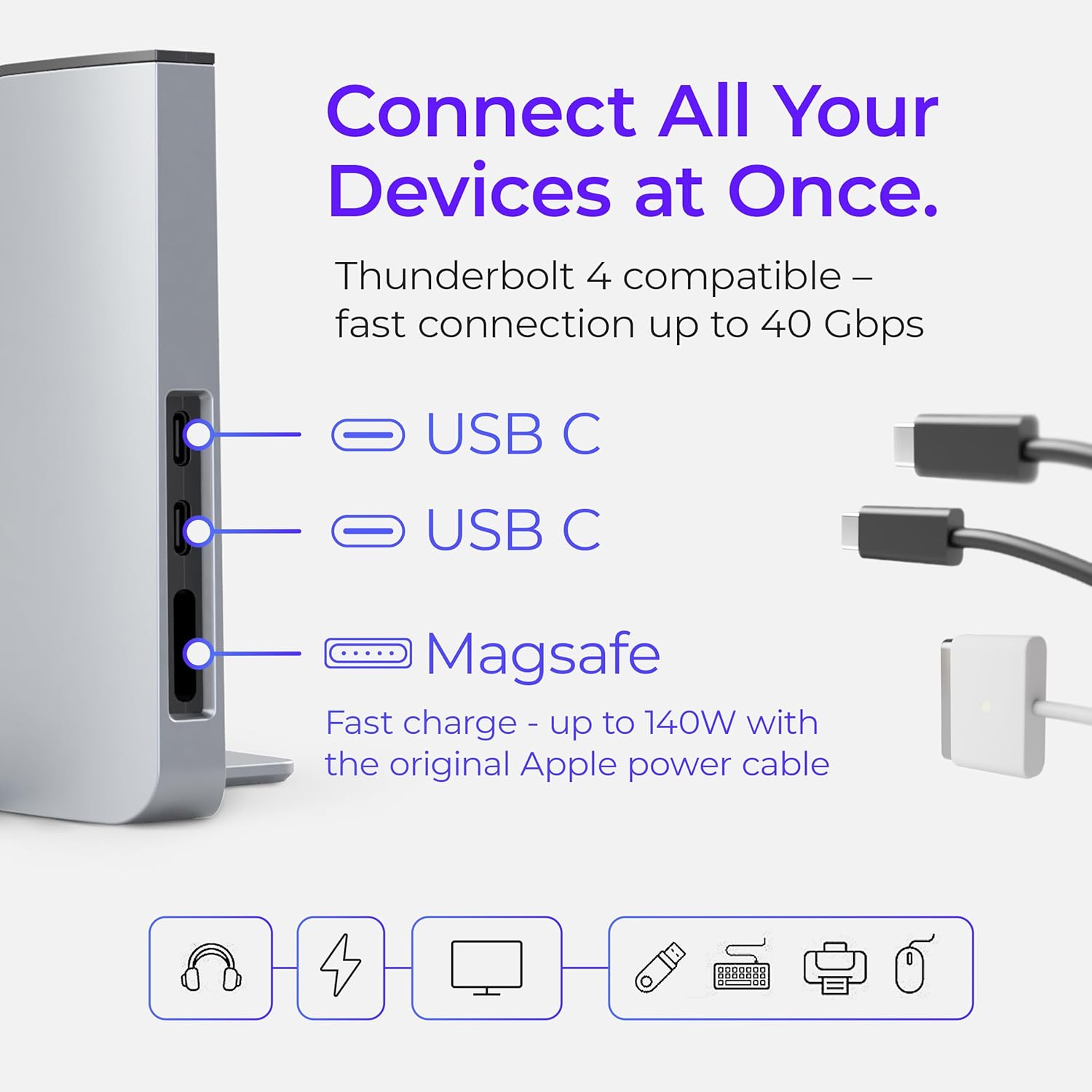
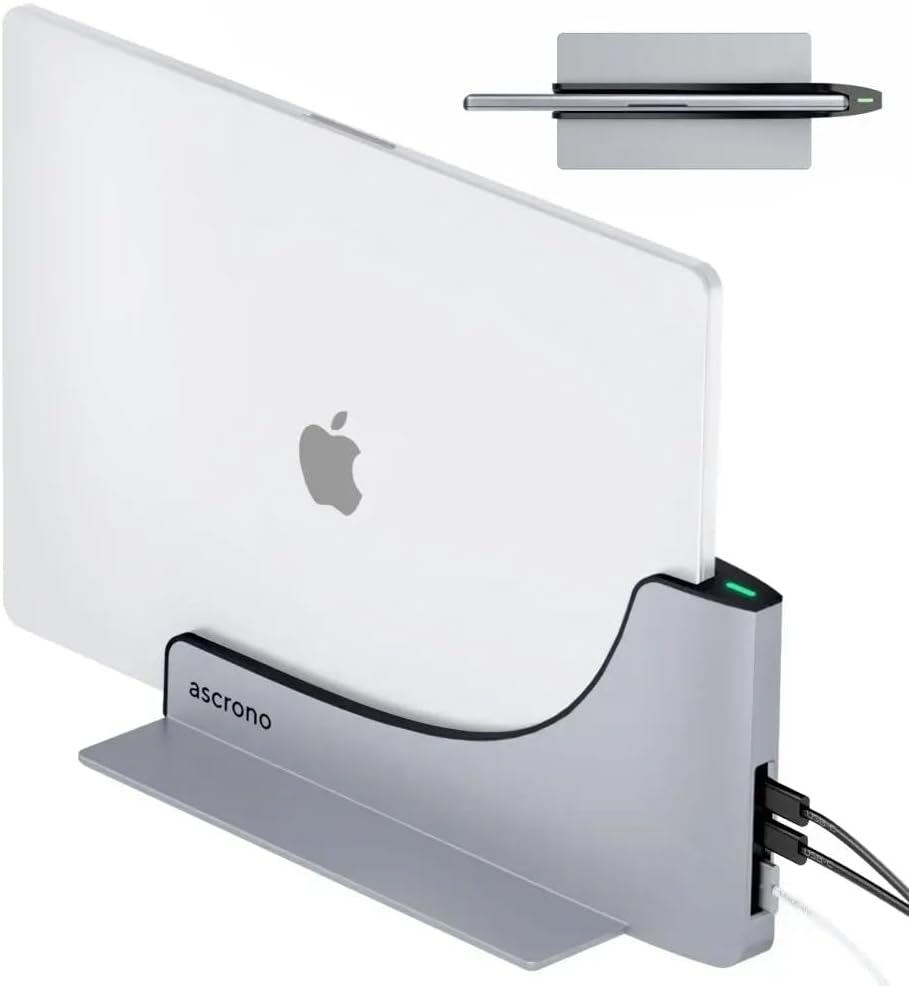

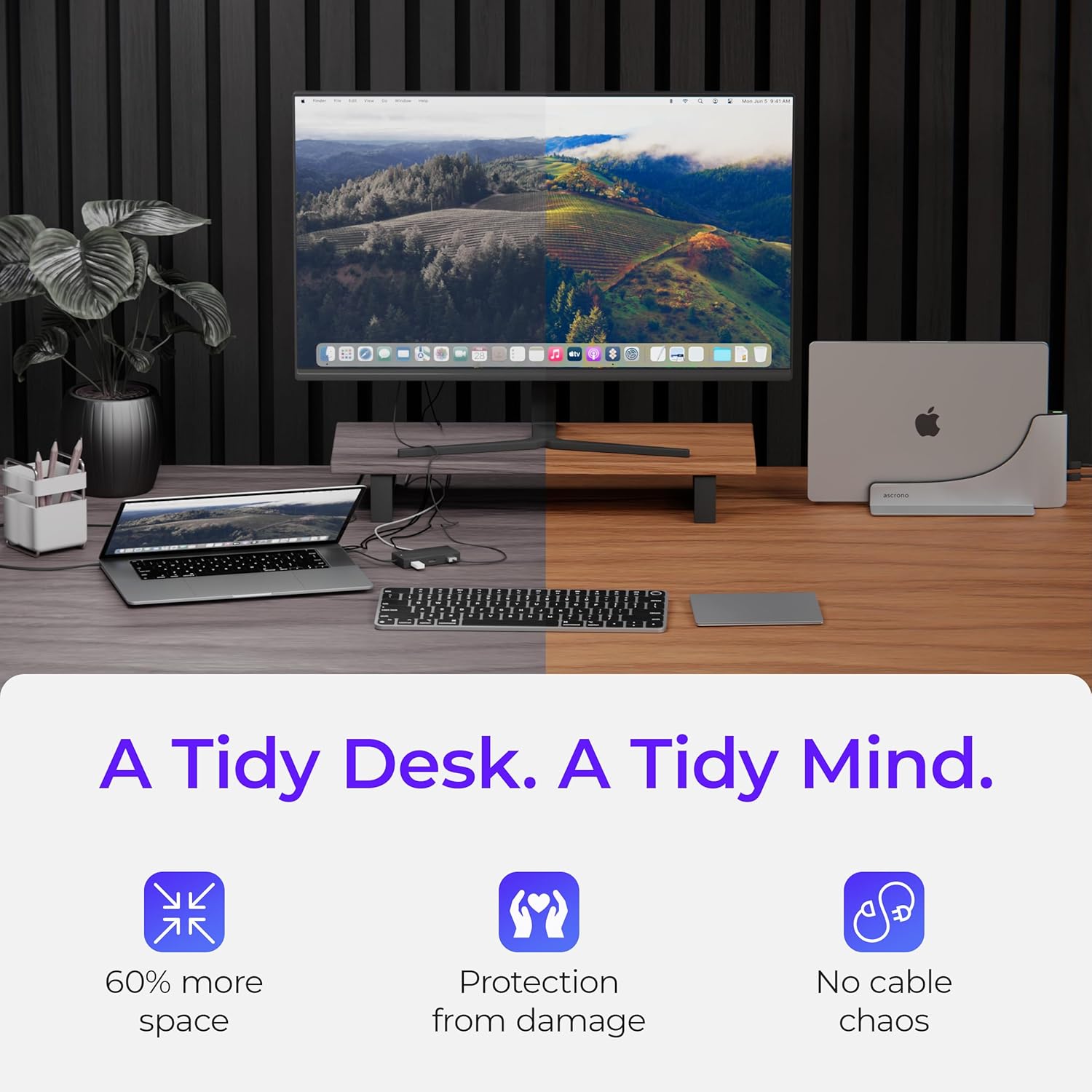
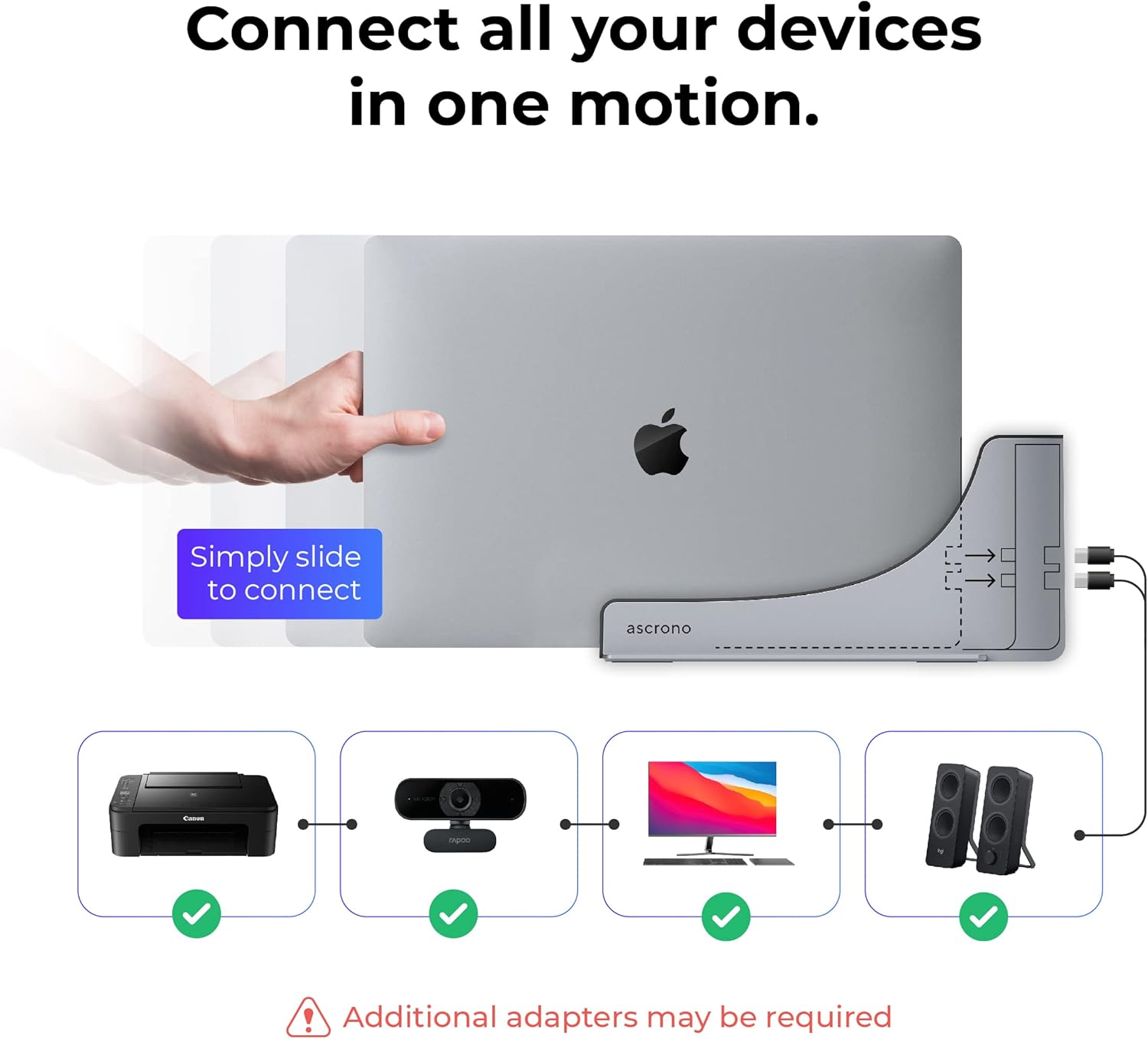
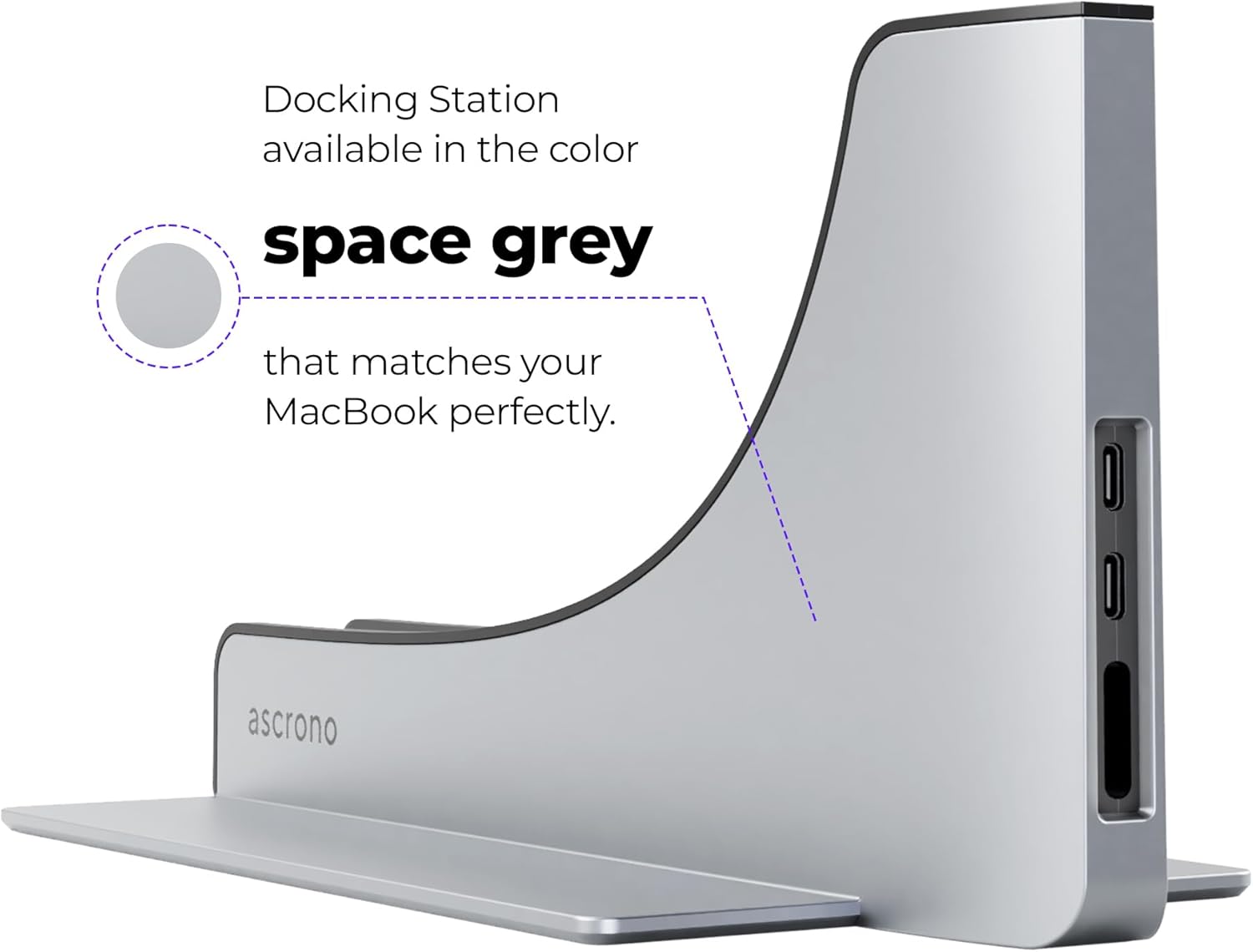

SEAMLESS DESKTOP CONVERSION - Elevate your MacBook Pros experience into a fully functional desktop setup with the Vertical Docking Station. Slide in your MacBook for instant device connectivity indicated by a green light and instantly switch between on-the-go efficiency and desktop productivity
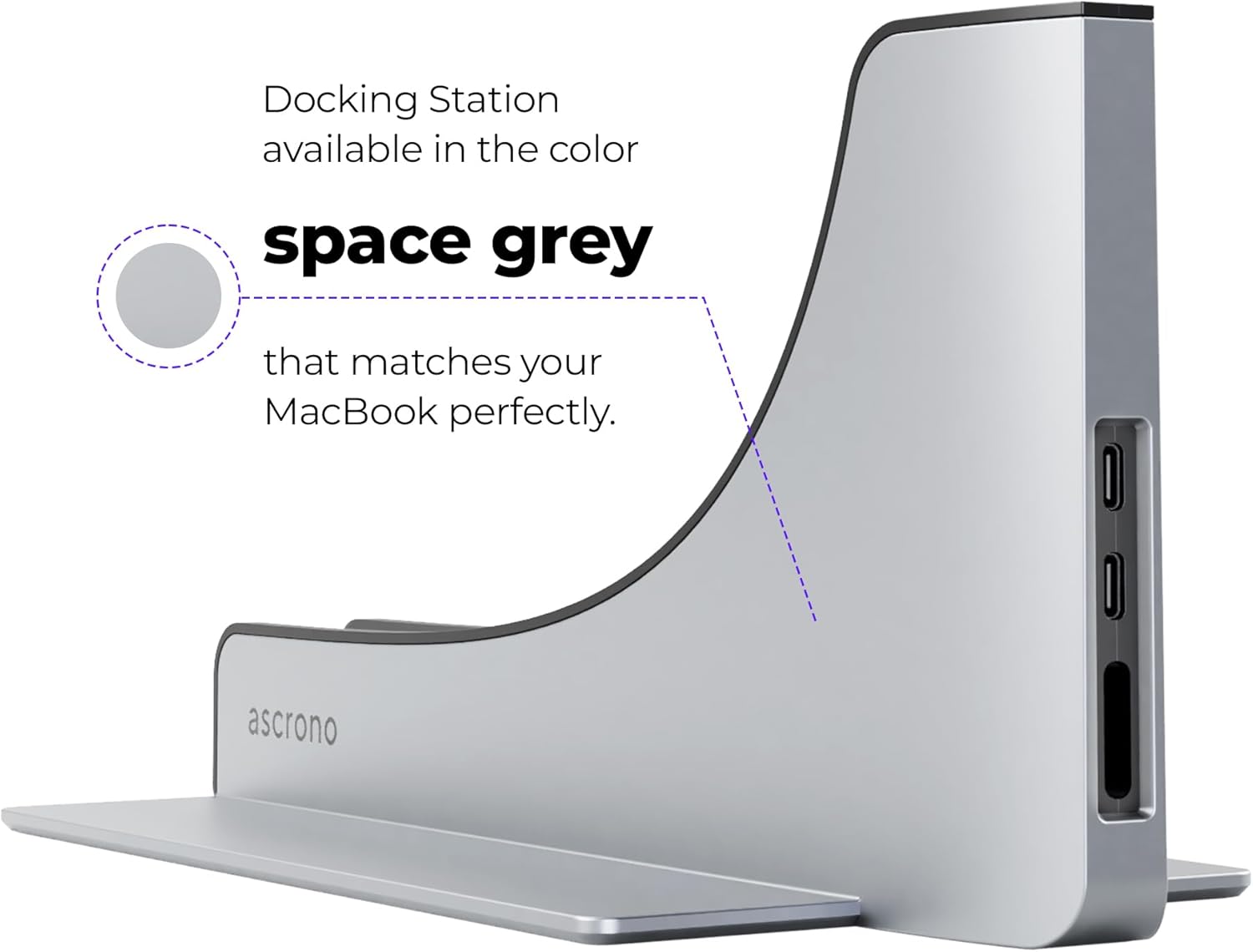
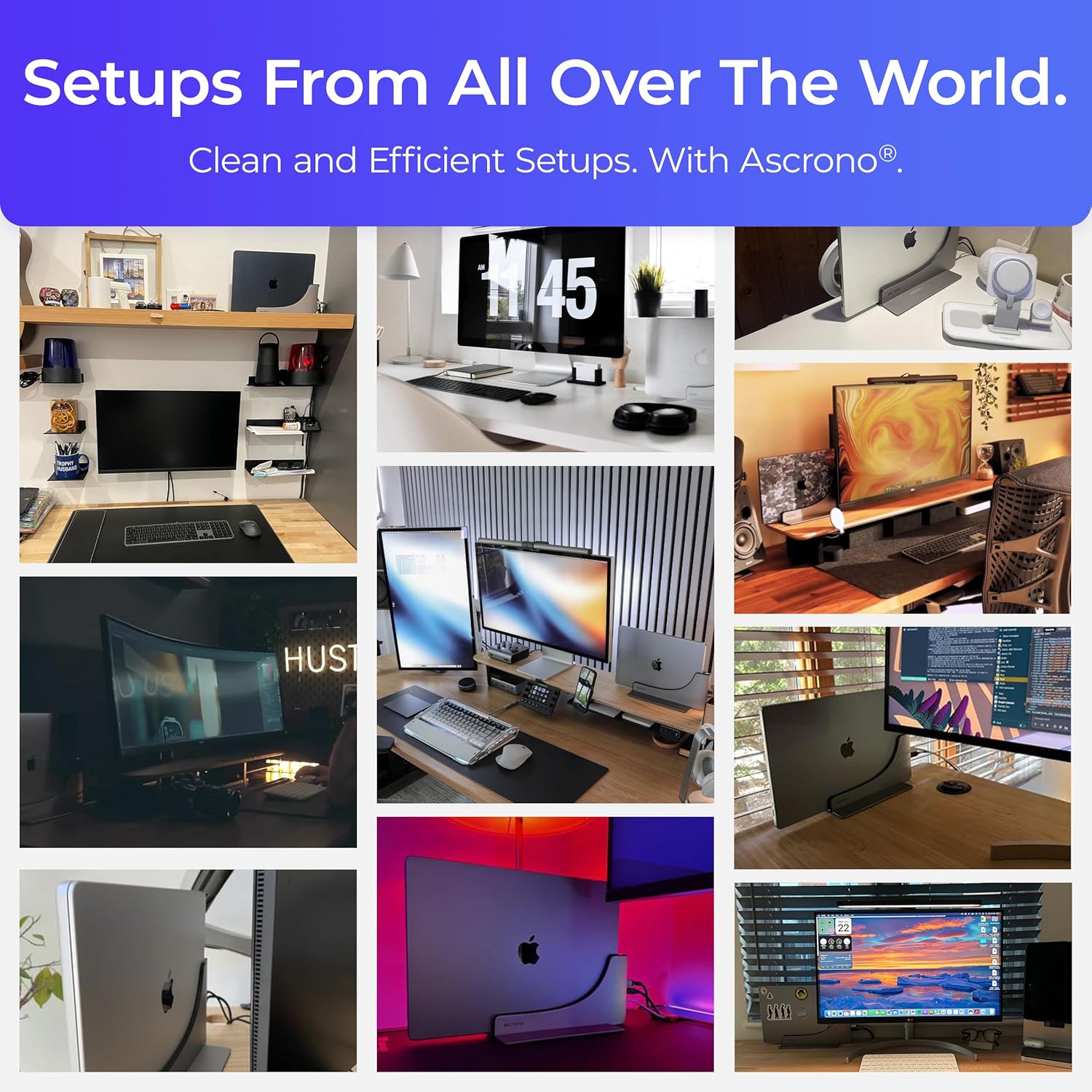
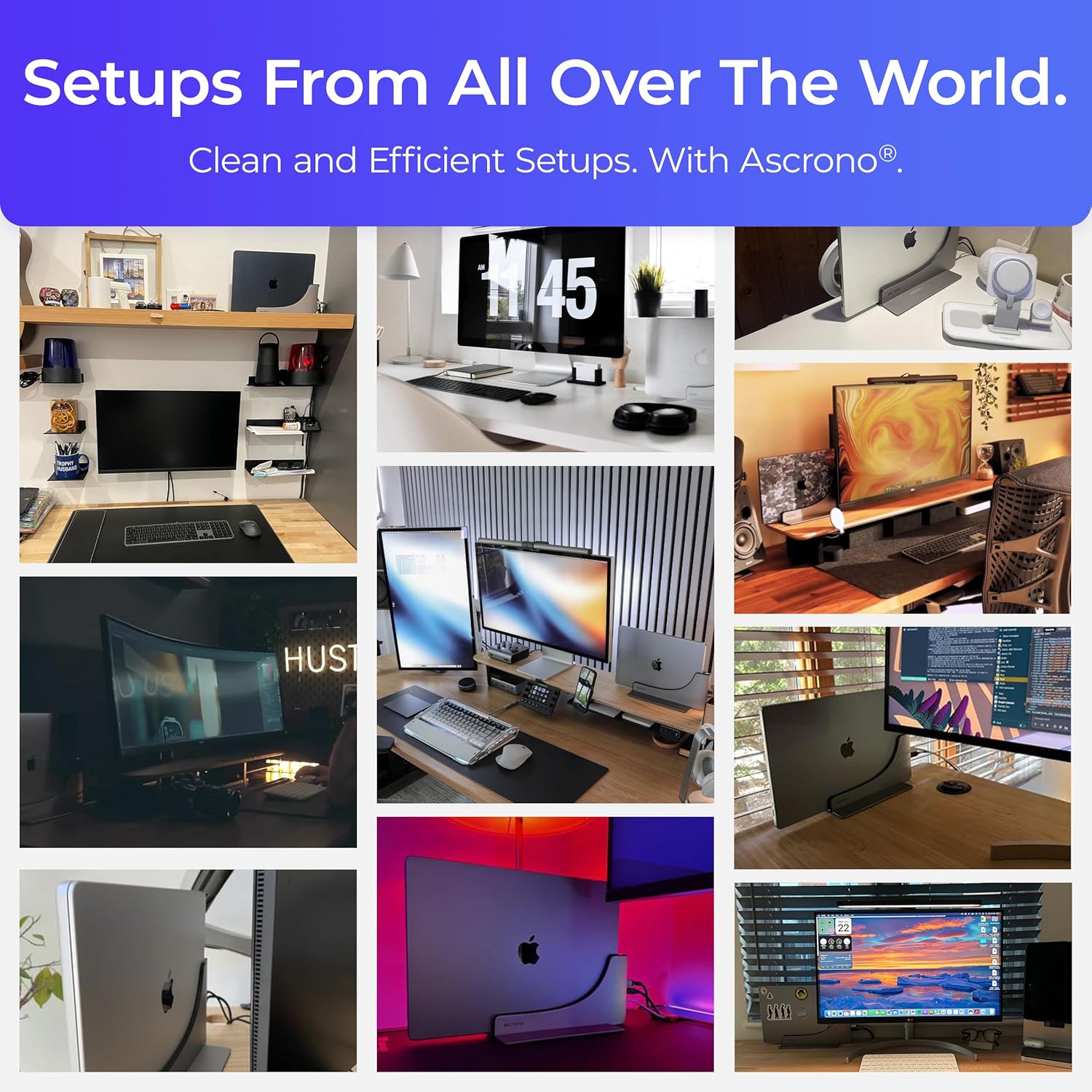
ELEGANT WORKSPACE Say goodbye to cable clutter. Our sleek docking station crafted from premium alloys in matching space gray not only organizes your accessories but also showcases your MacBook beautifully
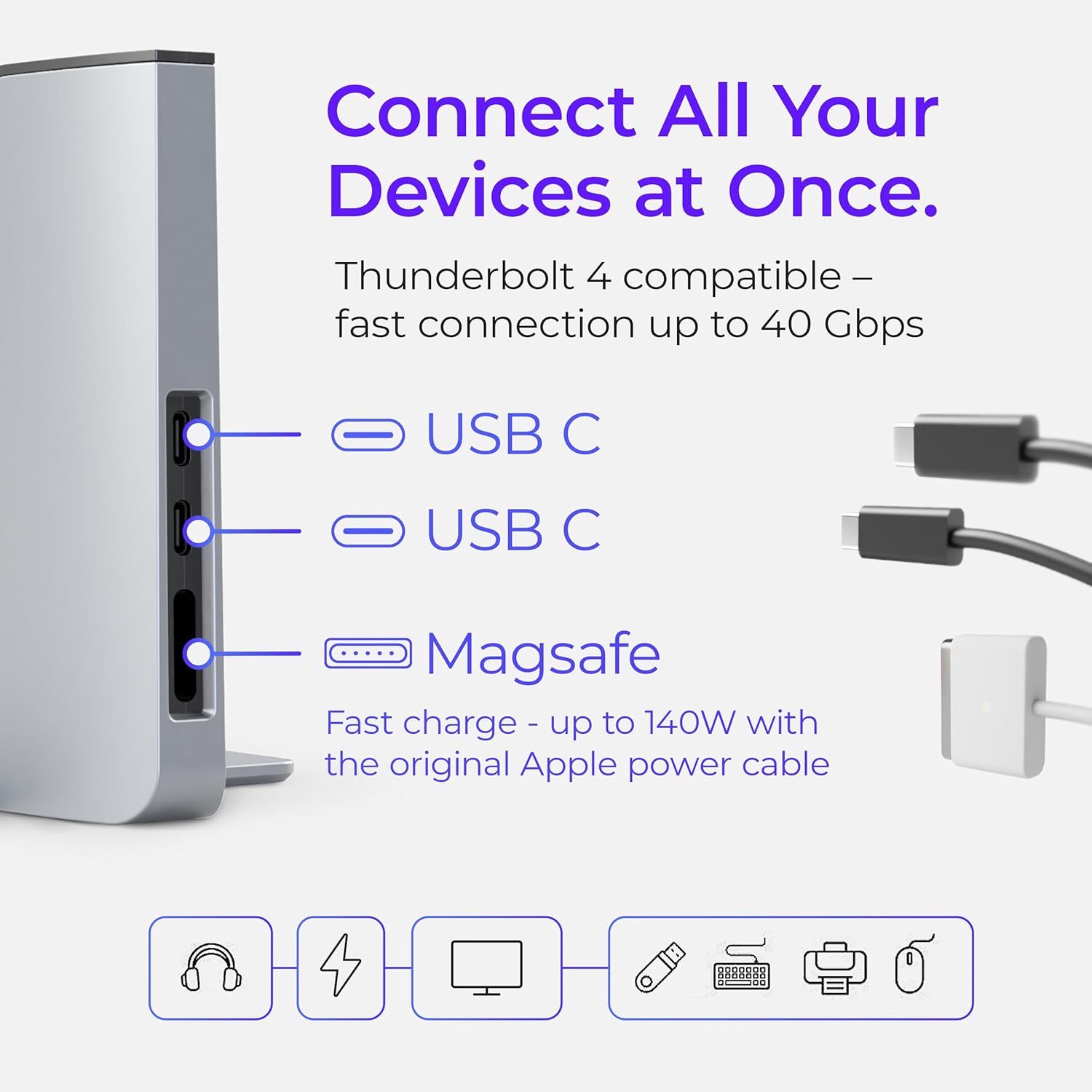
VERSATILE CONNECTIVITY Docking Station unites all MacBook Pro accessories. Its Thunderbolt-4 USB-C ports offer rapid 40Gbps speeds charging and connections for USB-C devices. Explore bundles for adapters to link 4K HDMI Monitors and other common connectors
PRECISION ENGINEERING this exclusive vertical docking station design offers a precise fit secure connection and efficient heat dissipation ensuring your laptop remains cool and performs at its best throughout extended desktop use. Note: Remove MacBook covers before docking
Can I use this dock with a plastic cover on my MacBook?
It is not possible to insert a MacBook into the dock with a plastic cover attached.
Does this dock support the MacBook Pro 13" (2016-2018) without Touch Bar?
No none of our docking station models support the 13" MacBook Pro (2016-2018) without TouchBar. Please do not try to use our docking station with this MacBook model. It will not fit and may damage your laptop if you try.
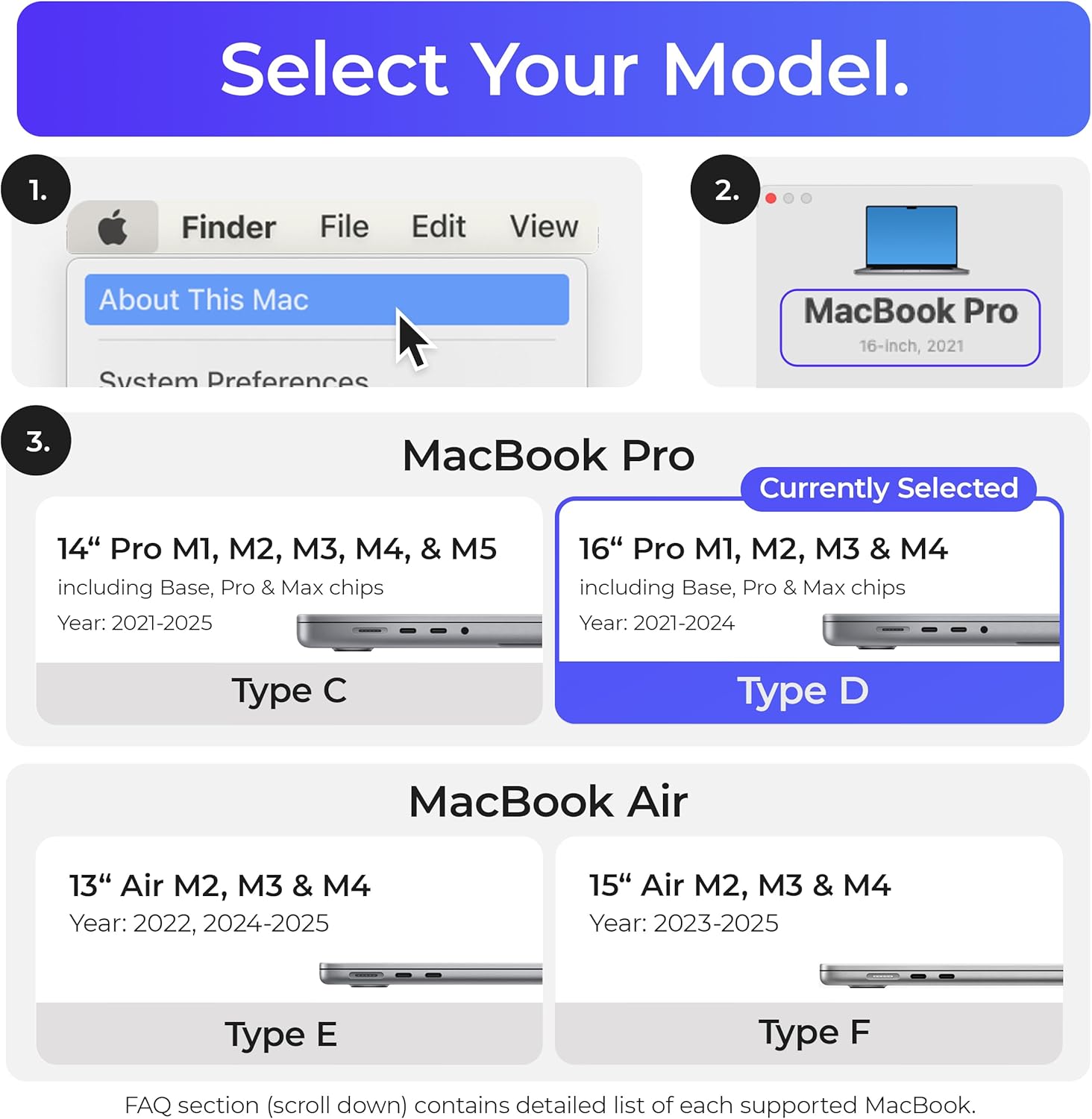
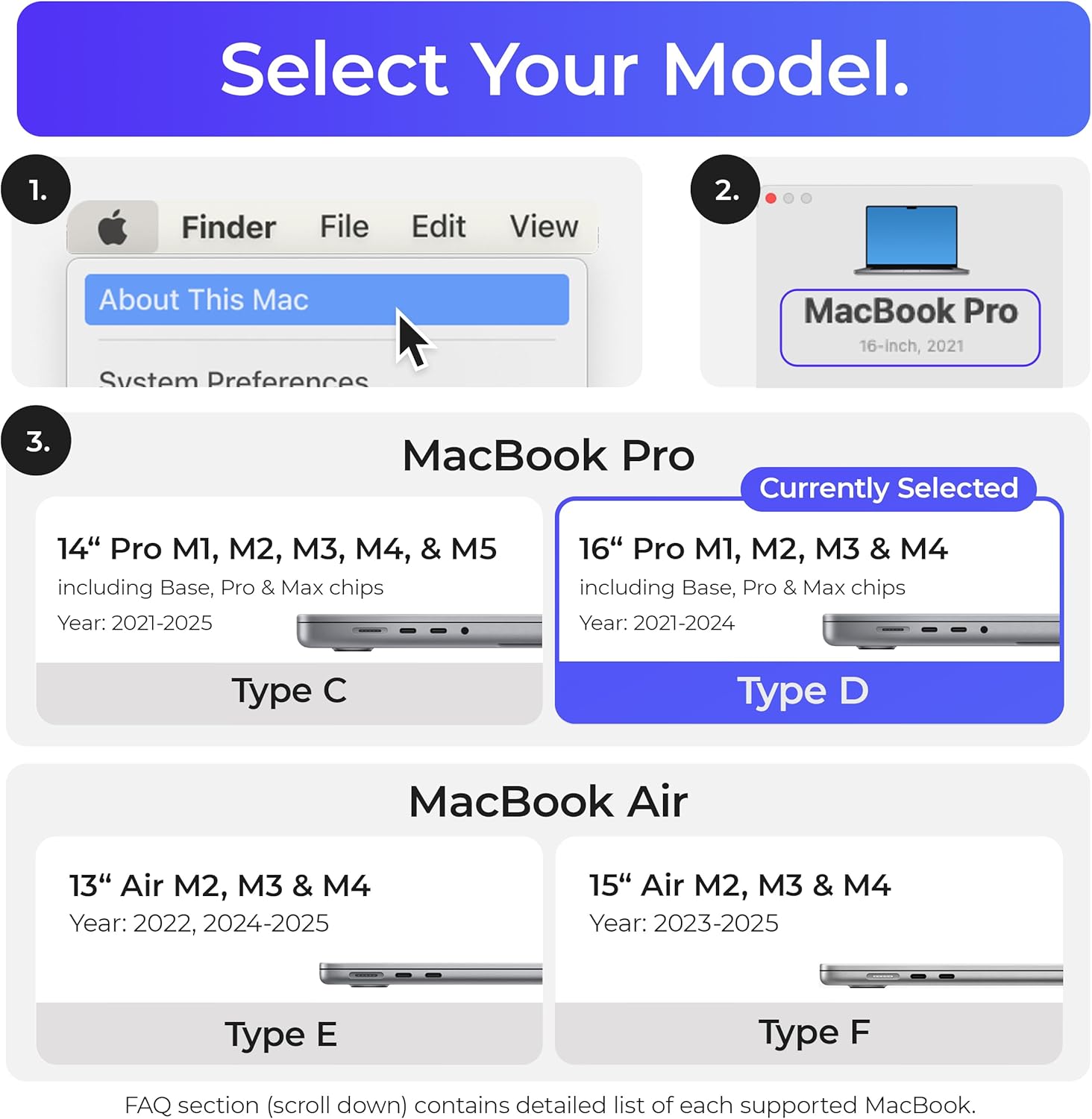
List of supported MacBook models for each Docking Station Type (Type C & D & E & F) - Latest MacBook models
Type C: MB Pro M1 M2 M3 M4 Pro & Max (14" 2021-24); M3 M4 (2023-24)* M5 (2025)
Type D: MB Pro M1 M2 M3 M4 Pro & Max (16" 2021-24)
Type E: MB Air 13" M2*/M3/M4 (2022-25)
Type F: MB Air 15" M2*/M3/M4 (2023-25)
*supports 1 monitor natively
Docking Station
Desk Diaries
Docking Station
Can I connect 2 monitors for my MacBook M1 & M2 & M3?
Can I use this dock with a plastic cover on my MacBook?
Does this dock support the MacBook Pro 13" (2016-2018) without Touch Bar?
List of supported MacBook models for each Docking Station Type (Type C & D & E & F) - Latest MacBook models

You have successfully commented, please wait for review
Copied Successfully
You can enjoy up to 1 free gift!