What are you looking for?
Search

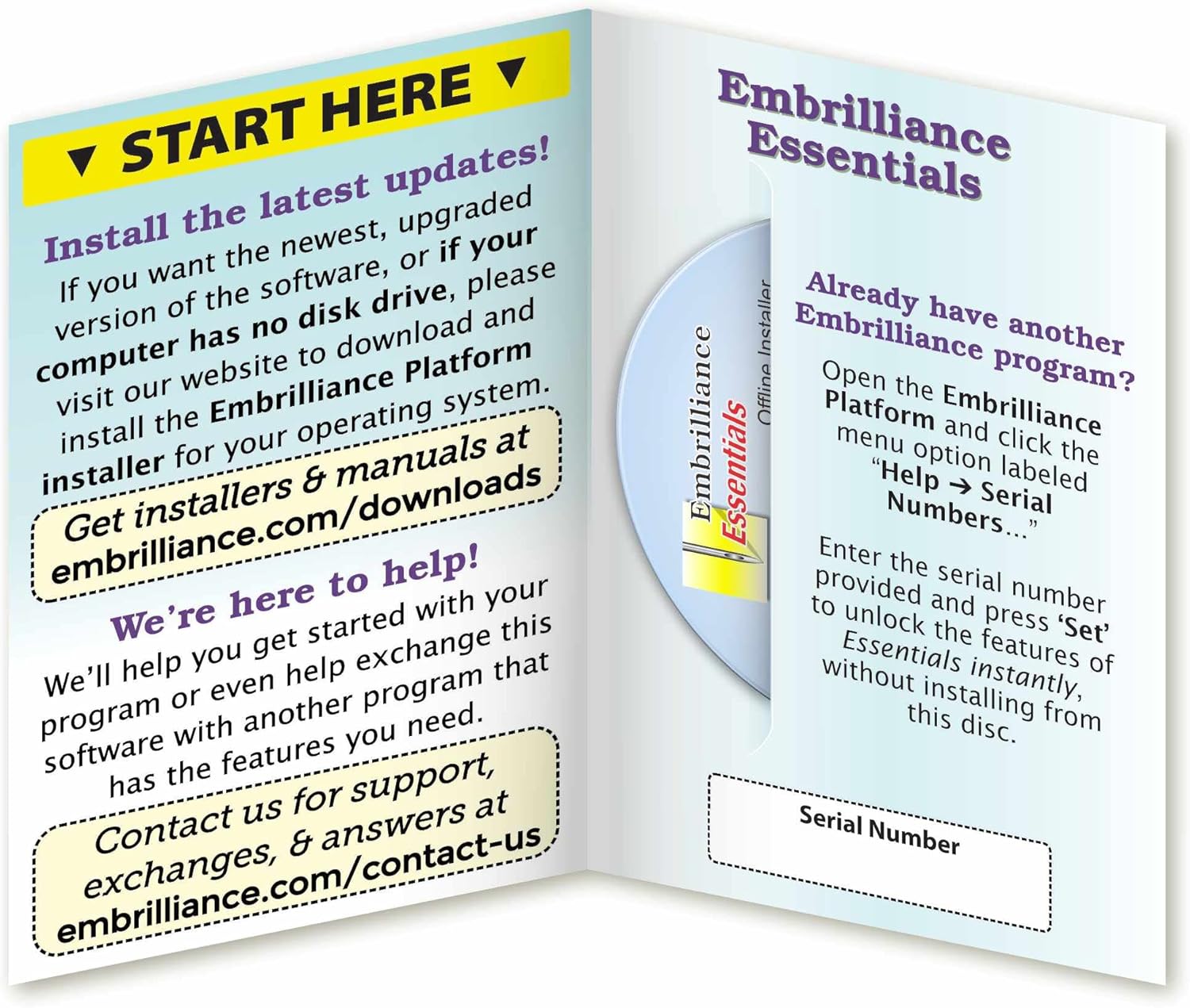
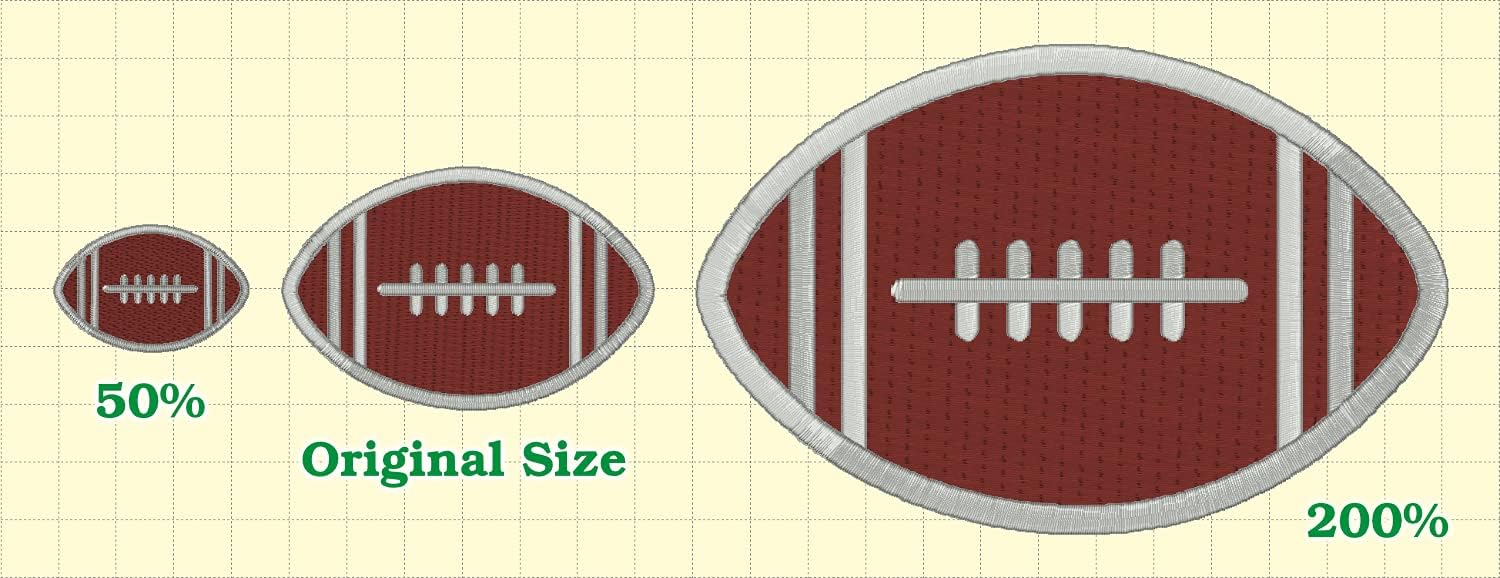
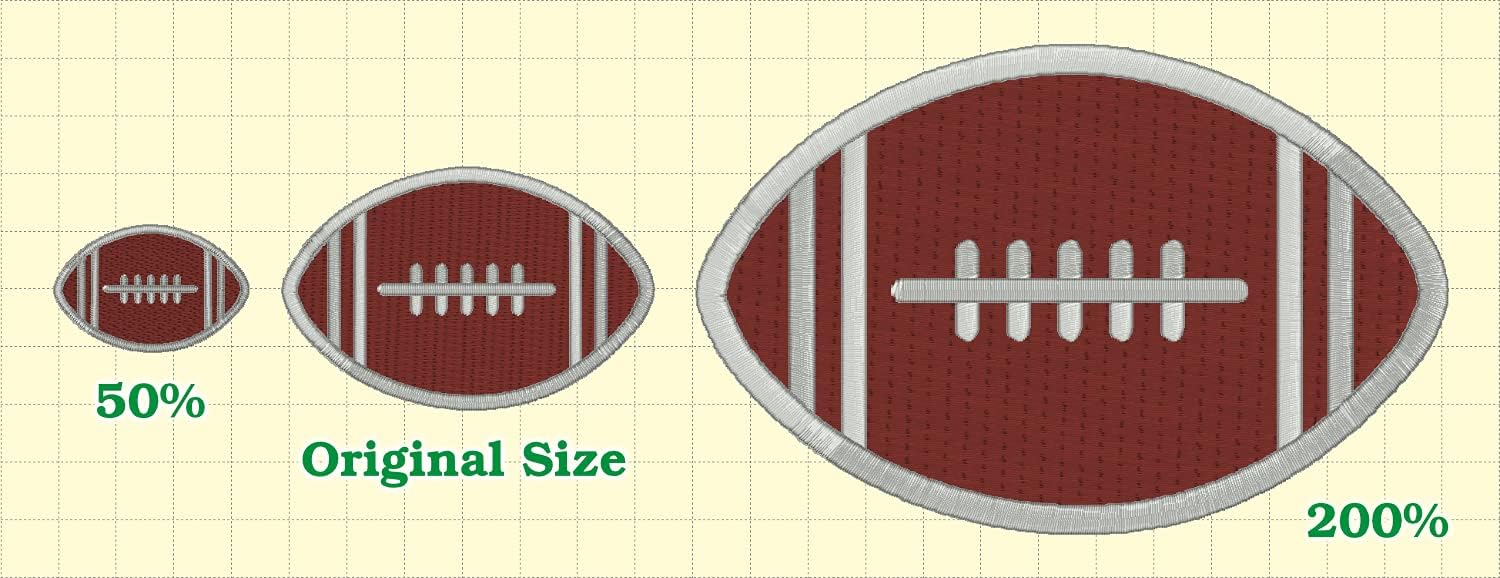

Resize existing embroidery stitch files with automatic stitch recalculation.
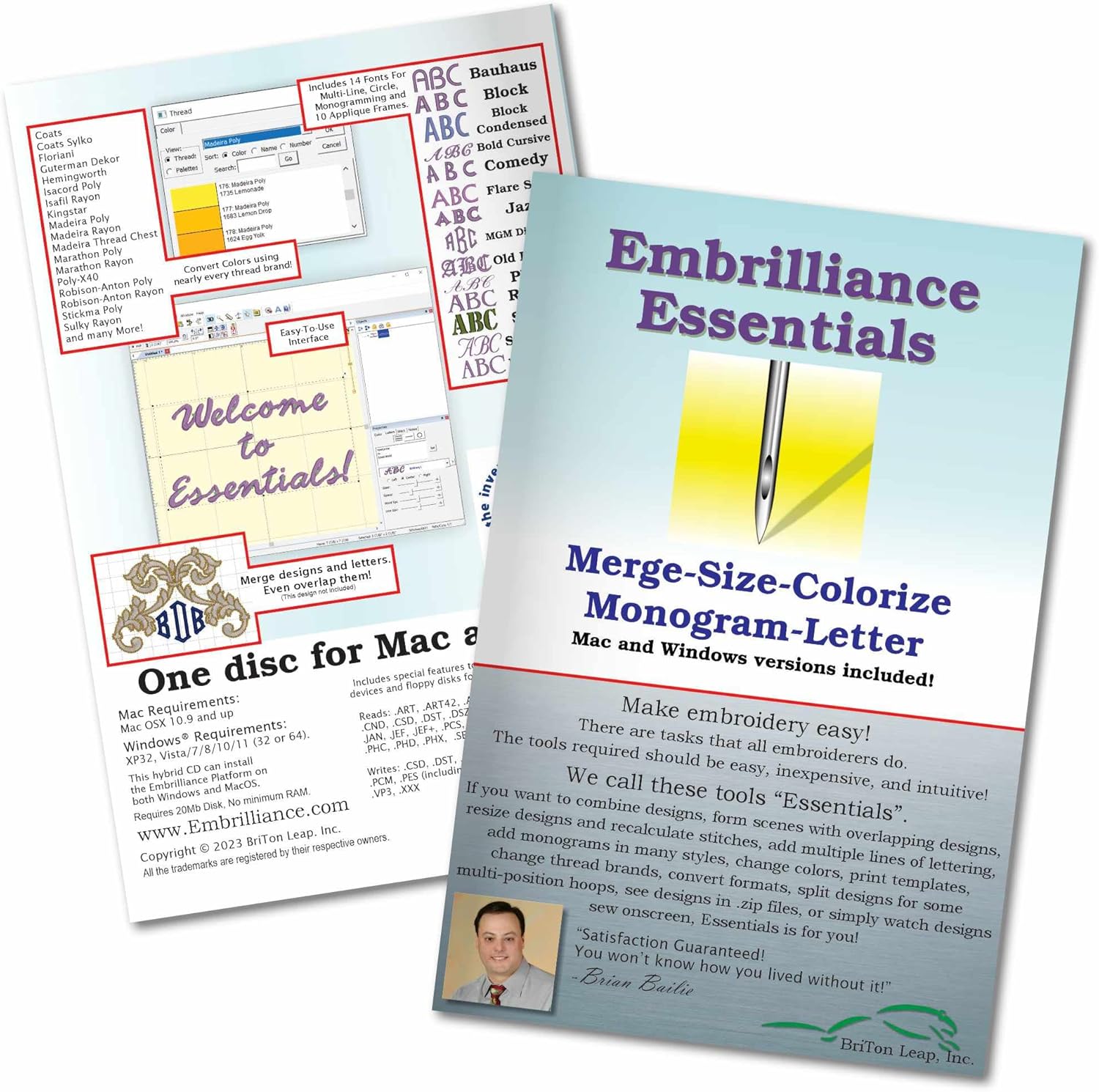
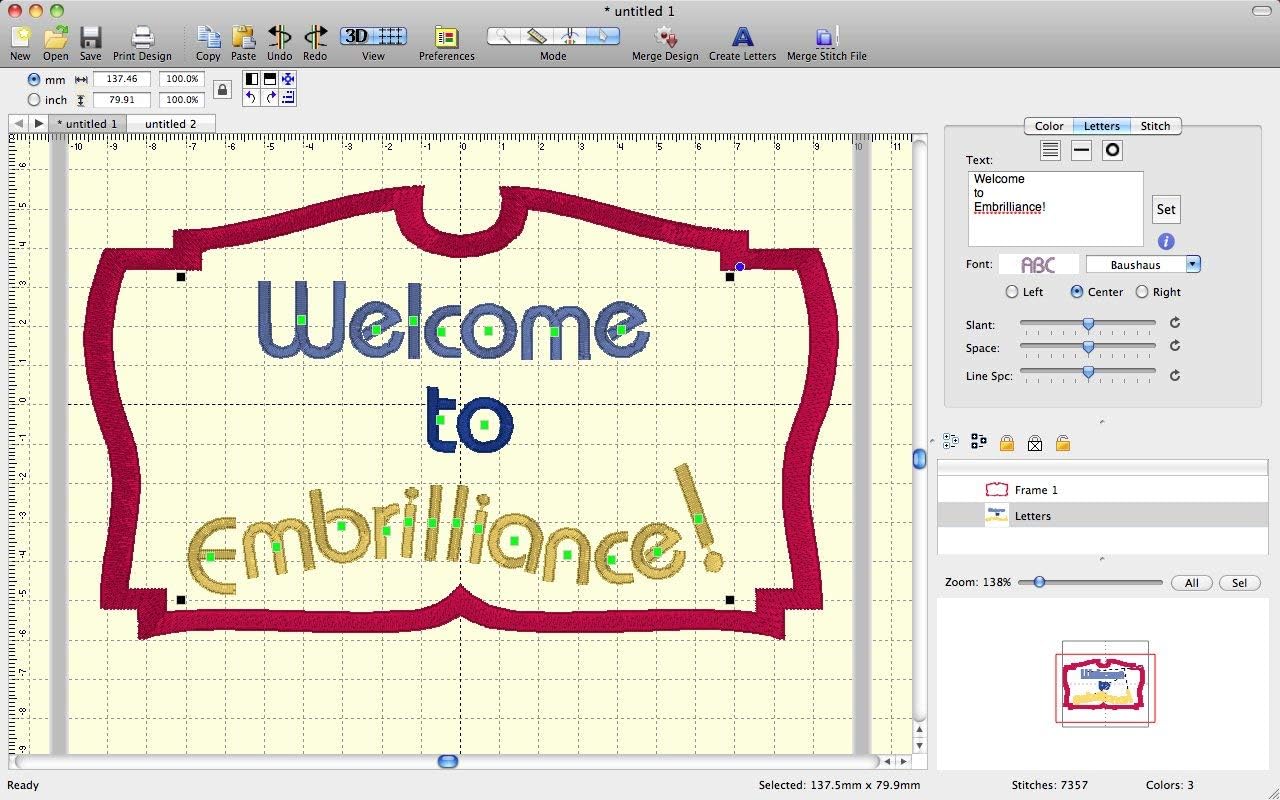
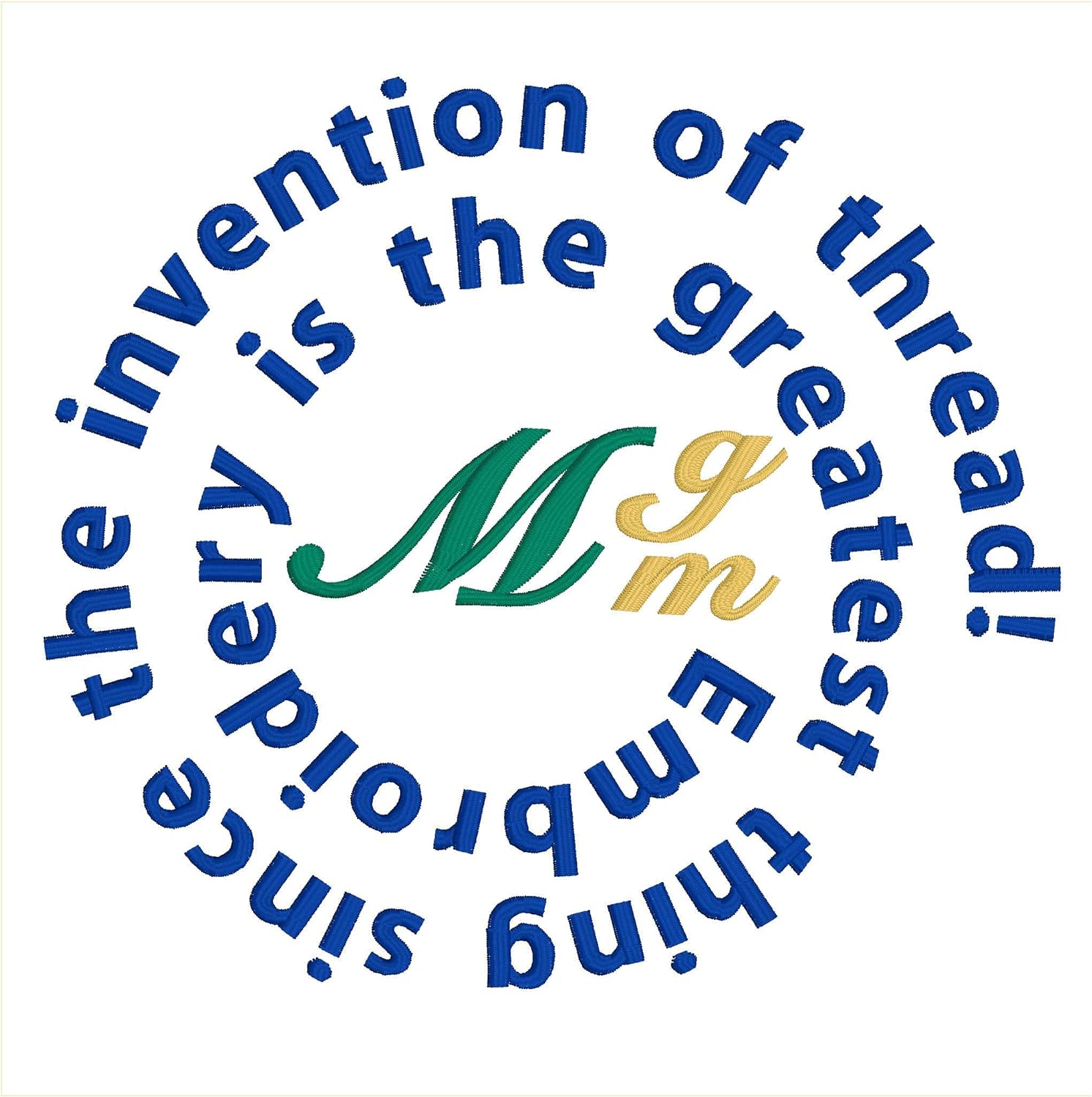
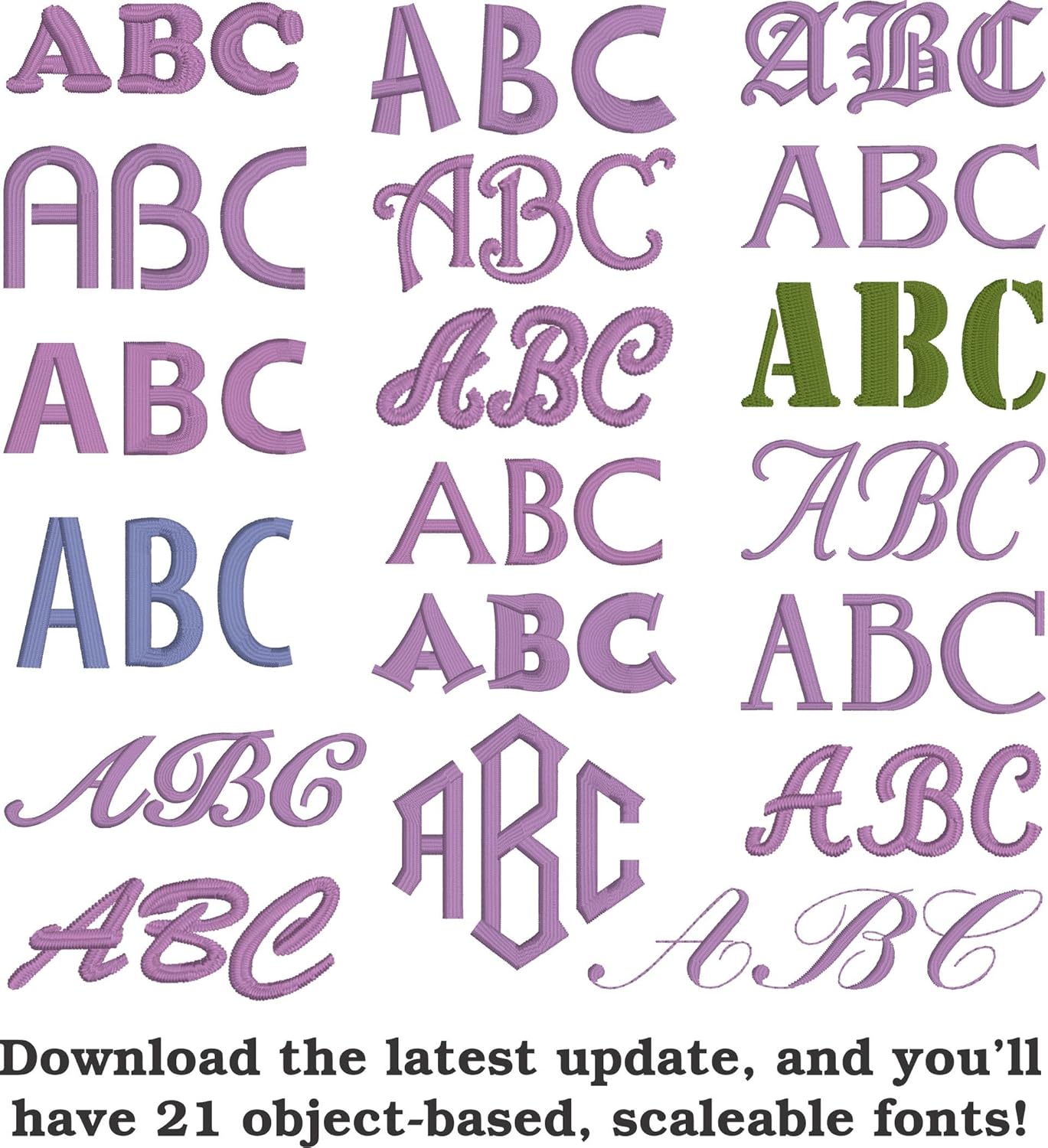
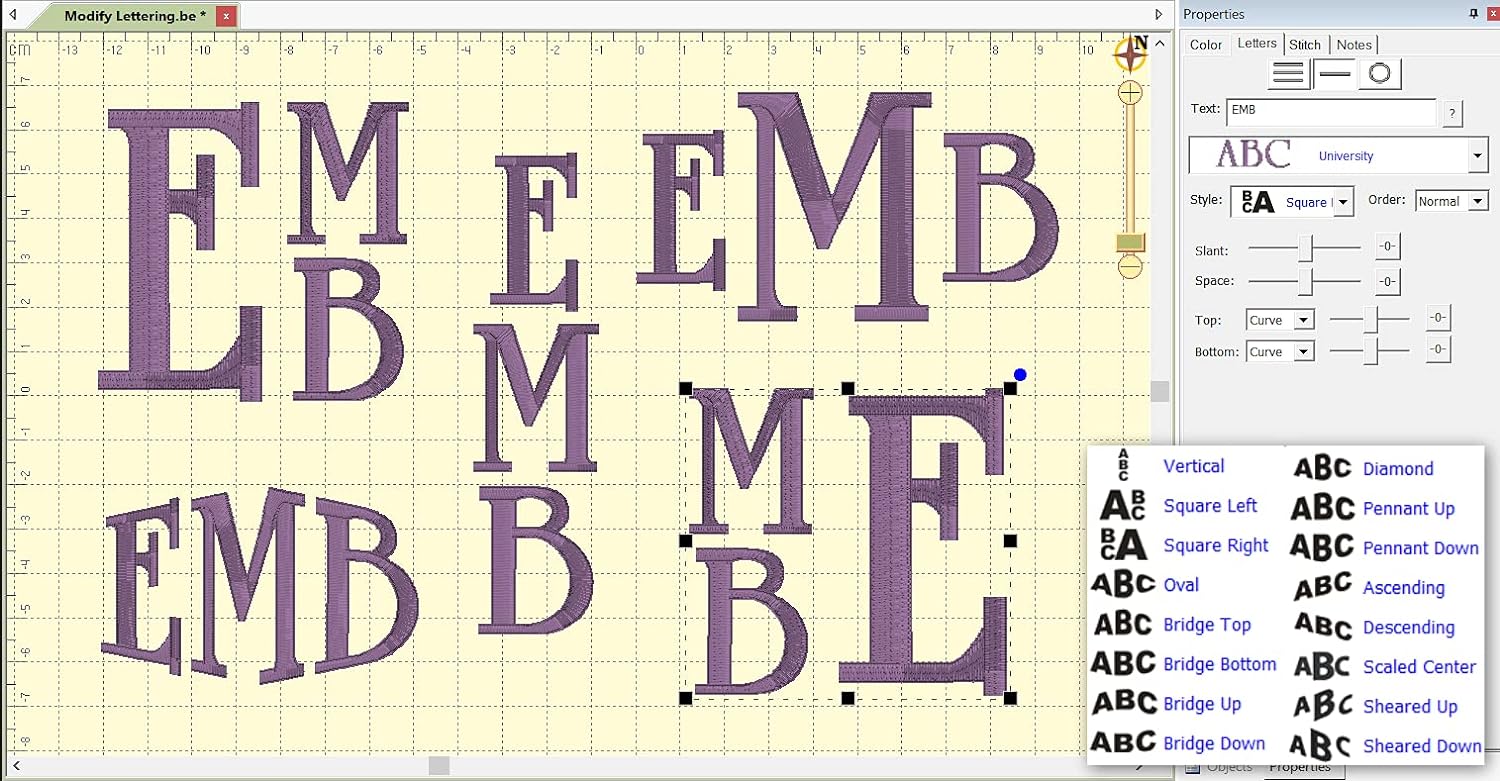
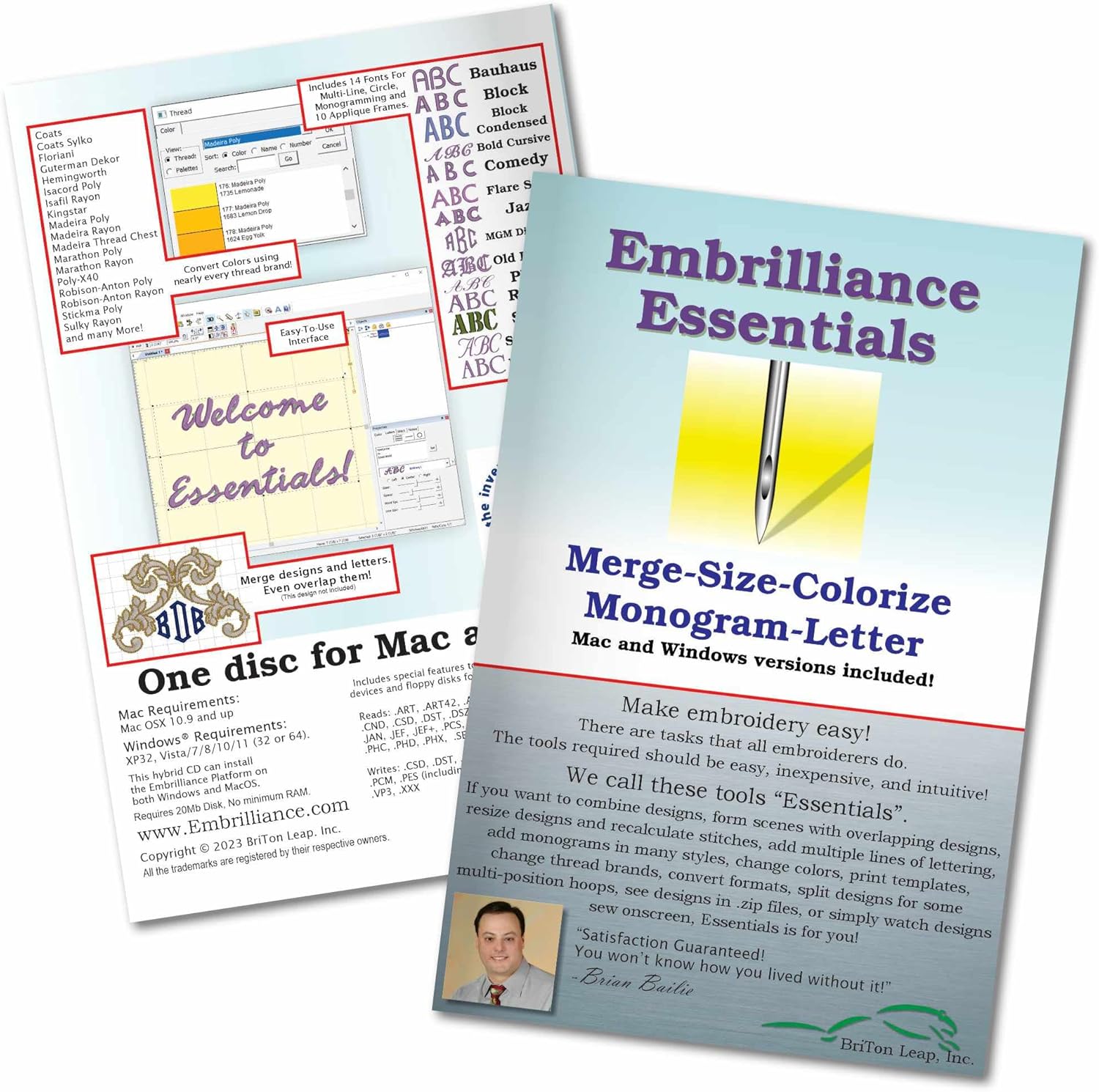
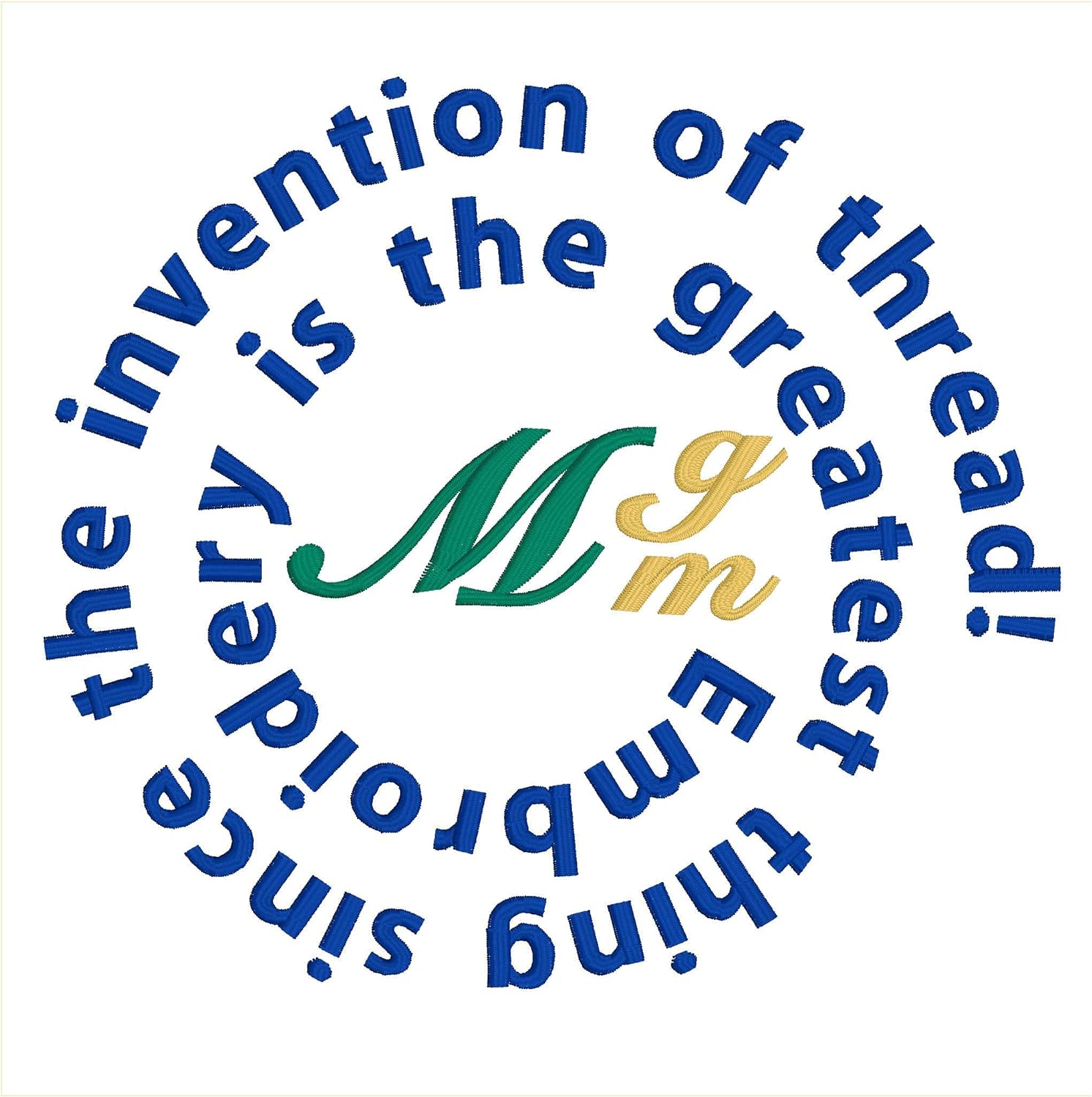
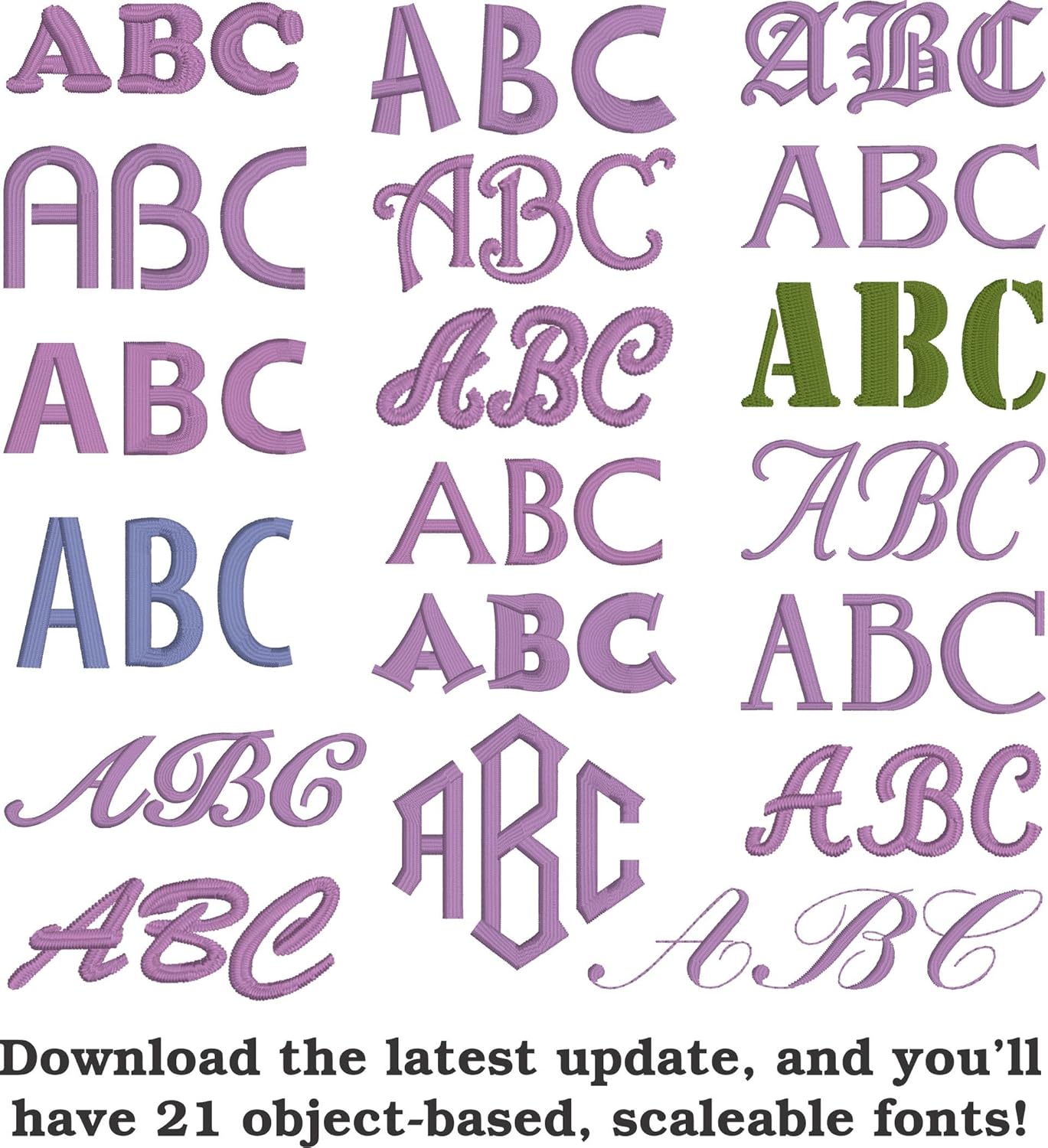
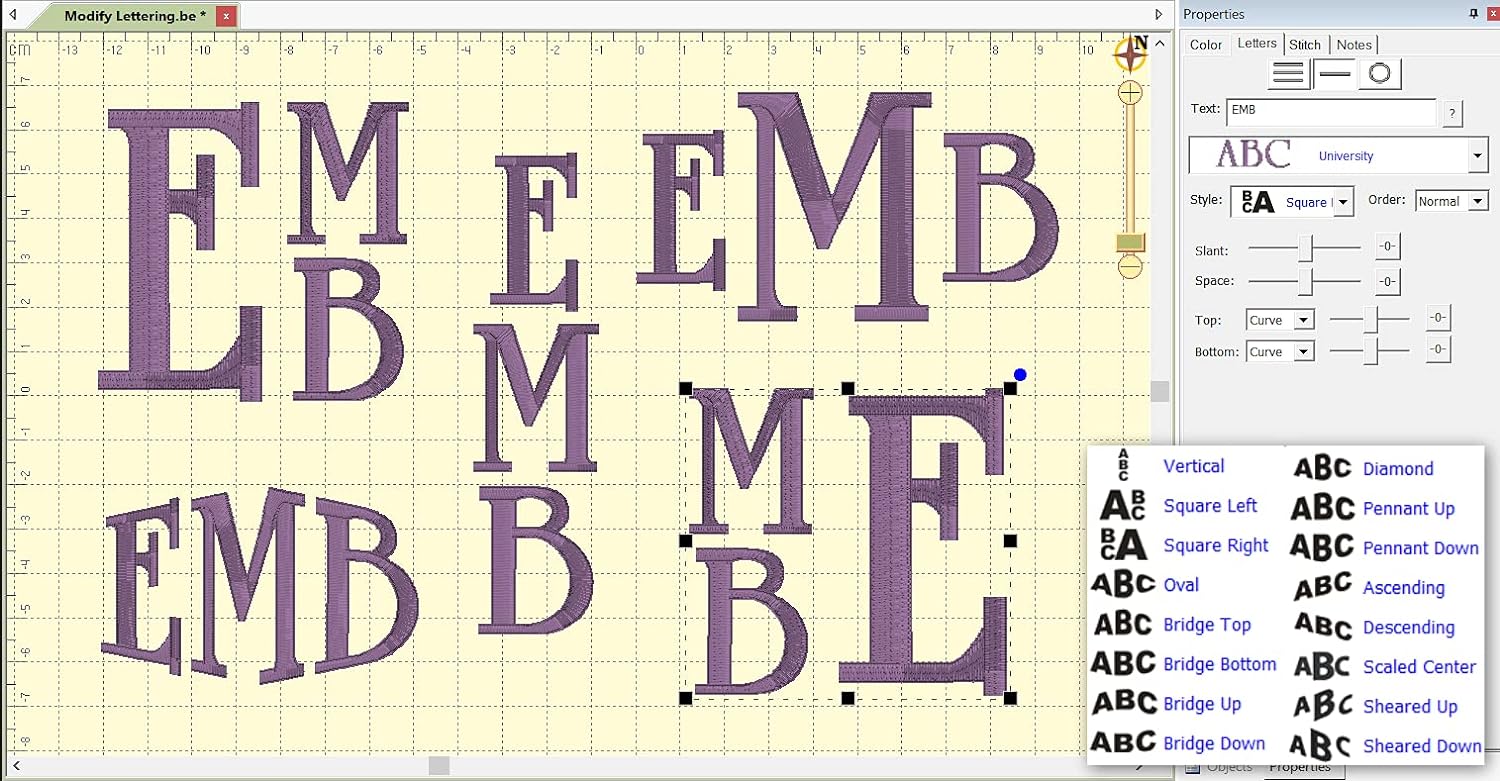
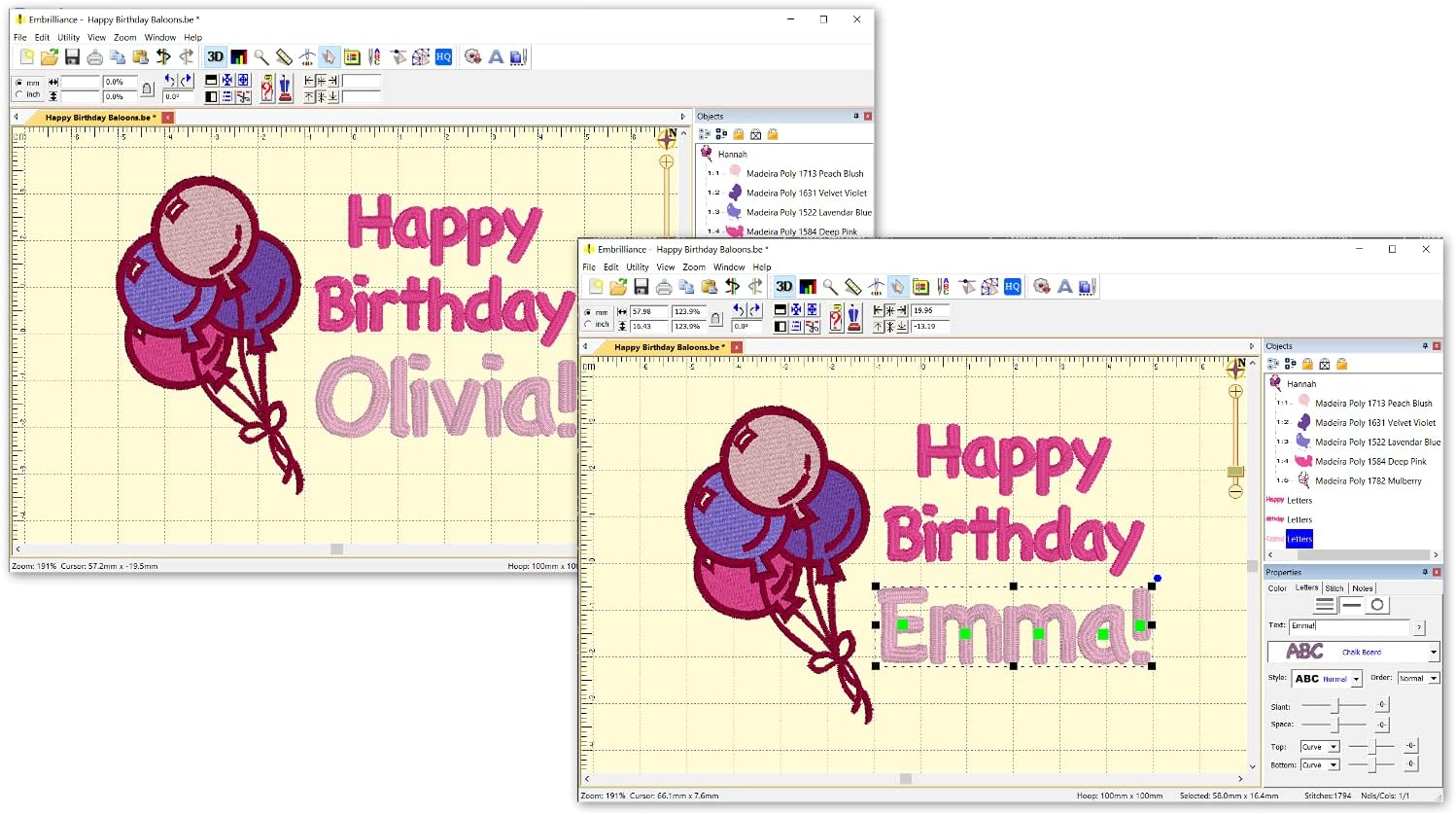
Add lettering in Multi-Line Monogram and Circle modes using the 21 included fonts depicted in the product images or with any of a world of BX fonts available to purchase from a multitude of creators online! You can even spiral text or make really LARGE letters.
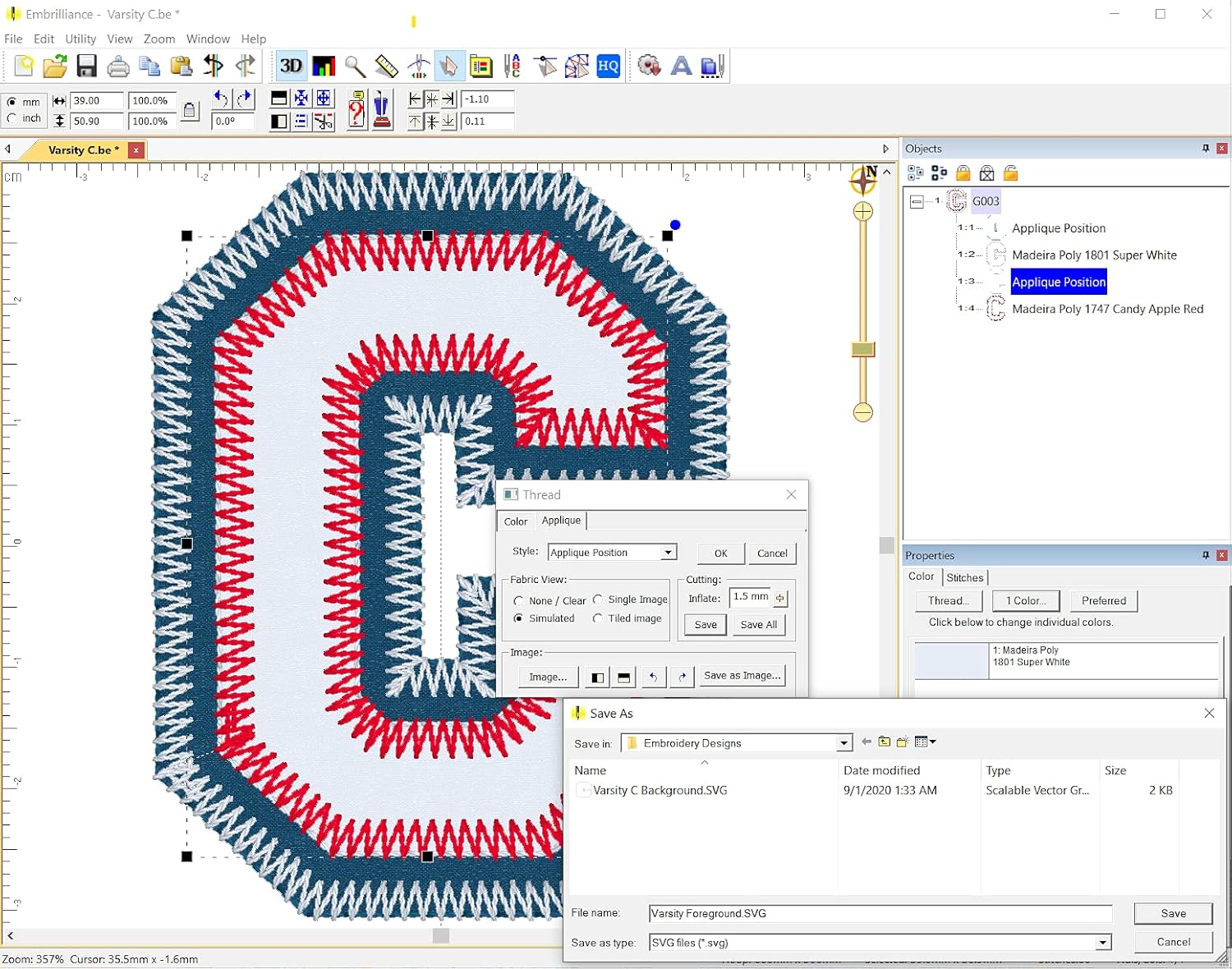
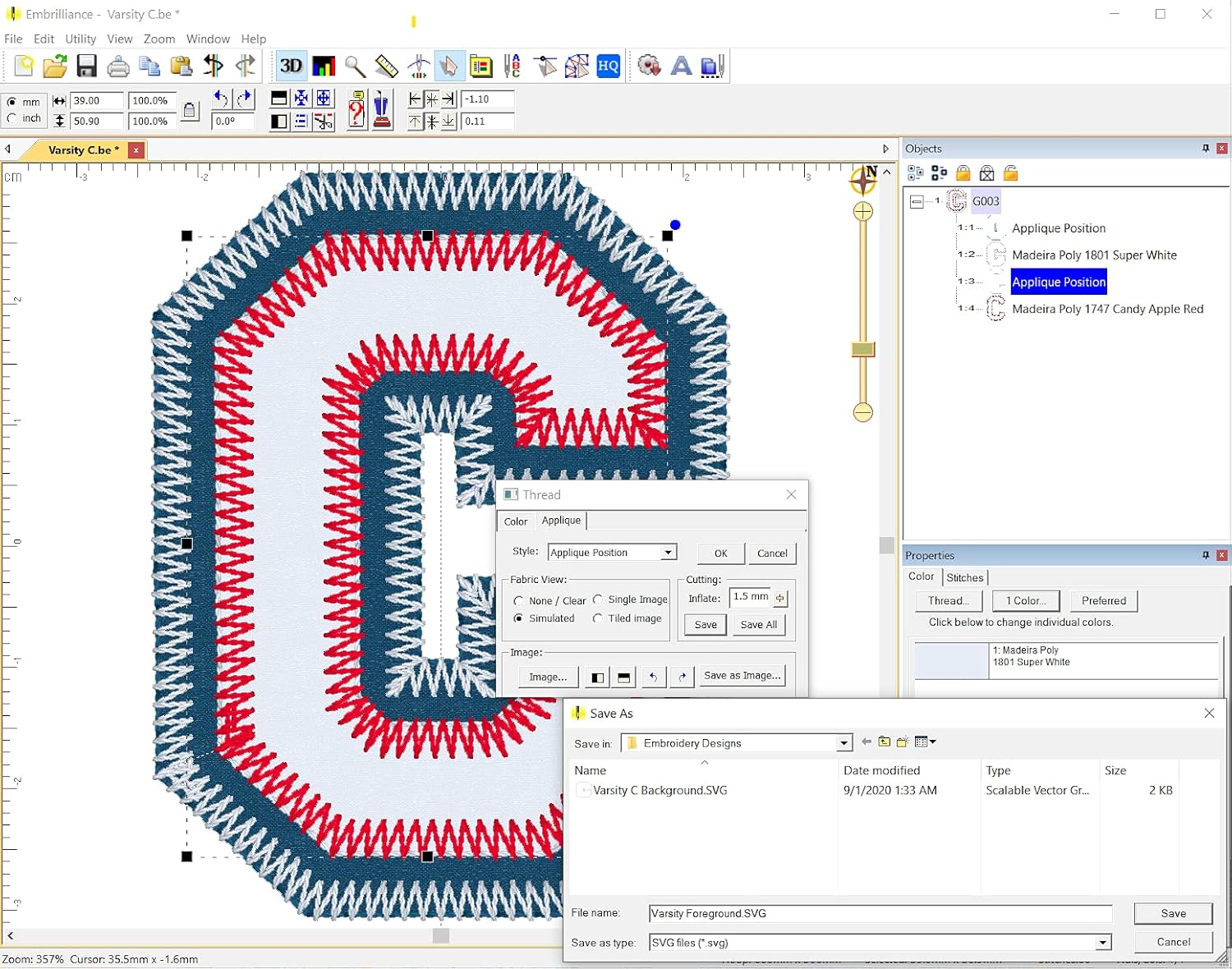
Save existing embroidery designs in your machines format and save appliques for cutting machines such as ScanNCut and Silhouette.
Overlap existing embroidery designs and have significant underlying stitching automaticly removed.
Note: Essentials does not convert JPG or other graphics to embroidery designs: To create designs use our StitchArtist series.
NOTE: Essentials does not create new embroidery files using existing graphics files like JPG or SVG; Creating new embroidery designs requires a different platform program.
Every embroiderer needs the tools to make basic changes and additions to their embroidery designs. These elementary alterations should be easy and fun to do but without capable software they can be difficult. That's why we made Essentials to give everyone access to tools that work and make embroidery fun again. With Essentials you can merge resize (recalculate stitches)remove overlaps colorize print templates add lettering and so much more.
Using your Mac or PC (regardless of Windows version) you can:
- Merge embroidery designs in almost any format even while they are in .ZIP files
- Resize embroidery designs with stitch recalculation
- Colorize machine embroidery designs
- Convert embroidery thread brands in your designs
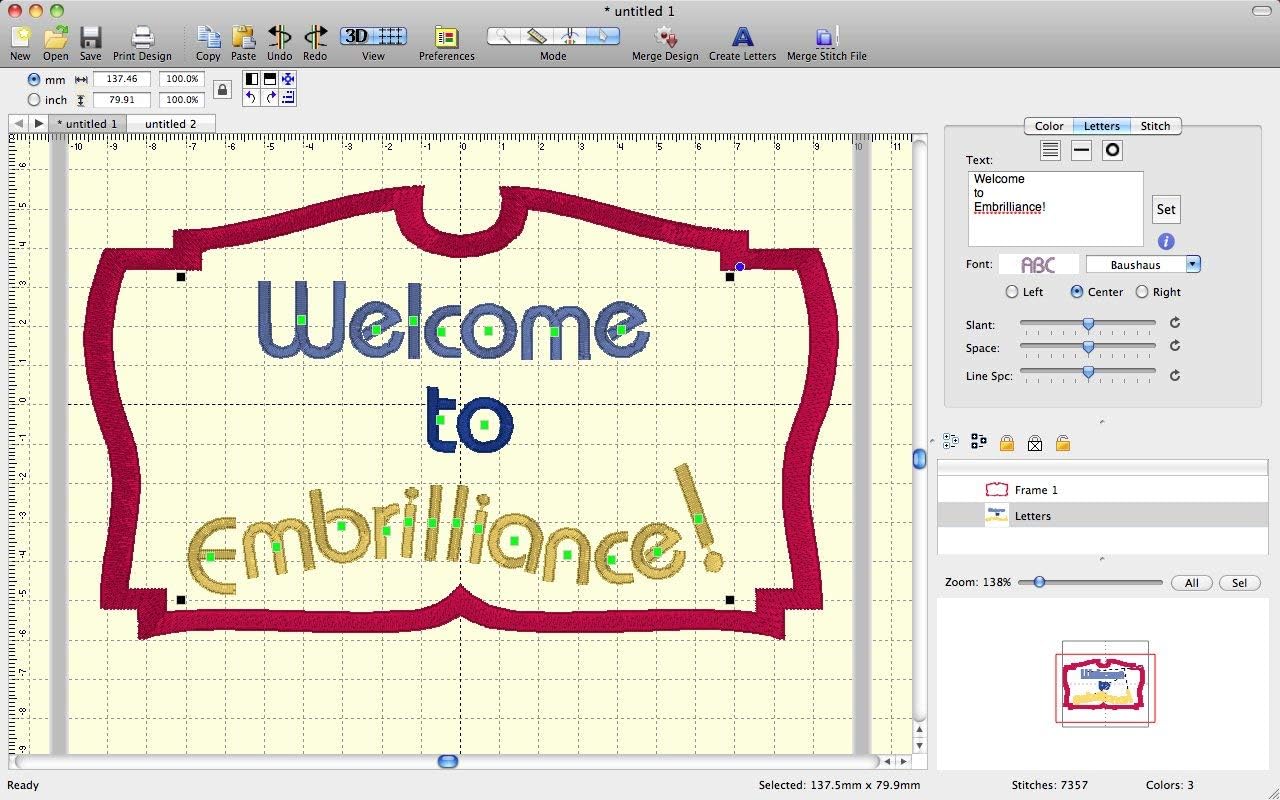
- Add embroidered lettering in Multi-Line Monogram and Circle modes. You can even spiral text or make really LARGE letters
- Split embroidery designs automatically for some multi-position hoops
- Save stitch files in your embroidery machine's format
- Save working project files so that you can edit your embroidered text later
- Overlap embroidery designs and have unnecessary underlying stitching removed
- Run a stitch simulator to preview the way your embroidery designs will sew out
- Group and Ungroup elements
- Change or remove individual thread colors in an embroidery design
- Step back through changes while you work with many levels of 'Undo' functionality
- Use special interactive embroidery designs called 'Moddies' that calculate their stitches as you play with them! (Free examples are included with the software)
- Print applique templates for manual pre-cutting - no more cutting in the hoop!
- Save applique elements as cutting files for industry standard cutting machines like the Silhouette Scan 'n Cut and more.
- New Connected Script fonts automatically connect in a cursive line without editing their spacing.
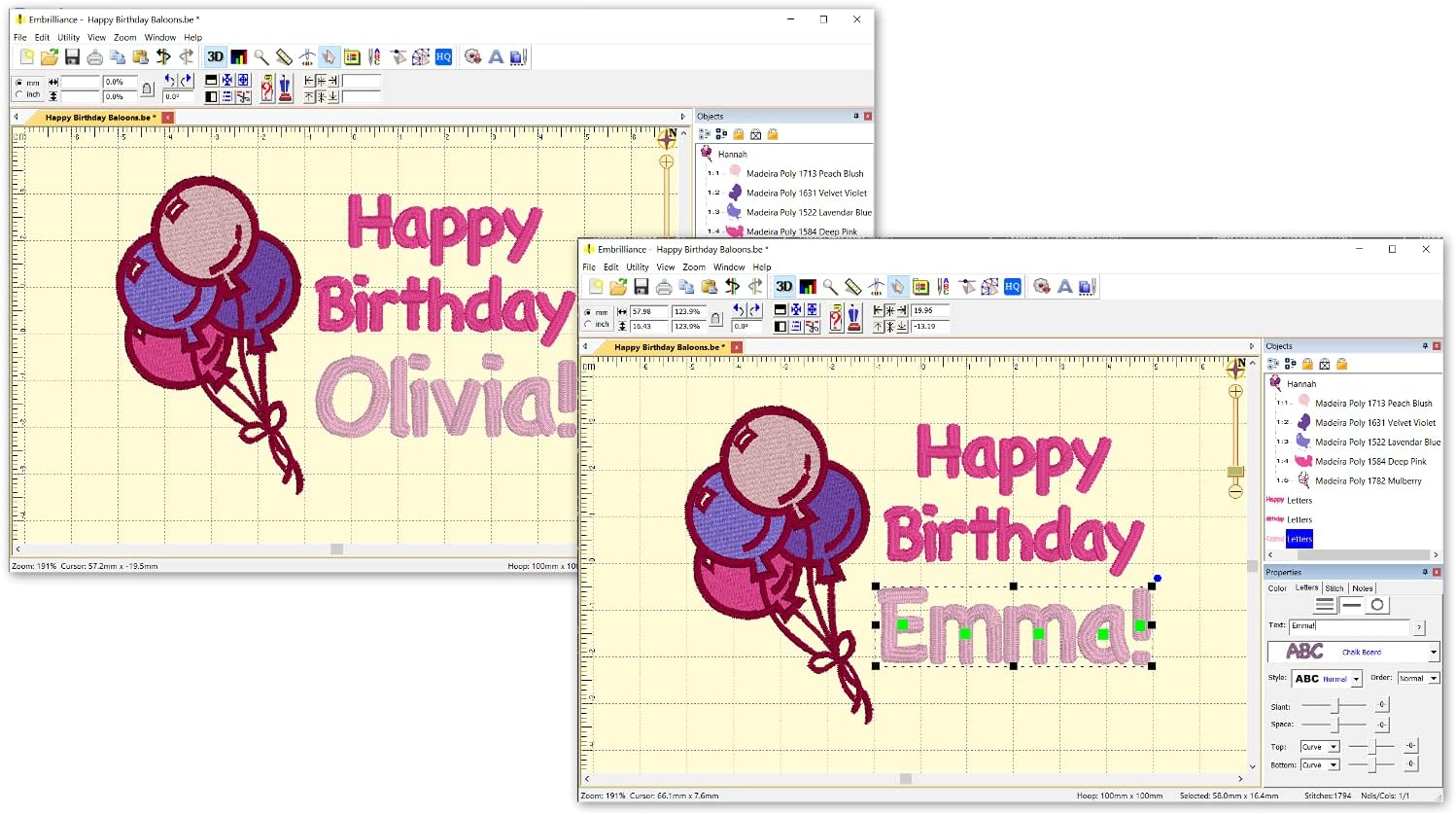
Essentials gives you highly customizable text tools to add lettering to your designs.
Add Text to Designs

You have successfully commented, please wait for review
Copied Successfully
You can enjoy up to 1 free gift!