What are you looking for?
Search

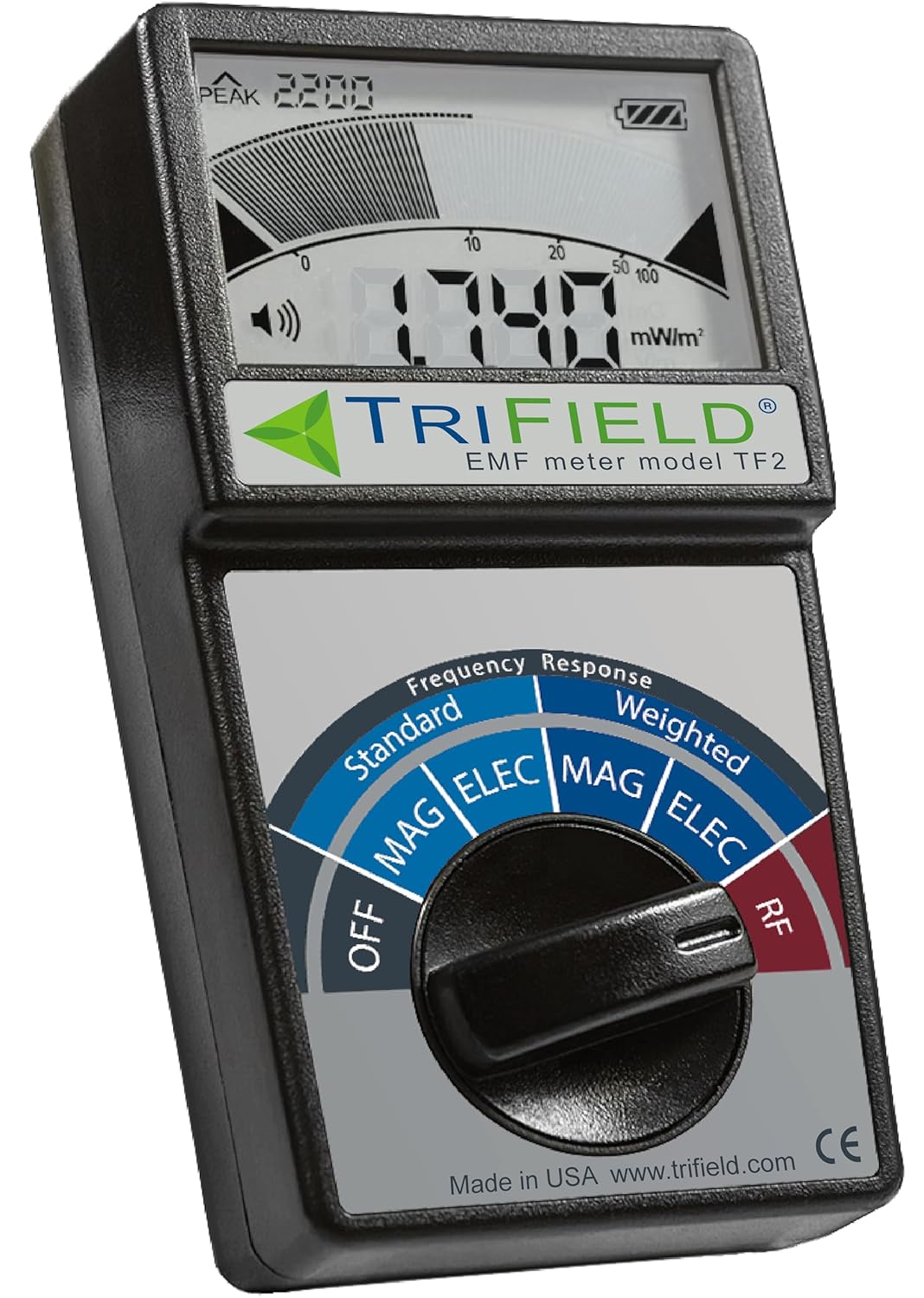
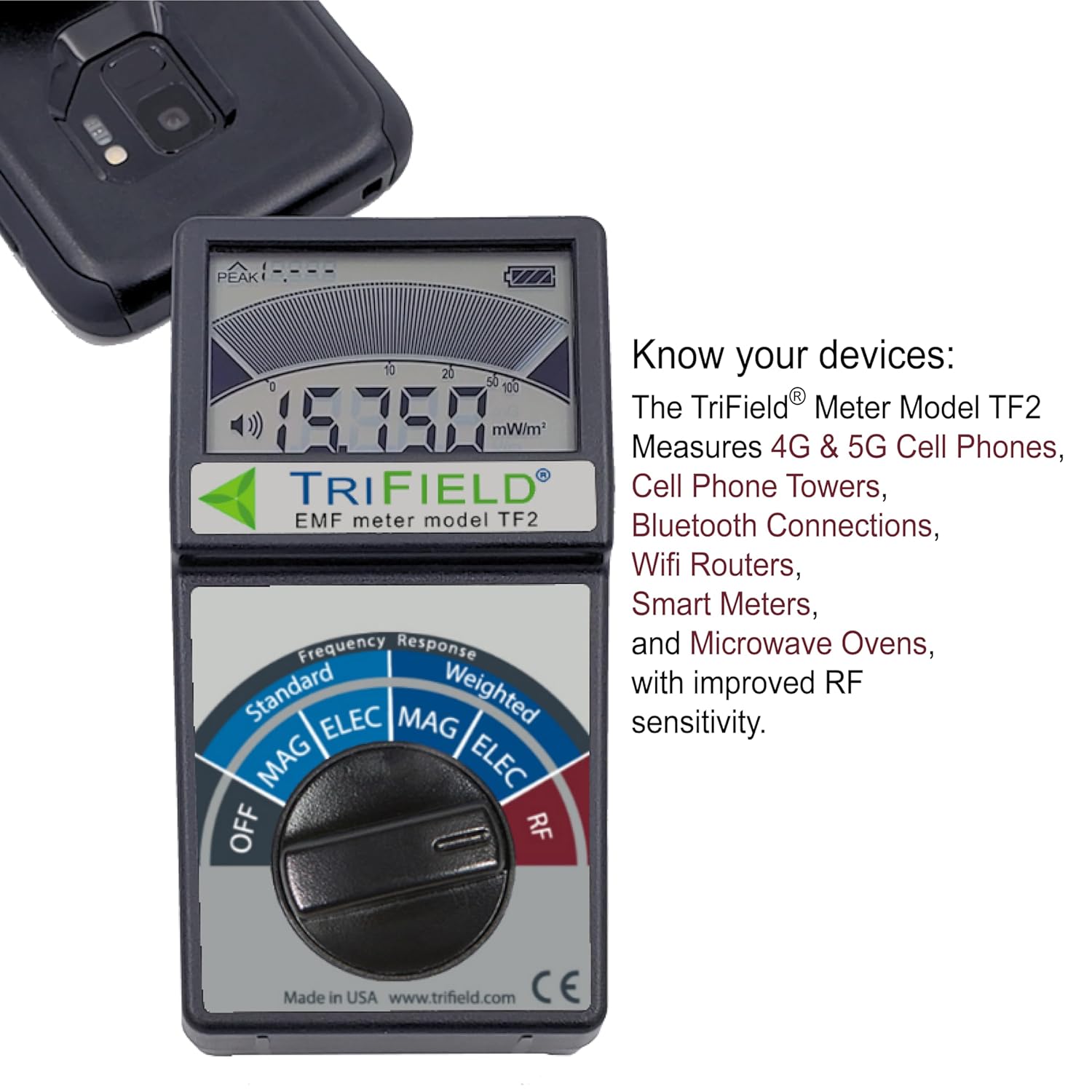
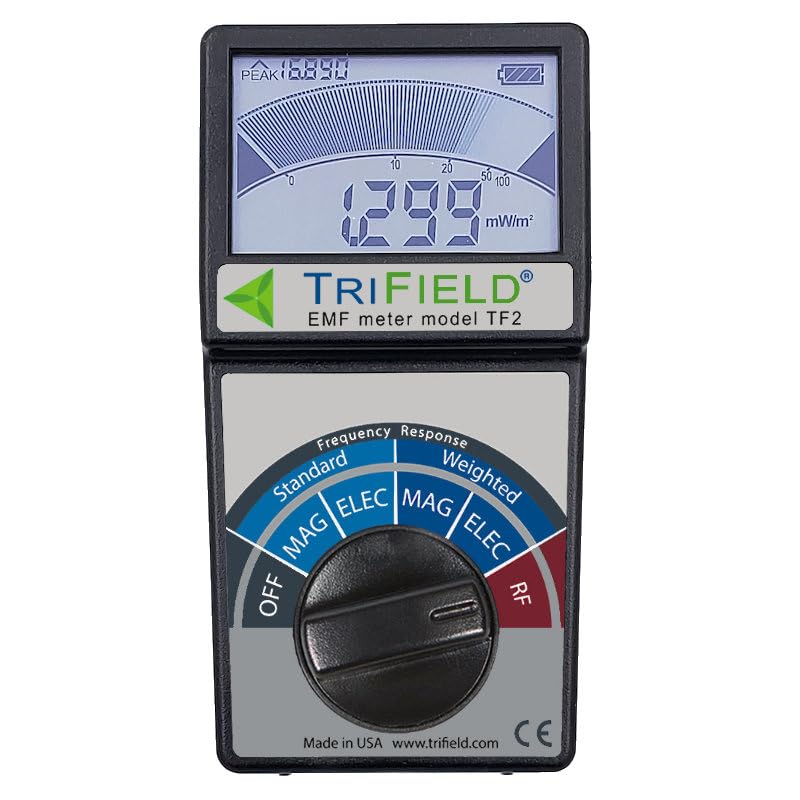
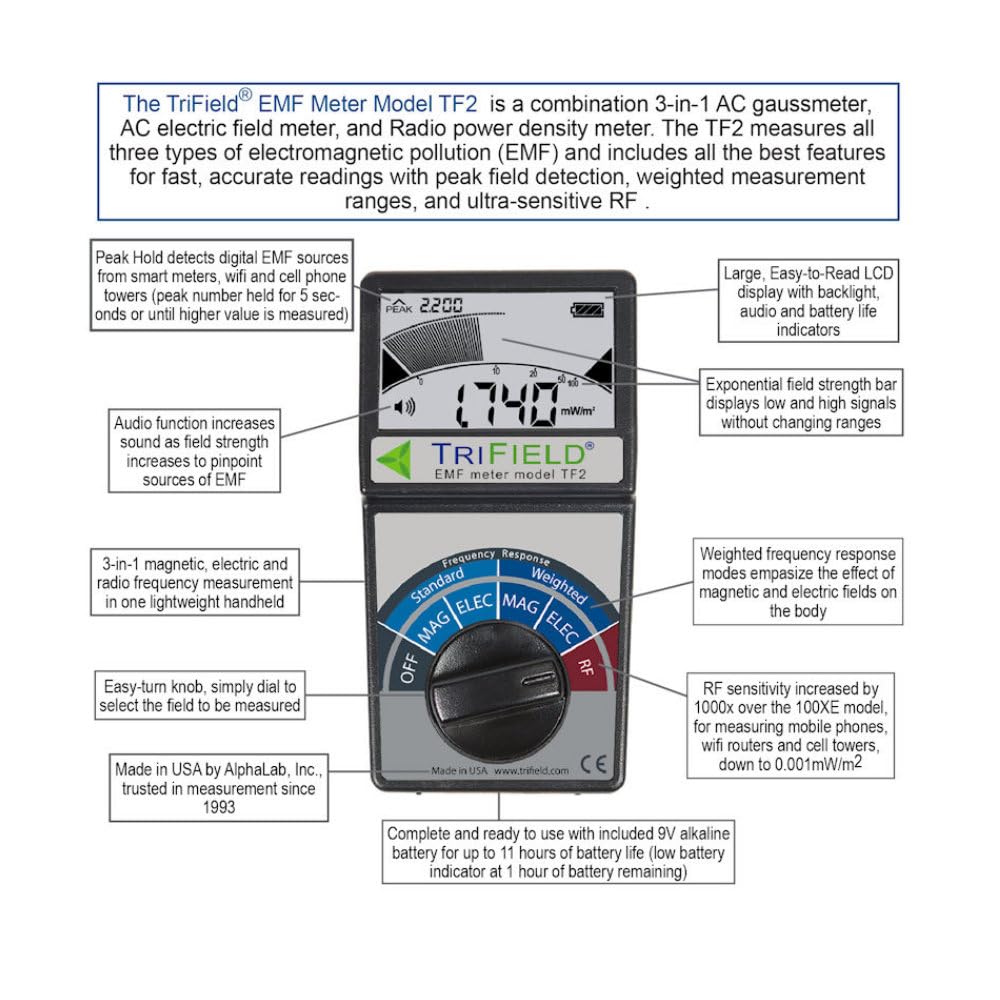
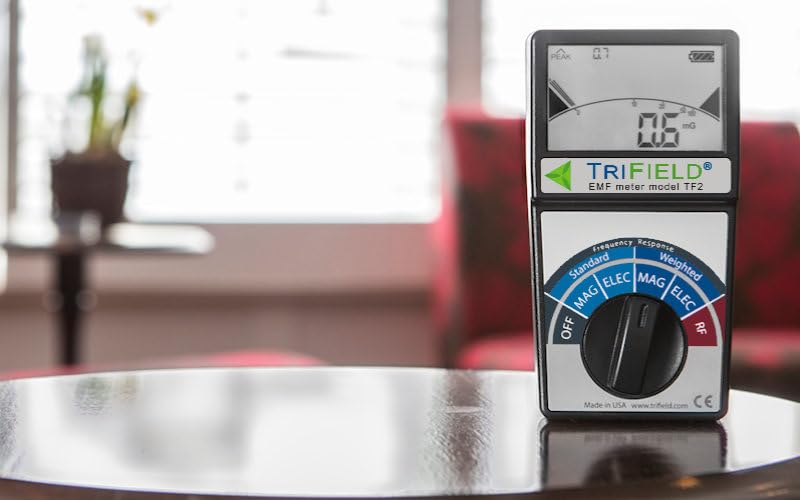
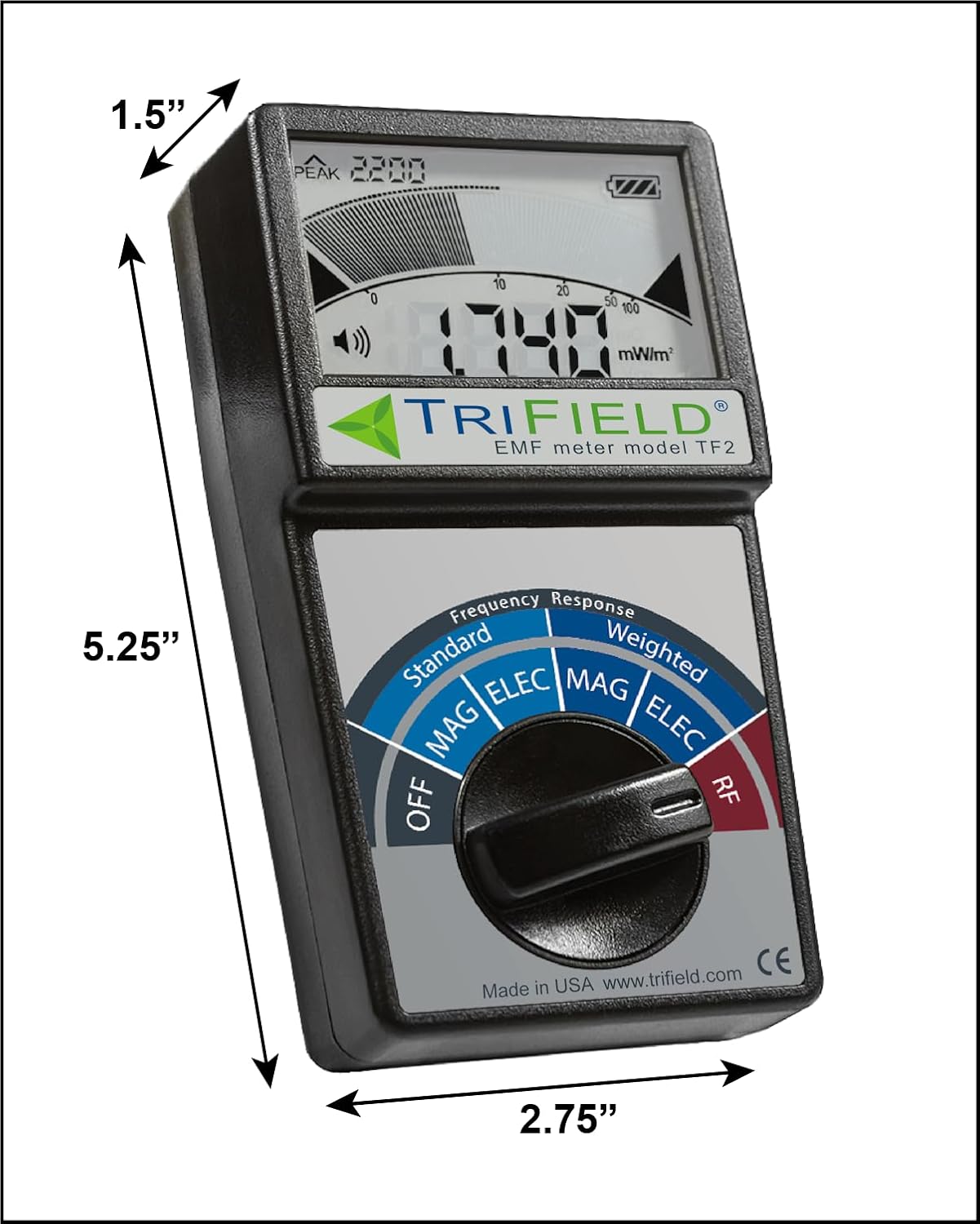
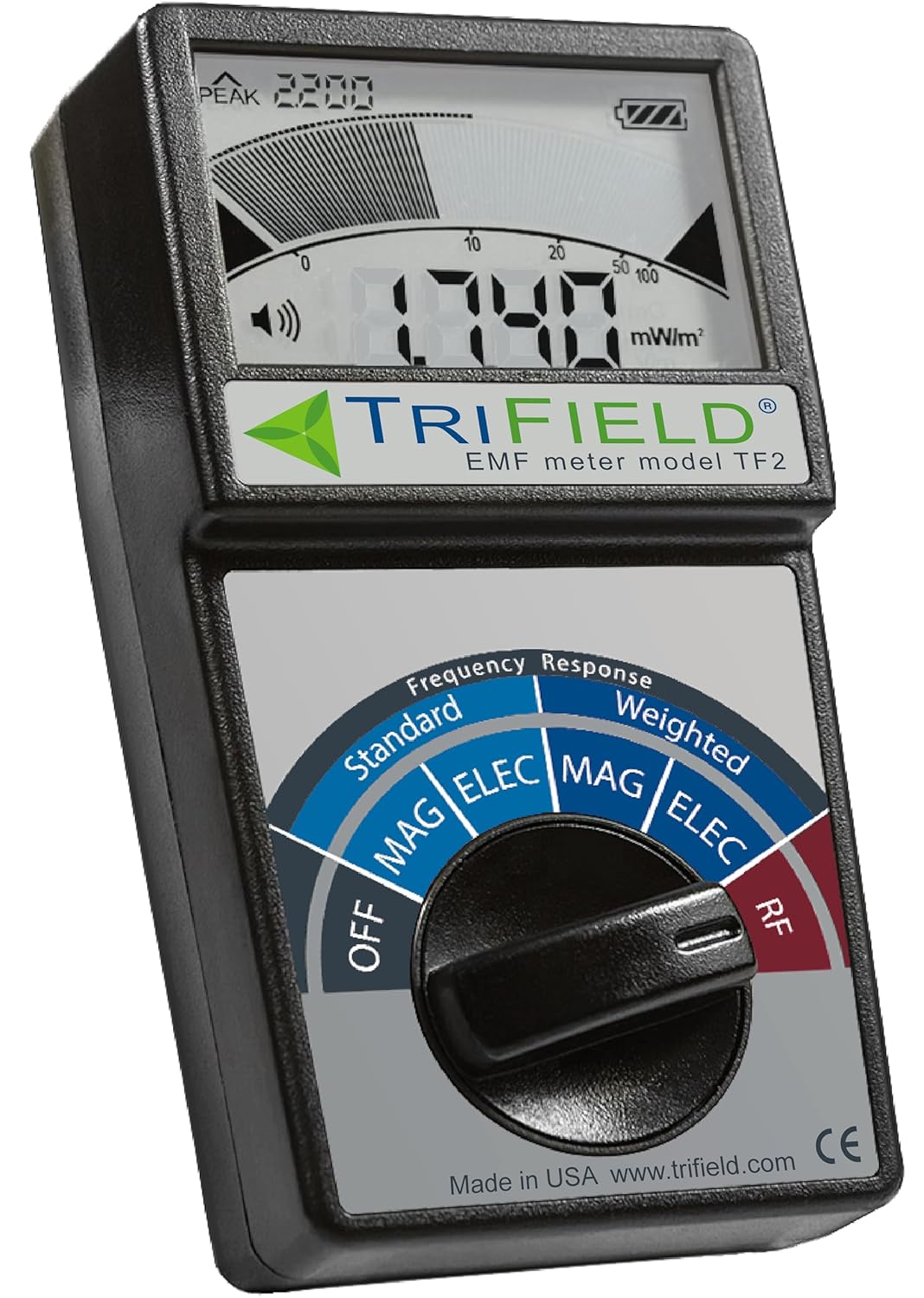
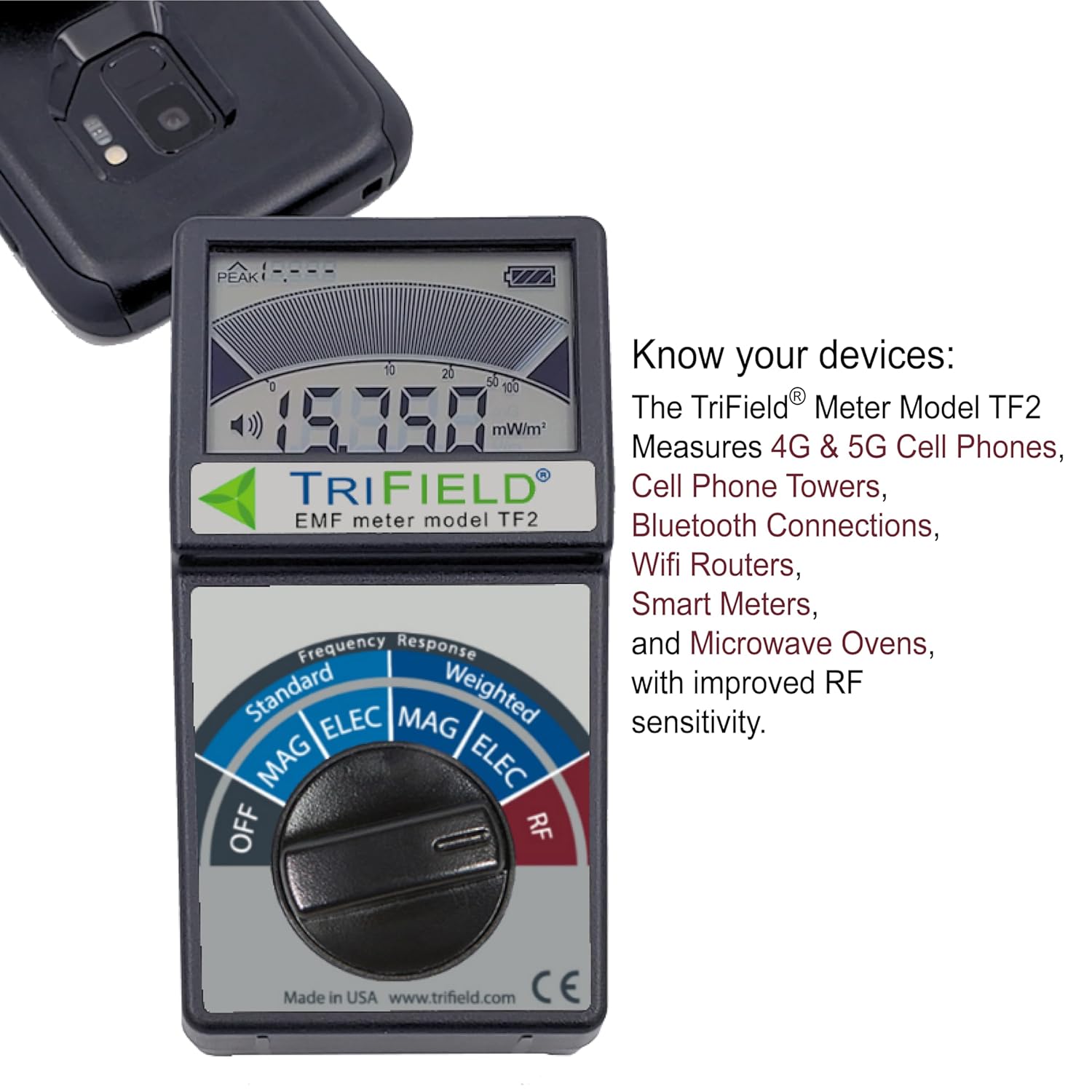
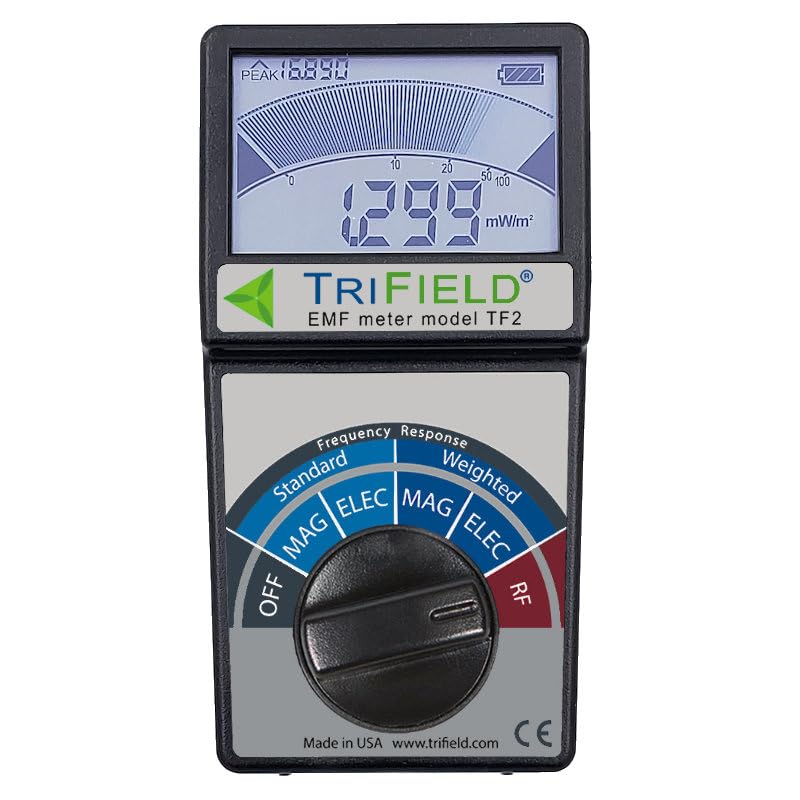
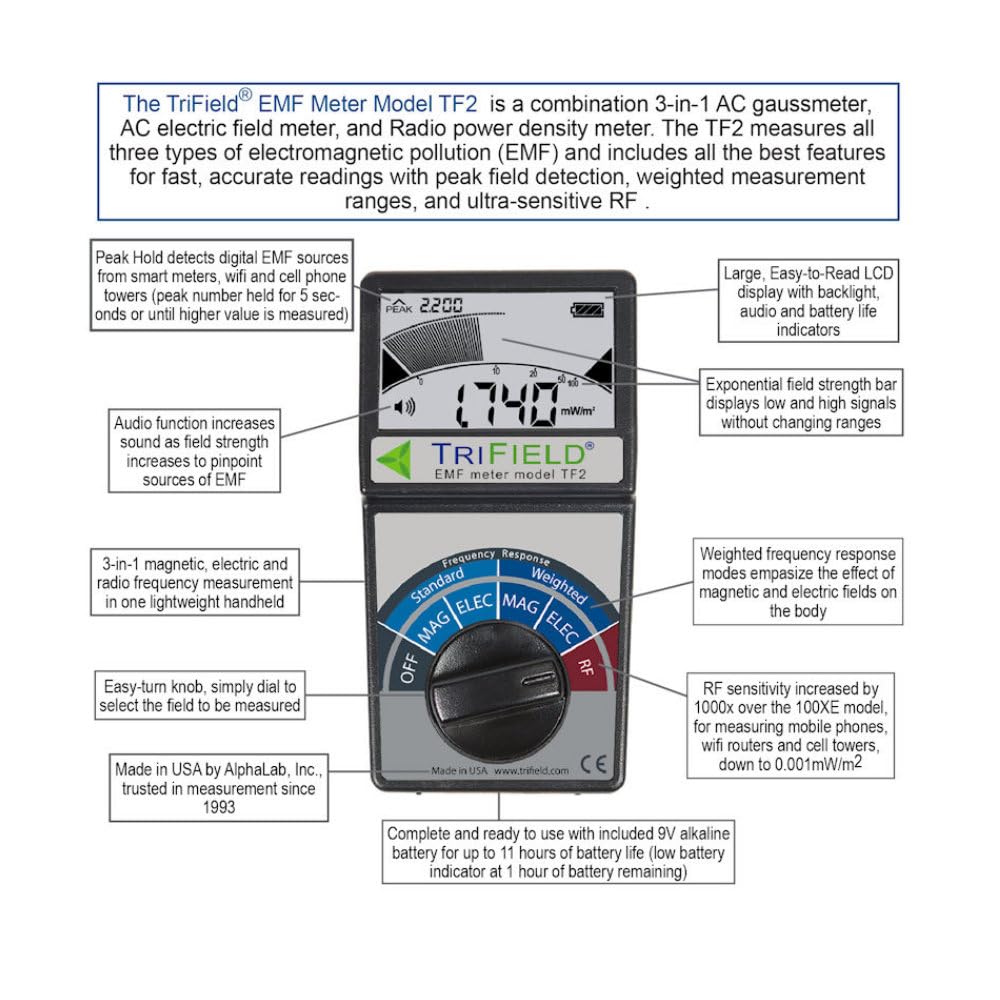
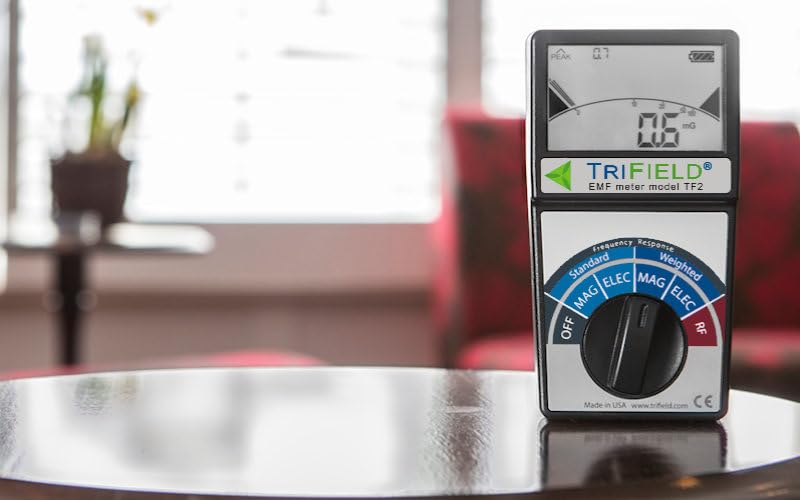
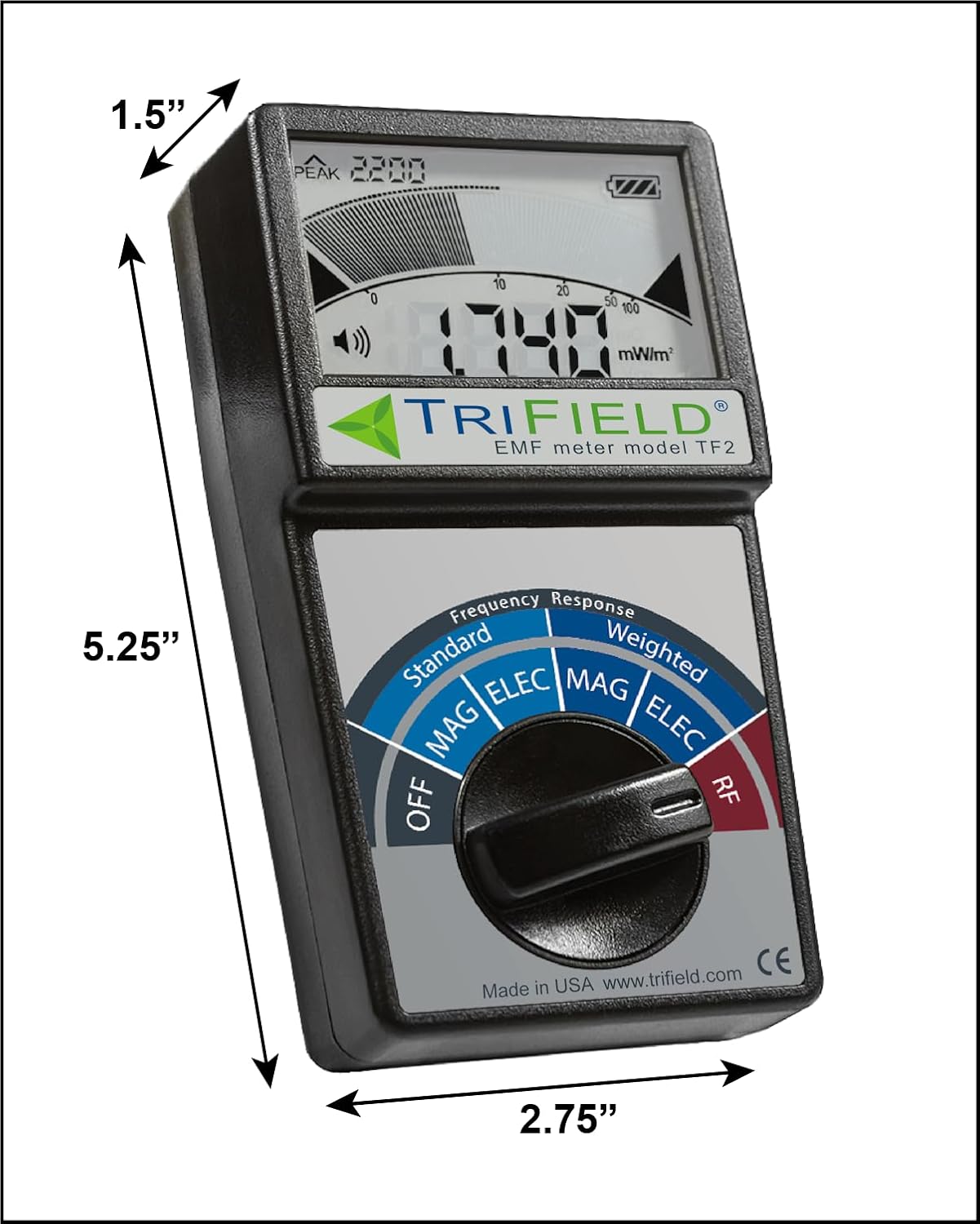

Displays EMF fluctuations fully: bars update instantly for fast digital signals while RF and number averages refresh 4 times per second. Other meters over-average or filter field peaks giving slower less complete readings.
Features: 3-axis magnetic single-axis electric (with standard or weighted frequency responses) and single-axis RF readings (unweighted). Weighted readings emphasize effects on the human body.
Measures: 4G and 5G cell phones cell towers WiFi routers Bluetooth AC Powerlines and Smart Meters. The TF2 responds to RF very fast compared to other meters.
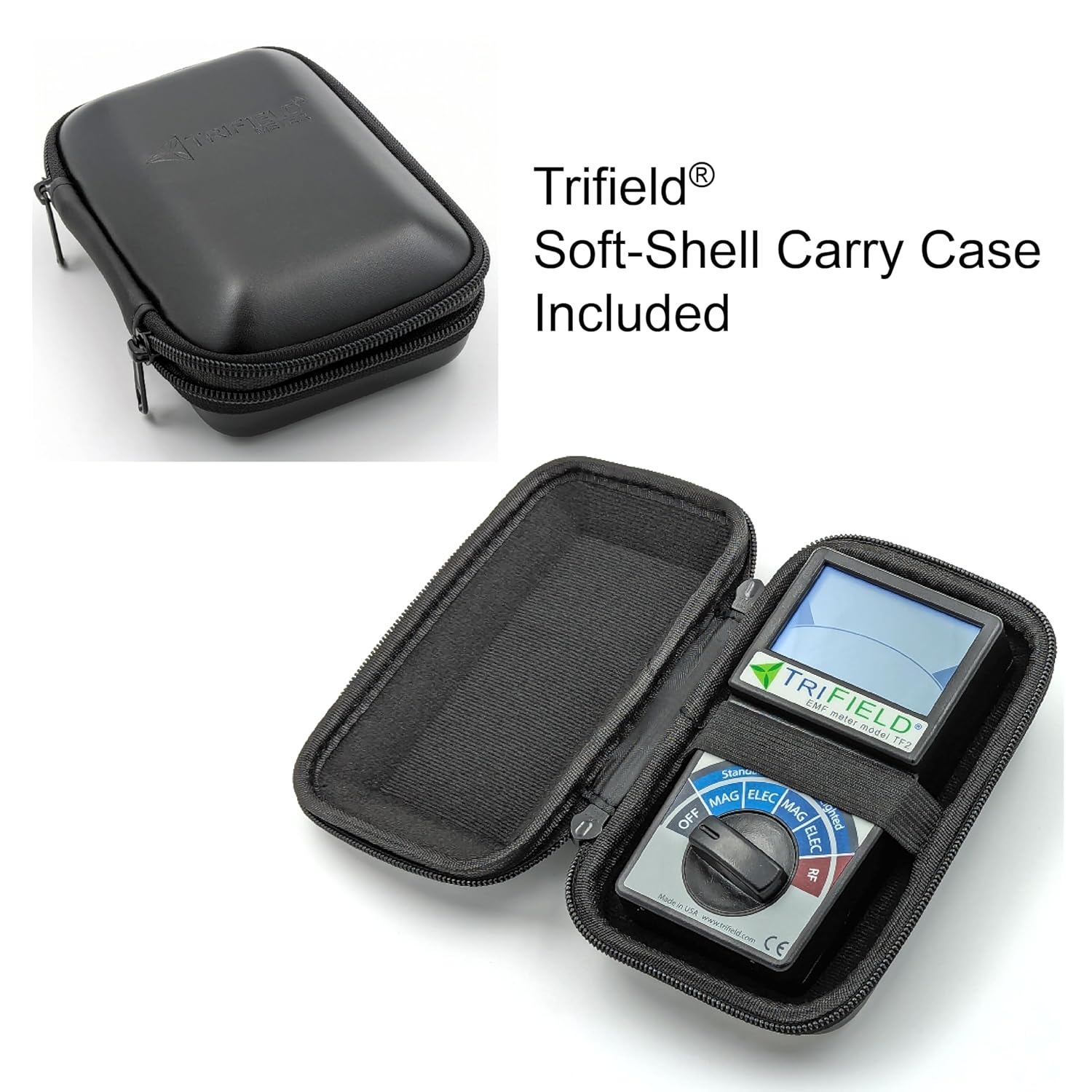
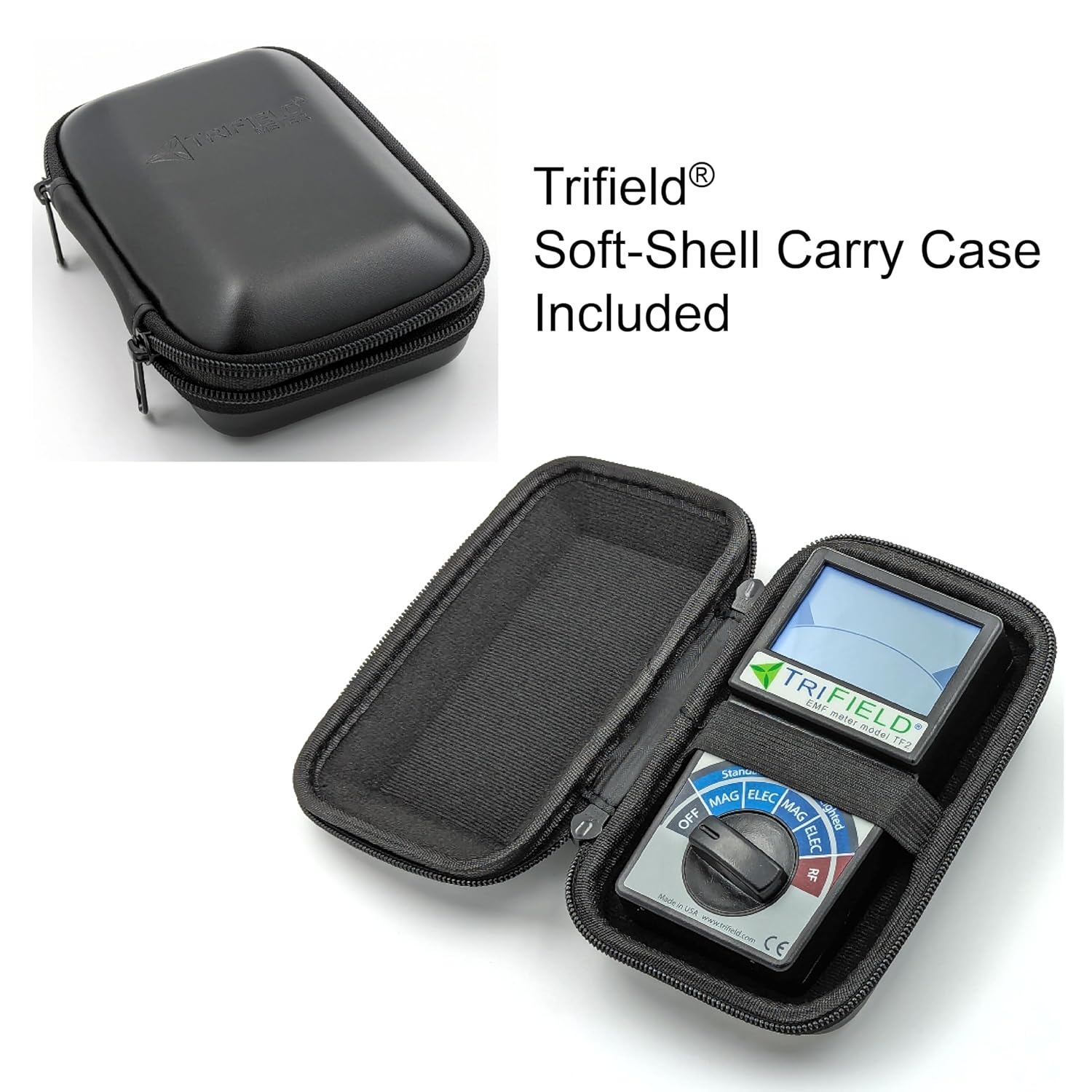
Includes: TF2 meter 9V battery Quick-start Card Detailed Instruction Manual and soft-shell zipper carry case.
Manufactured and Serviced in USA by AlphaLab Inc. with a 1-Year Manufacturer Limited Warranty. Free unlimited consulting to help solve your EMF issues included.
The EMF Meter Model TF2 combines three useful meters into one powerful portable device: AC gaussmeter AC electric field meter and RF radio power density meter.
The TF2 is designed to measure electromagnetic fields (EMF) where you spend significant time such as home office or automobile. Use the TF2 to identify high-EMF areas to avoid prolonged exposure and reduce fields through mitigation (e.g. repositioning appliances or shielding RF with aluminum foil or wire mesh).
Key Features:
Accurate and Sensitive: The TF2 Meter detects low-level RF (e.g. radio/TV broadcasts) that most other meters miss. The TF2 reads near zero in low-field environments (e.g. elevators or when wrapped in metal foil). The TF2 will not read ham radio frequencies below 20MHz.
User-Friendly: Large easy-to-read display with backlight for day or night use (try measuring electric field from compact fluorescent lighting on and off to note the change in field). Optional sound increases with the field strength helping to pinpoint high field locations. Just rotatethe easy turn knob to the field to be measured and the TF2 will automatically begin measuring and displaying that field.
Practical Applications: Check Appliance grounding locate live wiring in walls mitigate high fields and test shielding effectiveness.
Manufactured Supported and Serviced in Salt Lake City UT USA
Magnetic Fields (MAG) Settings: Standard MAG (all frequencies equal) or Weighted MAG (emphasizes higher frequencies for biological impact). Measurement: Read the large number (in milligauss) after waiting 3 seconds for warmup. Avoid rapid movement of the TF2 to prevent false readings. Typical Levels: Standard MAG: 3.0 milligauss in most North American homes. Weighted MAG: 5.0 milligauss. Notes: Higher readings may occur near breaker boxes or in cars. Focus on areas where you spend time. Magnetic readings are consistent regardless of meter orientation (true 3-axis measurement). To reduce high fields try repositioning appliances or avoiding high-field areas (see user guide for tips).
Electric Fields (ELEC) Settings: Standard ELEC or Weighted ELEC (emphasizes higher frequencies). Measurement: Point the top of the meter toward the source and hold by the lower half to avoid blocking the field. Readings are higher when holding due to body conductivity (this is expected). Typical Levels: 50 V/m in quiet areas higher near outlets cords or fluorescent lights. Notes: Use to check appliance grounding. Metal appliances (e.g. fridges) should read 50 V/m near the surface. Higher readings may indicate a grounding issue or shock hazard. Weighted ELEC reflects potential biological impact of higher frequencies.
Radio/Microwave Fields (RF) Settings: Measures 20 MHz6 GHz (most 5G Wi-Fi cell towers Bluetooth smart meters). Measurement: Read the average (large number in milliwatts/m) and peak (upper left) values. Watch the indicator bar for pulsing digital signals. Typical Levels: Peak: 5.000 mW/m (watch for 1 minute). Average: 1.000 mW/m. Notes: Digital signals (Wi-Fi cell towers) pulse causing fluctuating averages; peak values are more consistent. Smart Meters: Electric meters pulse ~once/minute; hold near the meter and note the peak value. Gas meters pulse rarely (e.g. once/day) making RF negligible. Sources: Wi-Fi routers emit more RF than connected devices; microwave ovens leak continuous (non-pulsing) RF. Shielding: Block RF with aluminum foil mesh or Mylar emergency blankets (shiny type) like a mirror reflecting light.
Tips for Reducing EMF Exposure
Magnetic: Move appliances to different outlets or avoid high-field areas (e.g. near breaker boxes).
RF: Shield with aluminum foil window screens or Mylar blankets to block cell tower or Wi-Fi signals. Move RF emitting electronics.
Electric: Ensure appliances are properly grounded to reduce fields and shock risks.
For detailed guidance refer to the user manual included with your TF2 meter.
Magnetic: Move appliances to different outlets or avoid high-field areas (e.g. near breaker boxes).
RF: Shield with aluminum foil window screens or Mylar blankets to block cell tower or Wi-Fi signals. Move RF emitting electronics.
Electric: Ensure appliances are properly grounded to reduce fields and shock risks. For detailed guidance refer to the user manual included with your TF2 meter.
What Can You Measure with a TF2? Most common wireless communication signals including WiFi Bluetooth and lower-band 5G EMF from electrical wiring in homes and offices Everyday appliances like microwaves induction and electric stoves TVs computers and more. What Can't a TF2 Measure?
- Radio signals below 20 MHz (such as AM radio ham radio and some specialized government frequencies)
- Any form of ionizing radiation (like nuclear or radioactive emissions)
- The ultra-high-frequency experimental millimeter-wave bands used in some 5G applications
Why does my measurement seem to "jump" or "bounce"? Thats actually a sign of accuracy! EMF fields especially RF (radio frequency) are naturally dynamic and constantly changing. There isnt a single fixed number because the environment is always in flux. Our meters are designed to show you the real live fluctuations rather than smoothing or filtering the data to create a false sense of stability. Youll notice this even more when measuring RF from everyday devices like Wi-Fi which transmit data in bursts and go quiet in between. With our meters you see whats truly happening in real time.
Im measuring my phone or router but I dont see any signal why? This is normal. Many people think devices like phones and routers are always blasting out signals but thats not the case. To save battery and reduce unnecessary emissions these devices stay in a low-power listening mode most of the time and only transmit when they need to send or receive data. If you want to see them in action simply get them to actively transmit start a video or audio stream make a phone call or download a large file while measuring. Youll then see exactly how much they emit when theyre really working.
Im comparing the TF2 to another meter (or a professional service) and the readings dont match. Why? Great question and a very common one. There are several reasons readings can differ when comparing meters. Here are some key points to keep in mind: Sensor placement matters. The most frequent reason for discrepancies is not placing the sensor in the exact same spot. Even small shifts can change the reading especially if the EMF source is closer to one meter than the other. Even two TF2s side by side can show slight differences when a source is closer to one than the other for this reason. Frequency range differences. Another important factor is each meters frequency range especially in RF mode. If two meters cover different frequency ranges they may detect different signals. For example if one meter measures up to 6 GHz and another stops at 5 GHz a 5.5 GHz signal will only show up on the first meter making it seem more sensitive. When comparing always check that youre measuring in identical locations and that the devices have similar frequency coverage. With careful setup youll get the most accurate comparisons possible.
Can I use the TF2 to measure signals from infrastructure like cell towers? Yes the TF2 can measure cell tower emissions! However there are a few important things to keep in mind:
- Not every tower is a cell tower. Many towers in your area may be for other purposes (like AM radio) and those often operate on frequencies that the TF2 does not cover.
- Cell towers transmit directionally. Theyre designed to send signals outward toward people and devices not downward. Think about it you dont stand right under a tower every time you make a call! To measure cell tower signals effectively its best to stand a little distance away where the signal is stronger.
- Tower traffic varies. In rural areas especially cell towers may have minimal activity. To see active emissions try using your phone to stream video or make a call while measuring this prompts the tower to transmit more data.
With these tips youll get a much clearer picture of real-world tower emissions using your TF2!
Sensor Type
- 3-axis true magnitude
- Frequency Range (NOT displayed)
- 40 Hz 100 kHz
Accuracy
- 4% @ 50/60 Hz
Maximum Range
- 100.0 milligauss
Sensitivity (Resolution)
- 0.1 milligauss
Why Choose ?
Are you aware of the fields your devices emitand how strong they are?
How to Use the TF2 Meter
Use the Meter Model TF2 to identify and reduce EMF in your home workplace vehicle and beyond.
Measure AC Magnetic Field from outdoor central air conditioning unit attached to a home
Tips for Reducing EMF Exposure
AC Magnetic
Specifications

You have successfully commented, please wait for review
Copied Successfully
You can enjoy up to 1 free gift!