What are you looking for?
Search

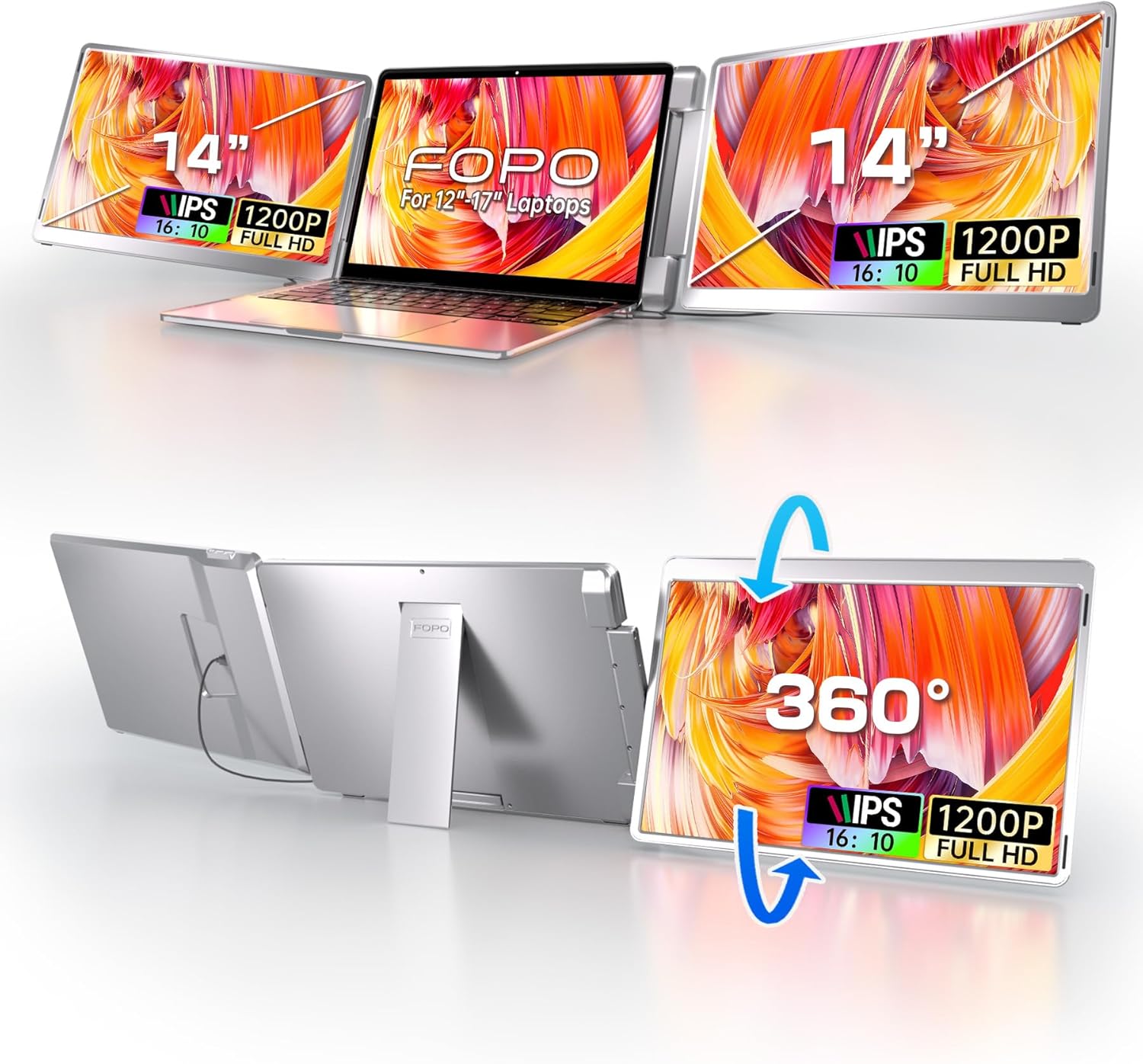
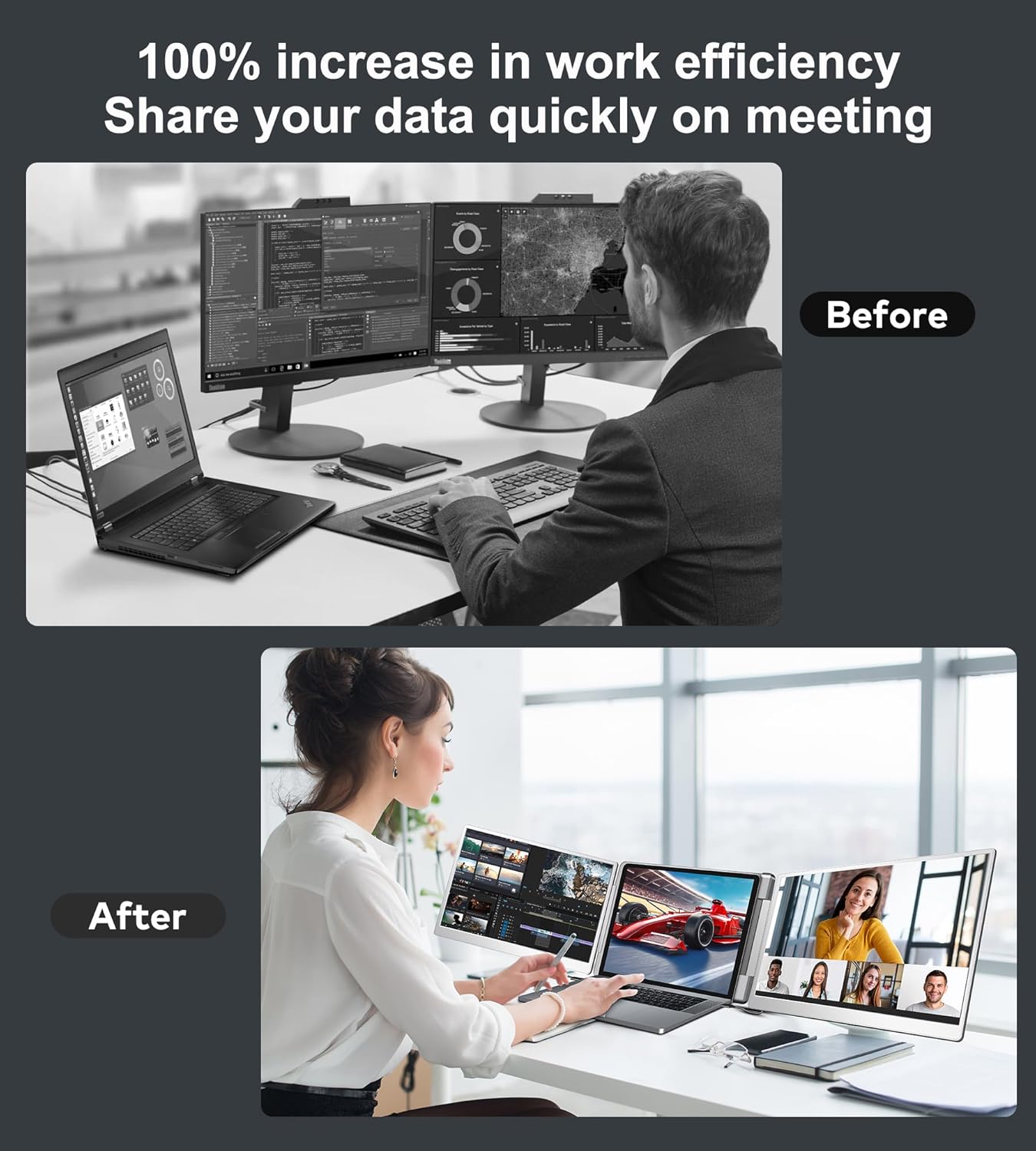
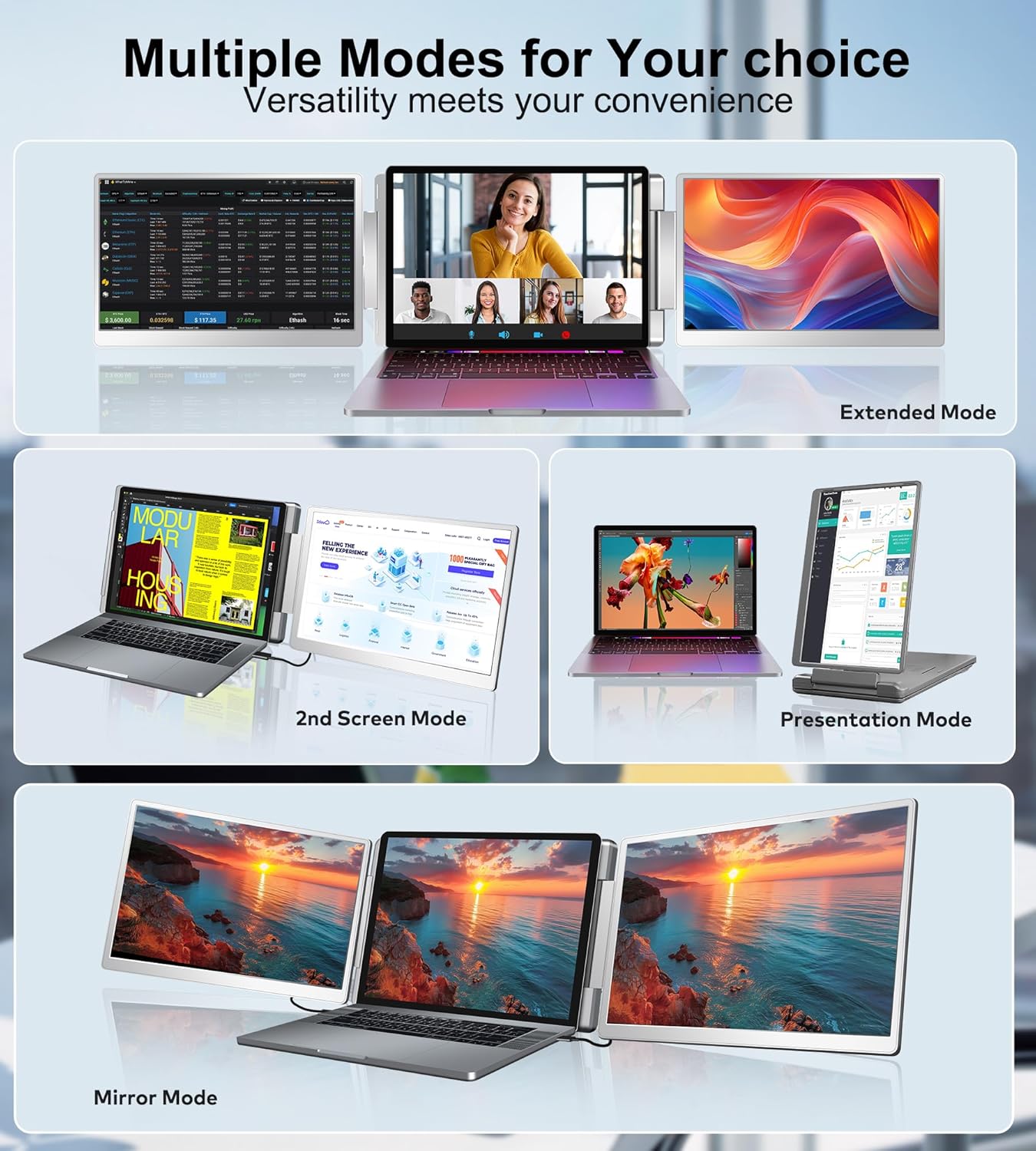
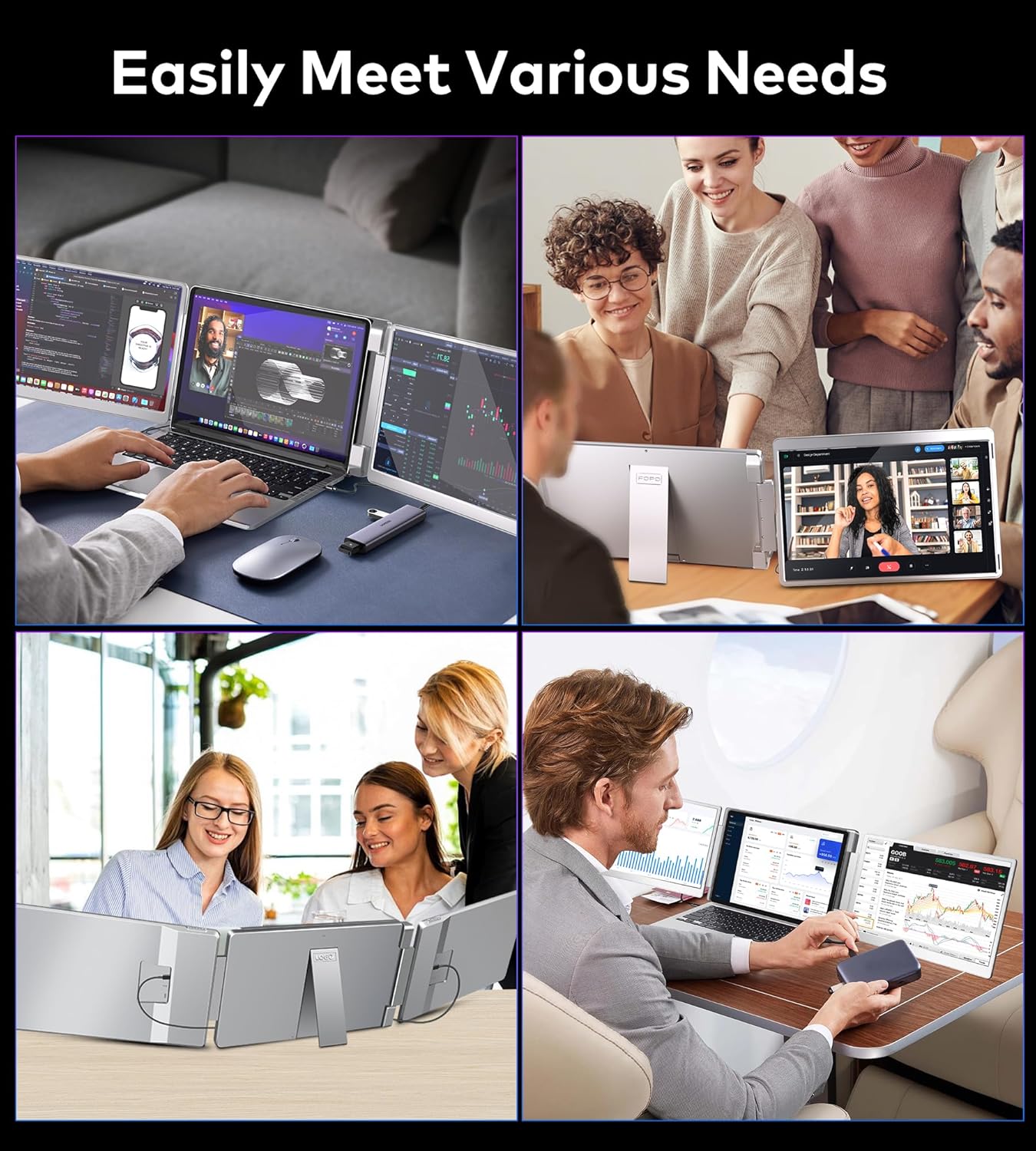
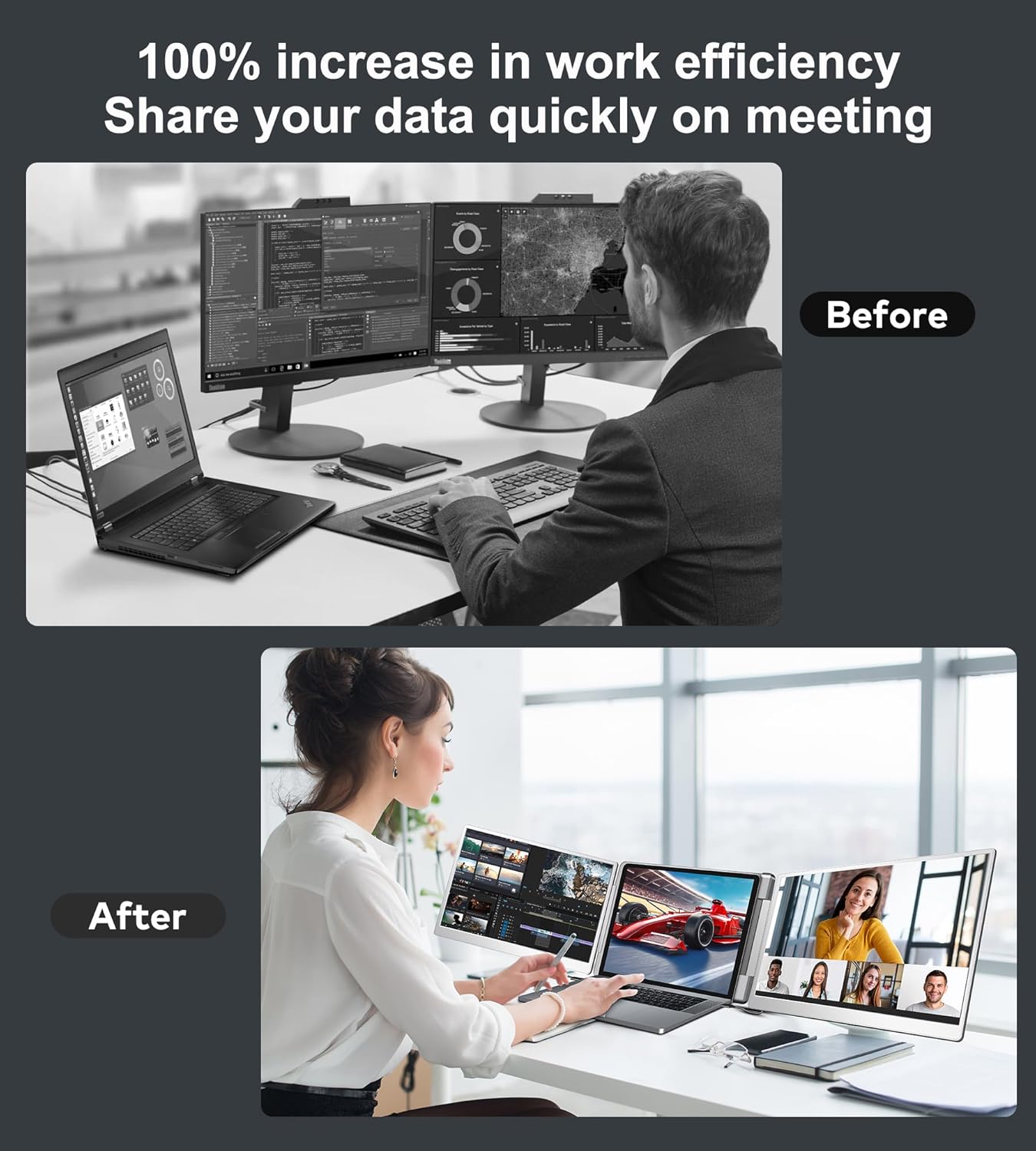
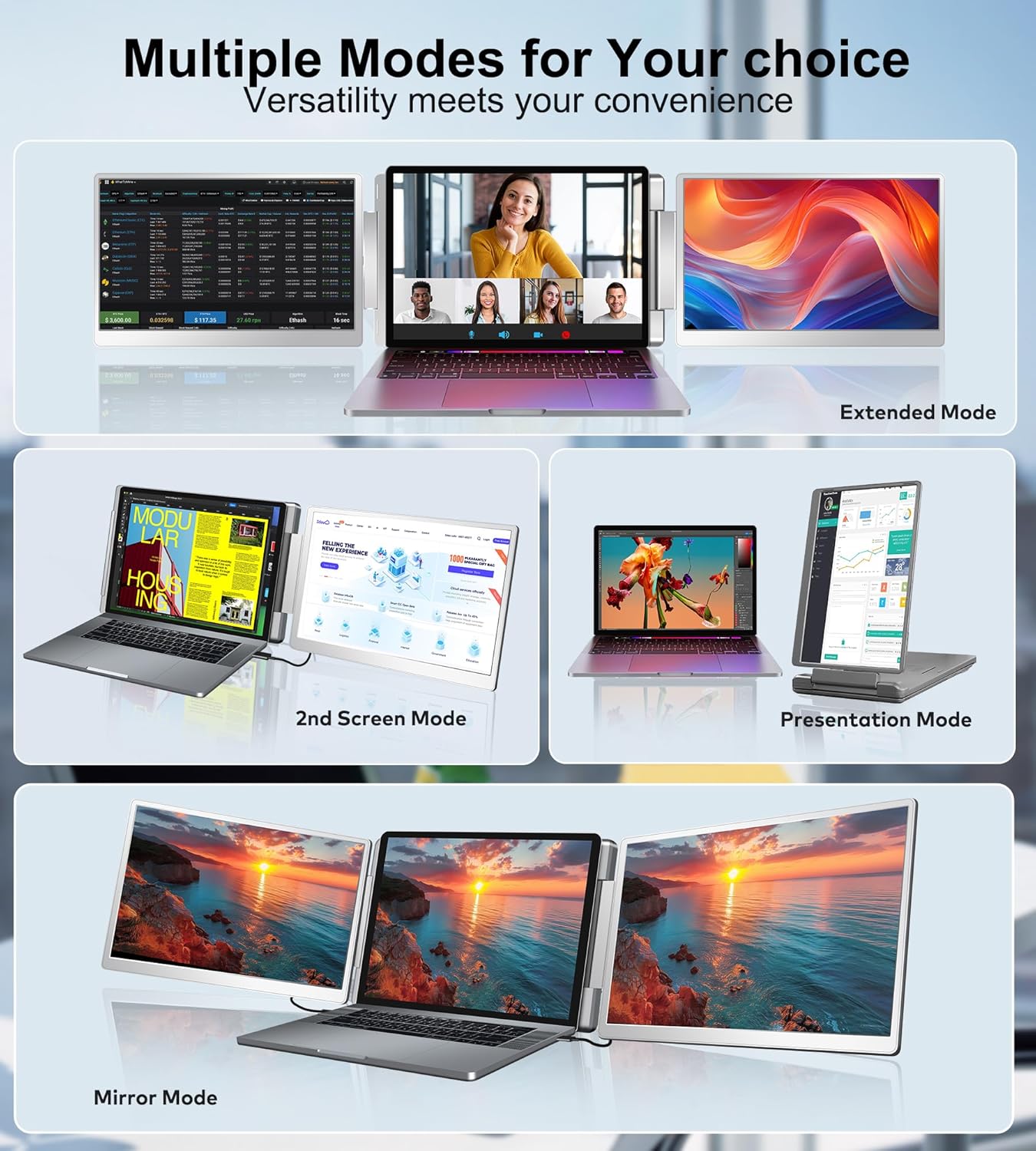
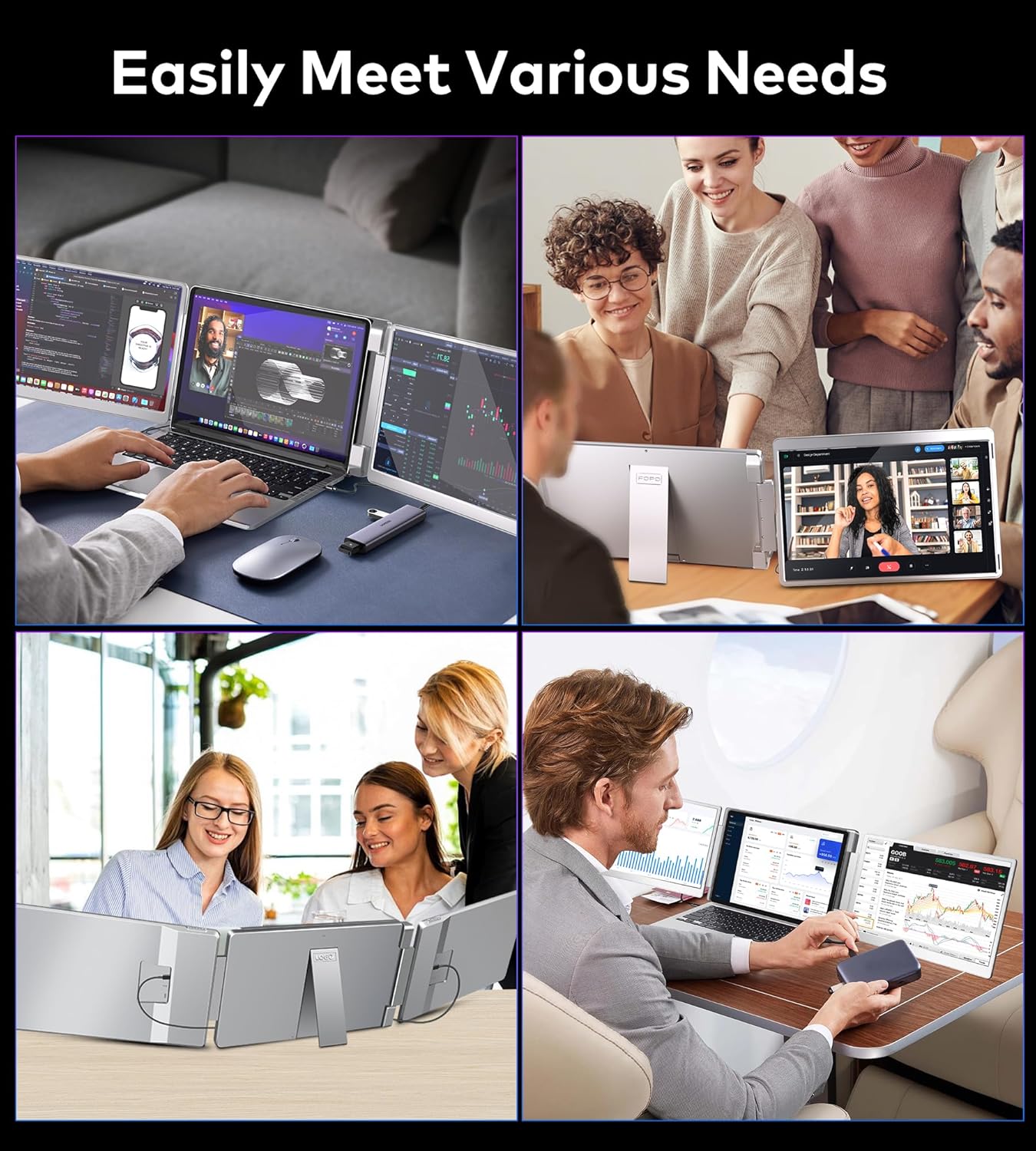

TRIPLE MONITOR & 300% EFFICIENT: 14 laptop screen extender adds 2 new screens to your laptop's daily work easily open multiple windows and multitask at the same time increase your productivity up to 300% and save more time. Perfect for designers remote workers travelers online meetings IT workers stock traders investment professionals and anyone who needs a more efficient workflow.
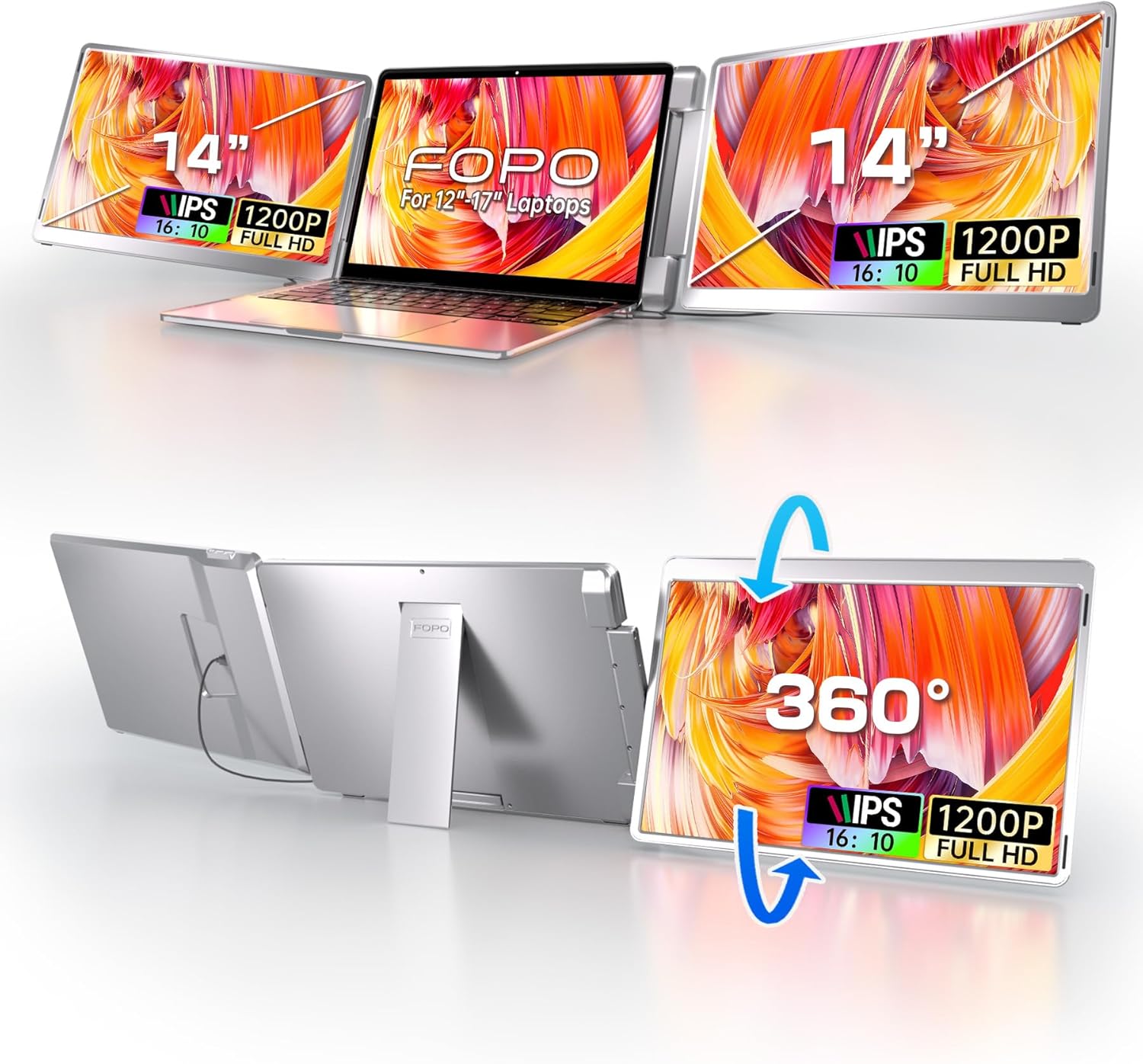
LEFT SCREEN 360 FLIP & FOLDABLE PORTABLE DESIGN: S7 portable laptop monitor supports left screen 0-245 and right screen 0-205 parallel rotation. In addition the newly upgraded triple monitor has a new left screen 360 flip design and supports auto-sensing screen making face-to-face presentations or screen sharing more free and comfortable. The monitor extender can be folded into the included carrying bag only 3.52 lb lightweight and portable.
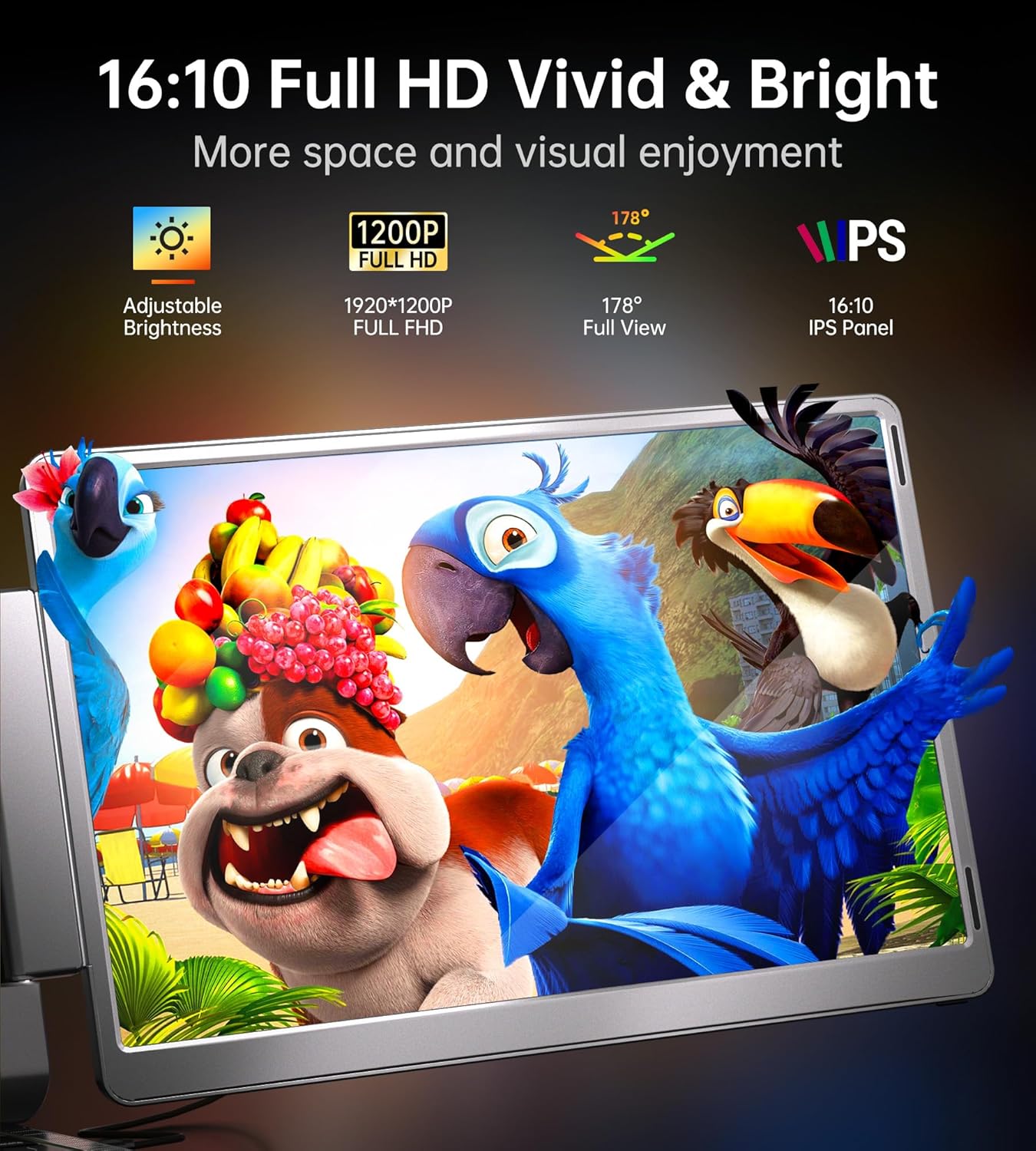
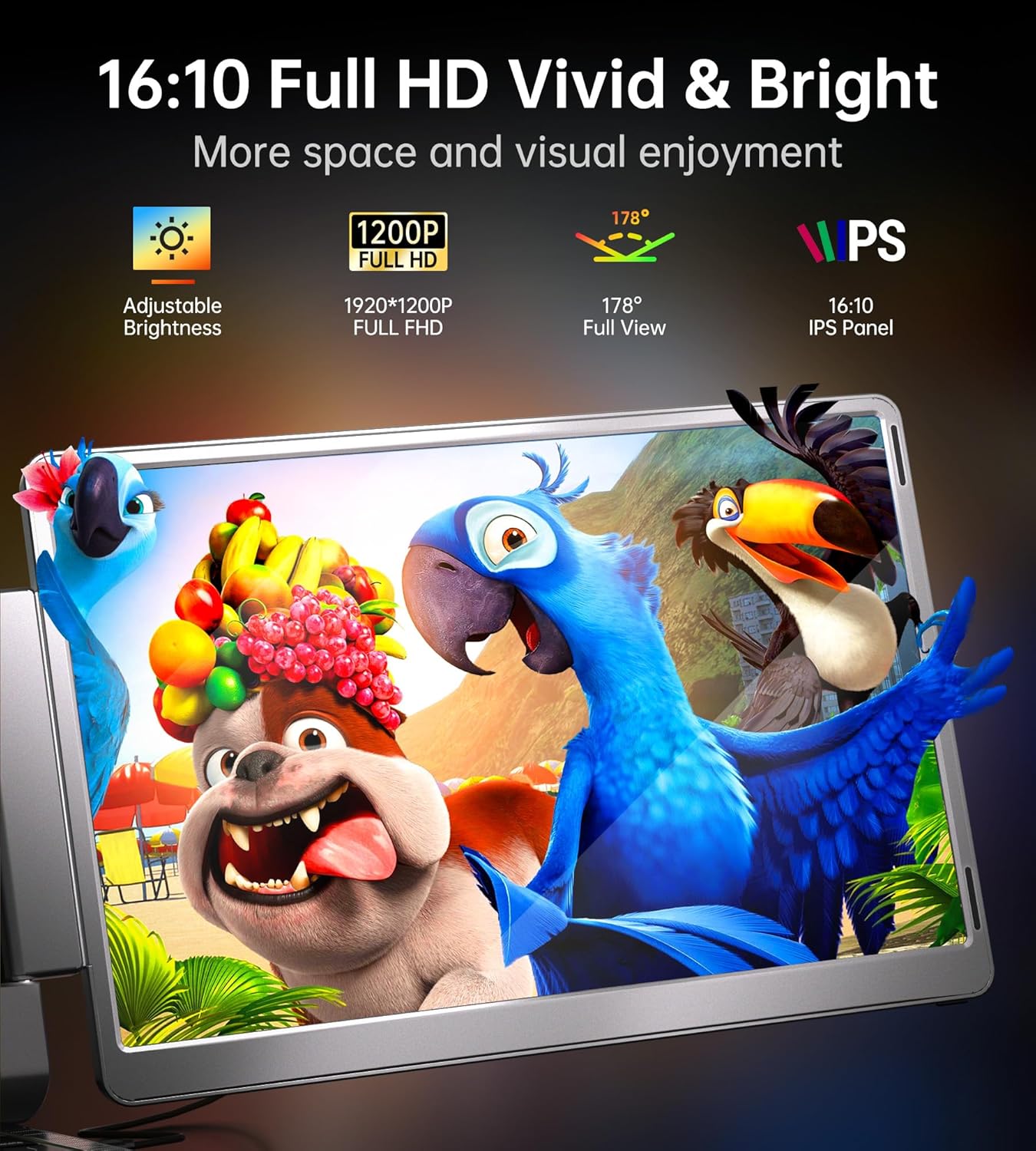
1200P FHD & 16: 10 IPS SCREEN FOR HIGH QUALITY DISPLAY: triple screen laptop monitor extender features 16:10 aspect ratio for wider operating space and visual range 1920x1200 Full HD resolution 1000: 1 contrast ratio 178 view angle 60 HZ refresh rate each screen extender can be individually customized to adjust brightness IPS screen technology provides a brighter more vibrant visual experience.
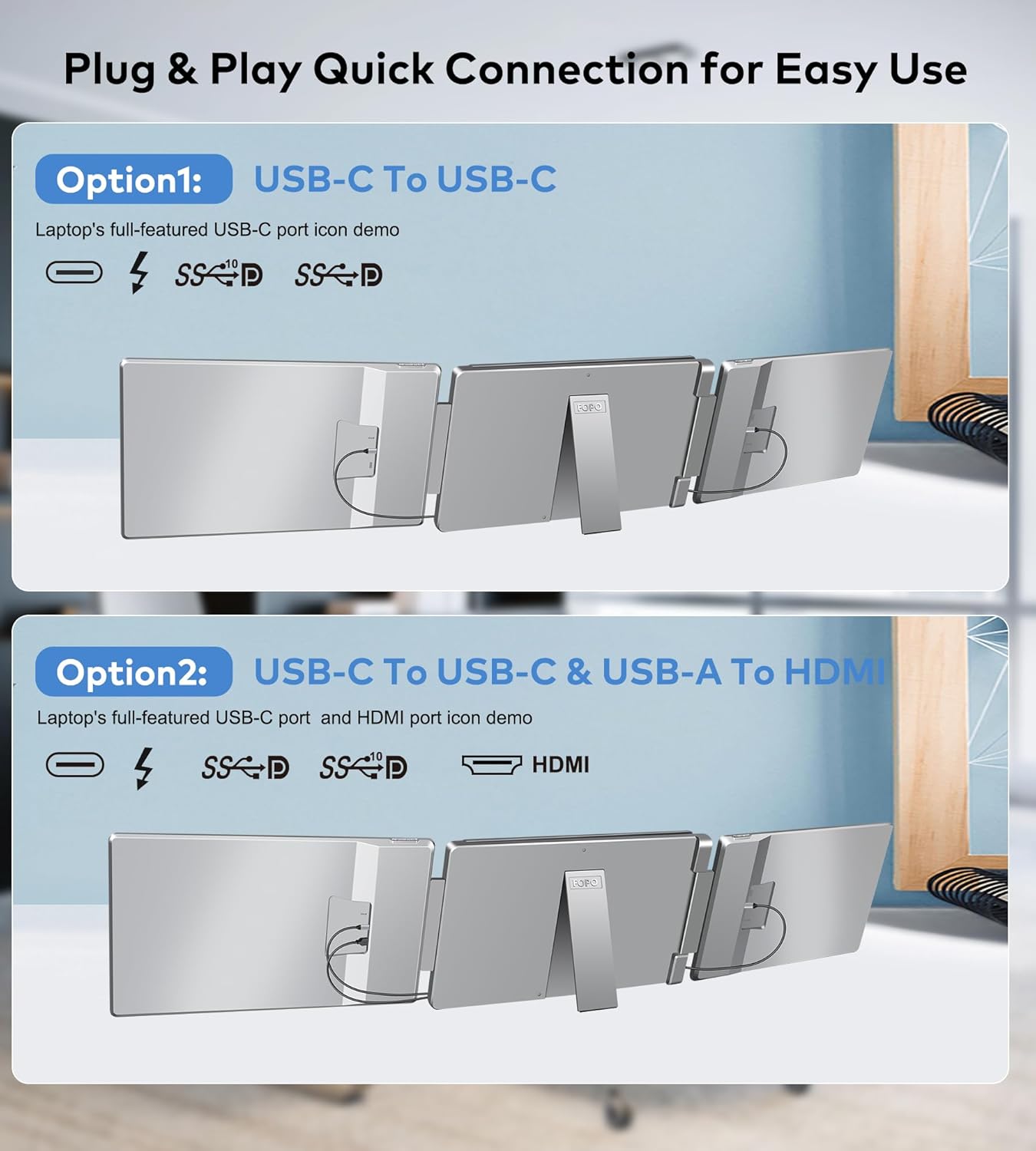
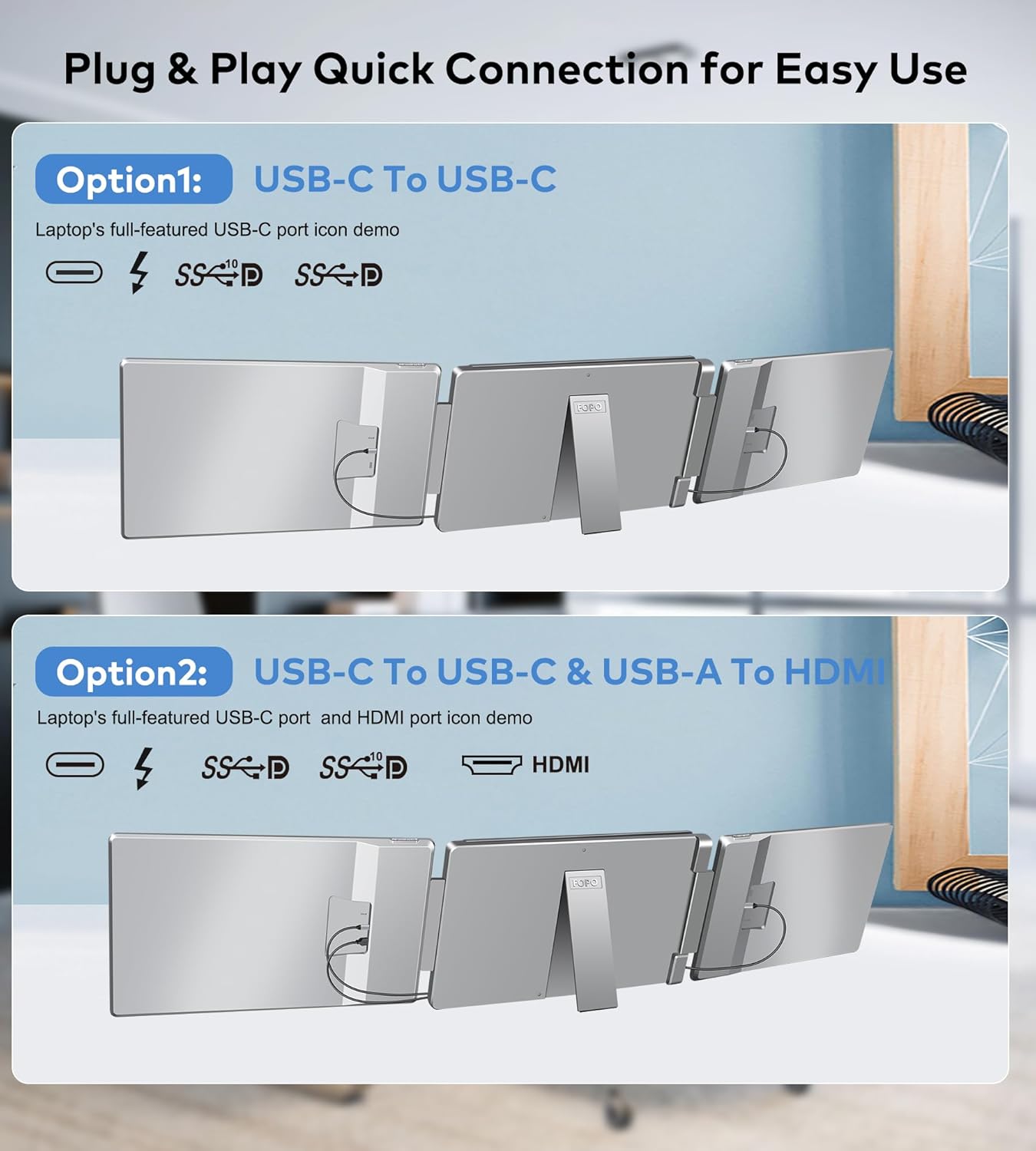
PACKAGE CONTENTS & CUSTOMER SERVICE SUPPORT: You will get the laptop triple screen extender combo kit which includes 1*monitor 1*exquisite box 1*carry bag 1*user manual USB- C cable with USB- A connector*1 (90cm) HDMI to Mini HDMI cable*1 (90cm) USB- C to USB- C Cable*2 (60cm). Please check the manual of the screen extender for laptop carefully and follow the operation before use. If you are confused about the connection please don't hesitate to leave us a message and we will reply within 24 hours.
1Compatible Systems2Windows Screen Settings3MacOS Screen Settings1Mirror2Extended3Presentation Mode4Single Display Mode5Portrait Mode
One side of the screen is not lit and displays "No Signal"?
1. Insufficient charging - use an additional 5V2A adapter to charge; 2. The port does not support video output - USB-C does not support use mini HDMI.
Why is there no image on one side and the screen is green/blue/red?
No video output. After connecting correctly press the menu key and shut down and restart to recover.
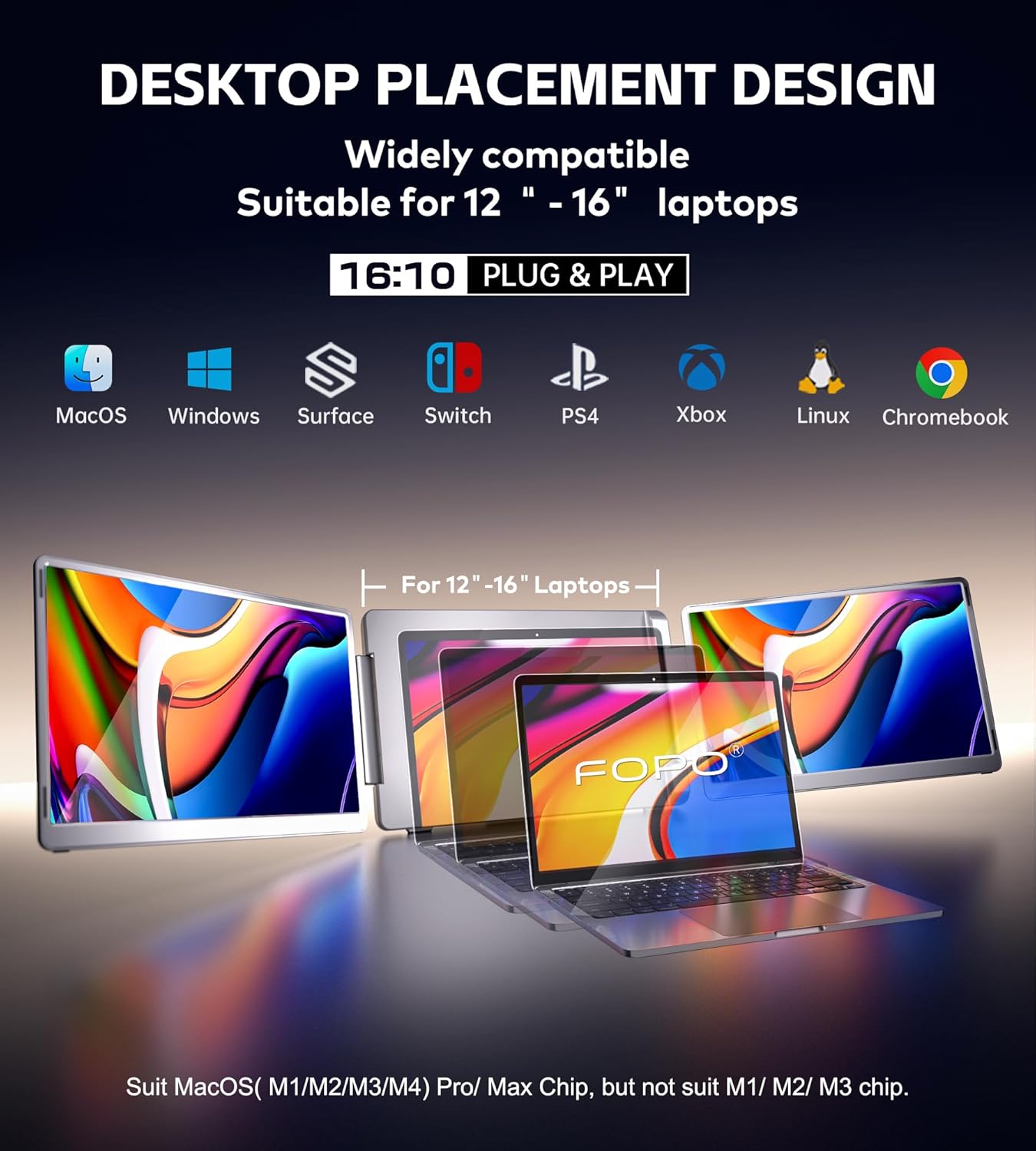
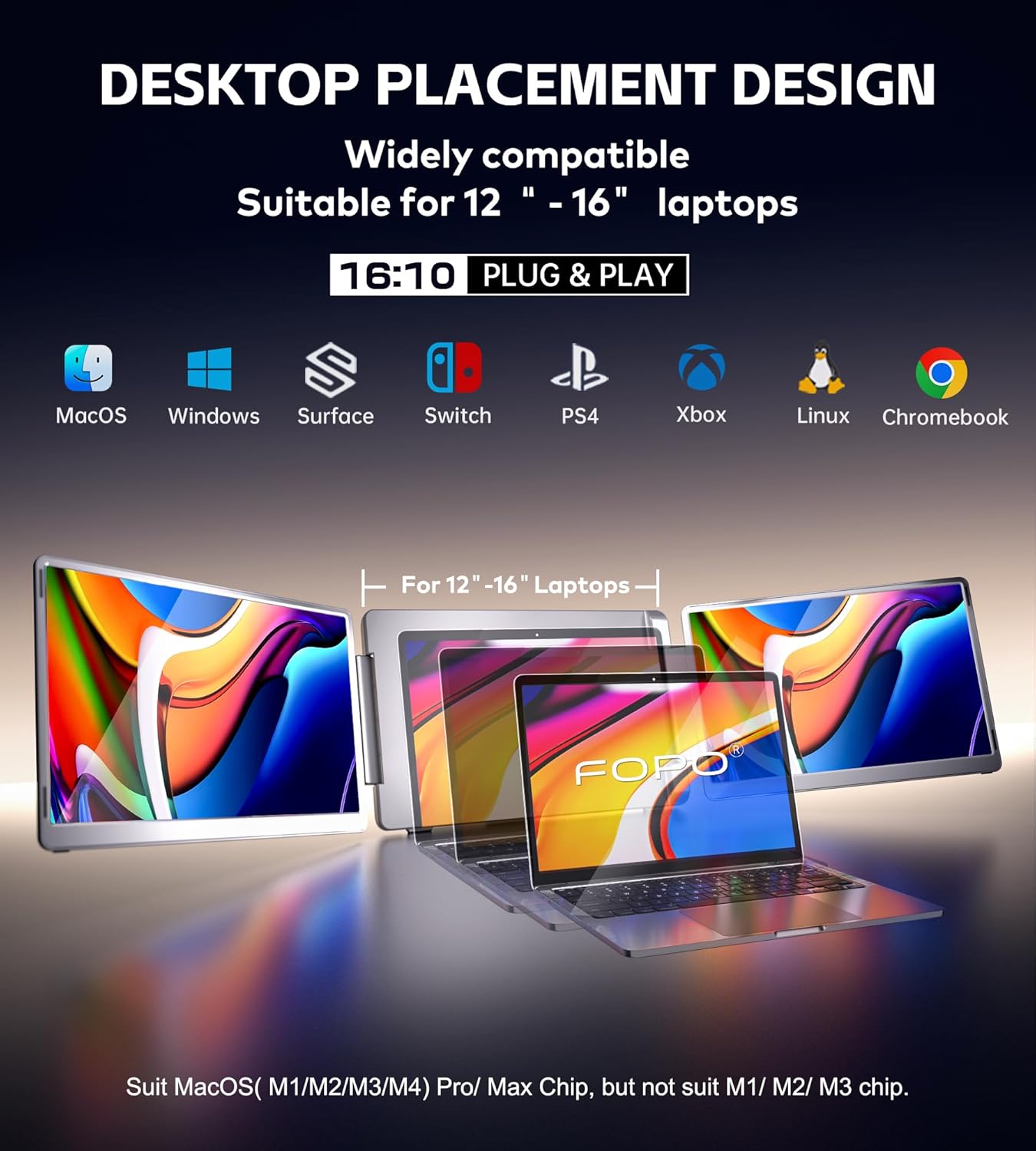
Does it support MacOS M1 M2 M3 chips?
Not supported supports MacOS (M1/M2/M3 Pro or Max)
Portrait Mode
How to make sure the laptop USB-C port is a full-function port?
One side of the screen is not lit and displays "No Signal"?
Why is there no image on one side and the screen is green/blue/red?
Does it support MacOS M1 M2 M3 chips?

You have successfully commented, please wait for review
Copied Successfully
You can enjoy up to 1 free gift!