What are you looking for?
Search

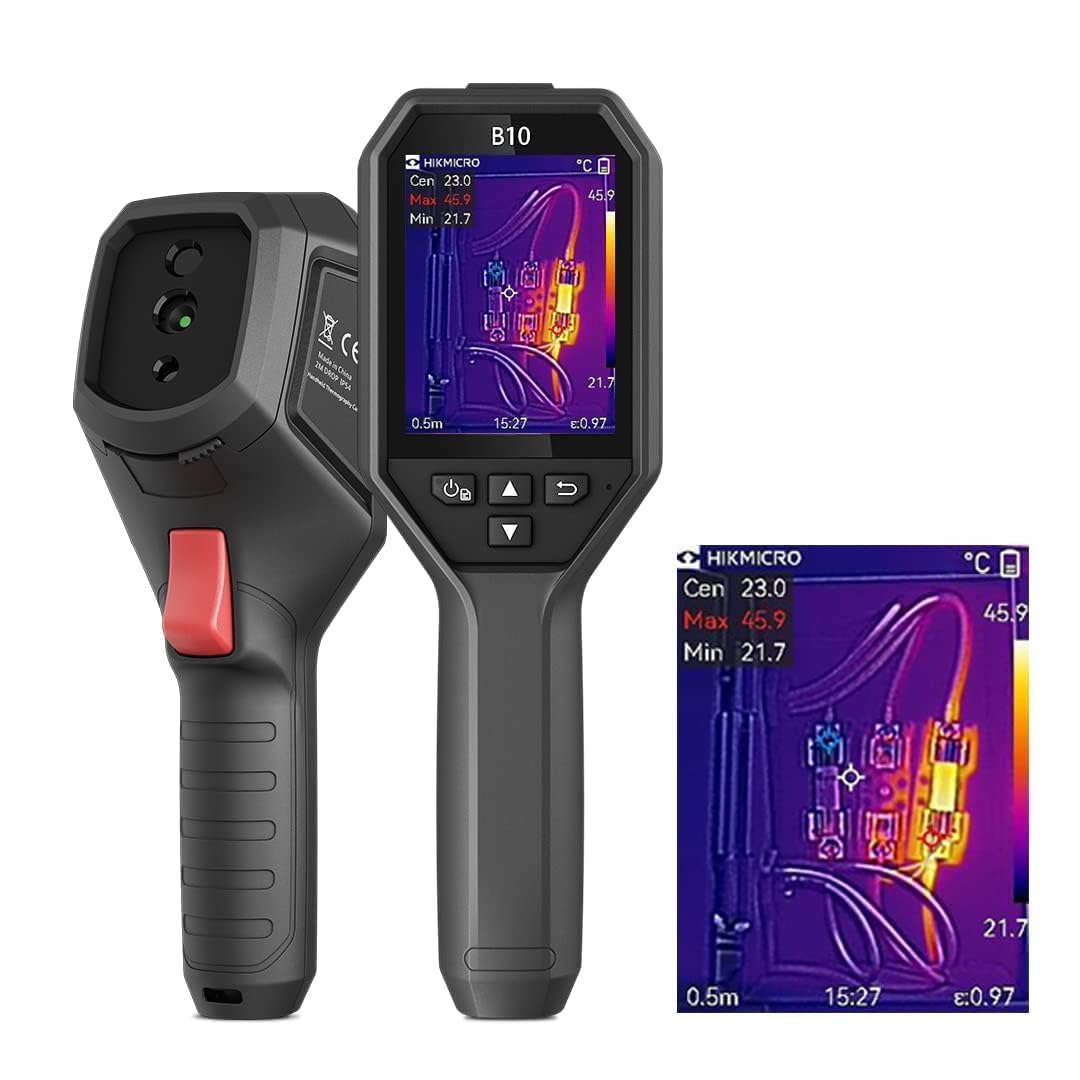
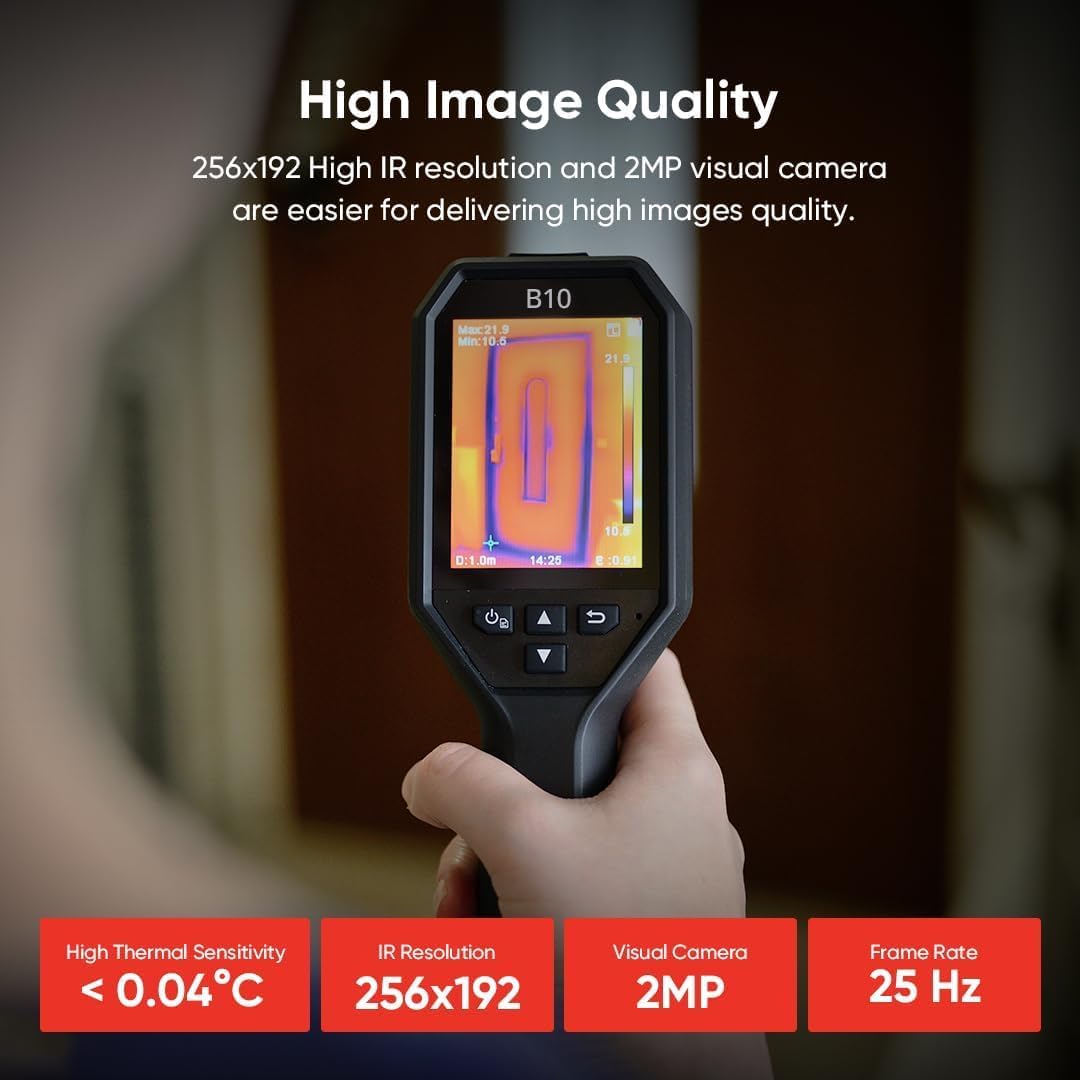
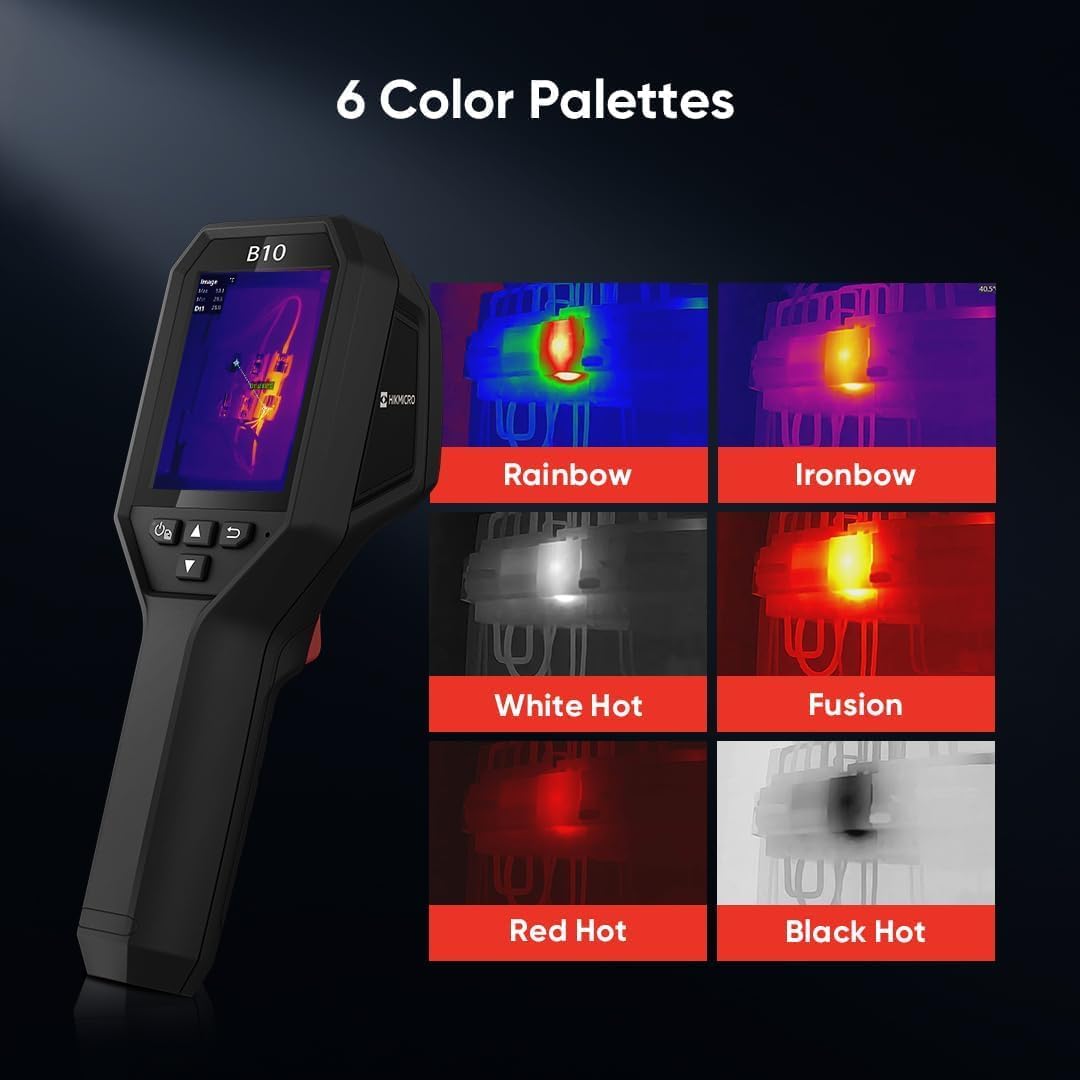
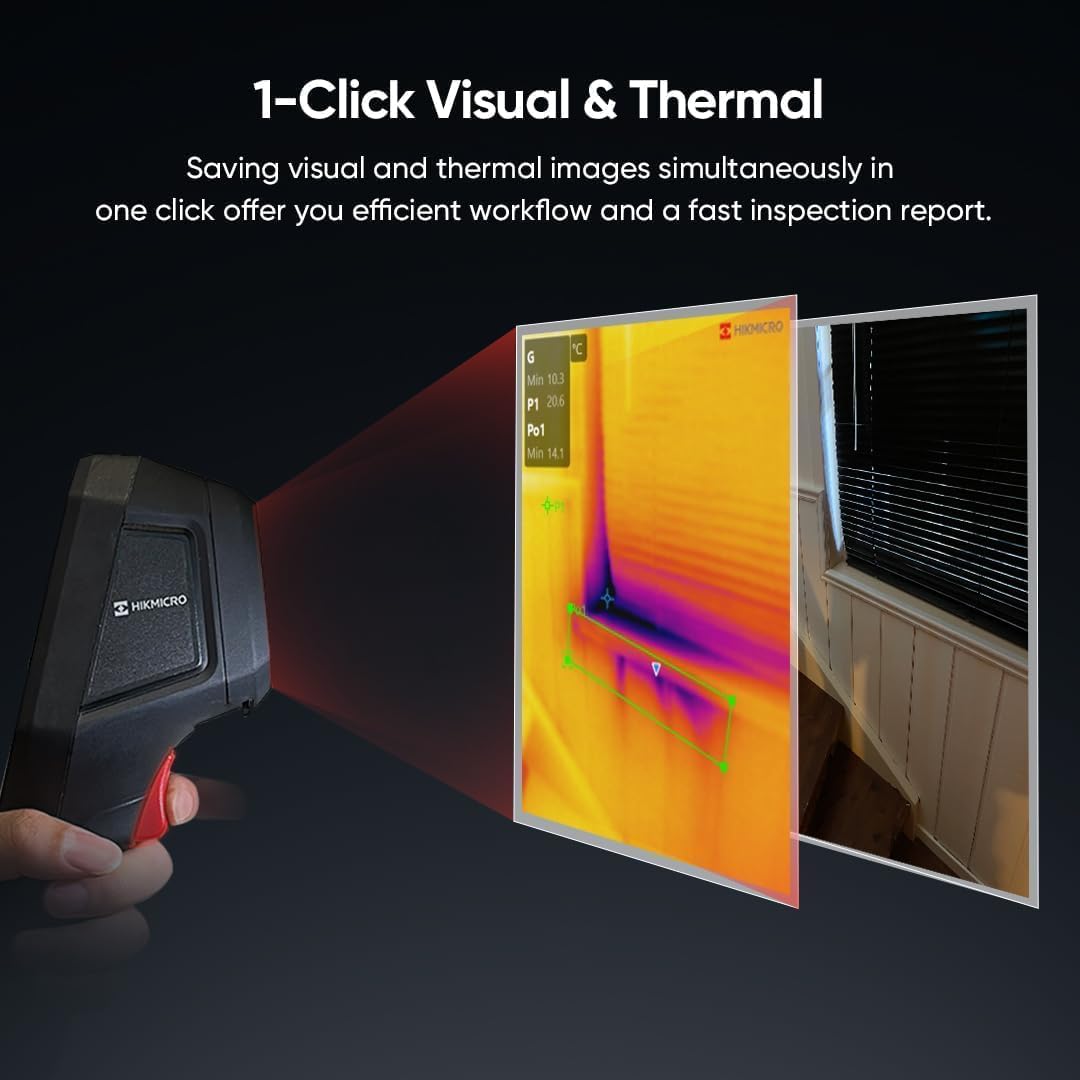
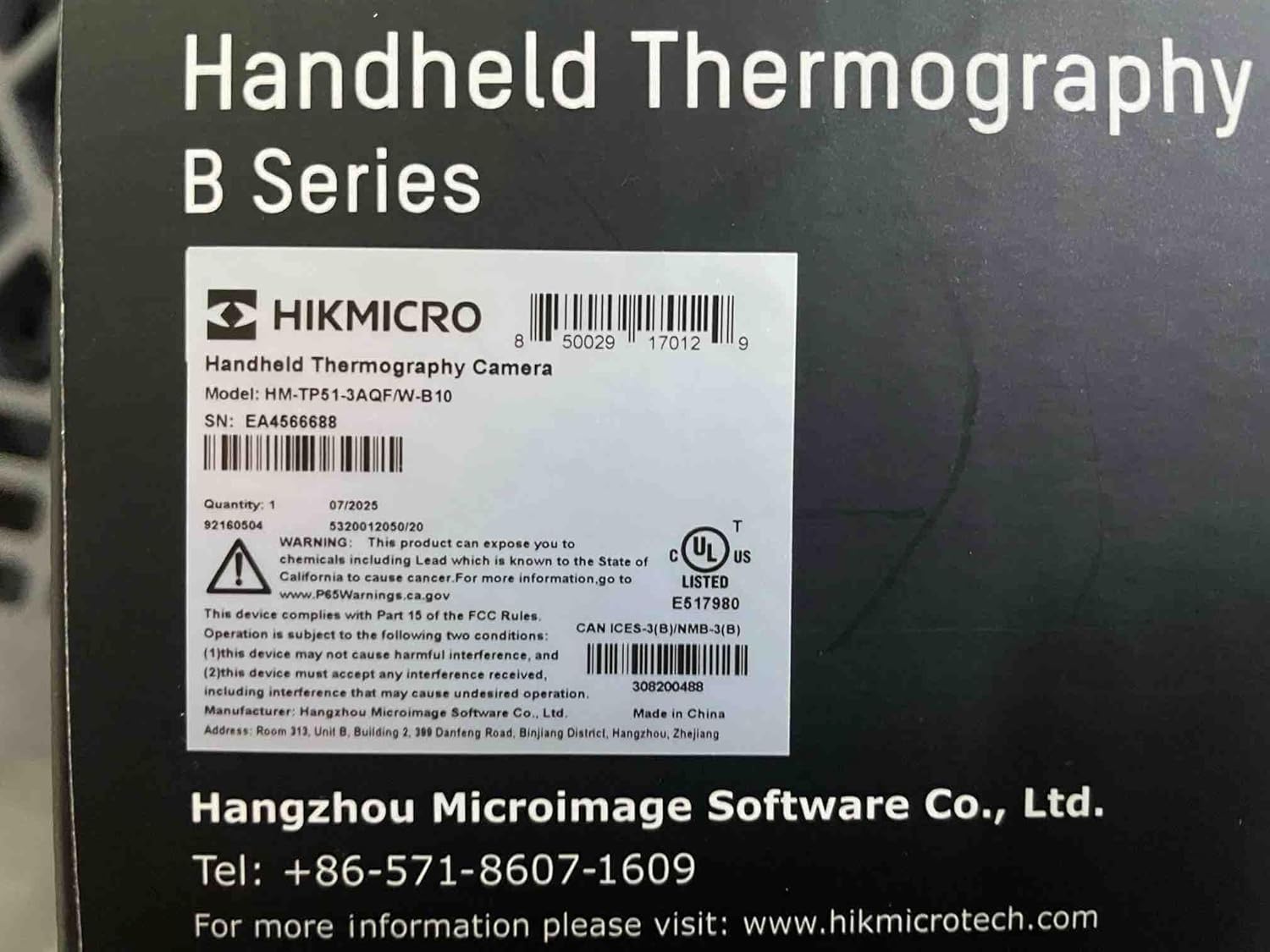
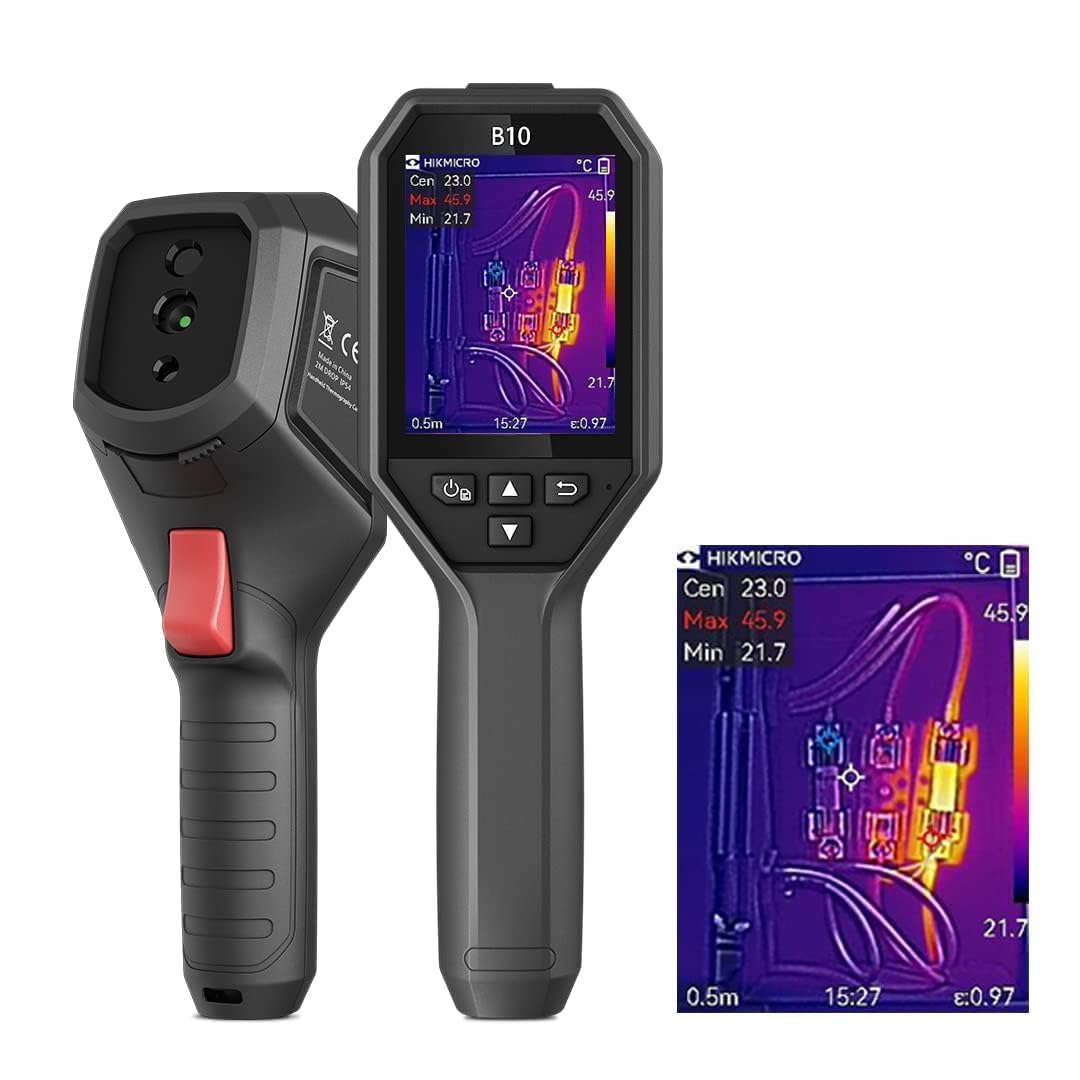
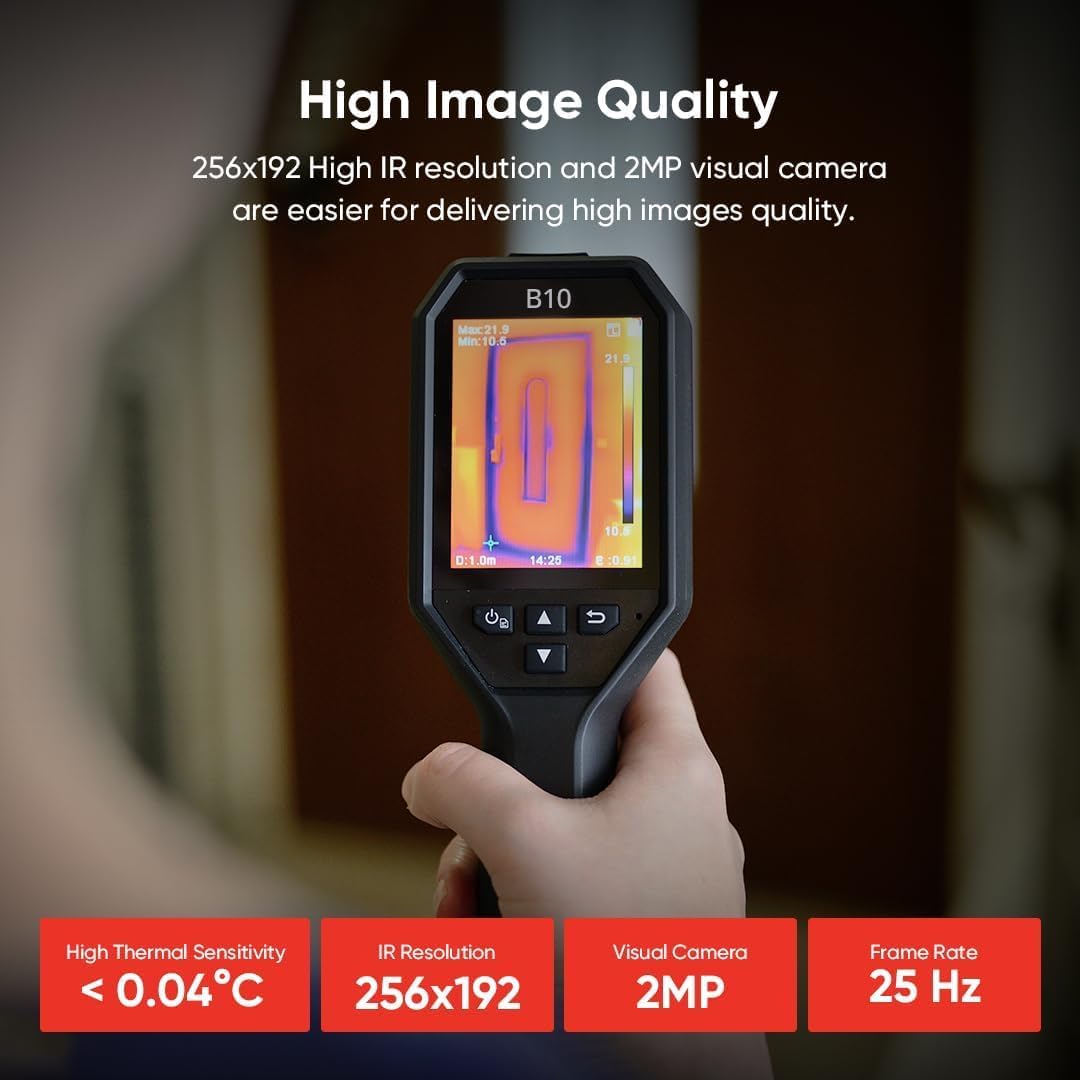
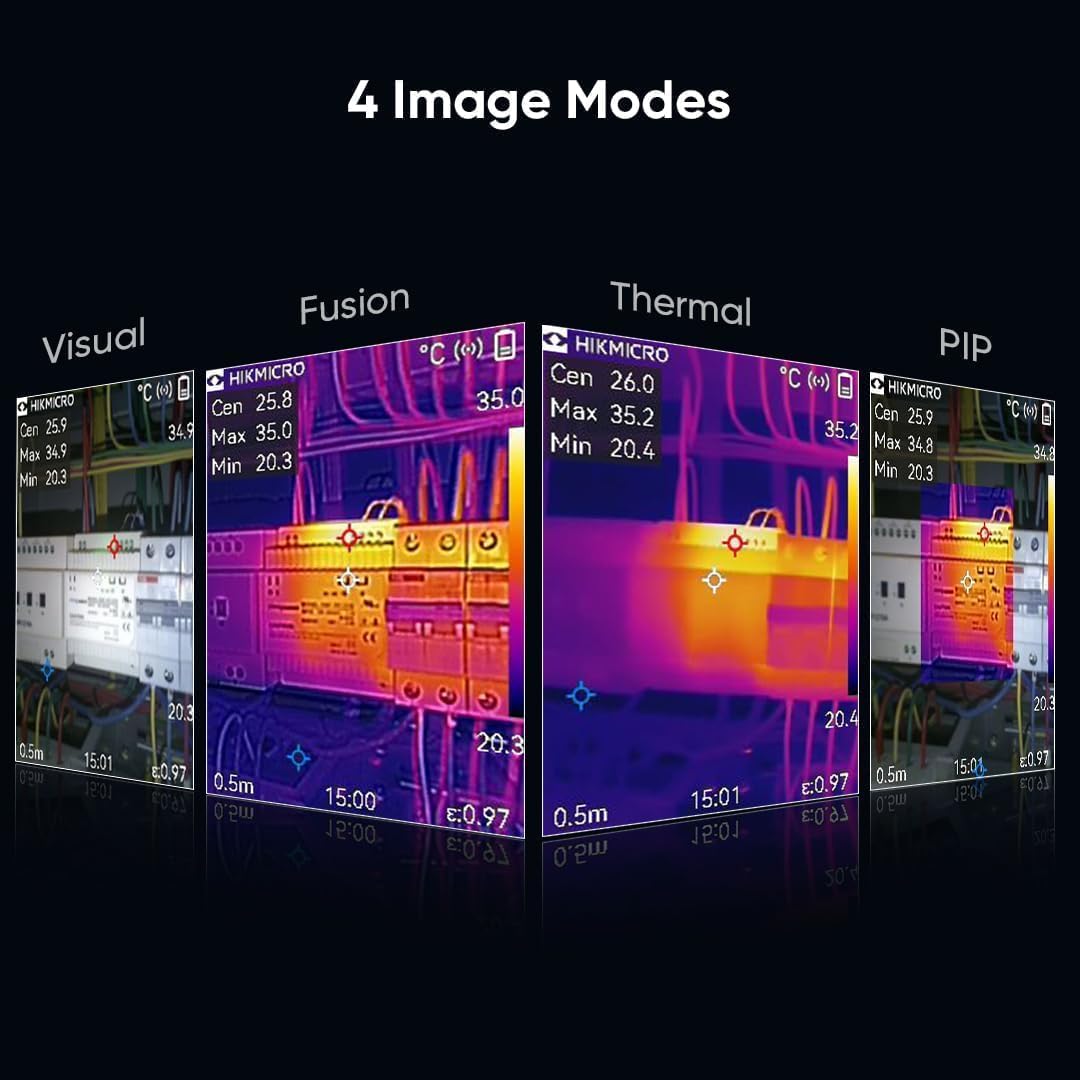
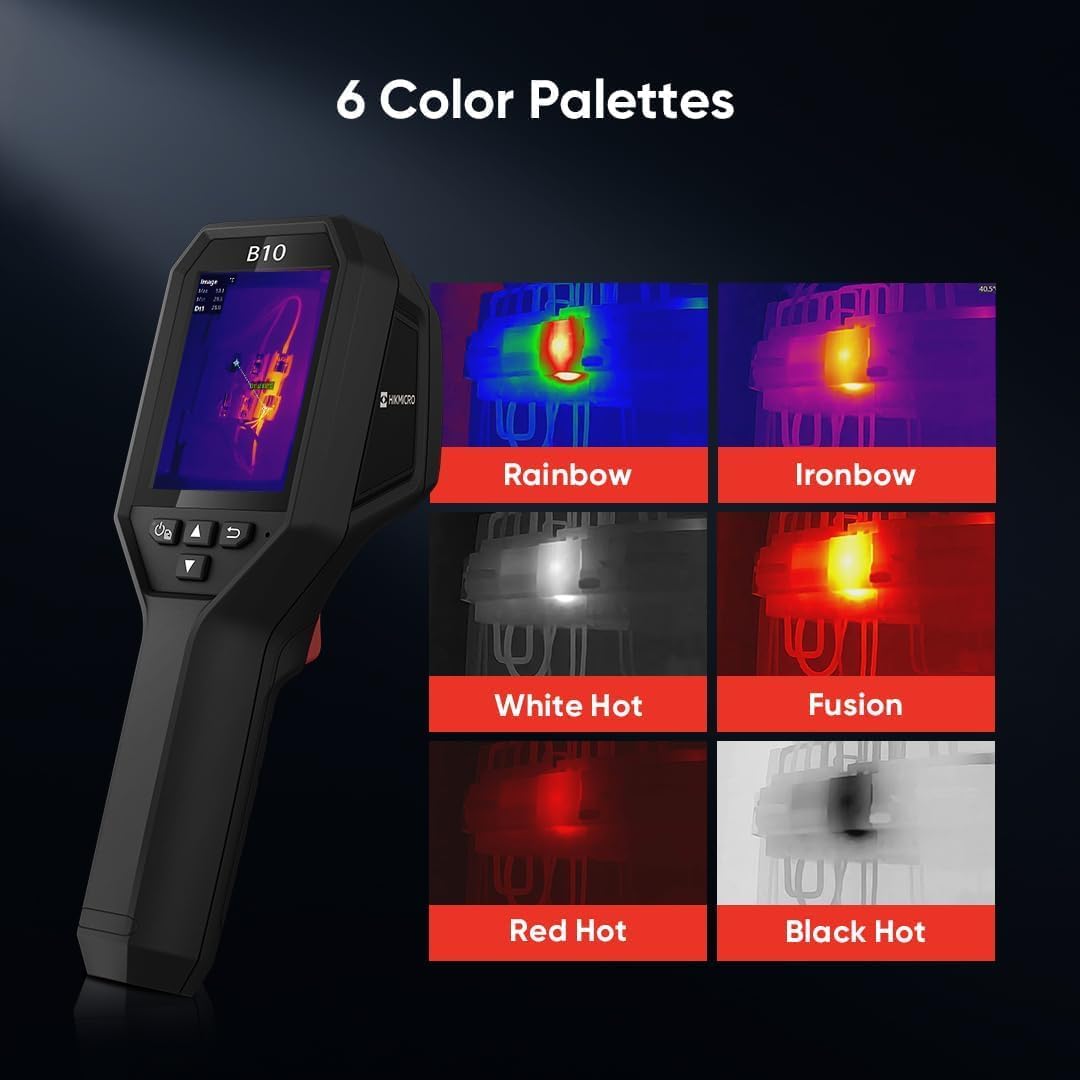
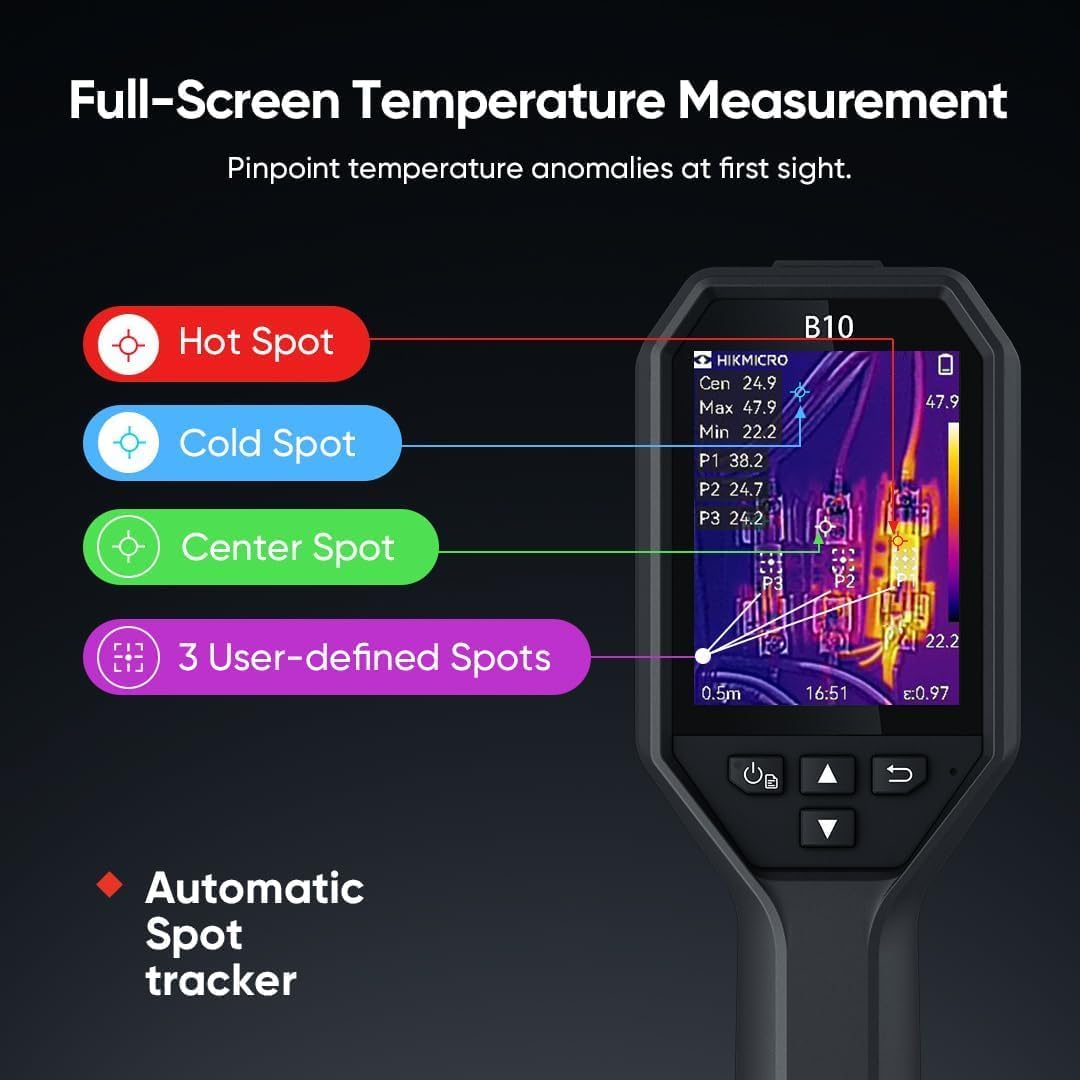
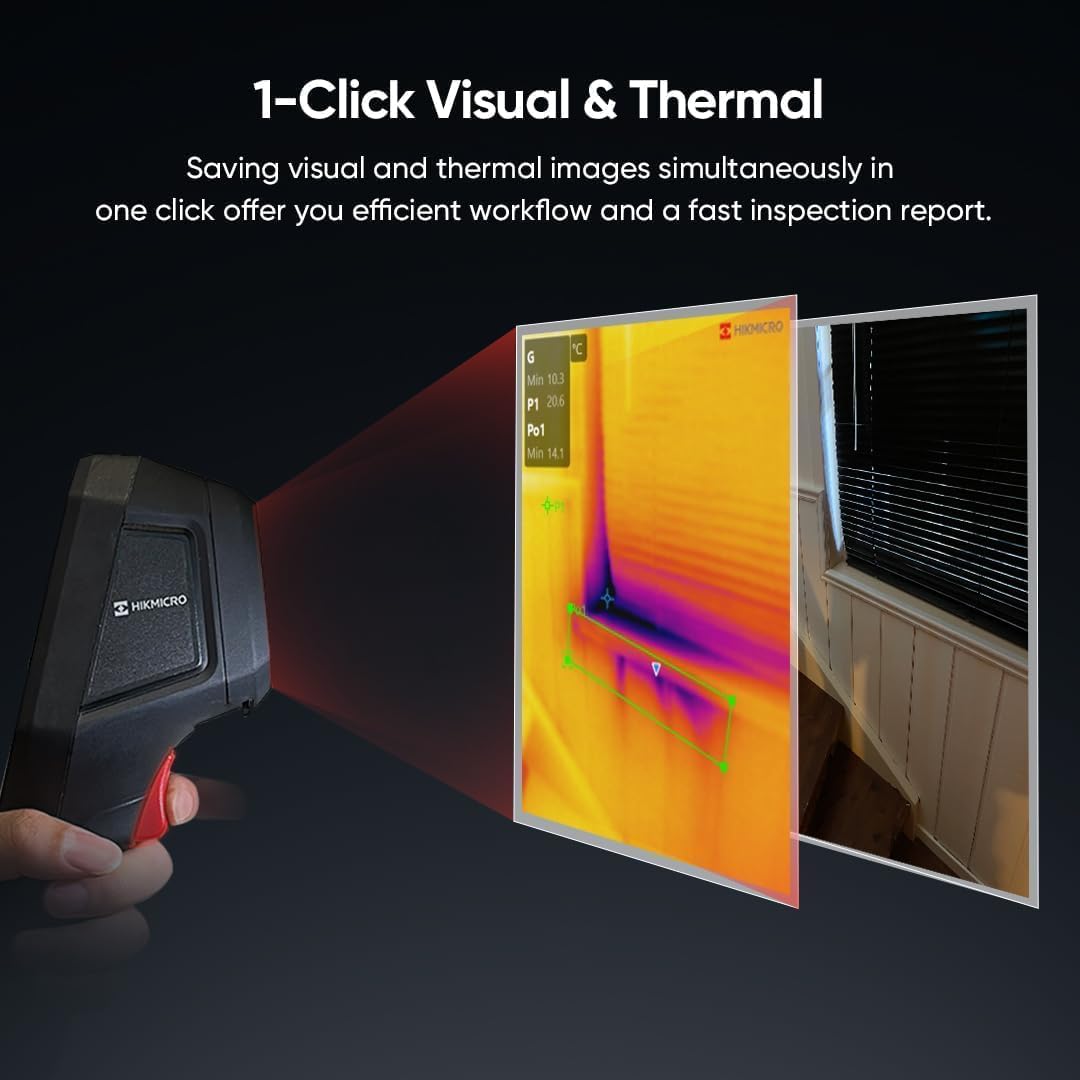

Accurate MeasurementWith thermal sensitivity < 40mK thermal sensor B10 thermal imaging camera controls accuracy of temperature readings discrepancy within 2%(3.6F). Adjustable emissivity settings and distance are designed to get greater accuracy for improved results.
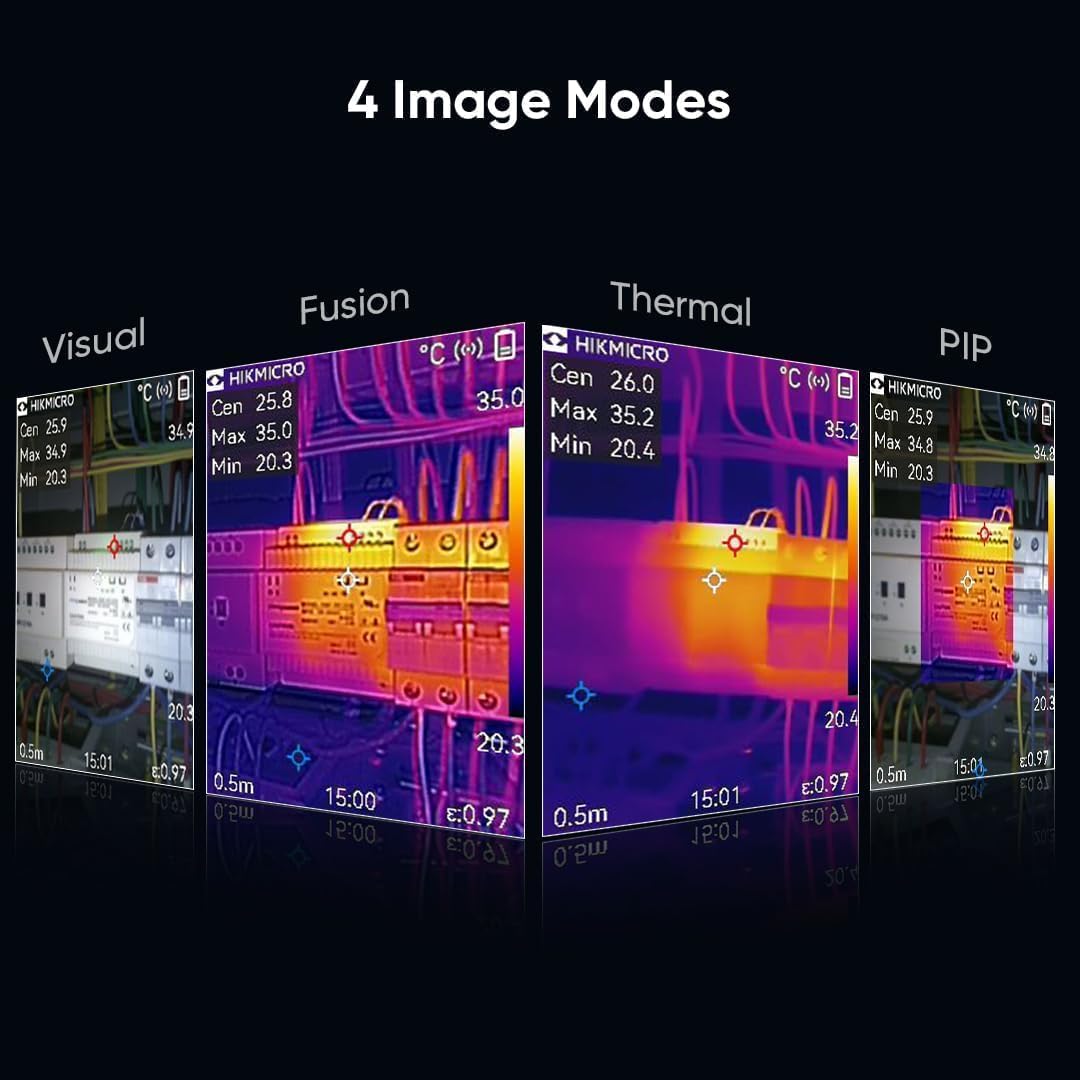
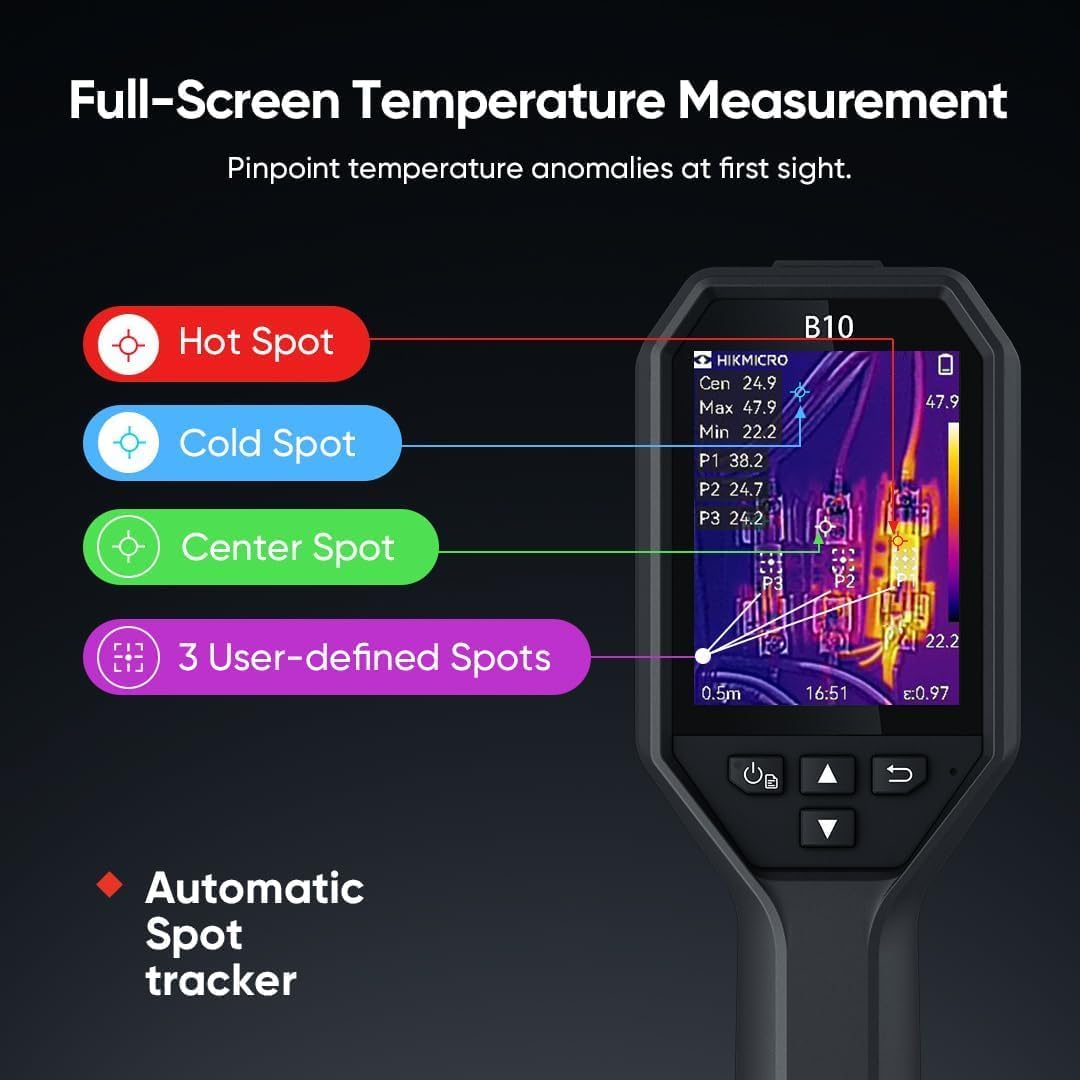
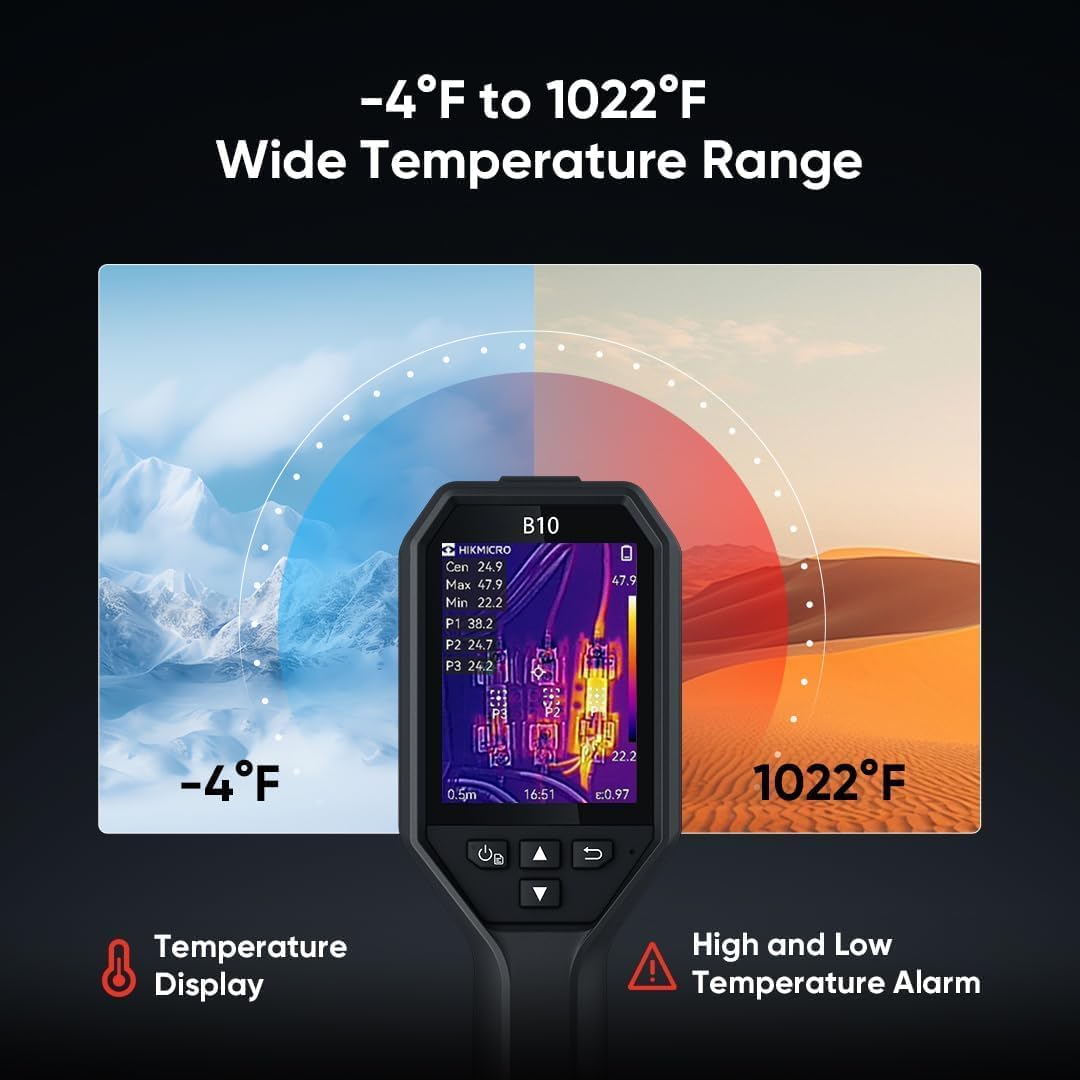
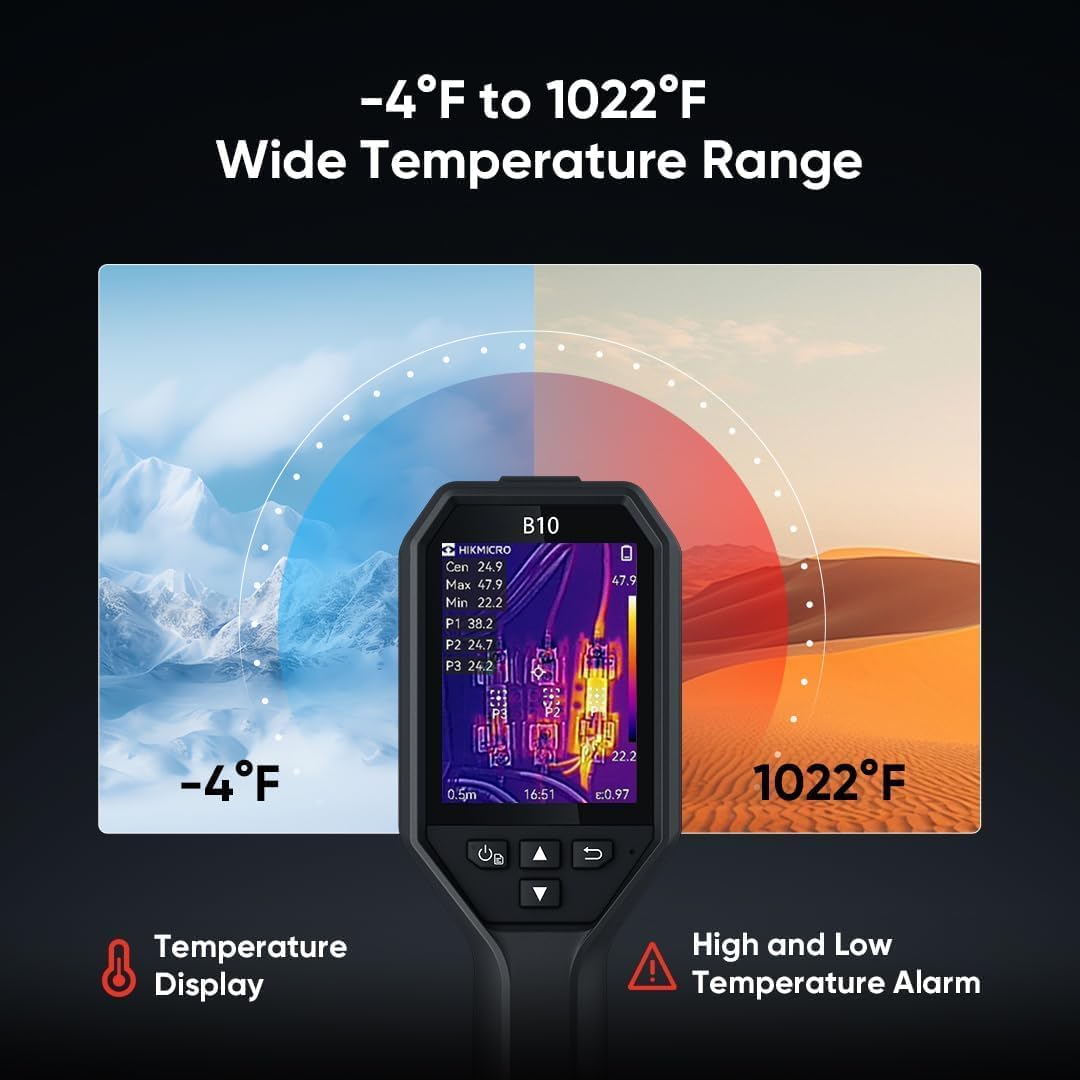
Fast Trouble ShootingBlending with 2MP visual light B10 thermal imager supports thermal optical fusion and PIP 4 image modes and 6 Color Palettes help to identify temperature differences efficiently. Automatic Center Spot Hot Spot Cold Spot 3 measurement presets 3 user-defined spots show abnormal points more promptly and -4F to 1022F wide temperature range adapts to various environments.3.2" LCD display screen shows clear imagery can quickly locate the fault area.
Easy to UseBuilt-in Li-Ion rechargeable battery support 6 hrs of continuous operation.16G eMMC flash storage has room for >90 000 images. Ergonomic grip handle. Audio Alarm & Warning Light remind you when the temperature is out of range. LED Work Light allows you to reach dark and hard-to-reach area. 2 meters drop resistance design.
Durable and Hassle-Free WarrantyDesigned with IP54 waterproof & dustproof case and undergone 2m drop test B10 has a long using lifespan. 3 Years for the Entire Device /10 Years for the Sensor. Lifetime Firmware Updates and Technical Support are included.
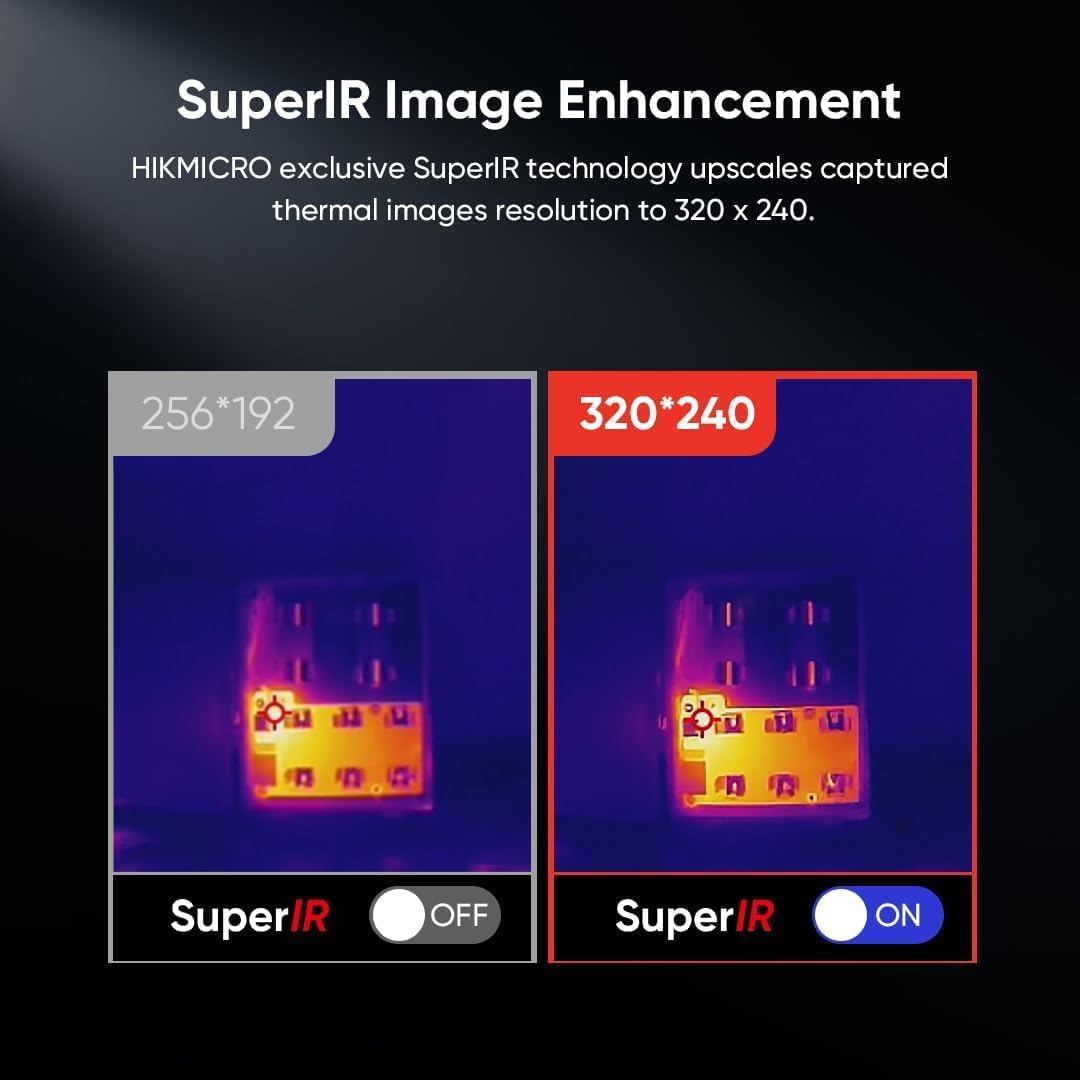
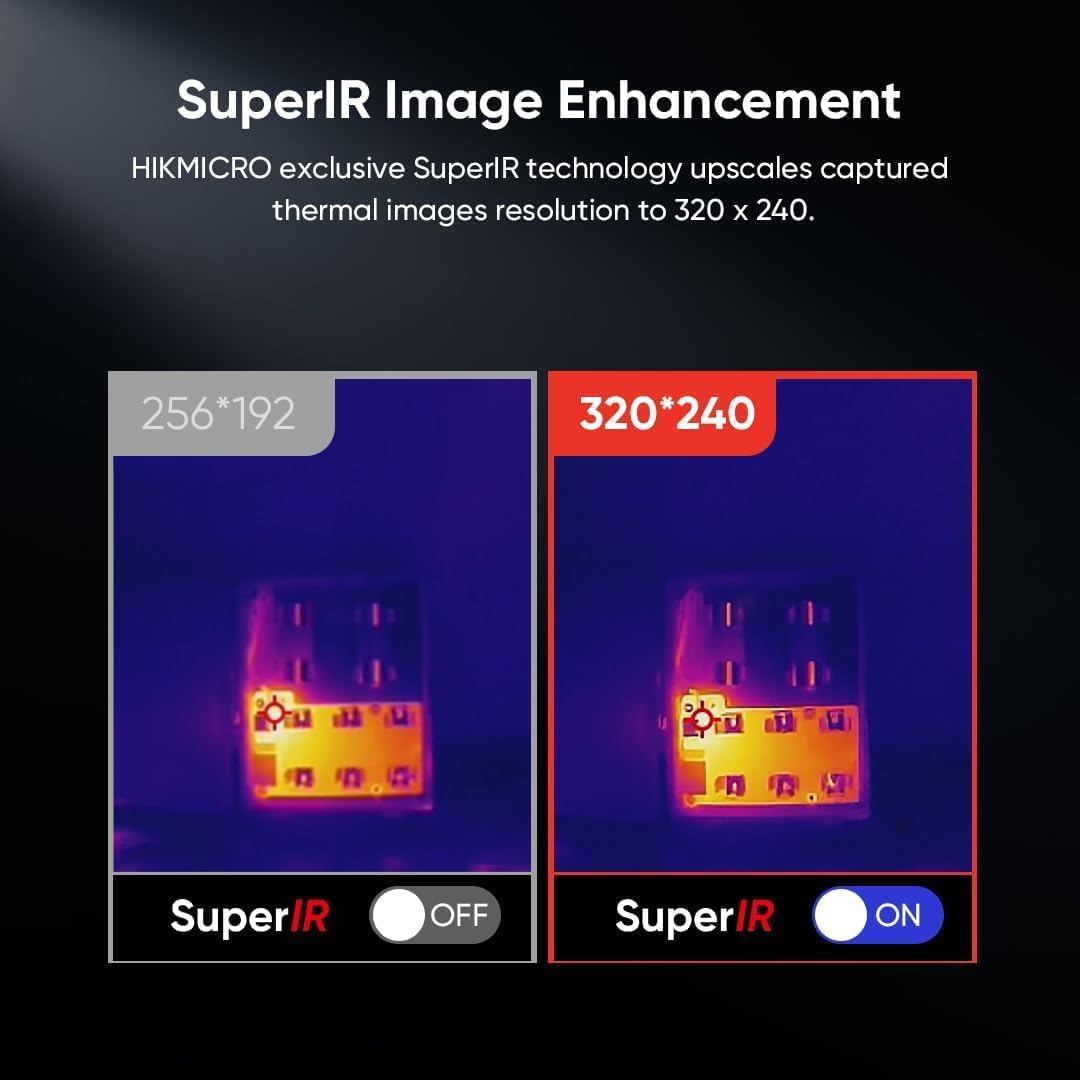
Powered by SuperIR image enhancement technology it upscales the resolution of captured thermal images to 320 x 240 (76800 Pixels).
1 ANALYZER2Image Frequency3Temperatur Alarm4Screen5Service1Charging Tips2Detecting Tips3Adjustable Emissivity4Shopping TipsHow do I charge the camera? [Useful tips to charge the camera]
To make sure your camera charges correctly we recommend using the original USB-A to USB-C cable that's included or a similar style cable from a third-party supplier and a stable 5V2A adapter. USBC/USBC is not supported by our cameras temporarily.
How do I transfer images from the thermal camera to my PC?
The camera can connect to a PC like a USB Drive using the supplied USB-A to USB-C cable. USB-C to USC-C is not supported.
For computers with only USB-C ports we recommend using an adapter or hub with USB-A Ports. Note: turn off USB Cast Screen.
Can the thermal camera see pipes and termites inside walls?
Although thermal cameras see differences in temperature at the surface only there are times the camera can detect anomalies inside walls by how heat flows through the wall (conduction) such as a warm pipe heating the material or voids from insects.
The device makes clicking sounds and the screen briefly freezes. Is this normal?
In normal operation the camera periodically calibrates to optimize image quality and measurement accuracy.
The image briefly pauses and there is a click. Its more frequent during startup and as the camera adjusts to warmer or colder environments
Enhanced Thermal Clarity with SuperIR
ANALYZER: POWERFUL SOFTWARE
25Hz Fast Image Frequency
High/Low Temperature Alarm
3.2" LCD Display Screen
Hassle-Free Service: Battery/Whole Device/Sensor
Use USB-A to USB-C Cable Only
Thermal Imaging Camera Principle
Tips to Improve Measurement Accuracy
How do I charge the camera? [Useful tips to charge the camera]
How do I transfer images from the thermal camera to my PC?
Can the thermal camera see pipes and termites inside walls?
The device makes clicking sounds and the screen briefly freezes. Is this normal?

You have successfully commented, please wait for review
Copied Successfully
You can enjoy up to 1 free gift!