What are you looking for?
Search

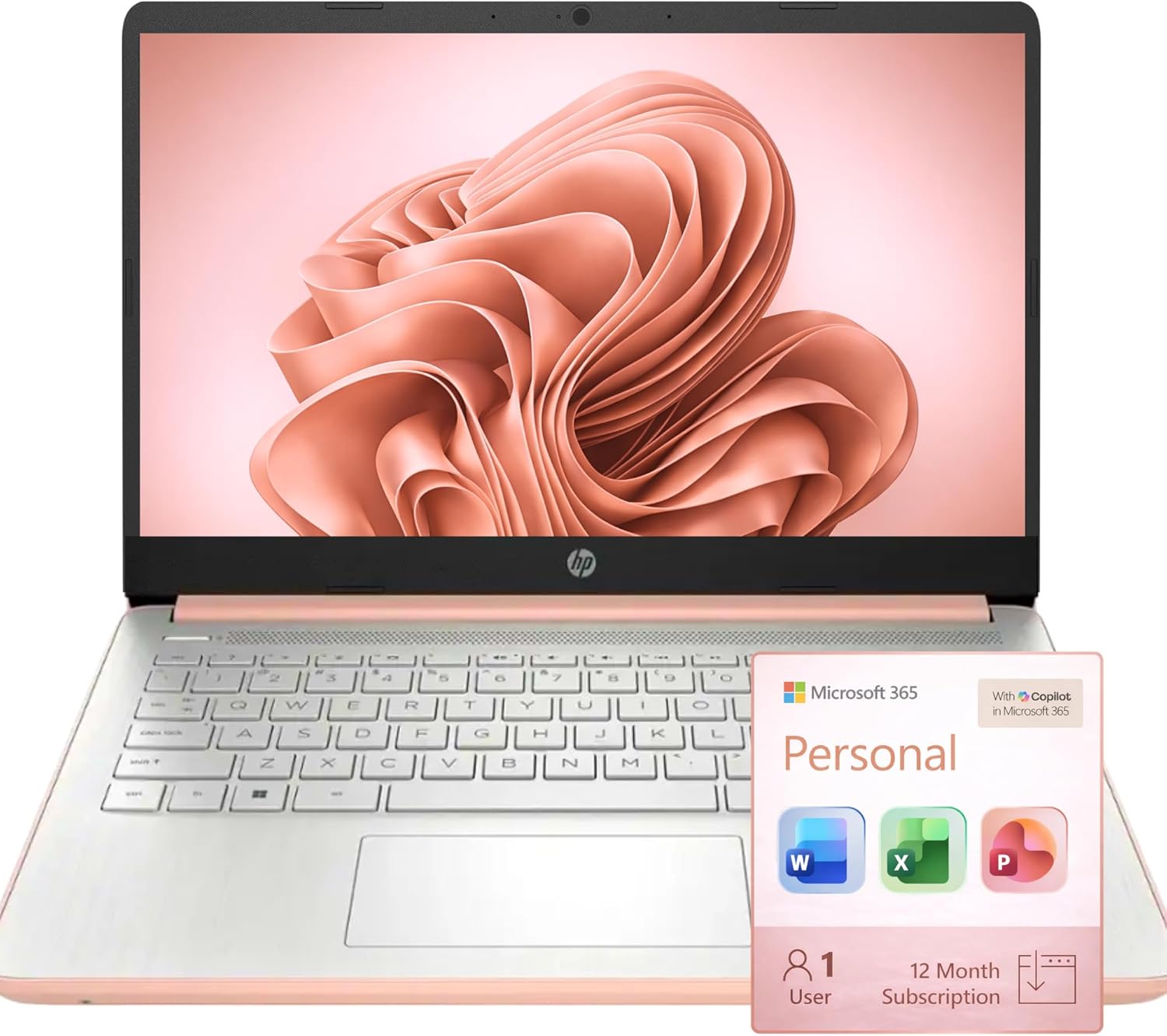
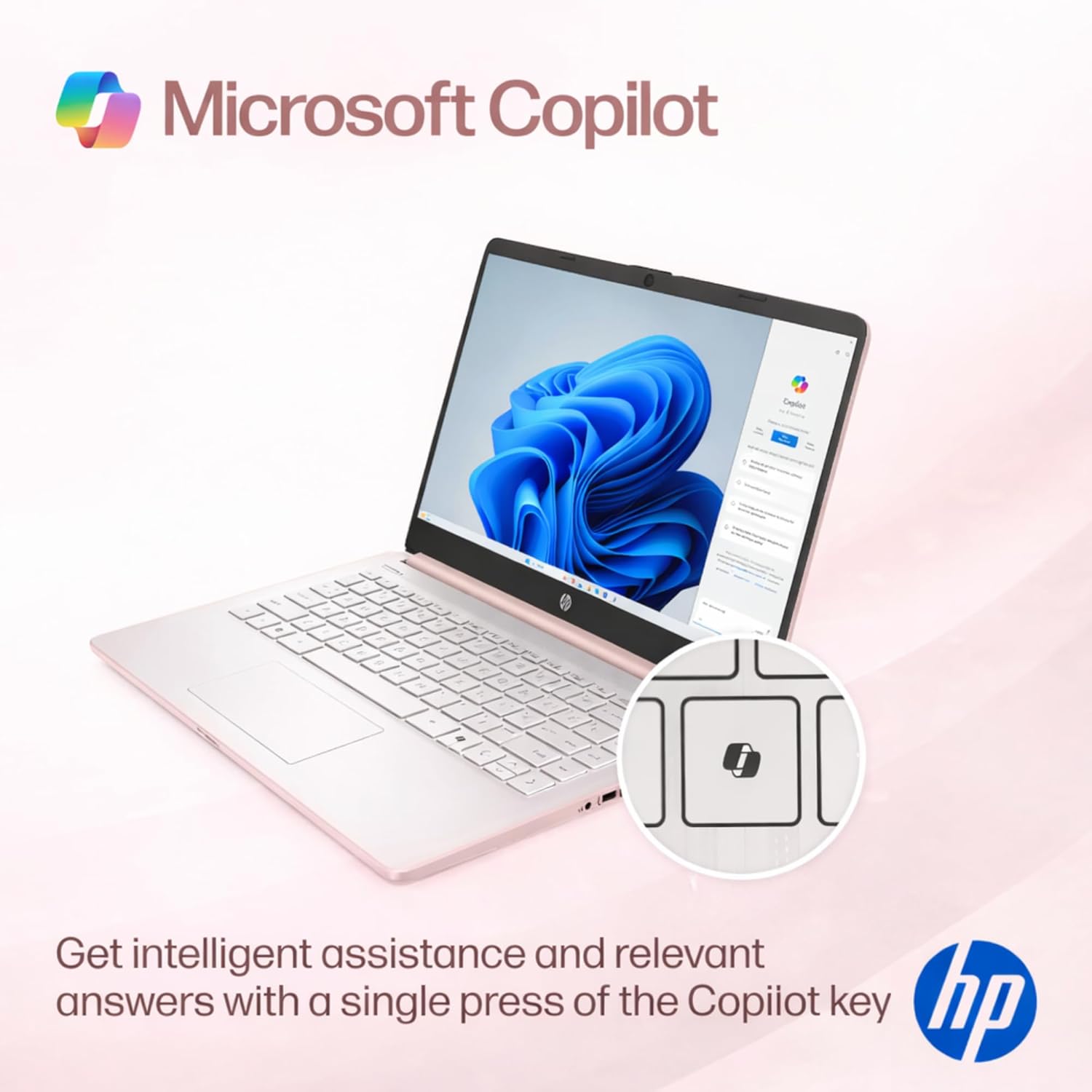
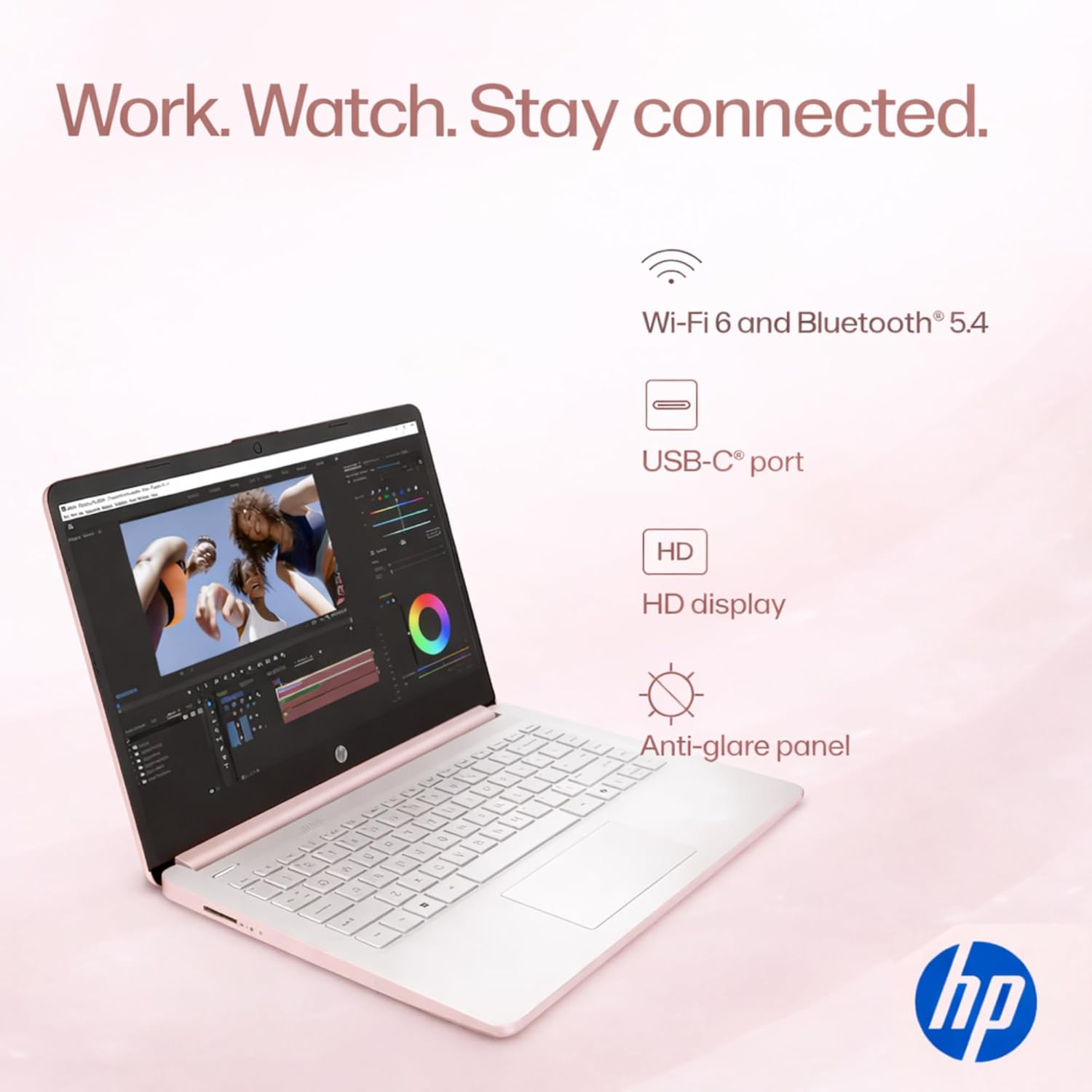
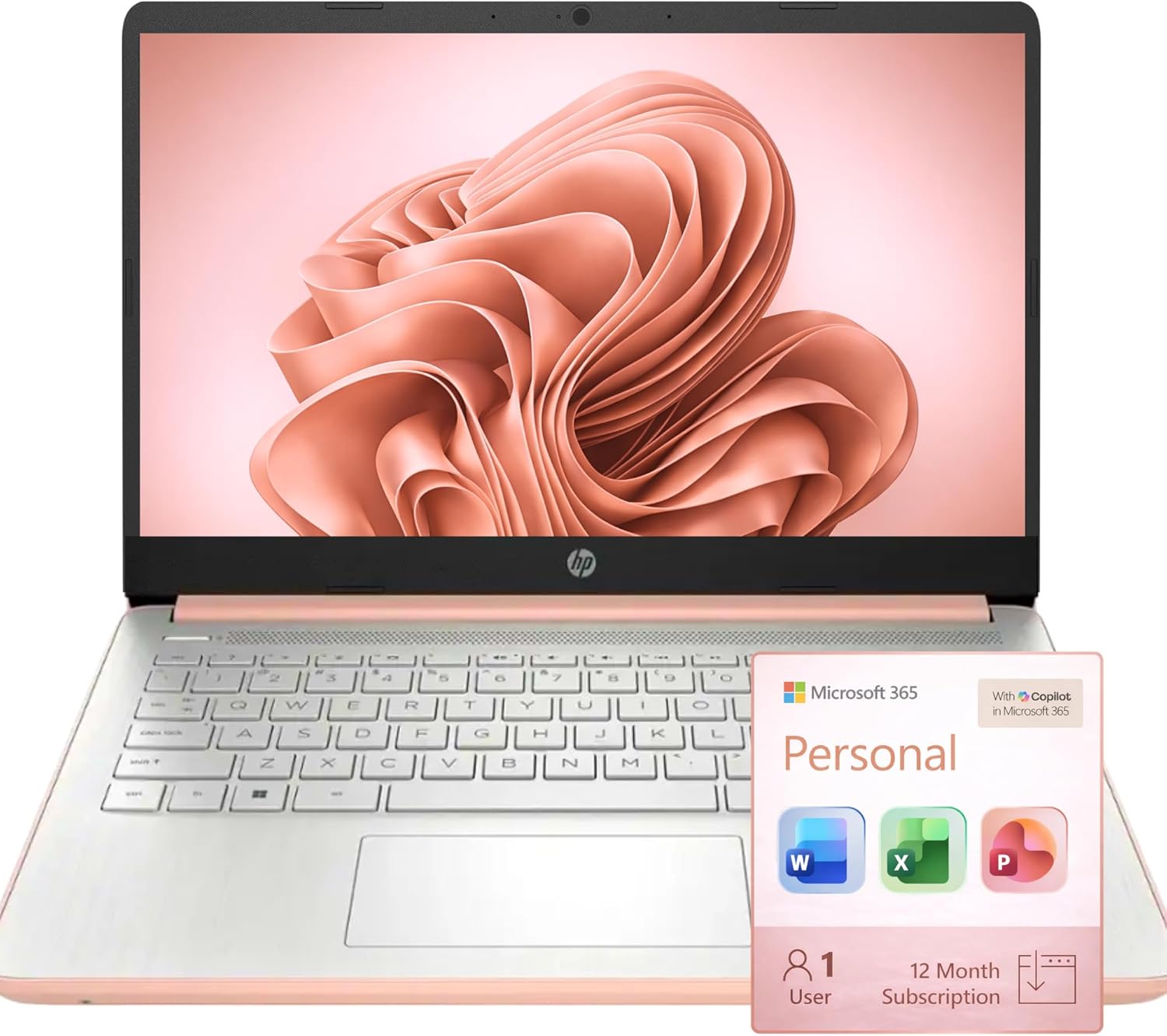
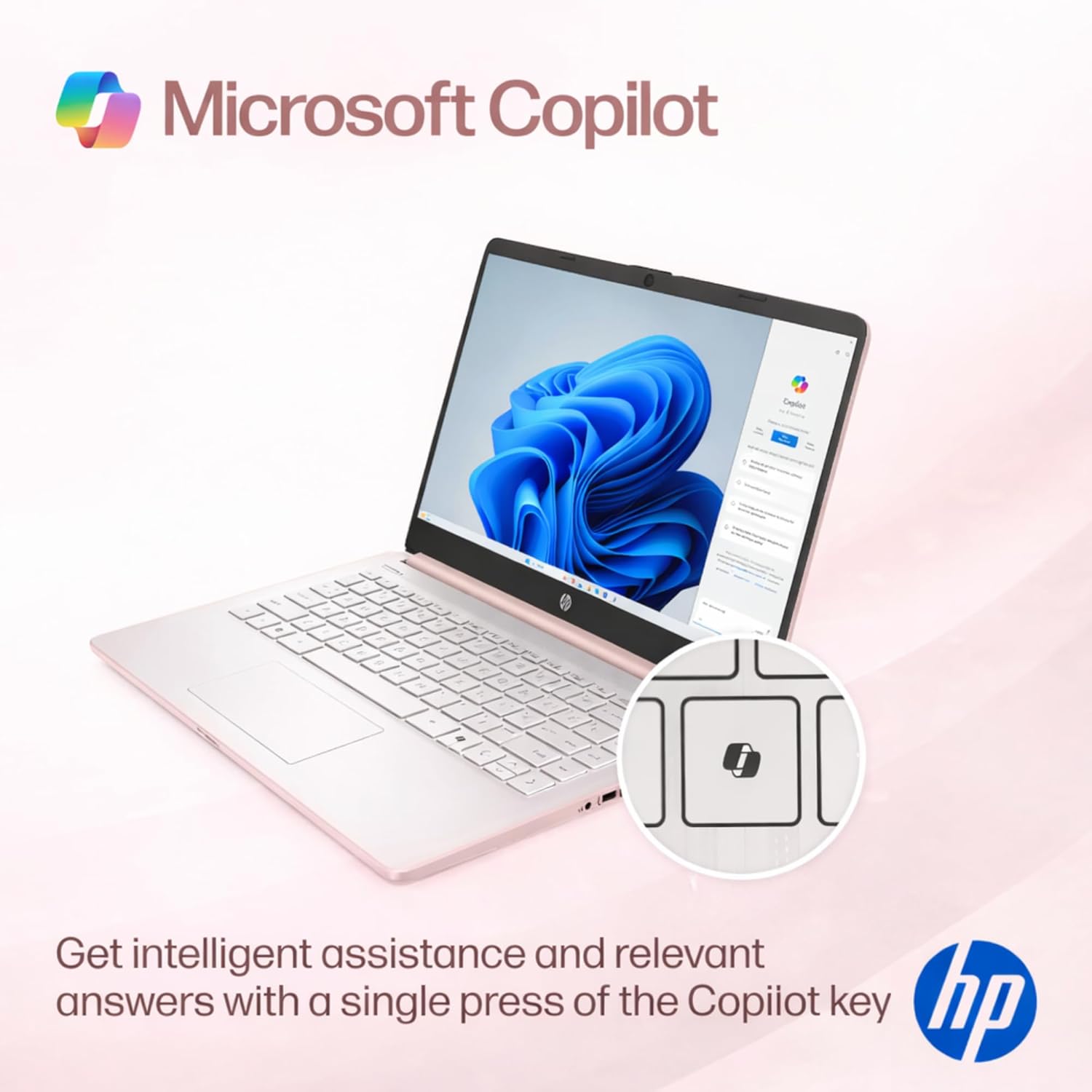
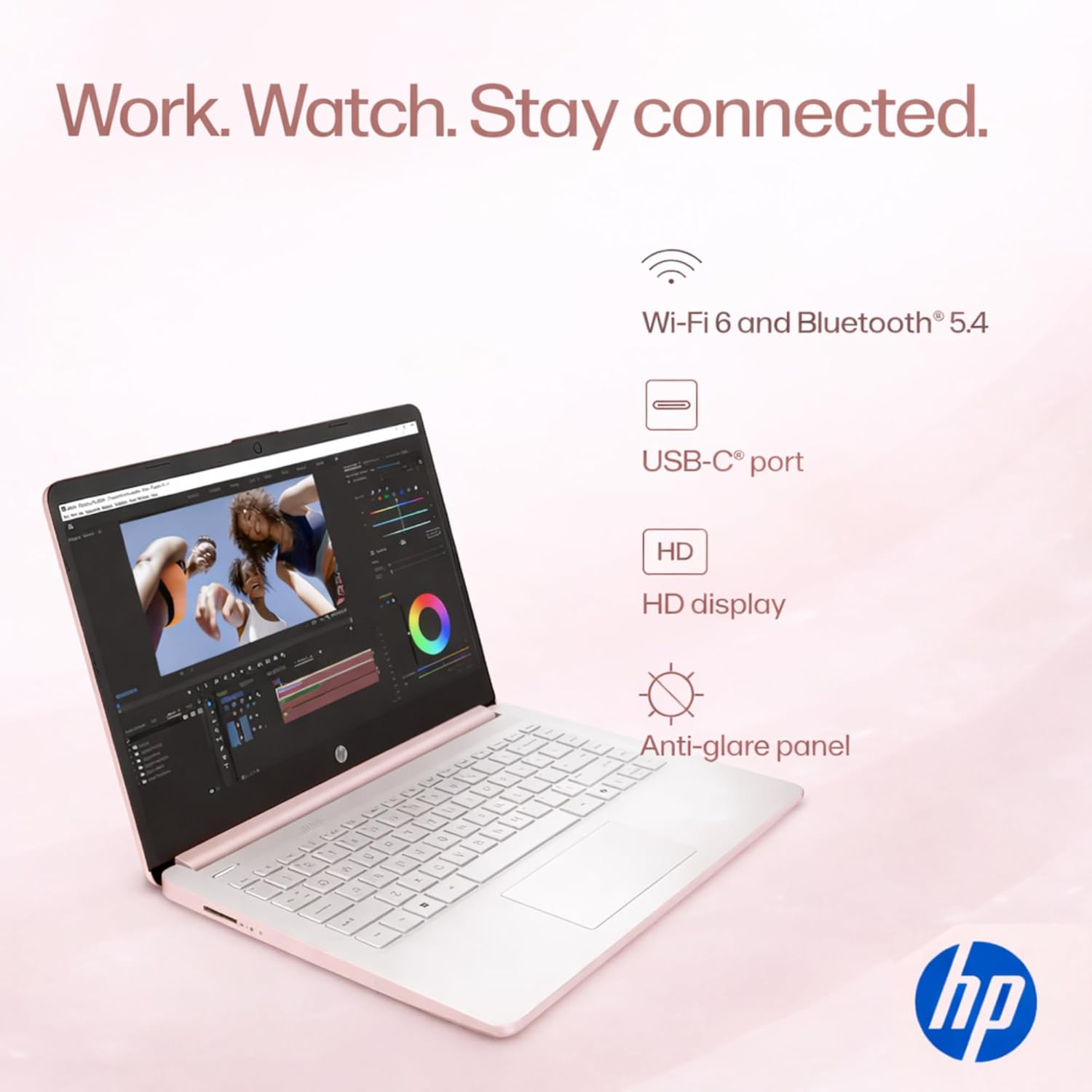

14" HD Display 14 inch diagonal HD (1366 x 768) micro-edge BrightView. With virtually no bezel encircling the display an ultra-wide viewing experience provides for seamless multi-monitor set-ups
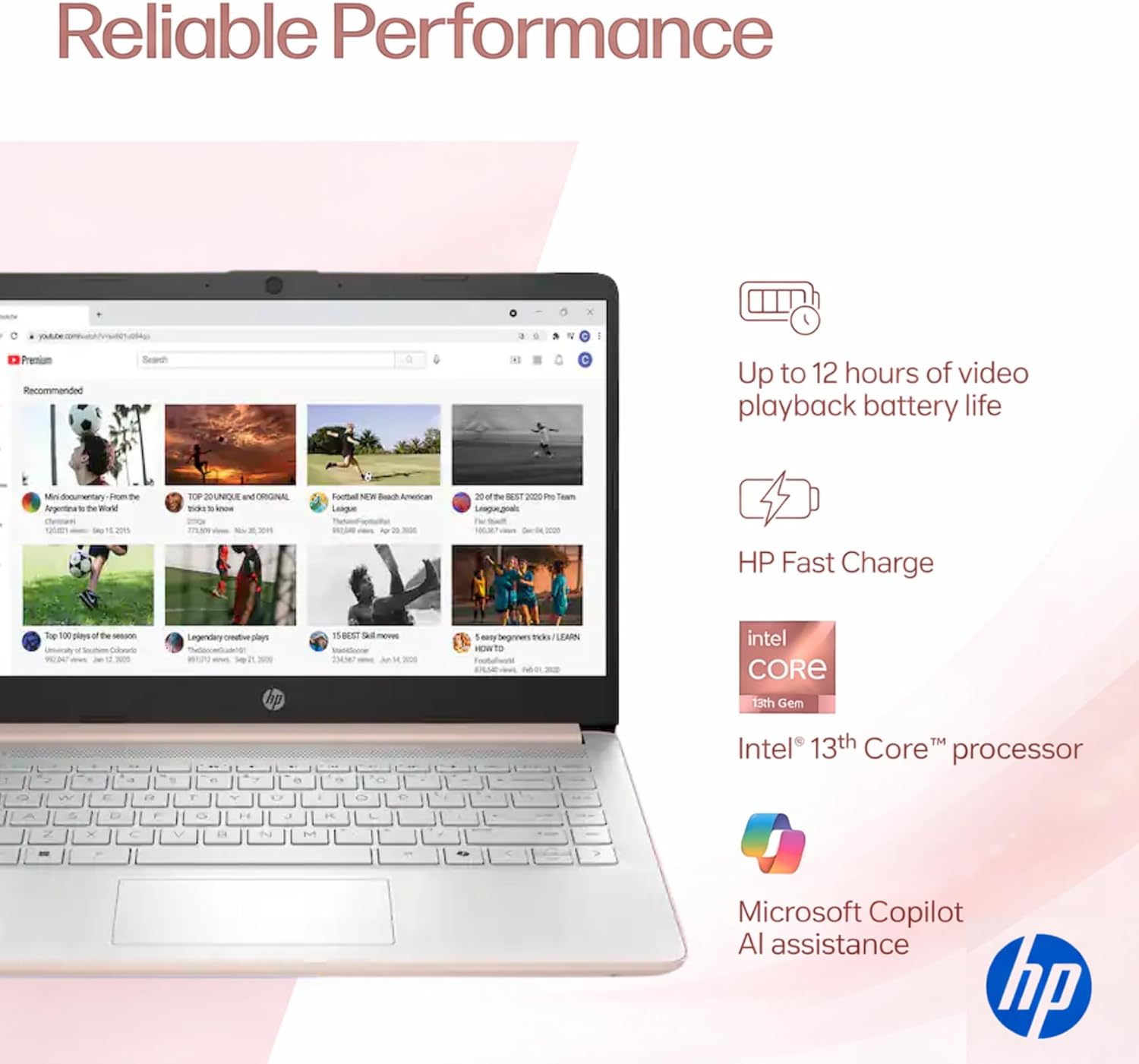
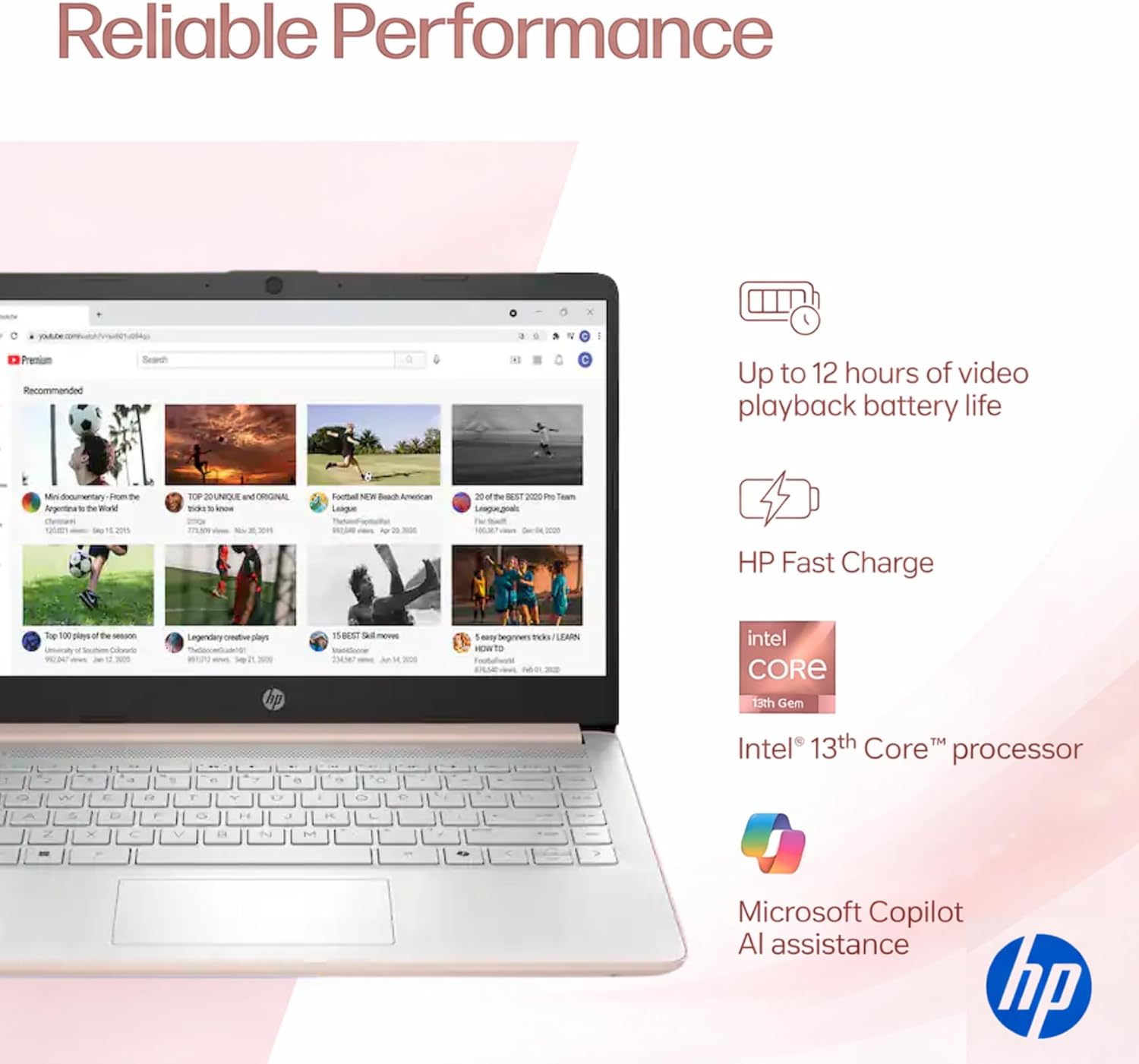
Processor & GraphicsIntel Celeron N4500 2 Cores & 4 Threads 1.10 GHz Base Frequency Up to 2.60 GHz Burst Frequency 4 MB Cahce Intel UHD Graphics 600 Handle multitasking reliably with the perfect combination of performance power consumption and value
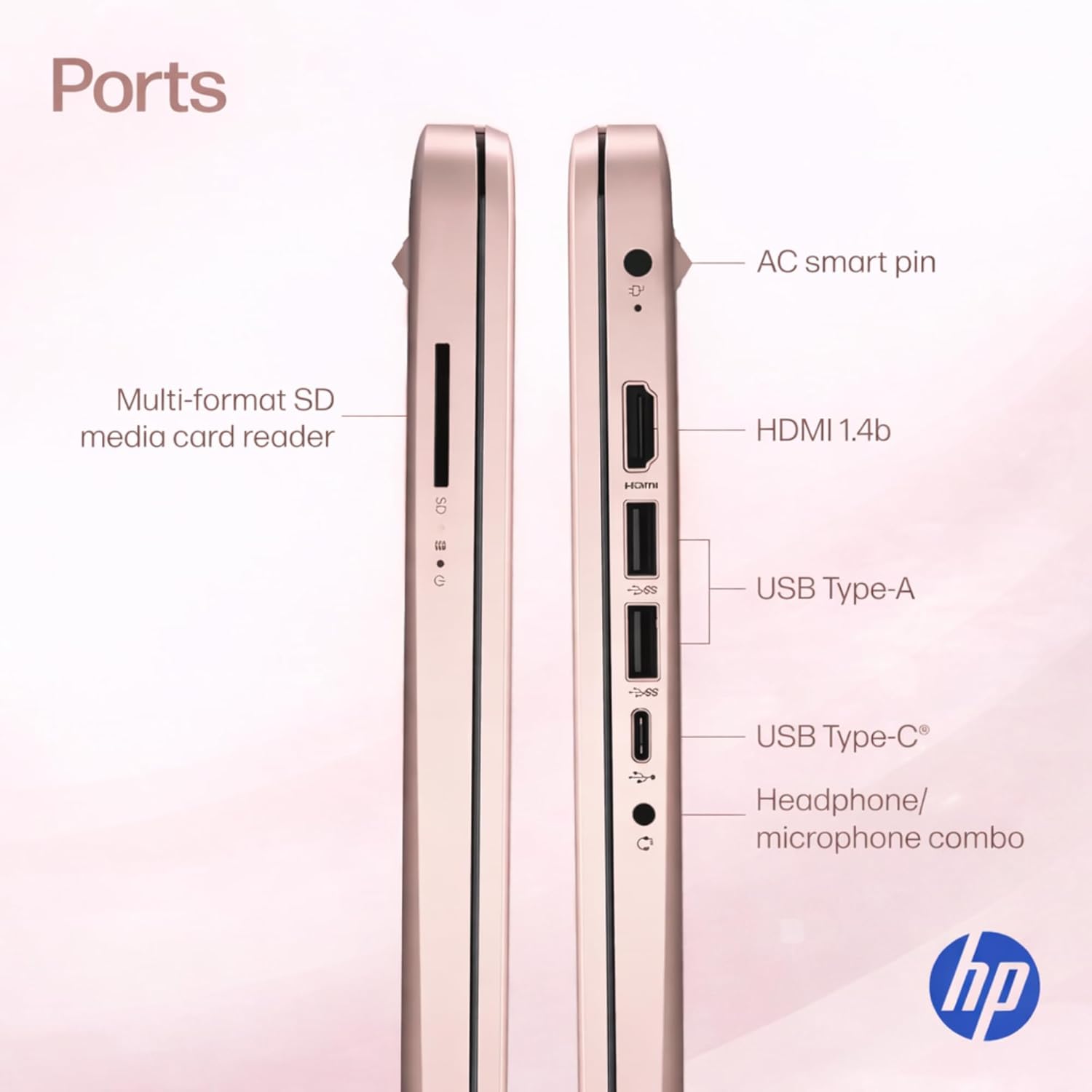
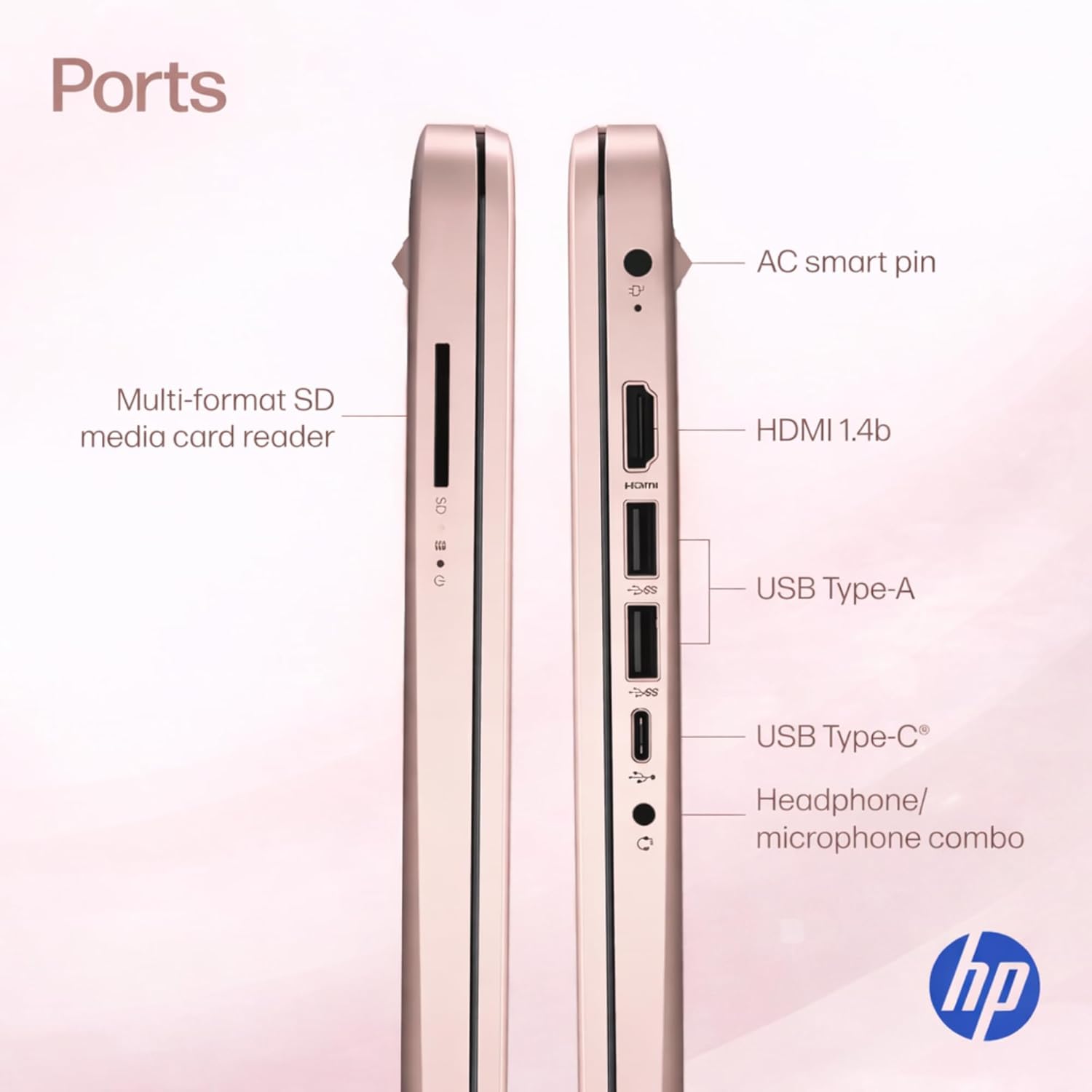
Ports1 x USB 3.1 Type-C ports 2 x USB 3.1 Type-A ports 1 x HDMI 1 x Headphone/Microphone Combo Jack
Windows 11 Home in S modeYou may switch to regular windows 11: Press "Start button" bottom left of the screen; Select "Settings" icon above "power" icon;Select "Activation" then Go to Store; Select Get option under "Switch out of S mode"; Hit Install. (If you also see an "Upgrade your edition of Windows" section be careful not to click the "Go to the Store" link that appears there.)
-

You have successfully commented, please wait for review
Copied Successfully
You can enjoy up to 1 free gift!