What are you looking for?
Search

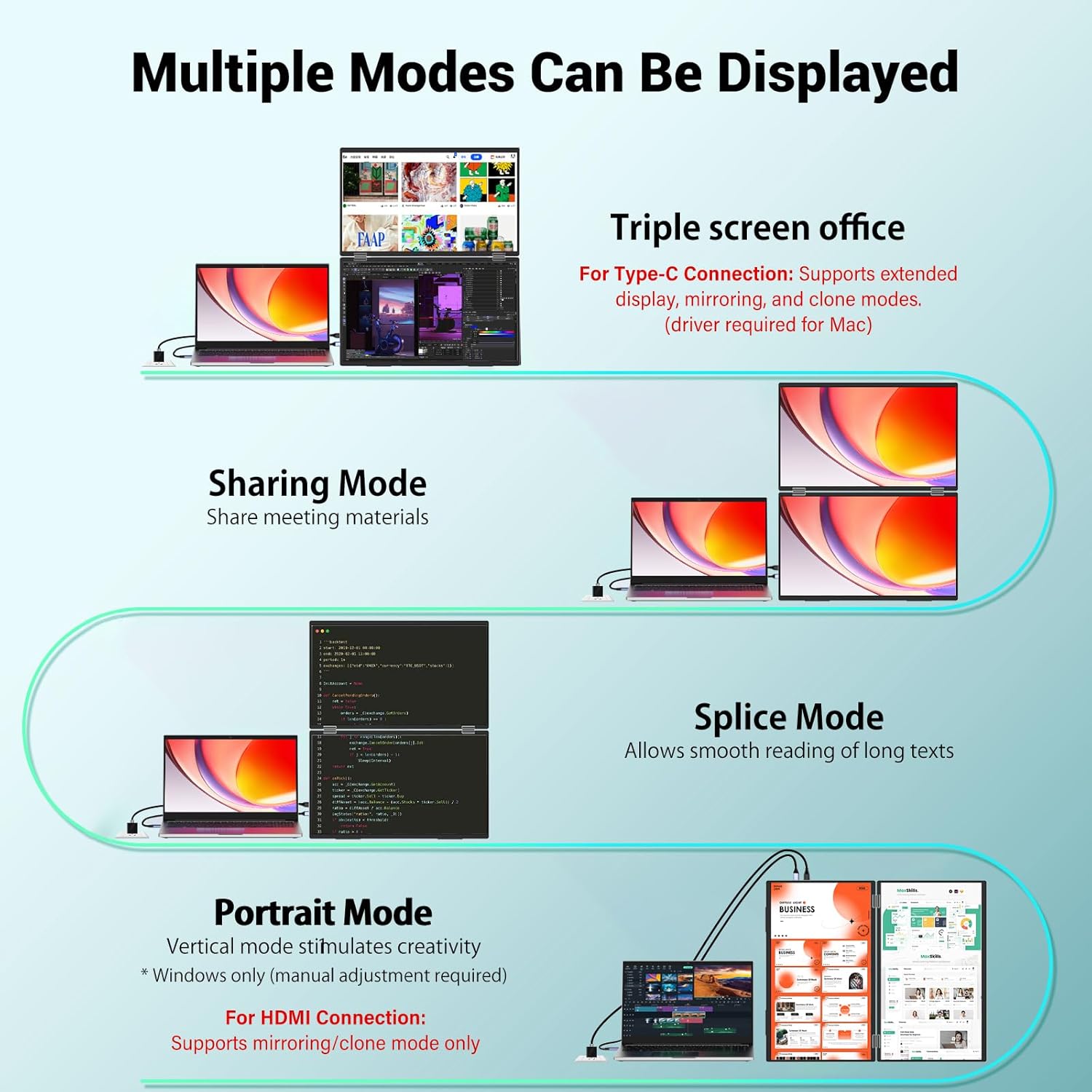
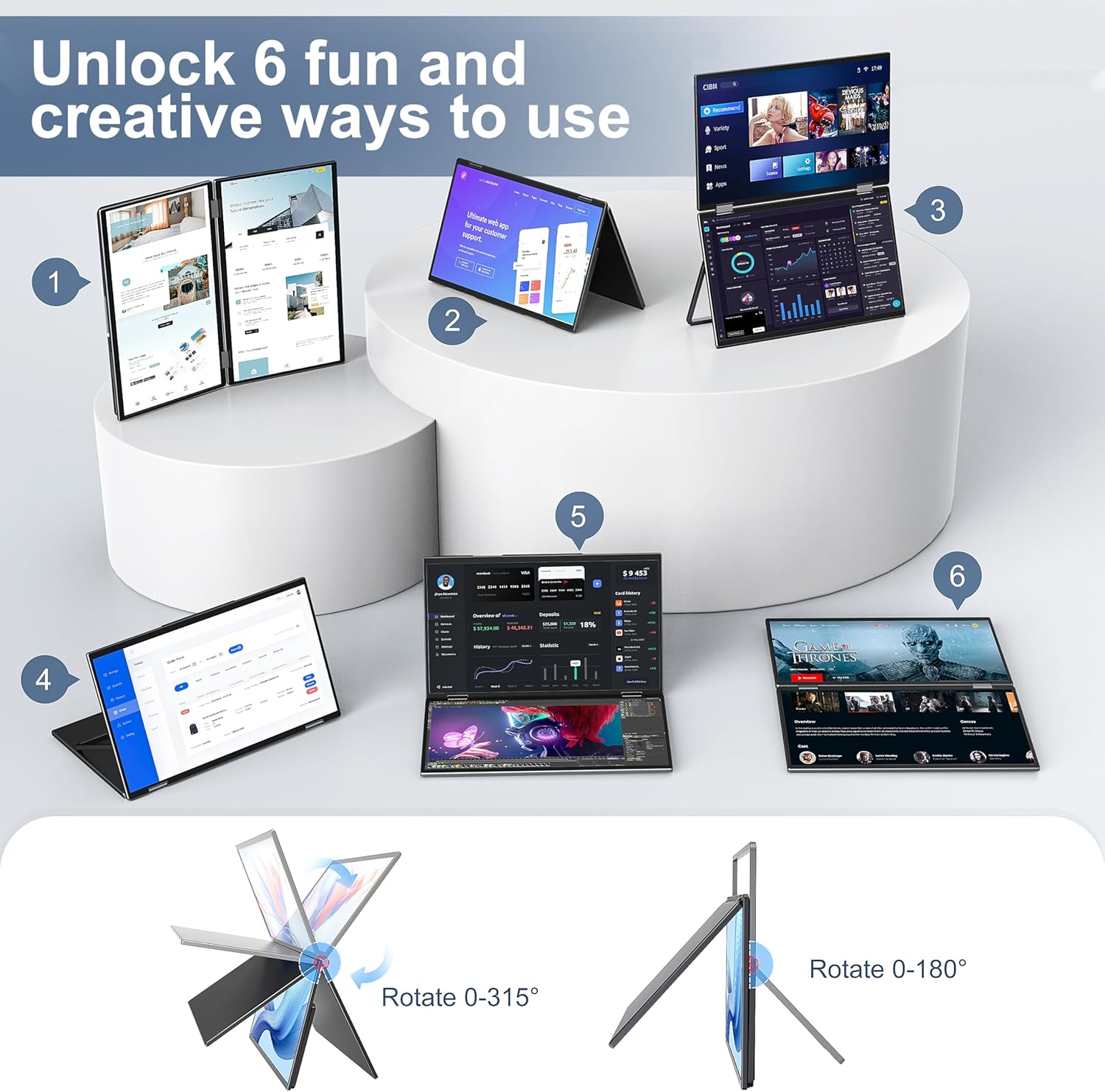
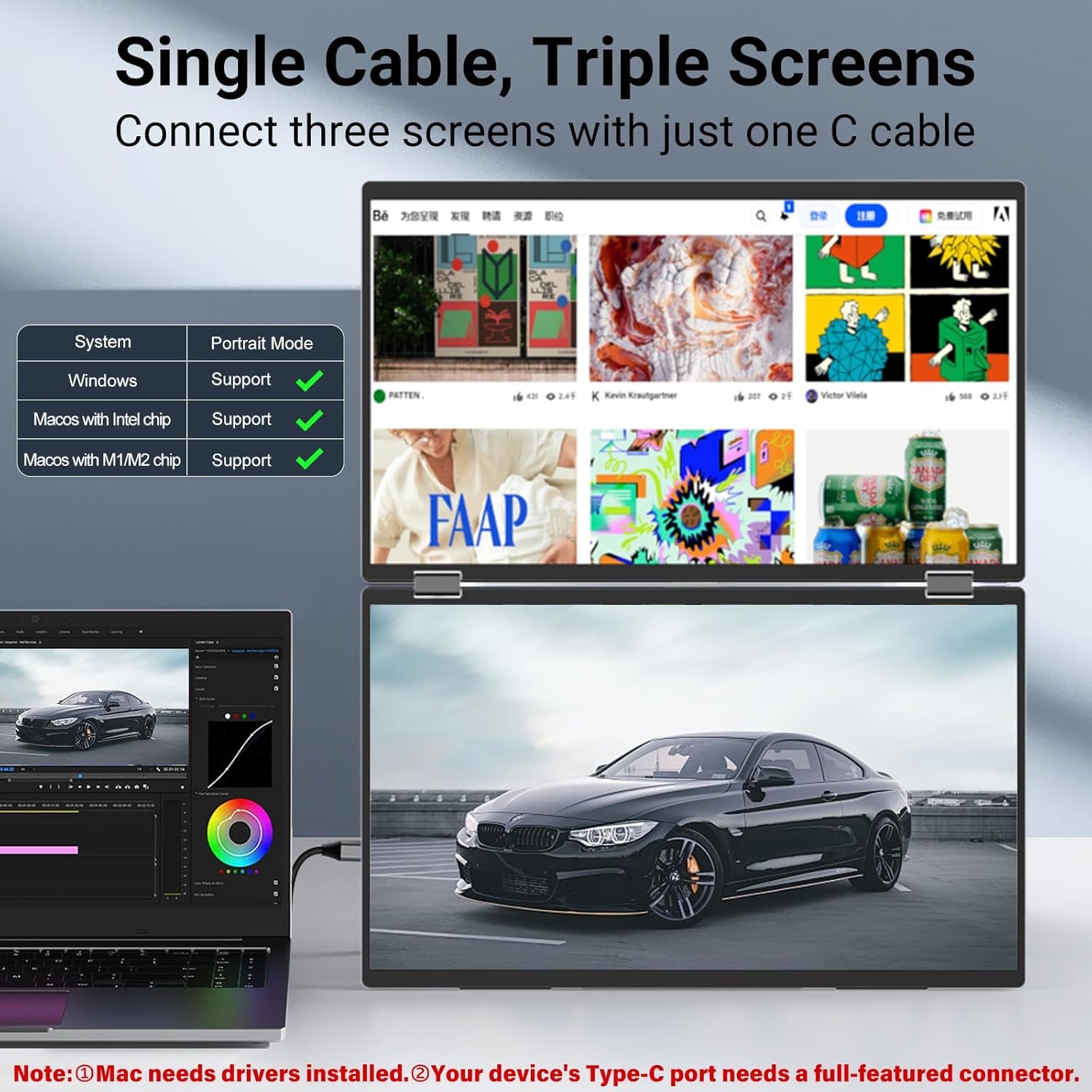
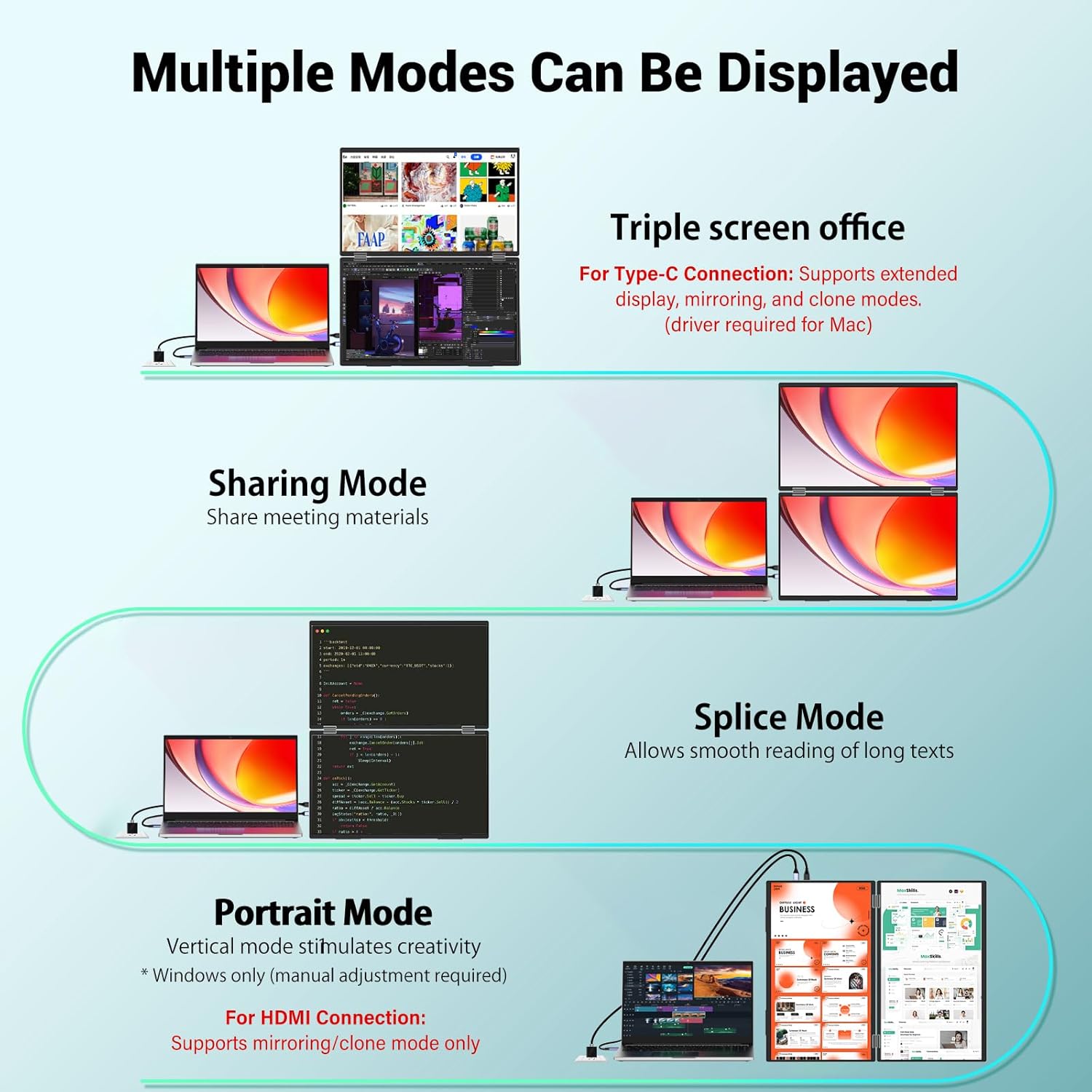
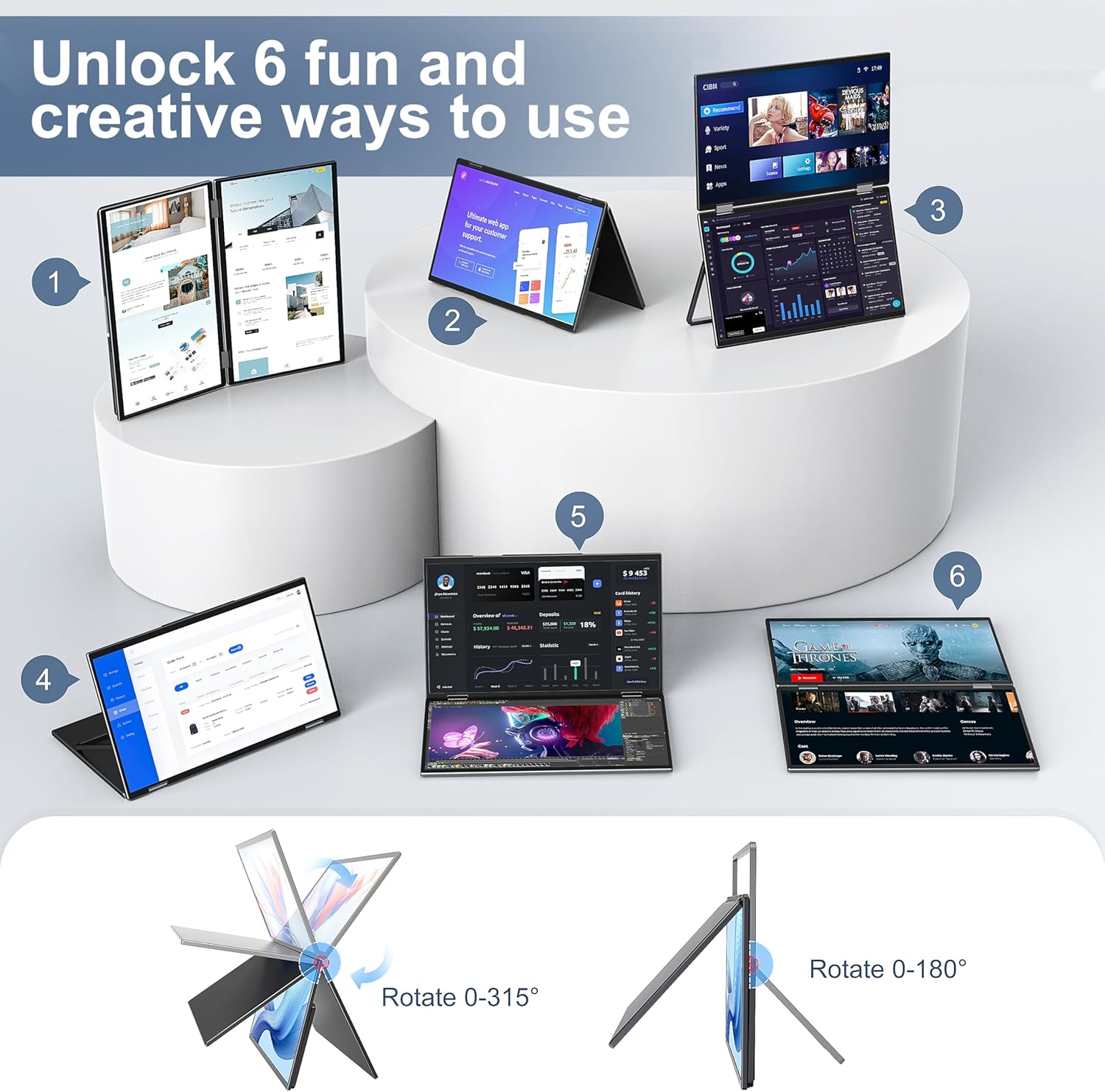
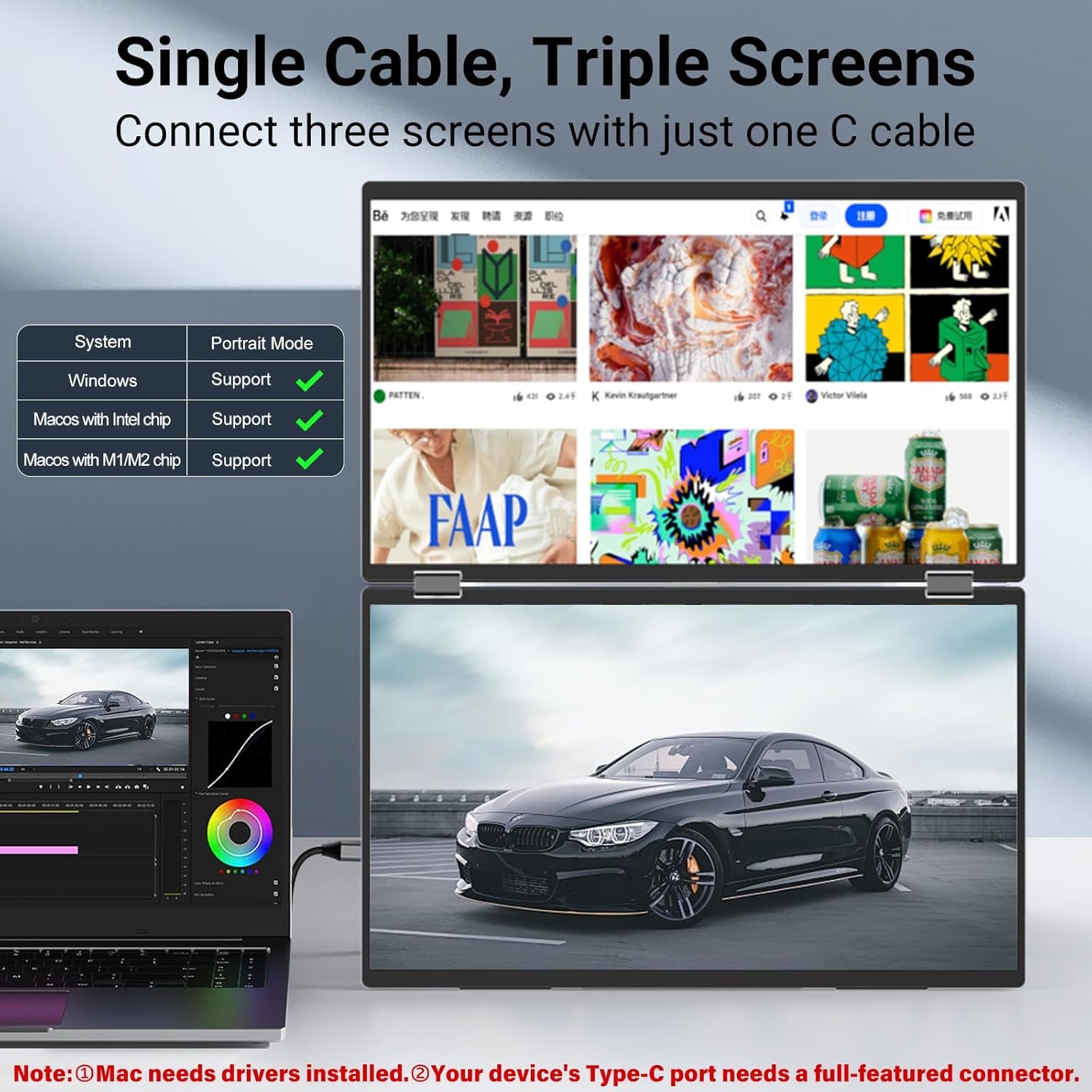

Multiple Display ModesThe laptop monitor has extension mode splicing mode and copy mode and the Type-C full-featured cable connection device can achieve three different display contents bringing you an efficient working experience.Note:Please make sure youre powering the monitor by the original power adapter we provided in the package.Note: Mac extension mode requires Type-C connection to download the driver path: Menu-0therSettings-Mac extend-On
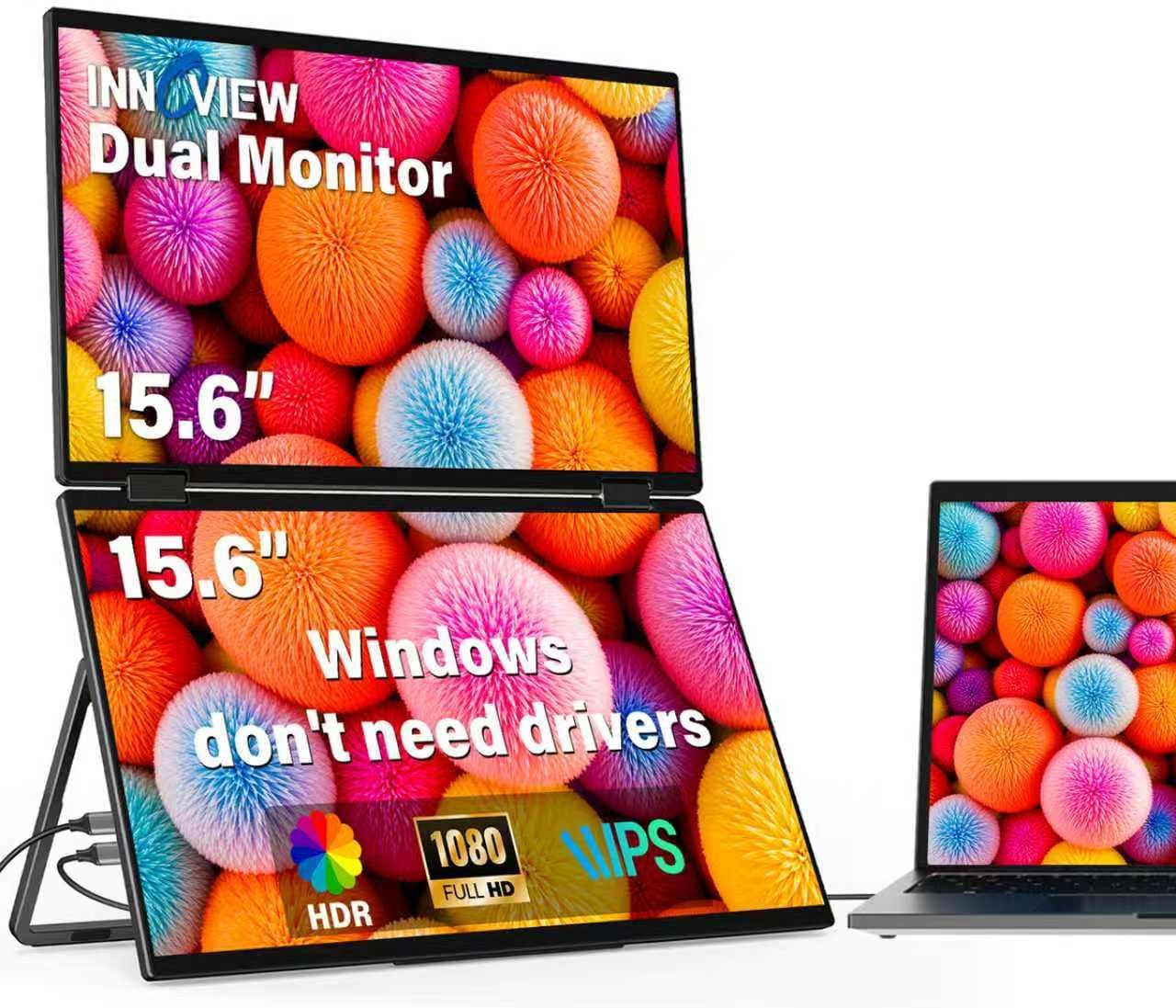
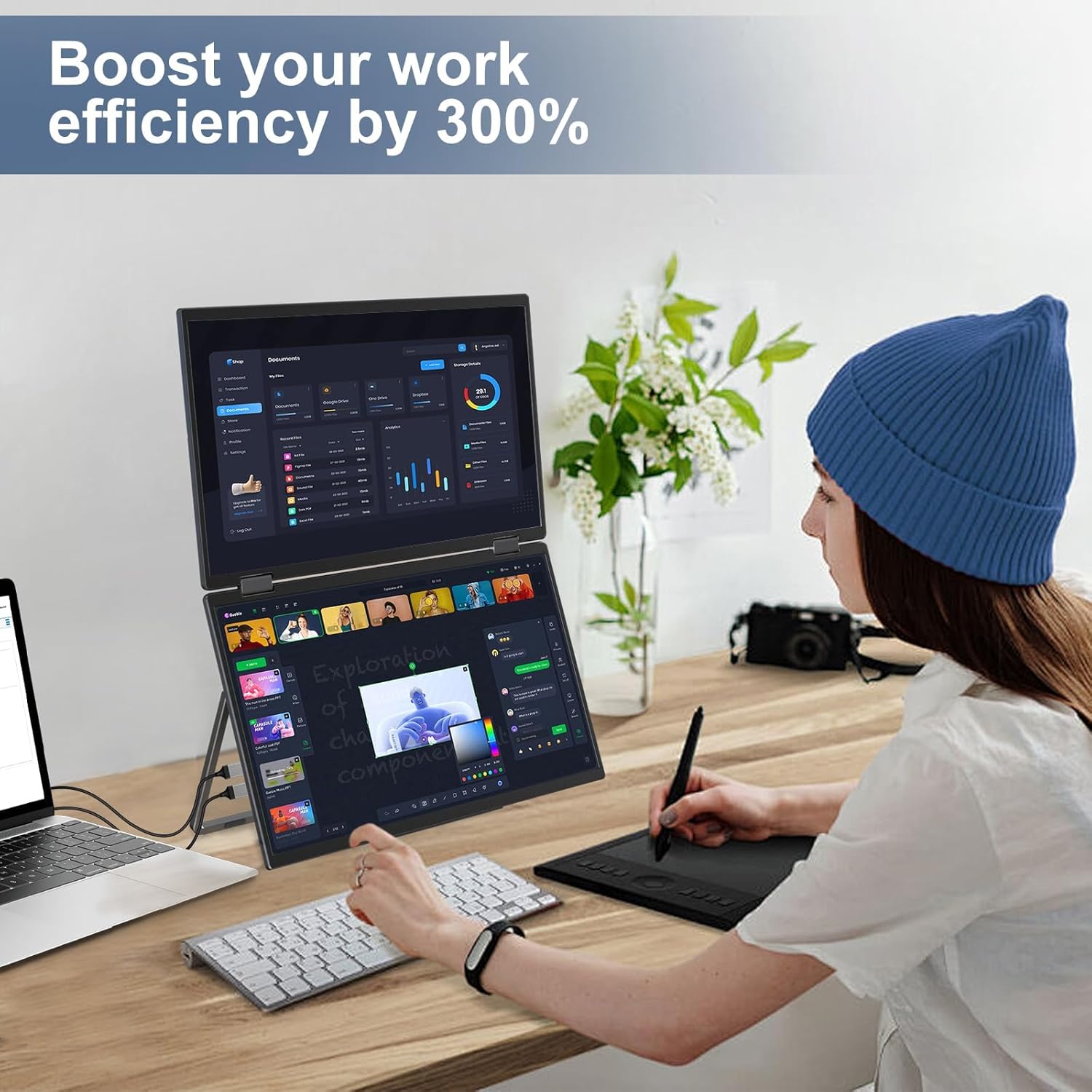
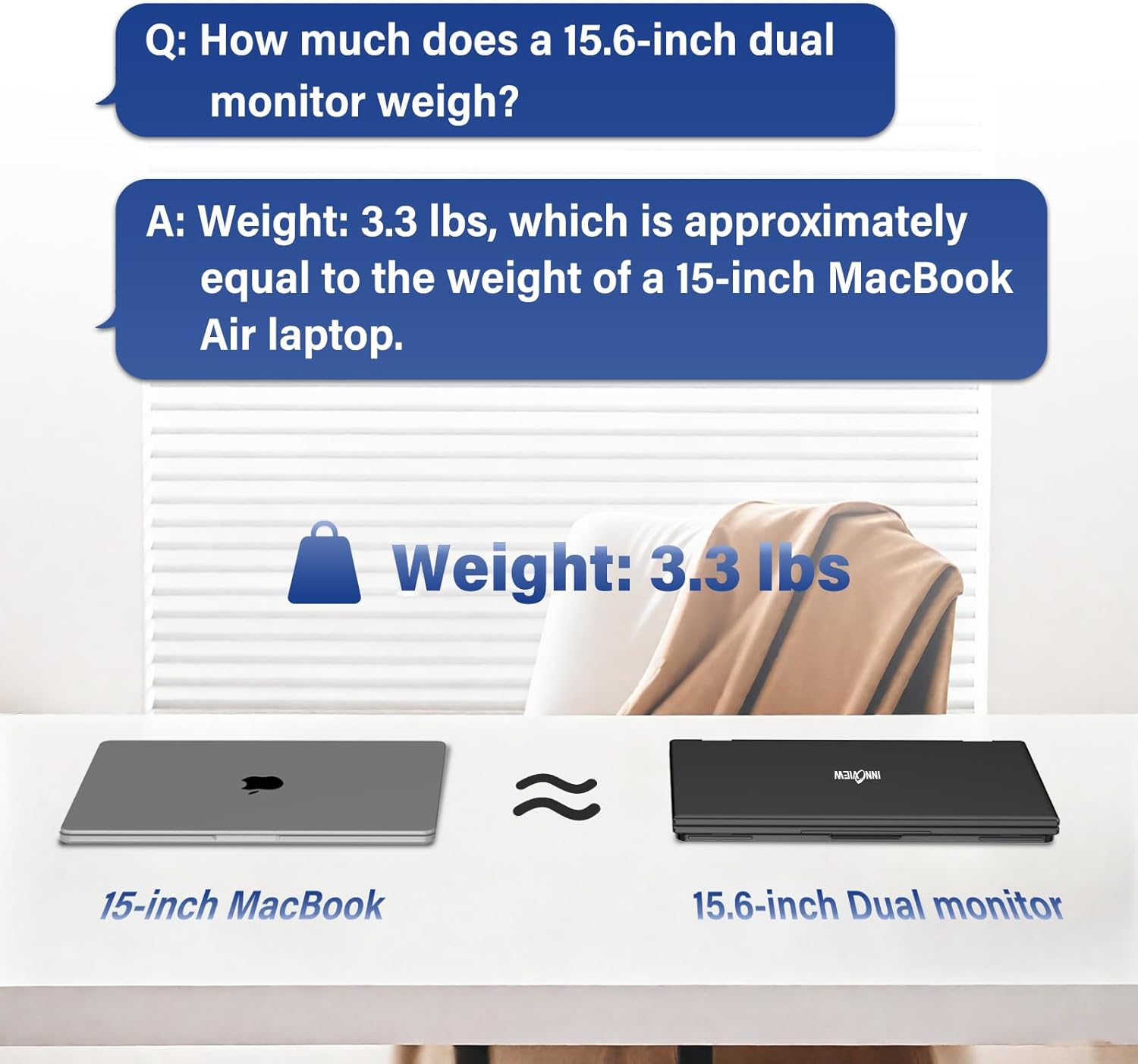
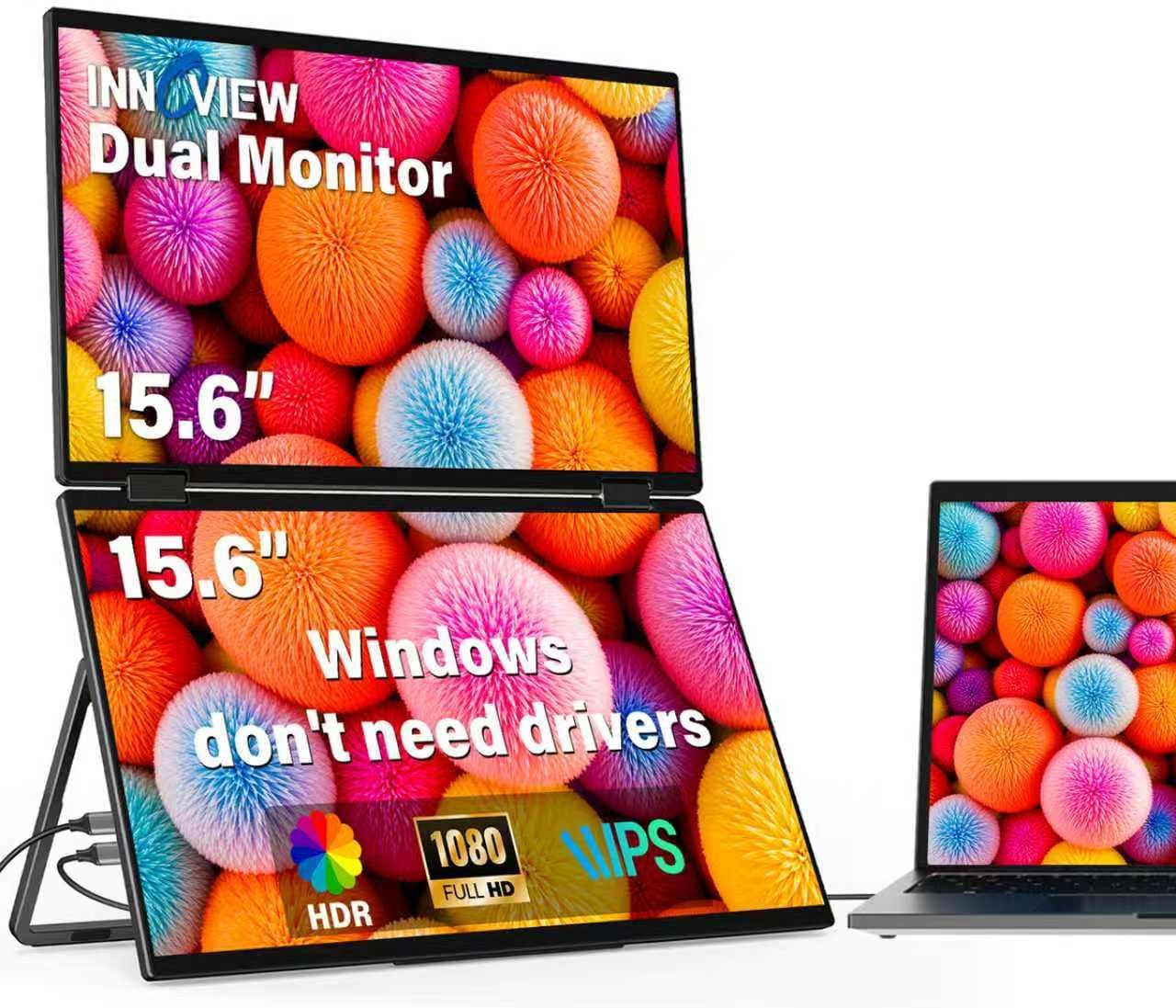
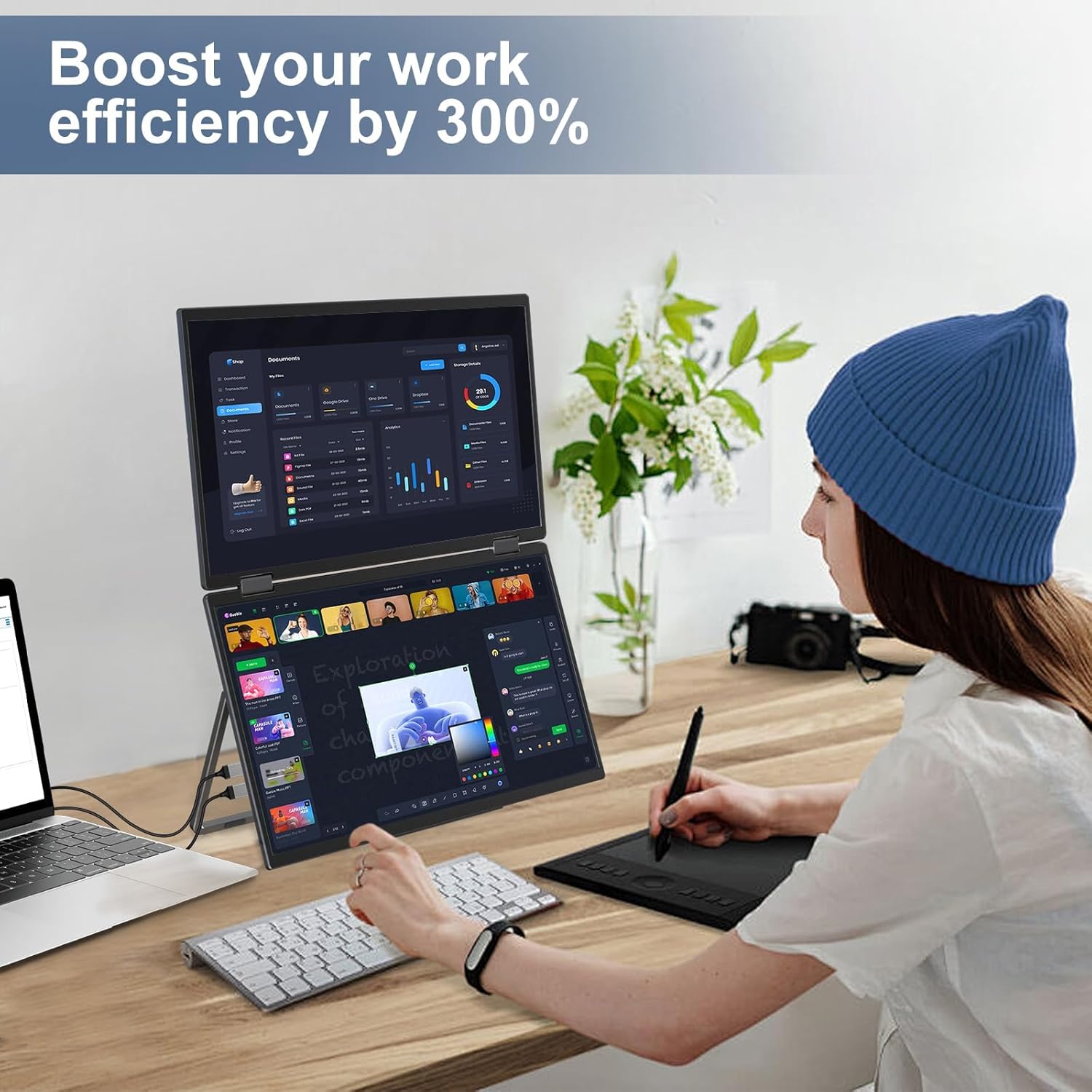
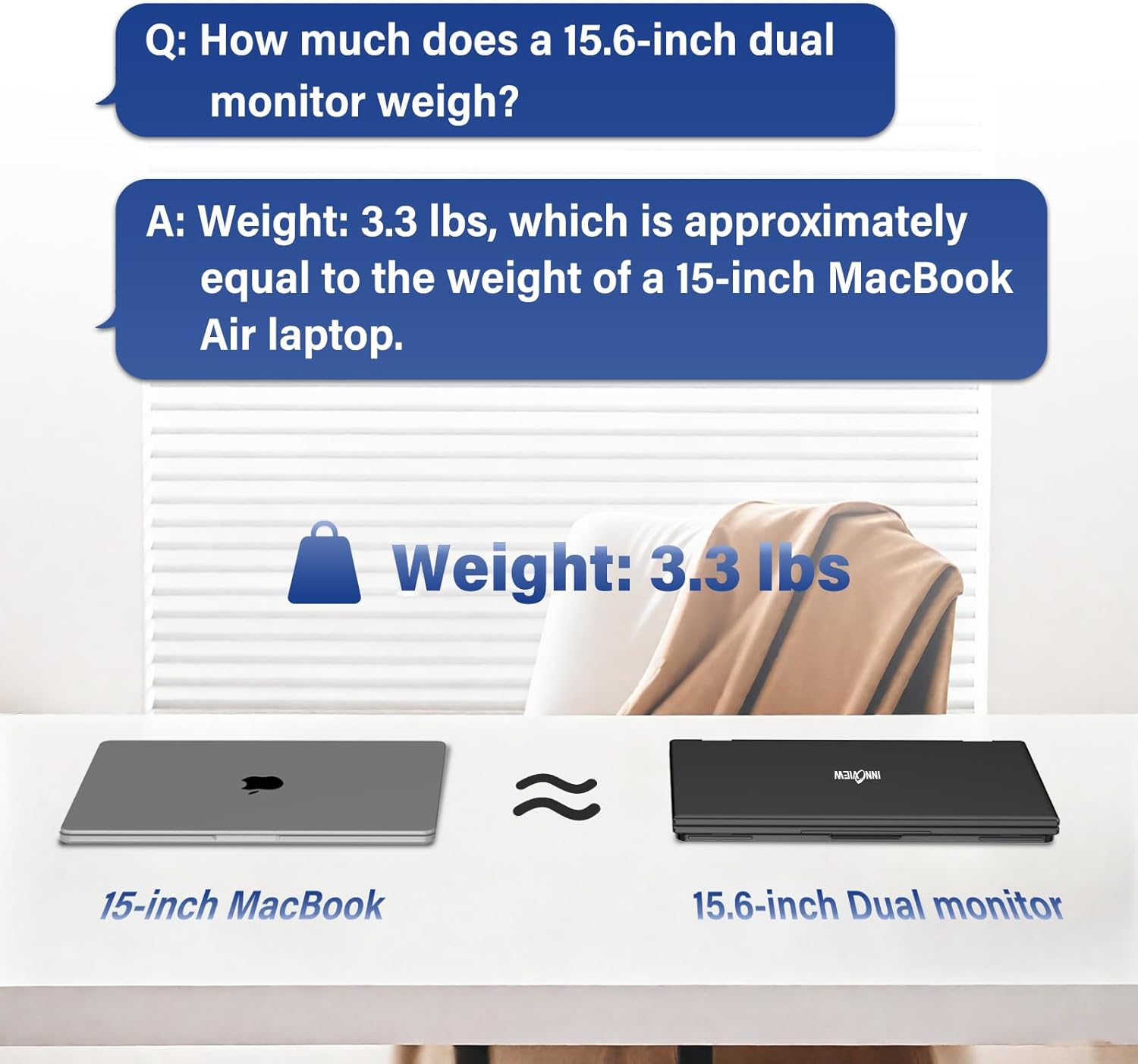
Screen Sharing Multitasking dual screen monitor is equipped with 2 15.6-inch IPS panels providing more screen space perfect for multitasking work study and creative projects. It can also be folded for easy carrying greatly improving your efficiency. It is perfect for multitasking professionals including remote workers gamers travelers students etc.
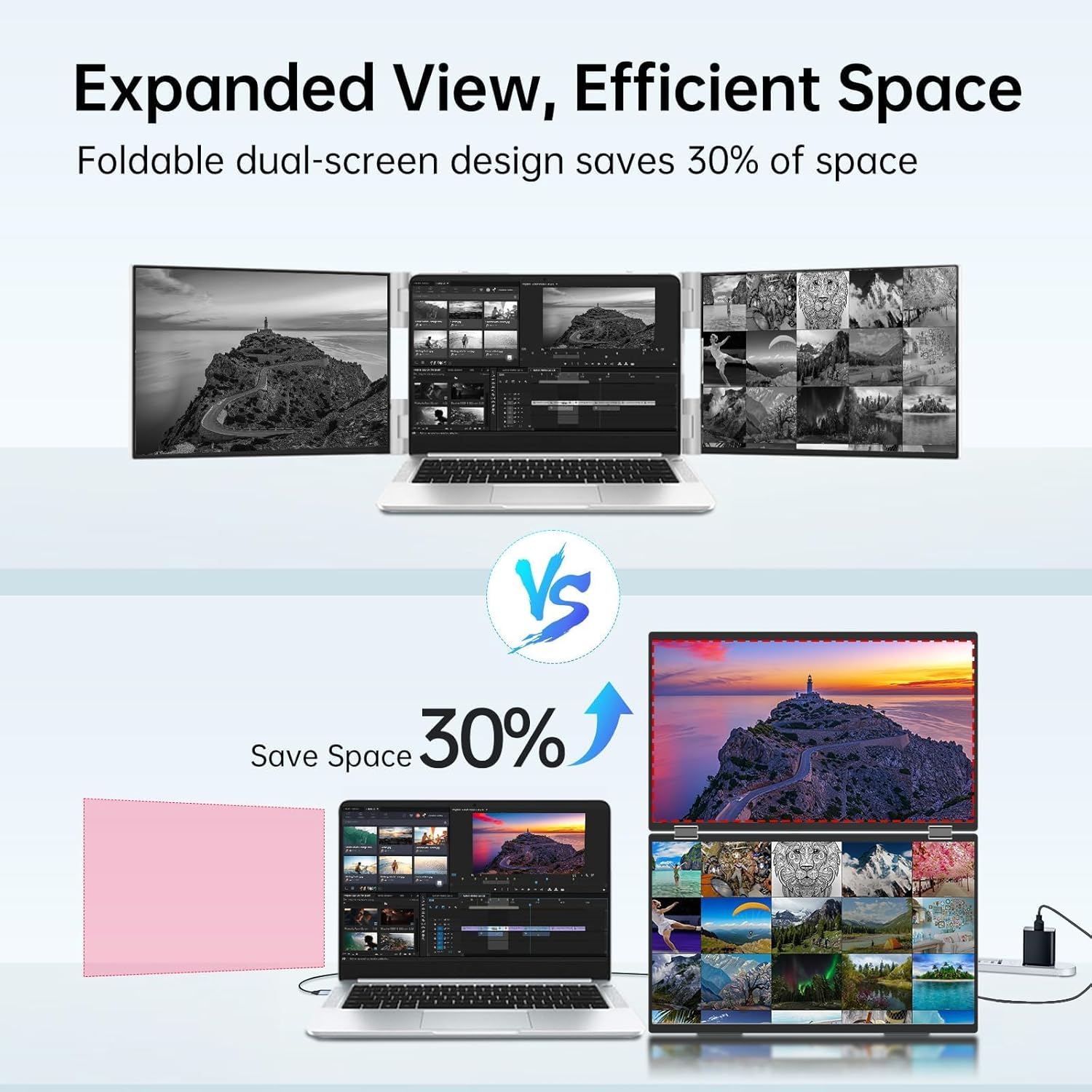
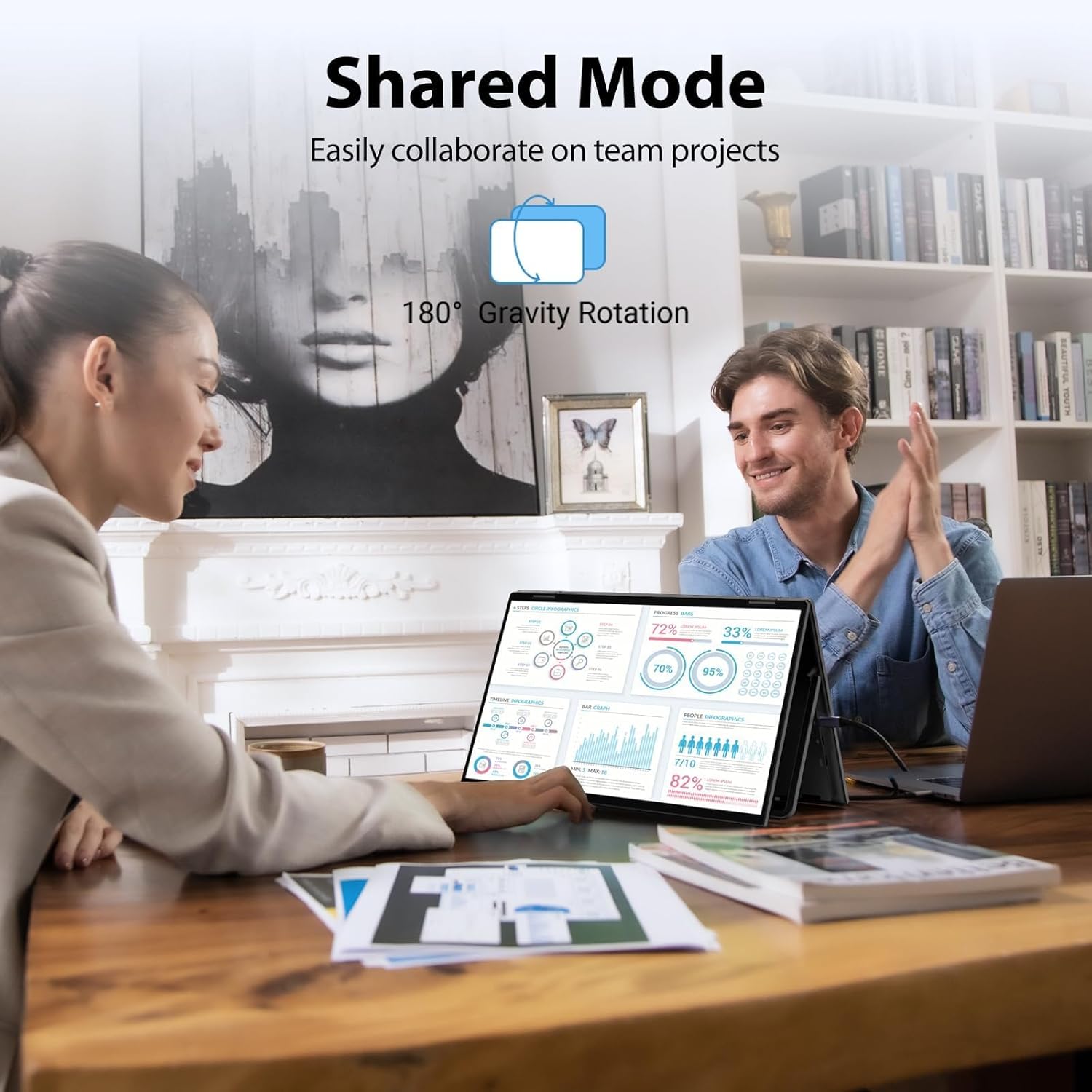
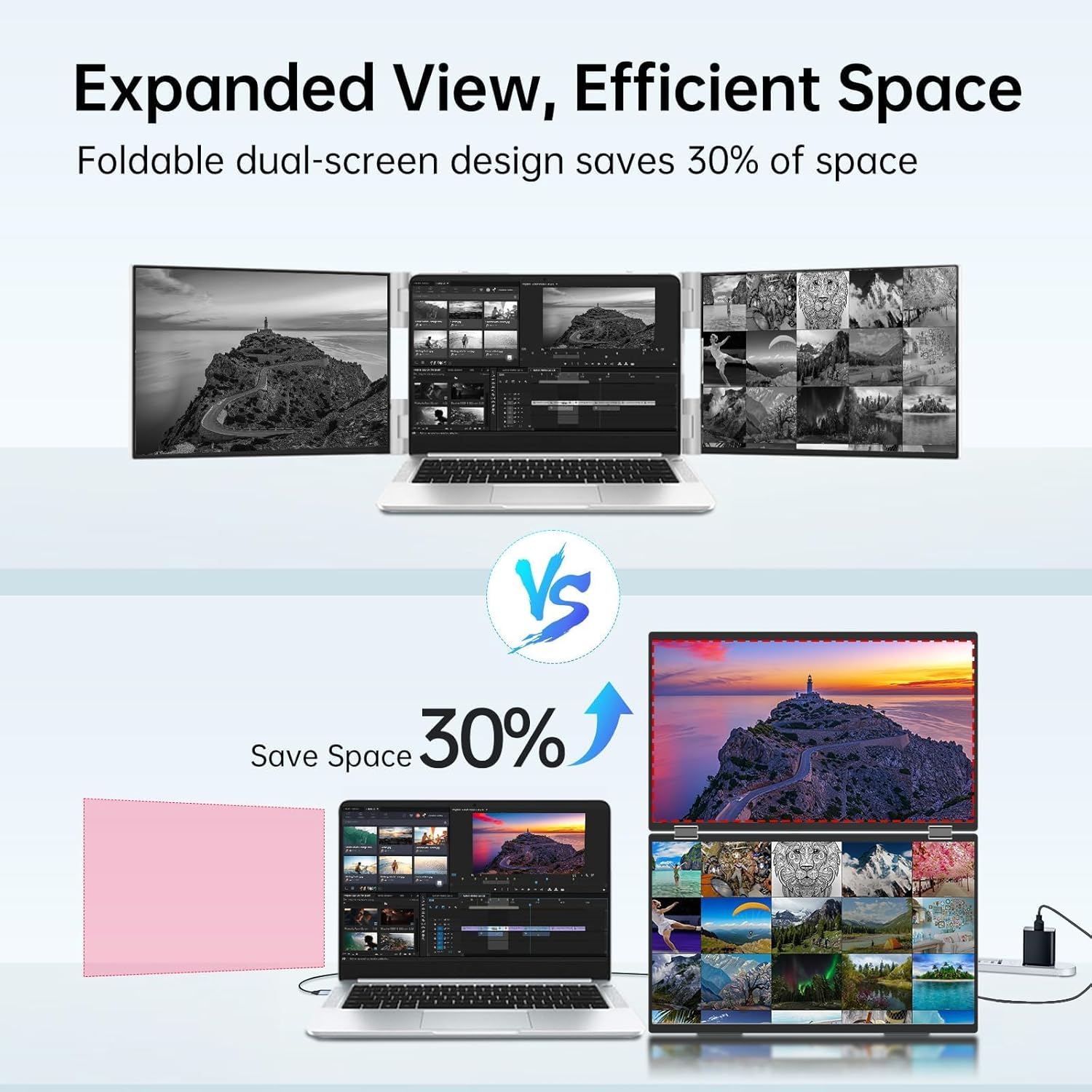
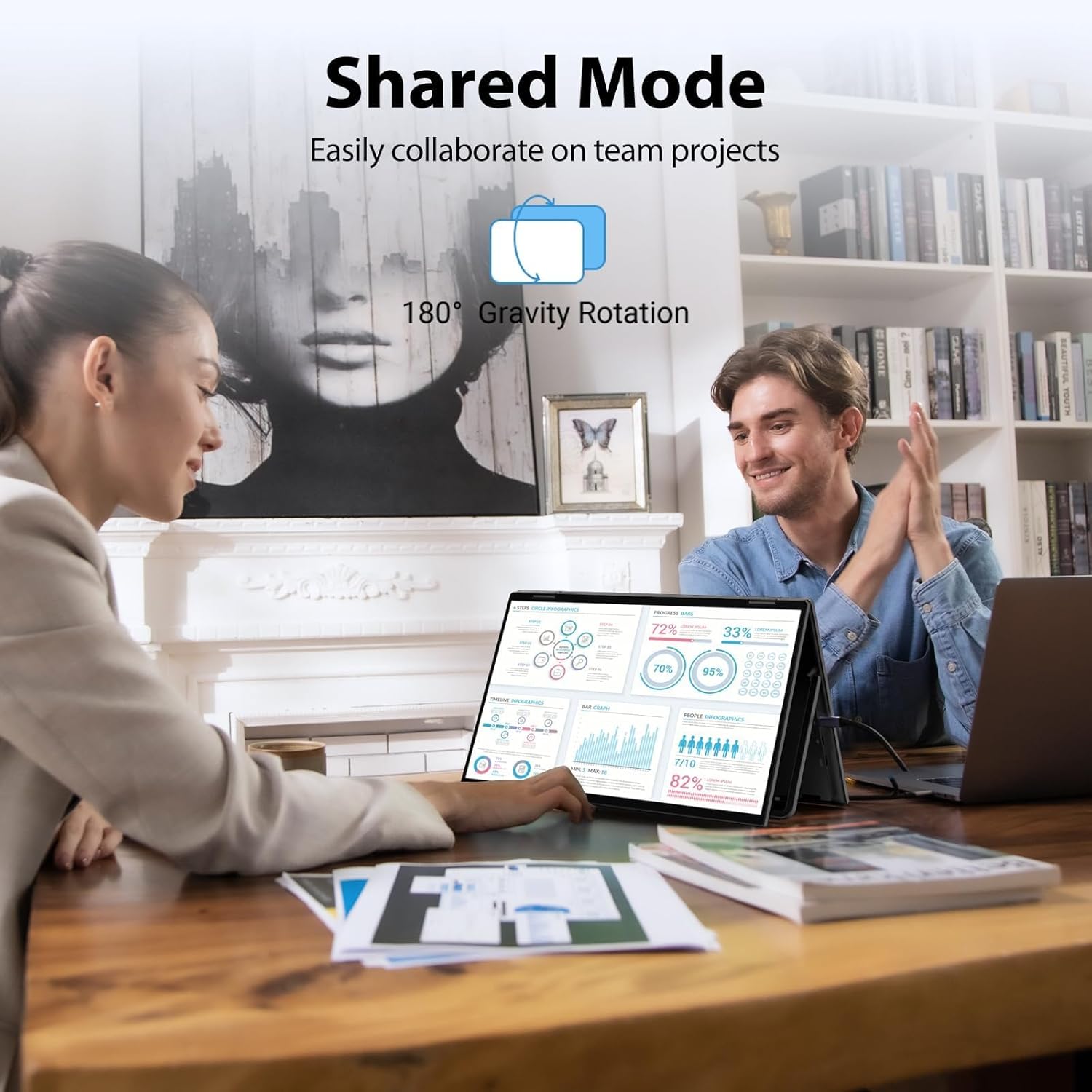
Foldable Design Space SavingWith 1080P resolution dual monitors equipped with 180 adjustable stand and 180 gravity sensor it supports 180 automatic rotation when connected to Windows or Mac. The clear image quality and its vertical layout and split screen mode make it ideal for business work and programming perfect for home offices shared workspaces or professionals who need flexibility.
Buy with confidence reliable supportThis travel screen dual monitor can be quickly set up using a single-line direct connection. For optimal performance please connect to a 30W or higher power supply. 30-day return policy and 18-month warranty give you peace of mind. Our dedicated customer support team is always here to help you ensure that your monitor continues to perform at its best for work gaming or entertainment.
How to connect my device?
You need to use a Type-C cable to connect the device. Note: Extended mode is not supported for HDMI connections.To use Extended Mode on a mac download the driver via Type-C.
Do I need to install a separate driver?
Windows can use Type-C to achieve extended mode Mac needs to download the driver system to use it via Type-C.
Does the screen support auto-rotation?
It can support 180 auto-rotation in clone/extension mode.
Why did the dual monitors I received arrive damaged and look like they were second-hand?
This is not a second-hand monitor. The packaging may have been damaged due to friction during shipping. You can replacement.
15.6 inch portable monitor
How to install driver&sep up triple screens on Mac
What should l know before buying?
How to connect my device?
Do I need to install a separate driver?
Does the screen support auto-rotation?
Why did the dual monitors I received arrive damaged and look like they were second-hand?

You have successfully commented, please wait for review
Copied Successfully
You can enjoy up to 1 free gift!