What are you looking for?
Search

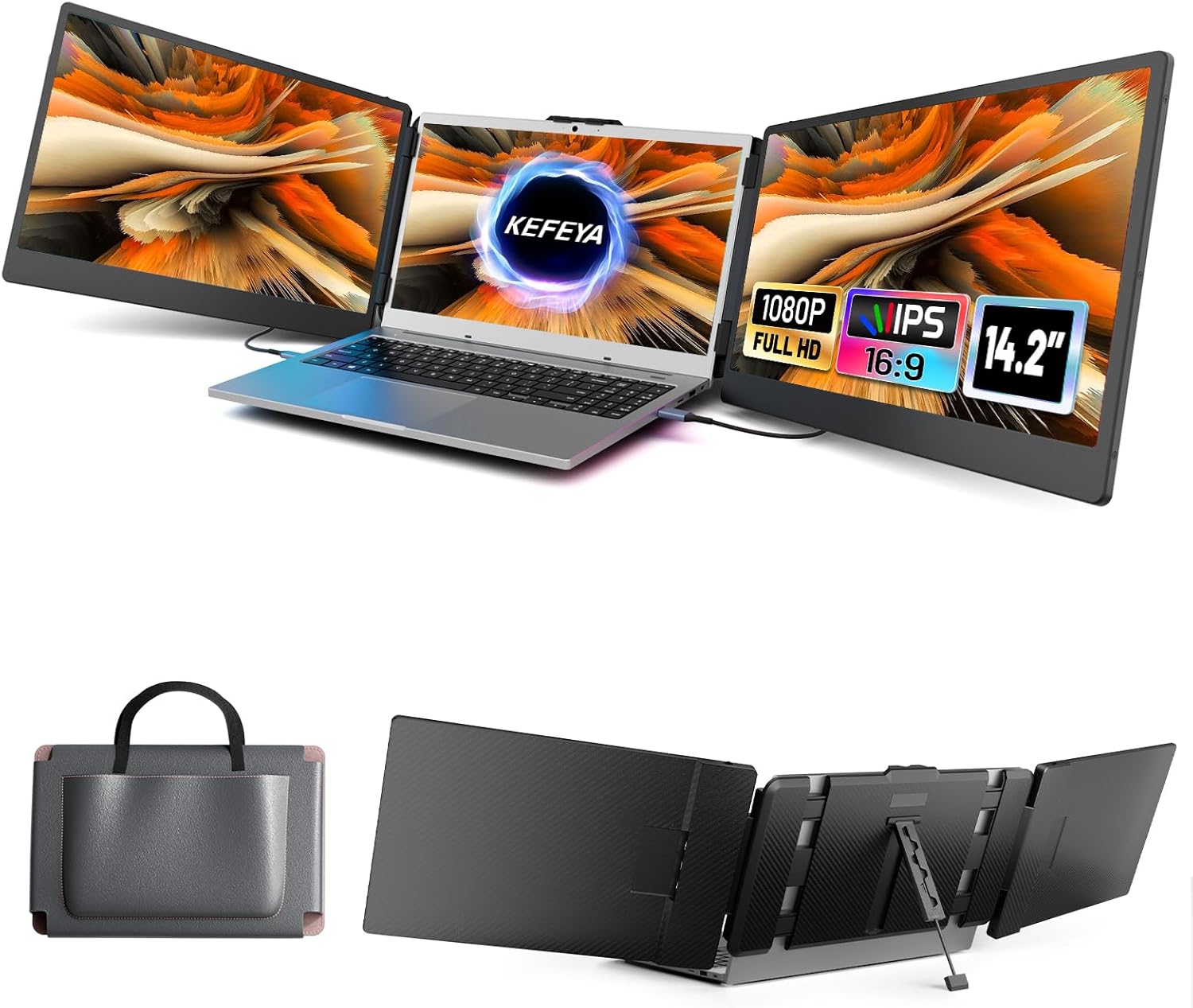
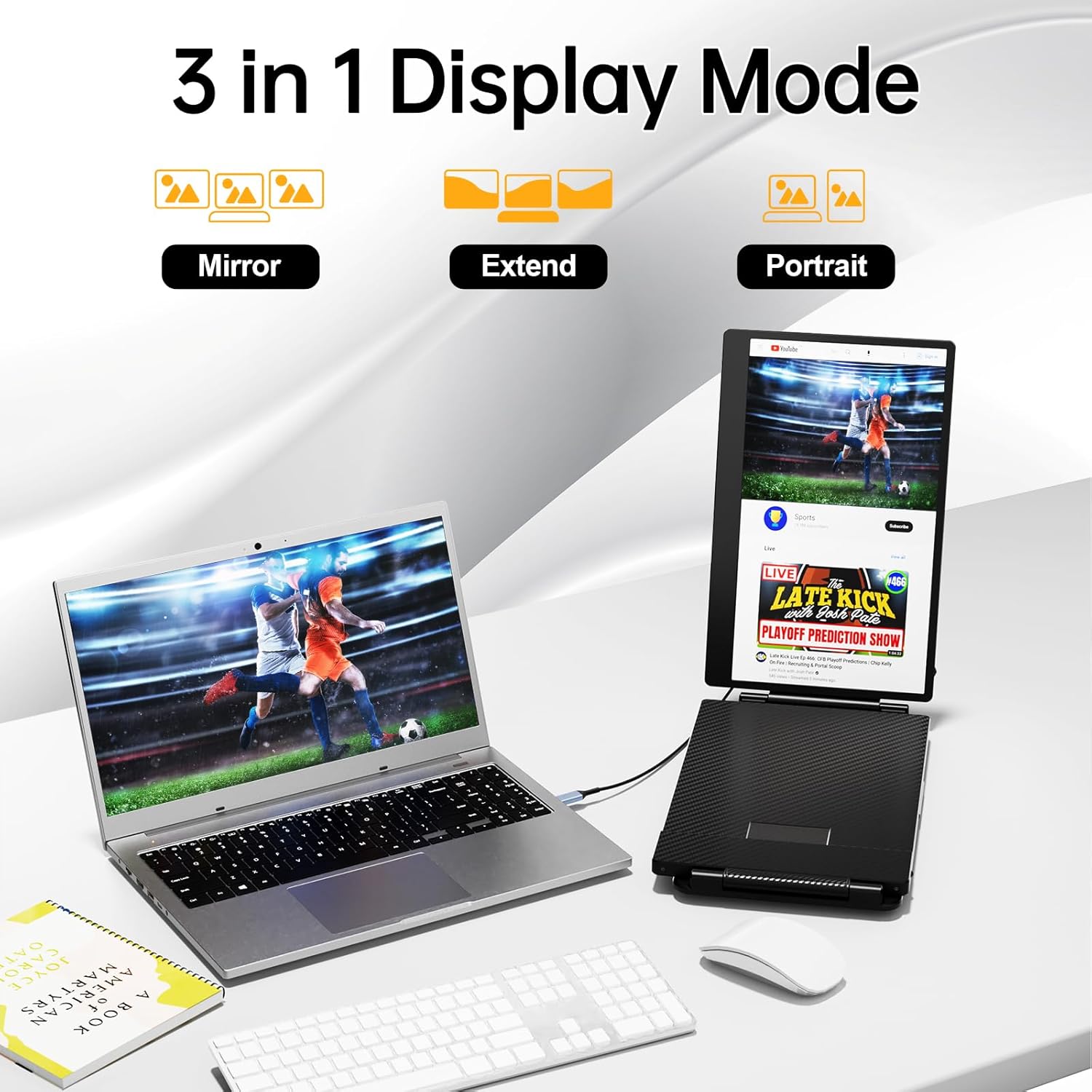
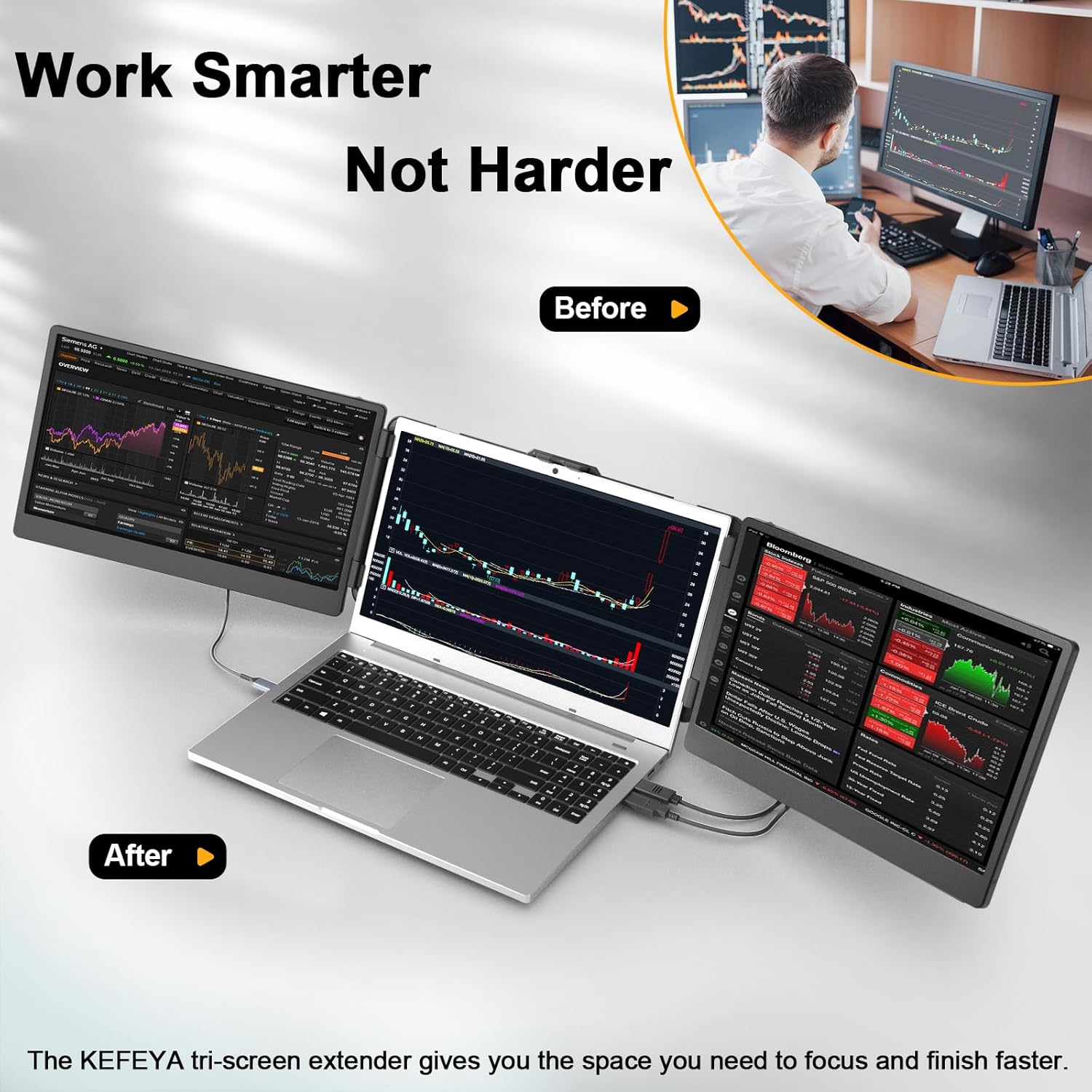

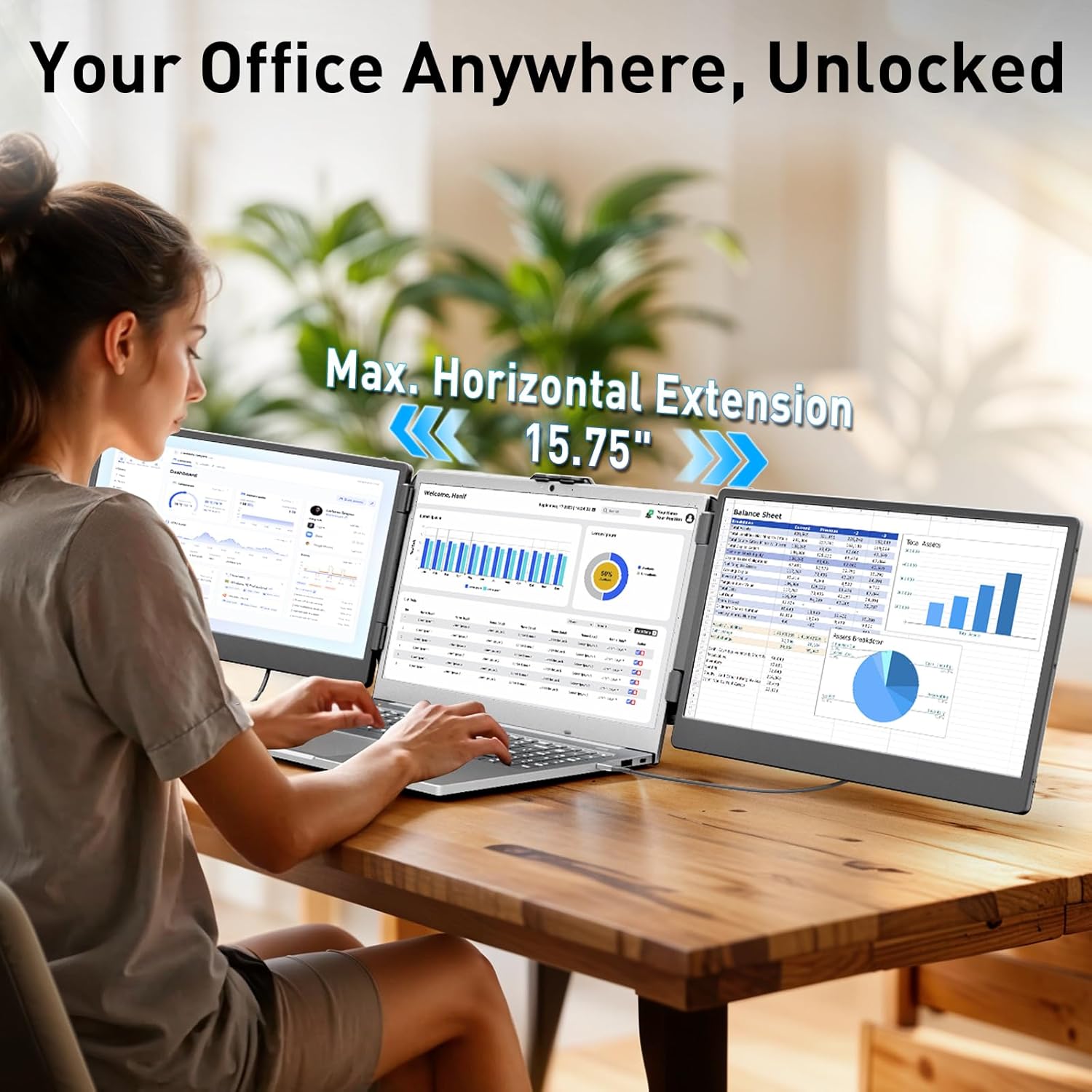
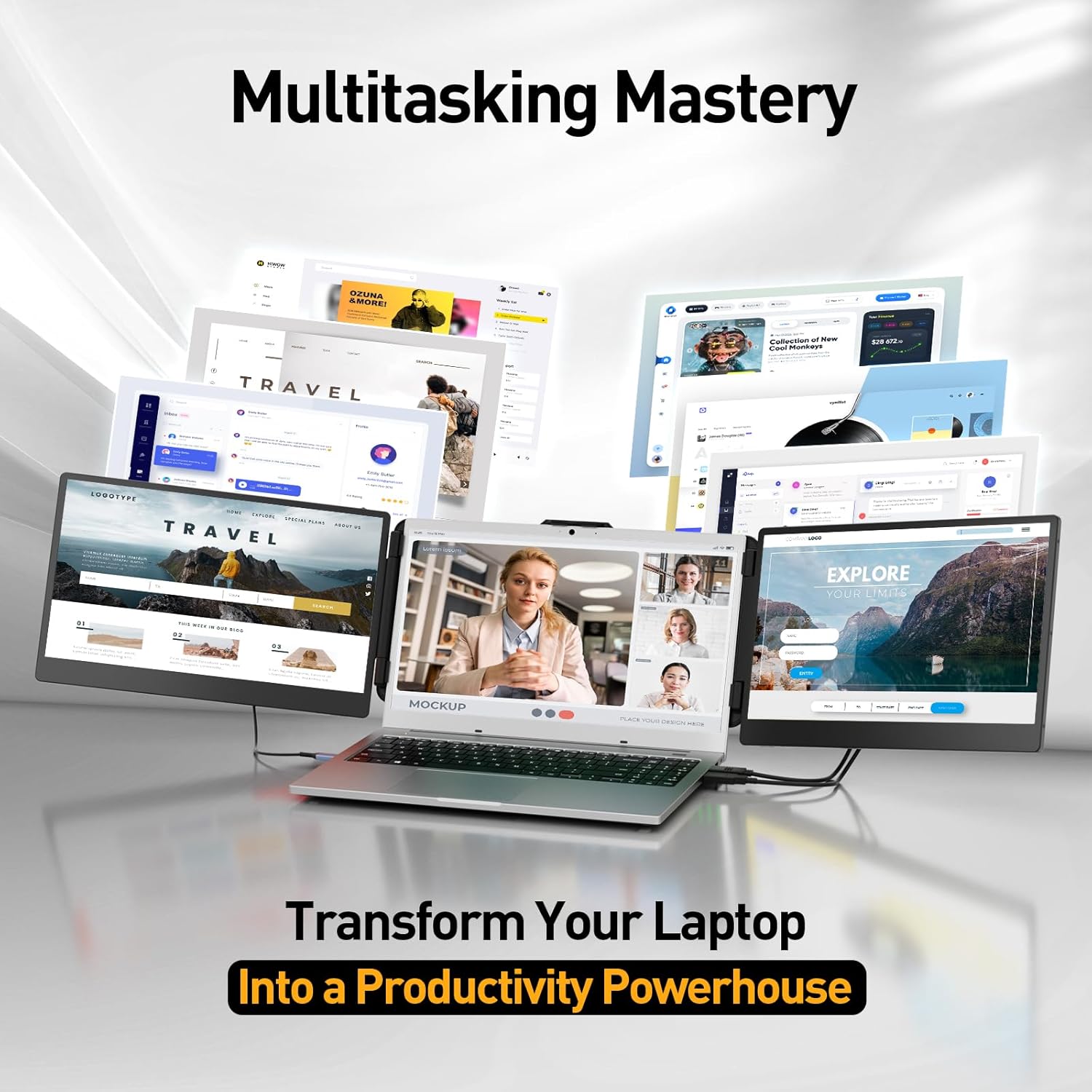
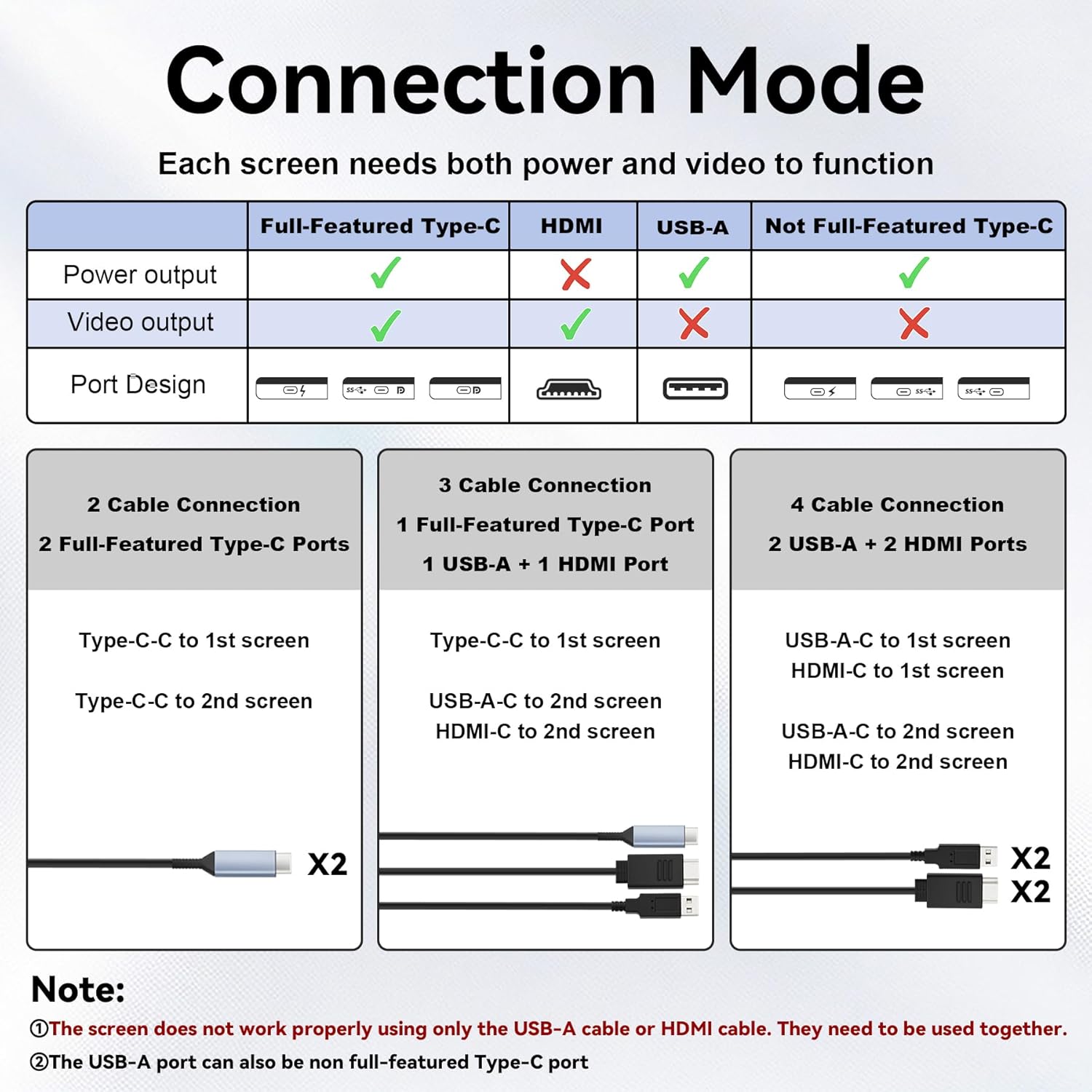
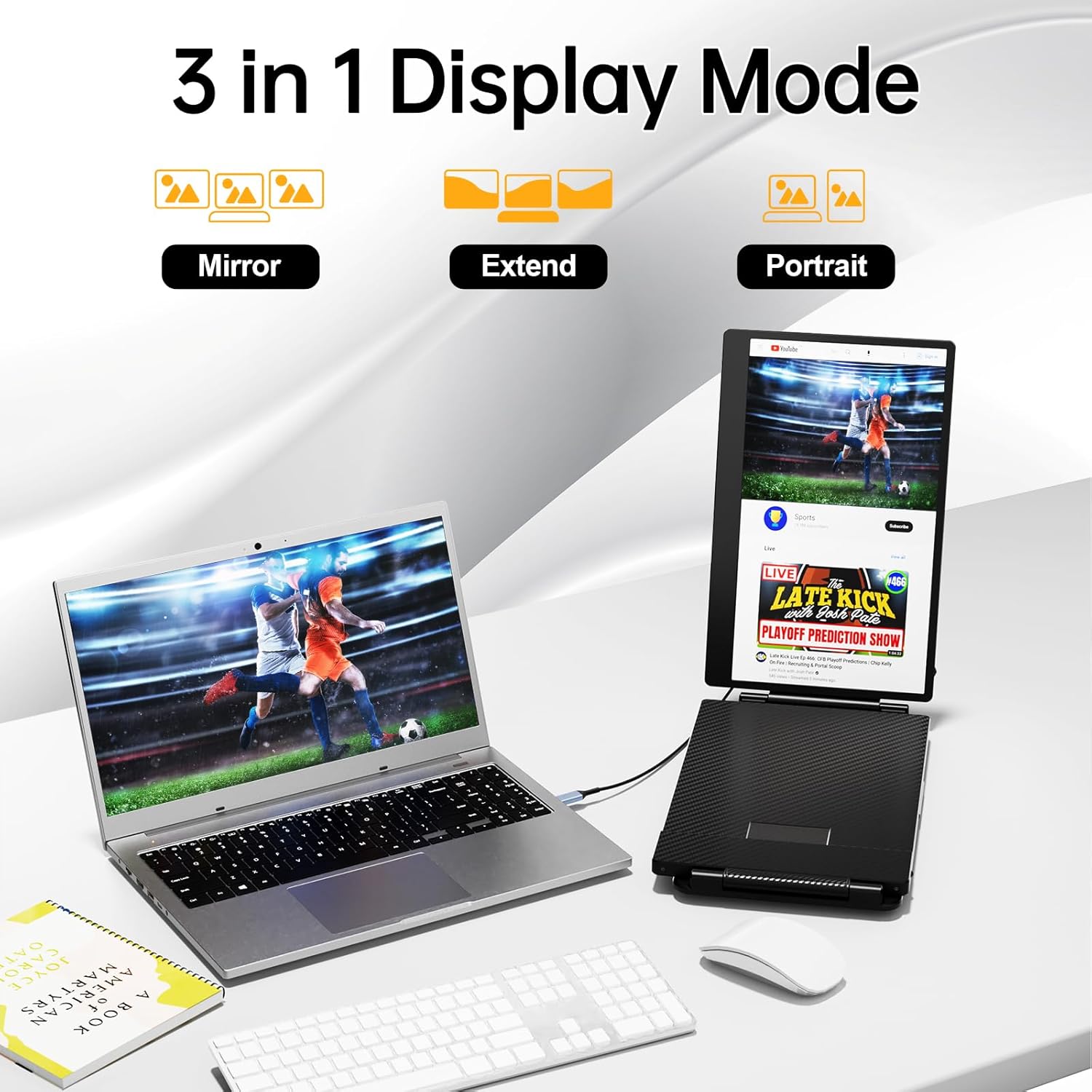
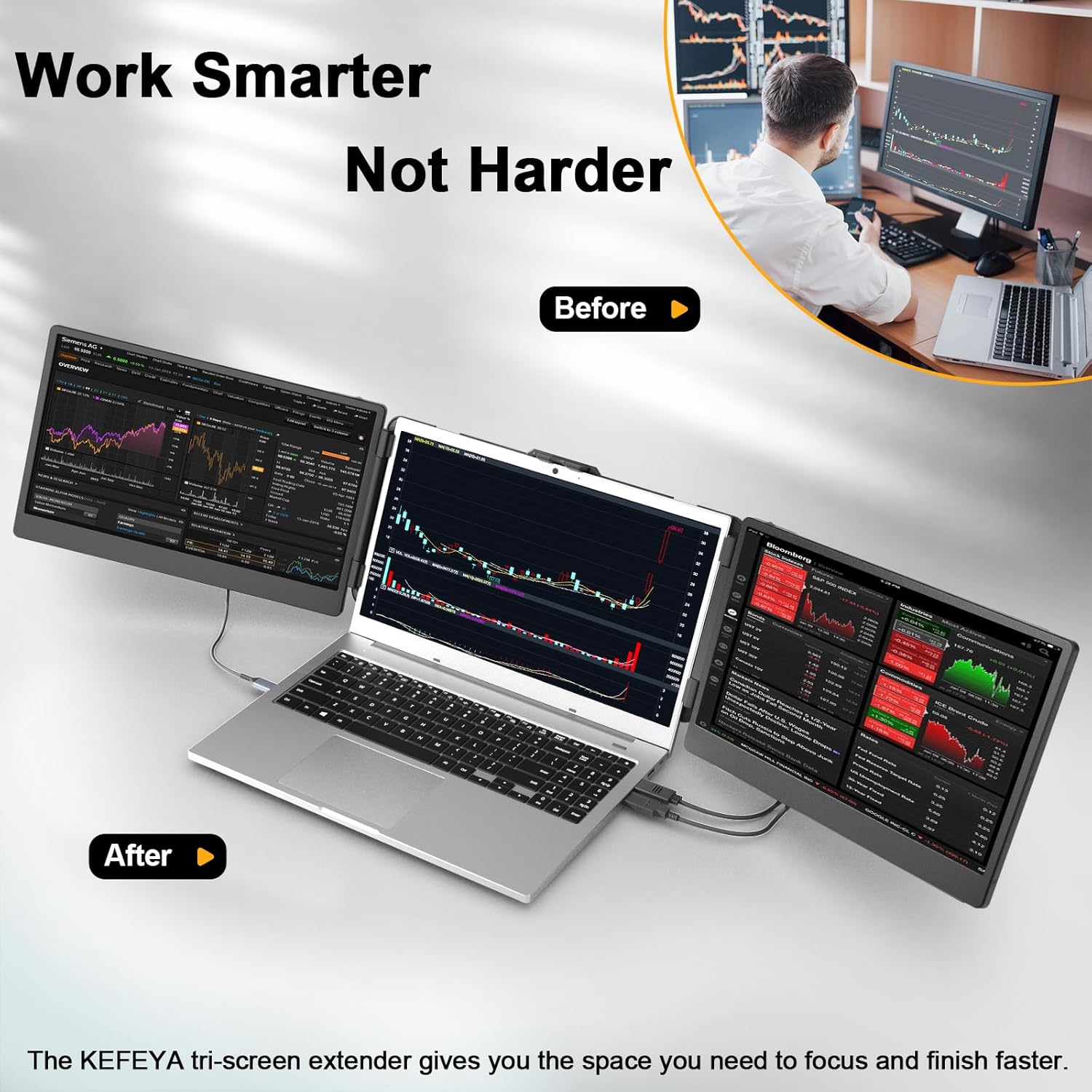

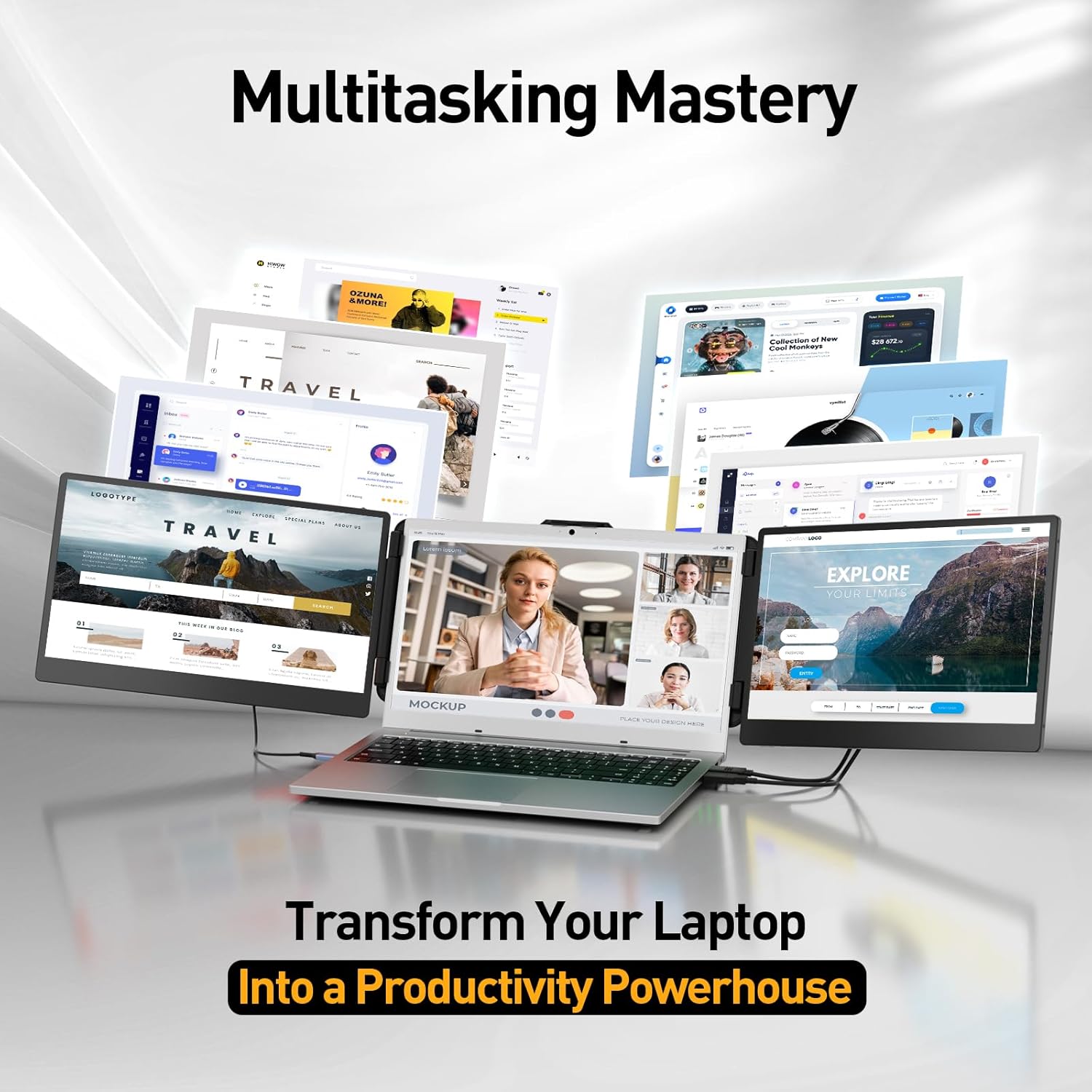
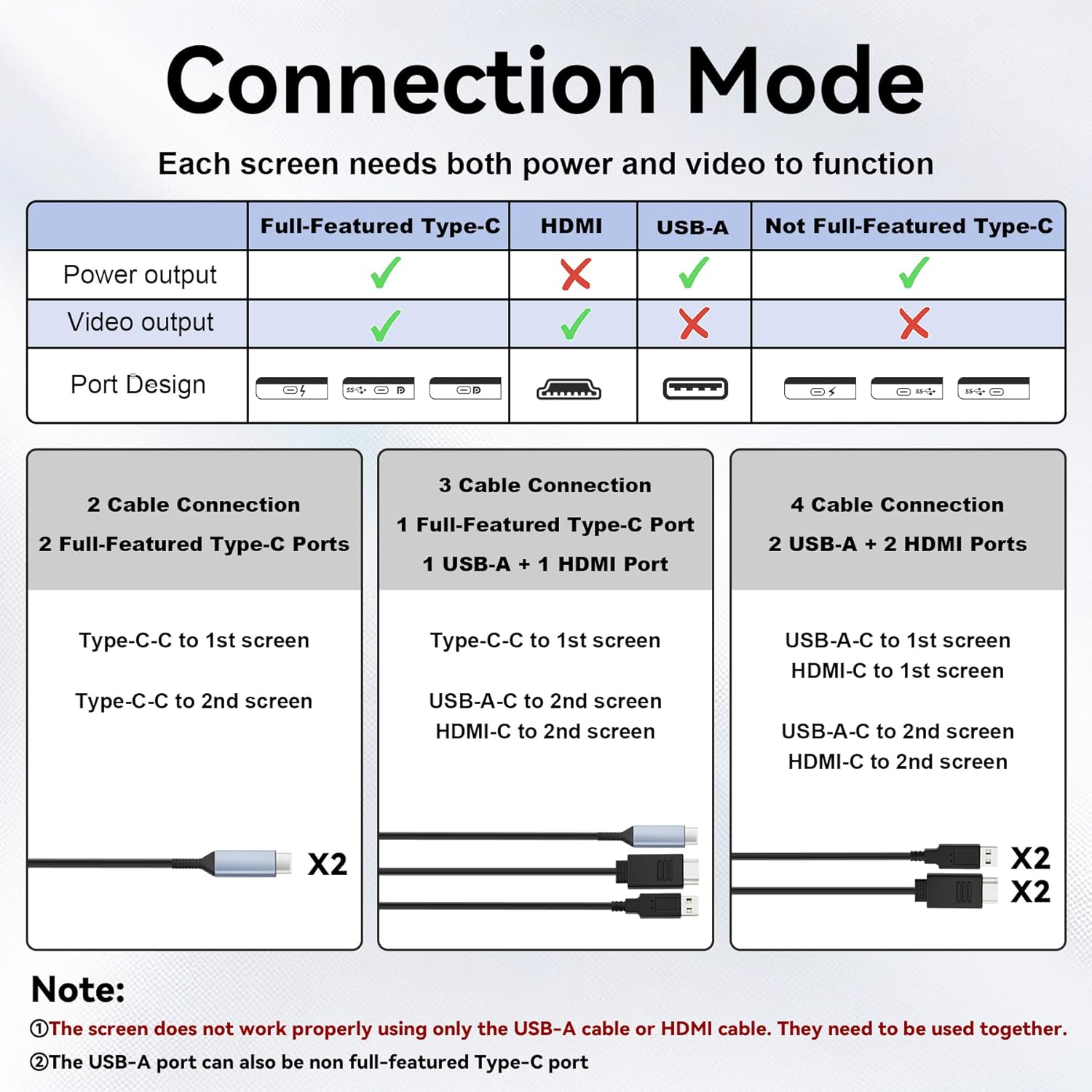

Easy Setup & Plug-and-Play Laptop Screen Extender allows you to light up one screen with a single Type-C cable when a full-featured Type-C port is available. The kit includes all necessary cables (Type-C HDMI USB-A) and works seamlessly with Windows Mac Switch PS4 and Xbox One. No drivers neededready in seconds. If your device does not have this port you can use a USB-A + HDMI cable instead (the second screen connects according to the available port).
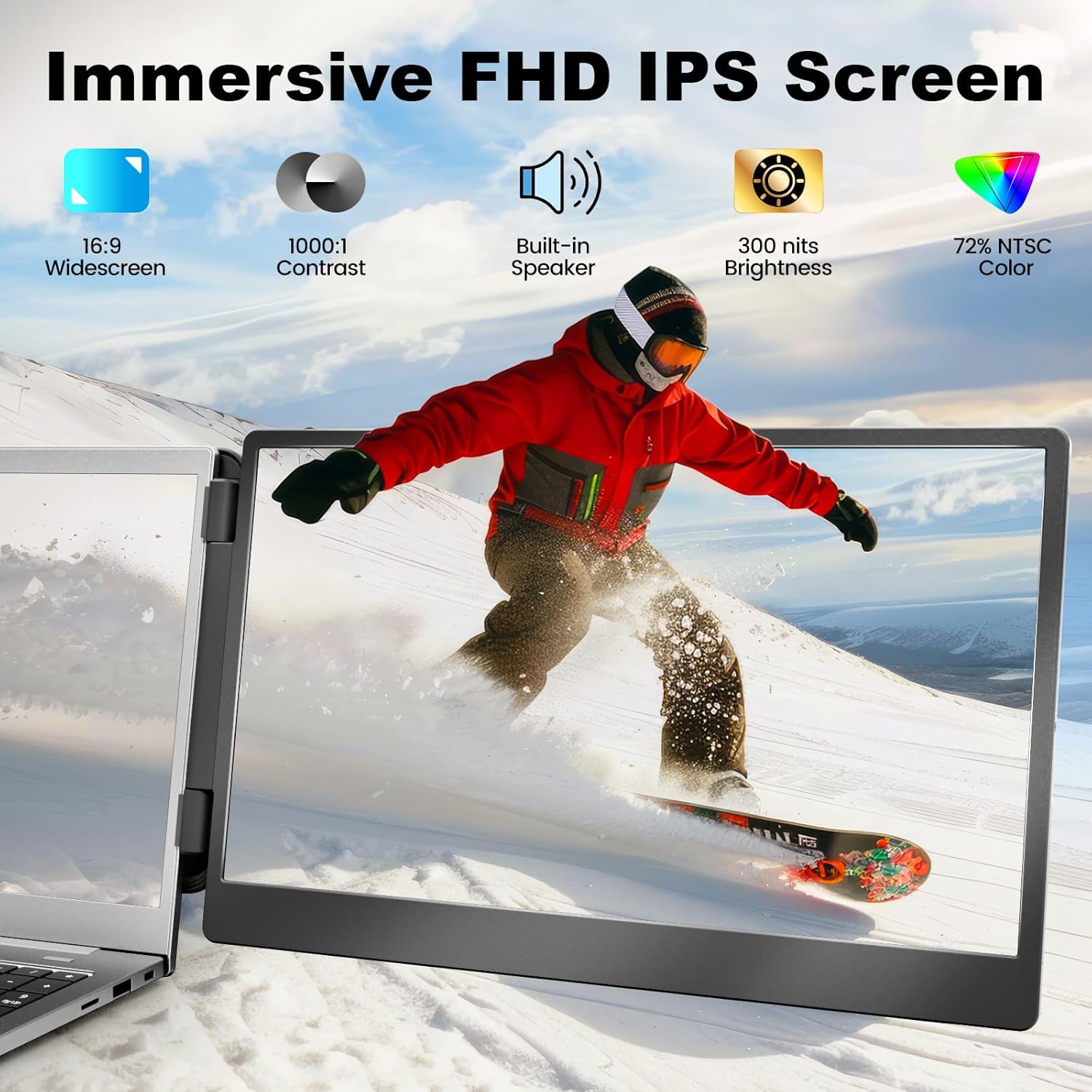
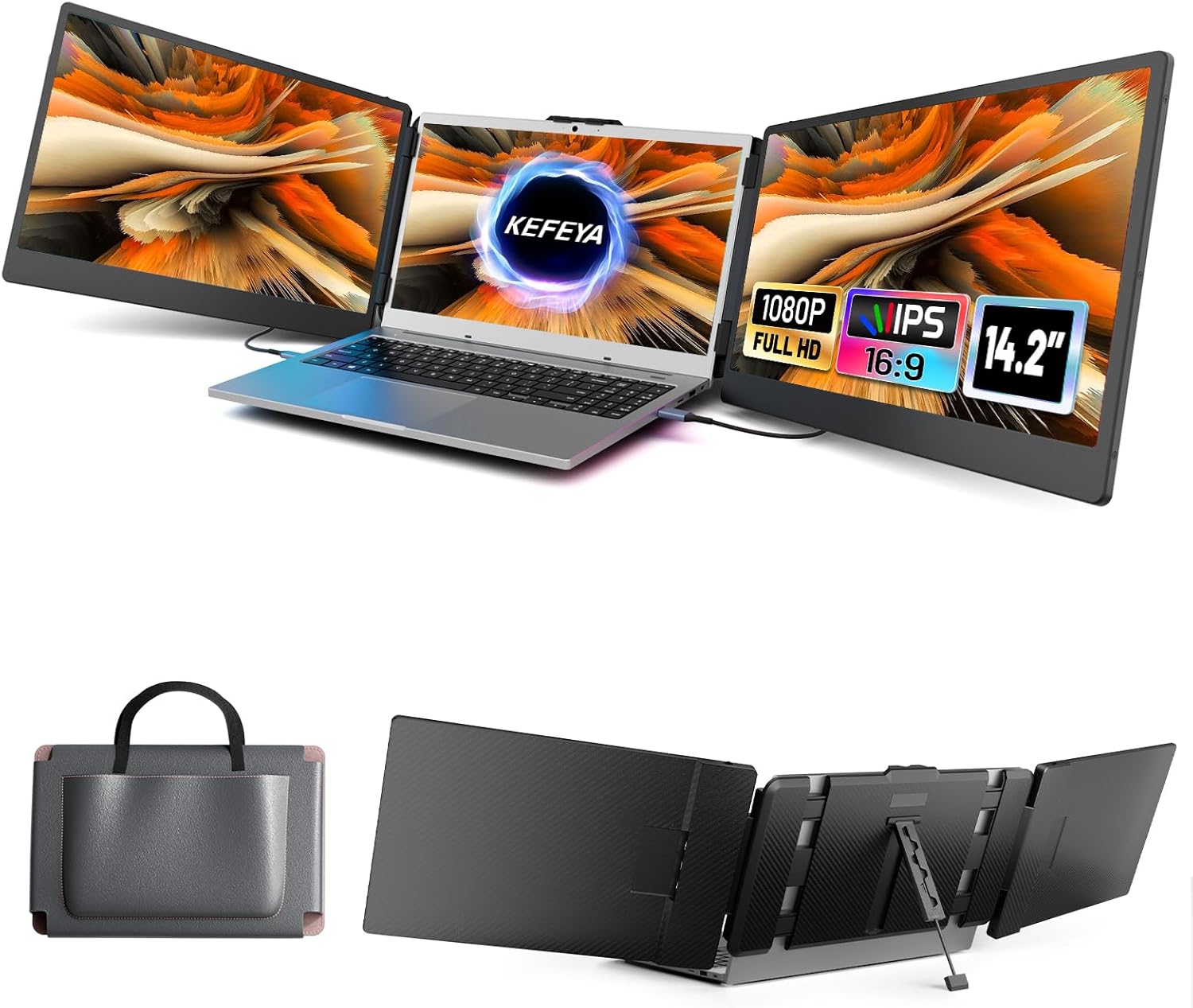
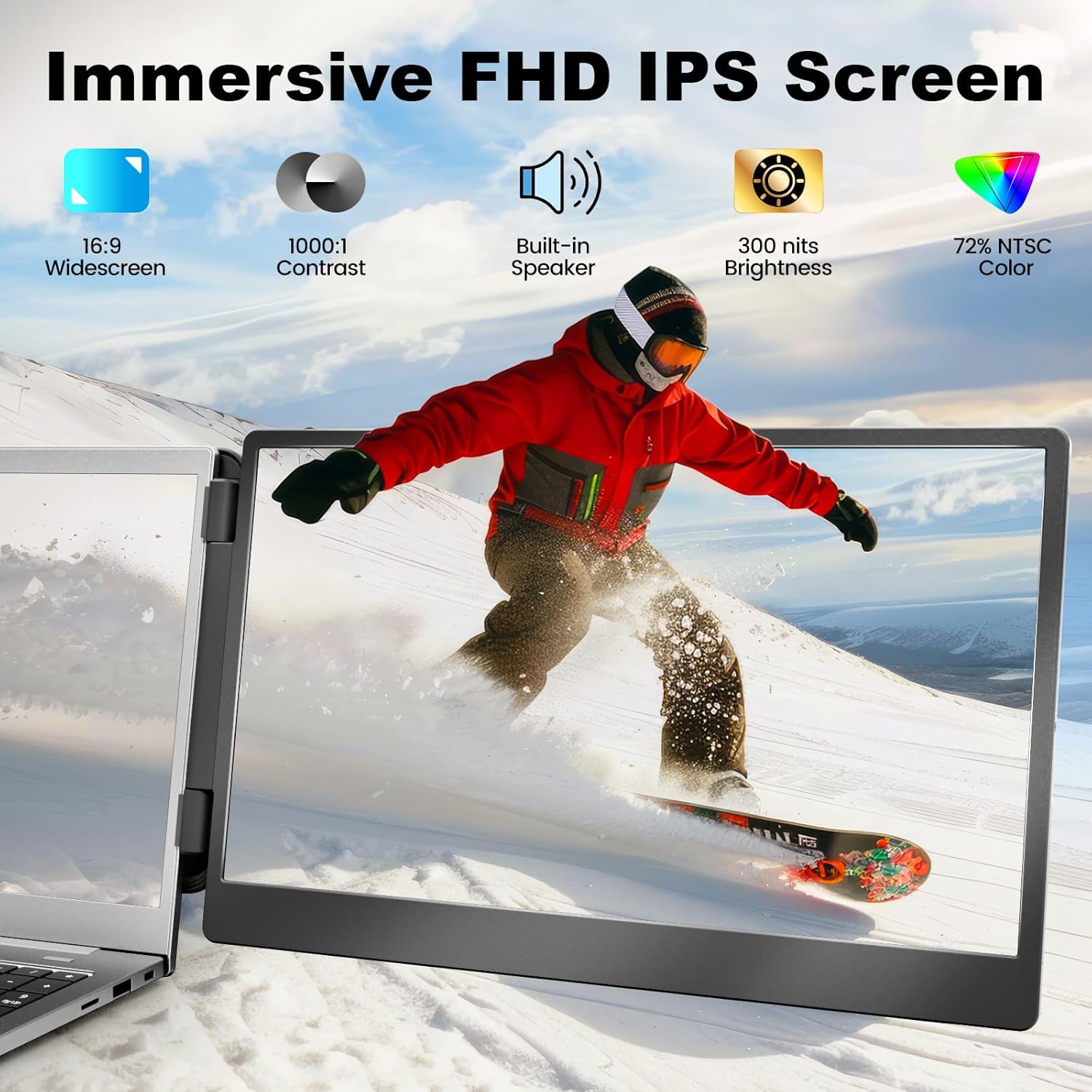
Crisp Full HD IPS DisplayBoost productivity with a vibrant 1920x1080 IPS panel that delivers wide viewing angles and accurate colors providing stunning clarity for both intricate spreadsheet details and rich multimedia content. Share content seamlessly in meetings or collaborative sessions and customize brightness contrast and color temperature via intuitive controlsall of your settings are automatically saved for future use.
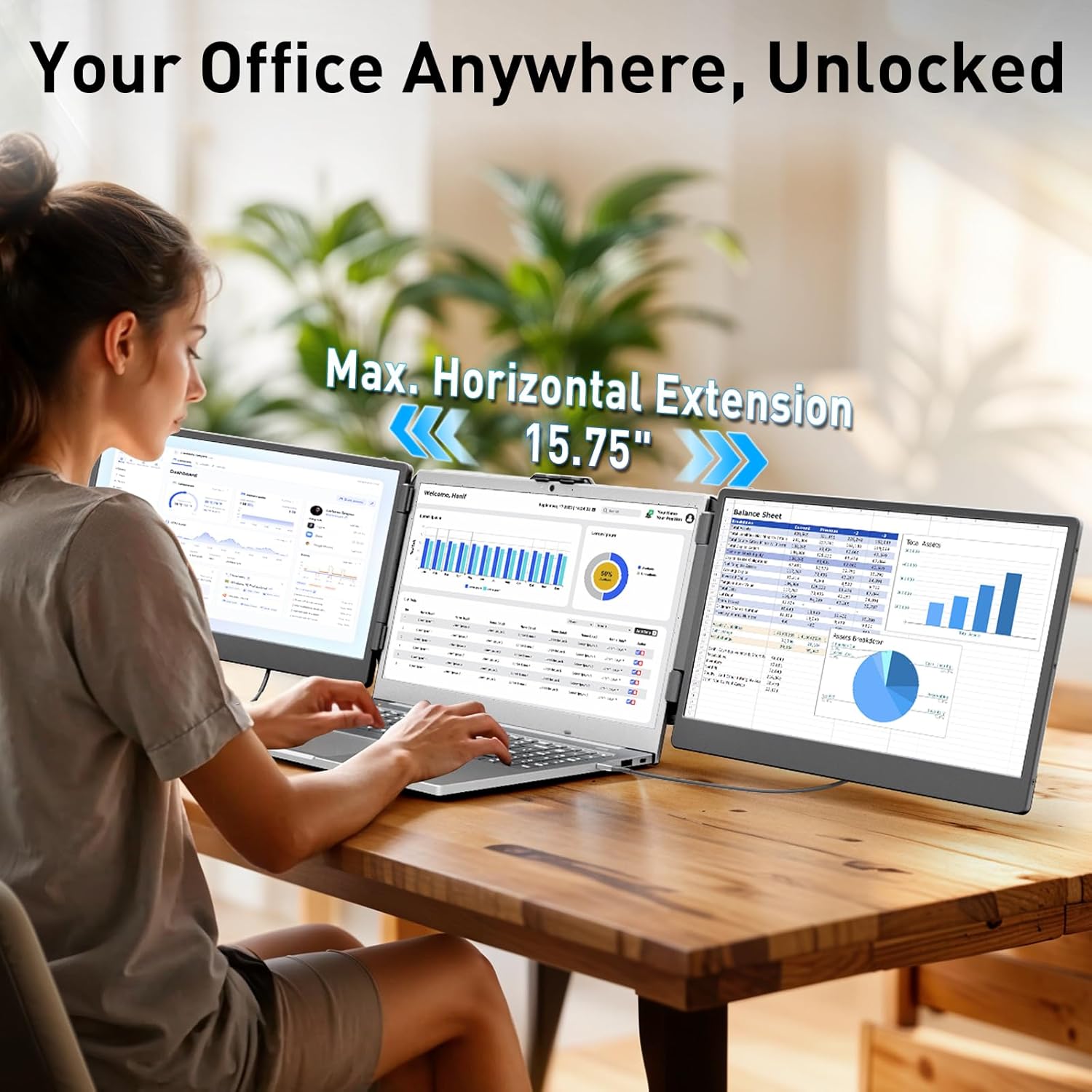
Ergonomic ComfortEngineered for productivity and comfort our laptop monitor extender attaches to your laptop in secondsentirely tool-free with no magnets or adhesives required. The kickstand offers precise 0-90 tilt adjustment for optimal viewing angles significantly reducing neck and eye strain during extended work sessions. Its lightweight yet sturdy design adapts to all-day scenarios effortlessly handling both desk-bound and mobile work environments.
Wide Connectivity & SupportWorks with most laptops via Type-C HDMI USB-A ports. For connection issues contact our support team for immediate assistance. Note: For MacBook models equipped with M1/M2/M3/M4/M4 Pro chips due to chip display limitations our dedicated H5-T cable (Search forB0DF7CG7MCto obtain this dedicated cable) is required to enable this triple screen extender full functionality.
1Product Details22-Cable Setup33-Cable Setup44-Cable Setup5Pro Tip1Home Office2Entertainment3Mobile Office4On The Go
Why wont the screen turn on with only an HDMI or USB-A cable?
HDMI carries video and USB-A provides power. Both are needed for the display to work. If the display shows No Signal after connection try reconnecting the HDMI cable.
Screen shows "No Signal" even with a Type-C cable. Why?
This means your laptops Type-C port only supports power (not video). Connect an HDMI cable to the extenders dedicated HDMI port to provide video signal. That screen will now require two cables (Type-C for power + HDMI for video)
Why does the screen show "Power Saving Mode " flicker or stay black?
Your laptop may not support powering three screens at once. Fix this by plugging a USB to Type-C cable from the extender's Type-C port into a 5V/2A power adapter for extra power.
Is this compatible with MacBook M1/M2/M3/M4/M4 Pro chips?
These chips support only two screens (including the laptop display). To add a third use a compatible dock like the H5-T (Search: B0DF7CG7MC).It can also convert a USB-A or non-full-function Type-C port into a video output source.
How can I get further help?
Find detailed steps in the user manual or click the sellers name on the product page to message us directly. Well respond promptlyif you dont hear back you may have contacted the wrong support channel.
Why wont the screen turn on with only an HDMI or USB-A cable?
Screen shows "No Signal" even with a Type-C cable. Why?
Why does the screen show "Power Saving Mode " flicker or stay black?
Is this compatible with MacBook M1/M2/M3/M4/M4 Pro chips?
How can I get further help?

You have successfully commented, please wait for review
Copied Successfully
You can enjoy up to 1 free gift!