What are you looking for?
Search

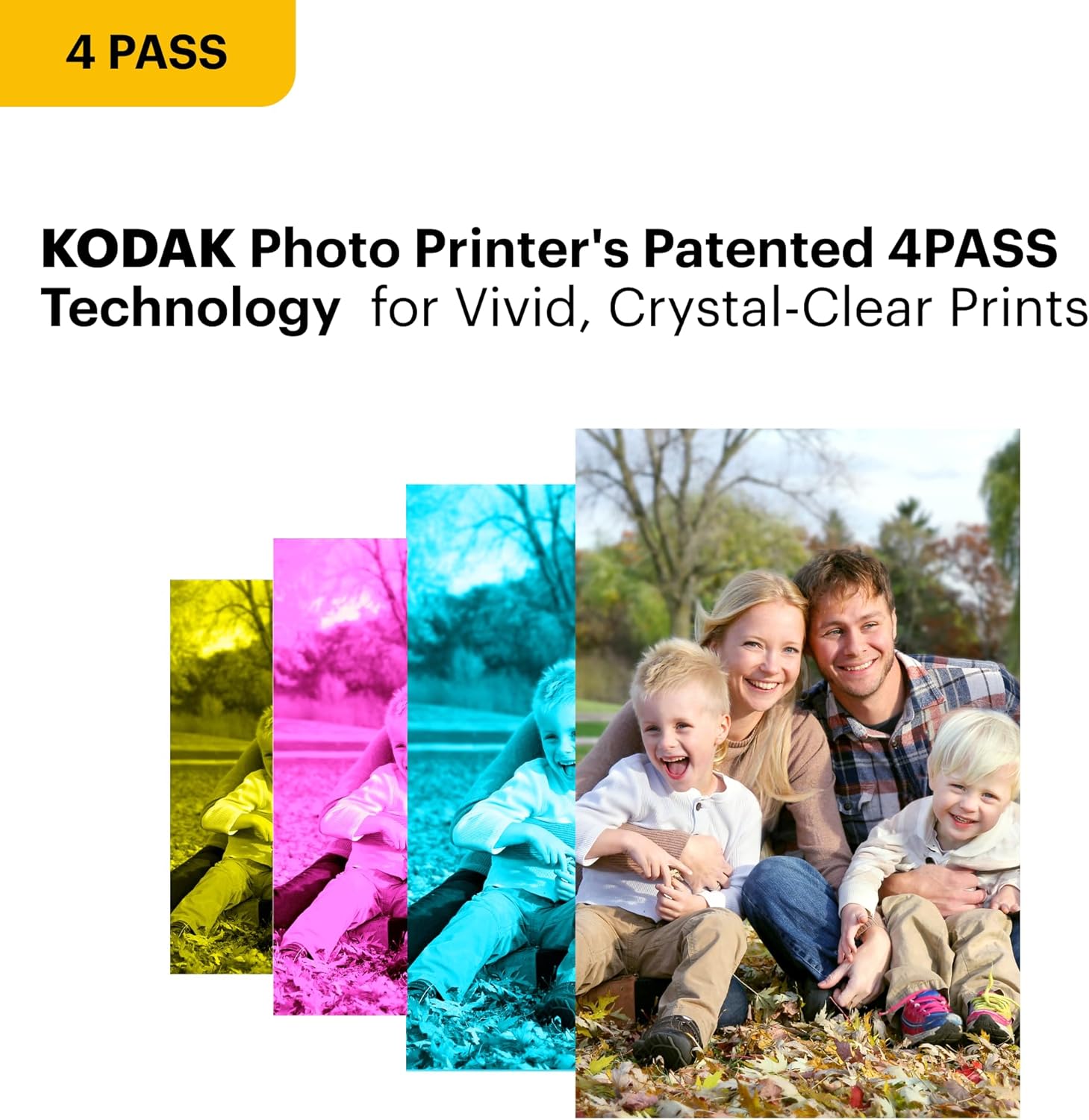
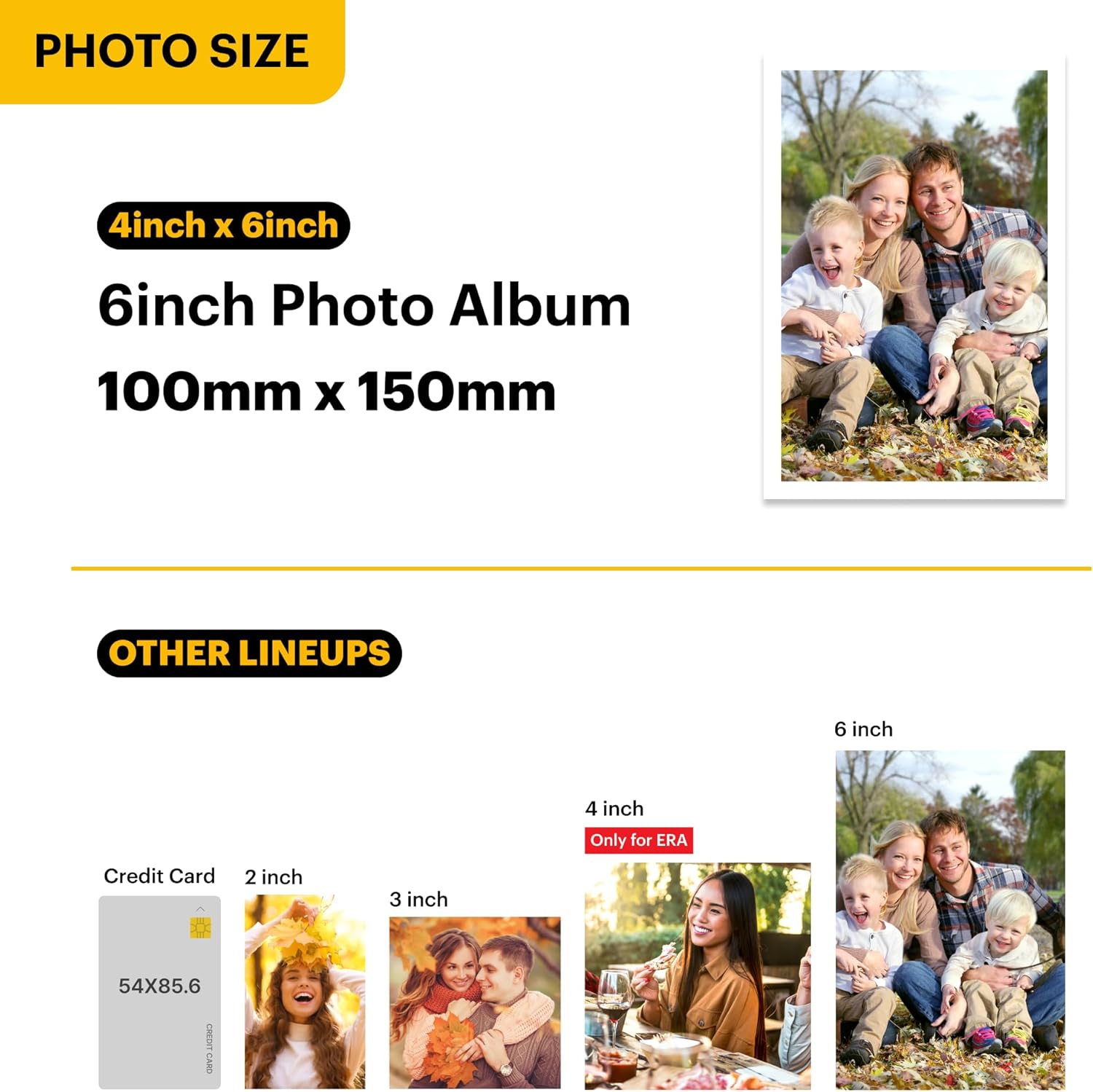

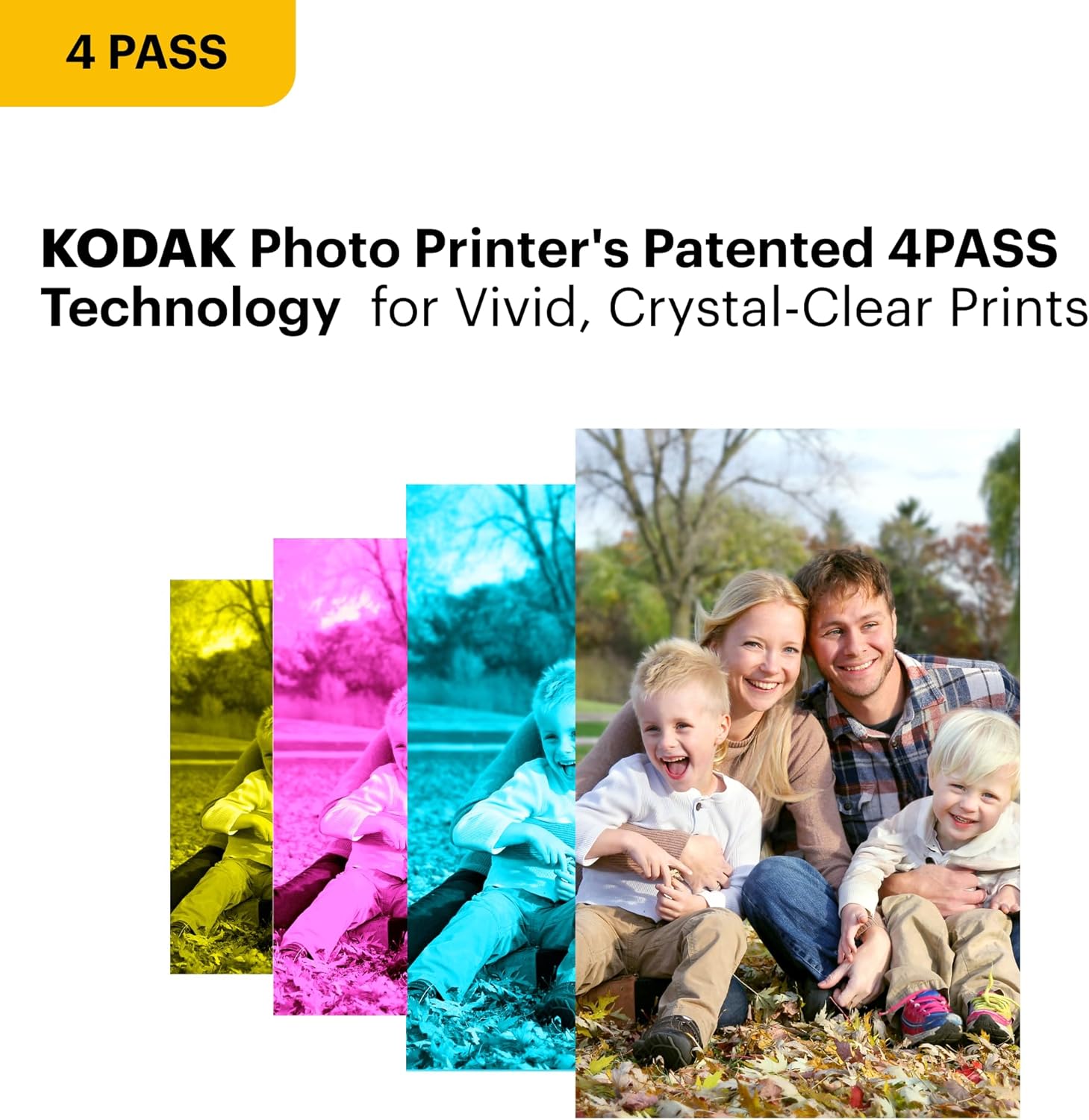
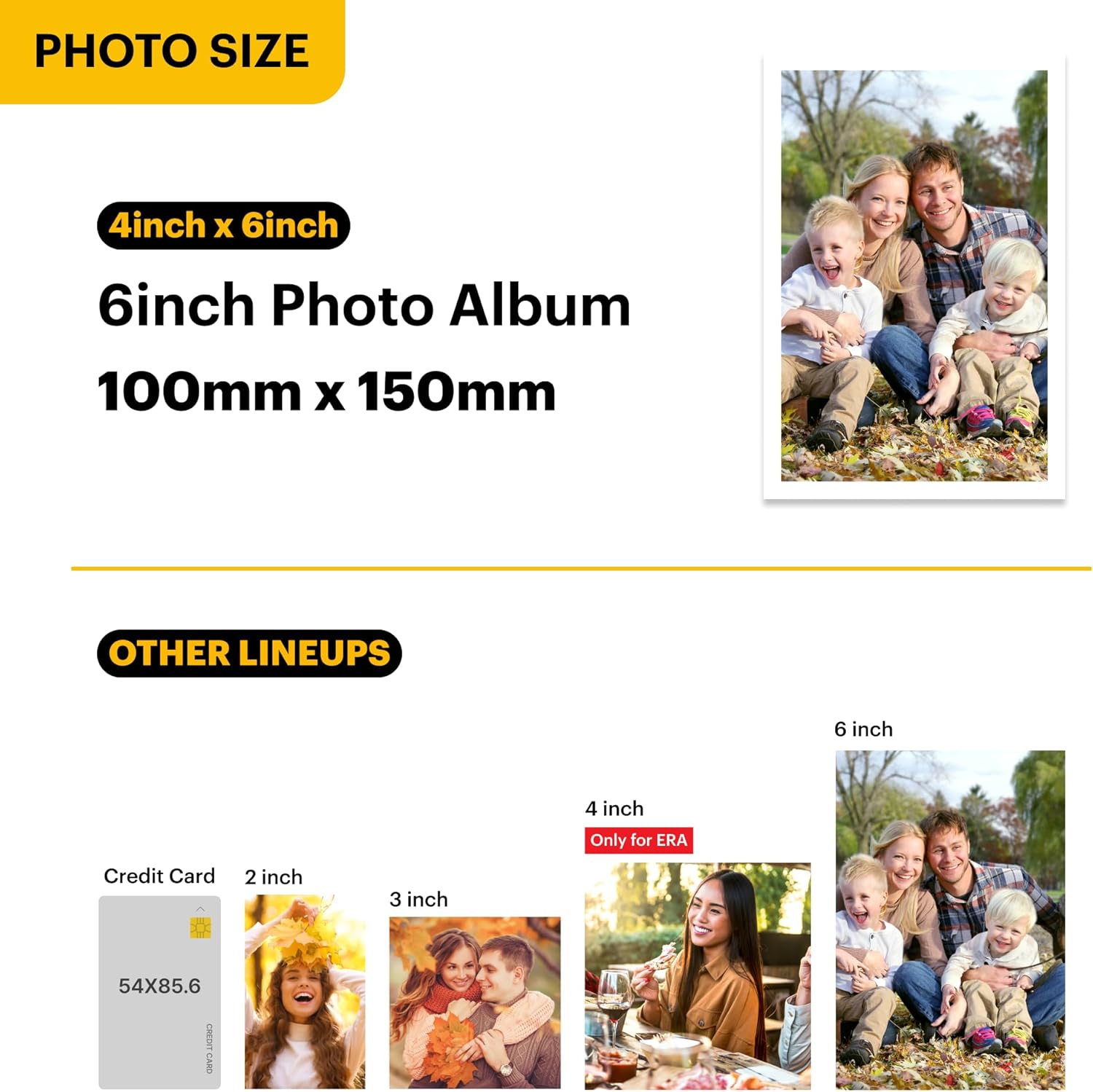


Genuine 4PASS dye sublimation printing: Each photo is produced in three color layers and finished with a clear protective lamination layer. In approximately 55 seconds you receive a smooth detailed print designed to resist fingerprints water and fading for long-lasting quality.
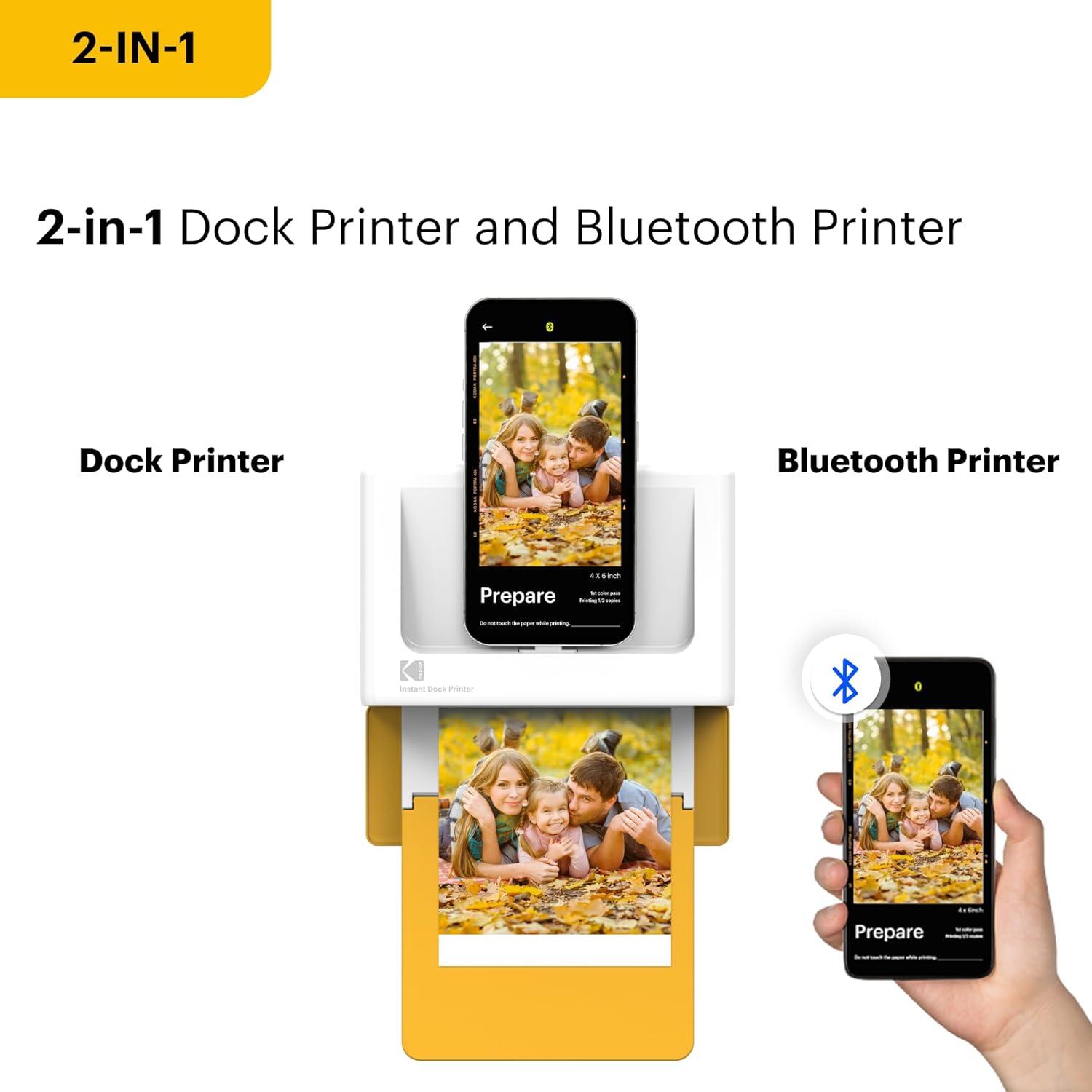
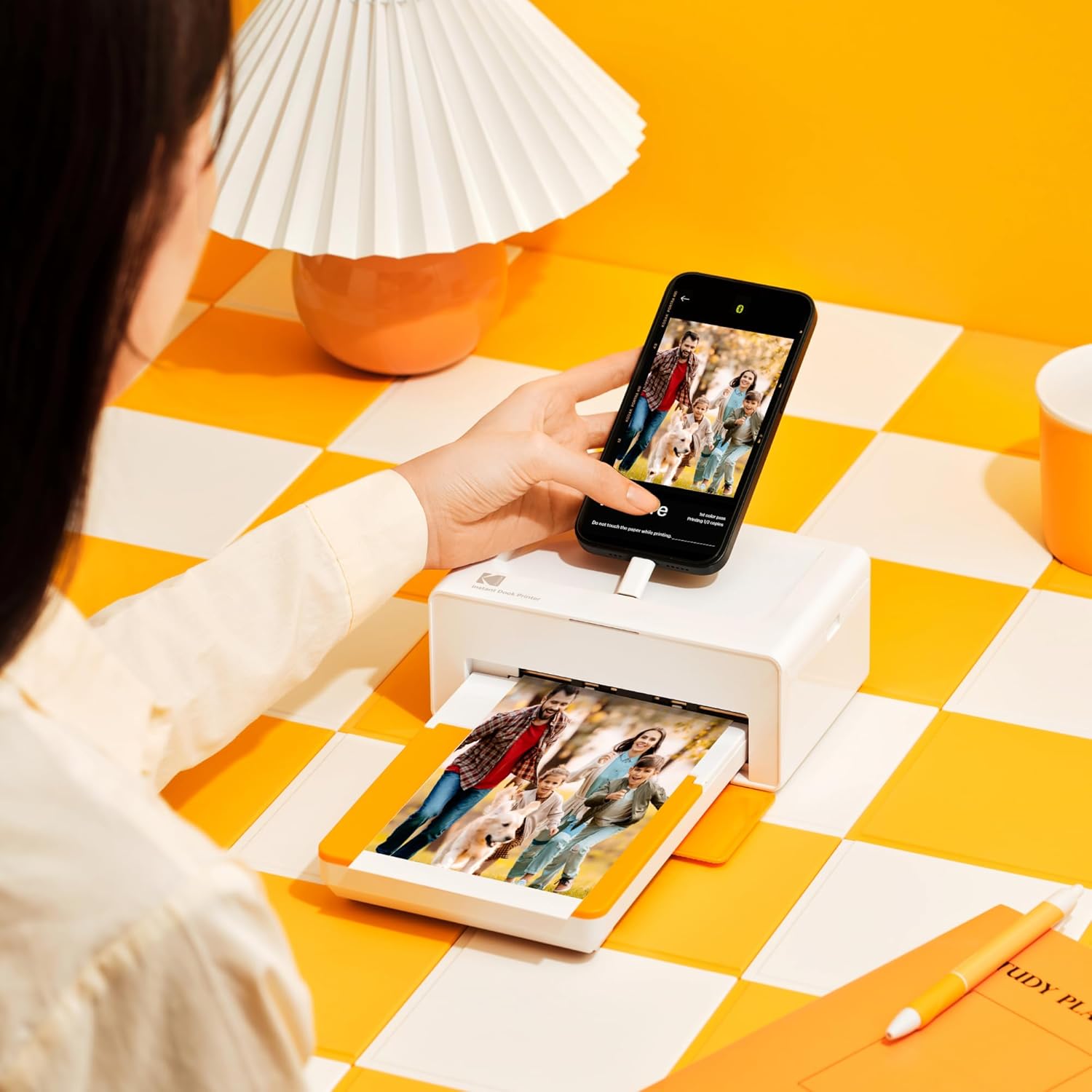
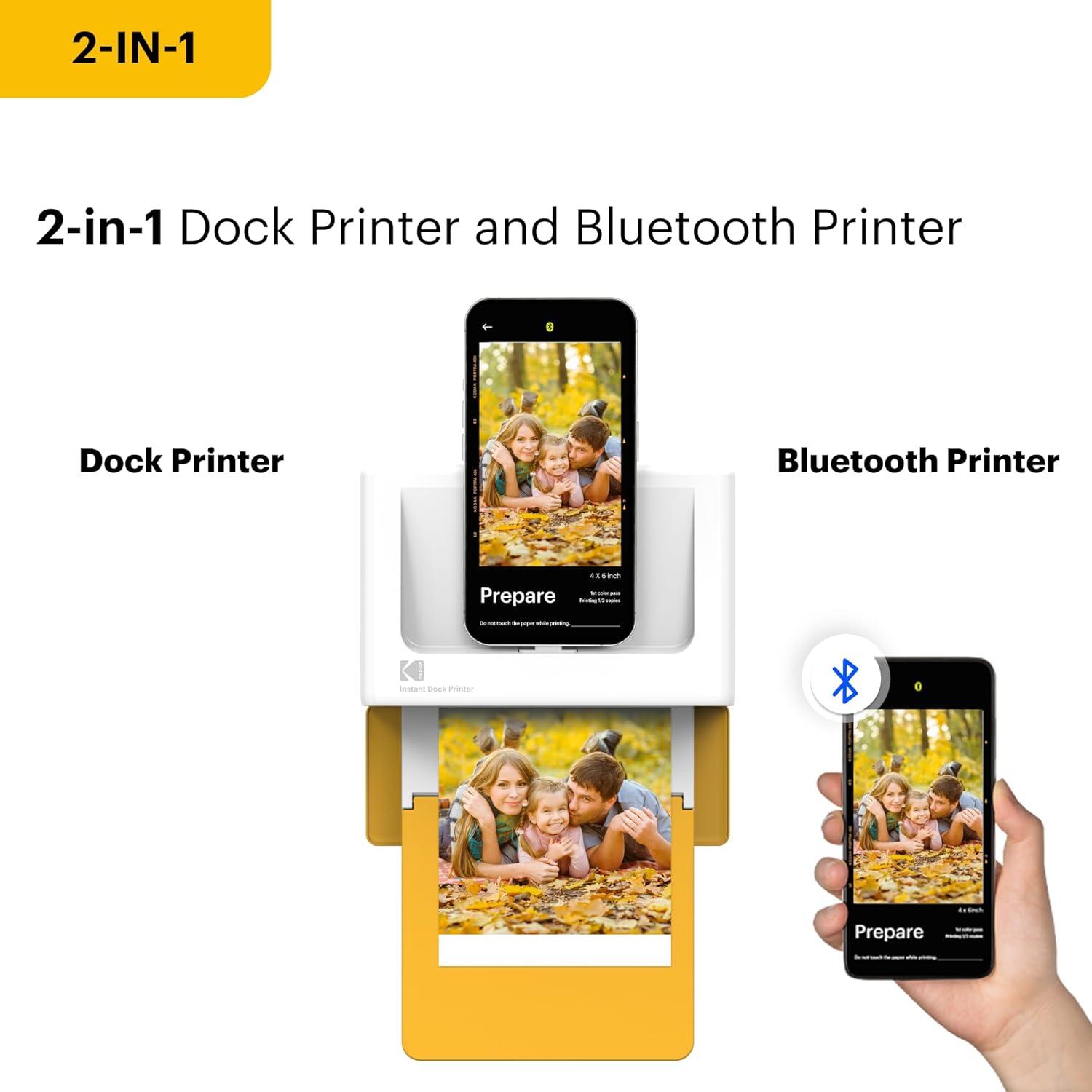
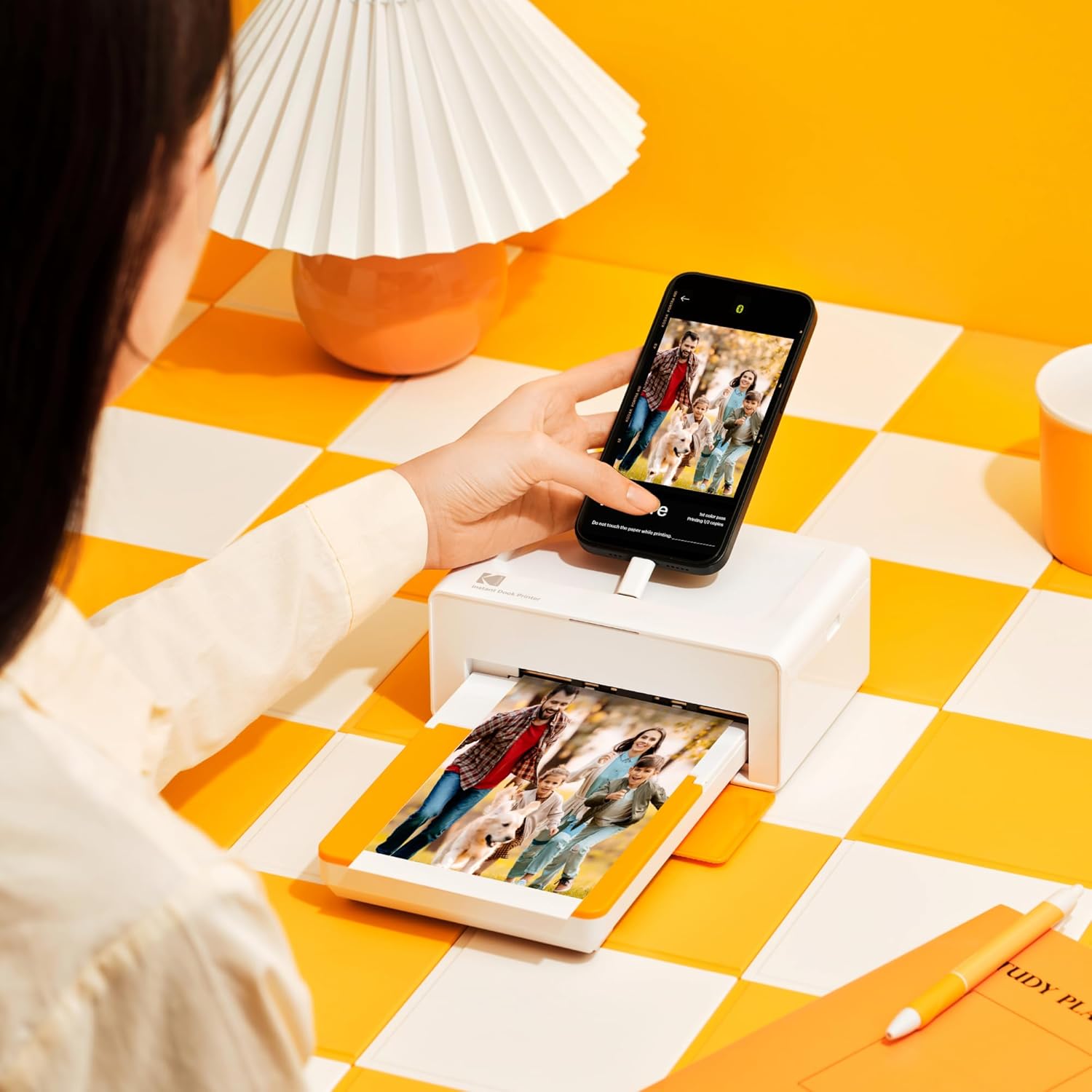
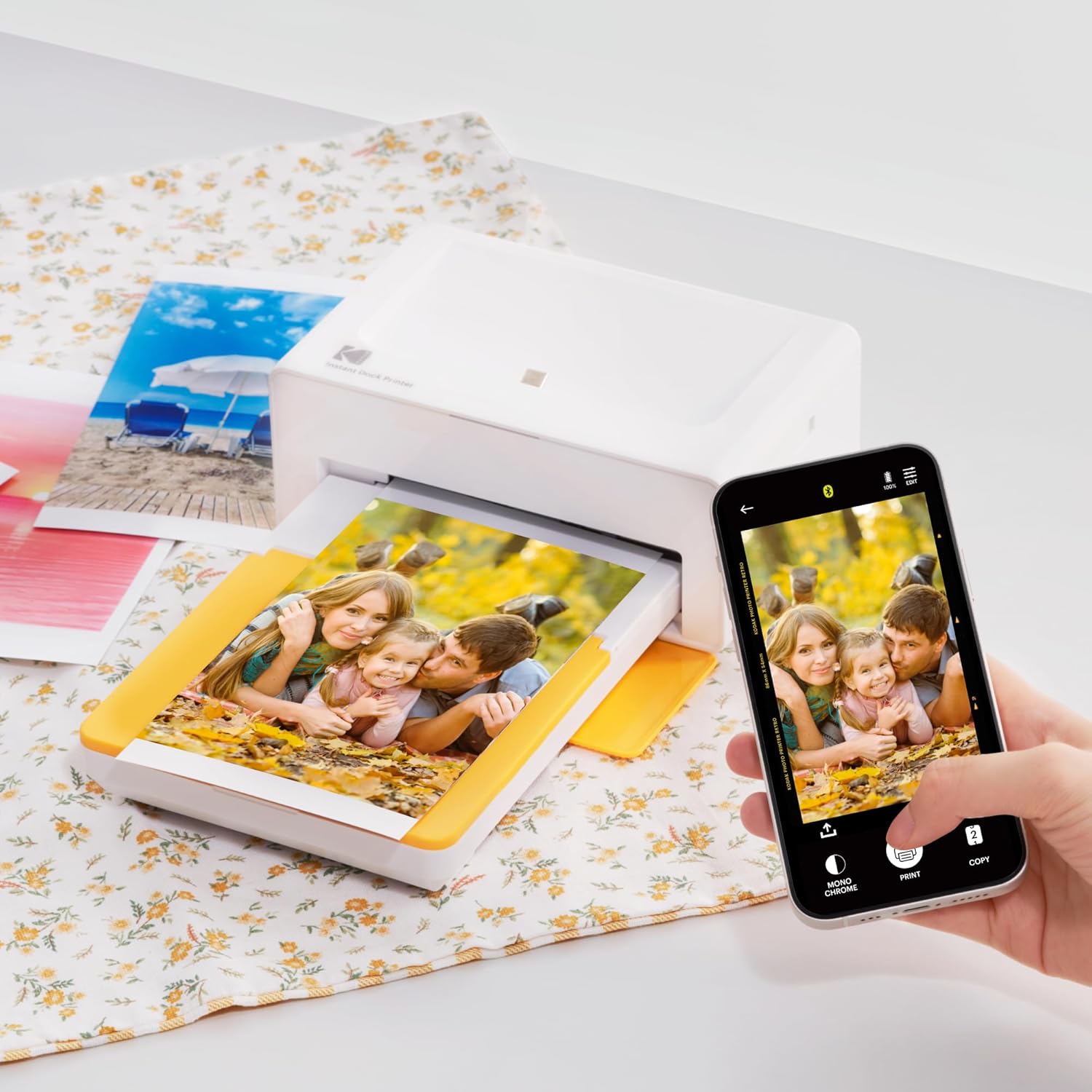
Easy to Use: Print photos quickly without complicated setup or technical steps. Simply power on connect wireless bluetooth and start printing within seconds. The Dock Plus is built for straightforward operation making it ideal for first time users and everyday photo printing.
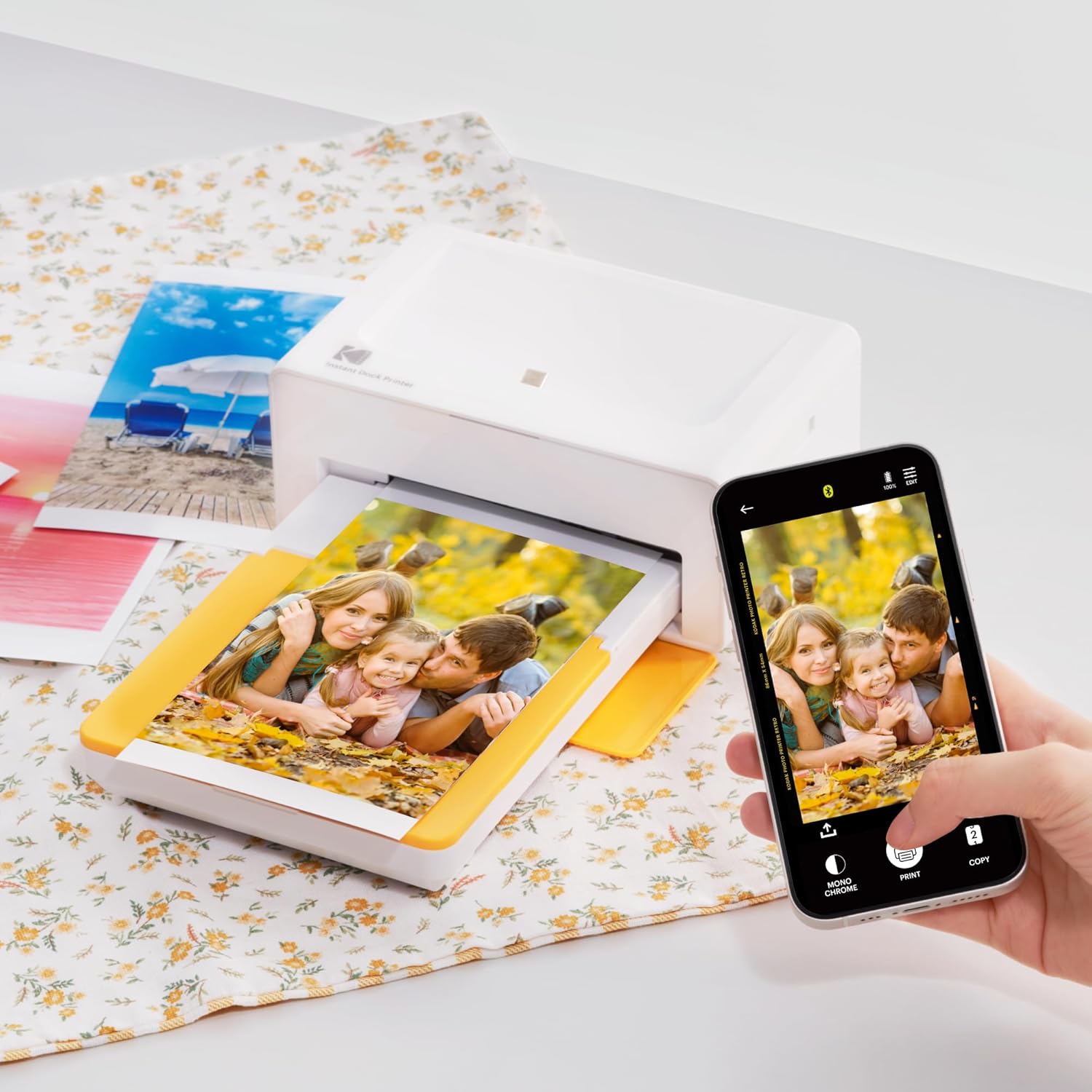
Home Printing Station: Designed for stable desktop use this dock photo printer connects to a power outlet for consistent performance and larger 4x6 prints. Ideal for home printing photo albums framing family events and everyday picture printing.
Photo Printer APP: Featuring integrated Bluetooth connectivity this portable printer connects to compatible iOS and Android devices through the Photo Printer app. Edit crop and customize your photos before printing for creative results.
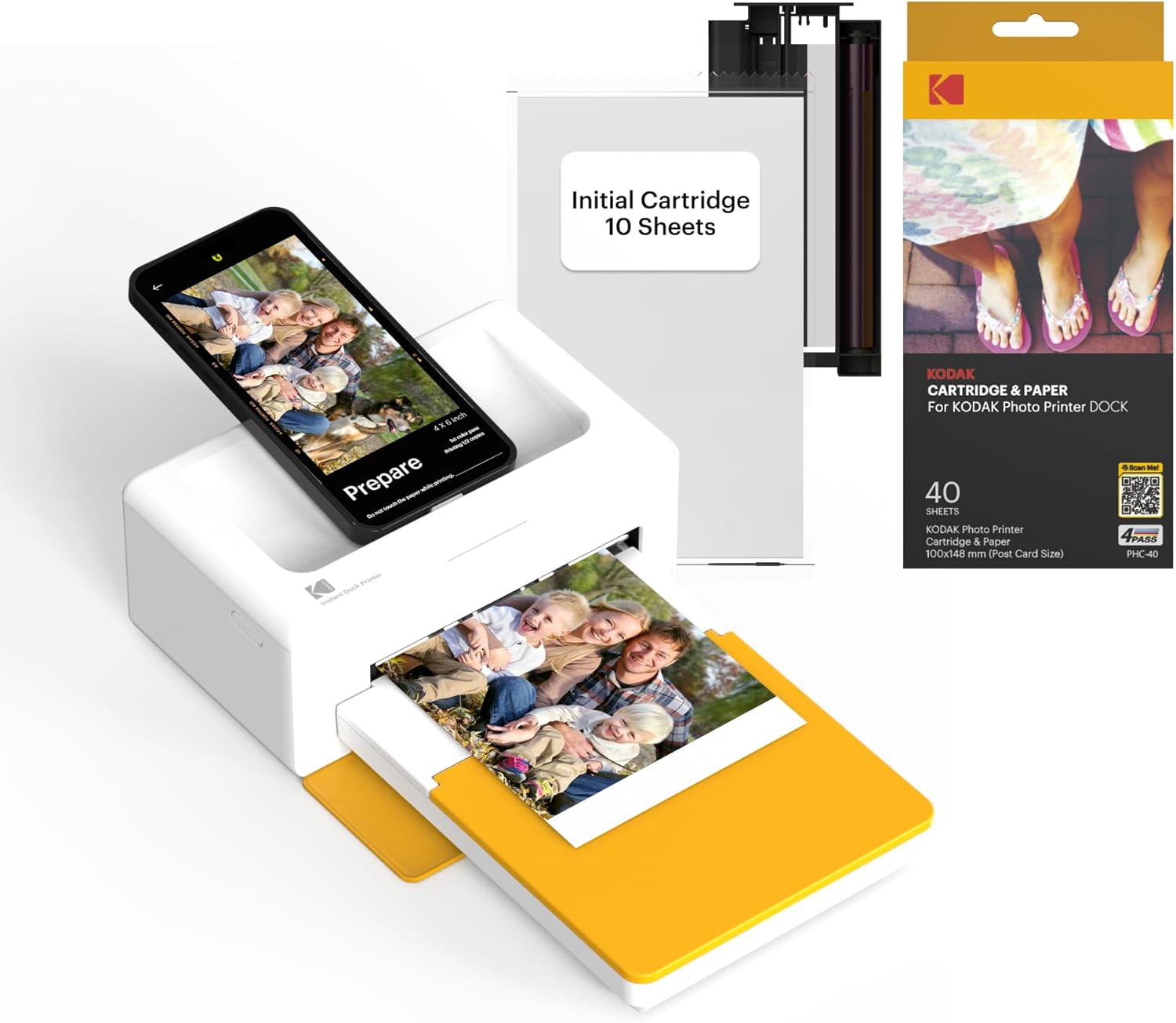
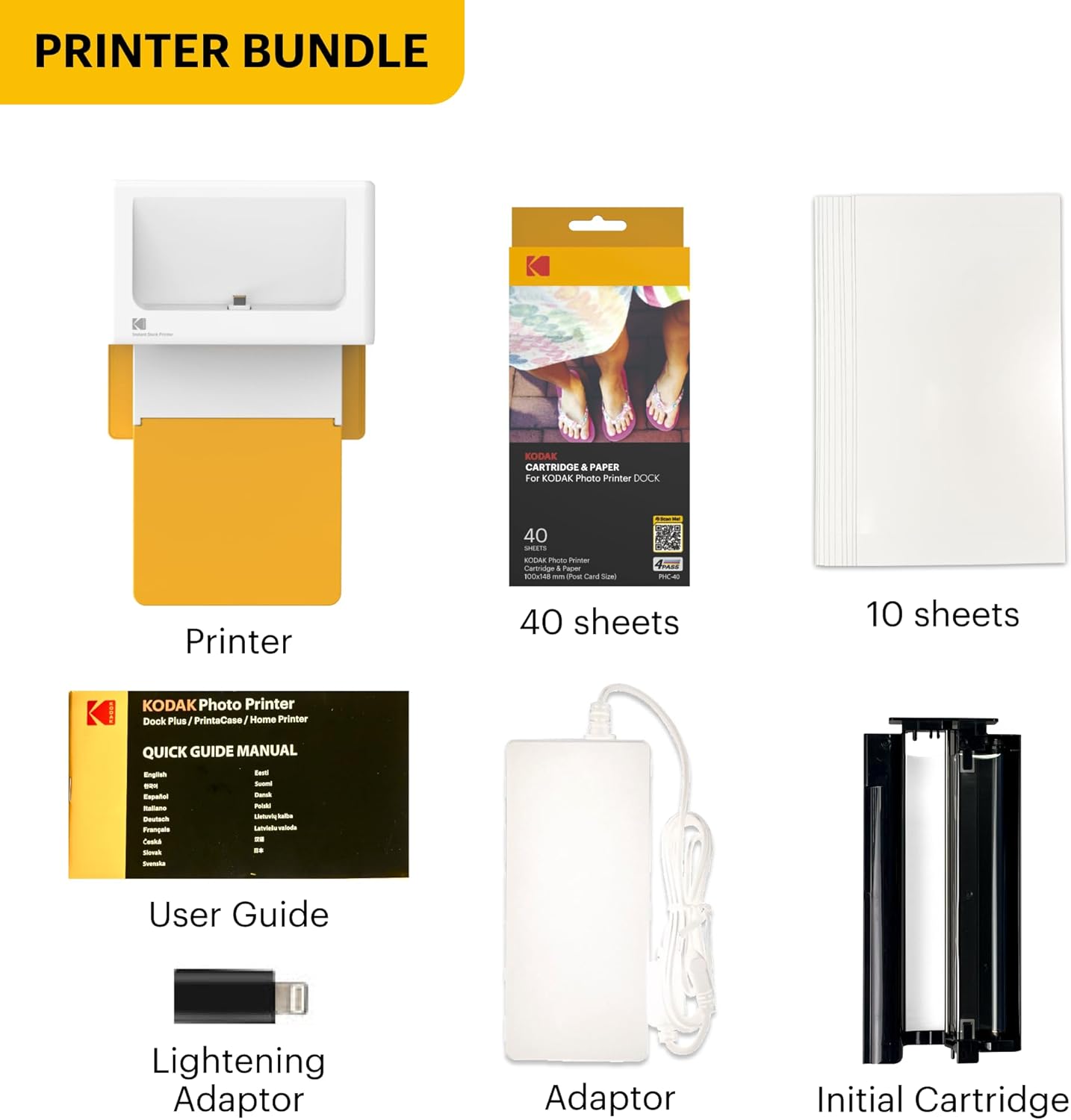
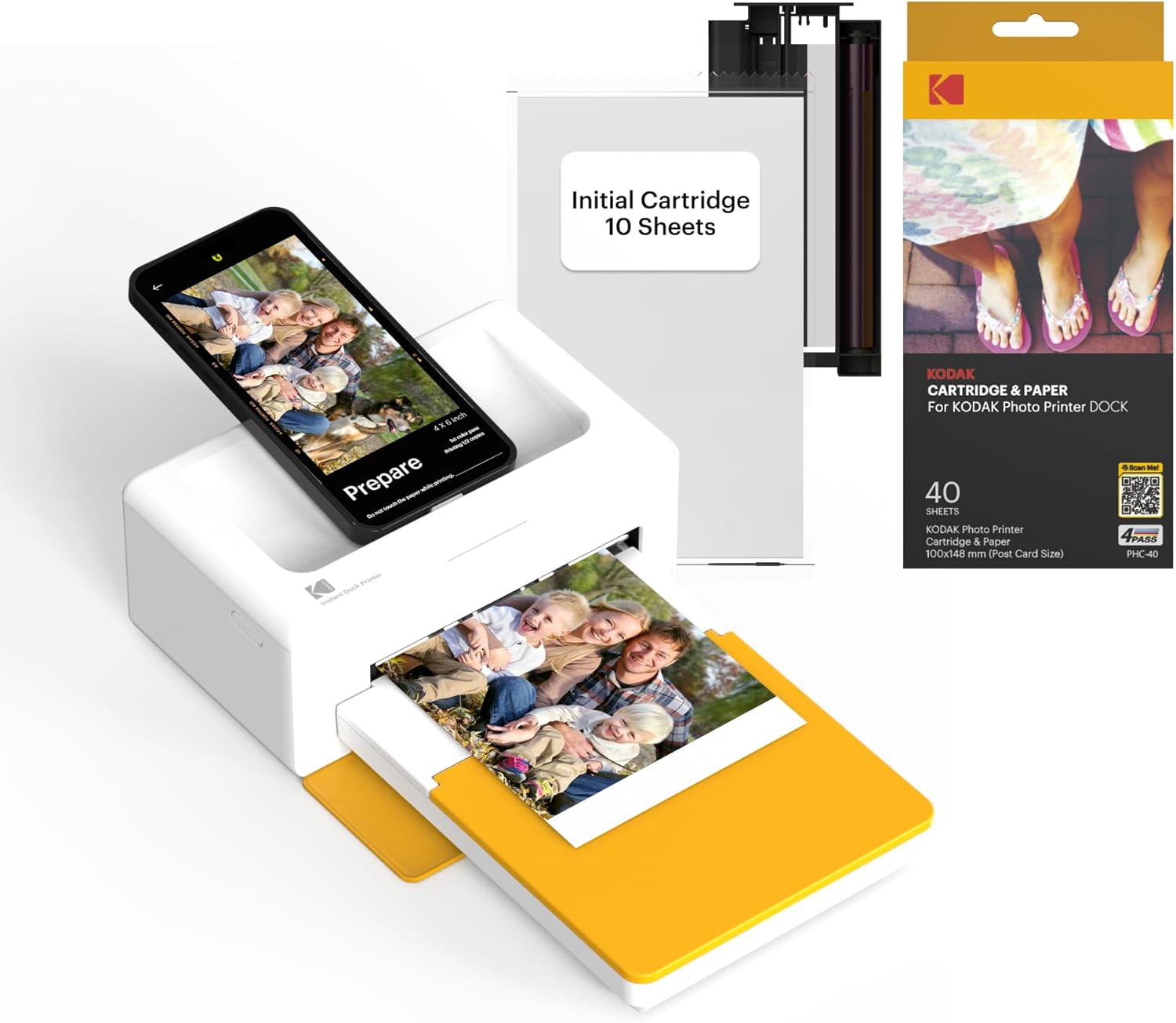
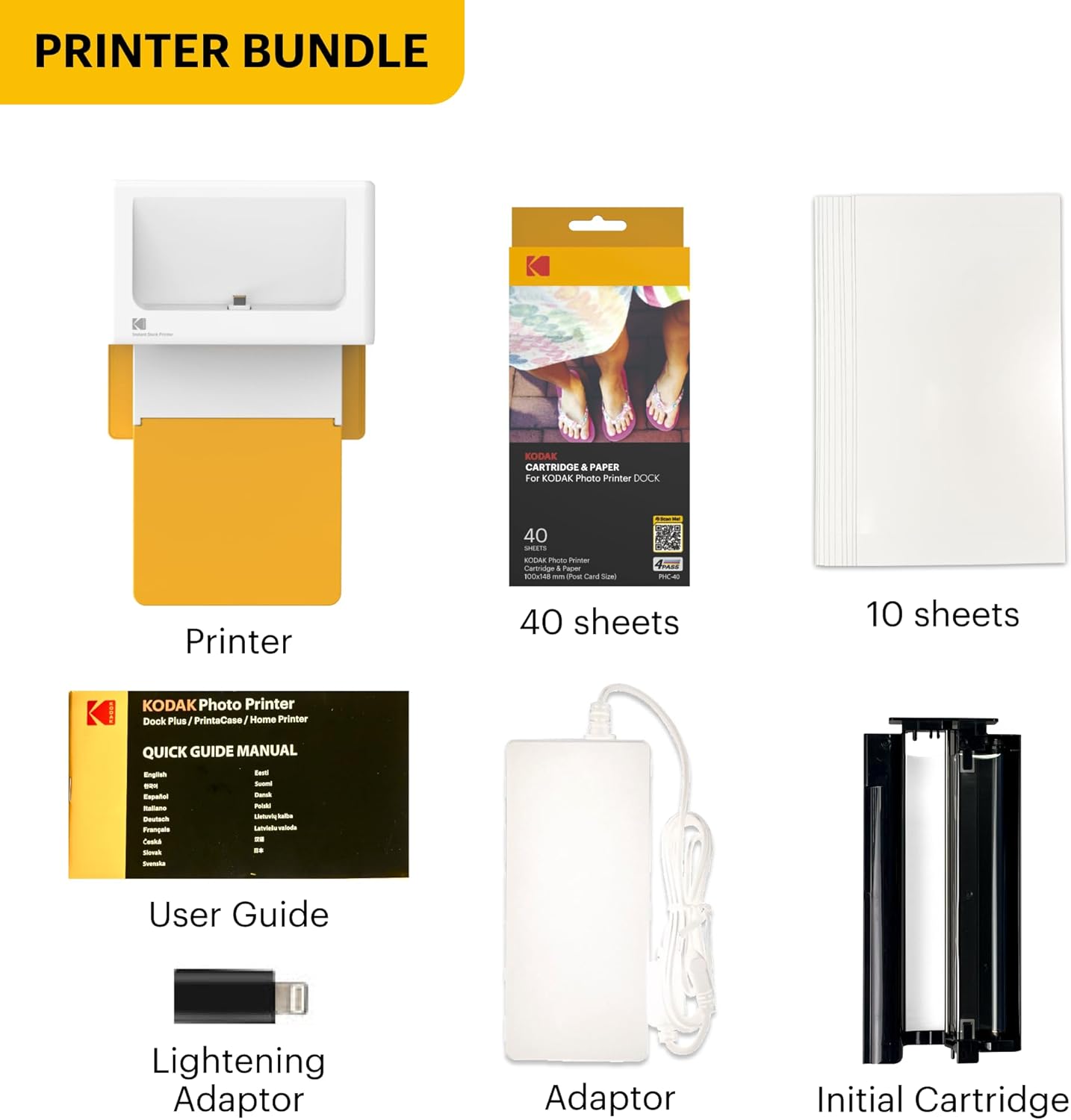
What's in the Box: Your bundle includes the dock photo printer 2 ink cartridges 50 sheets of 4x6 photo paper lighting adaptor power adaptor and user guide. Produces standard 4x6 prints suitable for photo frames albums photo booth gift and home display
1Dock & Wireless2Print Size14PASS Technology2App
What photo paper and cartridge should be used for the Dock Plus printer?
Official photo paper and cartridge (PHC-80) must be used for the Dock Plus photo printer which can be found on Amazon.
What's included in the package?
- All products come with a photo printer with user manual power adapter iPhone Lightning adaptor initial cartridge and 10 photo papers.
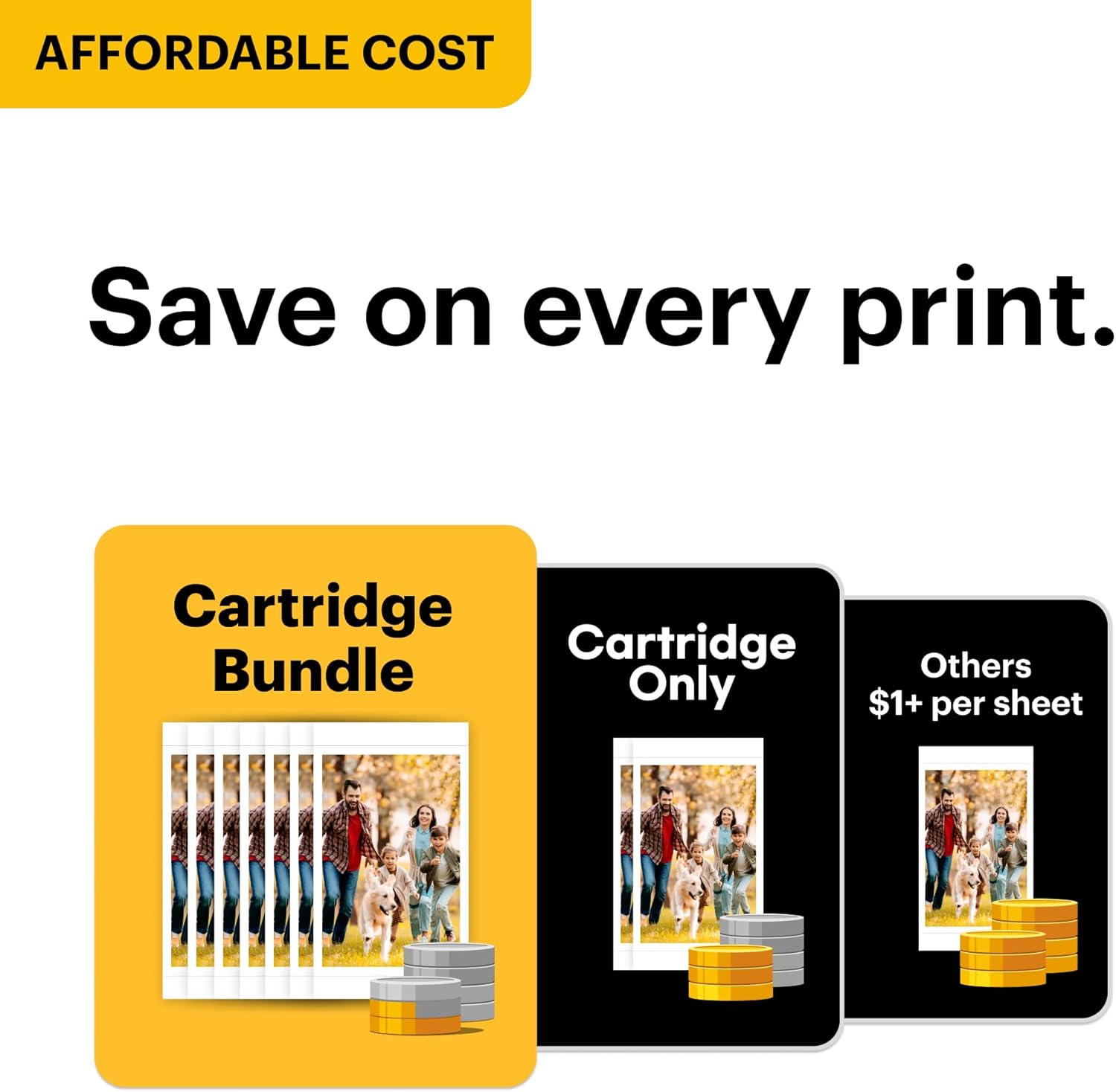
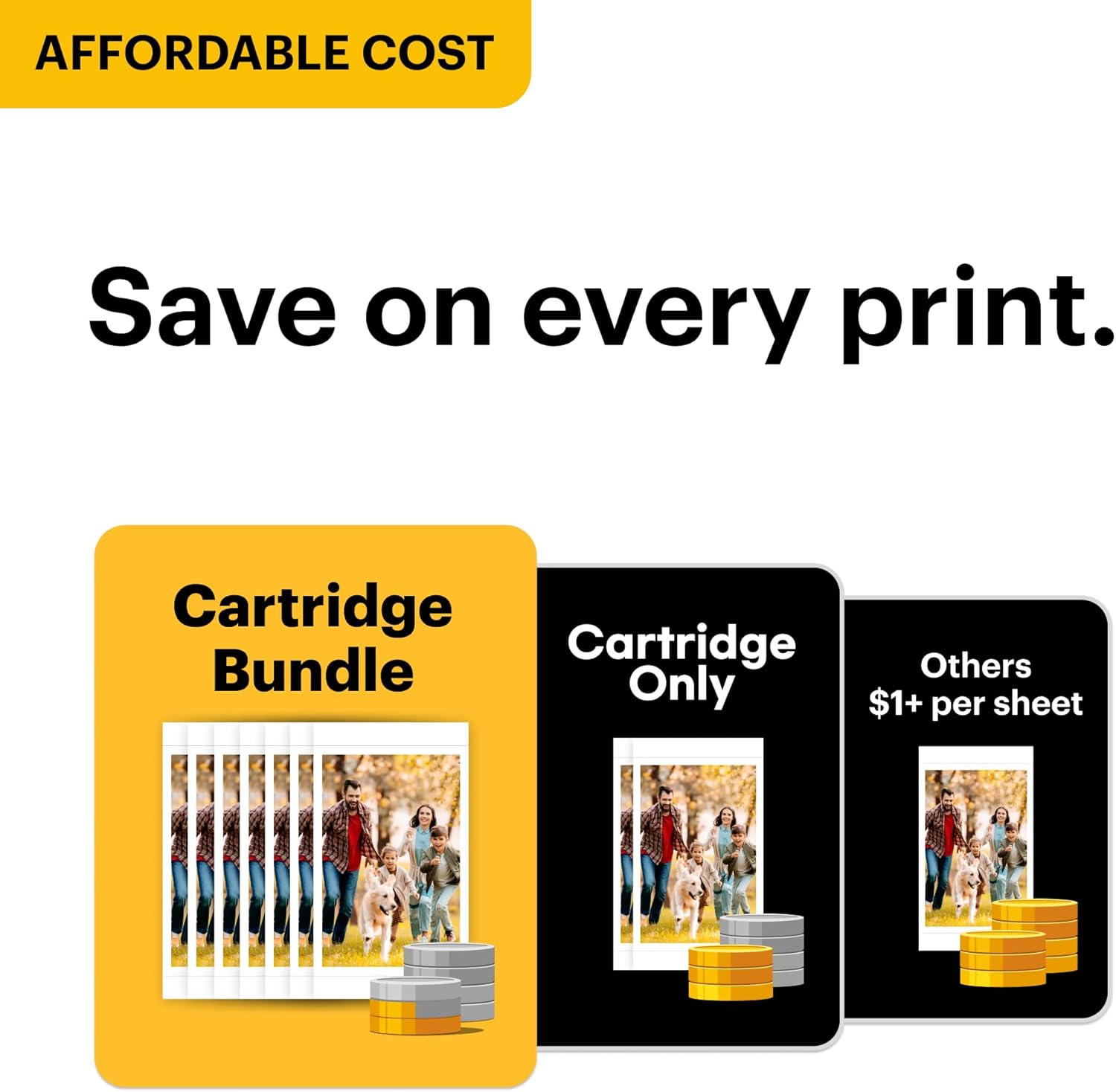
- All bundles come with additional 40 sheets of photo paper and cartridge.
What can you do with the Photo Printer App?
With the free Photo Printer App you can create frames and make many edits on your photos.
How can I download Photo Printer app?
Search and download ' Photo Printer' App on Google Play or App Store.
What should I do if there is an issue with the product?
Please do not hesitate to contact support regarding your product and we will do everything we can to help you solve the issue.
Dock Plus
What photo paper and cartridge should be used for the Dock Plus printer?
What's included in the package?
What can you do with the Photo Printer App?
How can I download Photo Printer app?
What should I do if there is an issue with the product?

You have successfully commented, please wait for review
Copied Successfully
You can enjoy up to 1 free gift!