What are you looking for?
Search

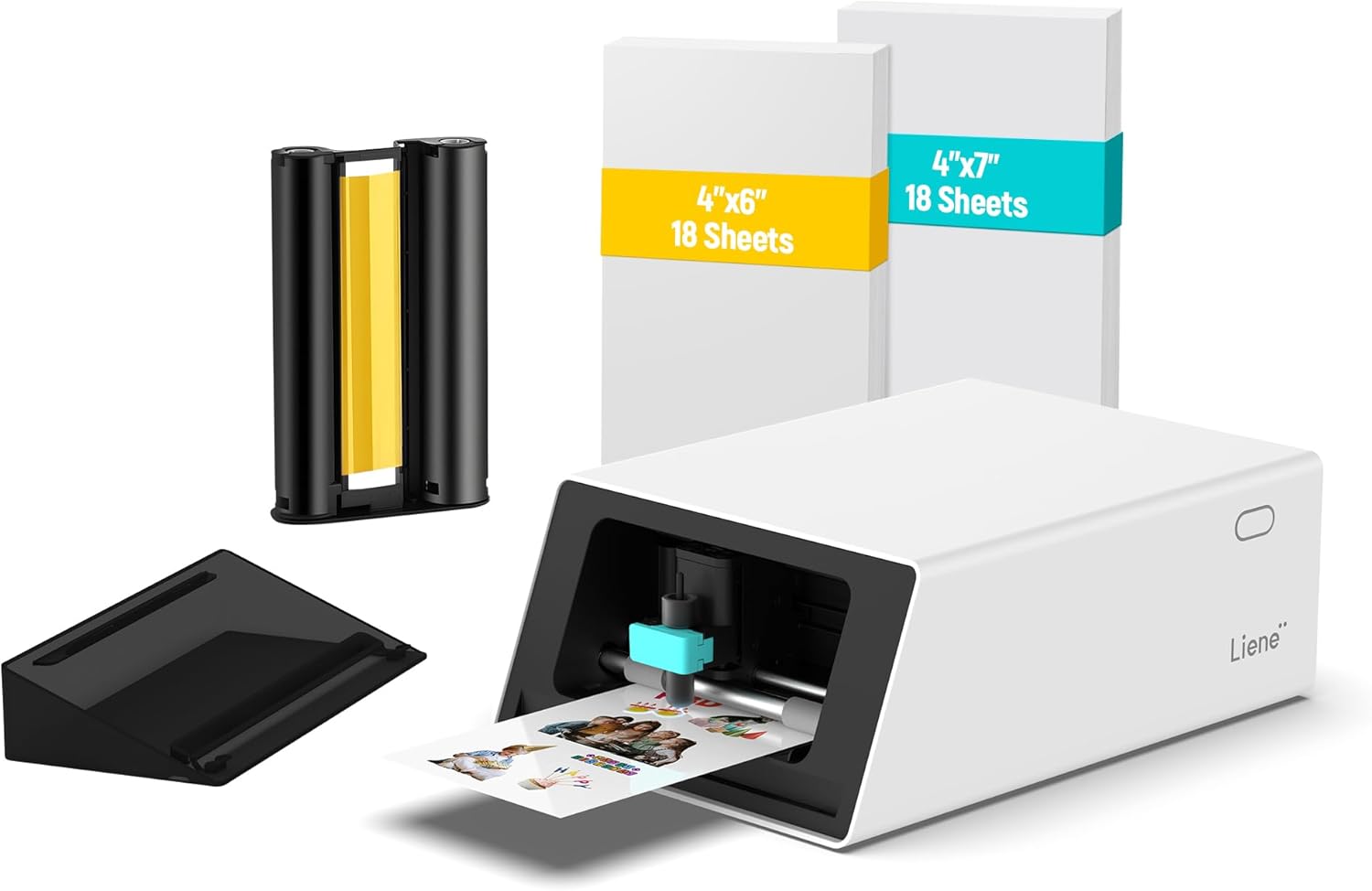
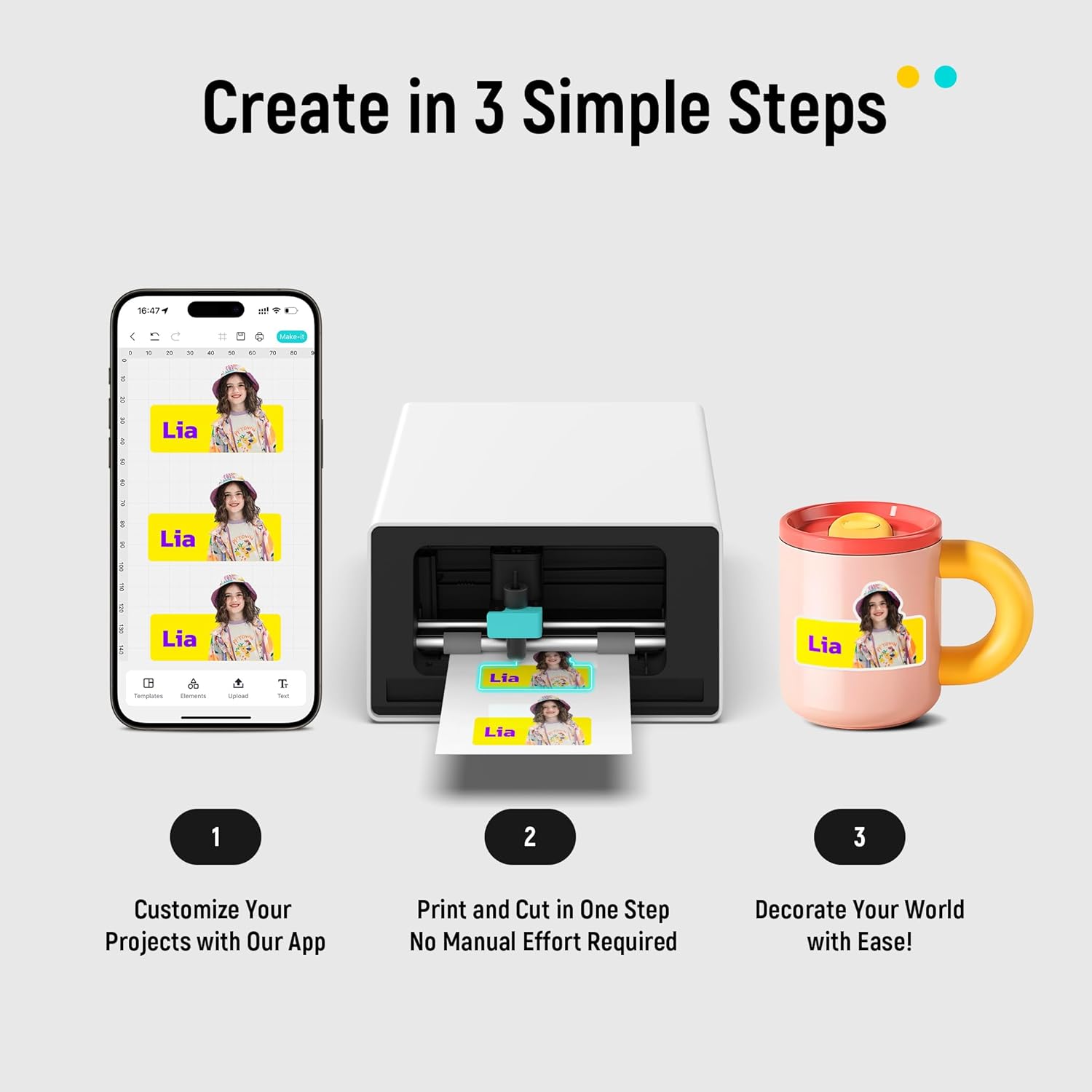
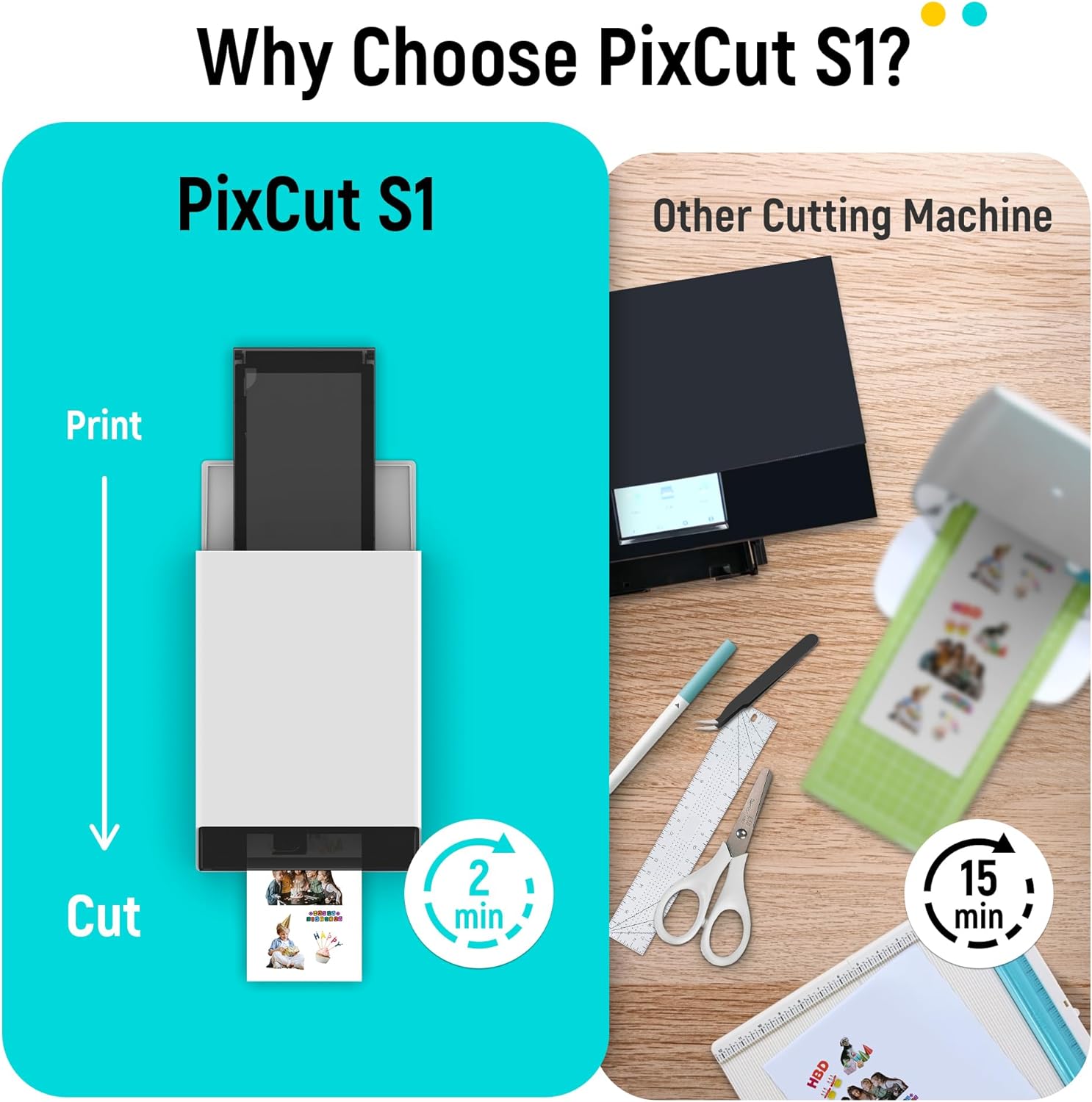
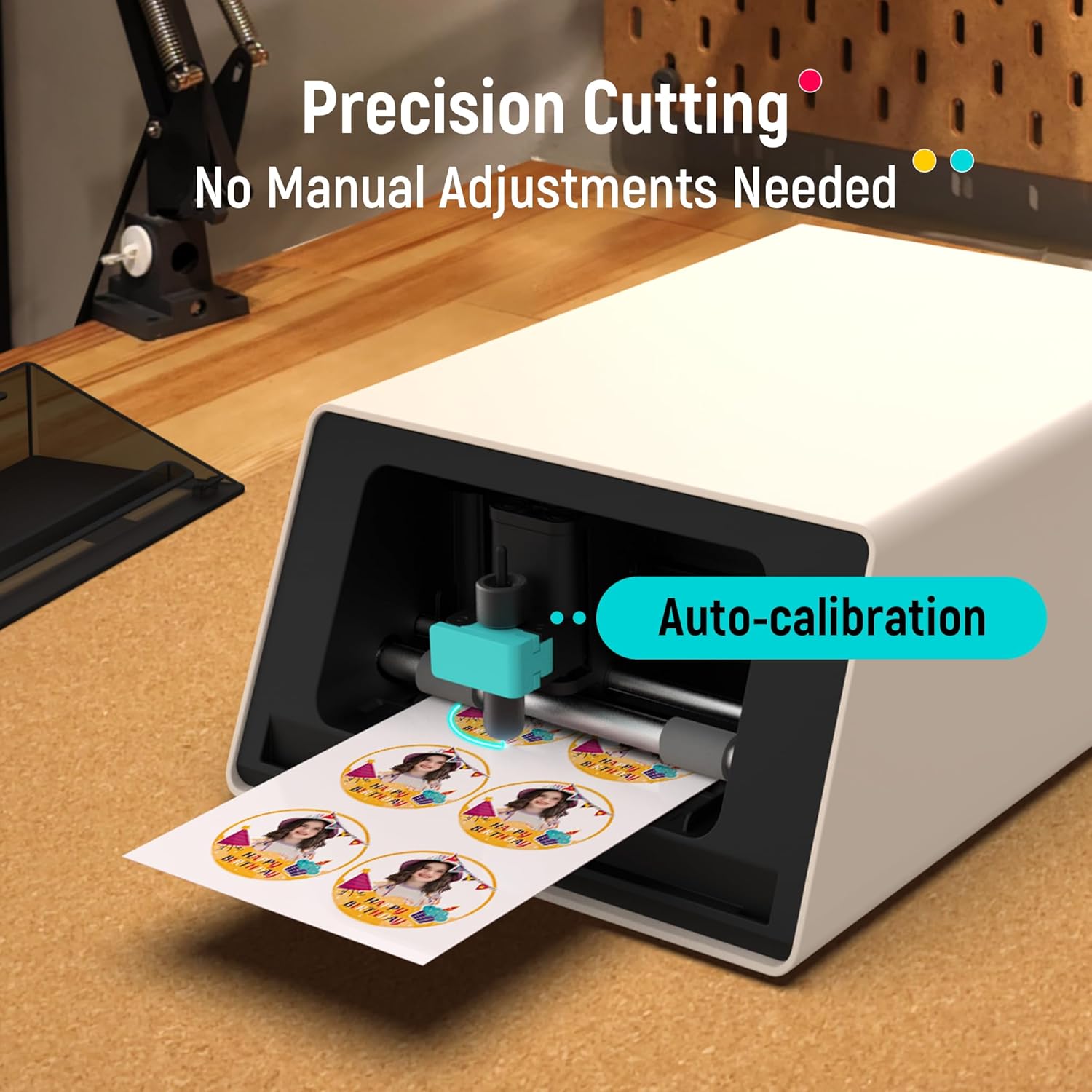
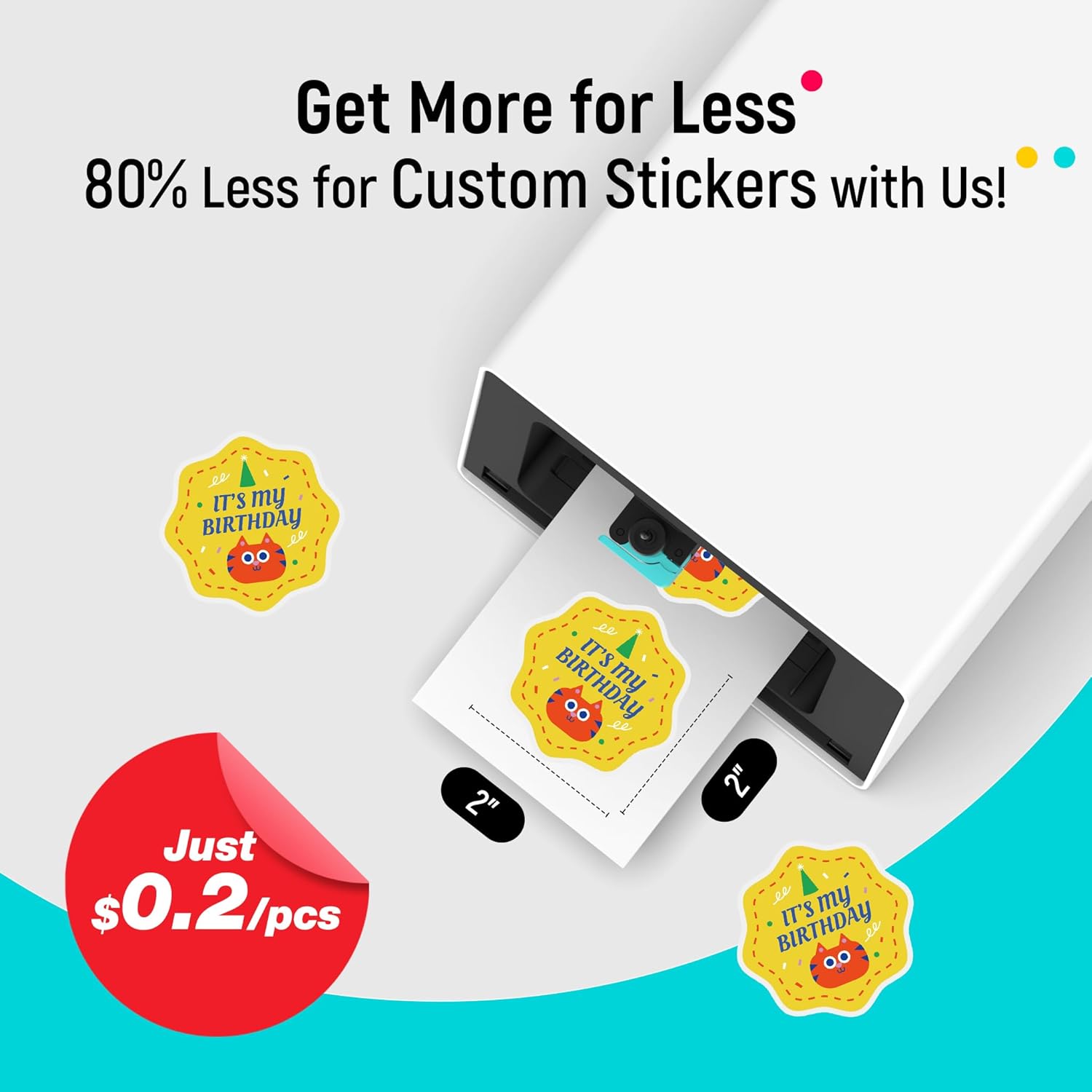
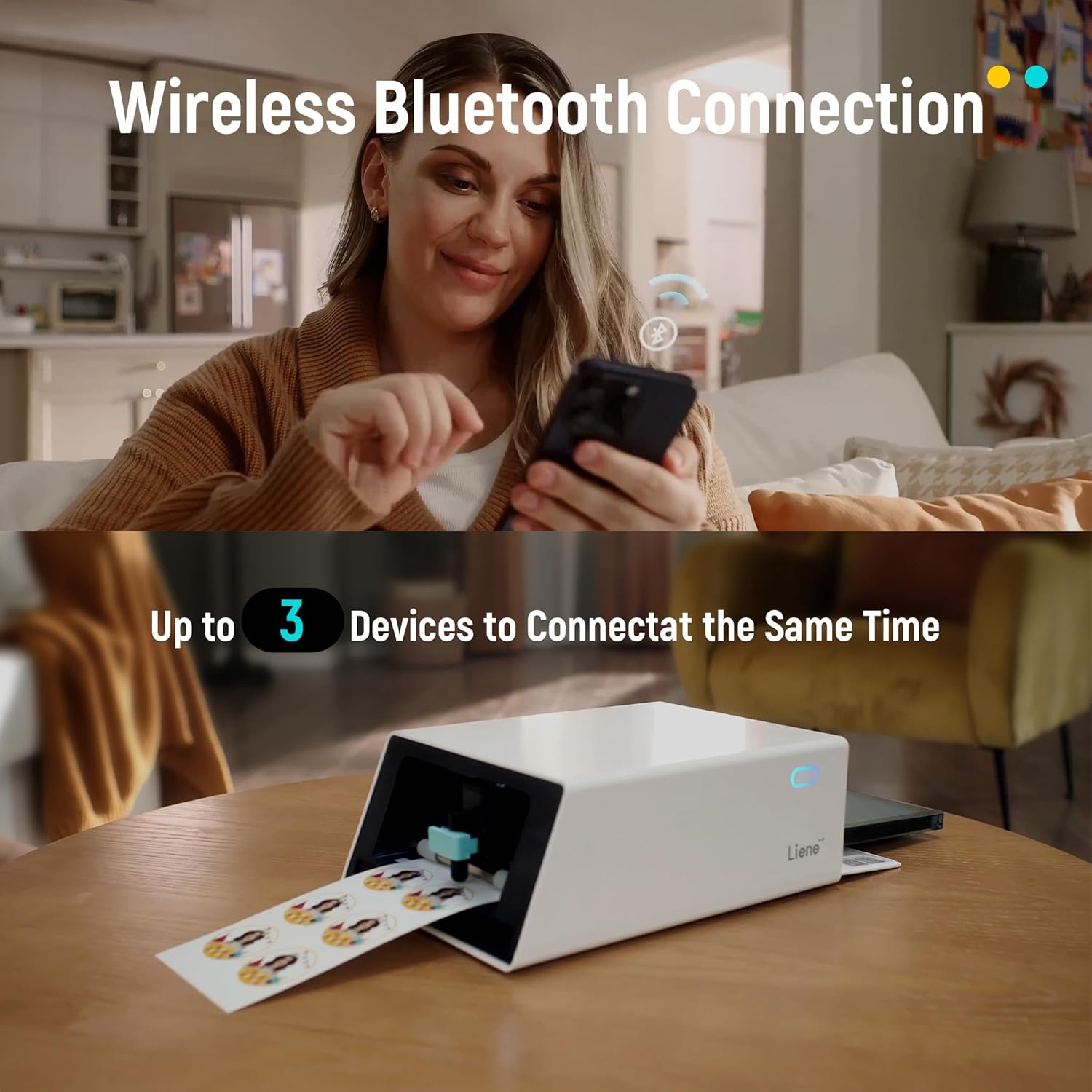
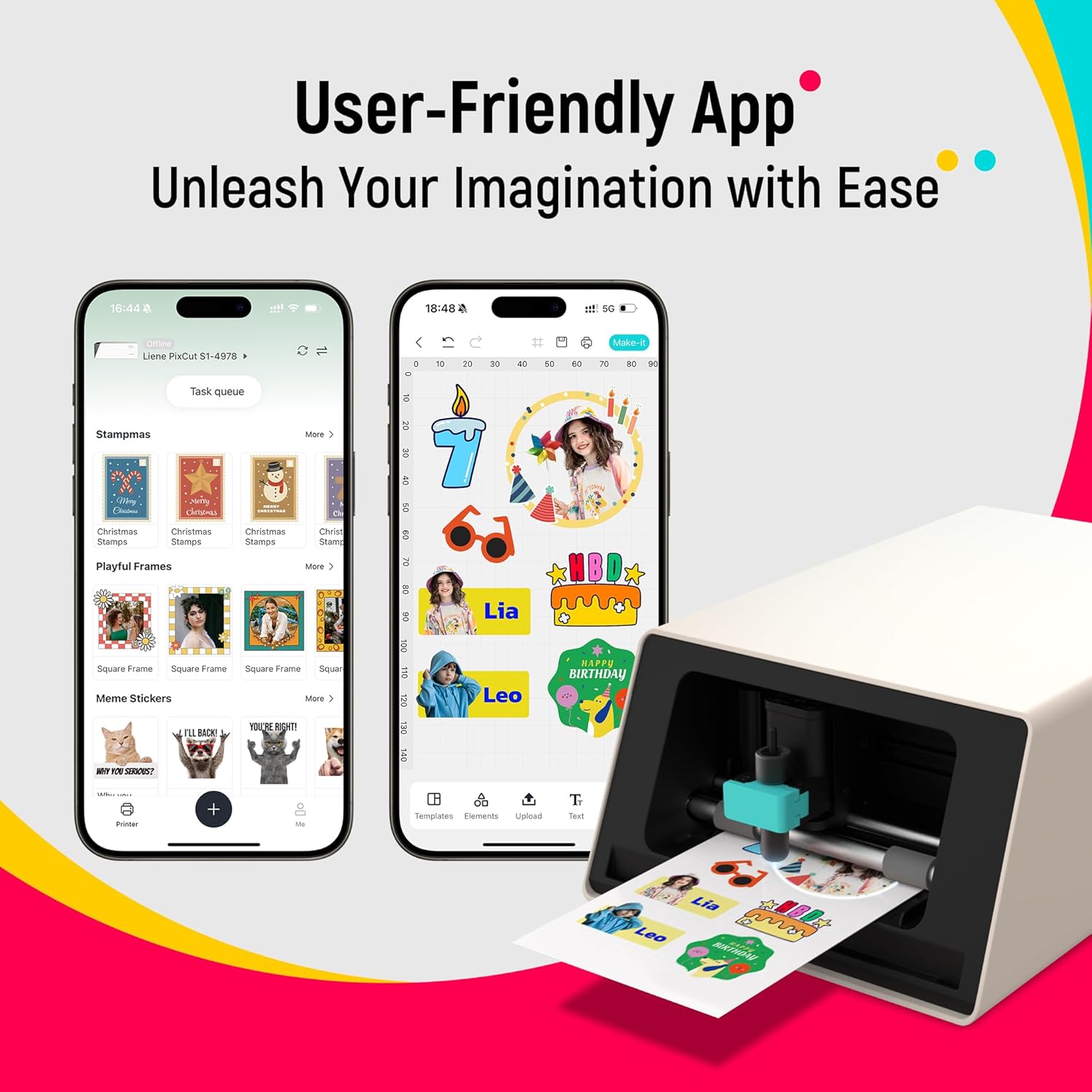
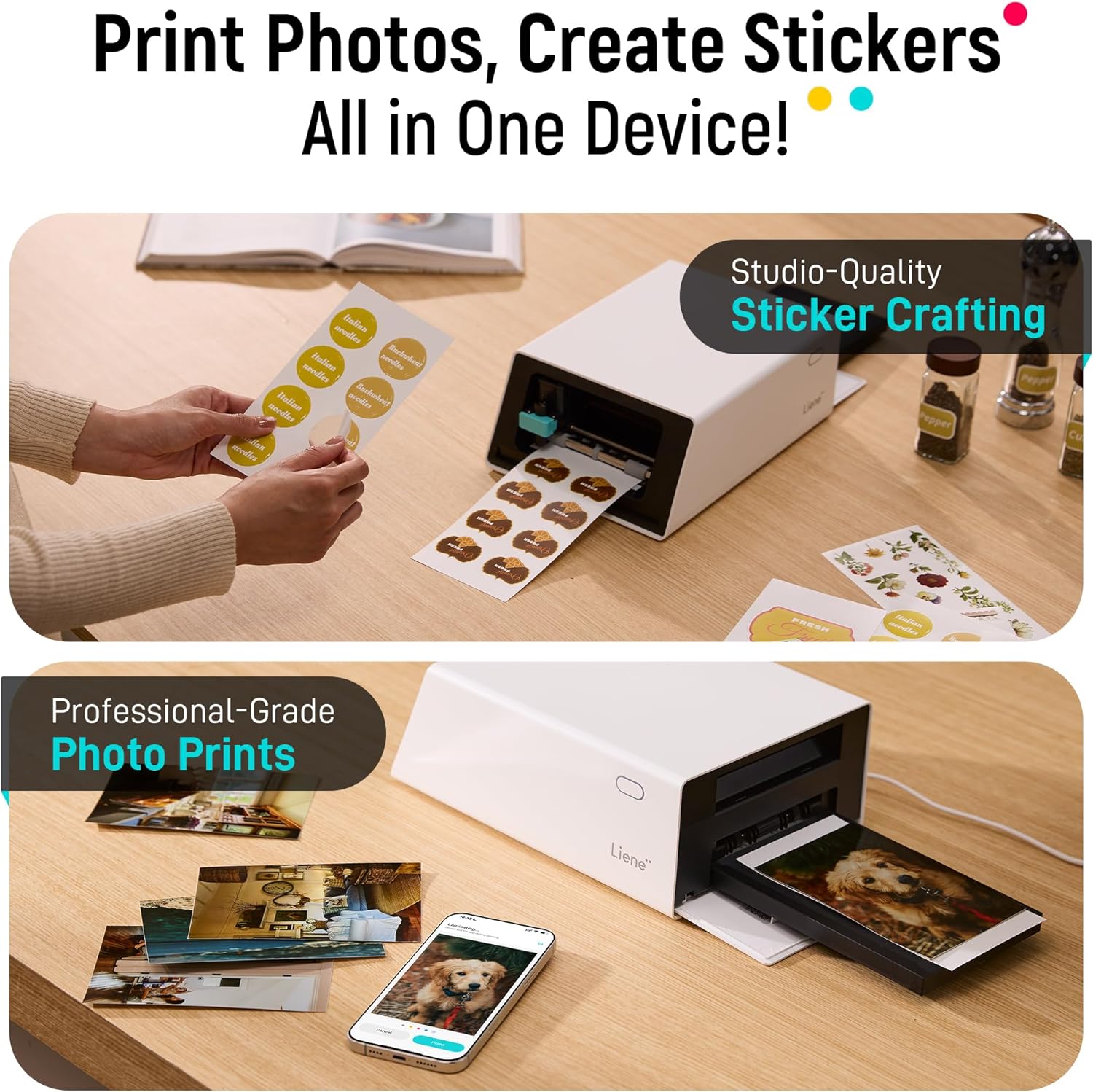
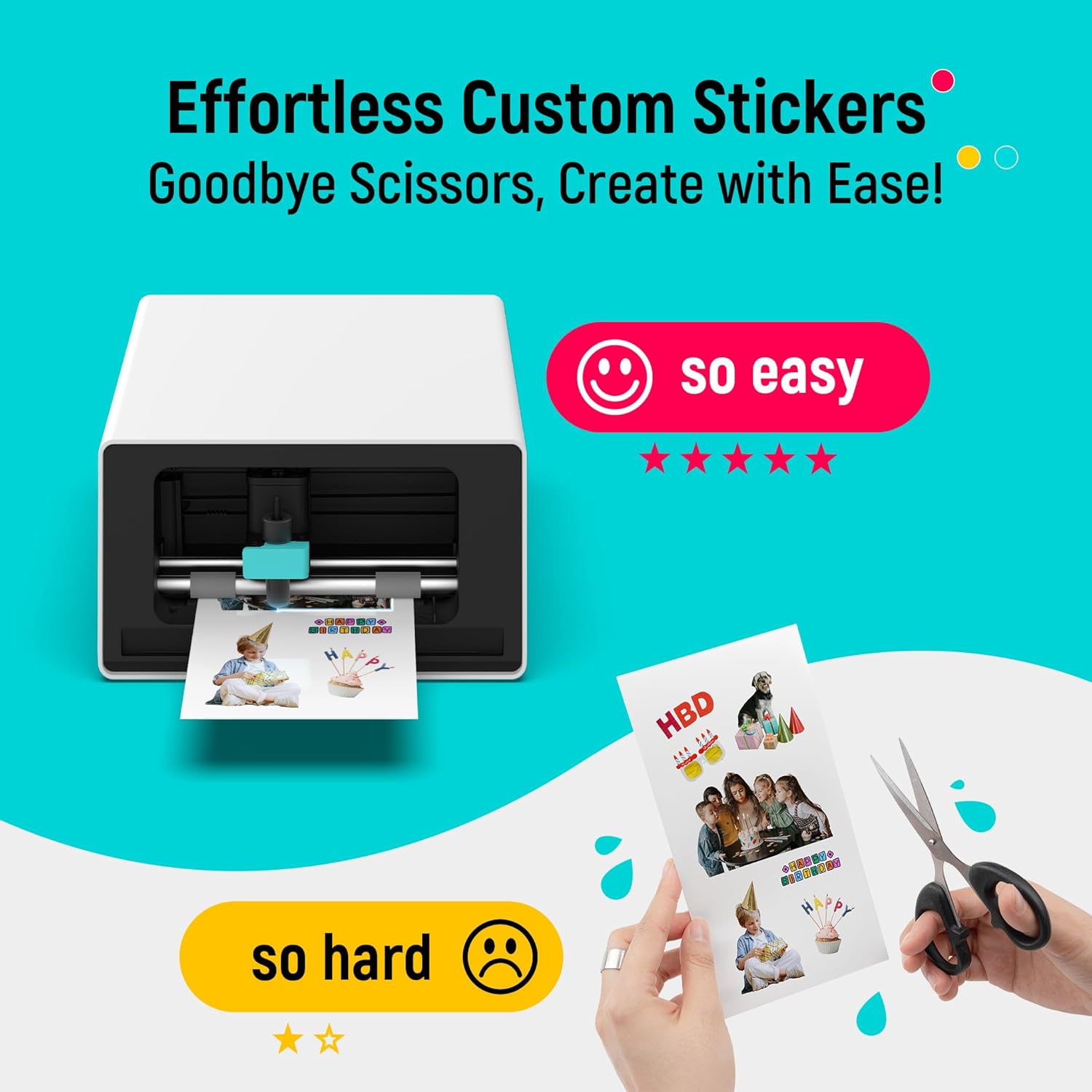
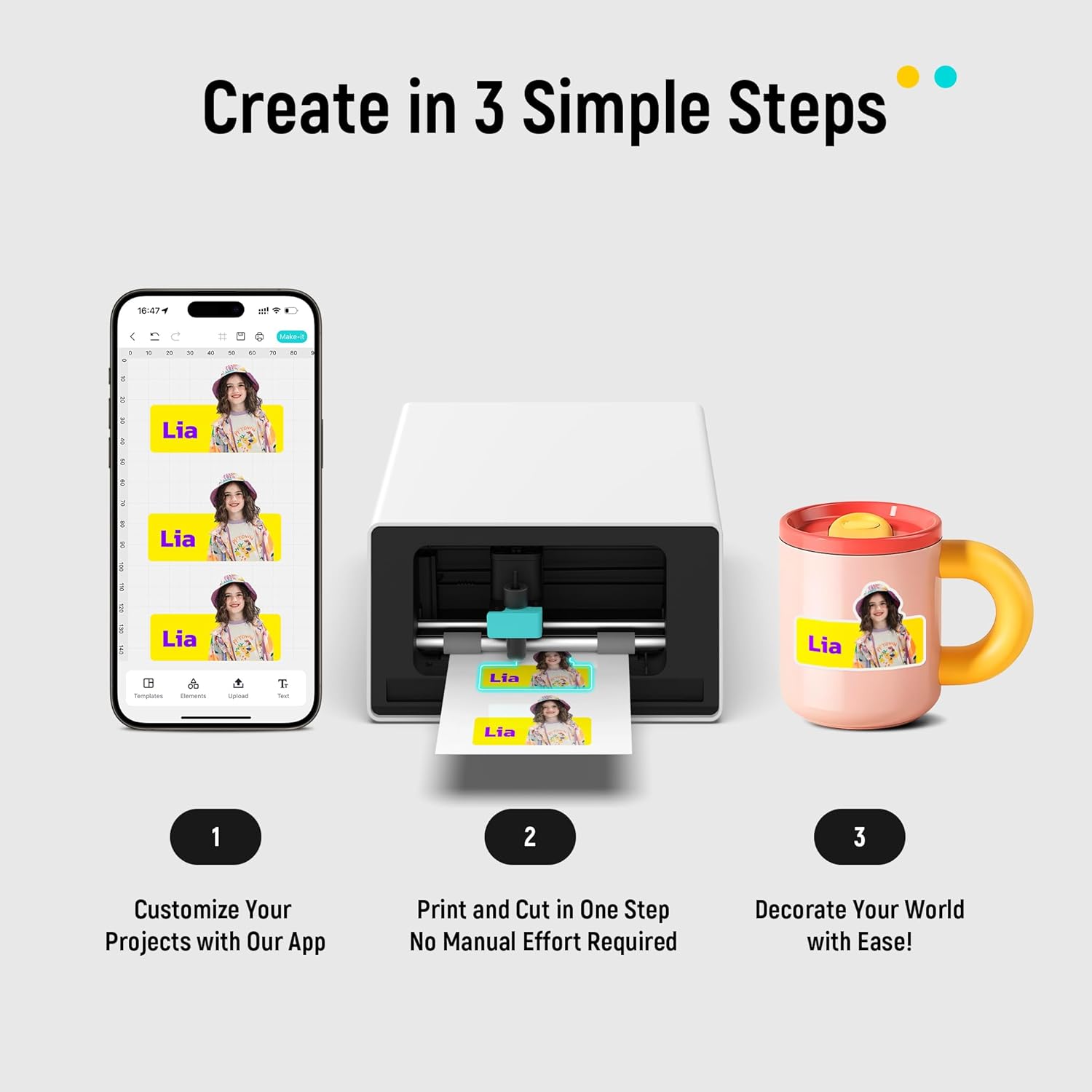
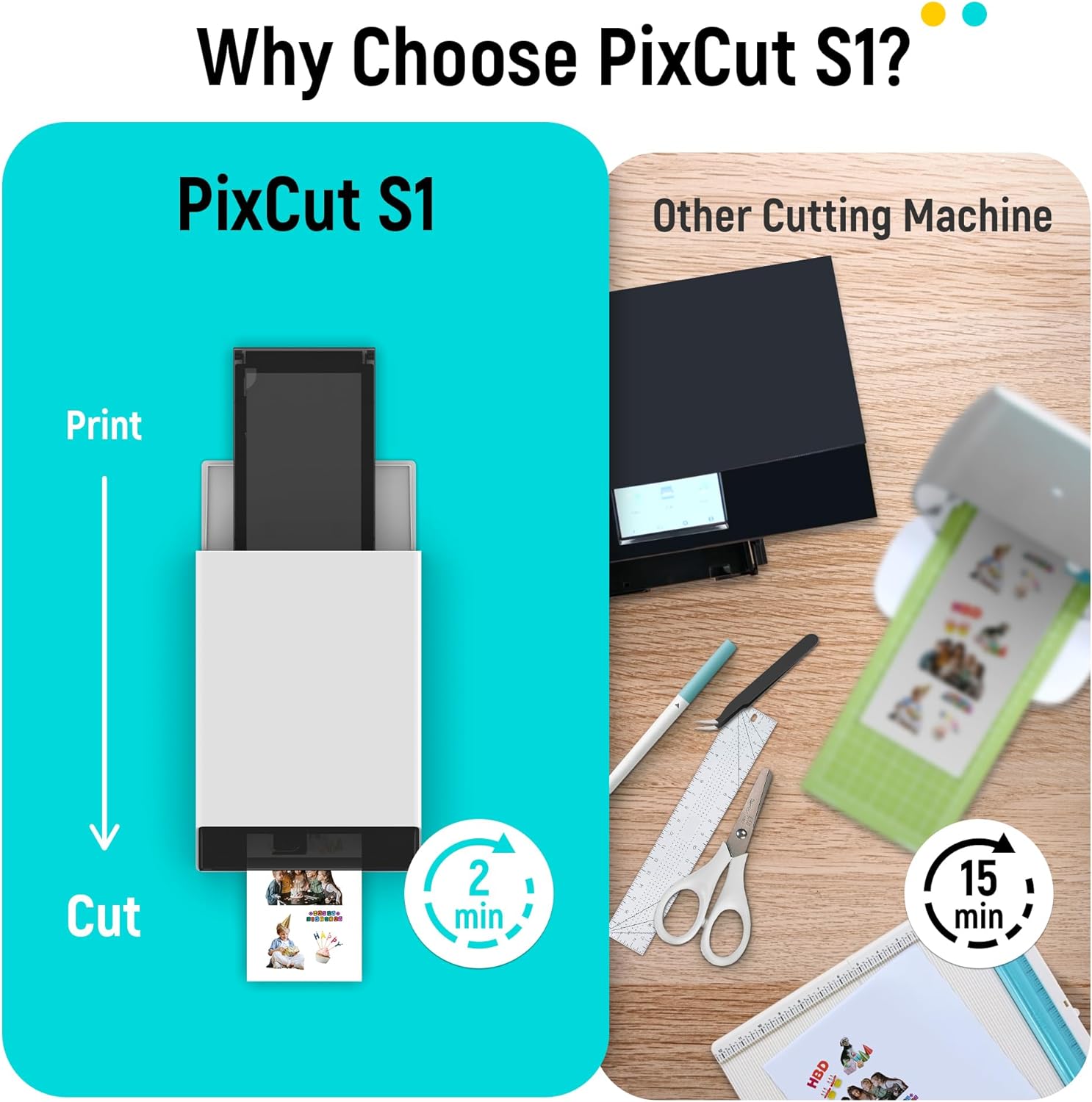
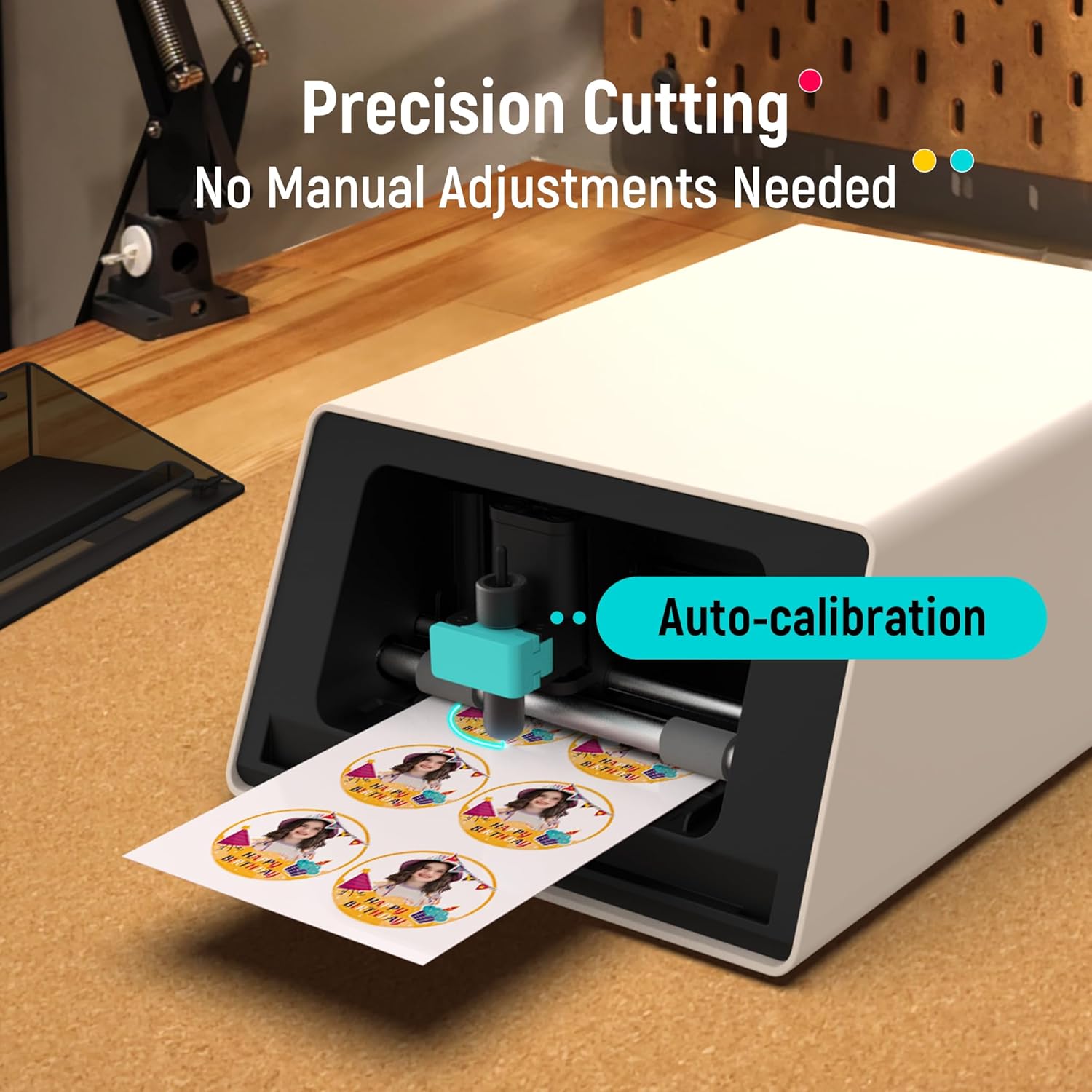
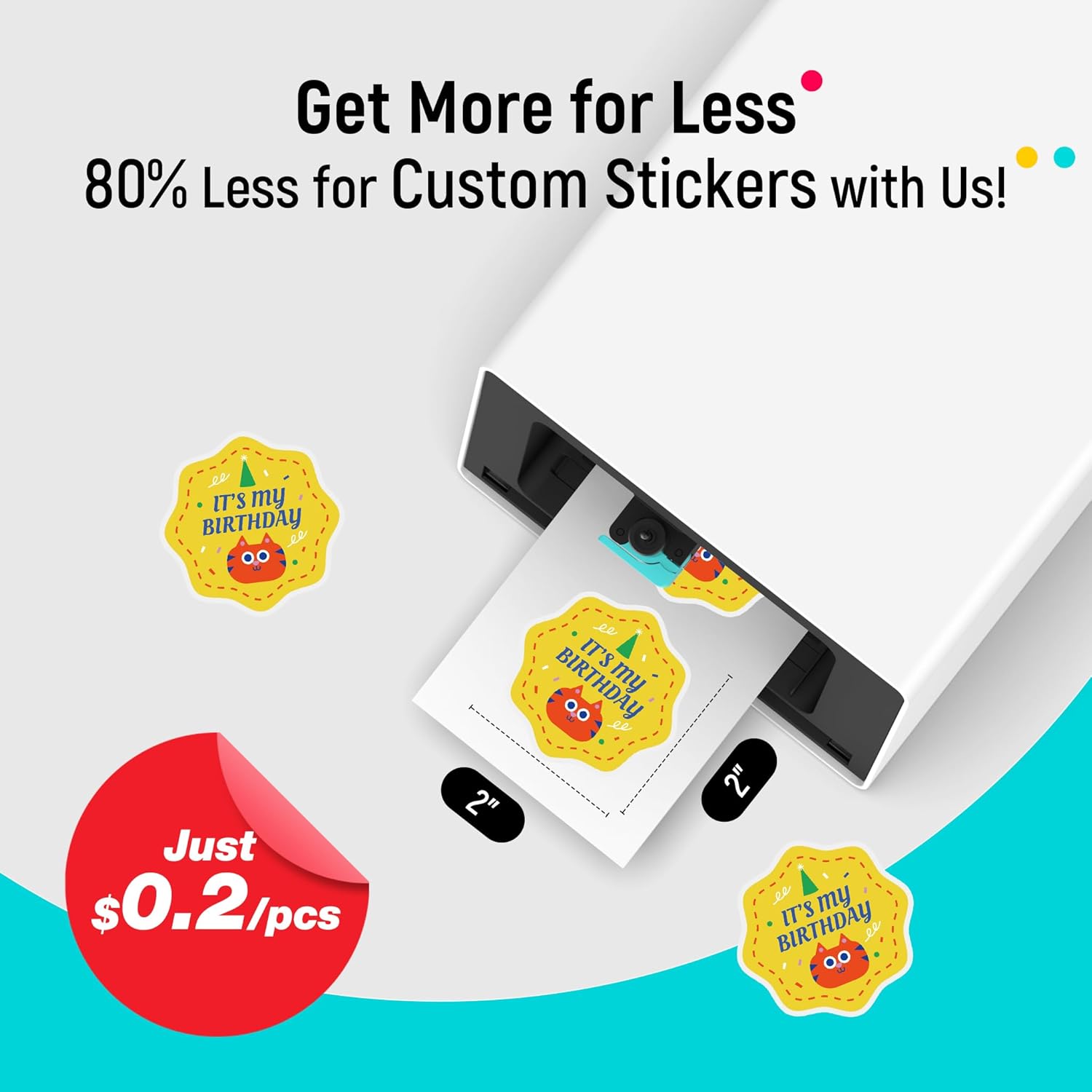
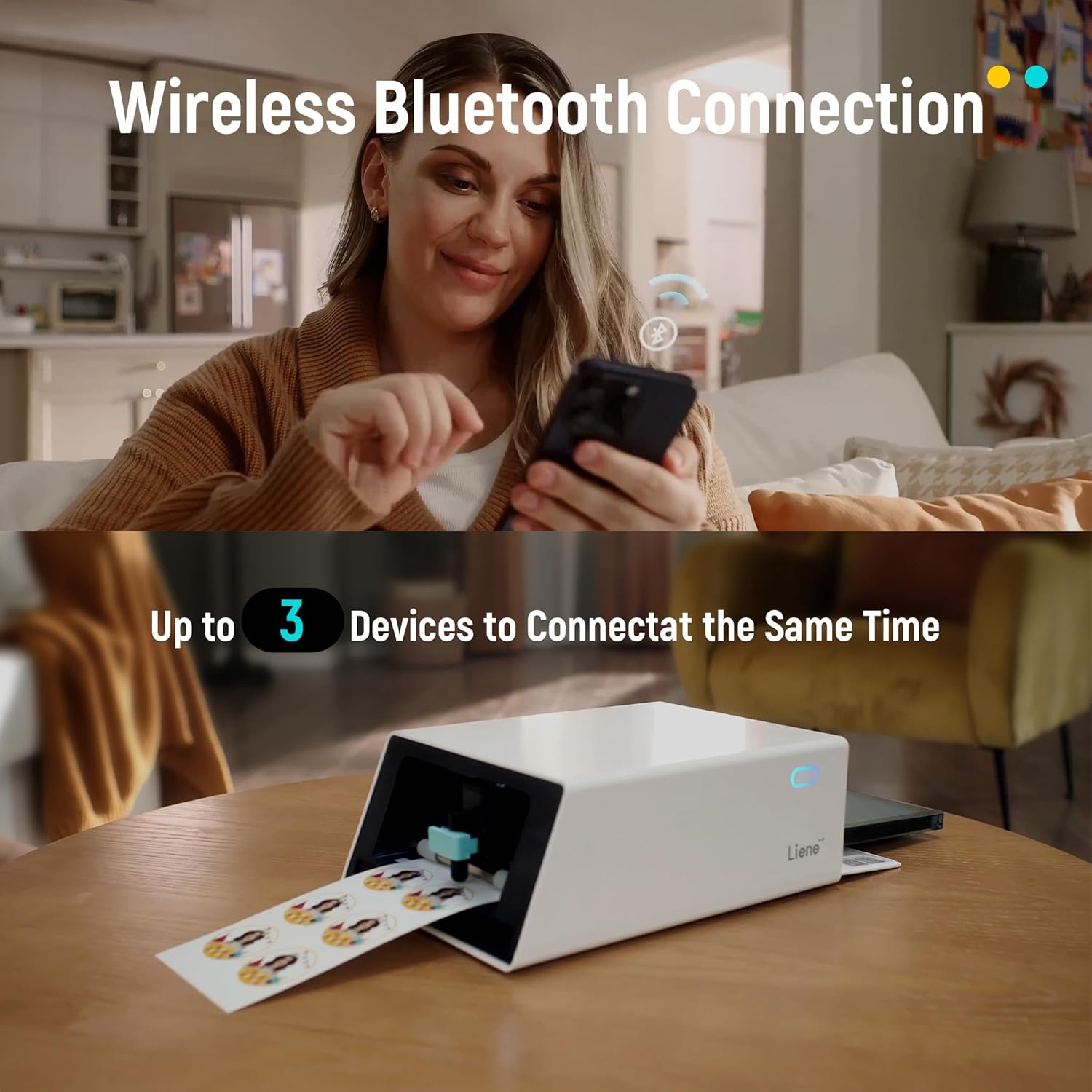
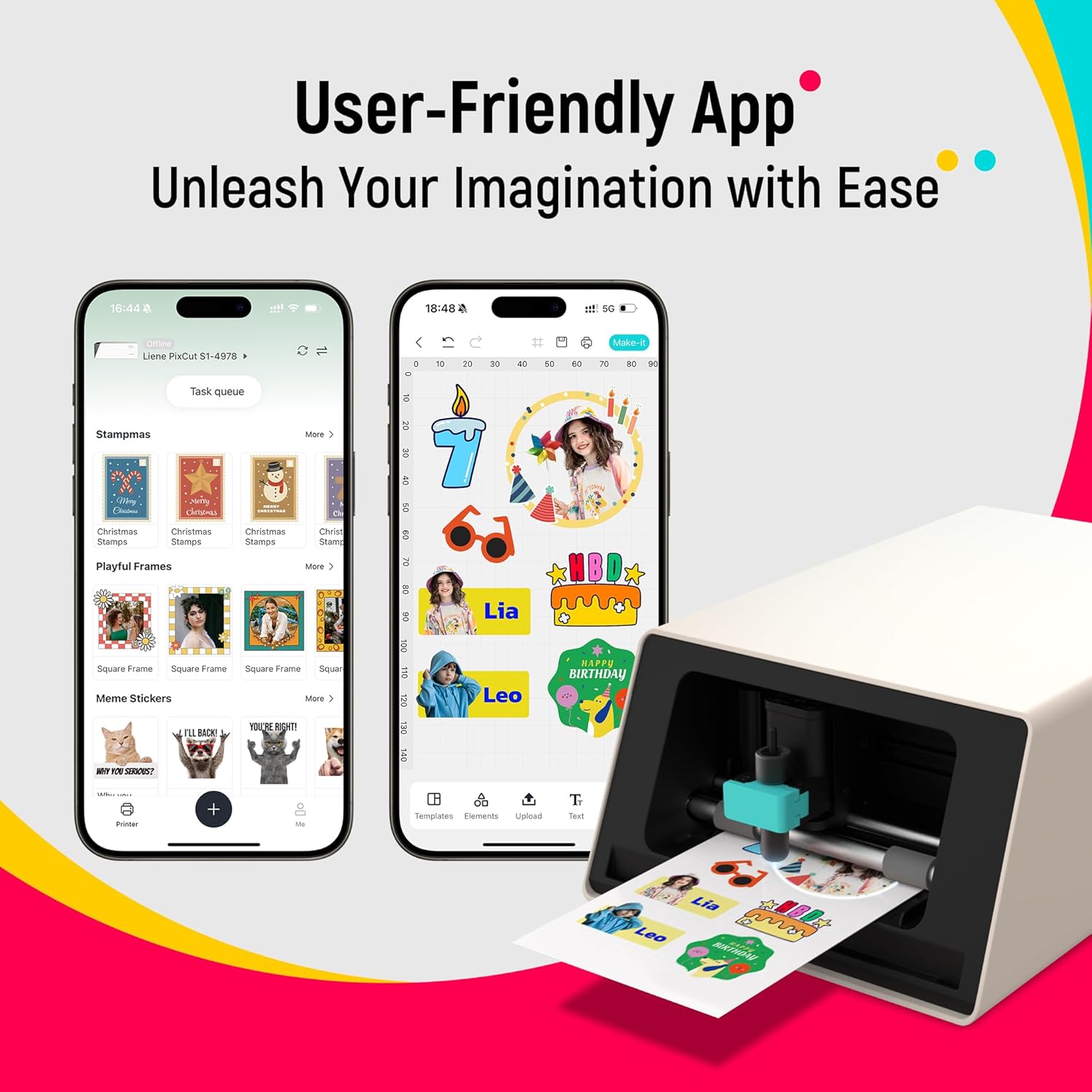
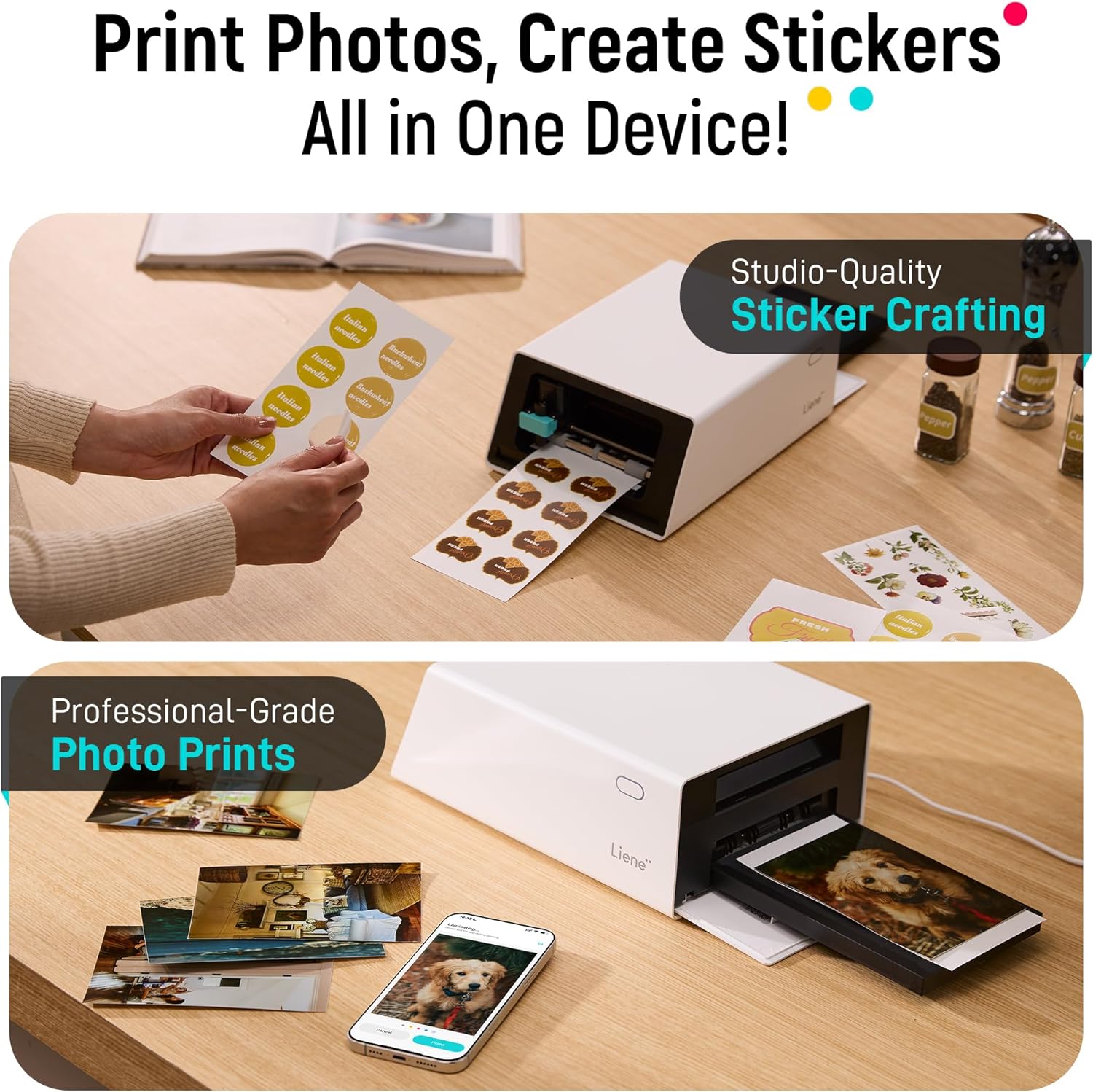
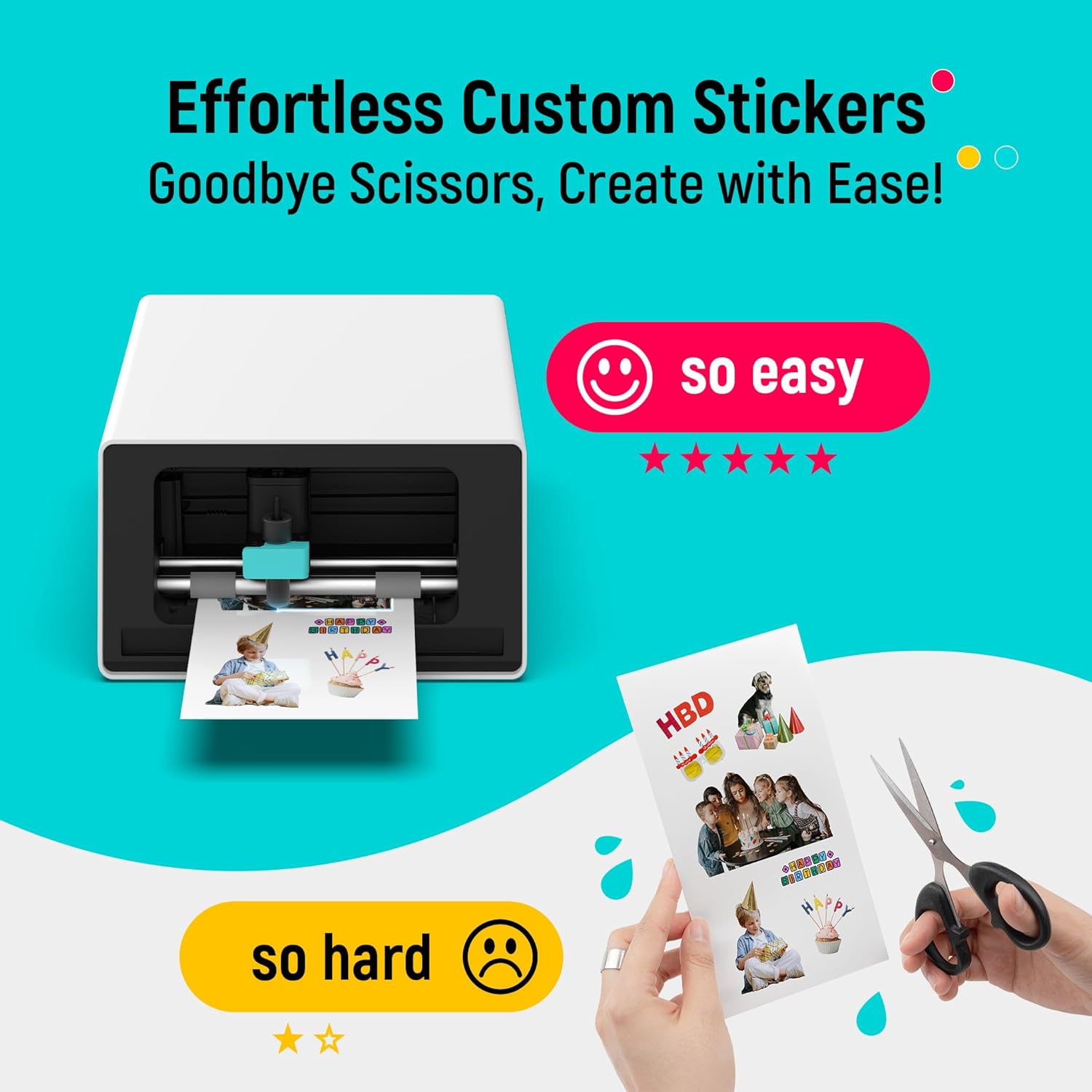

AI Image Extraction & Precision Cutting - Unleash your creativity with the AI image extraction feature that automatically recognizes and extracts subjects from your photos. Then watch as the high-precision cutting system guided by the same AI technology perfectly follows every edge with pinpoint accuracy. This seamless AI-to-cut workflow ensures flawless results every time. Turn any moment into custom stickers with professional edges in minutes - just masterpieces made simple.
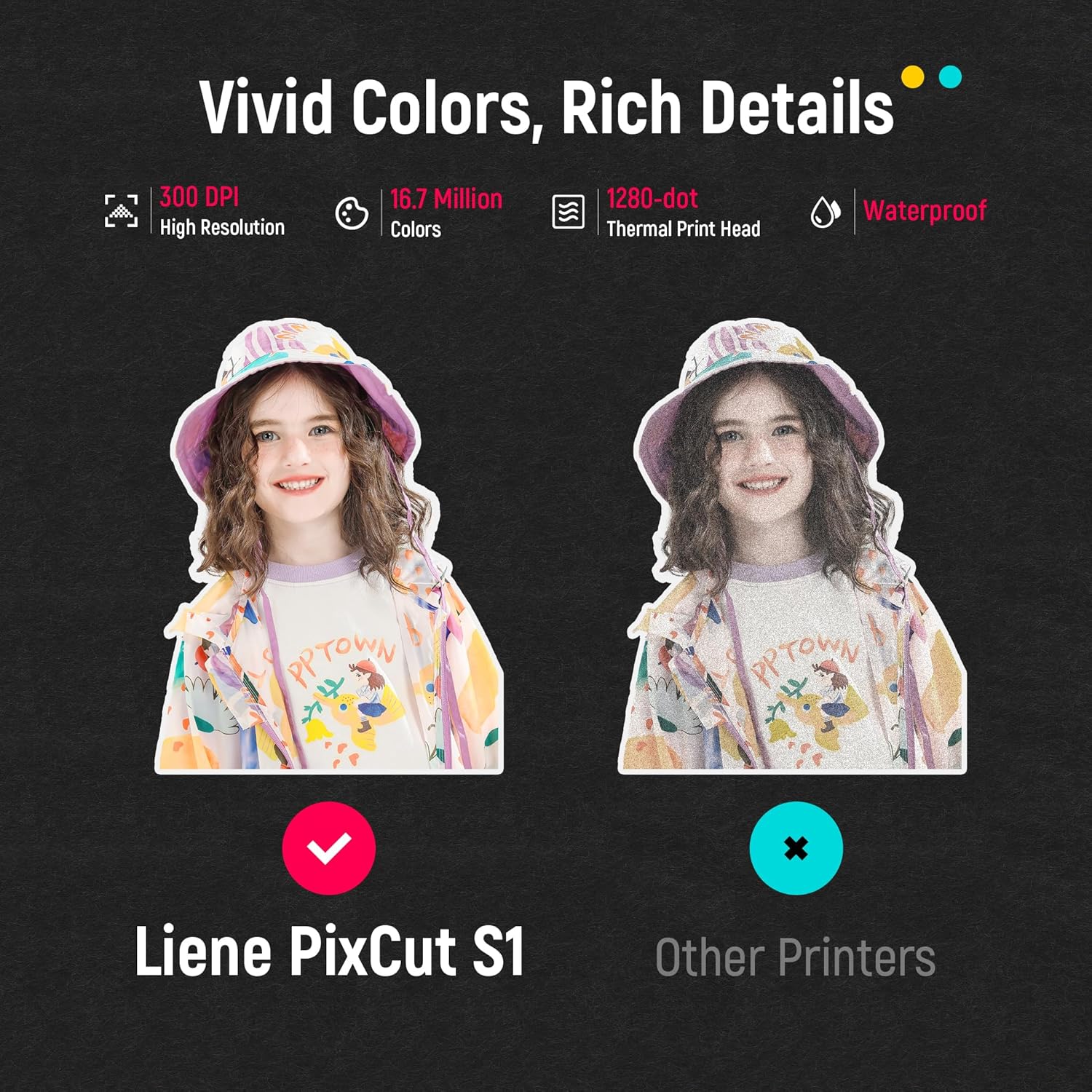
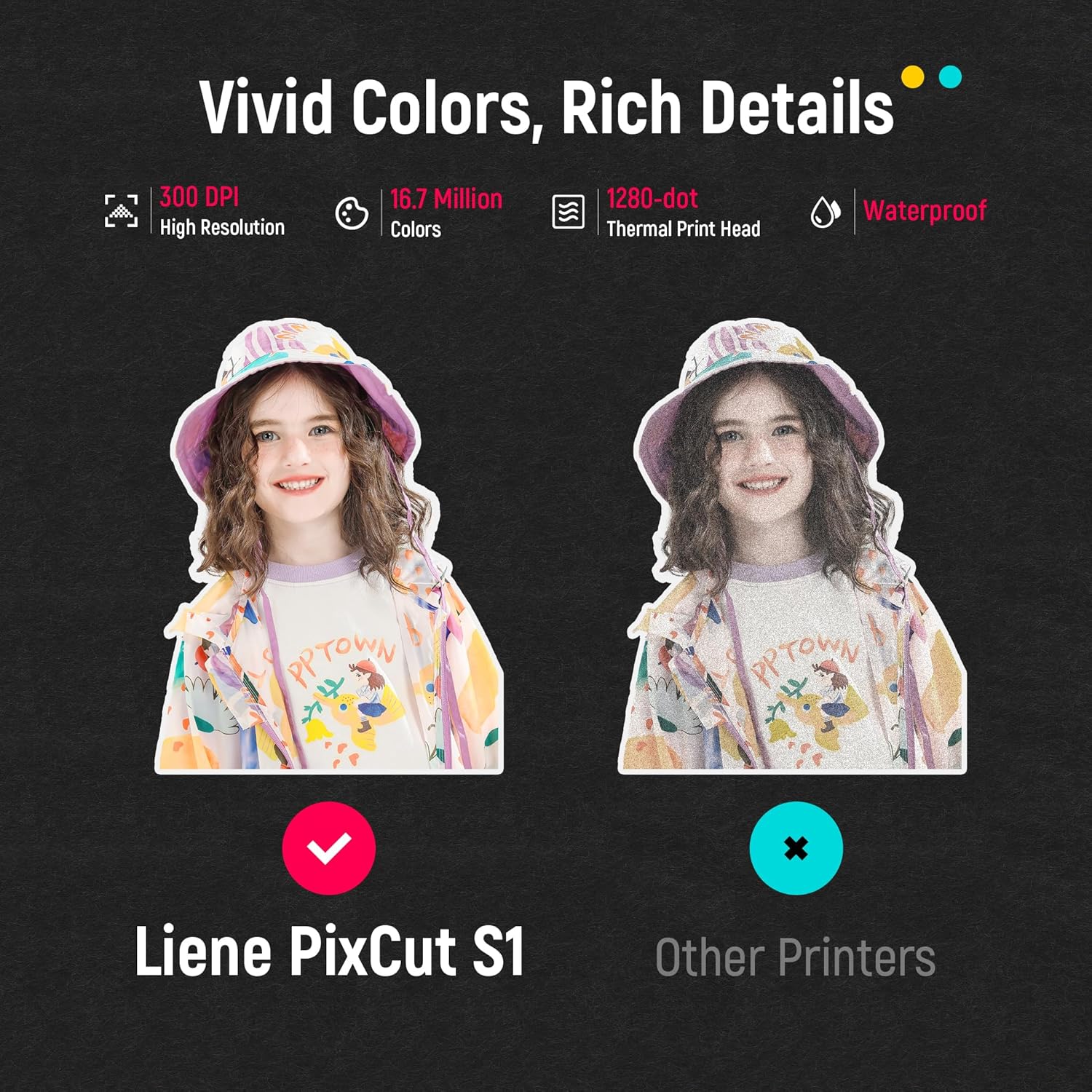
High-Resolution Prints - Vivid and True-to-Life Colors. Utilizing thermal dye-sublimation technology the PixCut S1 delivers stunning 300 dpi high-resolution prints with 16.7 million colors. Whether you're printing photos stickers or labels you can expect vibrant true-to-life color effects that make your creations stand out. Every detail is captured with precision providing professional-quality results every time.
AI Lab - Bring Your Imagination to Life. Upload a photo pick a style from the Photo App and watch AI bring your vision to life instantly. Turn selfies into an anime character a fantasy hero or a festive holiday illustration all with stunning realism. One style endless versions of you. Print your AI art as custom stickers unique gifts or social media posts perfect for avatars and DIY projects. No design experience required. Your creativity is just one click away from magic.
Durable Stickers - Create Long-Lasting Creations .Thanks to the four-layer thermal dye-sublimation technology the photopaper is automatically laminated during printing. Stickers produced by PixCut S1 are durable waterproof fade-resistant and scratch-resistant ensuring they remain vibrant and intactover time. Perfect for creating custom stickers labels and more that last.
1Rich Template Library2Various Creative Tools3AI Lab4Adhesive ID Photos5Multi-Device Support1High-Quality Prints2Durable Outputs3Experience The Difference4Custom Labels5Color Labels1Craft Your World2Custom Stickers3Personalize Your Phone4All in One Device5Al Portrait
Why dont the stickers stick well to rough or uneven surfaces?
Our improved sticker paper with enhanced adhesion is now available. While we still recommend smooth surfaces for the absolute best performance this new version offers significantly better adhesion on a wider variety of surfaces.
How is the PixCut S1 different from traditional machines?
The PixCut S1 seamlessly integrates printing and cutting. It completes both tasks in about 2 minutes significantly reducing time and effort compared to traditional machines that often take over 30 minutes.
Why does my PixCut S1 sometimes cut incorrectly when printing multiple sheets in a row?
If cutting errors occur when printing multiple sheets it may be because the previous sheet was not removed before starting a new one. This can damage the stickers. To prevent this always remove each completed sheet before cutting the next one.
Does it make laminated stickers?
Using four-layer thermal dye-sublimation the PixCut S1 automatically laminates and precisely cuts photo and sticker paper. The stickers are durable waterproof fade-resistant and scratch-resistant ensuring long-lasting vibrancy.
What types of paper does the PixCut S1 support?
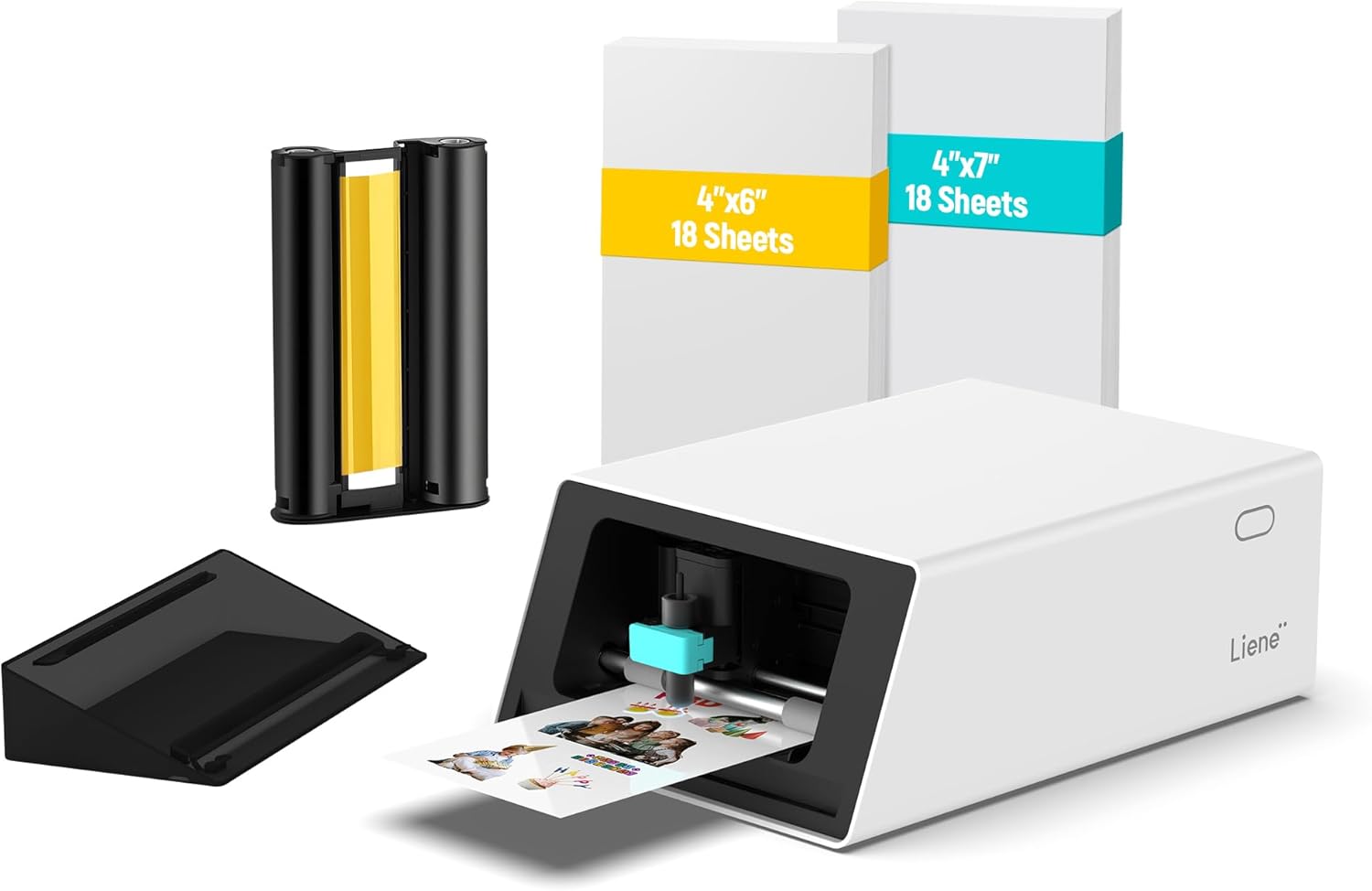
The PixCut S1 uses 4x6 and 4x7-inch PET photo and sticker paper optimized for thermal dye-sublimation printing and precise cutting. Only brand paper is compatible. Transparent and metallic sticker paper will be available in 6 months.
PixCut S1
Why dont the stickers stick well to rough or uneven surfaces?
How is the PixCut S1 different from traditional machines?
Why does my PixCut S1 sometimes cut incorrectly when printing multiple sheets in a row?
Does it make laminated stickers?
What types of paper does the PixCut S1 support?

You have successfully commented, please wait for review
Copied Successfully
You can enjoy up to 1 free gift!