What are you looking for?
Search

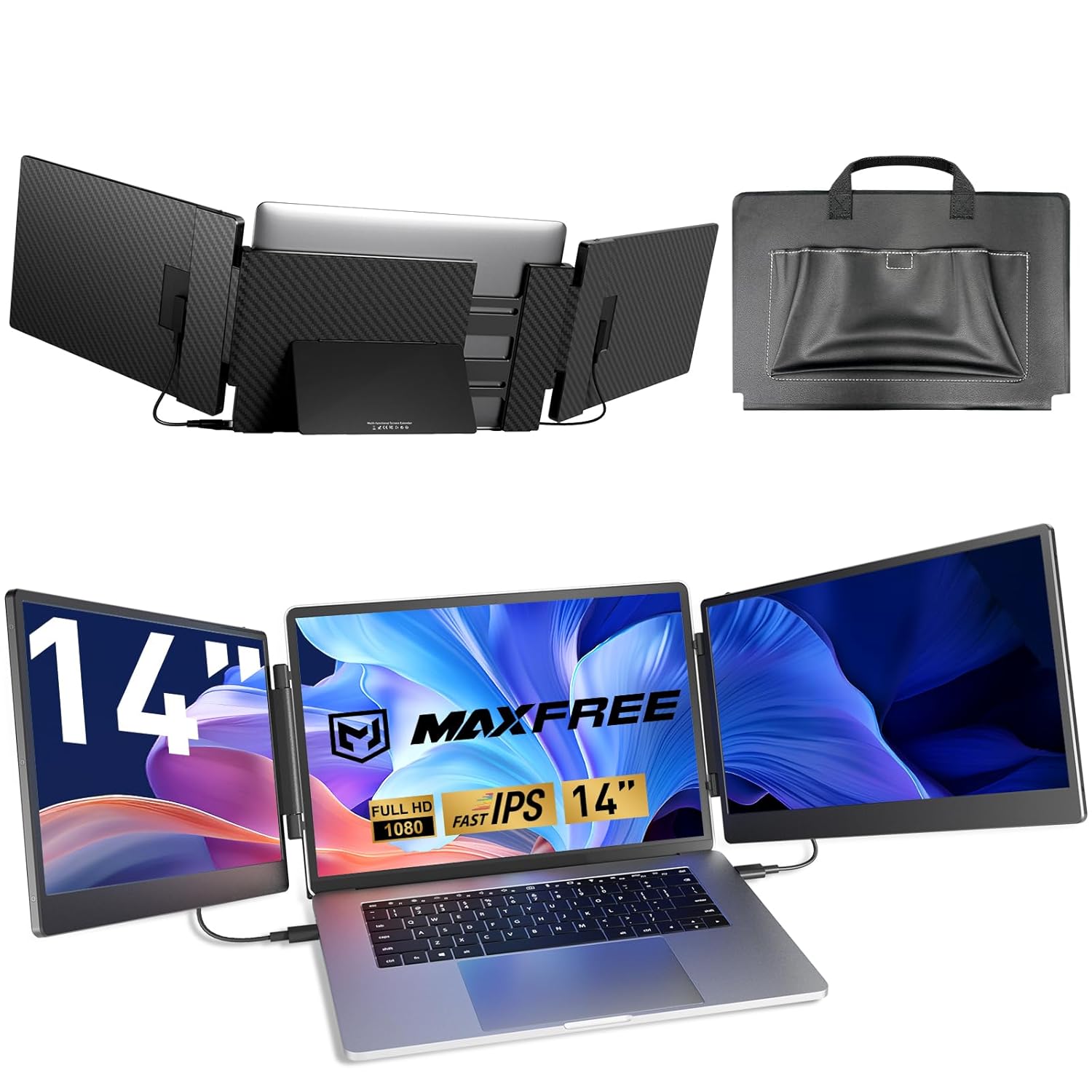
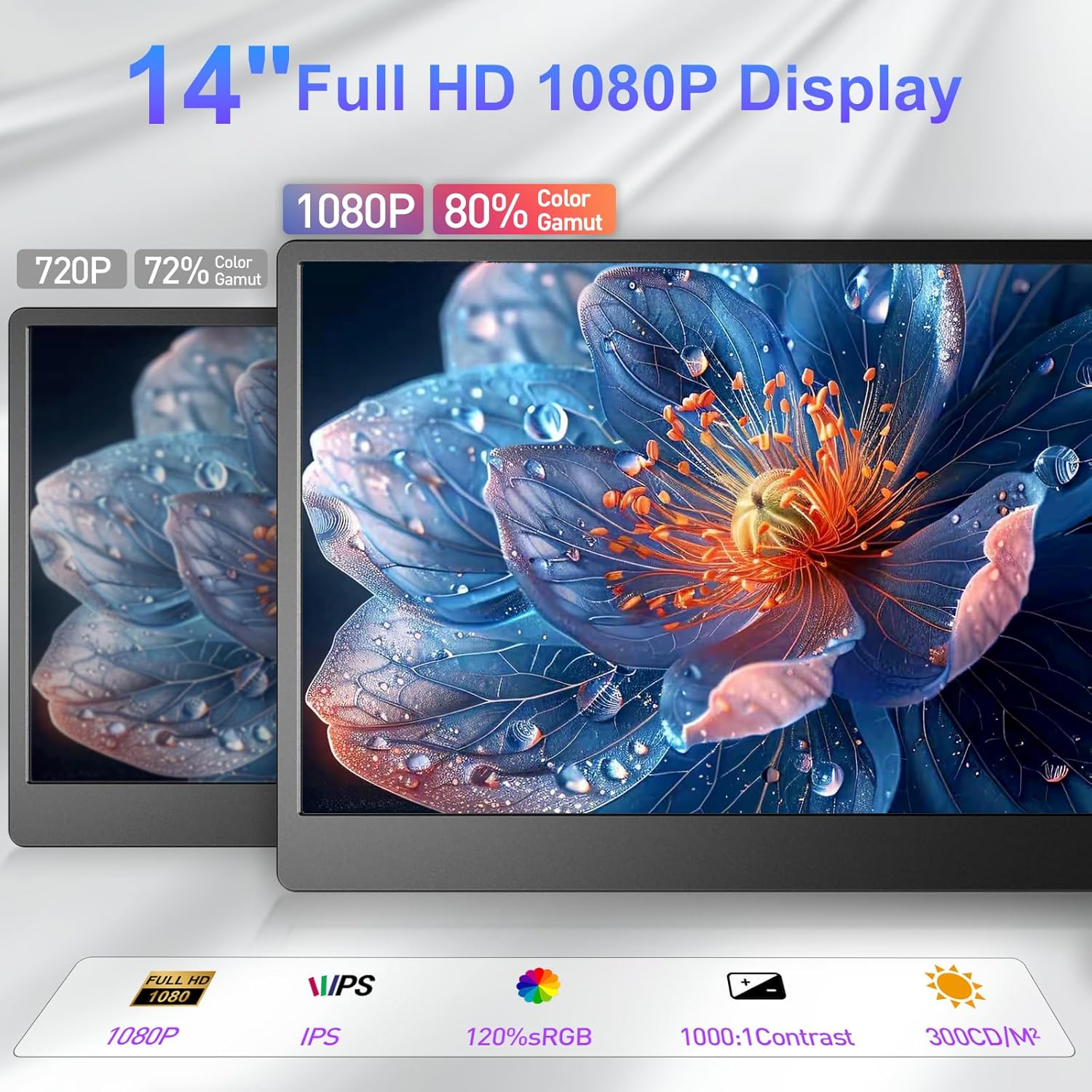
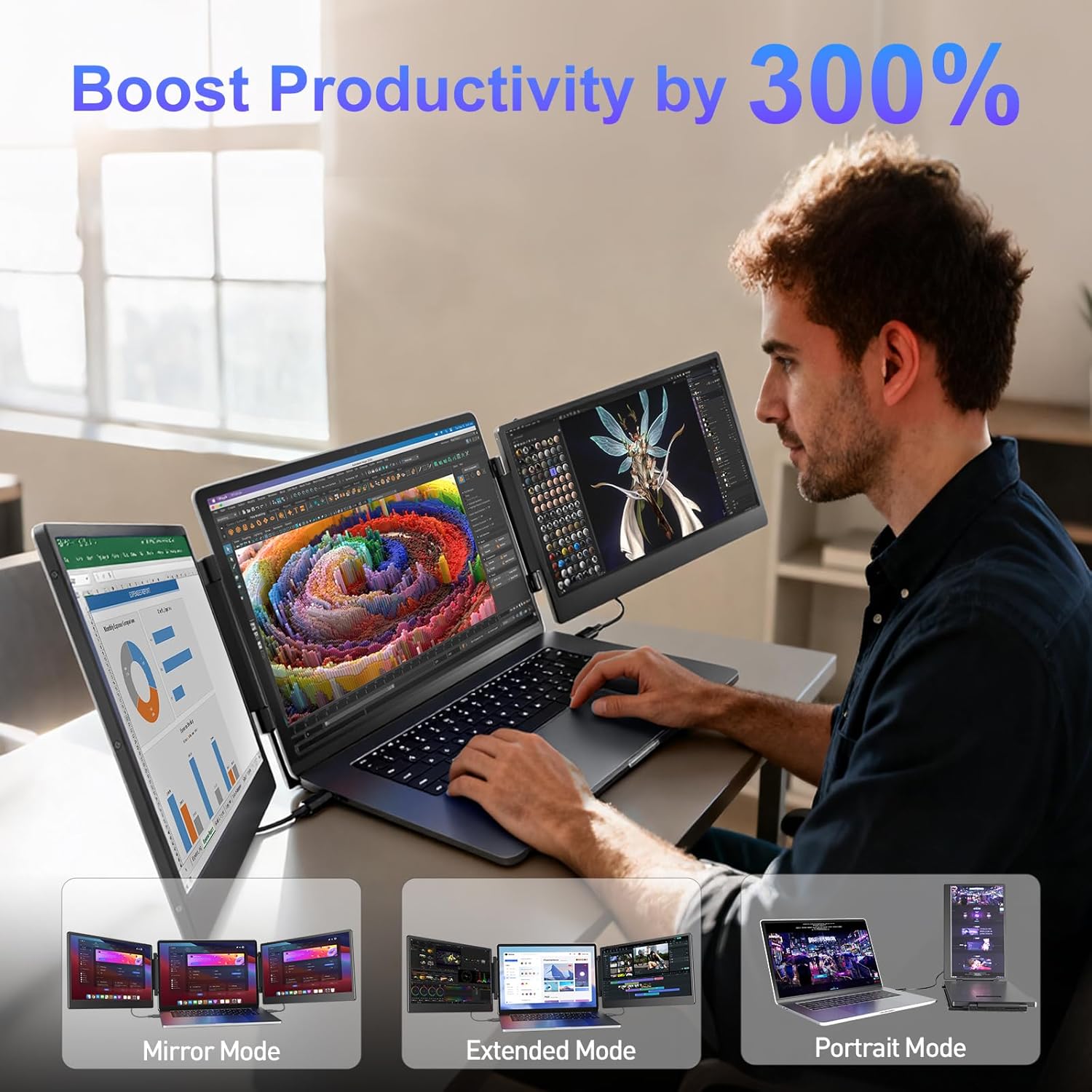
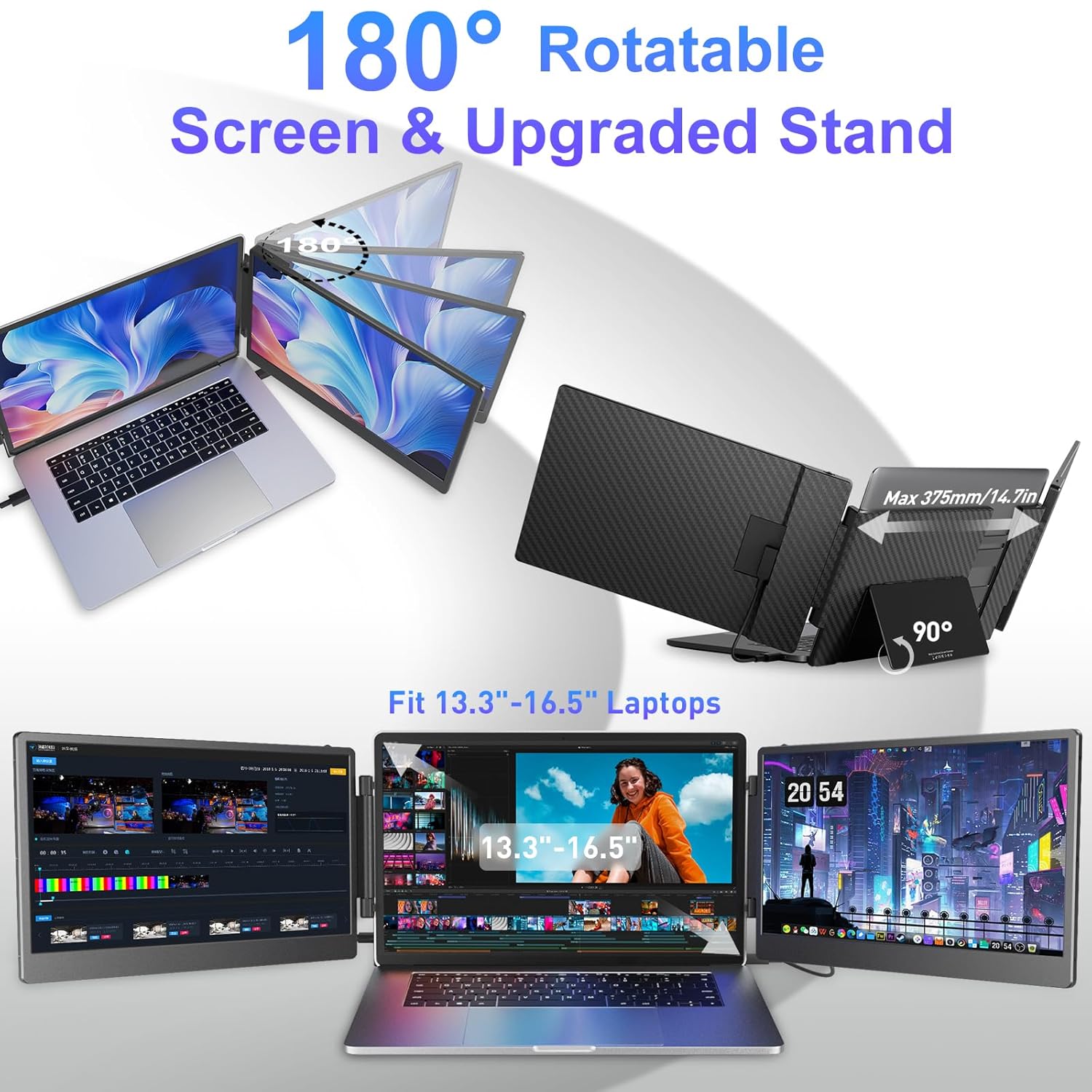
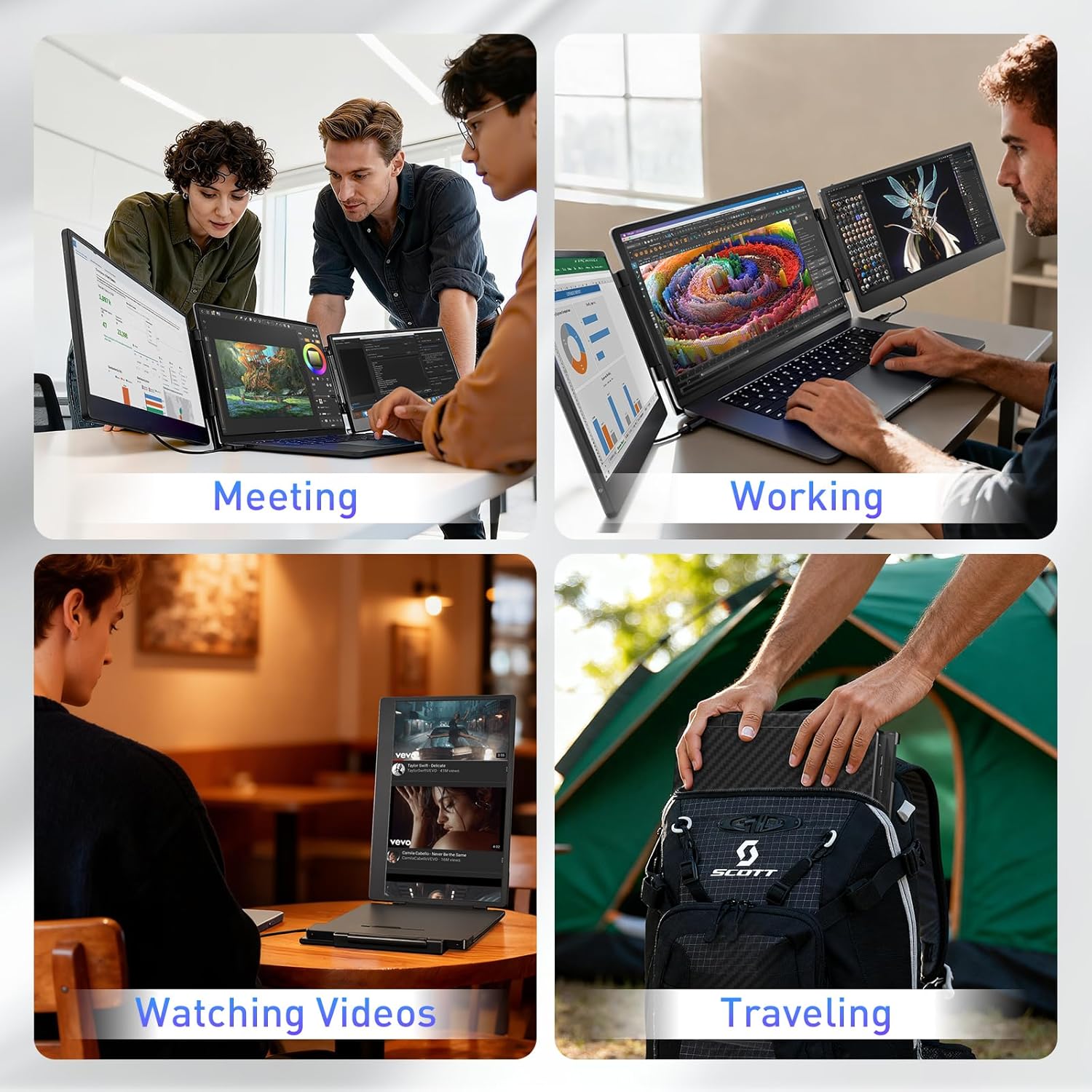
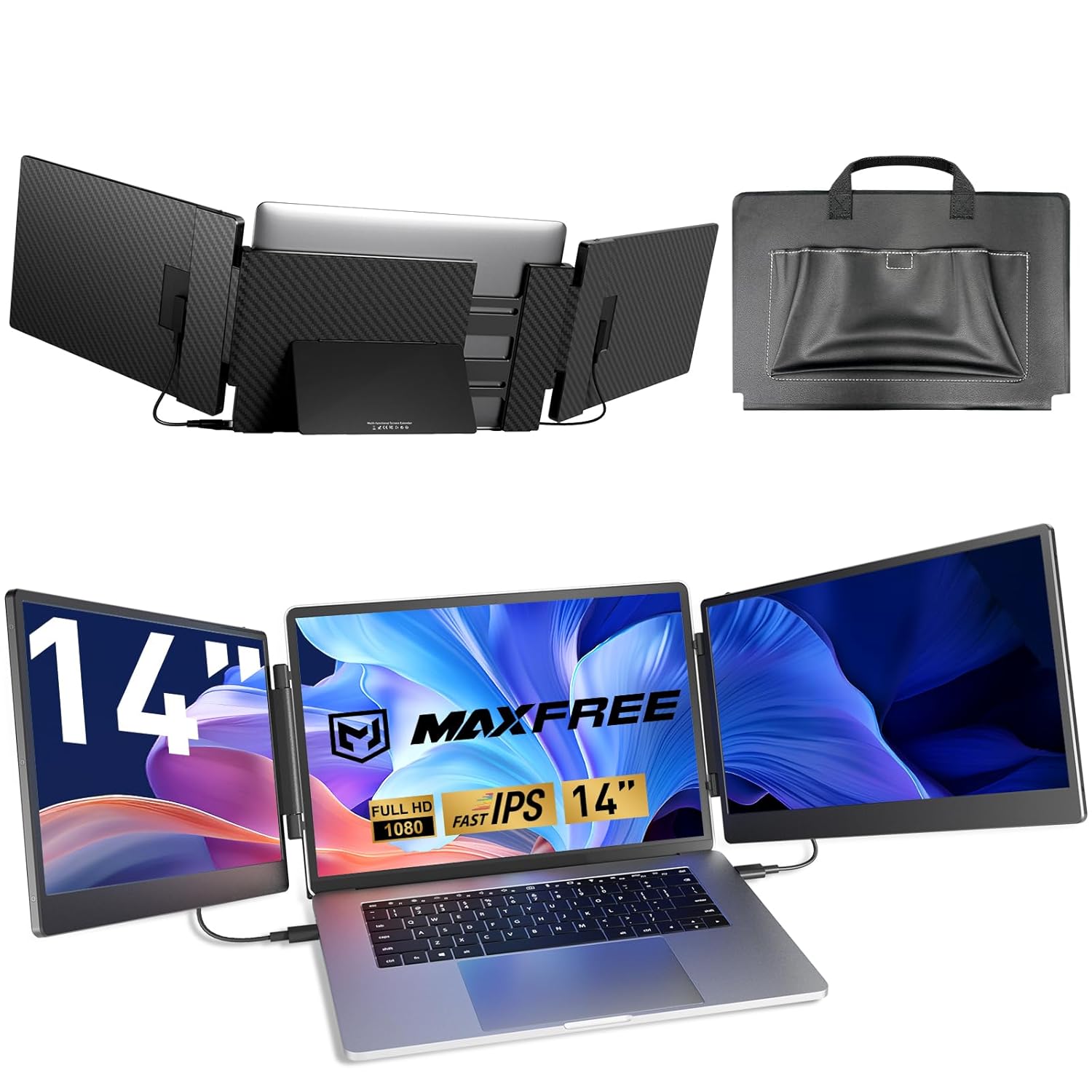
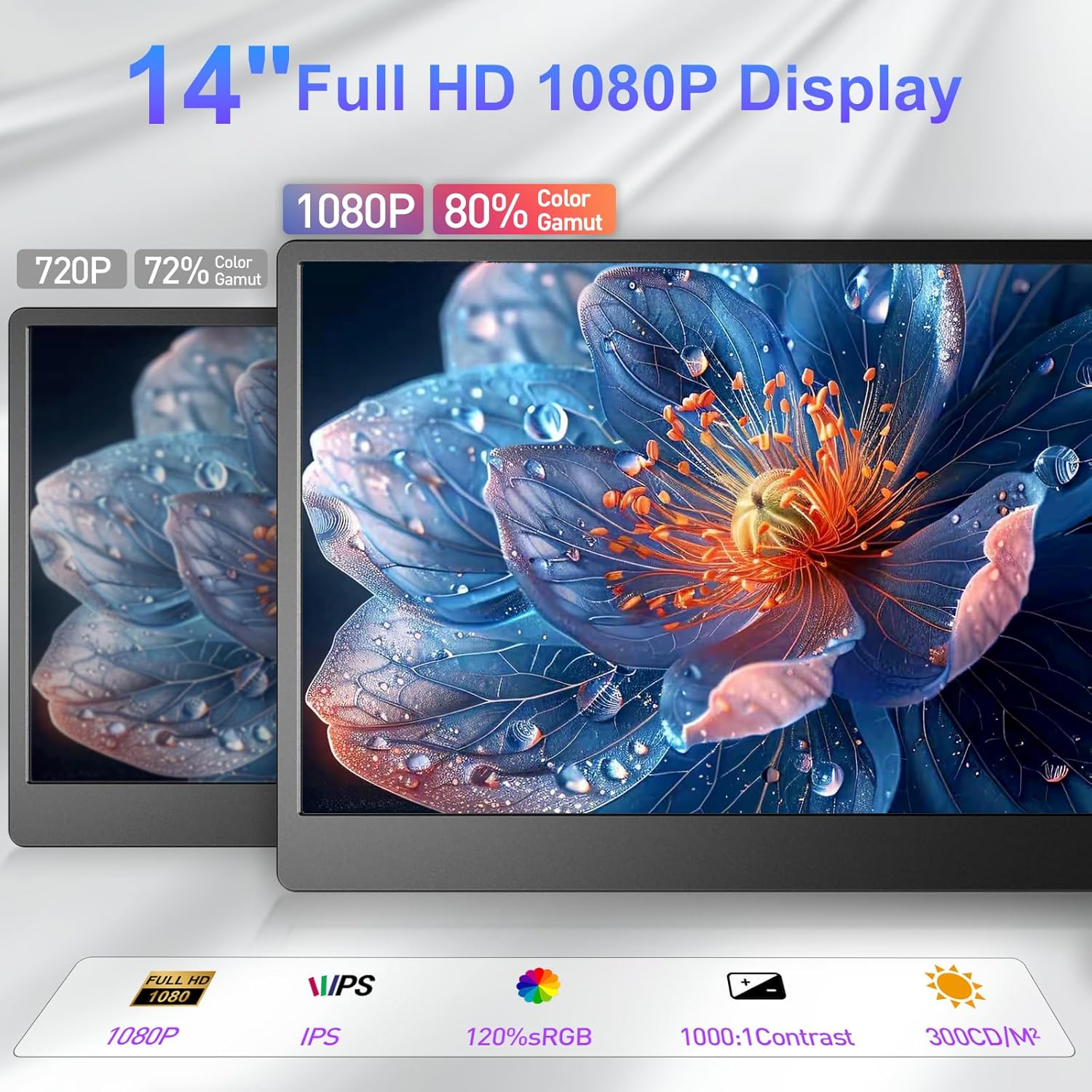
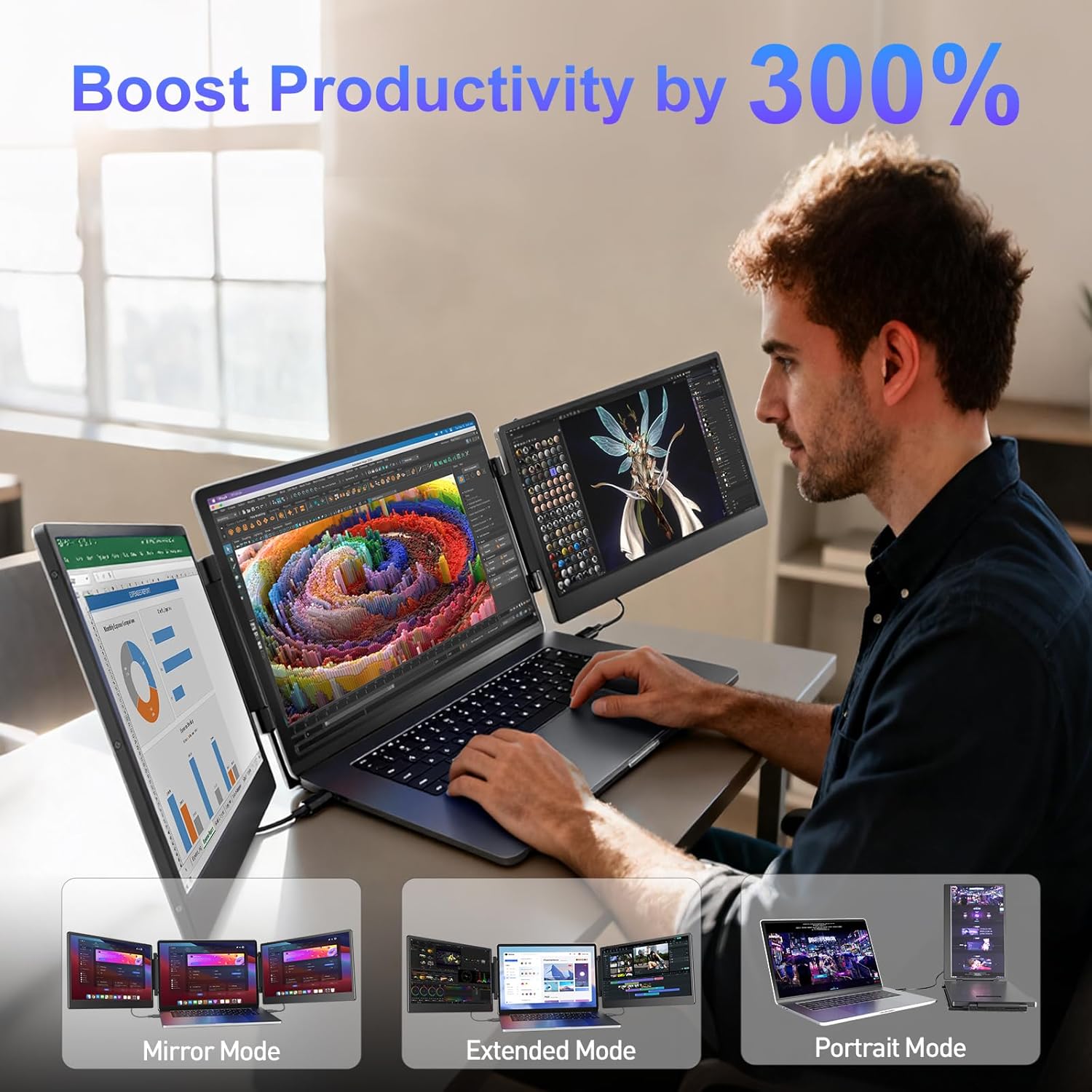
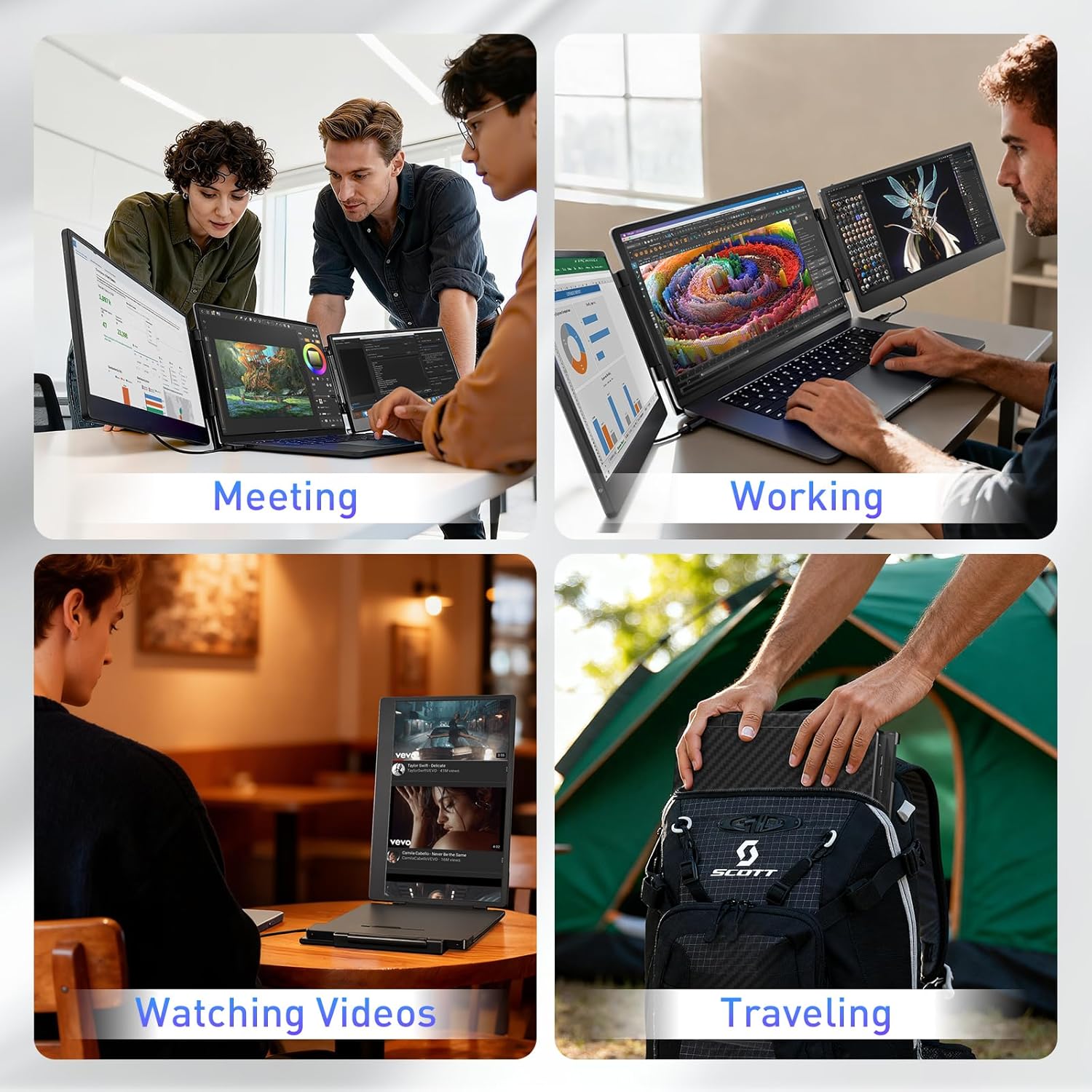

Triple Screen 300% Efficiency Effortlessly expand your laptop to triple screens with this laptop monitor extender easily to open multiple windows and perform multiple tasks simultaneously and boosting your productivity by up to 300%. The monitor extender allows you to easily switch between extended mode mirror mode and portrait mode eliminating the hassle of constantly switching between tabs
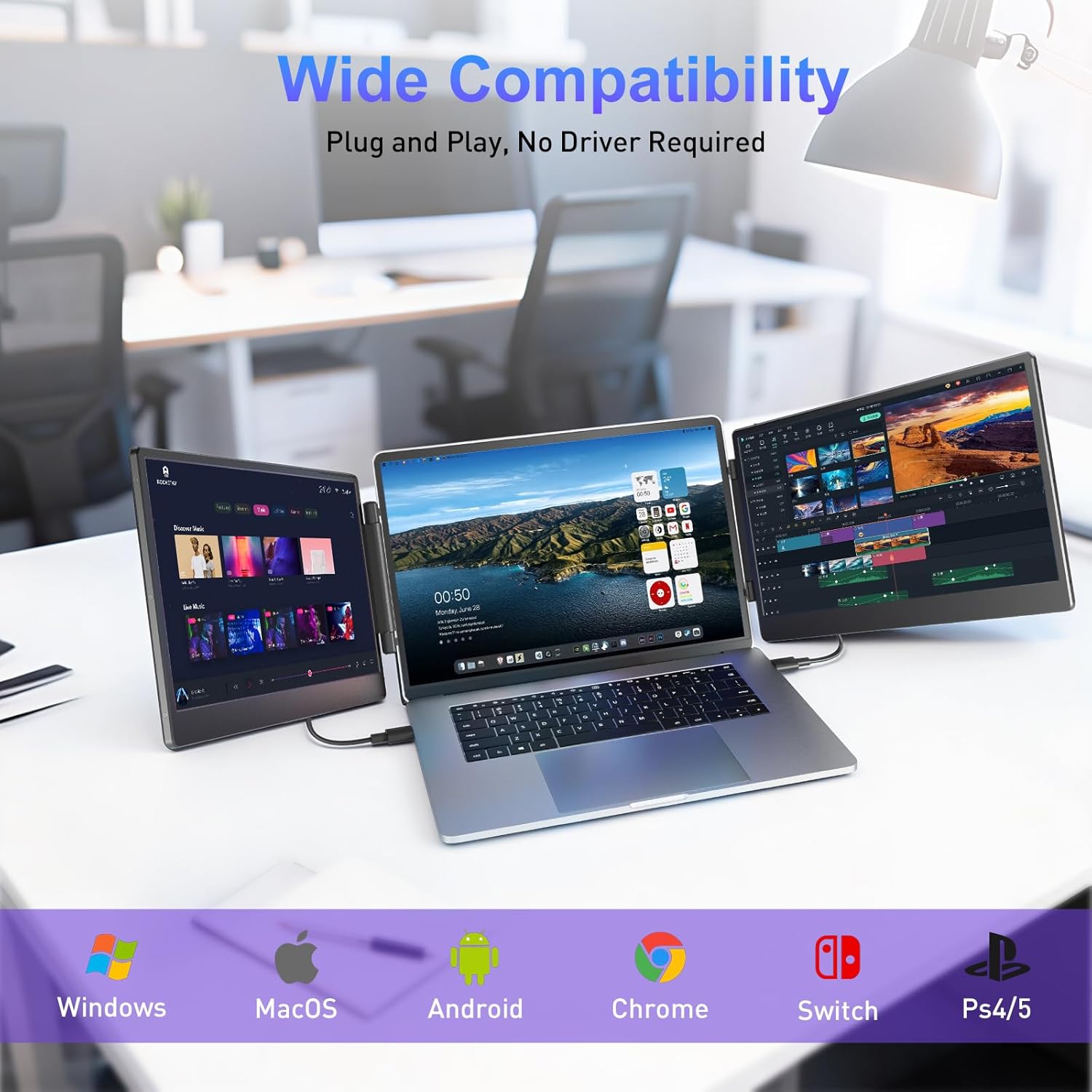
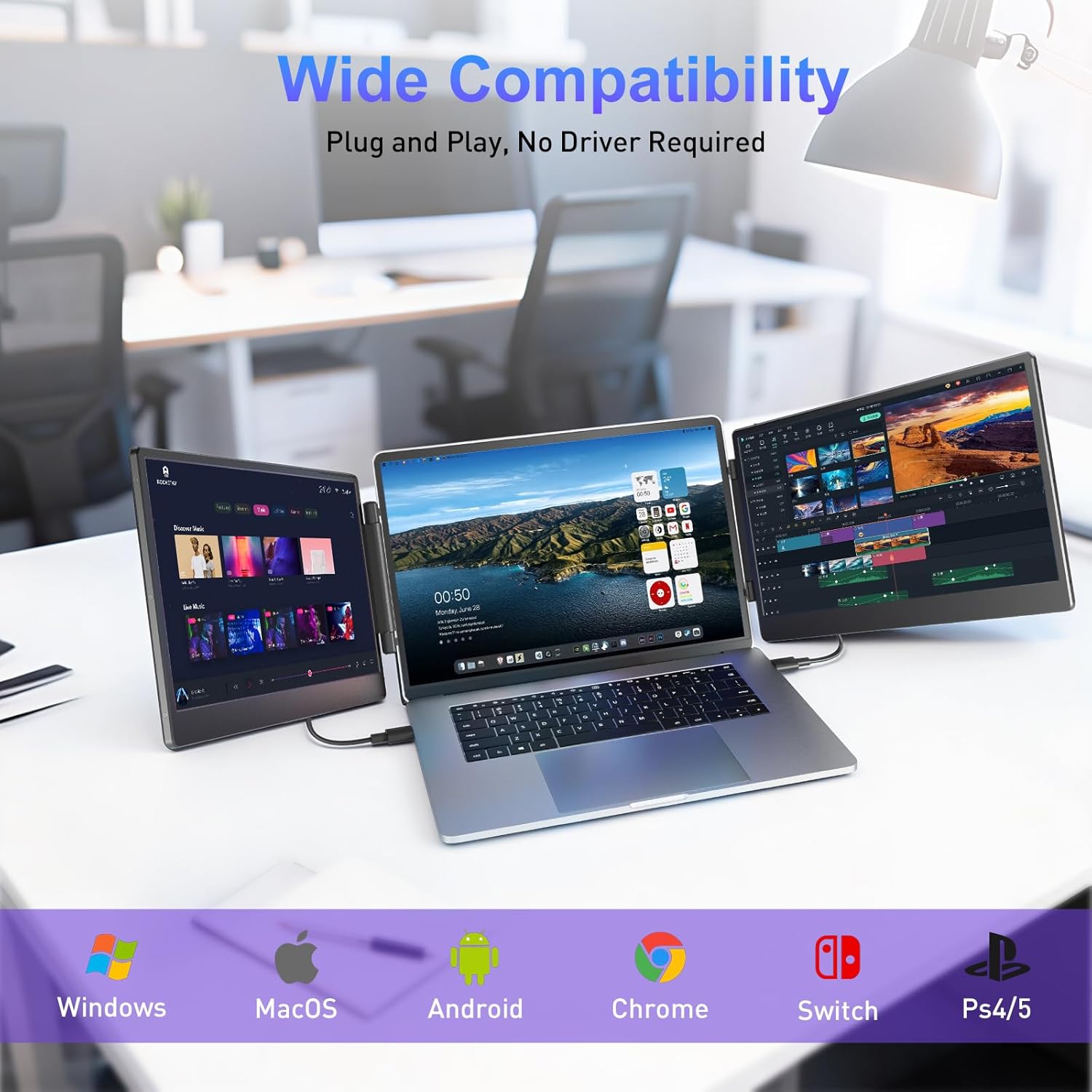
Wide Compatibility & Plug-and-PlayThis laptop extended monitor portable is suitable for 13.3"-16.1" laptops and compatible with Windows MacOS Android Chrome Switch PS4/5 Chrome and more. No driver needed just plug and play for a seamless experience. Perfect for home offices remote work meetings and gaming
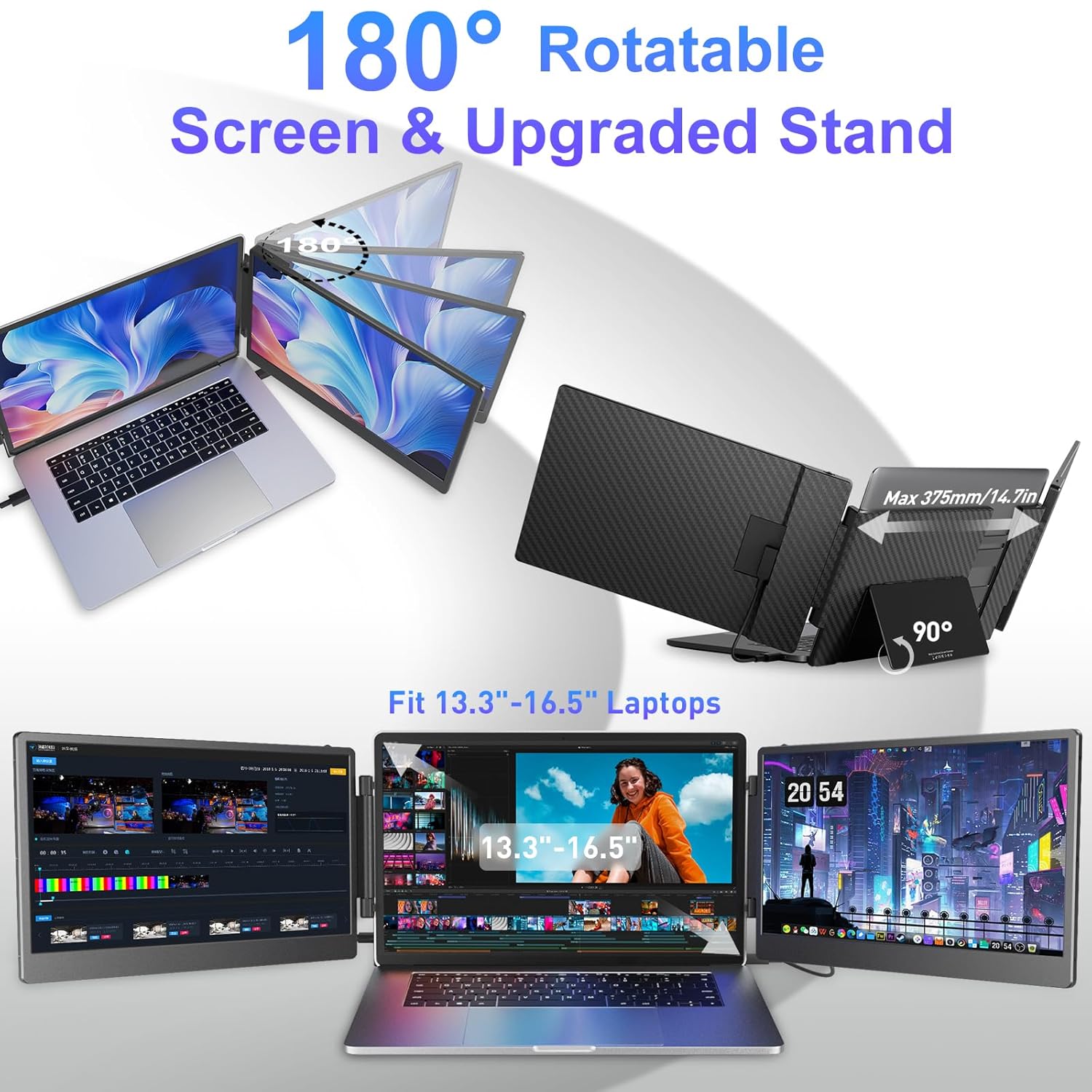
Portable foldable designEach screen of portable monitor for laptop can be adjusted by 180 allowing you to customize your viewing angle for maximum comfort and flexibility.The upgraded widened adjustable 90 bracket provides enhanced stability for both your laptop and the screens in any setup. It also comes with a convenient carrying case ensuring you easy to carry when going out (S3 model weighs 4.5 pounds)
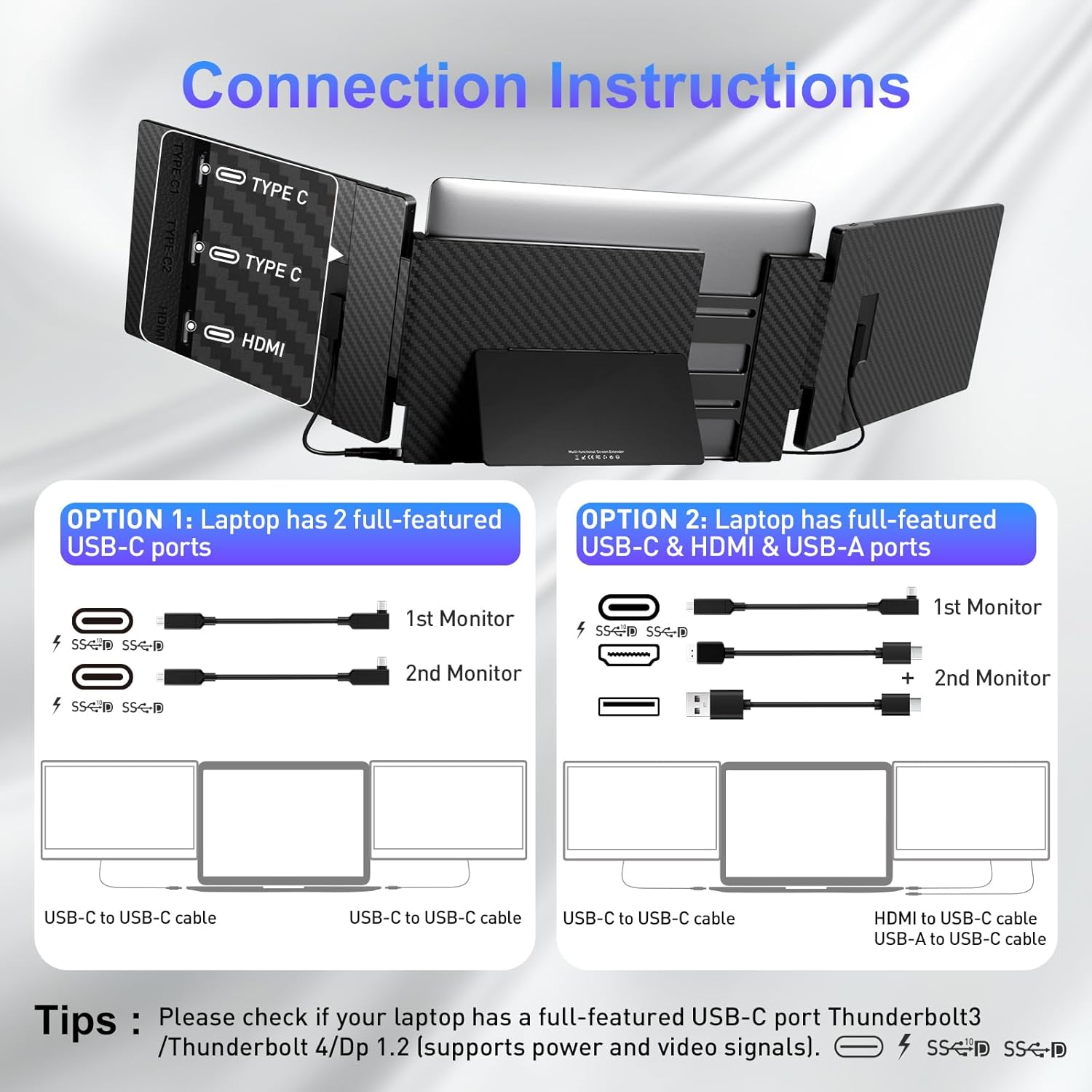
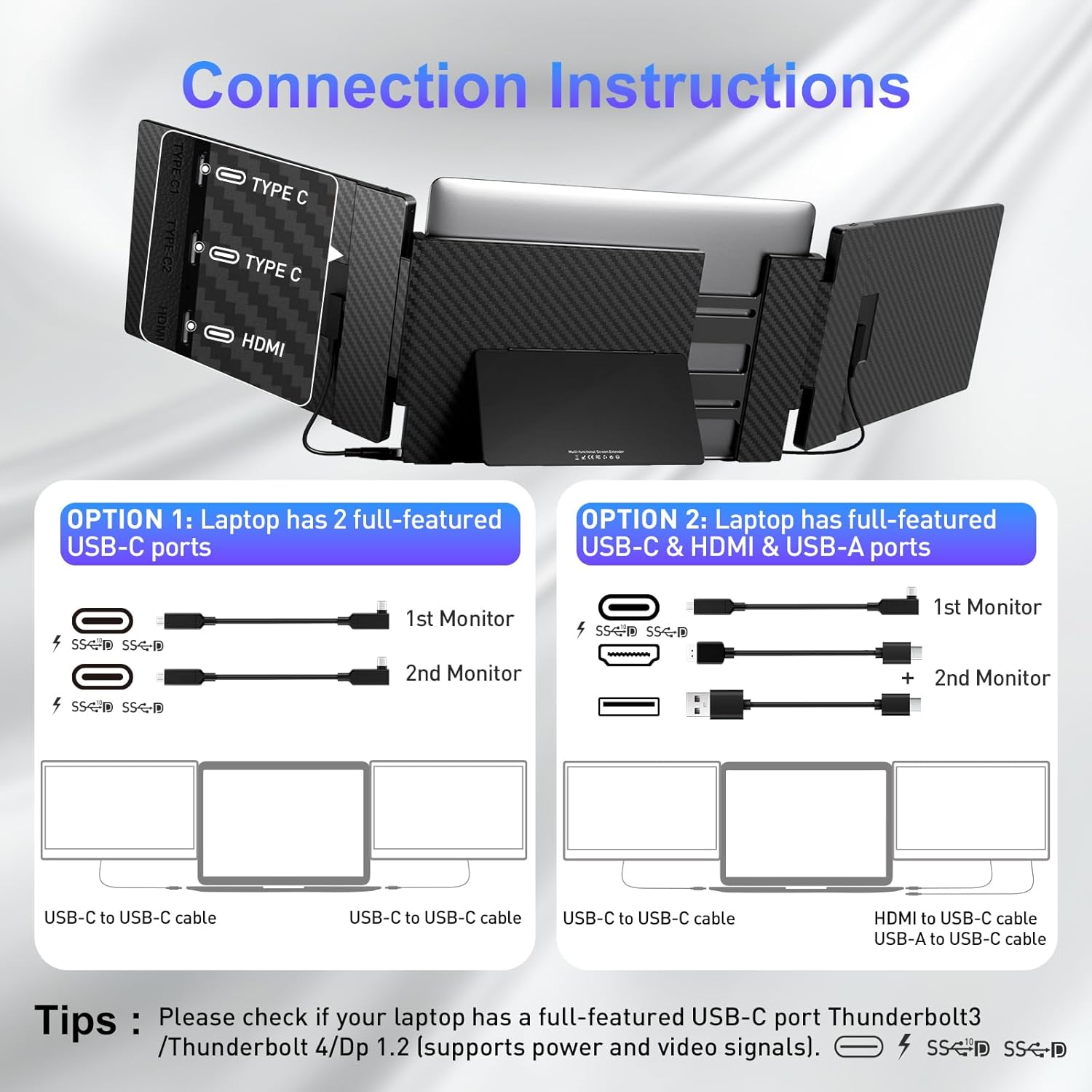
How to ConnectOption 1: Use two full-function USB-C cables to connect to both screens. Option 2: Use one full-featured USB-C cable to connect to one screen and then connect the other screen with one HDMI cable and one USB-A cable(The USB-A cable powers the S3. Without power the display extender shows "No Signal"). Option 3: If your laptop is equipped with M1 M2 M3 or M2PRO chips (MacBook) or if the two previous connection options do not work you will need a custom H5-T accessory to use both screens. Please contact our after-sales support for assistance
Professional and Reliable Support laptop screen extenders have always emphasized customer satisfaction. If you have any questions about the compatibility of the monitor extension for laptop please feel free to contact us and we will get back to you within 24 hours. Our dedicated customer support team is always here to help you make sure your triple monitor continues to work or perform at its best
specific excellent product quality fast delivery efficiency perfect after-sales service enough to satisfy you.
1Save Desktop Space2Multi Display Mode3Widened Back Kickstand4180 Rotatable Screen5Folding for Storage1How to Connect2Connect Option 13Connect Option 24Connect Option 35Connection NotesWhy Choose ?

You have successfully commented, please wait for review
Copied Successfully
You can enjoy up to 1 free gift!