What are you looking for?
Search

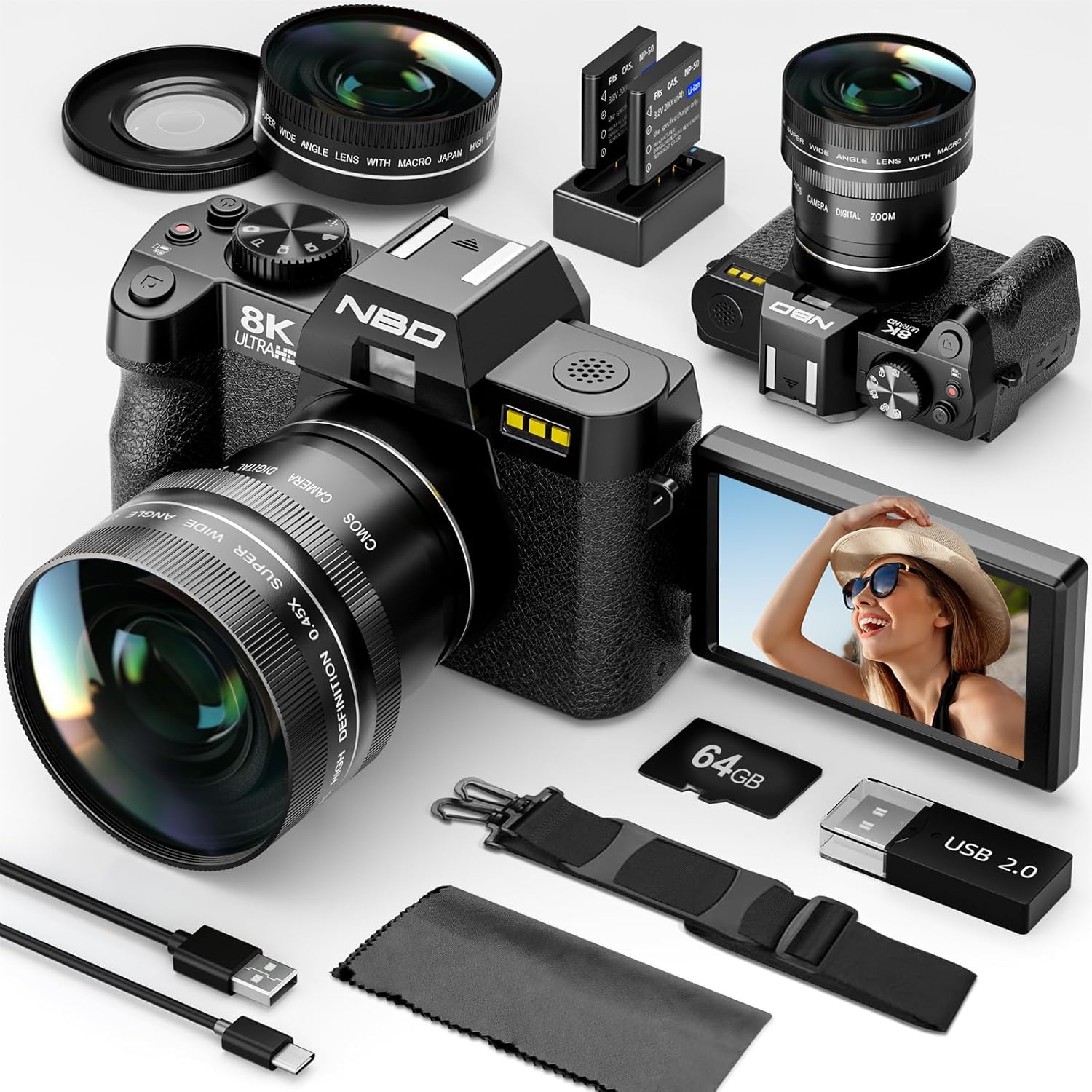
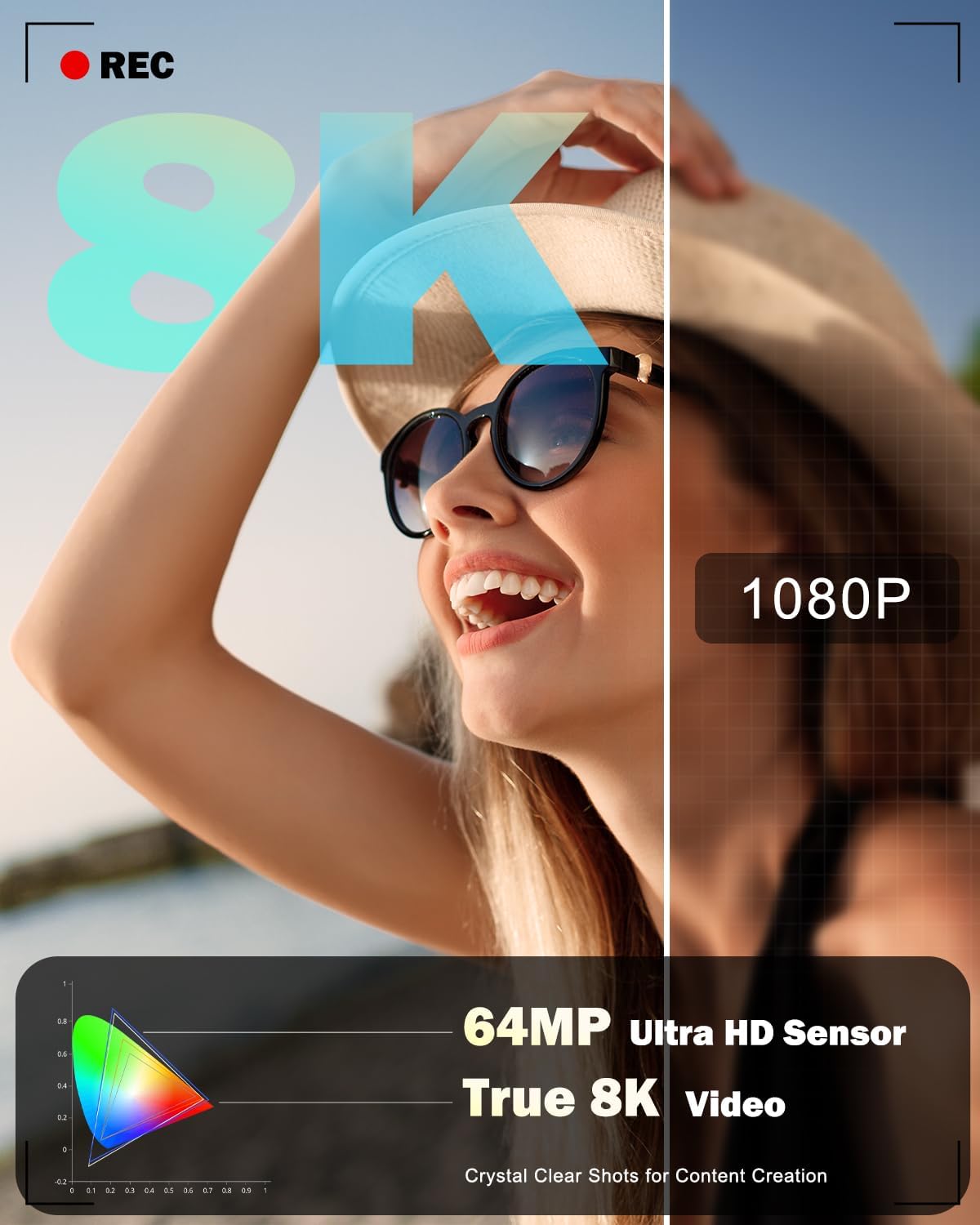
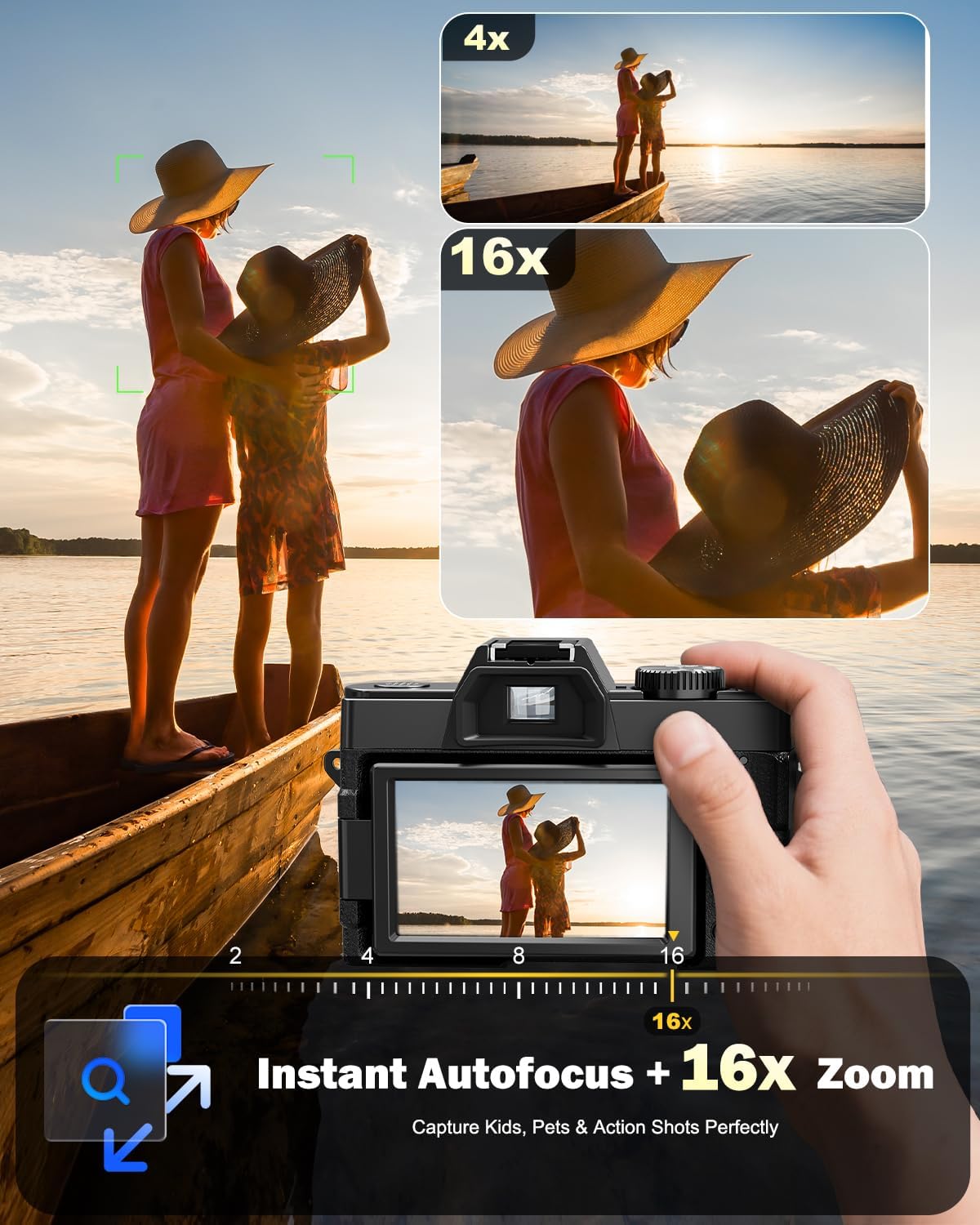
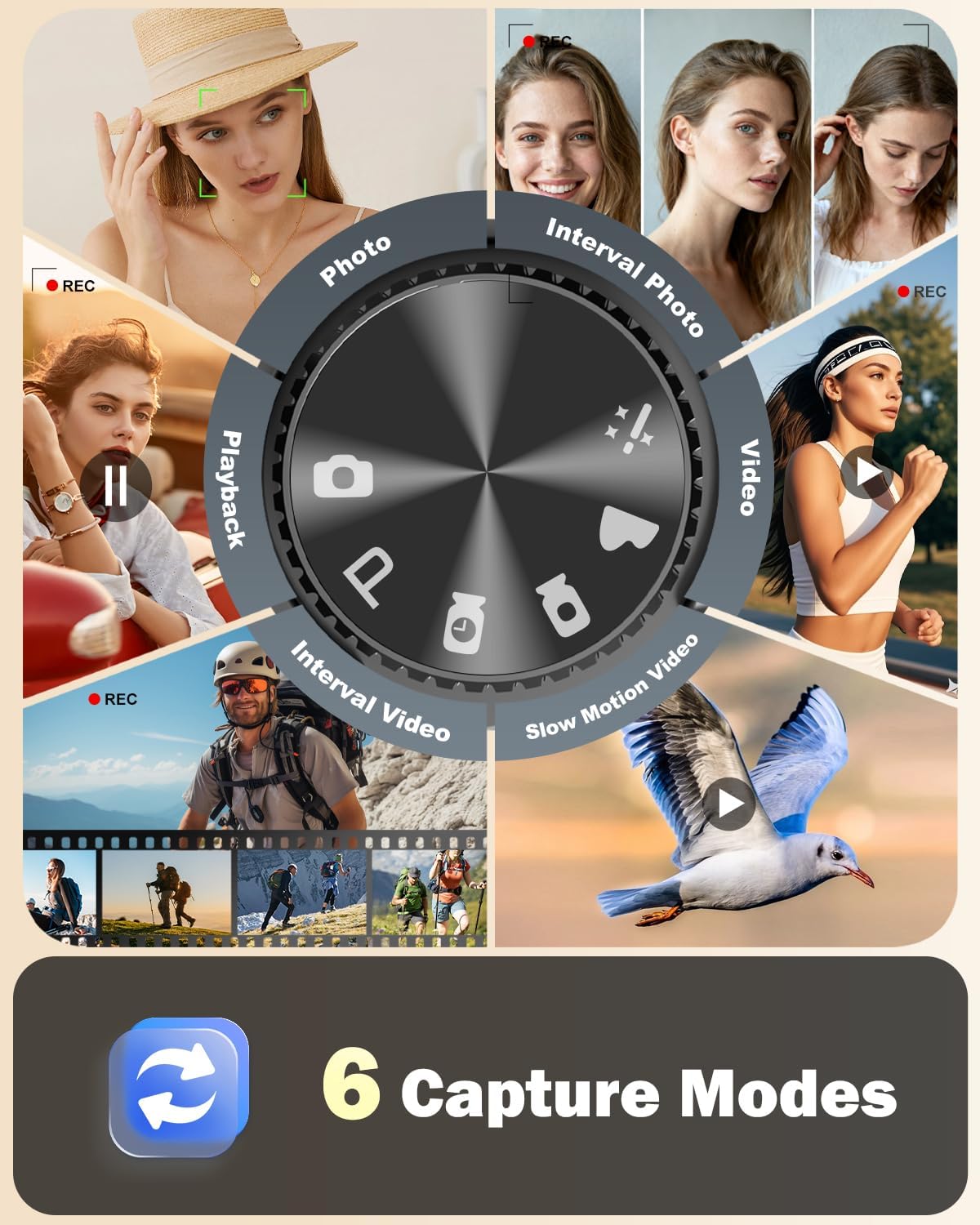
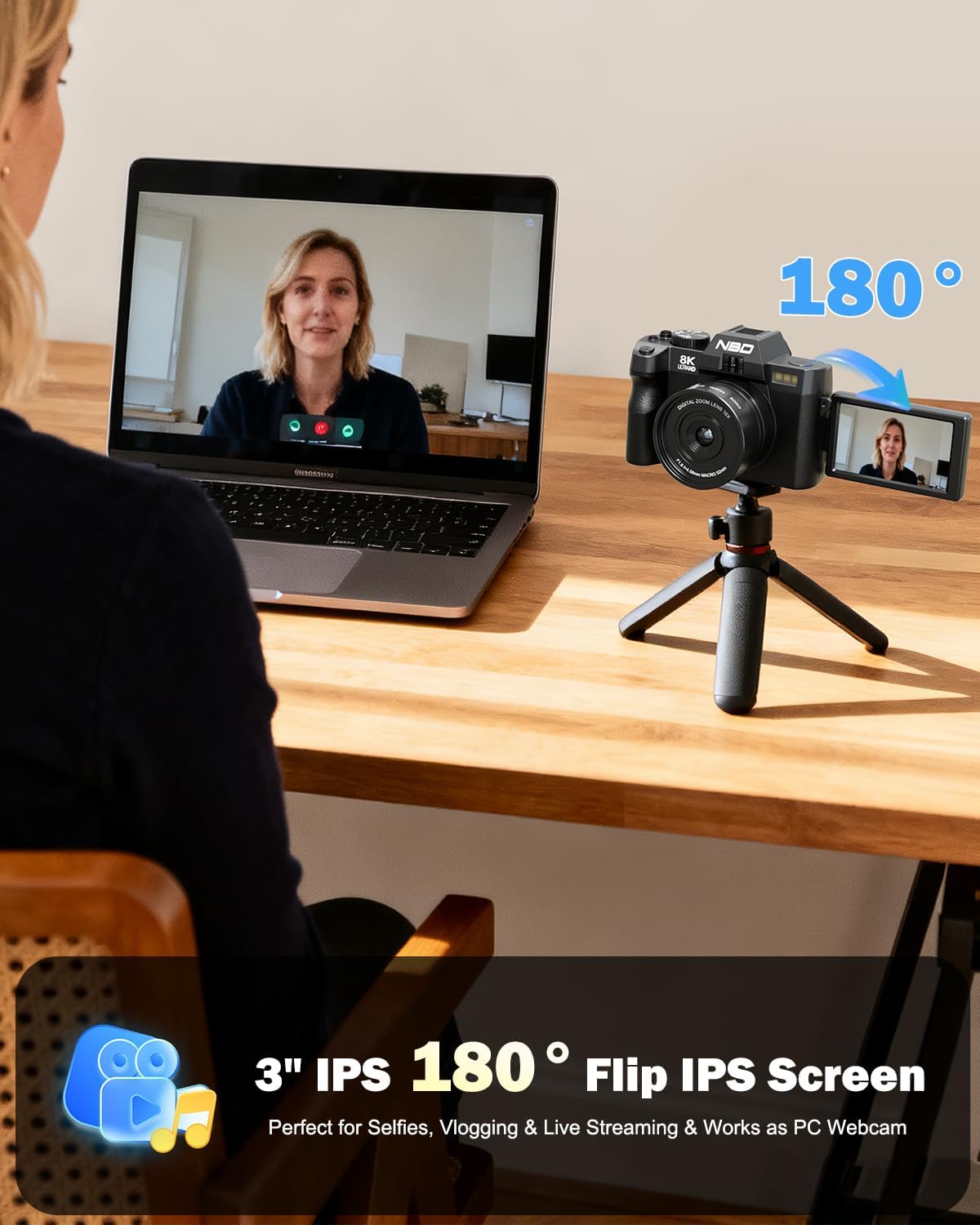
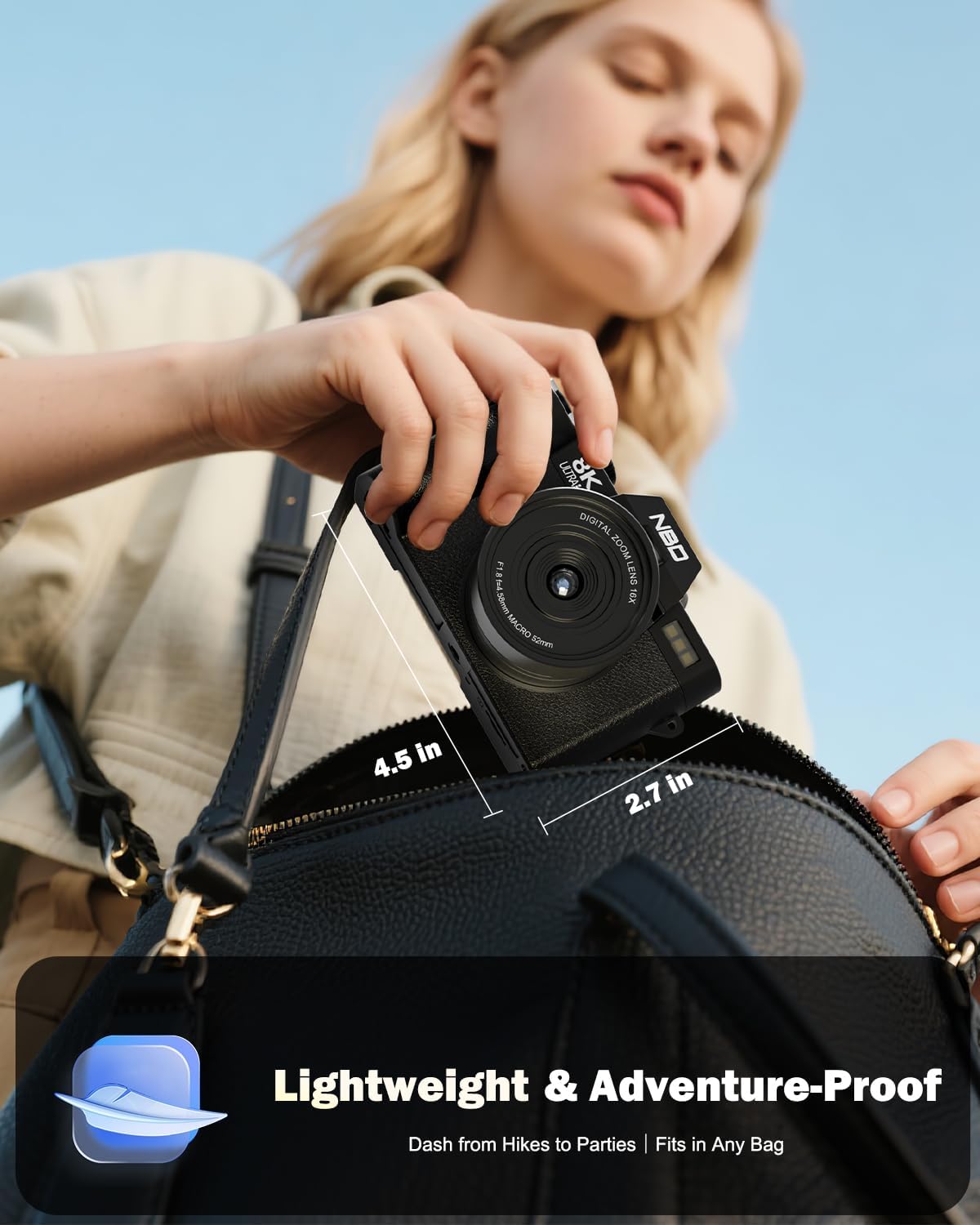
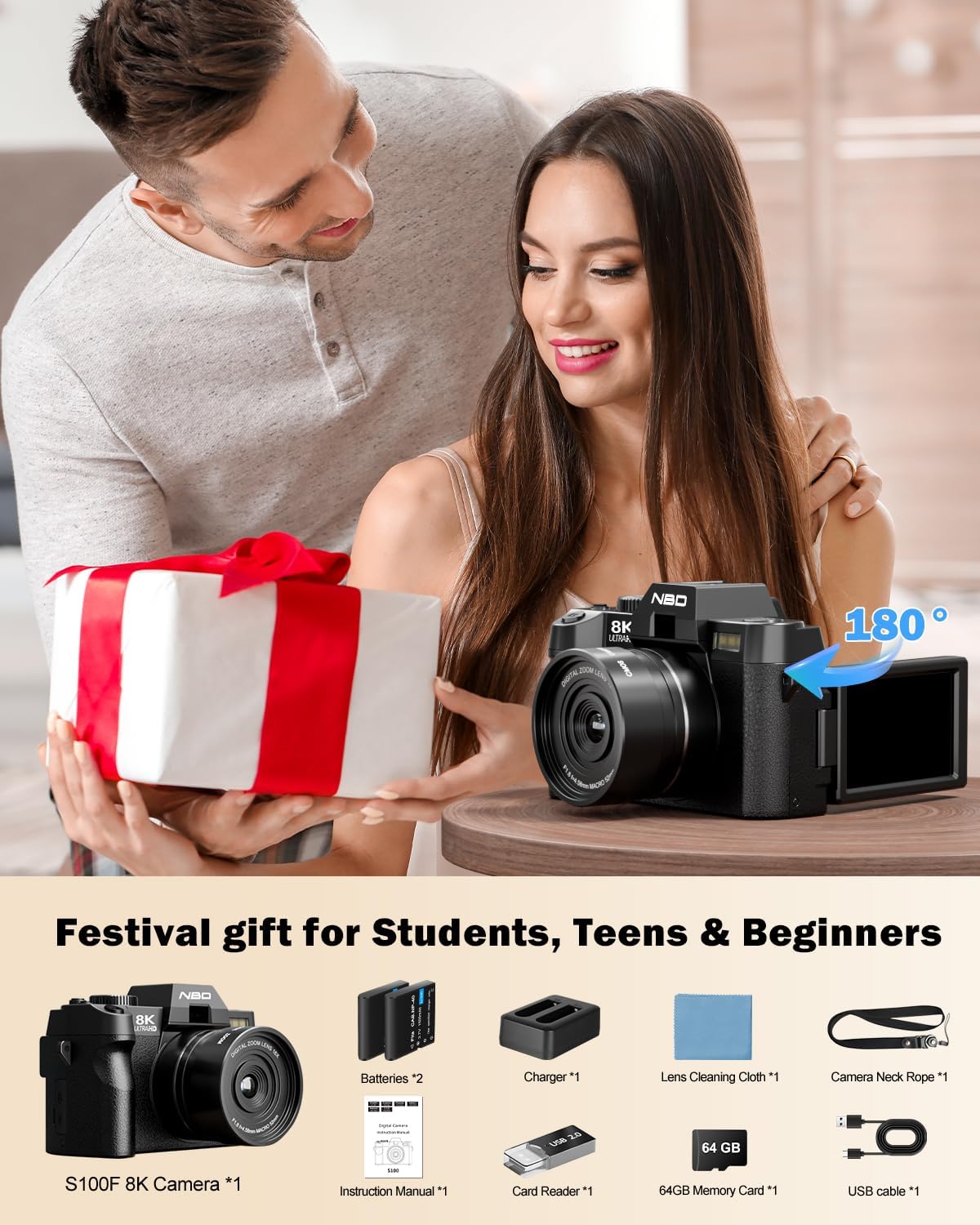
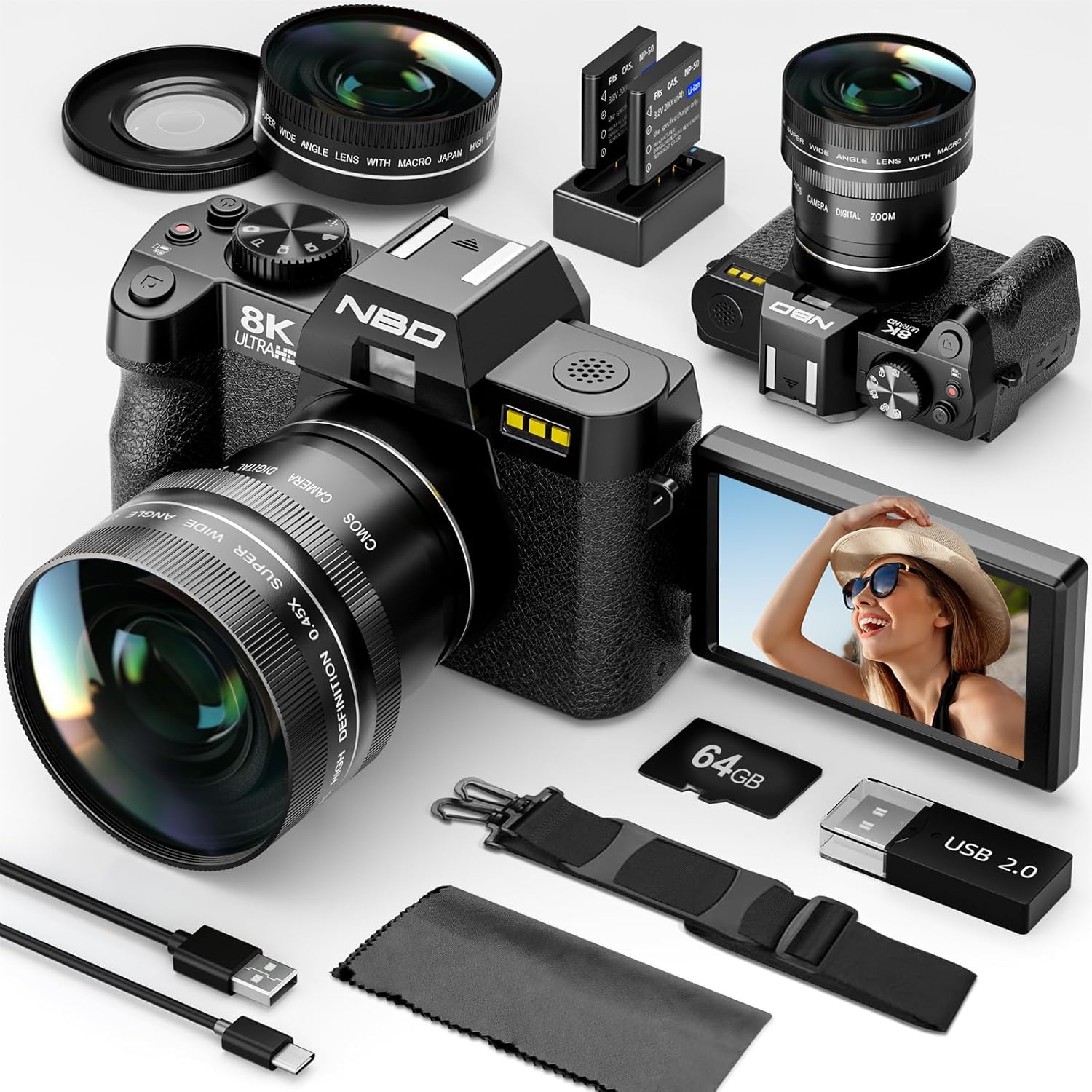
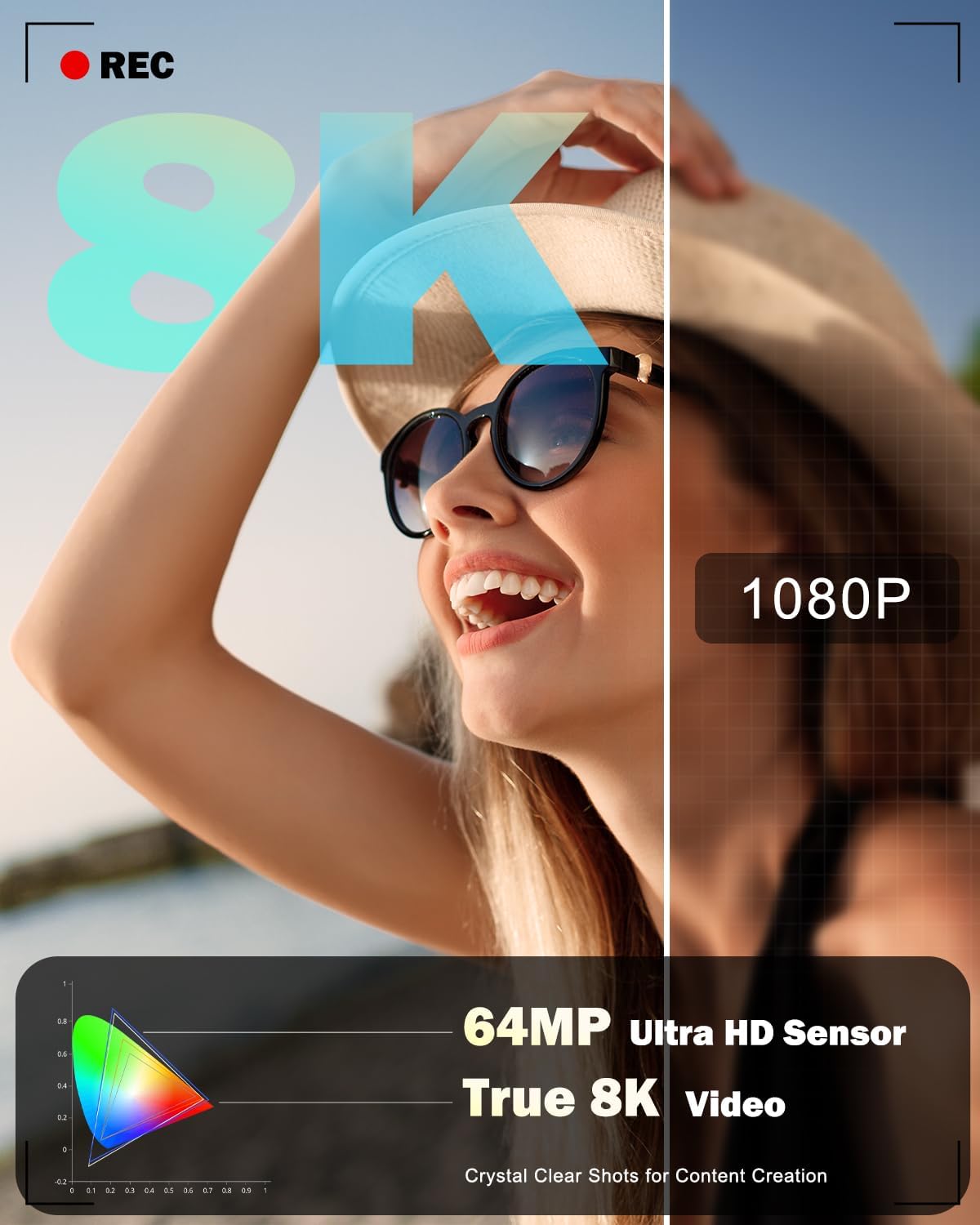
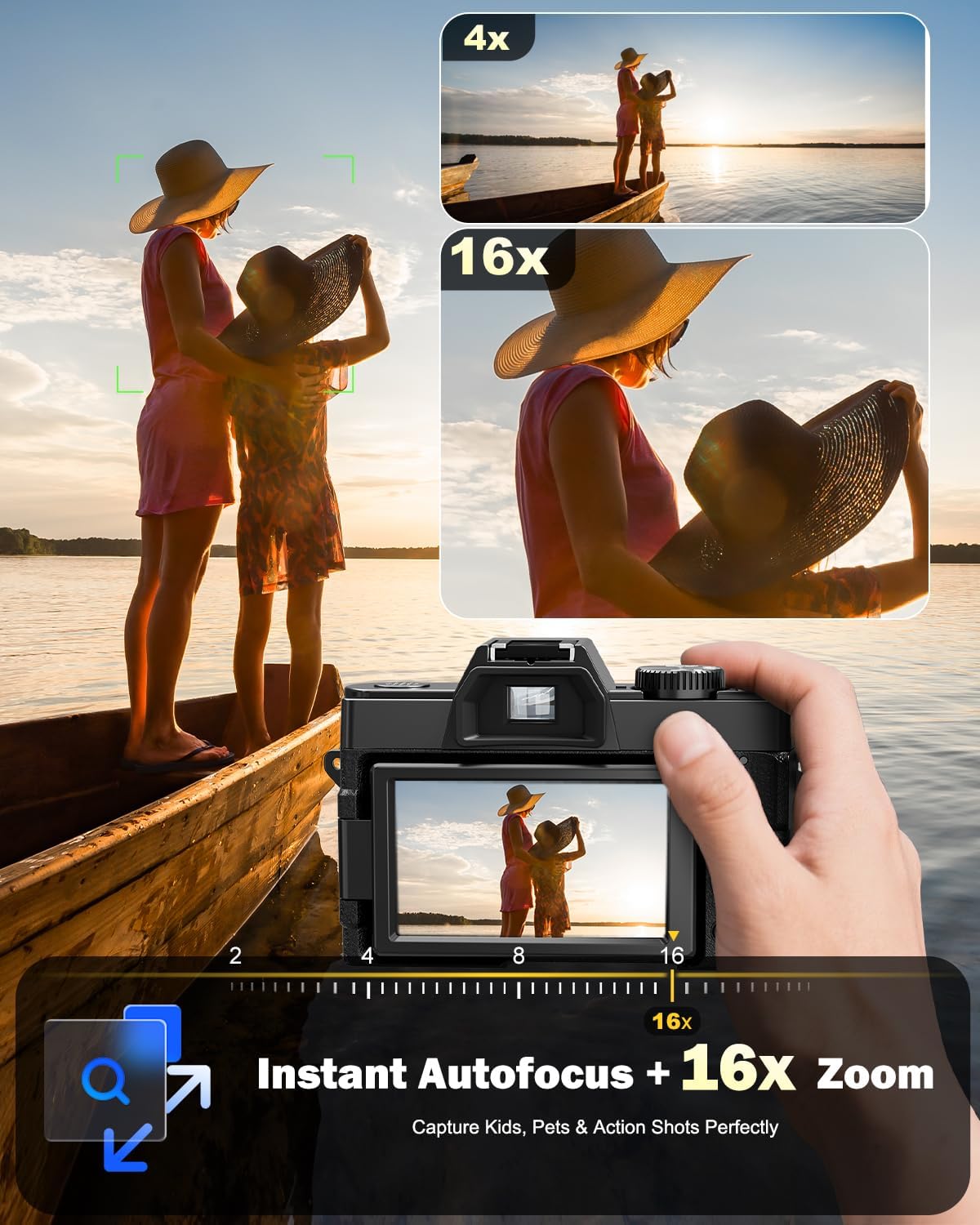
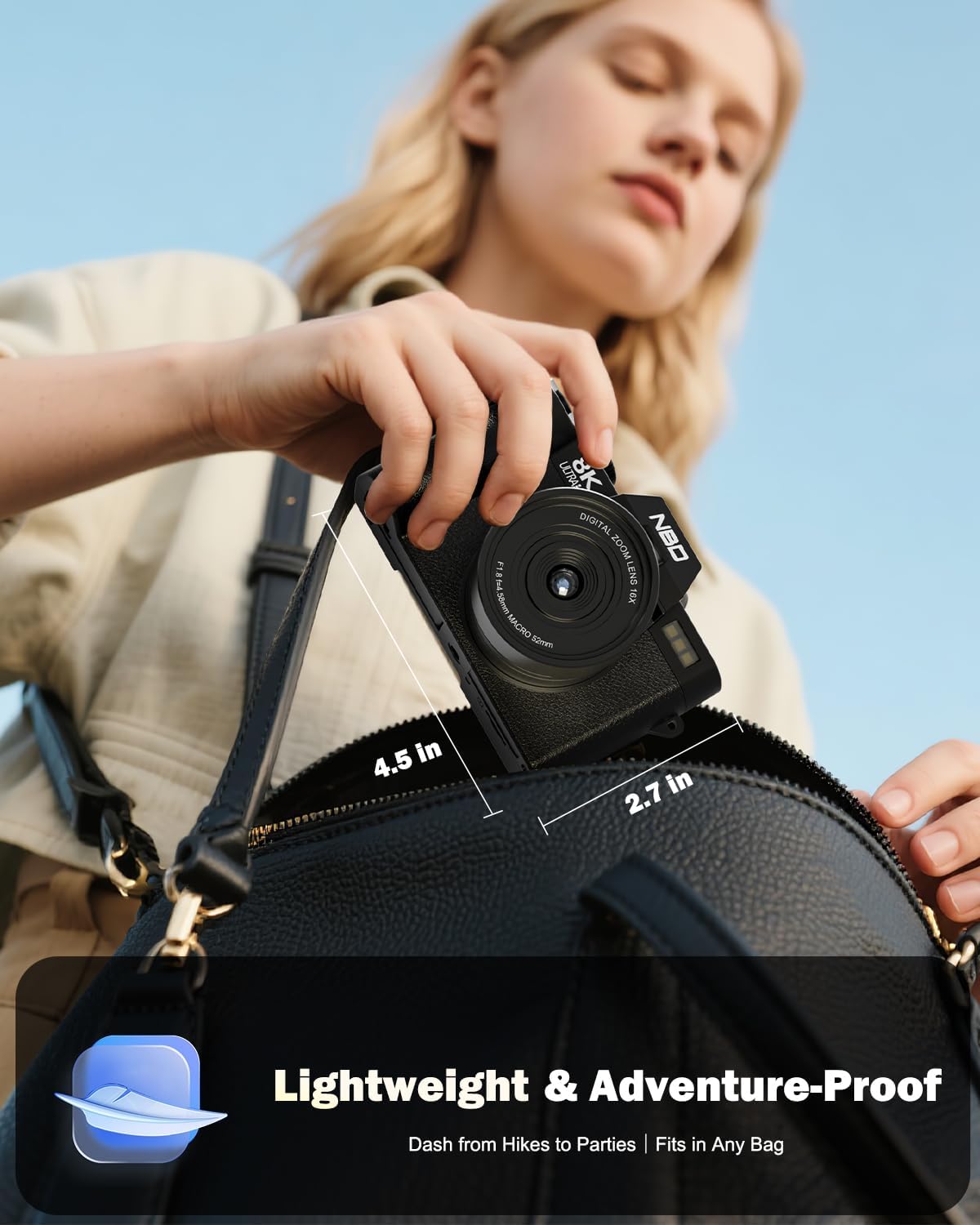

64MP Camera & 16X ZoomCapture stunning 8K videos and 64MP photos with edge-to-edge clarity featuring 16X digital zoom for sharp close-ups and a detachable wide-angle lens for immersive perspectives. With factory-tuned exposure and focus its easy to shoot pro-level contentideal for travel daily photography and social media storytelling.
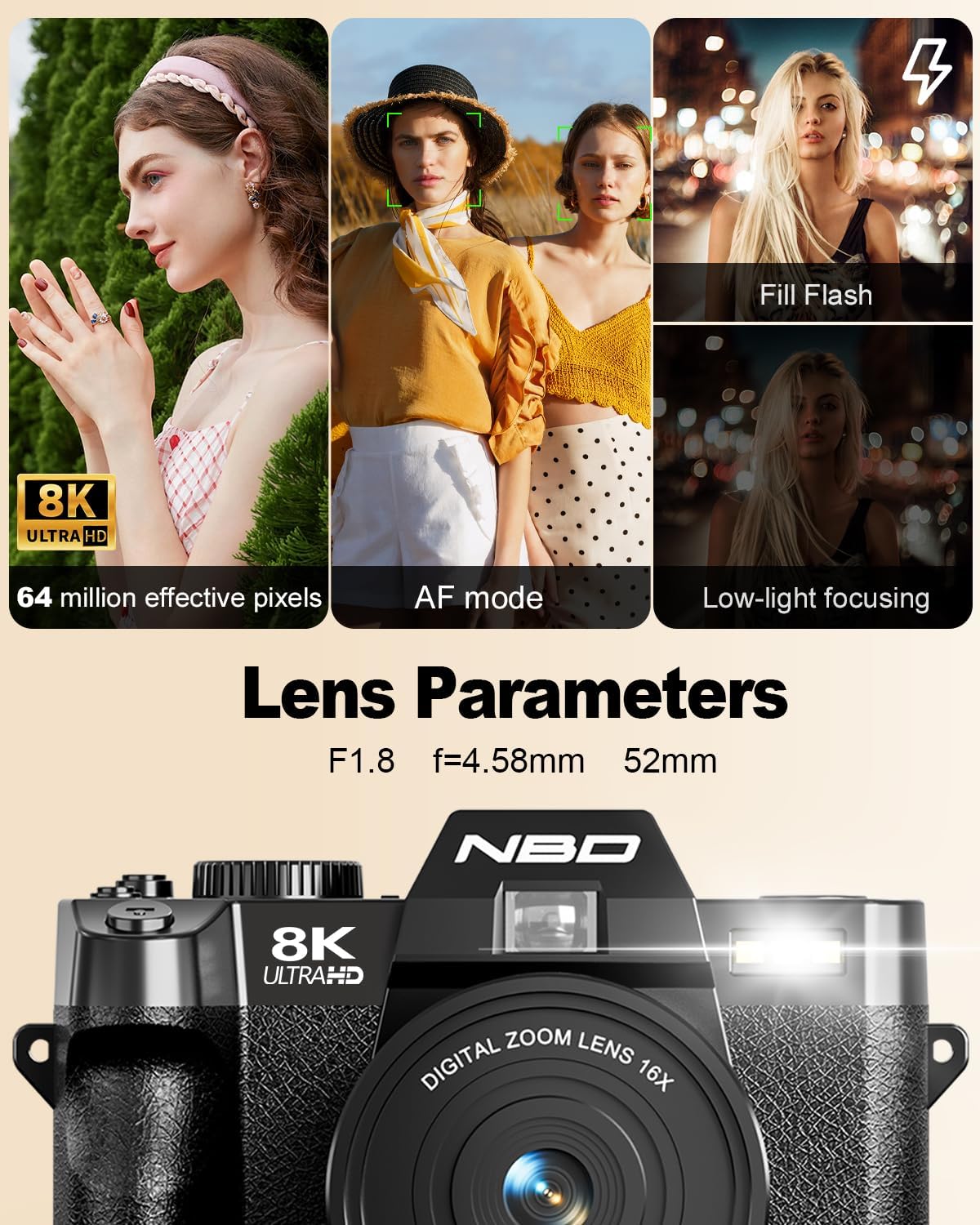
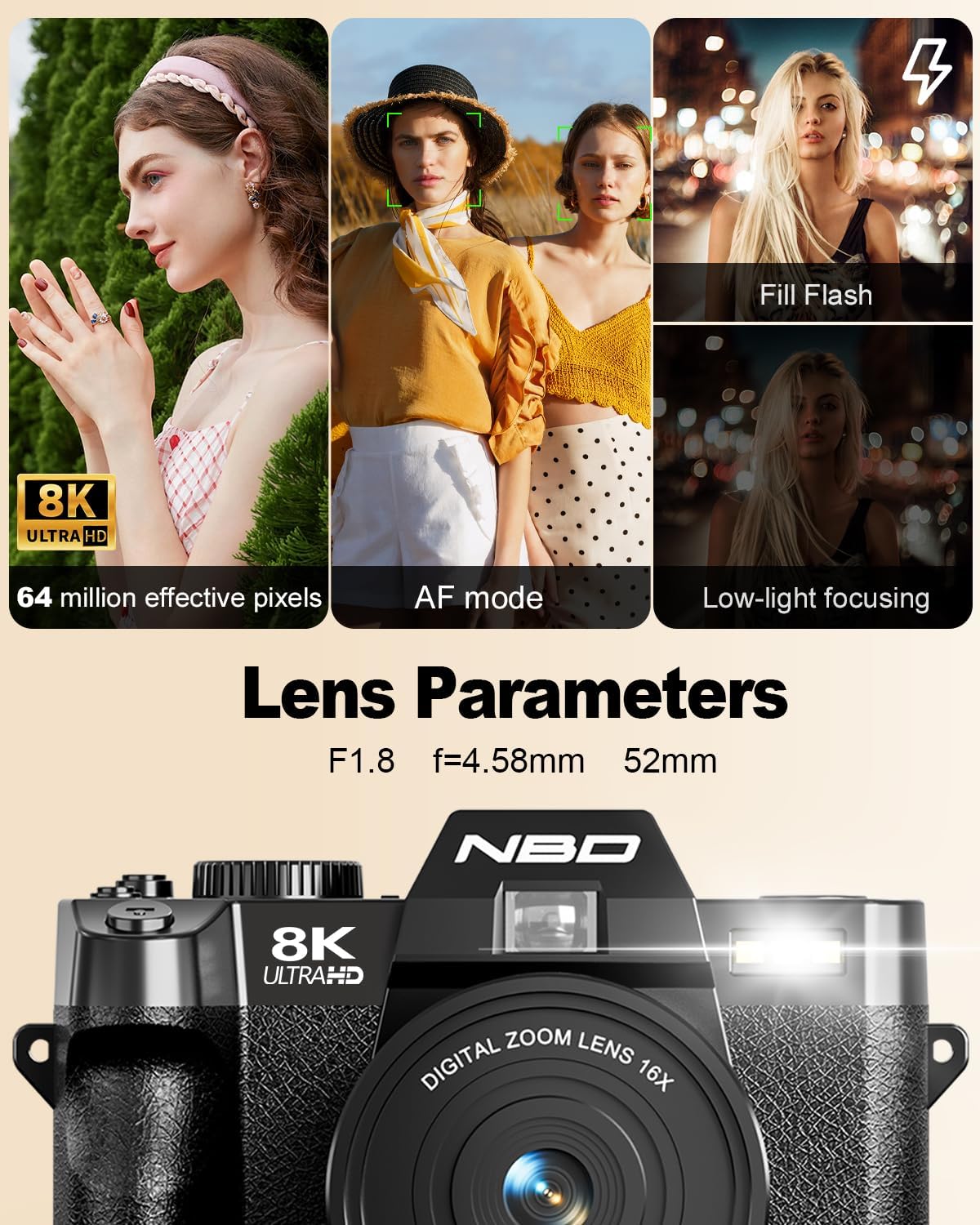
User-Friendly Professional CameraFor photo lovers our 8K photography digital camera is a great choice. With a 52mm F1.8 lens and 64mp pixels it offers sharpness great bokeh & top imaging. Auto-focus is responsive even in low-light. It's super user-friendly point and shoot for beginners to capture life's moments.
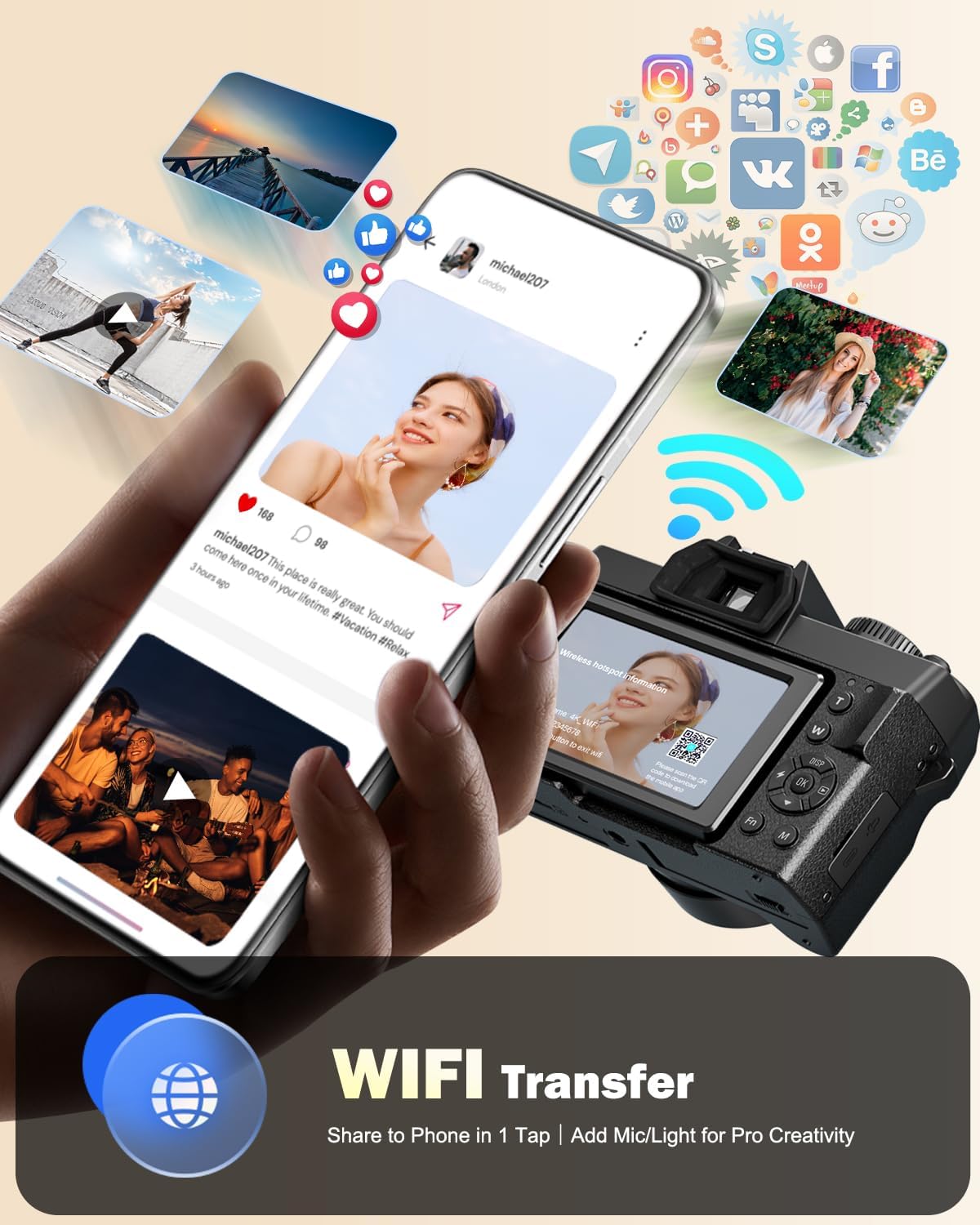
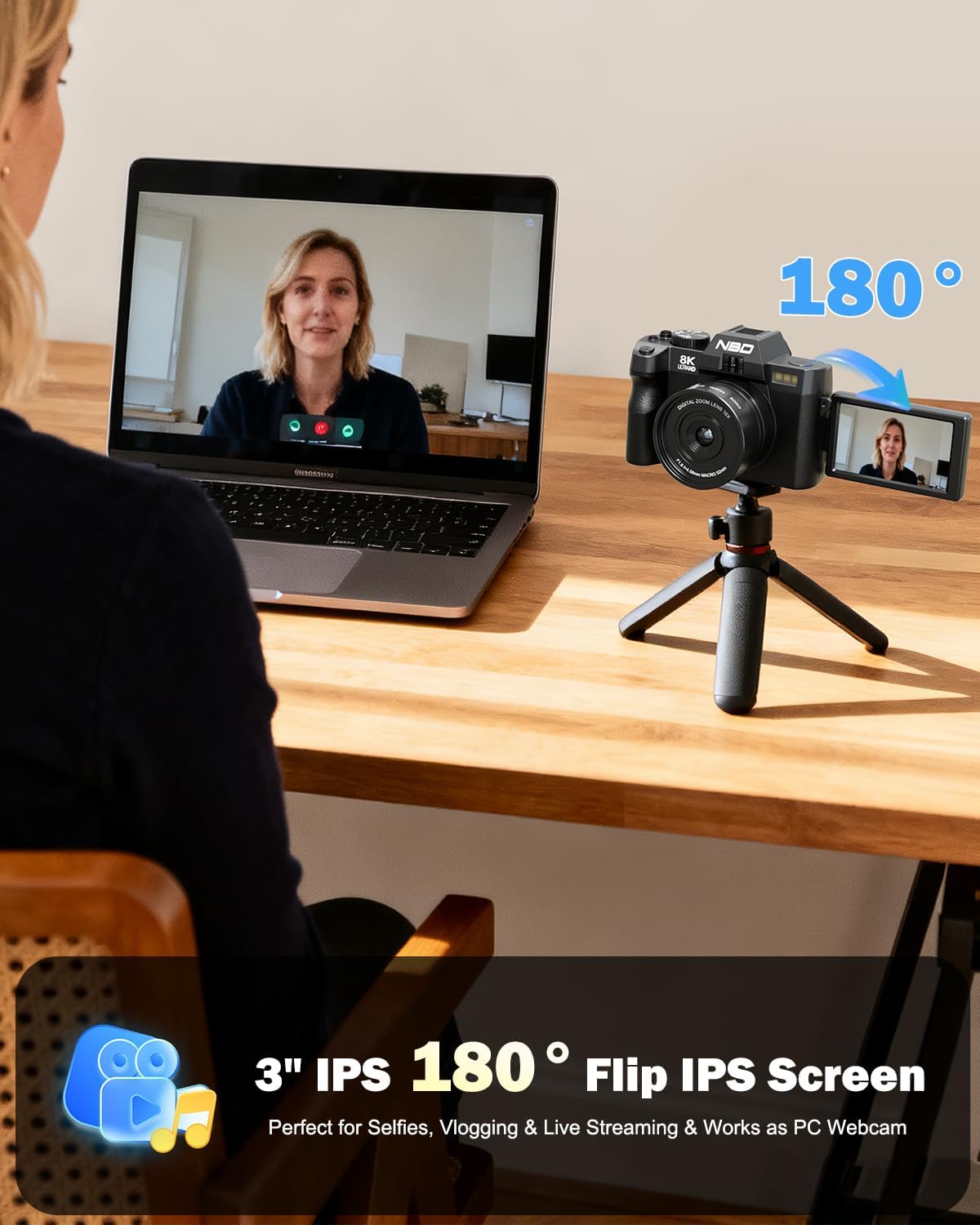
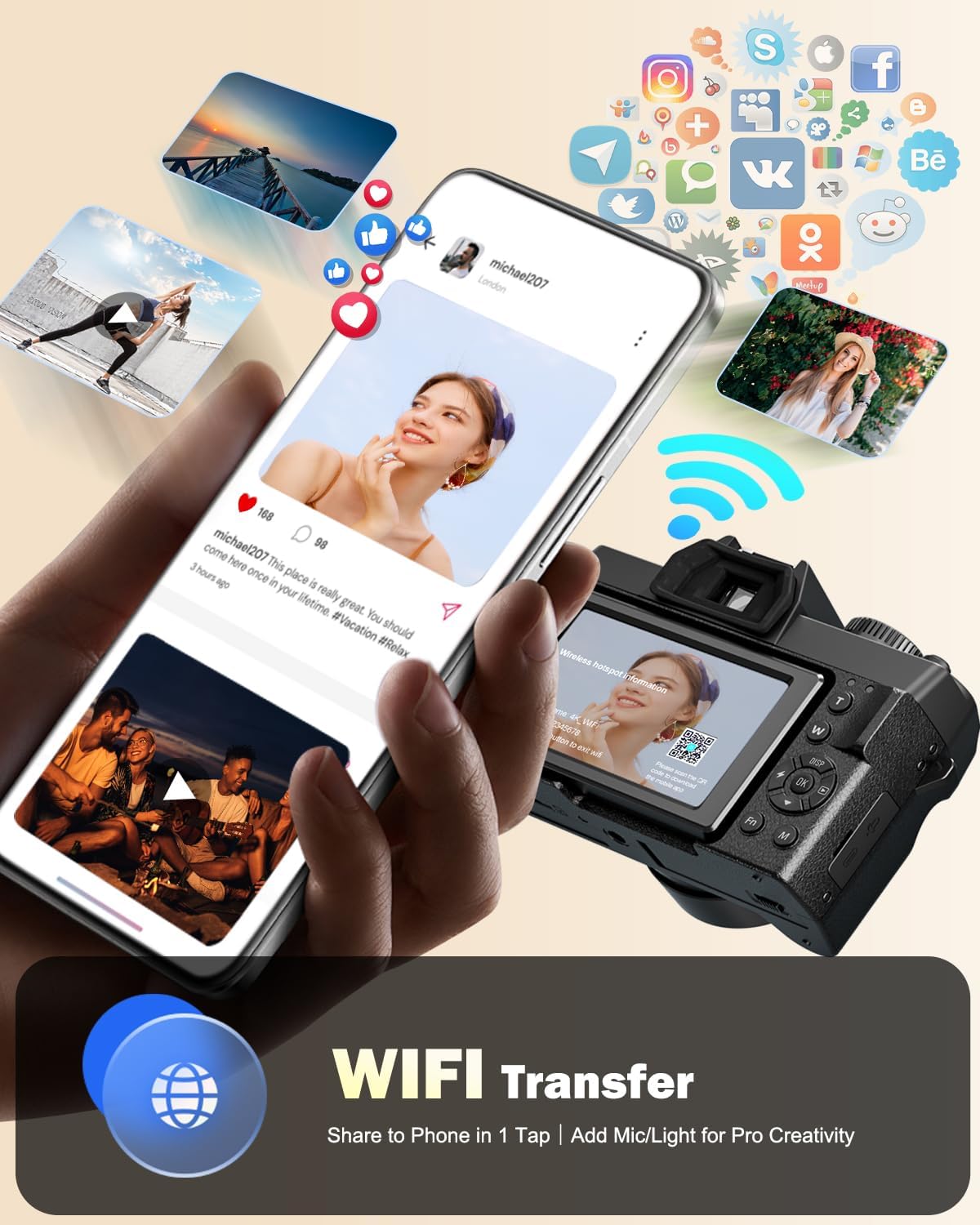
WiFi Connection & APP ControlSync the video camera to your phone via WiFi for remote framing bulk photo transfers (with next-gen speed) and instant sharing to Instagram. A dedicated tripod mount enhances stability for live streaming.
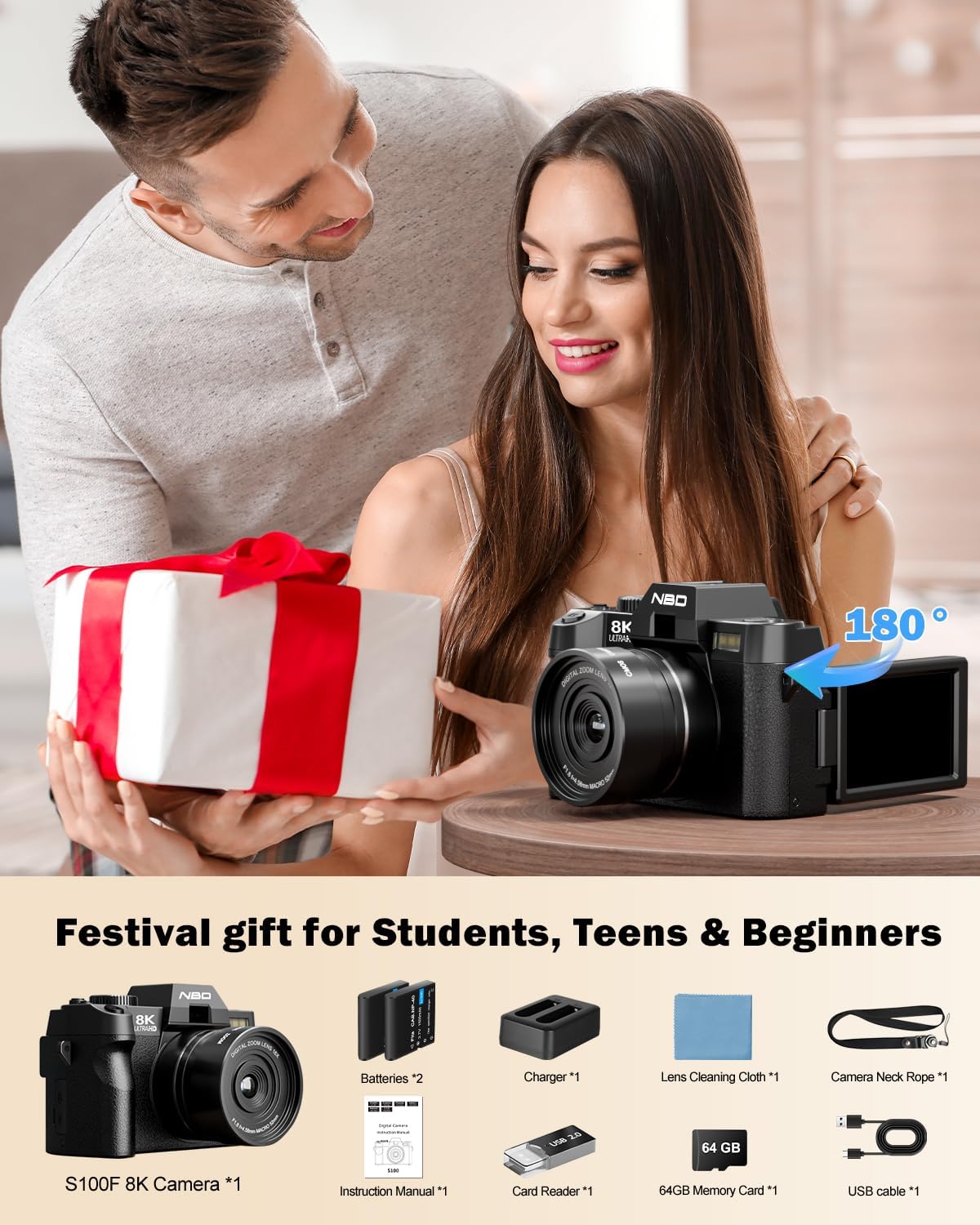
Best Gift & Abundant FreebiesThe package contains a 8K camera 52mm Wide angle & Macro lenses 2 batteries charger strap pouch 64GB TF card set & USB cable. Loaded with accessories no need for extra buys. This camera is a knockout gift for photo enthusiasts.
164MP AF Camera2Precise AF in Low Light3Anti-Shake4Creative Filter Presets5Swift Image Transfer1Action Photography2Life Photography3Portrait Photography4Landscape Photography
How do I manually enable the 8K video mode for the first time using the camera?
The camera's default video setting is 5K/30FPS switch to 8K in 2 steps: 1. Rotate the top mode dial to "Video Mode" ; 2. Press the side FN button select "video resolution" in the pop-up menu and switch directly to 8K/15FPS to start recording.
How do I use the Wi-Fi function?
1. Press the "M" button open Settings find "WIFI" and enable it;2. Scan the code on the pop-up page to download the dedicated APP;3. Open the APP and connect to the corresponding "WIFI name" as prompted to use the WIFI function.
How do l install the Memory Card?
Locate the memory card slot at the bottom of the camera insert the included TF card (or your own) and a click sound indicates successful installation.
How to use autofocus while shooting?
Half-press the shutter button on the top of the camera (marked with a camera icon) and the camera will quickly autofocus.
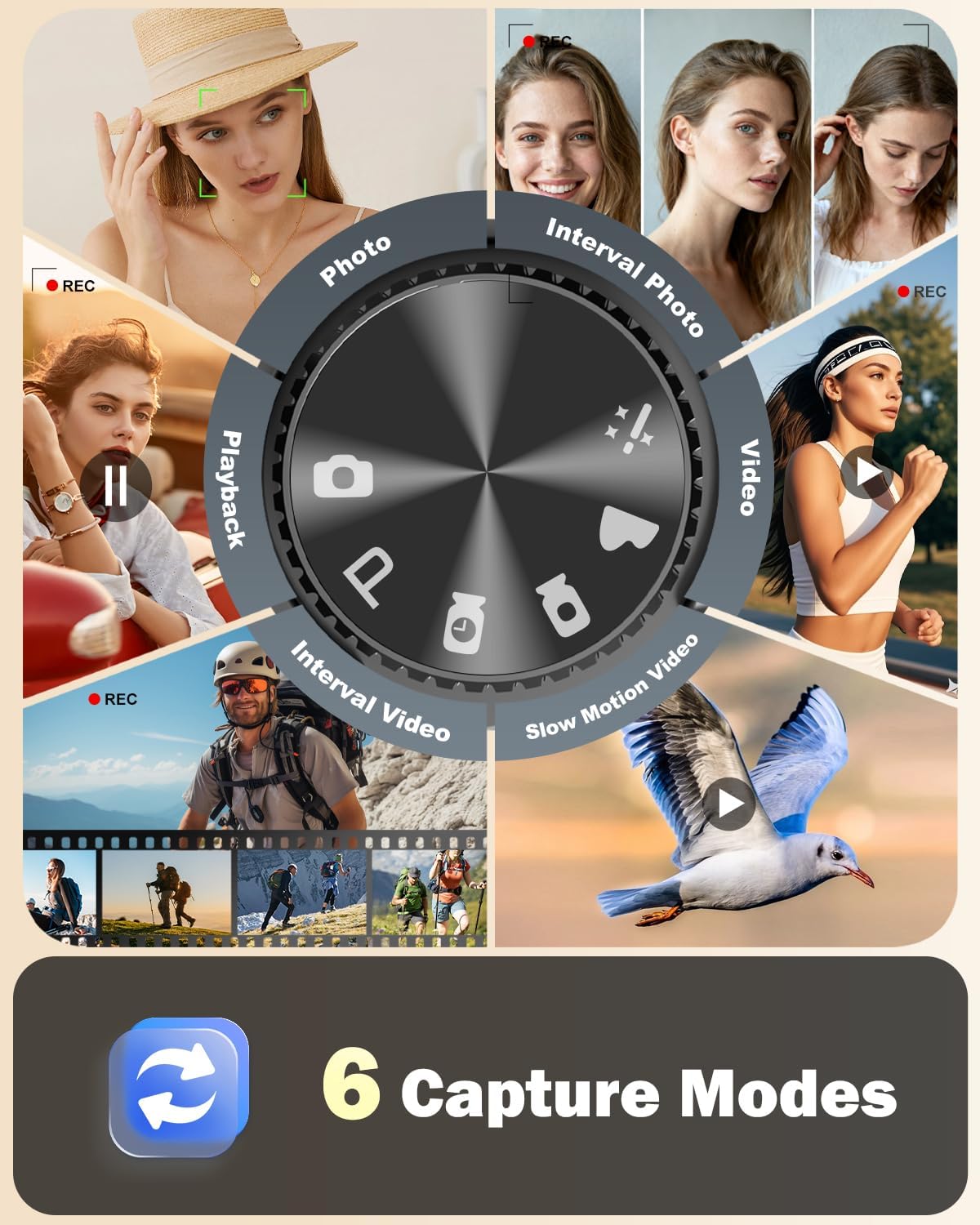
How to quickly switch camera shooting modes?
Rotate the mode dial on the top of the camera to quickly switch between photo/video and other modes.
How do I manually enable the 8K video mode for the first time using the camera?
How do I use the Wi-Fi function?
How do l install the Memory Card?
How to use autofocus while shooting?
How to quickly switch camera shooting modes?

You have successfully commented, please wait for review
Copied Successfully
You can enjoy up to 1 free gift!