What are you looking for?
Search

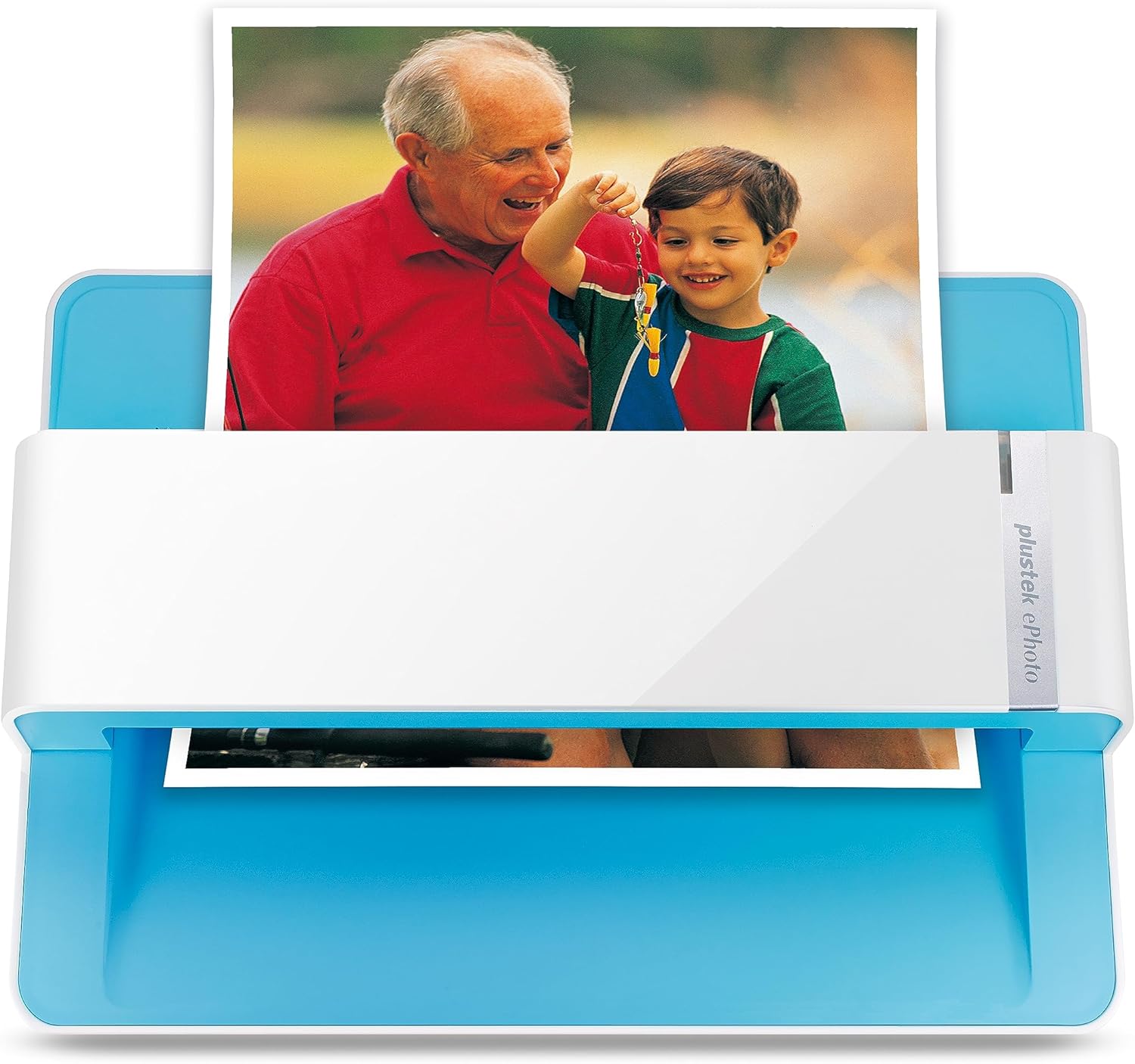
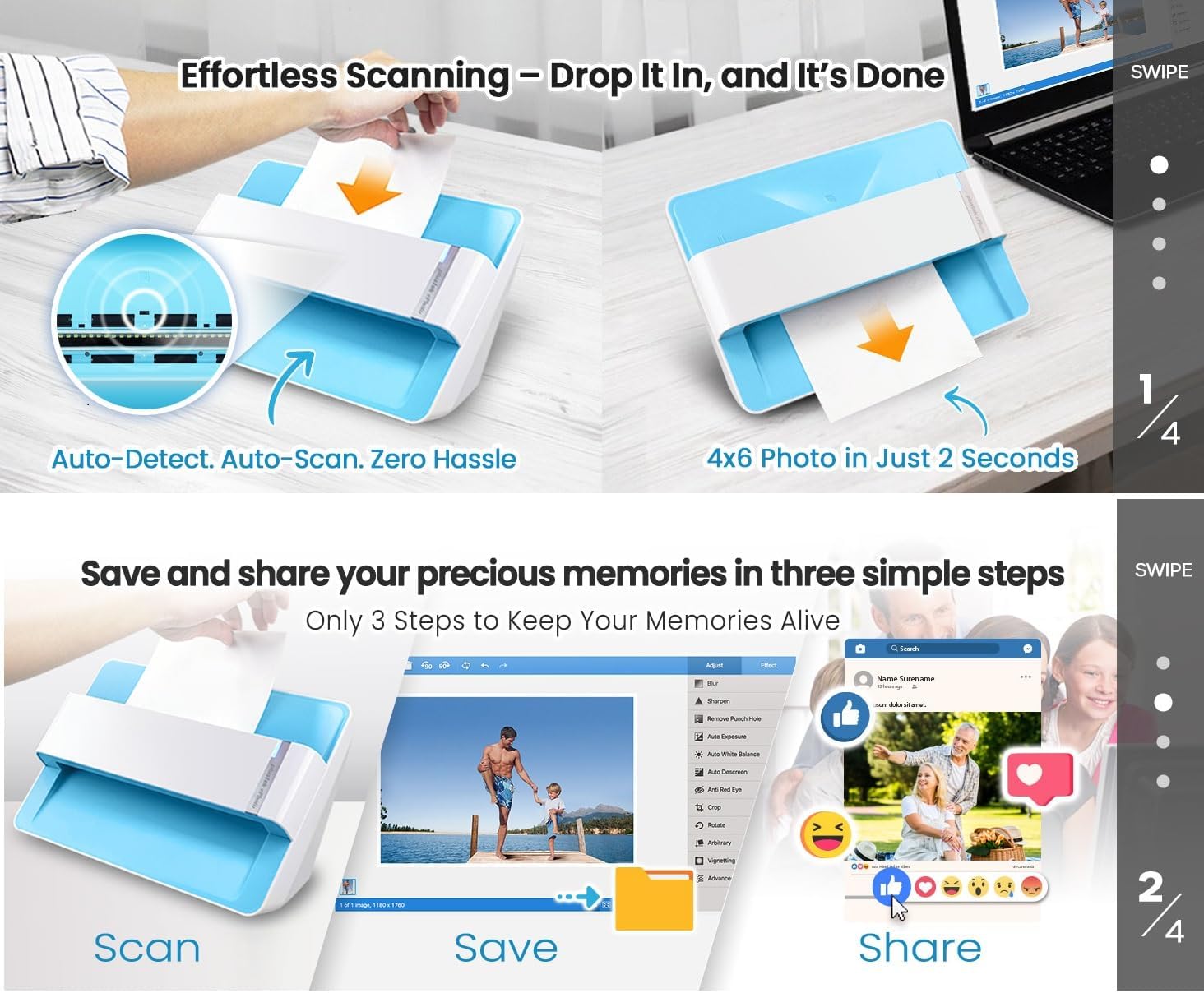

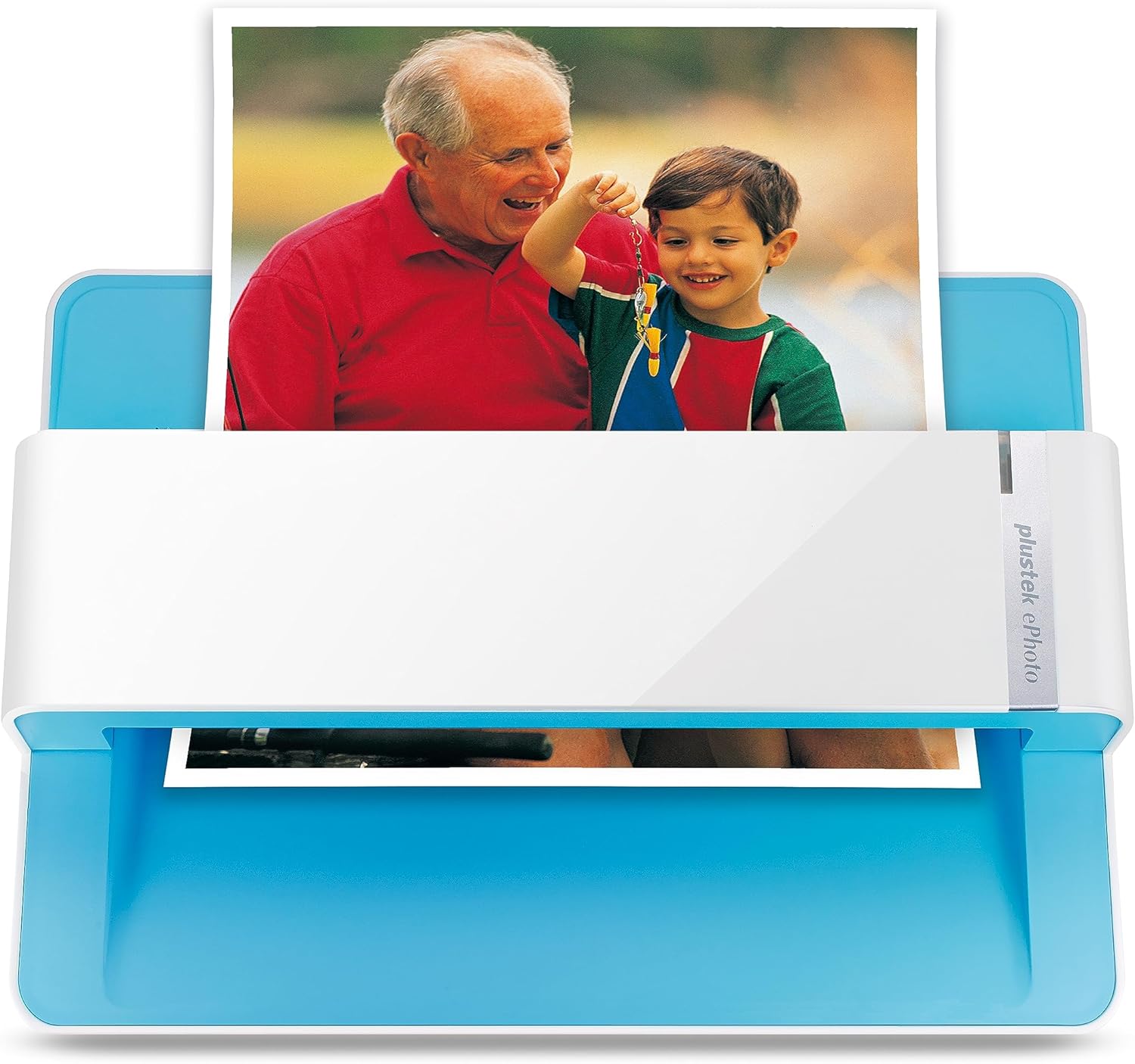
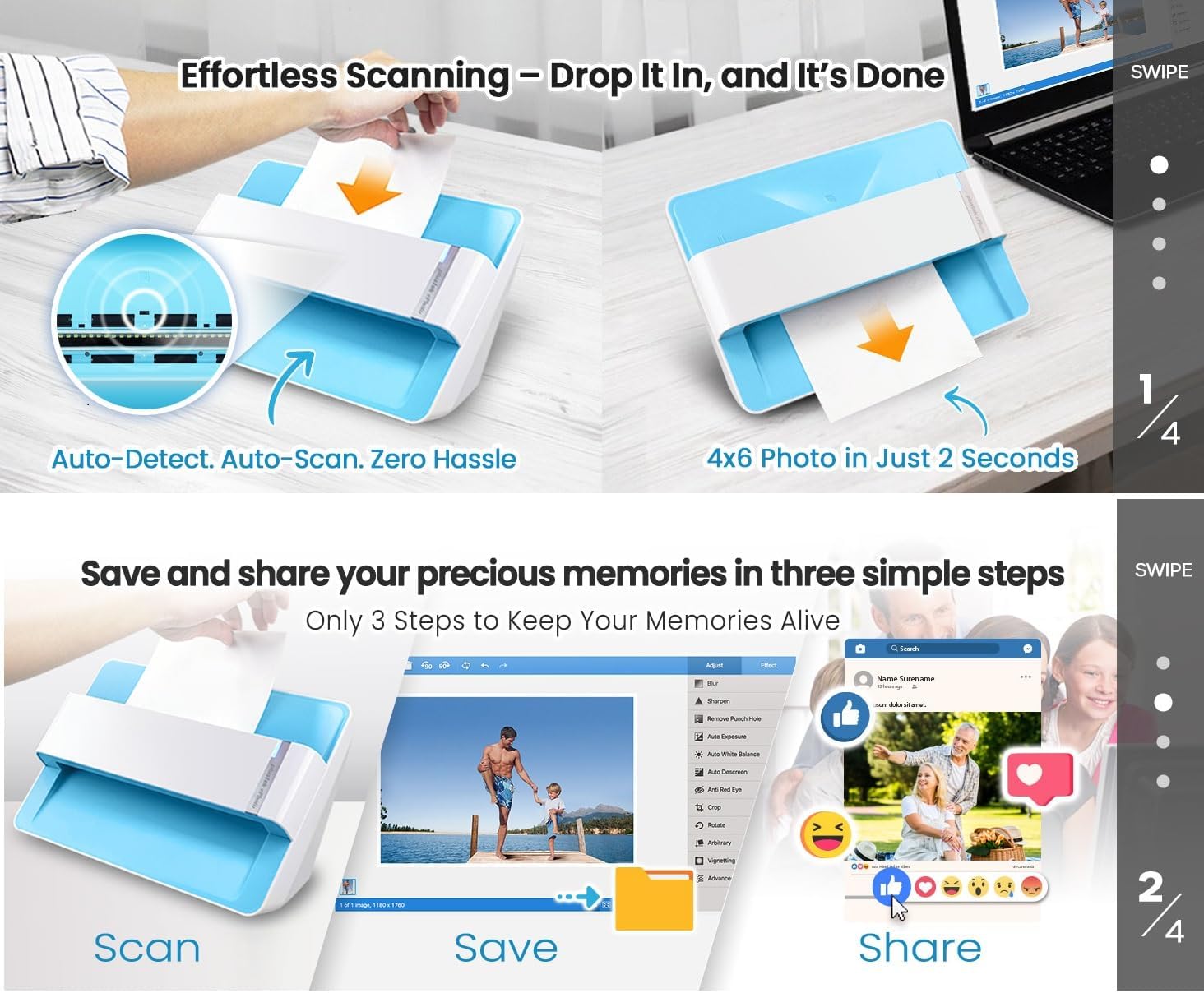


Fast and easy 2 seconds for one 4x6 photo and 5 seconds for one 8x10 size photo@300dpi. You can easily convert about 1000 photos to digitize files in one afternoon and share with your family or friends.
More efficient than a flatbed scanner. Just insert the photos one by one and then scan. This makes ePhoto much more efficient than a flatbed scanner.
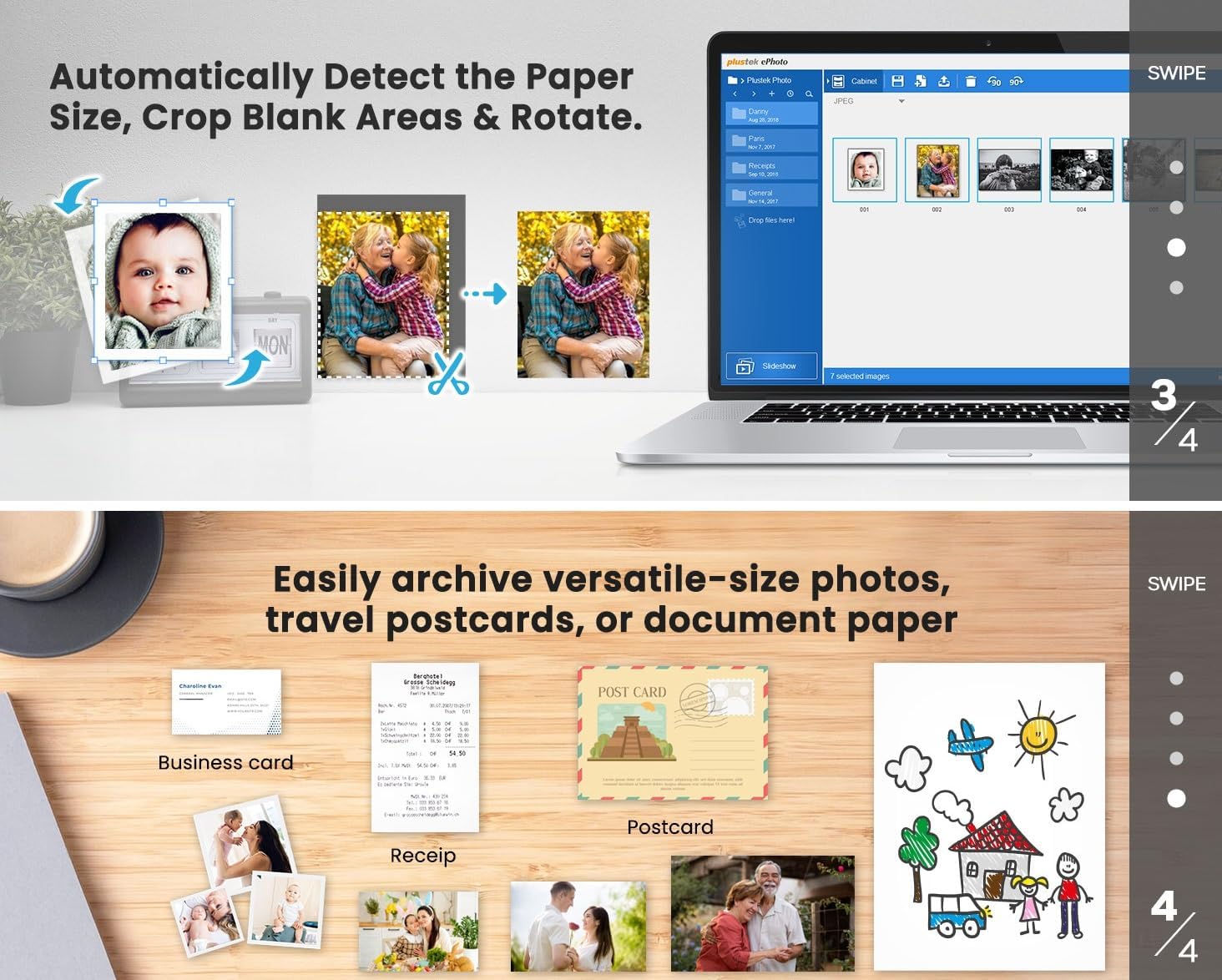
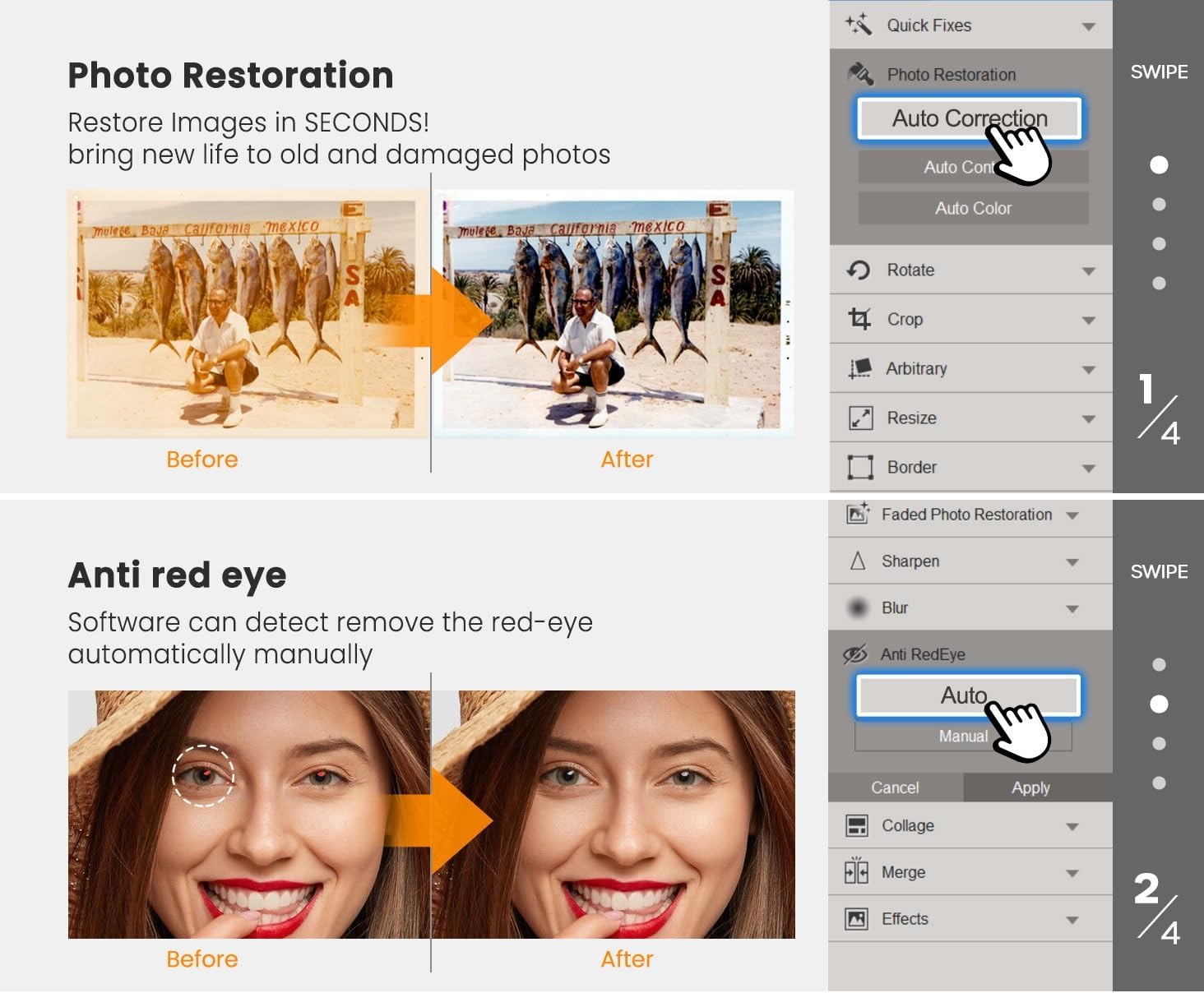
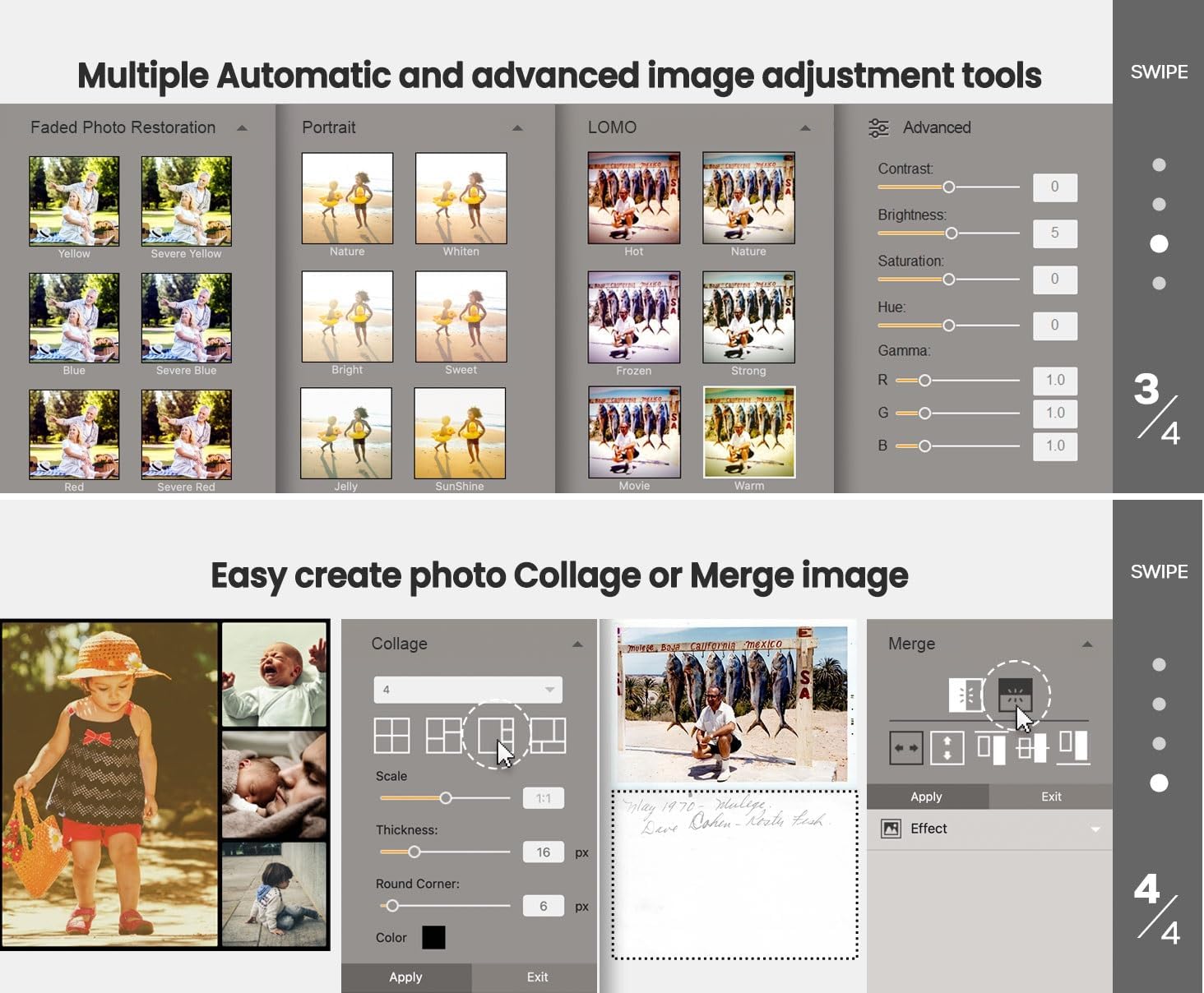
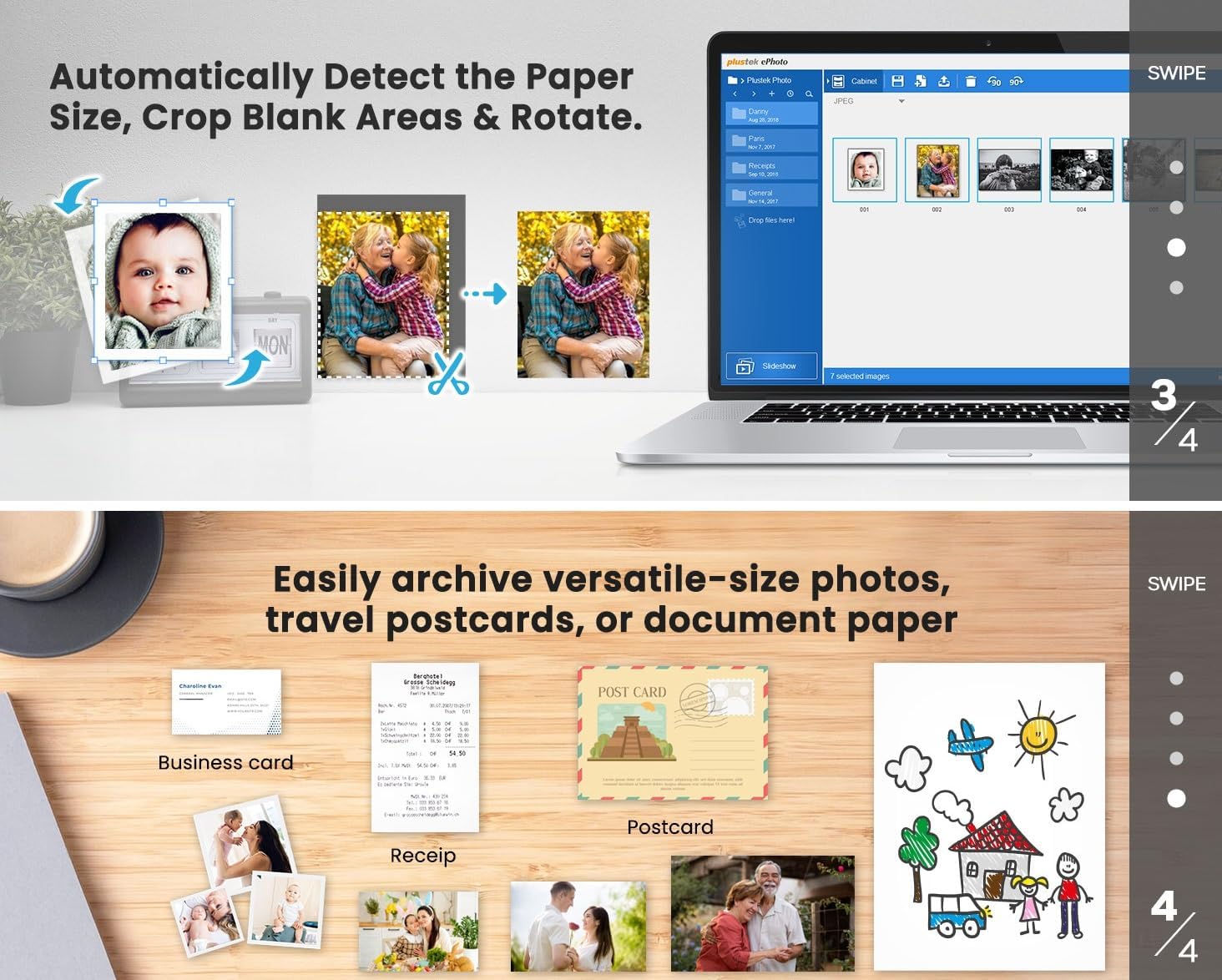
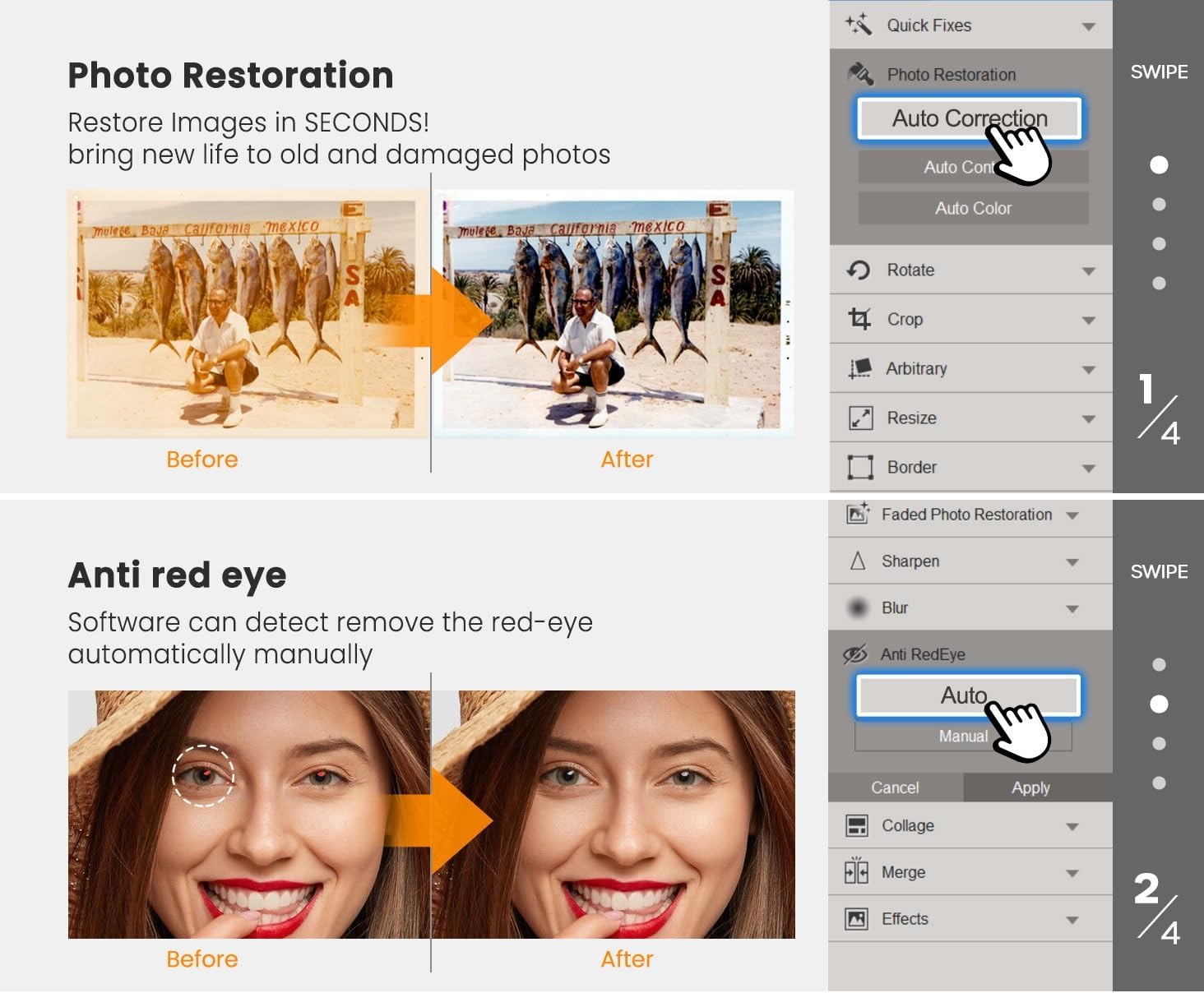
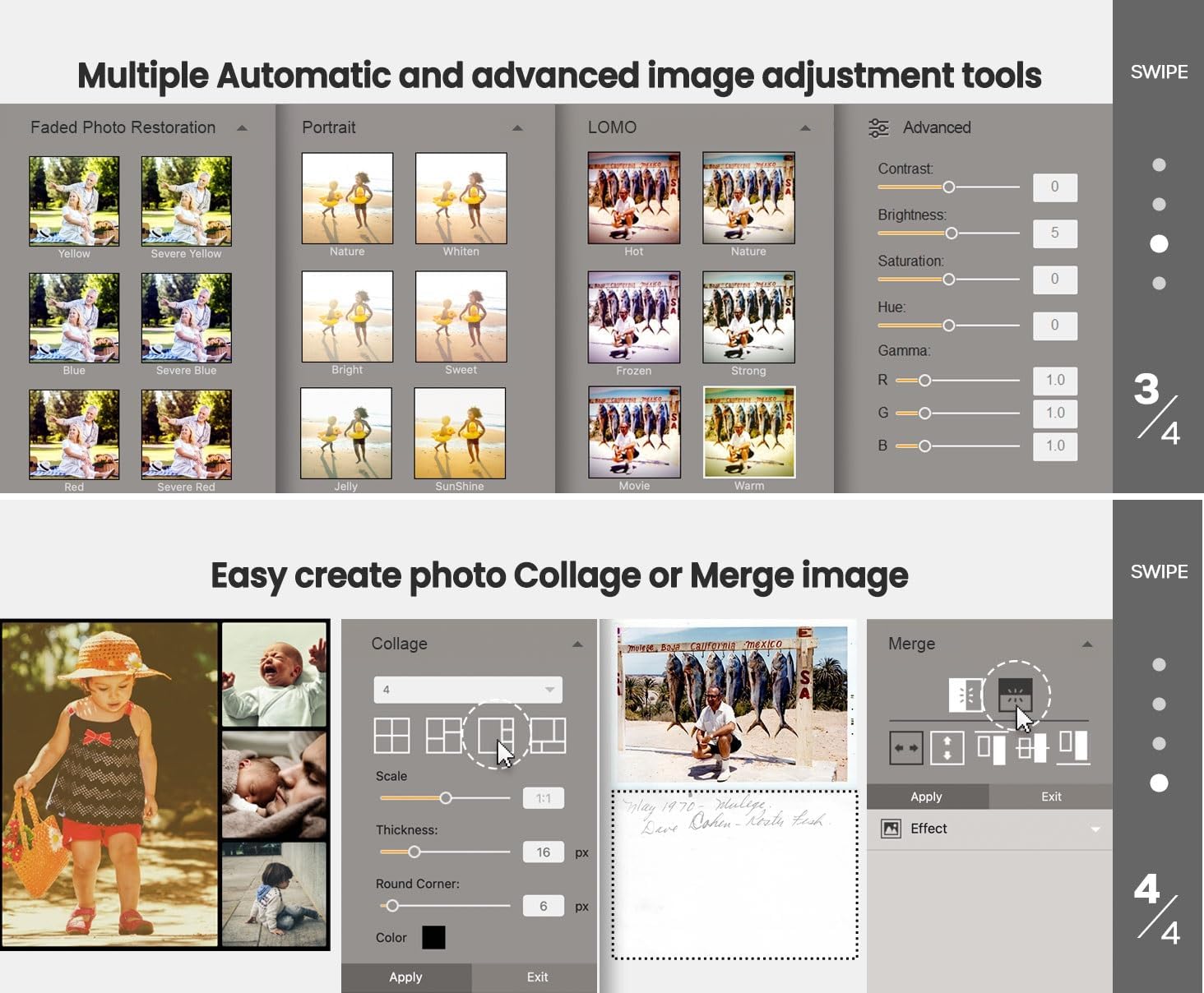
Powerful Image Enhancement functions included. Quickly enhance and restore old faded images with a click of the mouse.
ePhoto Z300 works with both Mac and PC : Supports Windows 7/8/10/11 Mac OS X 10.12~15.x User can download the latest version on website.
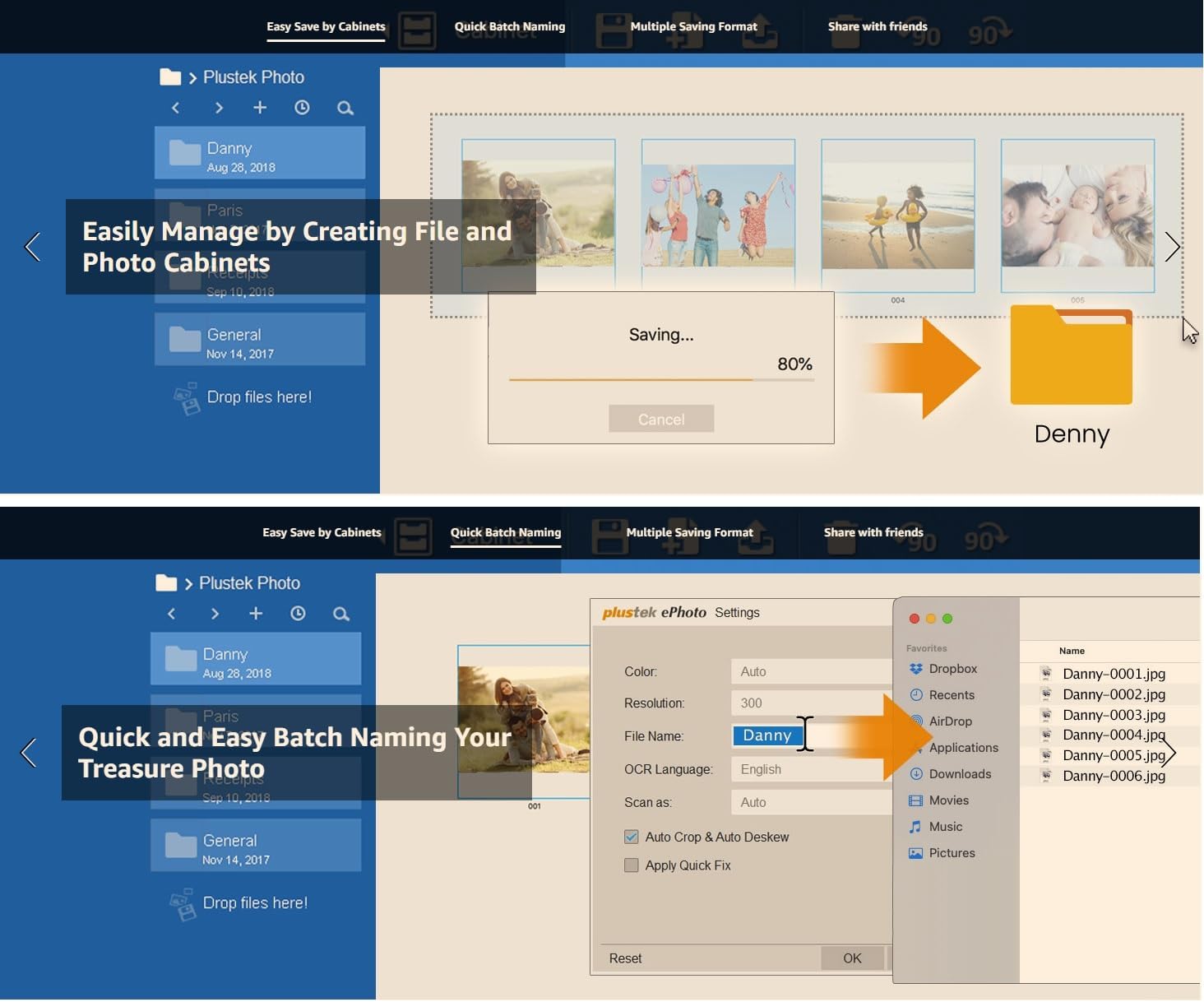
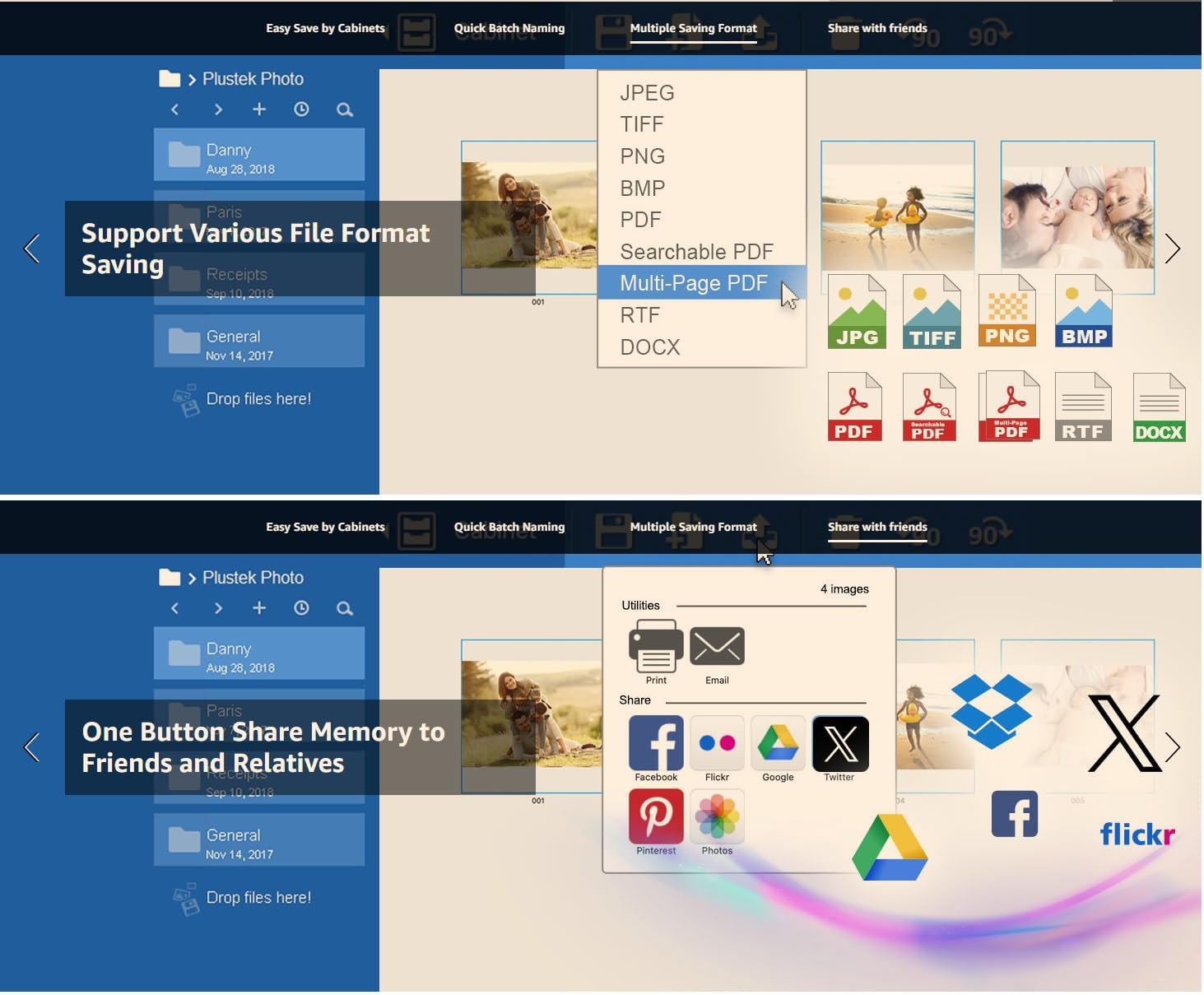
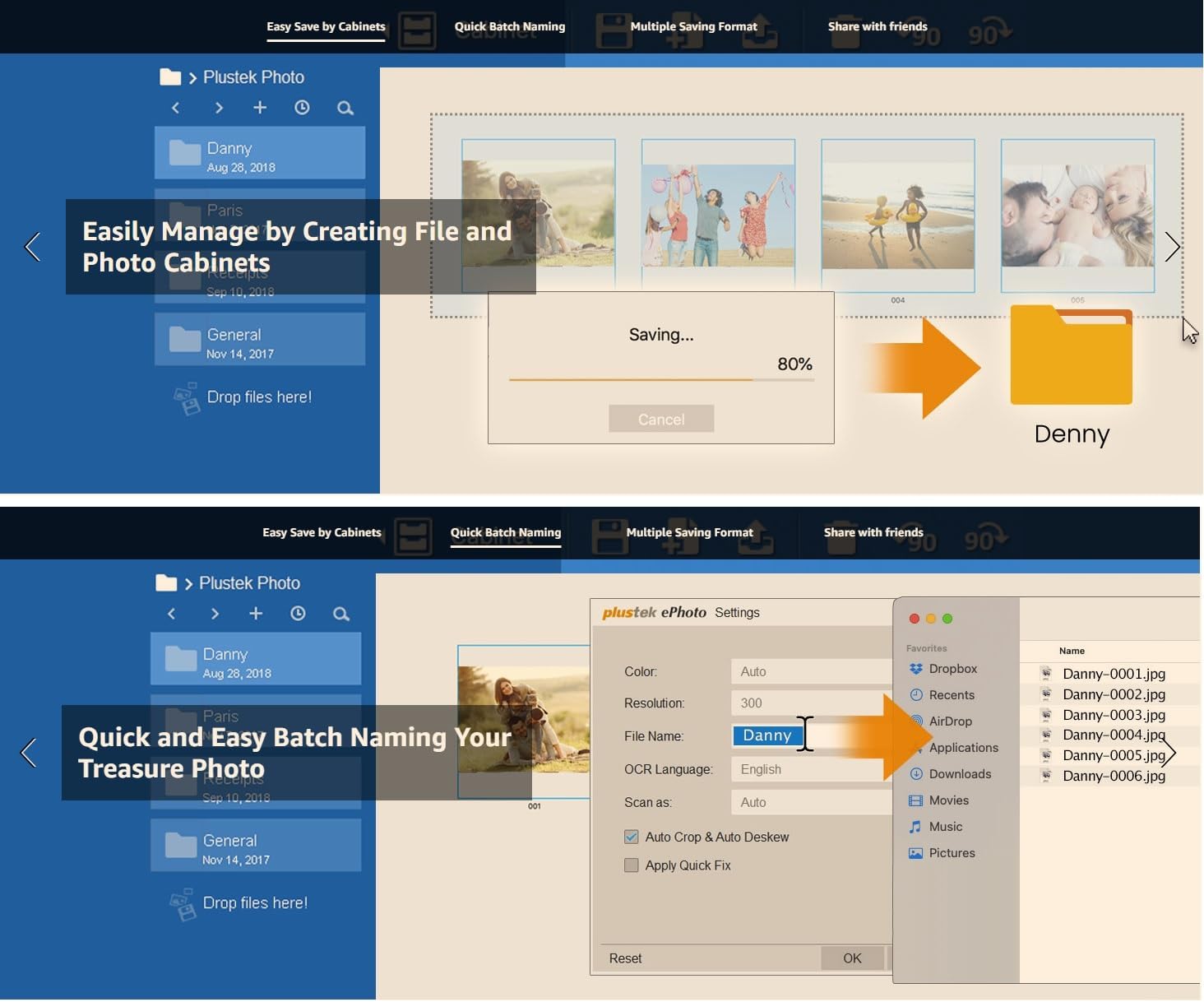
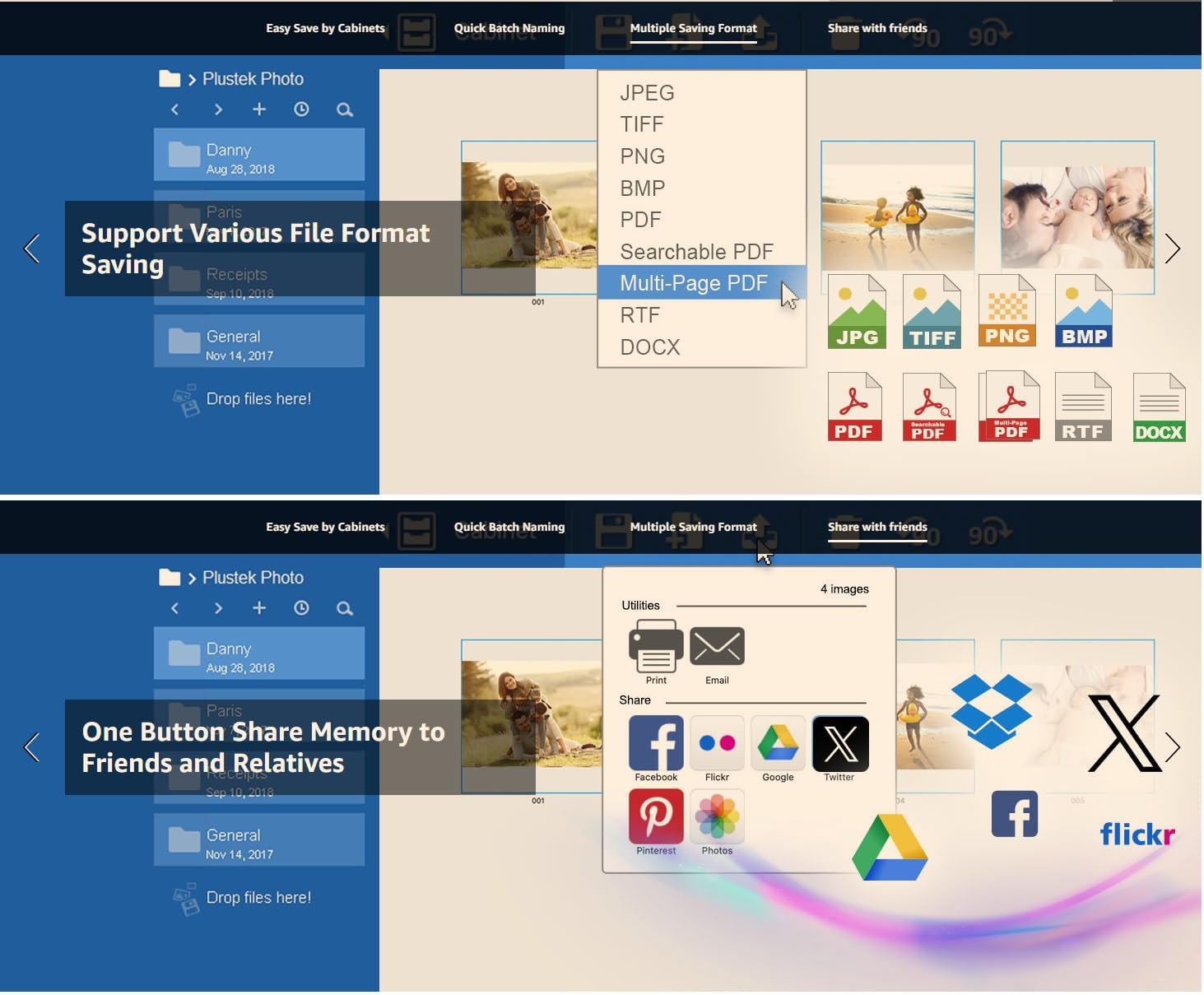
1Easy Save by Cabinets2Quick Batch Naming3Multiple Saving Format4Share with friends
Why is the ePhoto Z300 the best photo scanner for scanning old photos?
Because the roller design - old photos are fragile and the surface usually sticky Z300 is specifically designed with this in mind. Its roller system is gentle on photos minimizing the risk of damageunlike document scanners that use tight rollers
Why Z300 use CCD (Charge-Coupled Device)? What the difference between it and other brands CIS (Contact Image Sensor)?
Compare with CIS(Contact Image Sensor) CCD (Charge-Coupled Device) have better color accuracy and dynamic range The Focus Range also more deeper Can scan non-flat surfaces. Preserve highlights and dark areas of old photos without losing detail.
Can ePhoto Z300 scan duplex side?
No Because paper photo not the duplex side so Z300 is simplex design. But software can easy merge two images to one.
Can Z300 scan thicker photos (like Polaroid photo) or Scrapbook?
Yes Z300 can scan the thickness of photos (like Polaroid photo) or papers which is less than 0.76mm.
Is the software have any photo enhancement function? Can direct save to cloud storage or share to social media?
Yes Z300 software can Auto-crop & rotate image restore photo faded colors and have multiple image adjustment tools. For file saving Z300 support various file format and save upload to Facebook XGoogle driver by one click
The automatic scan feature of ePhoto automatically scans photos as soon as they inserted in the scanner. After the photo is scanned it is ejected and ePhoto is ready to scan another photo. This makes ePhoto much more efficient than a flatbed.
The video showcases the product in use.The video guides you through product setup.The video compares multiple products.The video shows the product being unpacked. Merchant VideoEasily Manage by Creating File and Photo Cabinets
Quick and Easy Batch Naming Your Treasure Photo
Support Various File Format Saving
Share your favorite moments with just one click.
Why is the ePhoto Z300 the best photo scanner for scanning old photos?
Why Z300 use CCD (Charge-Coupled Device)? What the difference between it and other brands CIS (Contact Image Sensor)?
Can ePhoto Z300 scan duplex side?
Can Z300 scan thicker photos (like Polaroid photo) or Scrapbook?
Is the software have any photo enhancement function? Can direct save to cloud storage or share to social media?
More Efficient than a Flatbed Scanner
More Efficient than a Flatbed Scanner

You have successfully commented, please wait for review
Copied Successfully
You can enjoy up to 1 free gift!