What are you looking for?
Search

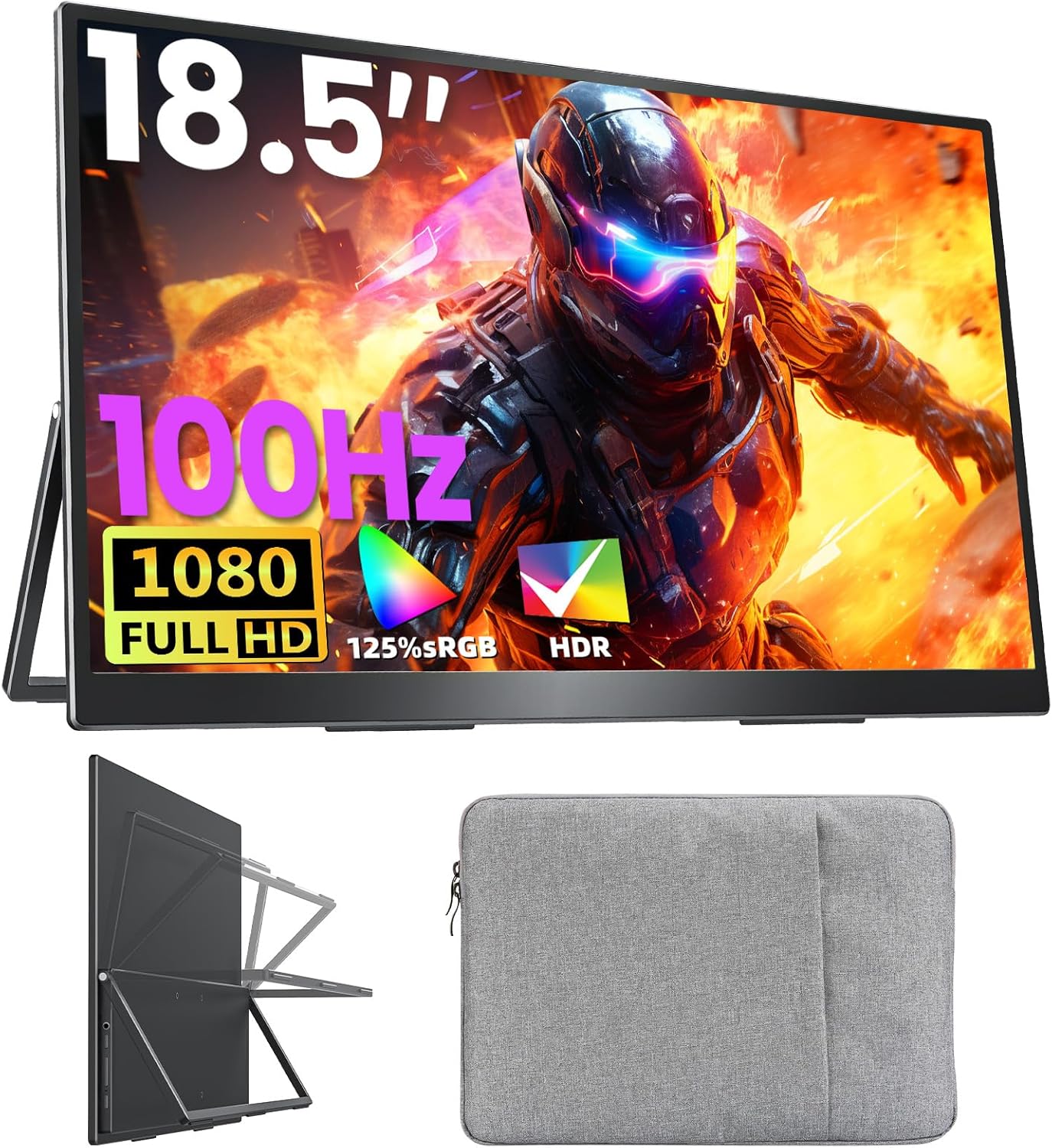
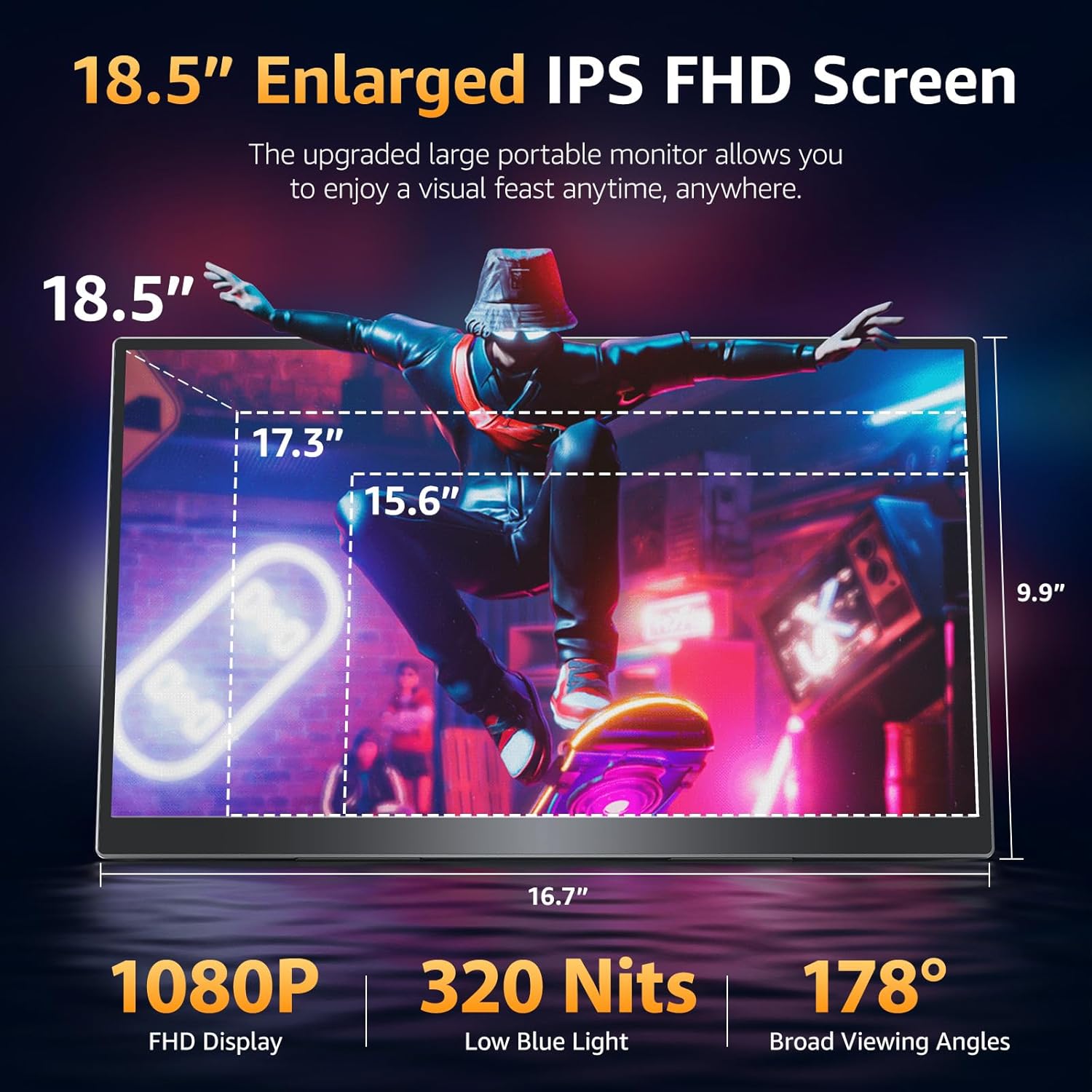
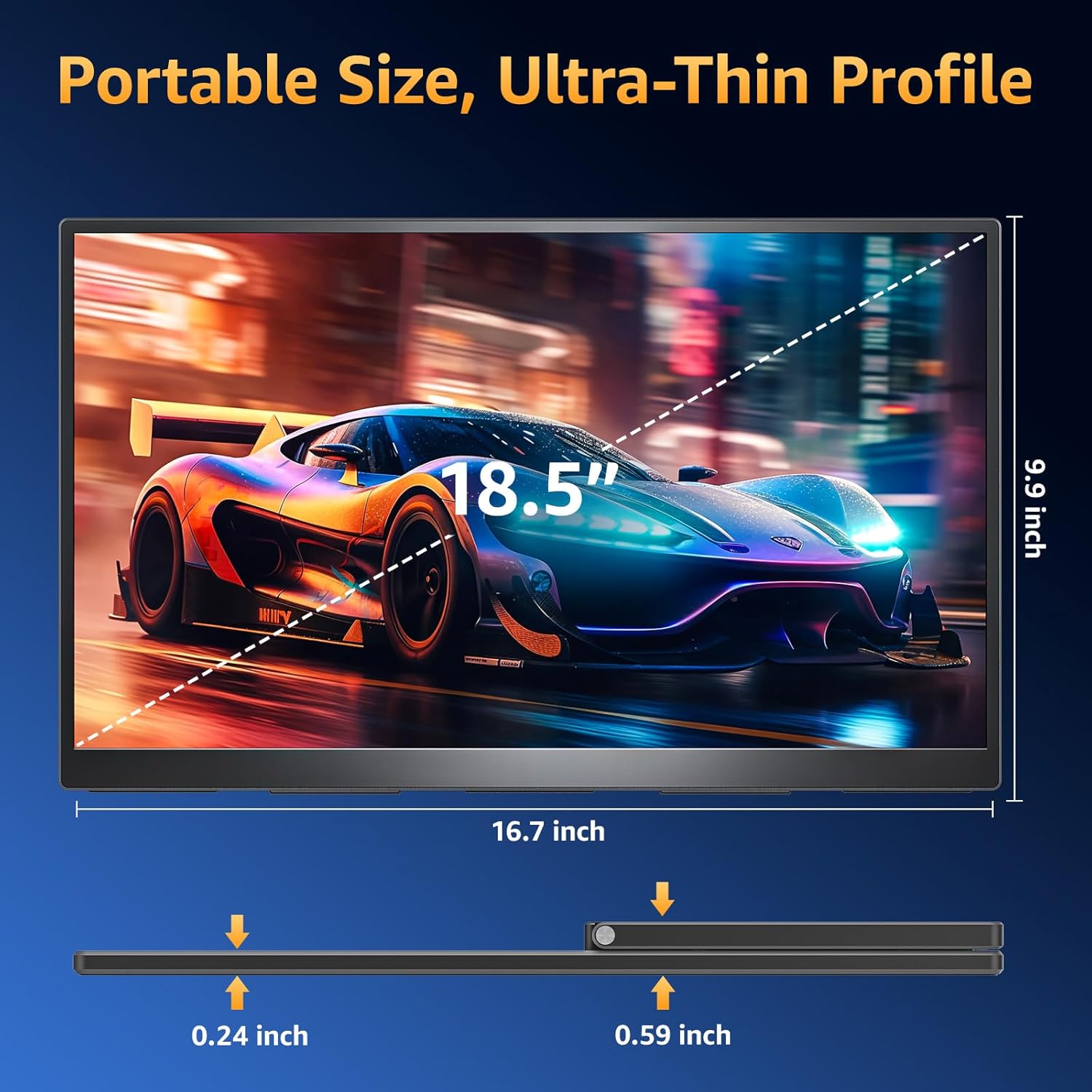
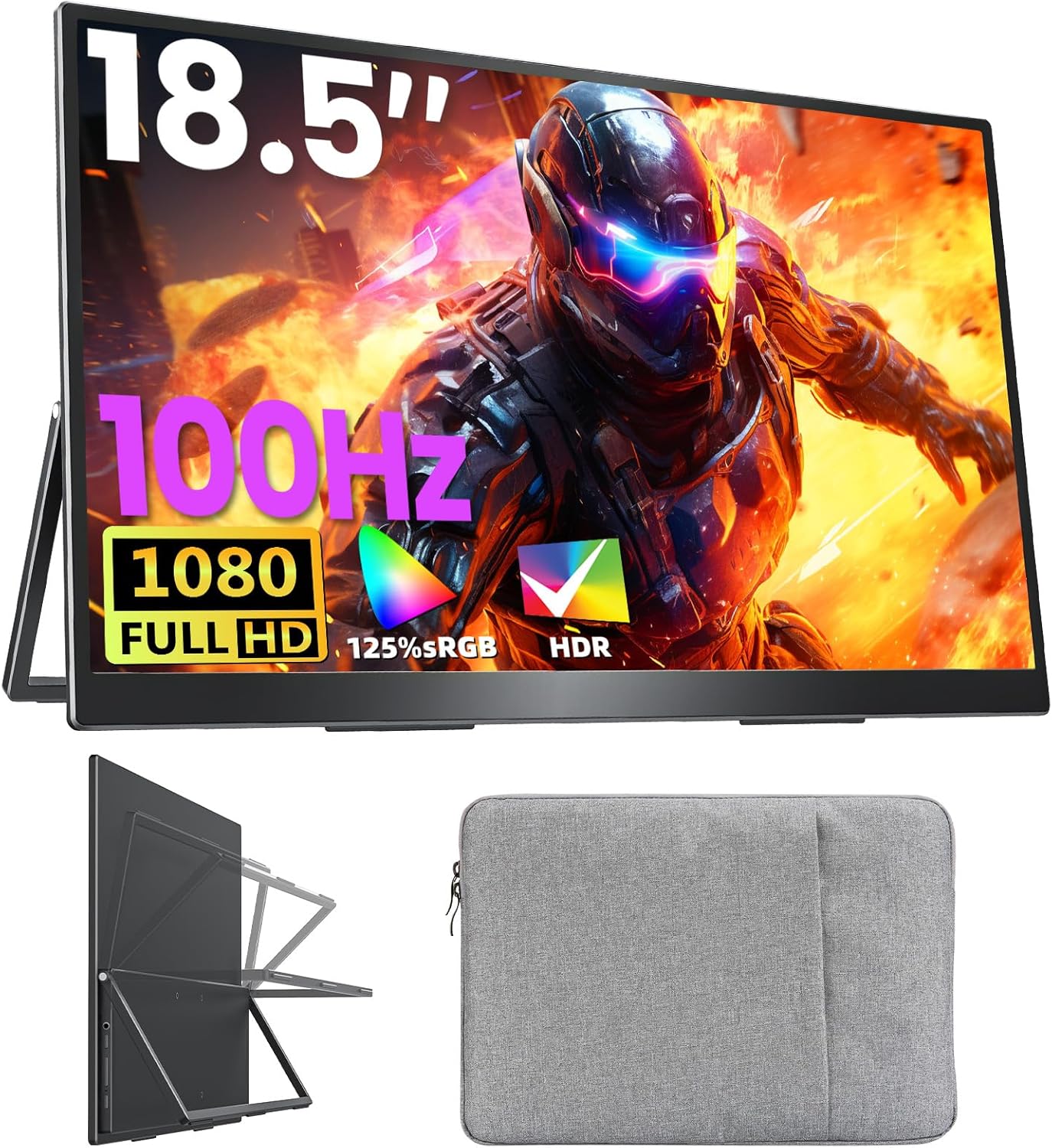
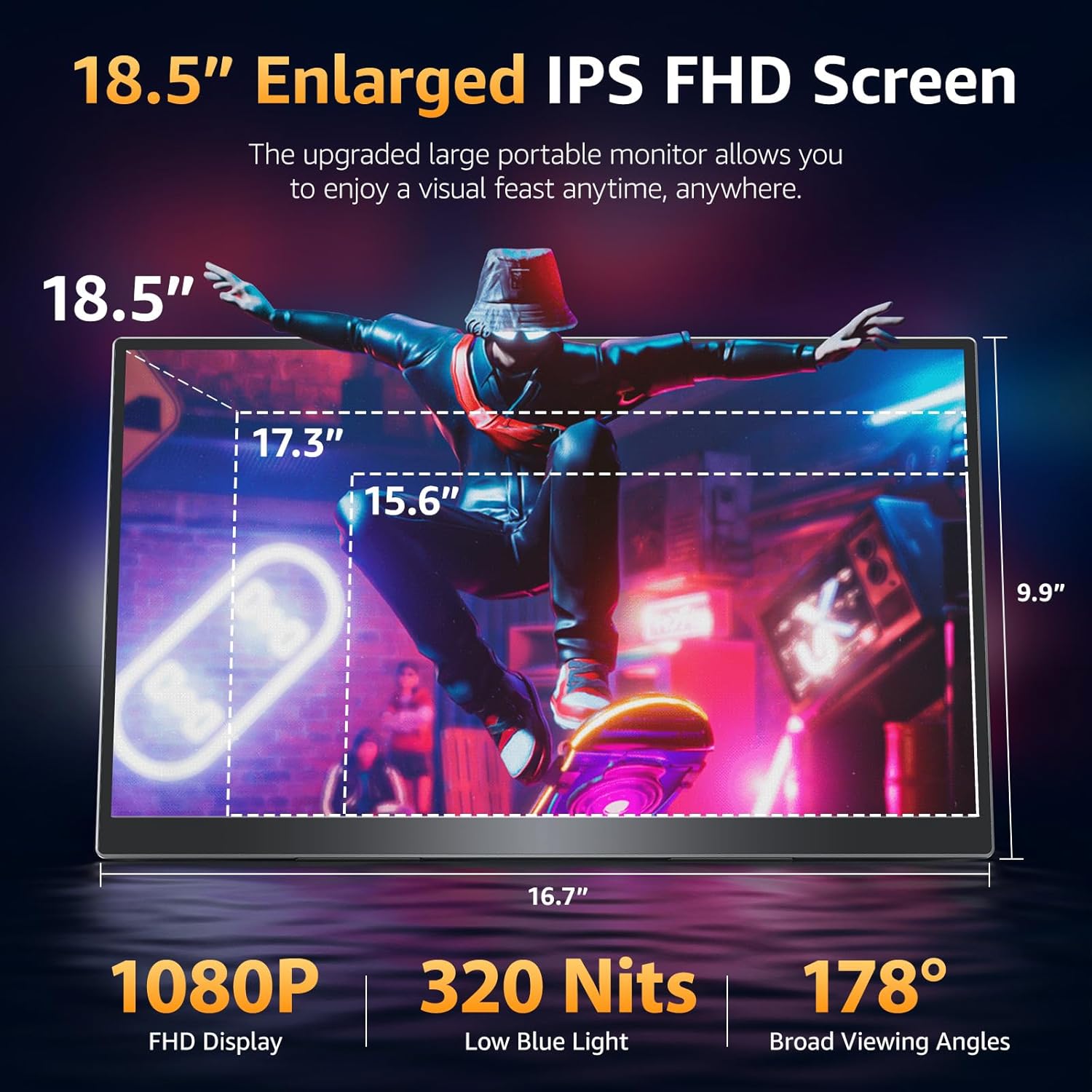
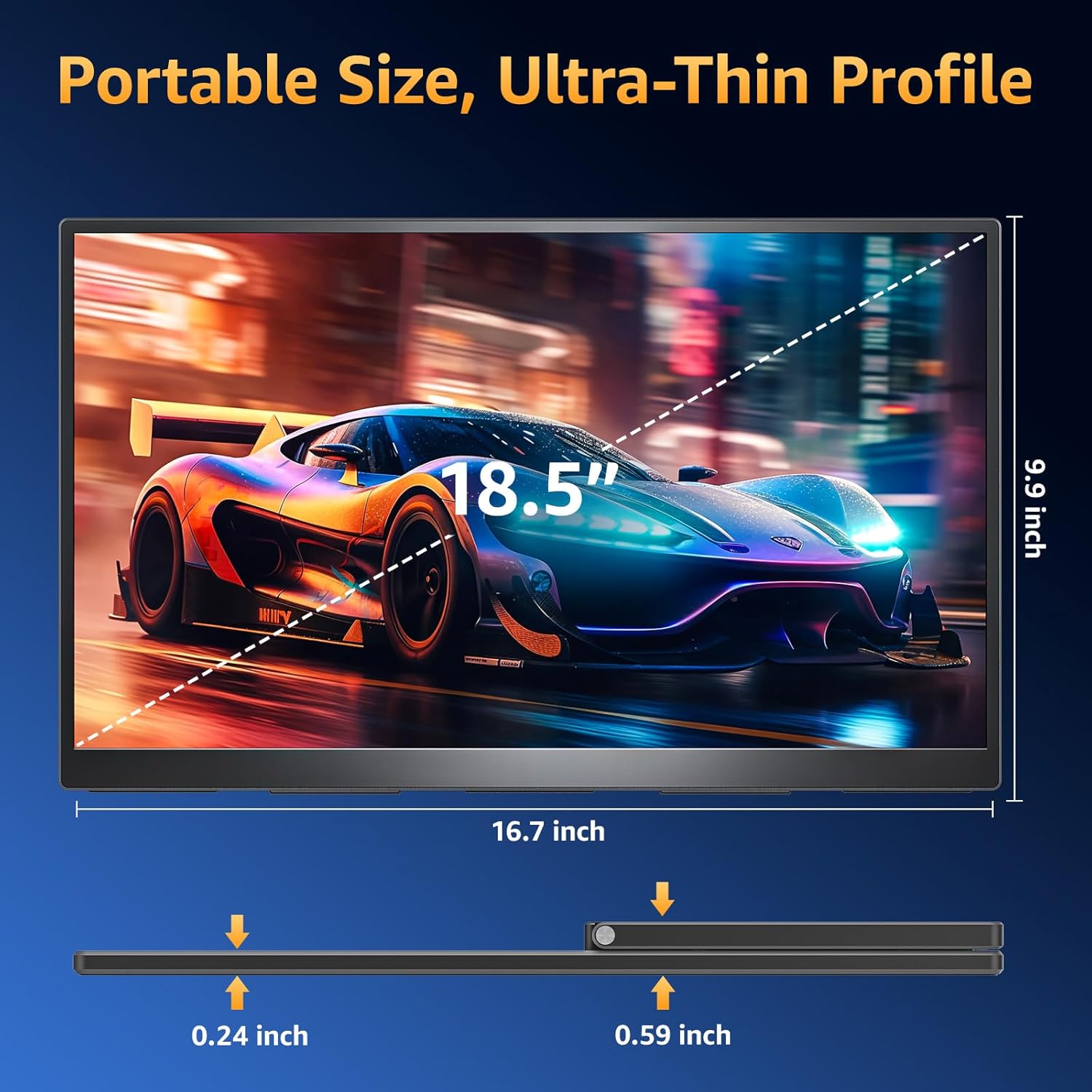

Ultra-Slim Aluminum Alloy Design Premium and Portable: Built with a high-quality aluminum alloy body this 3-sided frameless portable monitor offers premium texture better heat dissipation and long-term durability. At only 2.7 lb lightweight it fits effortlessly into your backpack and can be carried anywhere without burden. Perfect for office use travel coffee shops or on-the-go work setups. A sleeve case is included with the monitor making it even more portable and easy to carry on the go
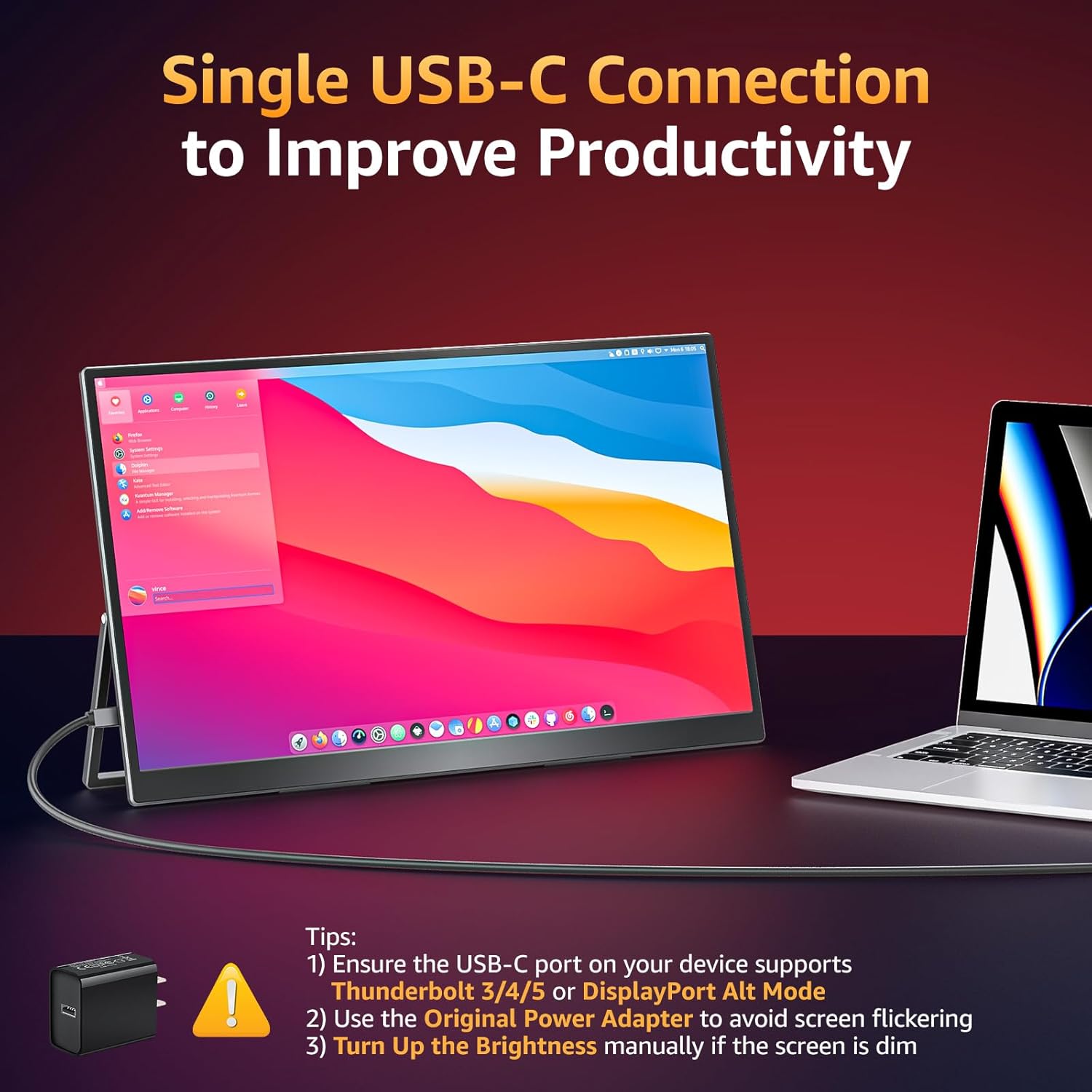
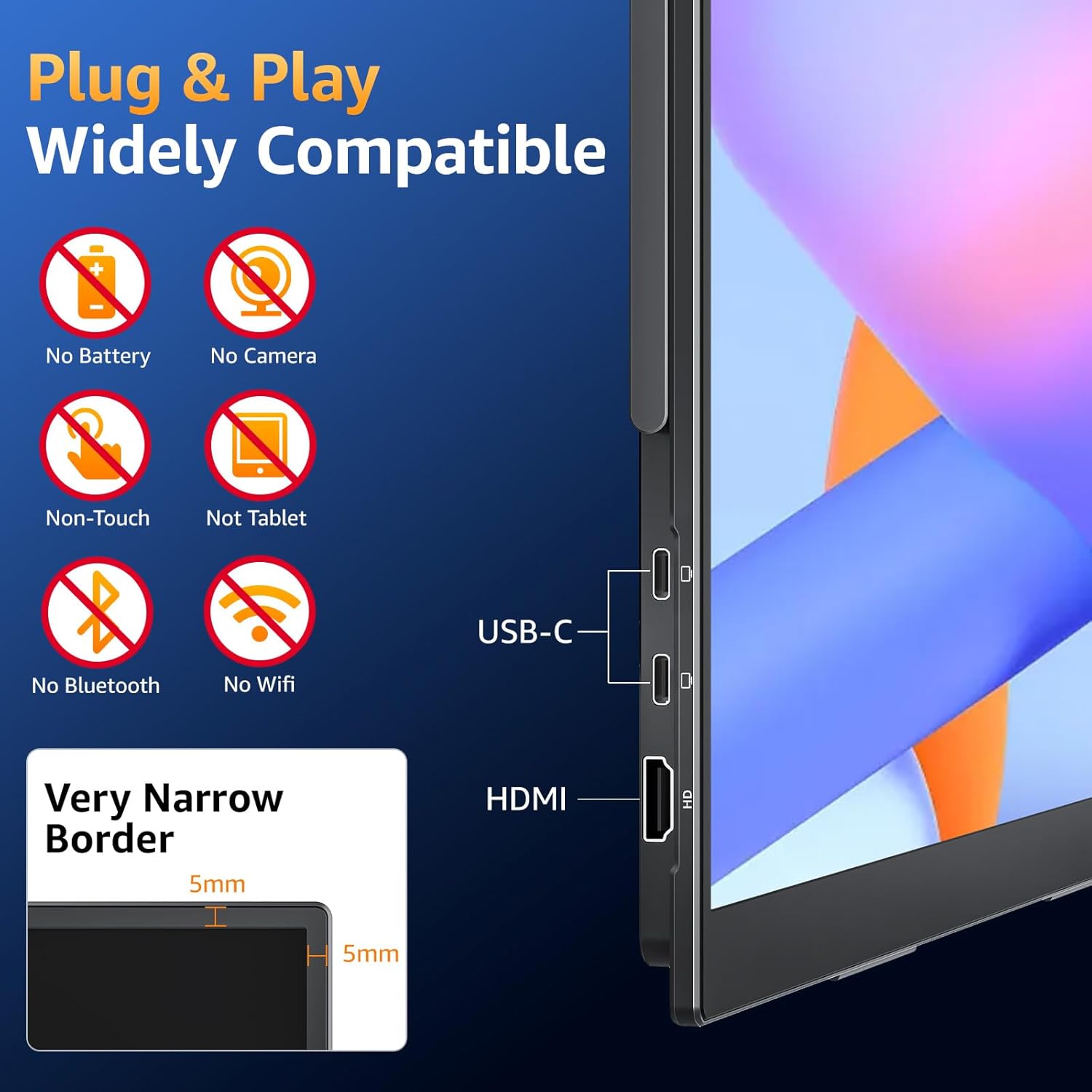
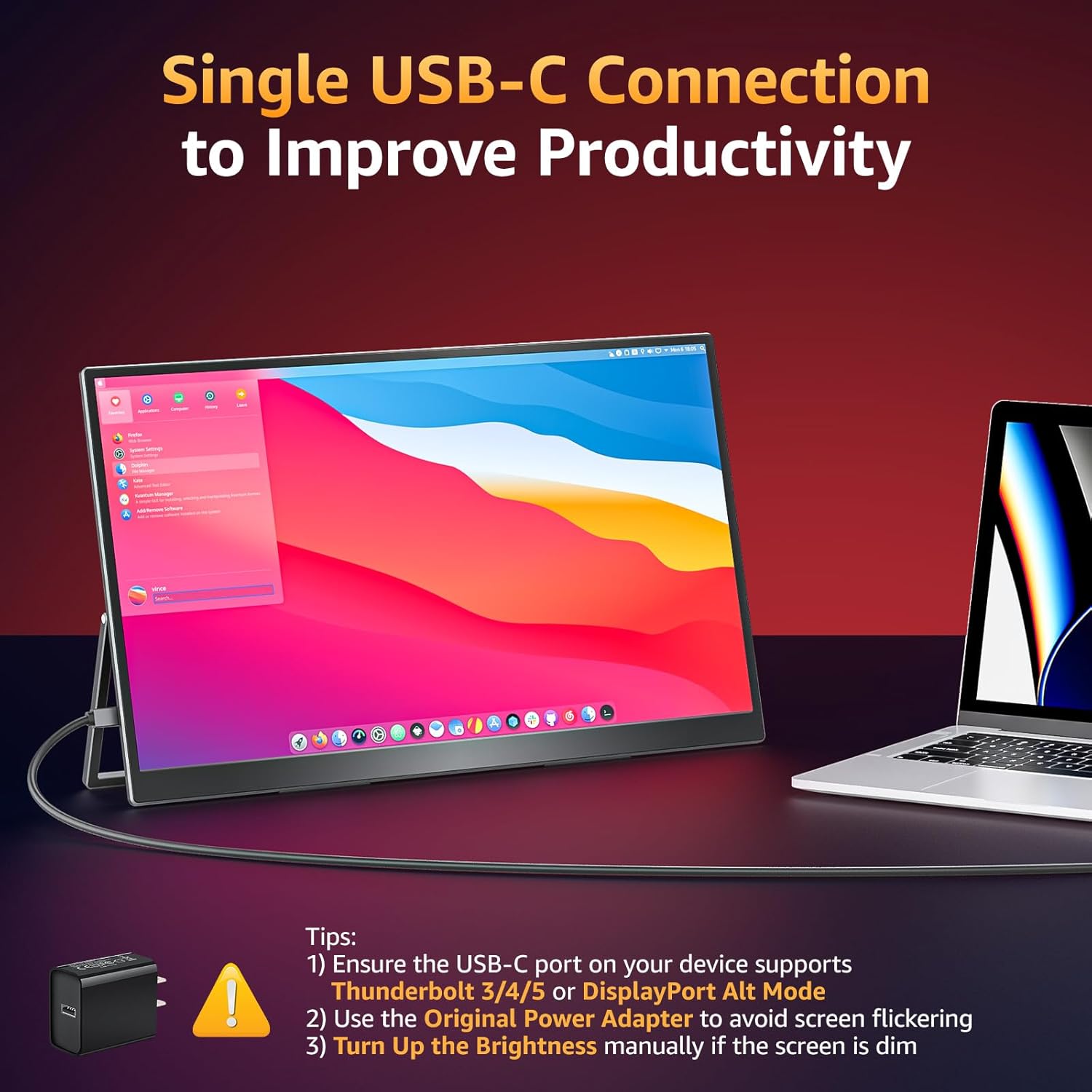
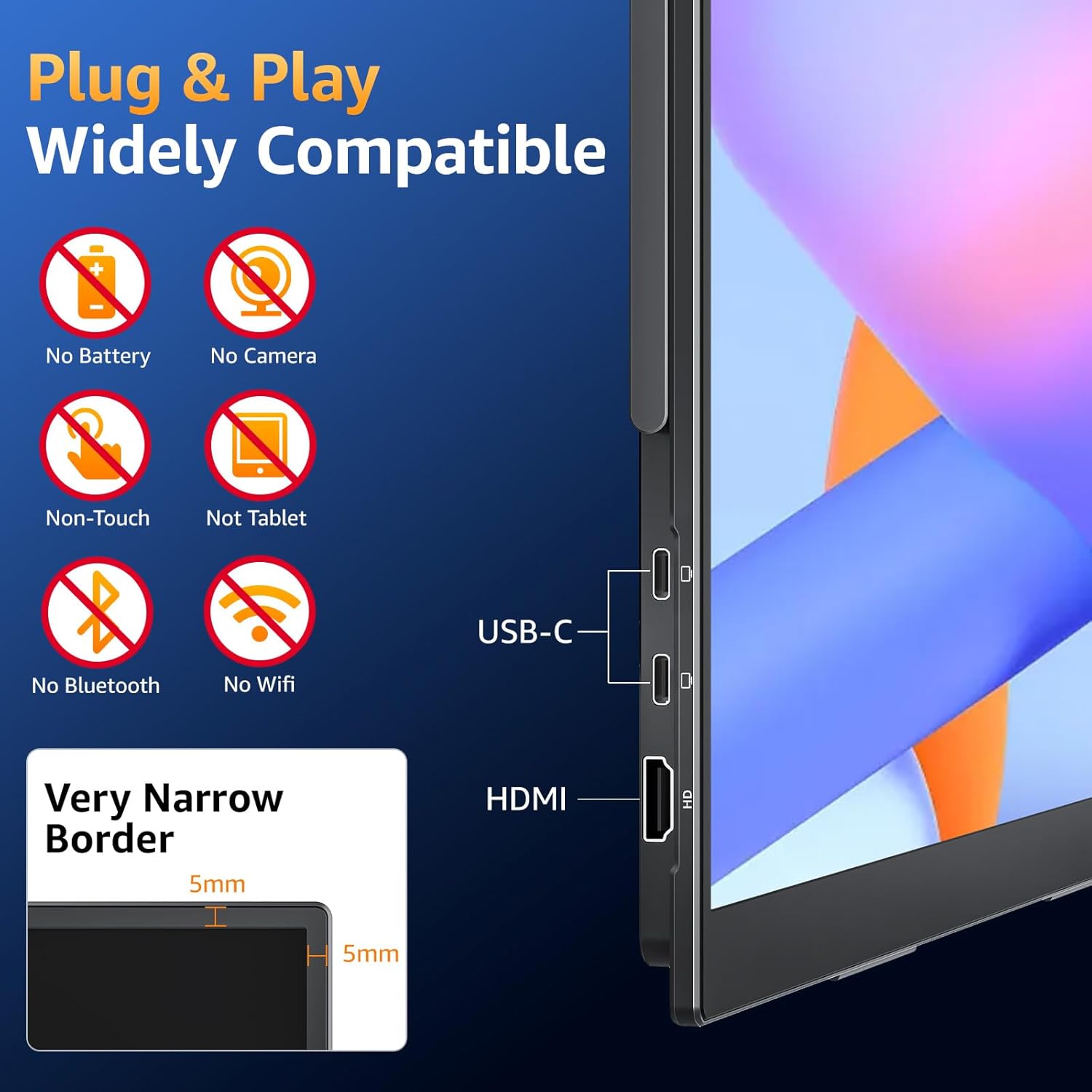
Portable Monitor for Laptop: The portable display has two USB-C ports and one HDMI port so you can easily connect it to any major device you have like Macbook Surface laptop PC Xbox PS4/5 and more. Just ONE Single USB-C to USB-C cable to Plug & Play without any hassle. (NOTE: your device must have Thunderbolt 3/4/5 or Full-featured USB-C port). If you meet the issue of screen flickering normally caused by insufficient power supply then please use the original power adapter
Eye Care Flicker-Free and Built-In Speakers: With the Blue Light filter Anti-Glare Coating and Flicker-Free function the portable gaming monitor is able to protect your eyes and improve your viewing experience. Built-in speakers offer an enhanced entertainment experience when viewing videos and playing games
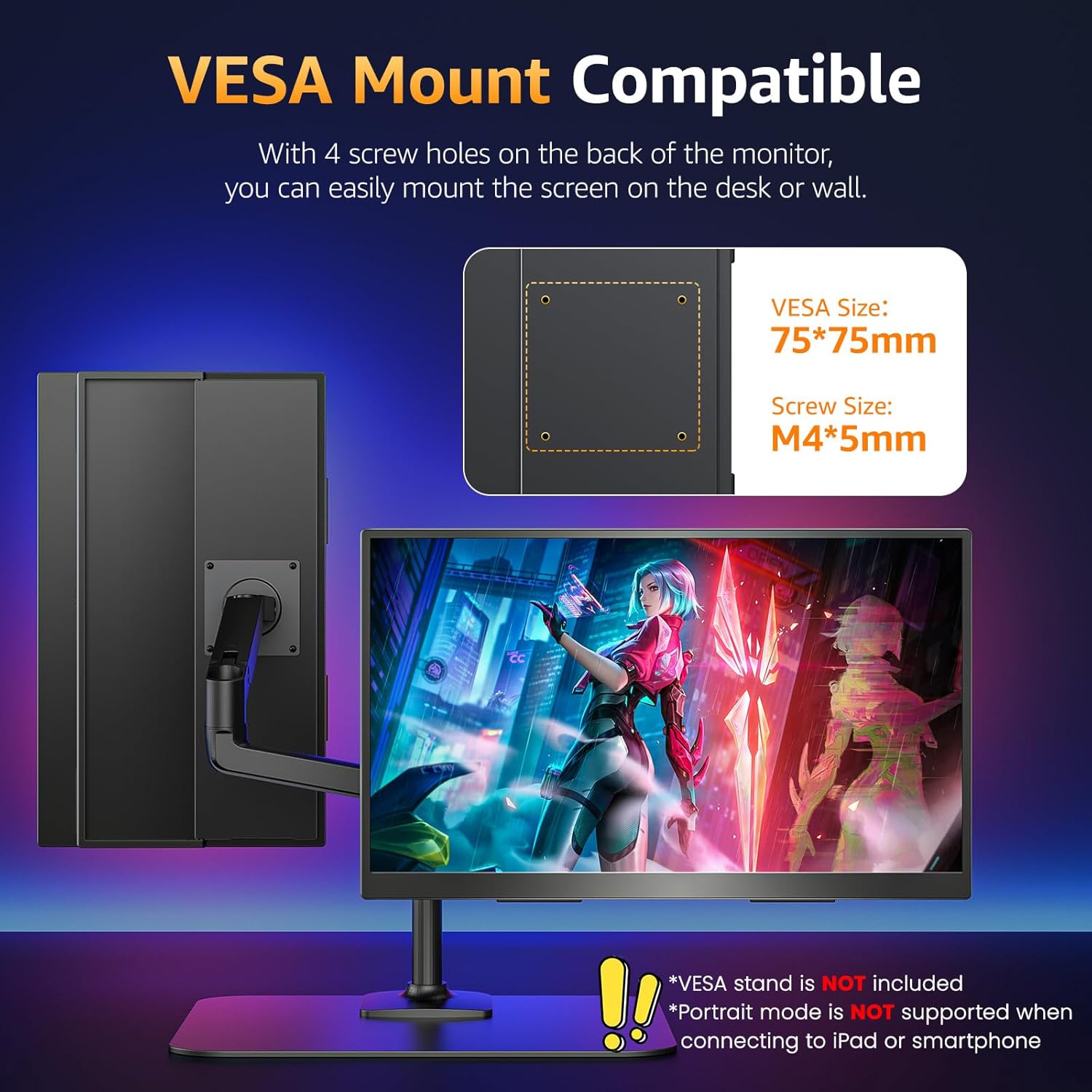
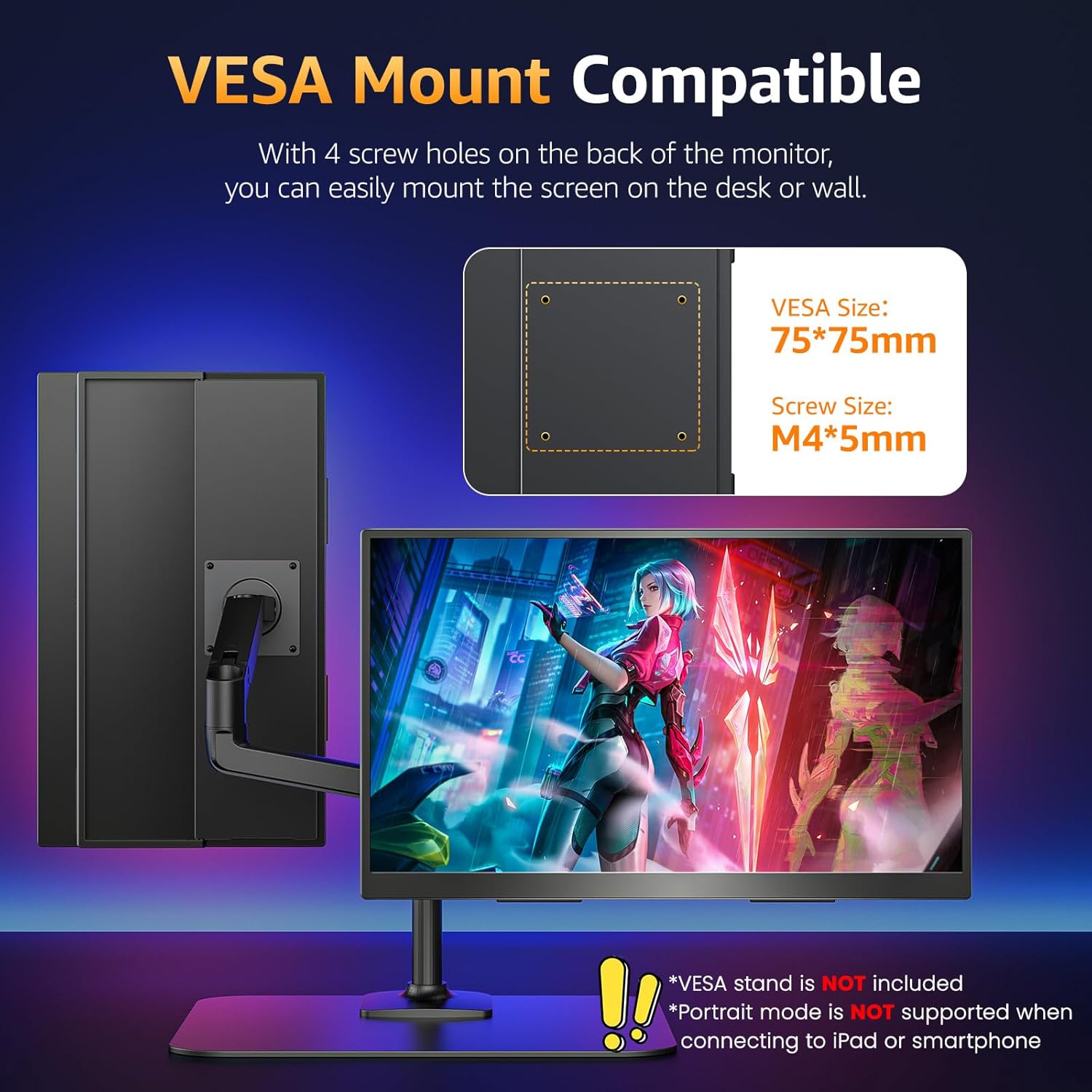
Portable Laptop Monitor with VESA and Kickstand: The laptop screen extender monitor is VESA compatible so you can easily attach it to a monitor arm or stand on the desk or wall. You can also use this external monitor for laptop vertically or horizontally depending on your different needs. With the built-in adjustable kickstand this portable second monitor gives you the flexibility and convenience to boost your productivity
1VESA Compatible2Standout Kickstand3Portrait Mode4Dual Speakers5Sleeve Case Included
What should I do if my monitor screen keeps flickering?
Please make sure youre powering the monitor by the original 30W power adapter we provided in the package.
My Android phone has a USB-C port does this monitor work with my phone/tablet by the original USB-C to USB-C cable?
Android phones work with monitor via original USB-C cable:
1)Samsung(S8/S9/S10/S20/S21/S22series; Note8/9/10/20; Galaxy Fold Z Fold 2/3/4)
2)Google Pixel 8/9 series
Others need an HDTV cable to work.
Connect monitor to power to avoid power shortage.
How do I connect my iPhone to the monitor?
1. iPhone 15&16 series(excluding iPhone 16e) works with the monitor by the original monitor USB-C cable
2. iPhone before 15 series(e g iPhone 13) needs an Apple Lightning Digital AV Adapter
3. Please use original power adapter to power the monitor.
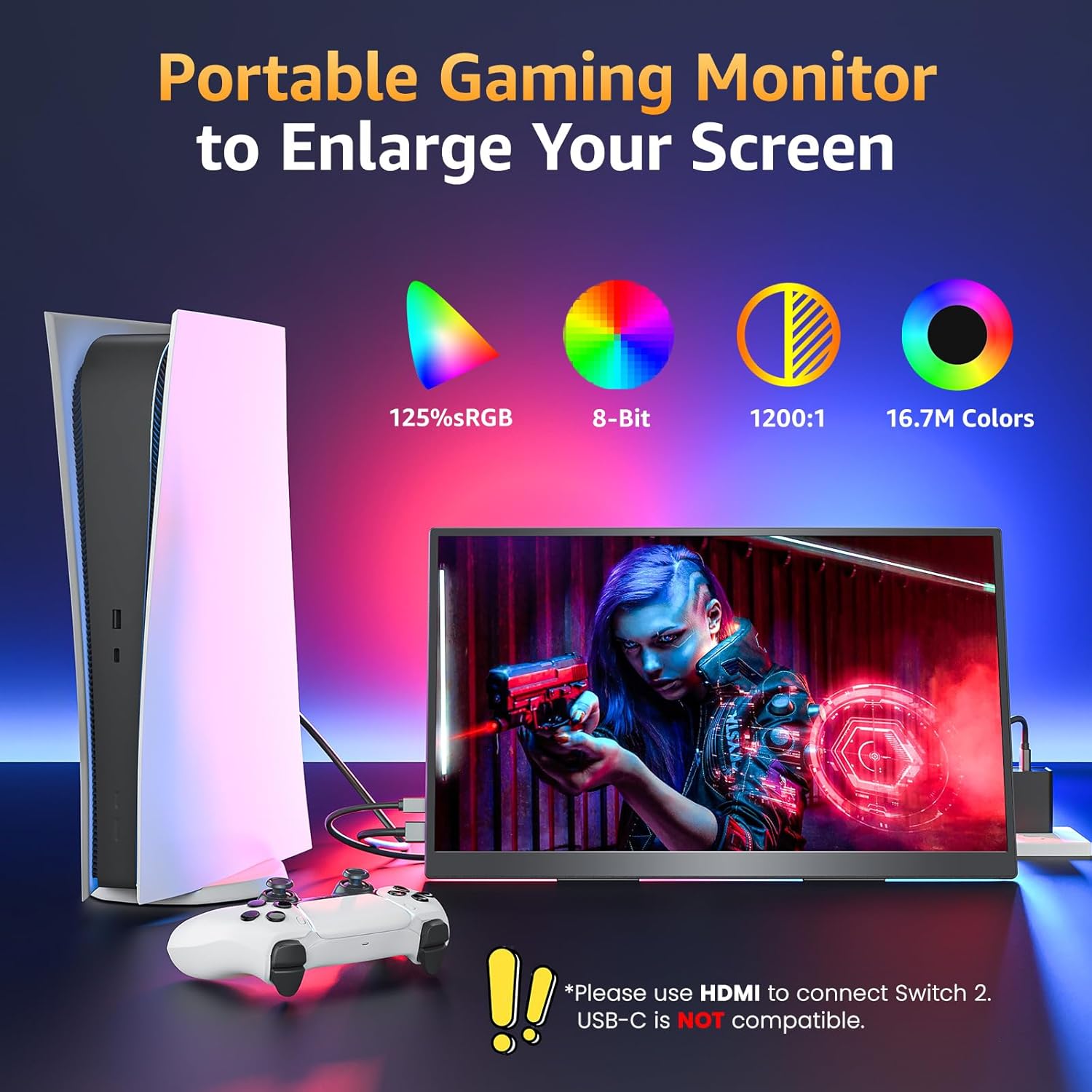
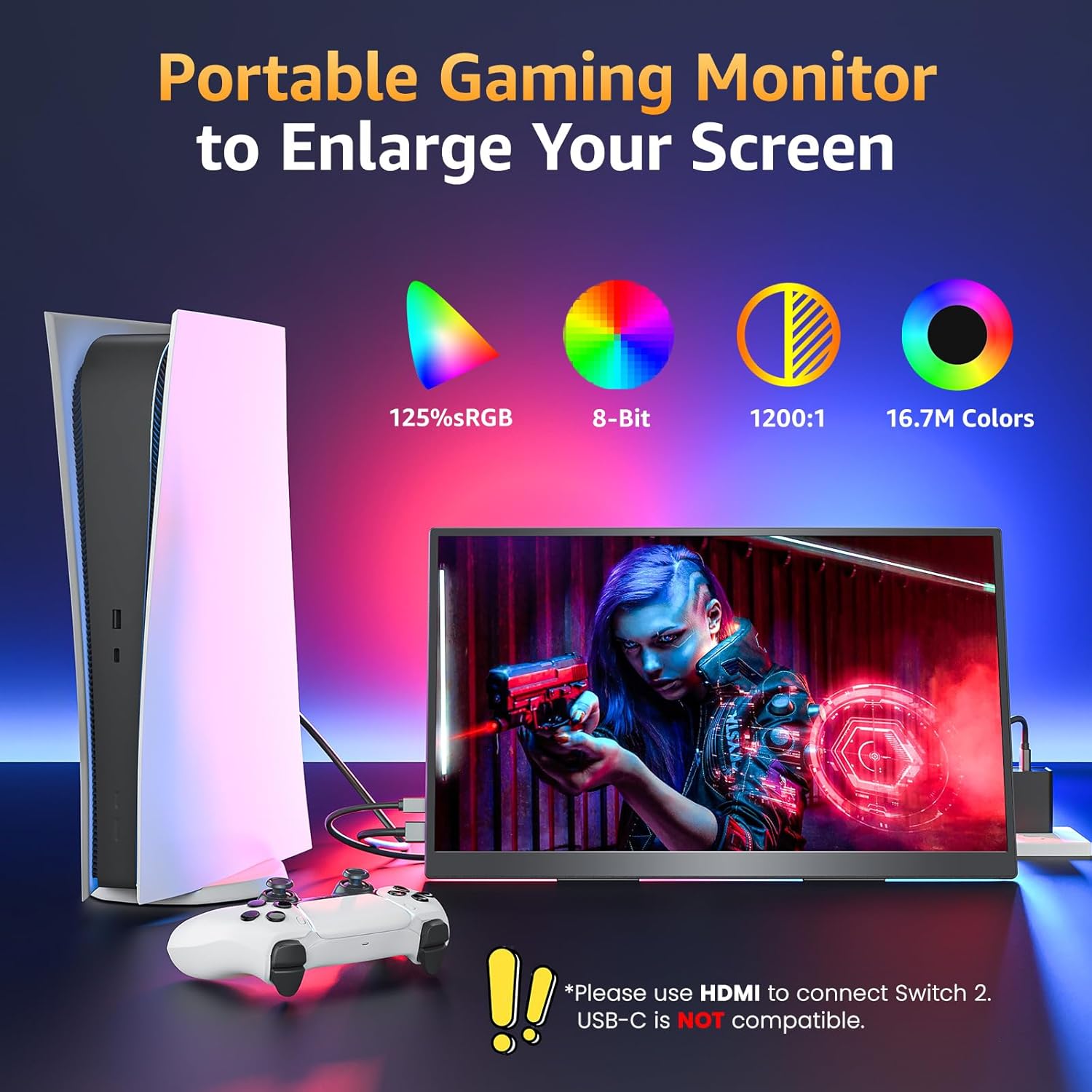
Is this monitor compatible with Switch/Switch 2?
1. It is compatible with the original Switch.
2. It is NOT compatible with the new Switch 2 via the USB-C cable connection. Please connect the monitor to the HDMI port on the Switch 2's dock to get the display signal.
Why doesn't it work when I connect the monitor with my device by my own USB-C to USB-C cable?
What should I do if my monitor screen keeps flickering?
My Android phone has a USB-C port does this monitor work with my phone/tablet by the original USB-C to USB-C cable?
How do I connect my iPhone to the monitor?
Is this monitor compatible with Switch/Switch 2?

You have successfully commented, please wait for review
Copied Successfully
You can enjoy up to 1 free gift!