What are you looking for?
Search

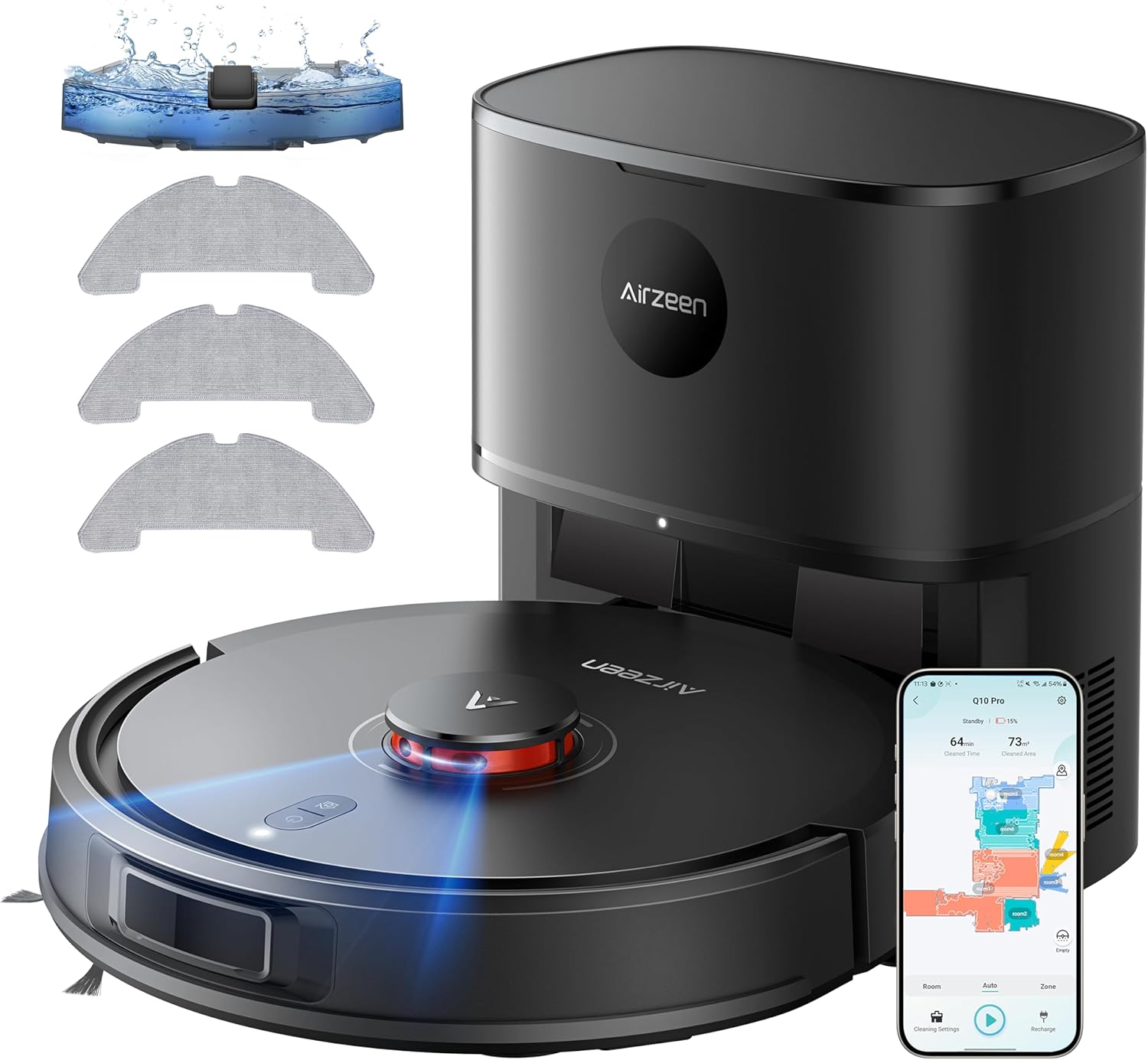
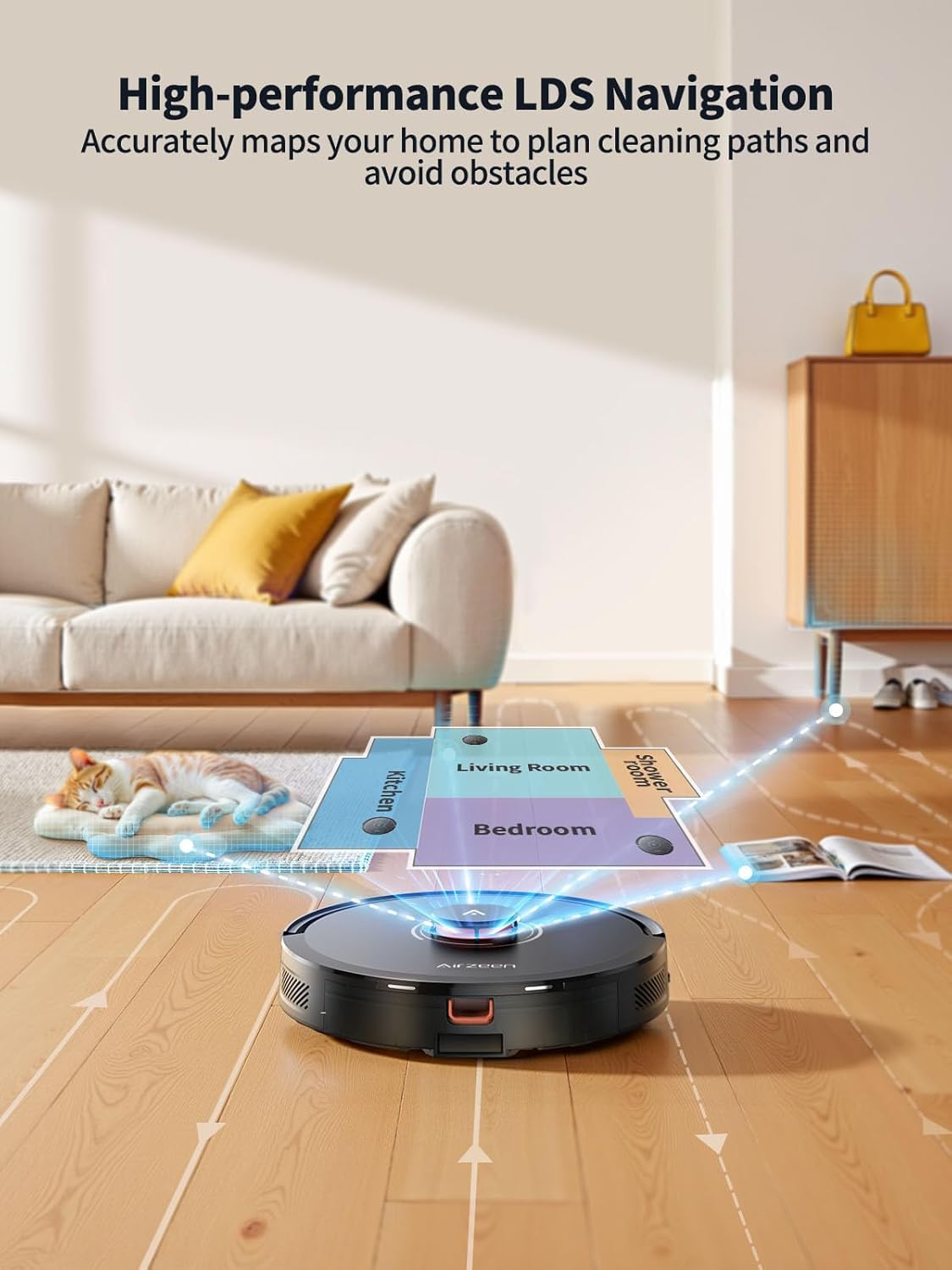
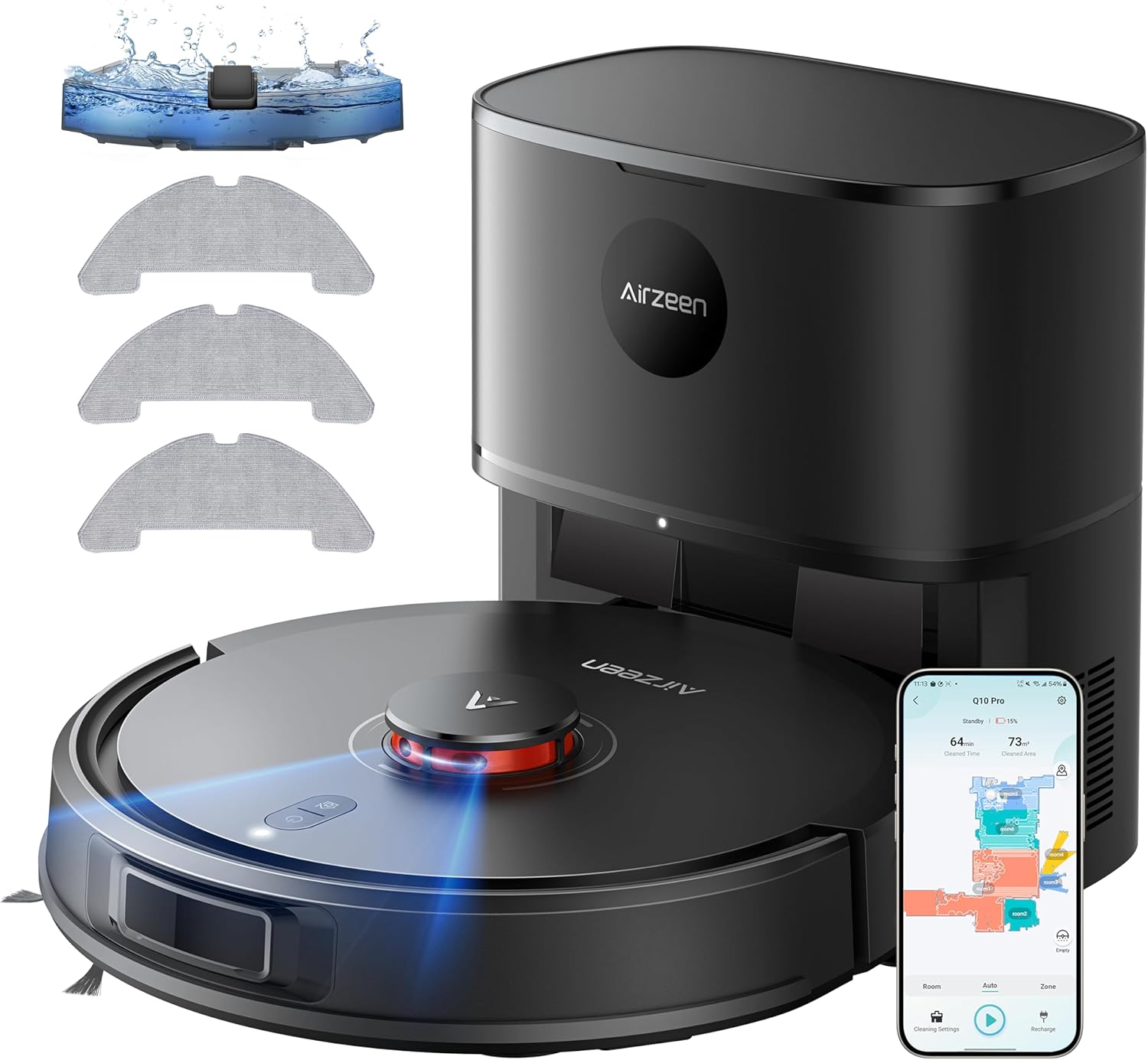
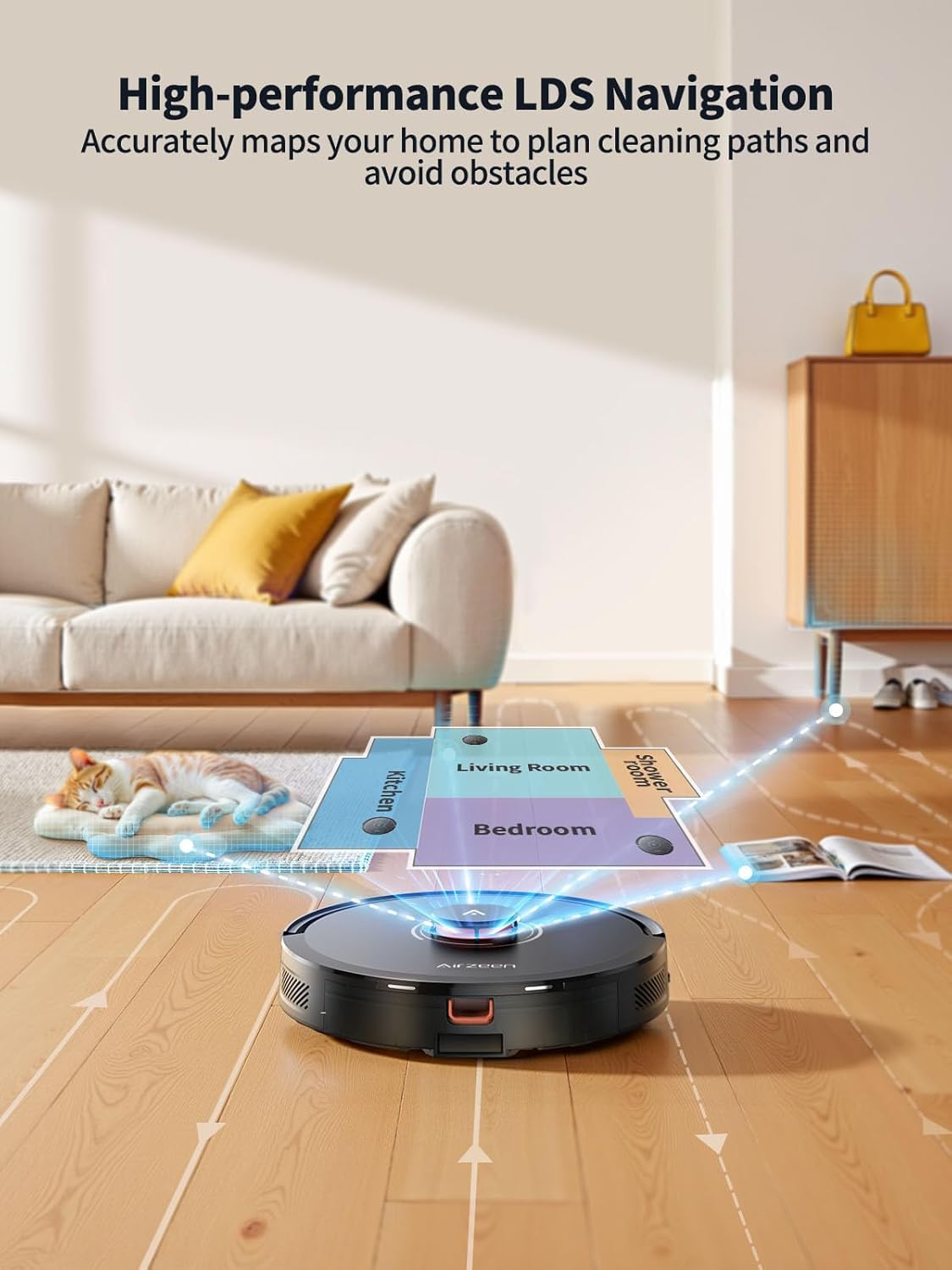

& Equipped with advanced LiDAR and SLAM technology the robot vacuum and mop scans your home in 360 and creates precise maps for efficient matrix cleaning. It intelligently avoids obstacles like walls stairs and toys ensuring no missed spots or repeated passes
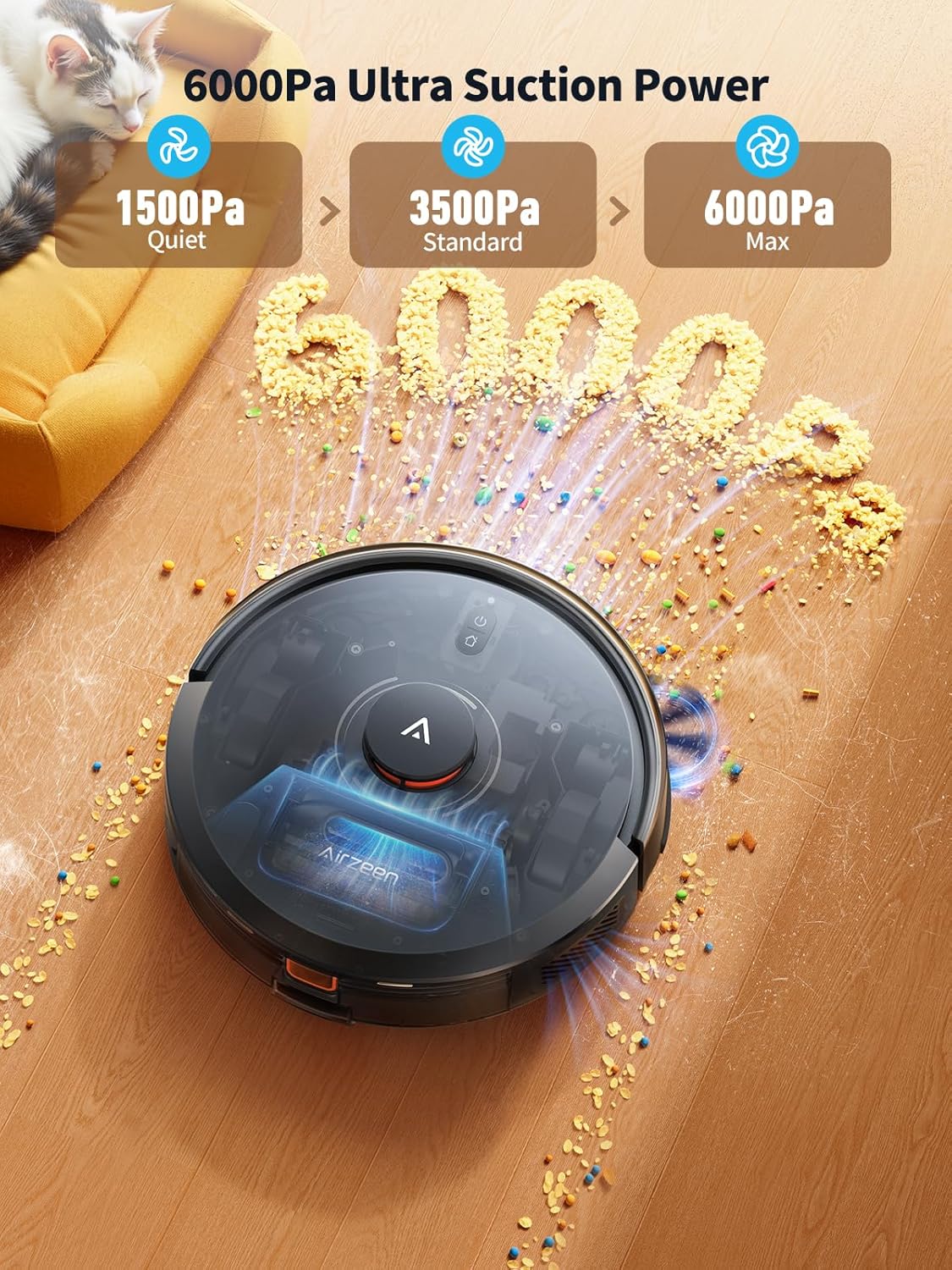
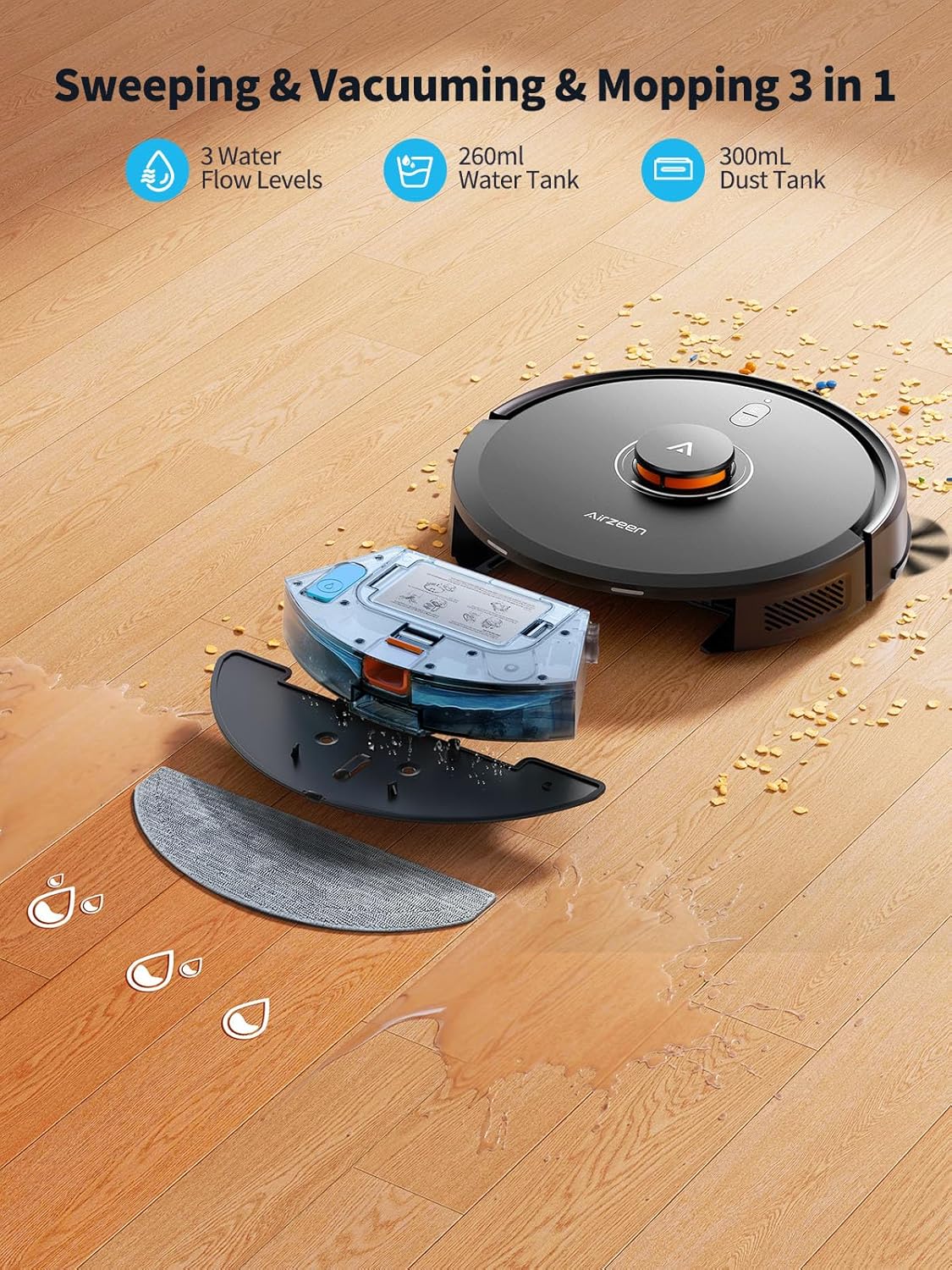
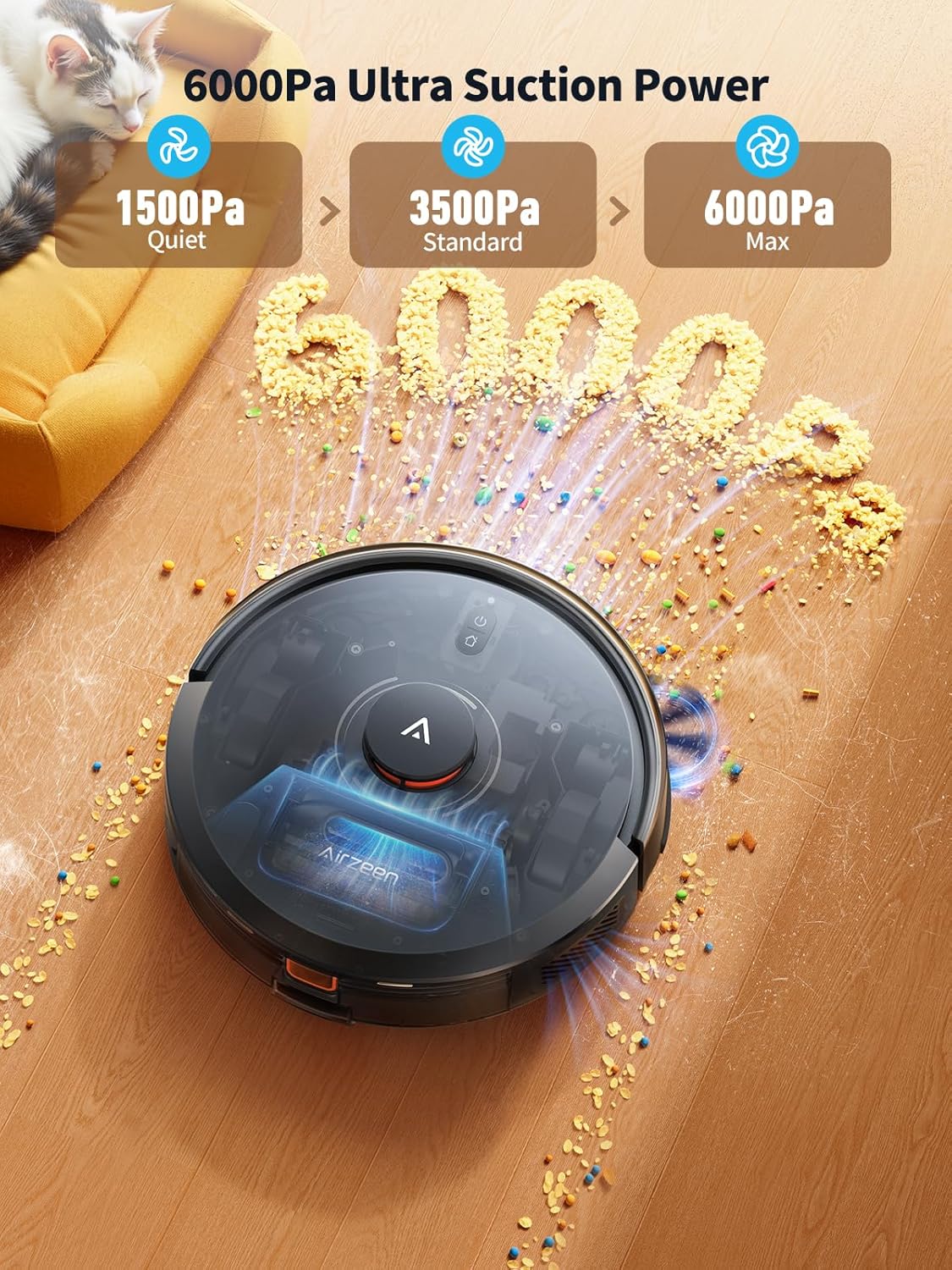
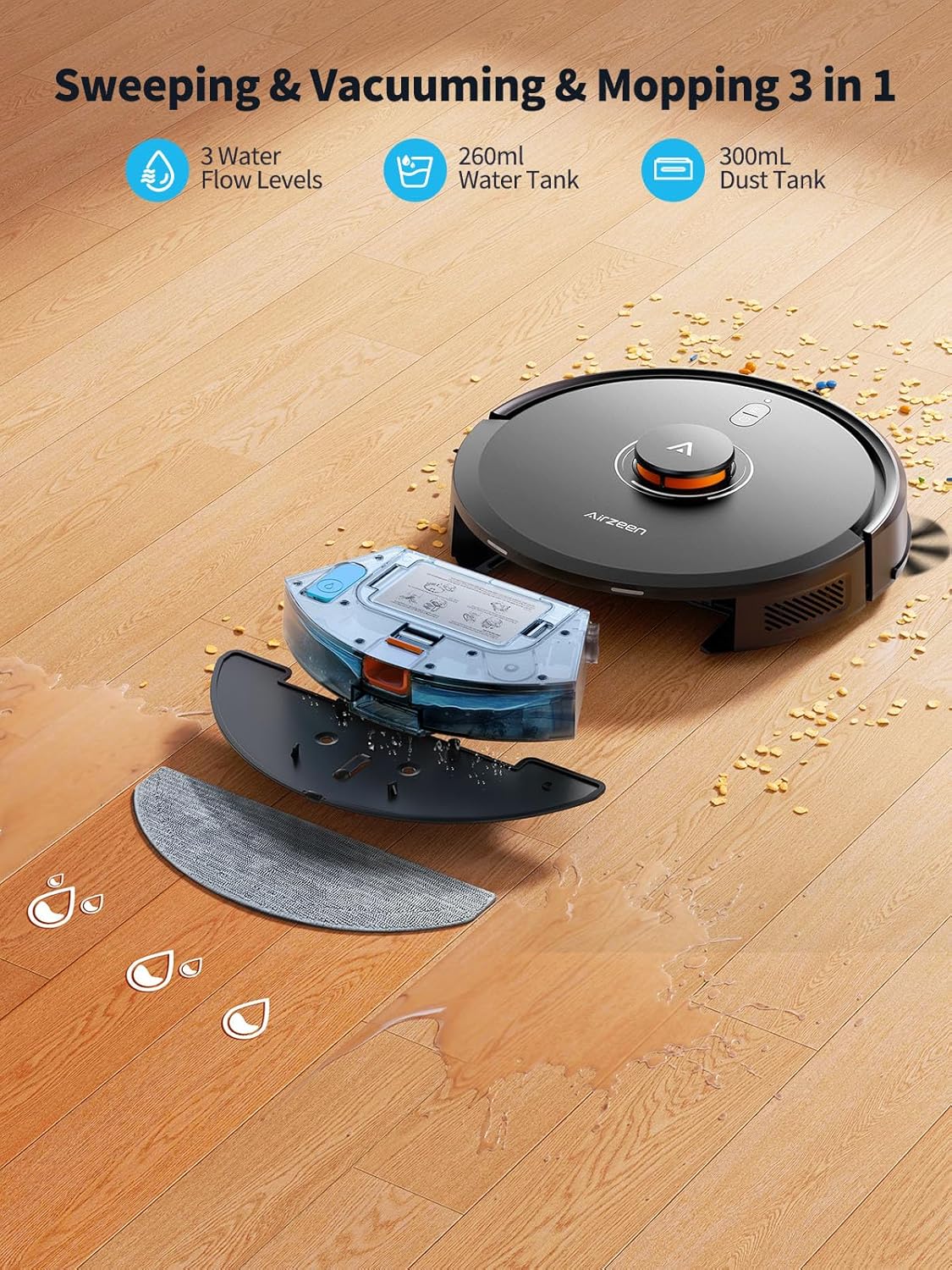
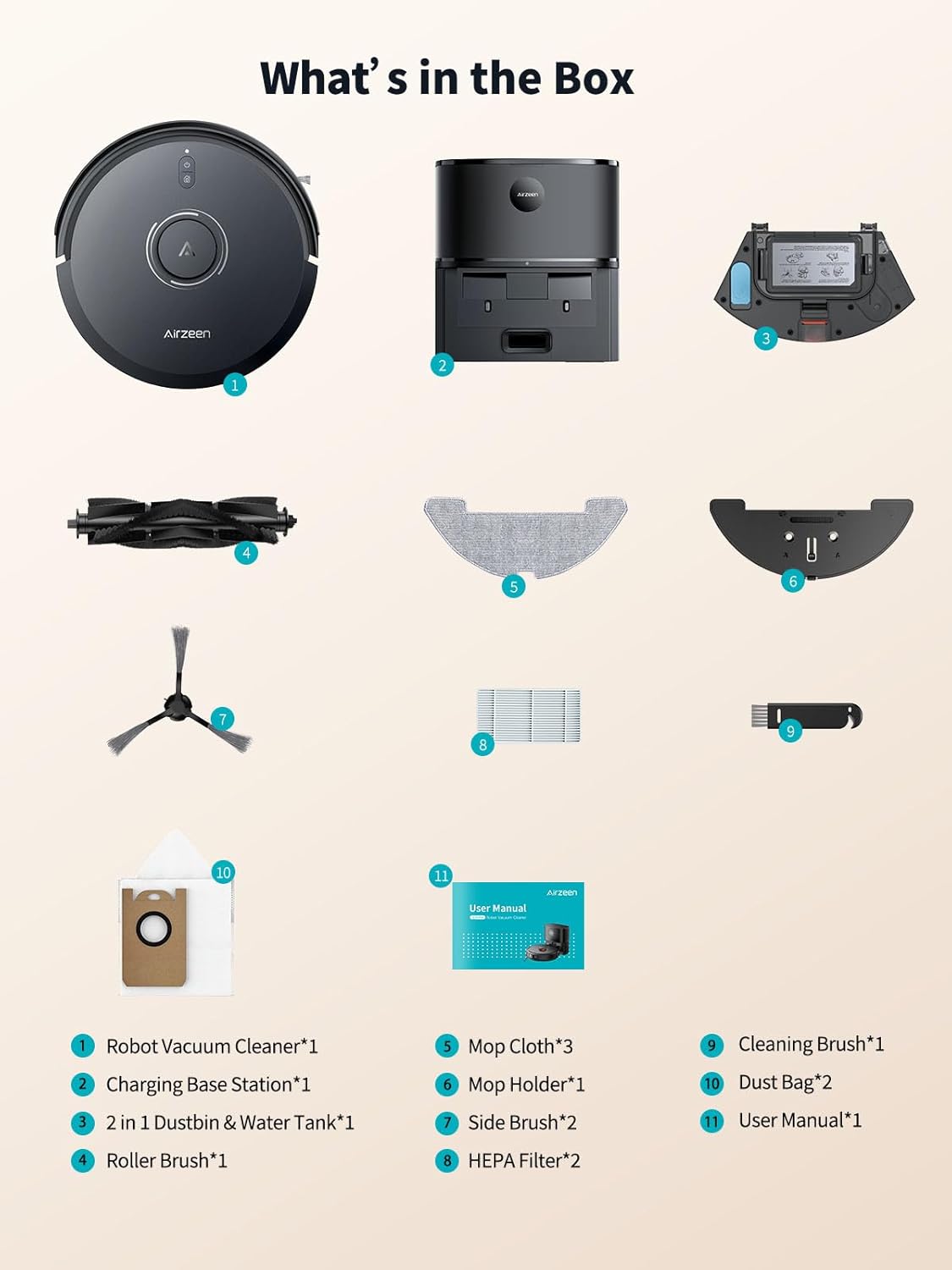
-- Enjoy complete floor care with vacuuming sweeping mopping and self-emptying in one device. Customize cleaning with 3 suction levels & 3 water flow settings for all floor typesIn mop mode please remove the mop holder or establish a no-go zone to prevent the vacuum from dirtying your carpet
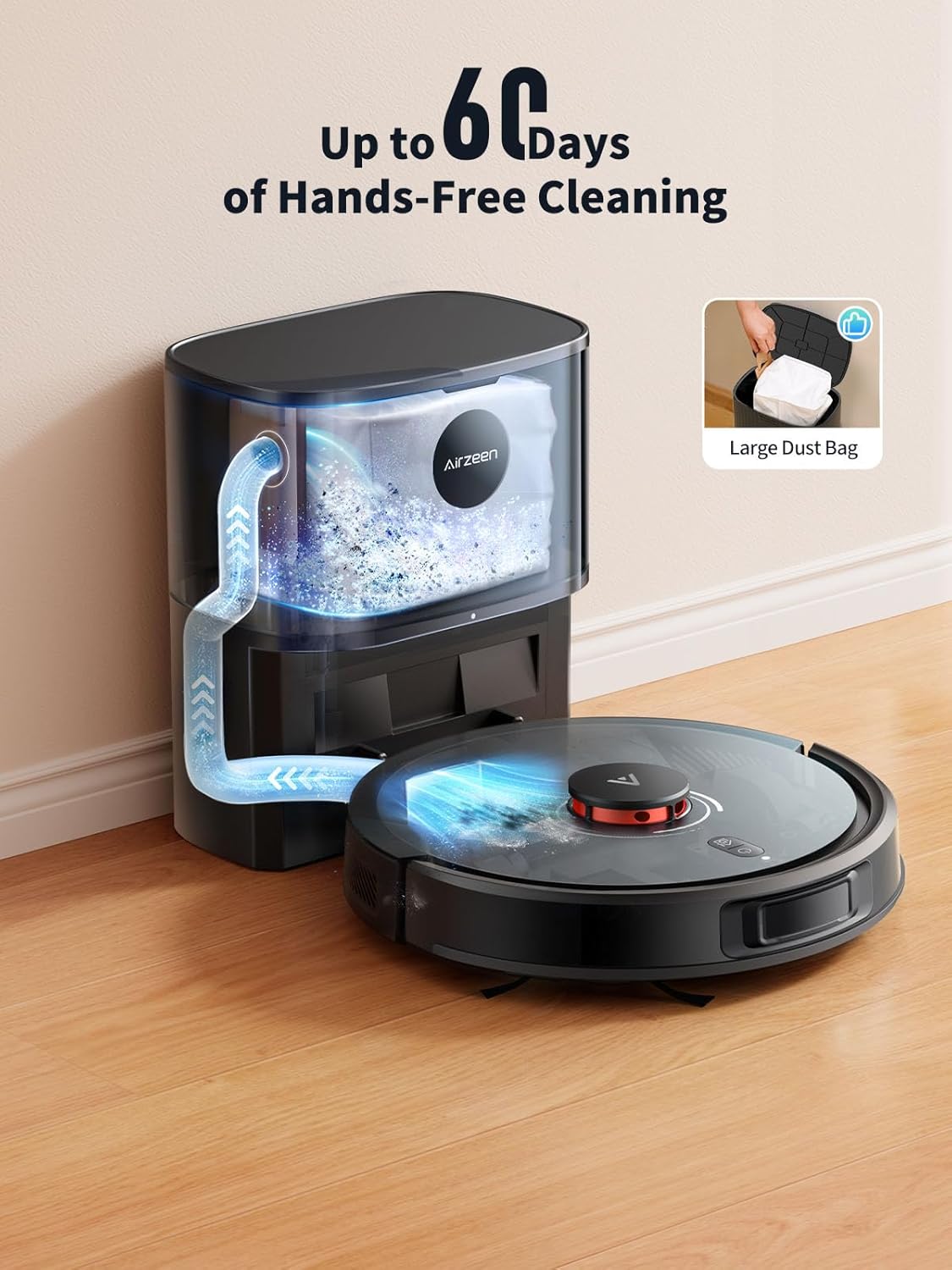
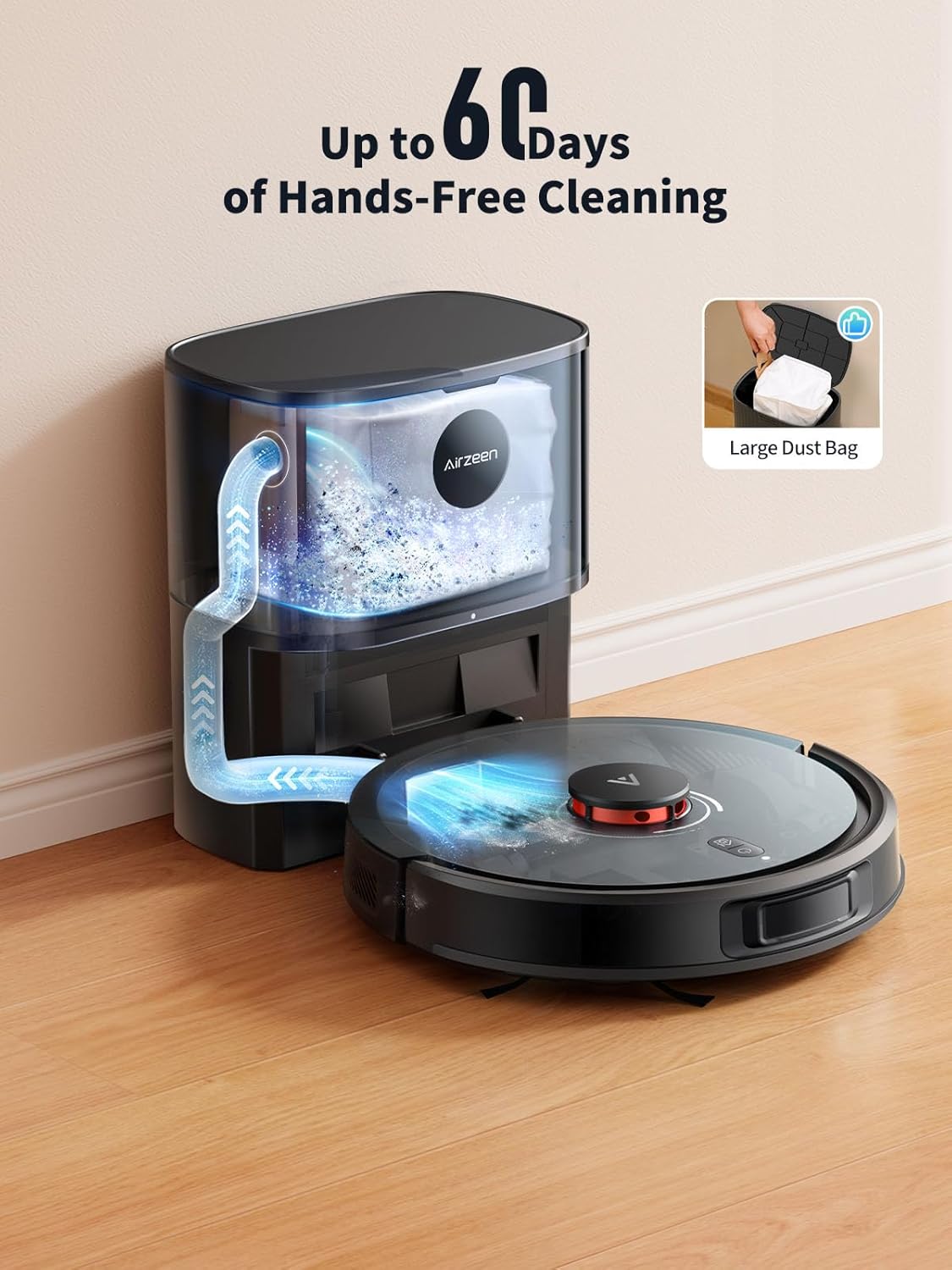
- - Enjoy true convenience with this robot vacuum cleaner's 3.3L self-emptying station that automatically collects debris for up to 60 days of hands-free cleaningno more frequent dustbin emptying!
& Control your robot vacuum pet hair via the HomeAloT Appset schedules adjust settings create no-go zones and monitor cleaning in real-time. Works with Alexa/Google Assistant for hands-free voice commands (2.4GHz WiFi only)
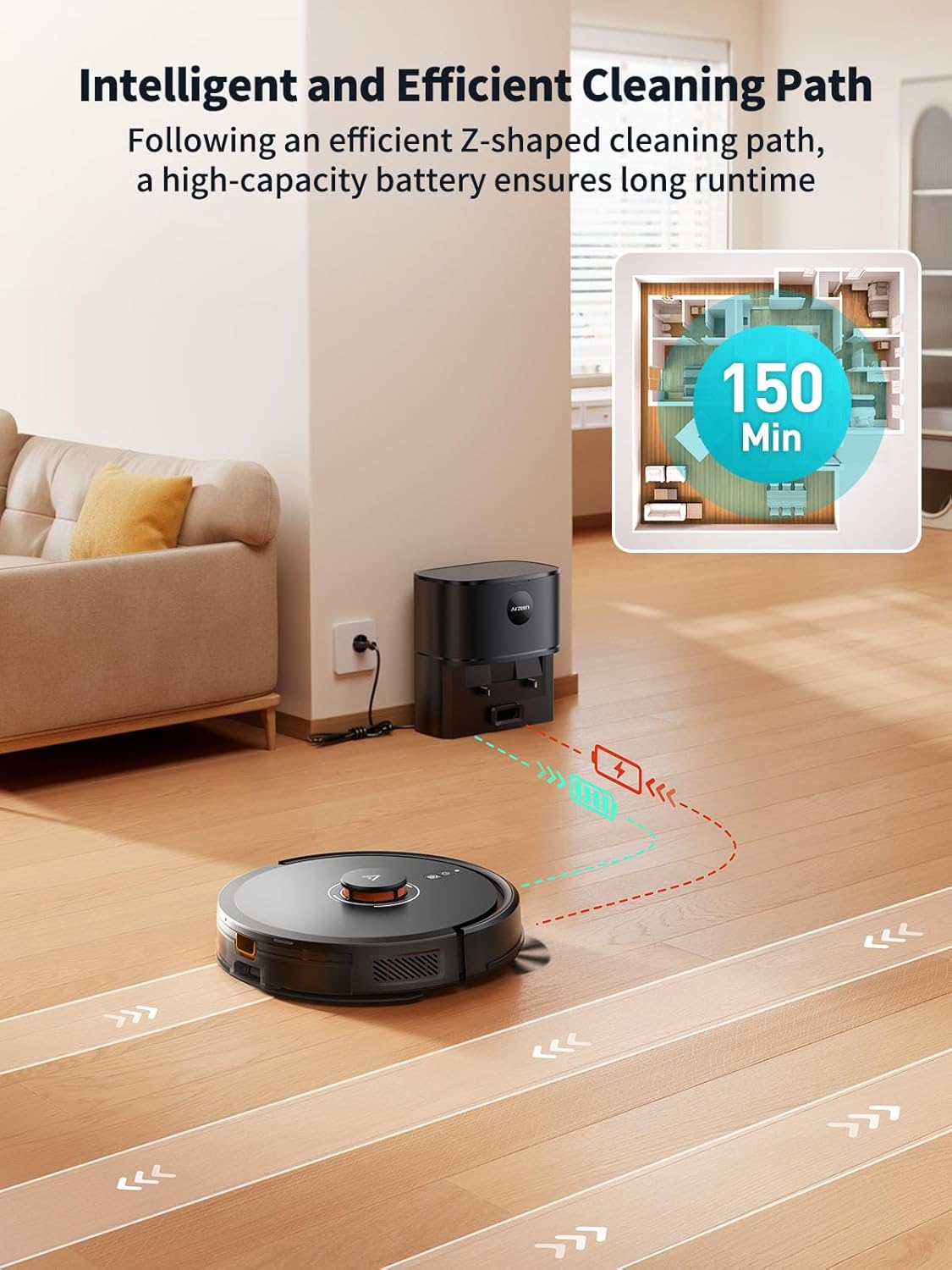
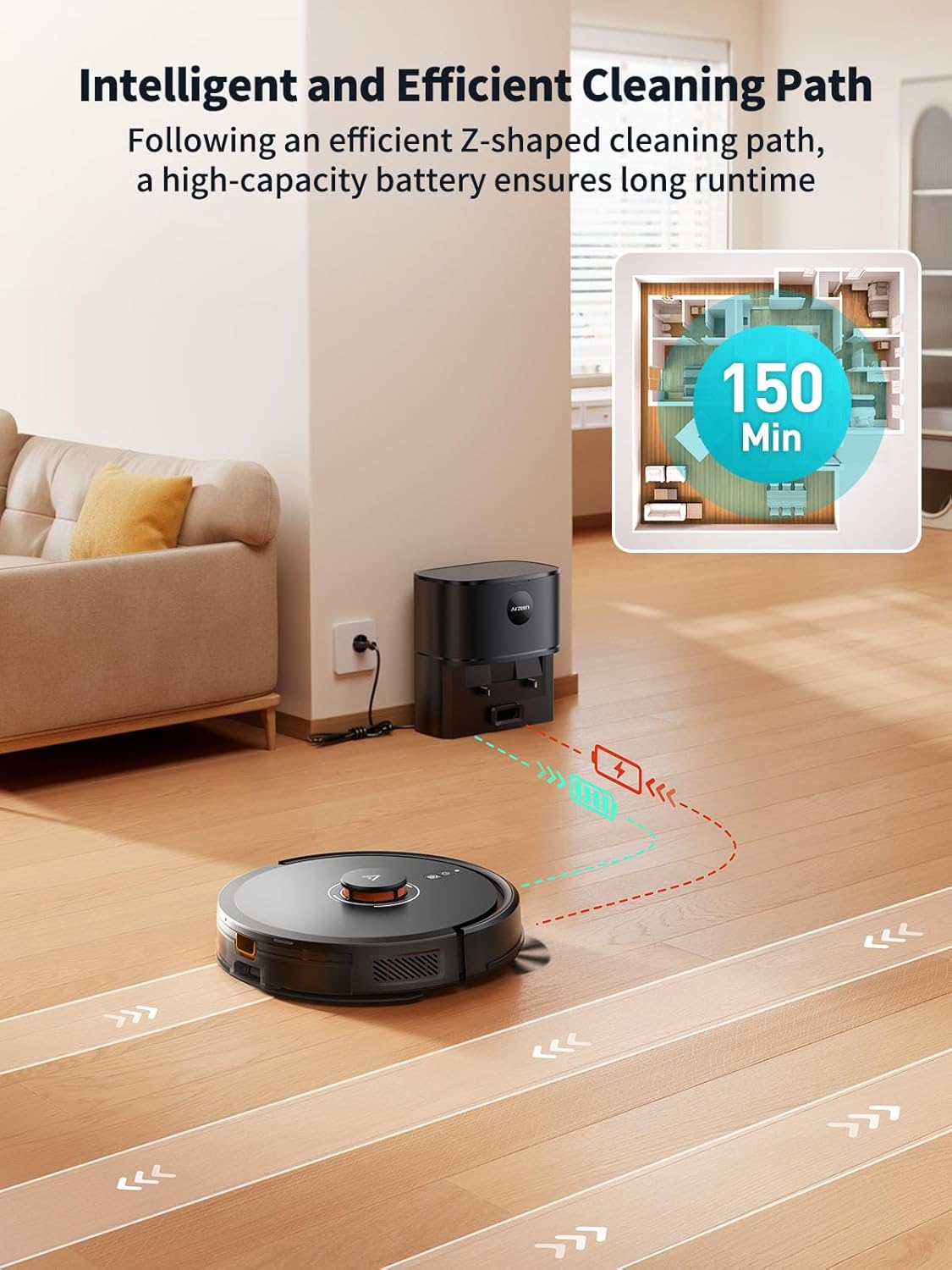
- & -/ In quiet suction mode enjoy up to 150 minutes of continuous cleaningperfect for large homes up to 2000 sq. ft. (180). When the battery runs low the robotic vacuums auto-recharges and continues mopping and vacuuming exactly where it left offFree up your hands and enjoy convenience.
This robot vacuum with self-emptying is also the best choice for your gift. The thoughtful present is designed to free your loved ones from household chores giving them more quality time to spend with you and truly enjoy life's precious moments.
15000Pa Suction Power2Sweep&Vacuum&Mop 3 in 13Carpet Suction Boost1Smart Senor & No Go Zone2Auto Recharge3Automatic Self Emptying1Smart App & Voice Control2Users Guide3Users Guide4Users Guide5Users Guide
How do I connect Q10 pro robot vacuum cleaner to my cell phone? Does it support 5GHz Wi-Fi networks?
First download the HomeAIoT App and register an account from your mobile store or follow the Quick Guide directly to make a WIFI connection.The Robot Vacuum currently only supports 2.4GHz networks.
Do I need to remove the mop holder when using on carpets
When using on carpets you need to remove the mop holder. Because when the mop holder is installed the carpet will be dirty when the sweeper is on the carpet.
Can I add cleaner to the tank of the robot vacuum and mop?
No We generally advise against adding cleaning agents as they corrode the pump and the foam from the cleaning agent clogs the water outlet.
Do I need to fully charge the vacuum before first use?
Yes it is recommended to fully charge the vacuum before first use. A steady green light indicates that it is fully charged. The vacuum may arrive with a battery level around 25%. It may take up to 4 hours to fully charge.
How long does the vacuum cleaner work before it automatically recharges?
Operating times vary by mode: 150 minutes in Quiet mode 100 minutes in Standard mode and 60 minutes in Max mode before auto-recharging
Q10 Pro Robot Vacuum and Mop with Automatic Dust Collection
Q10 pro Robot Vacuum and Mop Self-Emptying
Customize Your Household Cleaning to Save Time
Precision Laser Mapping & Matrix Cleaning & Navigation
How do I connect Q10 pro robot vacuum cleaner to my cell phone? Does it support 5GHz Wi-Fi networks?
Do I need to remove the mop holder when using on carpets
Can I add cleaner to the tank of the robot vacuum and mop?
Do I need to fully charge the vacuum before first use?
How long does the vacuum cleaner work before it automatically recharges?

You have successfully commented, please wait for review
Copied Successfully
You can enjoy up to 1 free gift!