What are you looking for?
Search

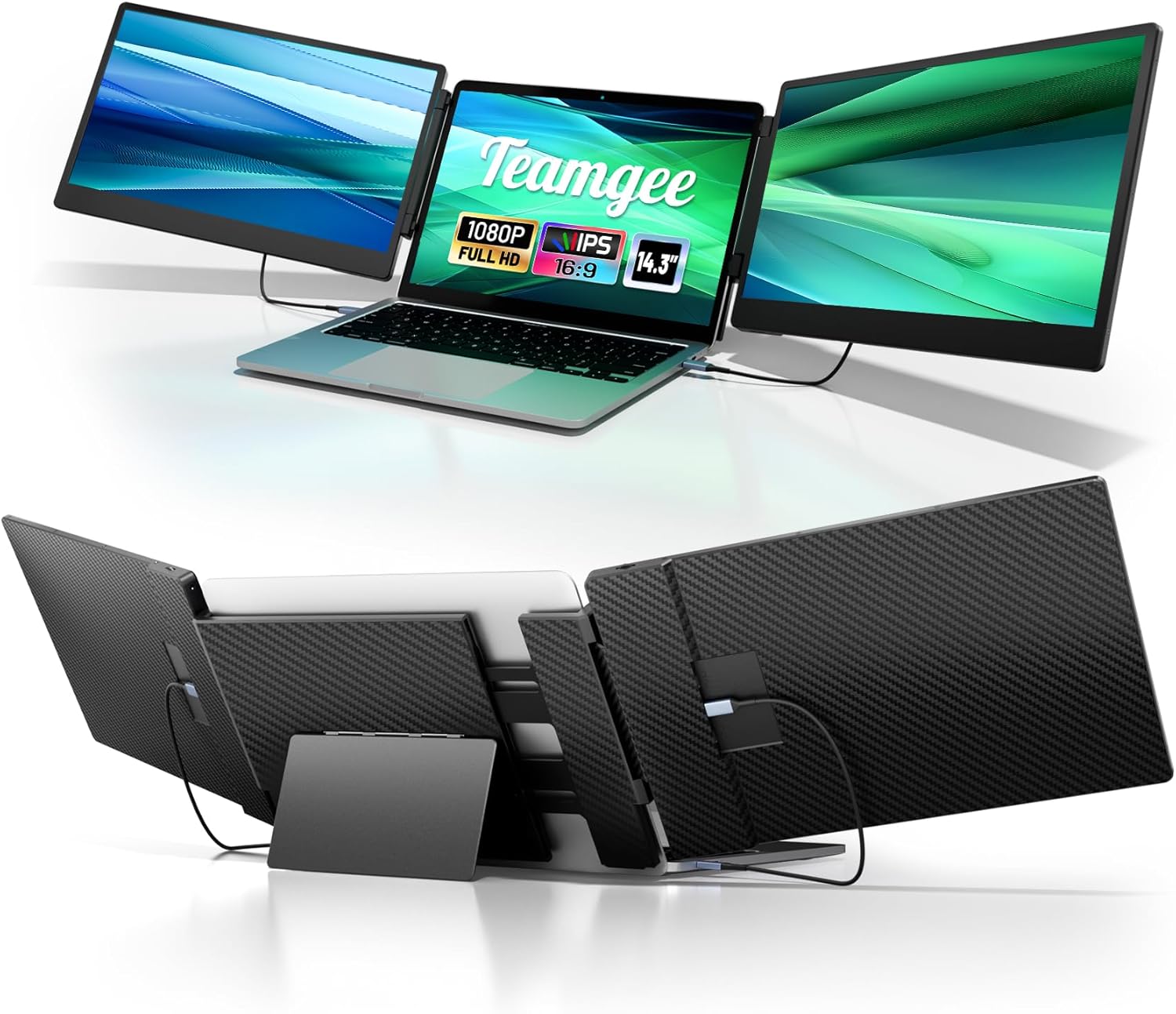
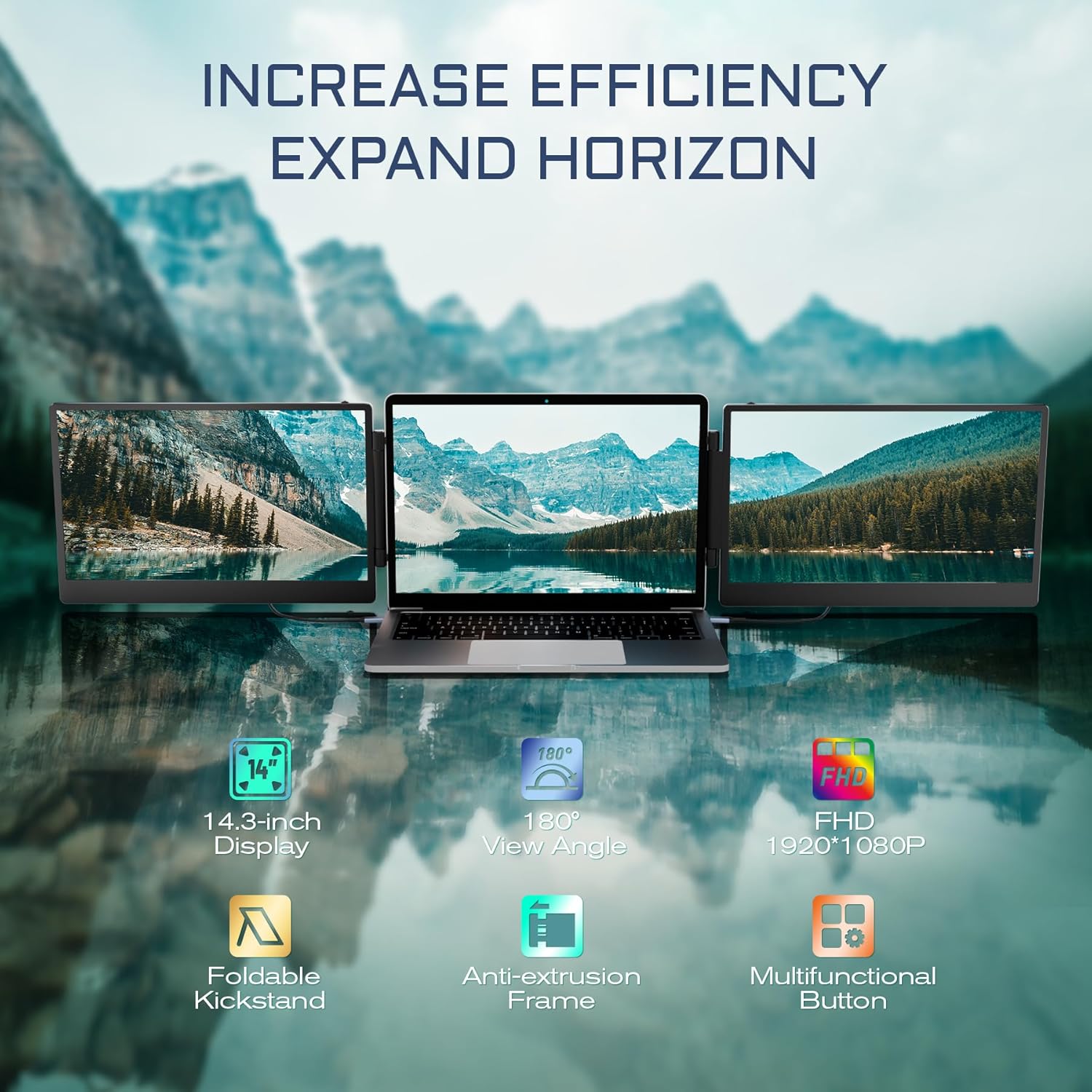
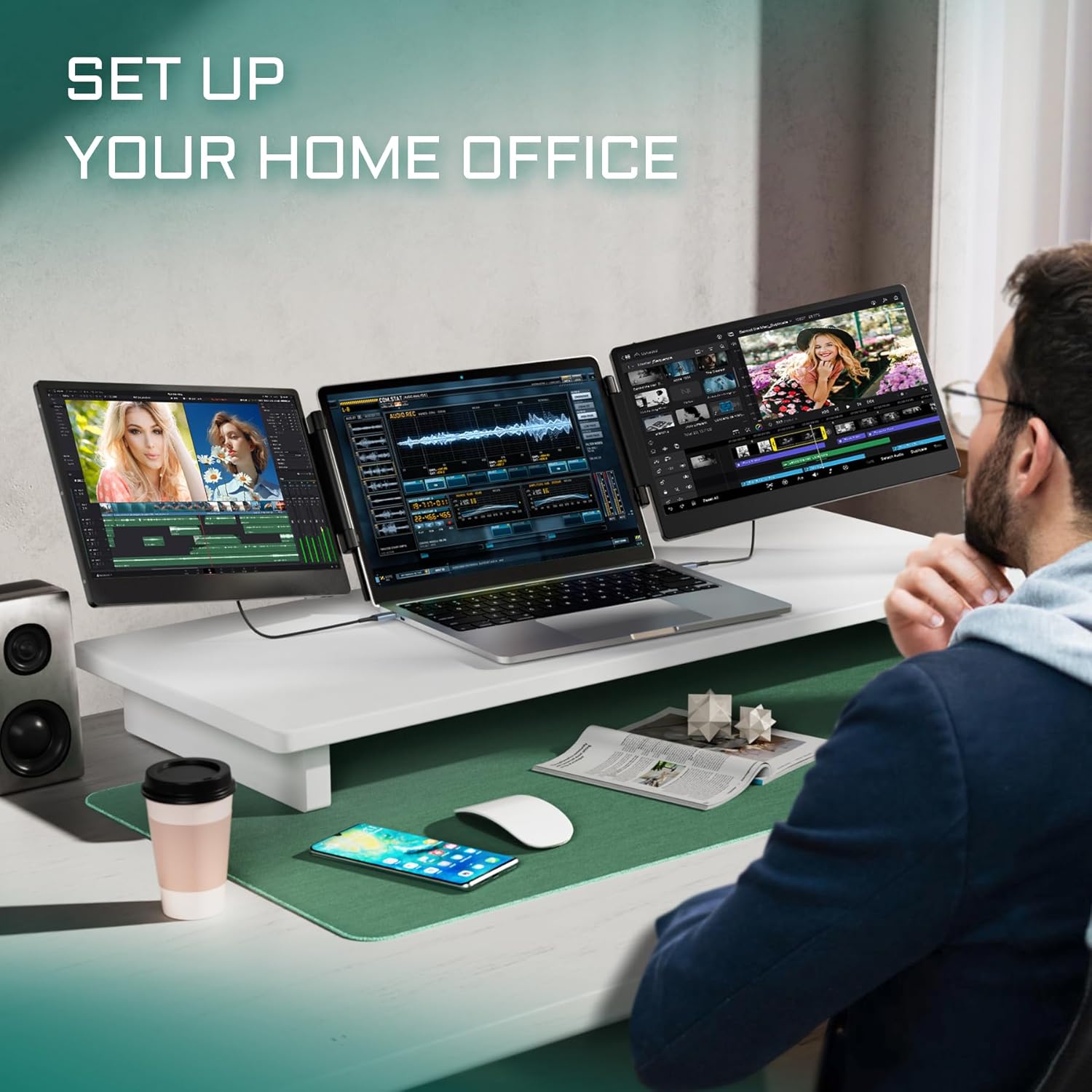
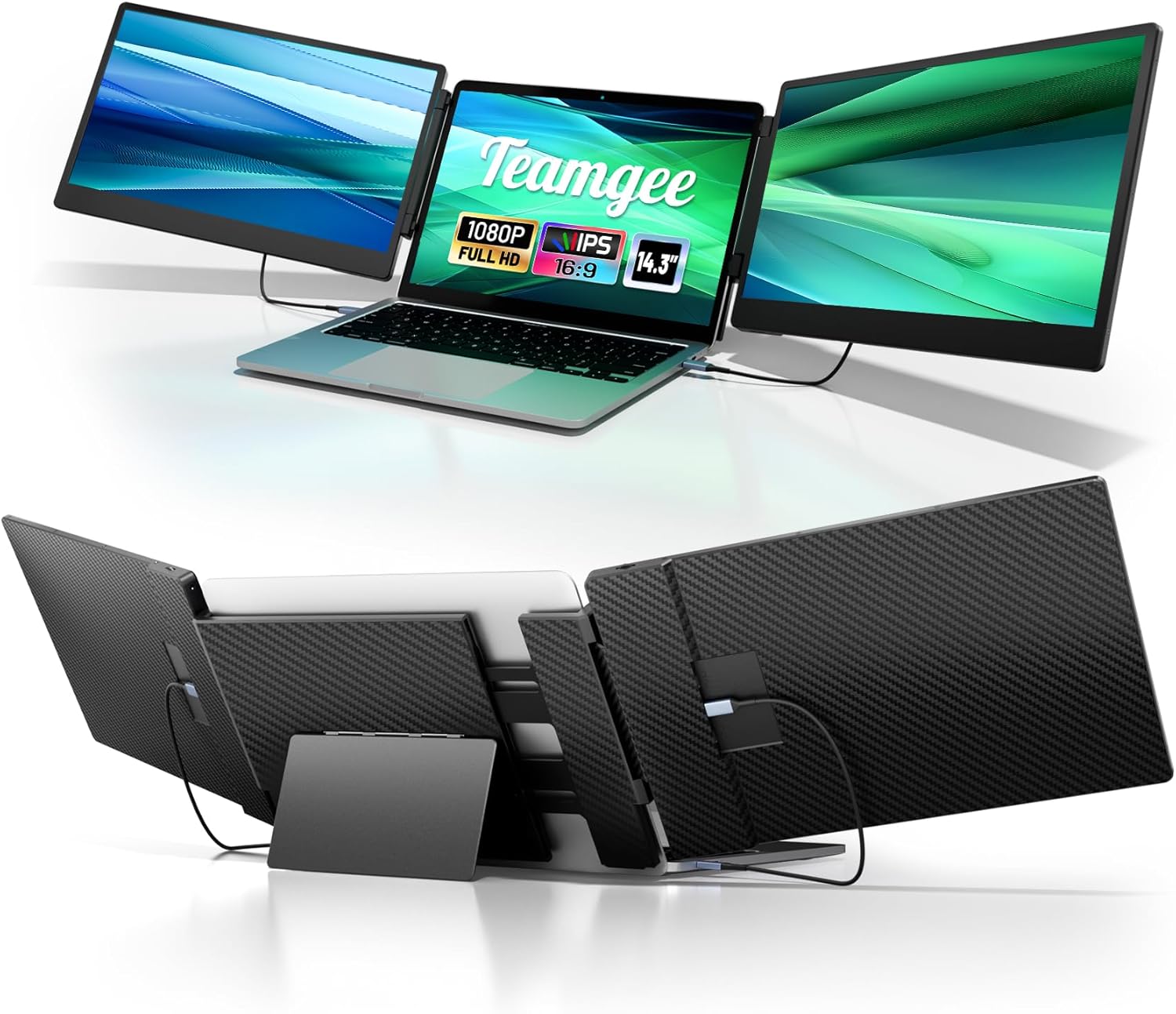
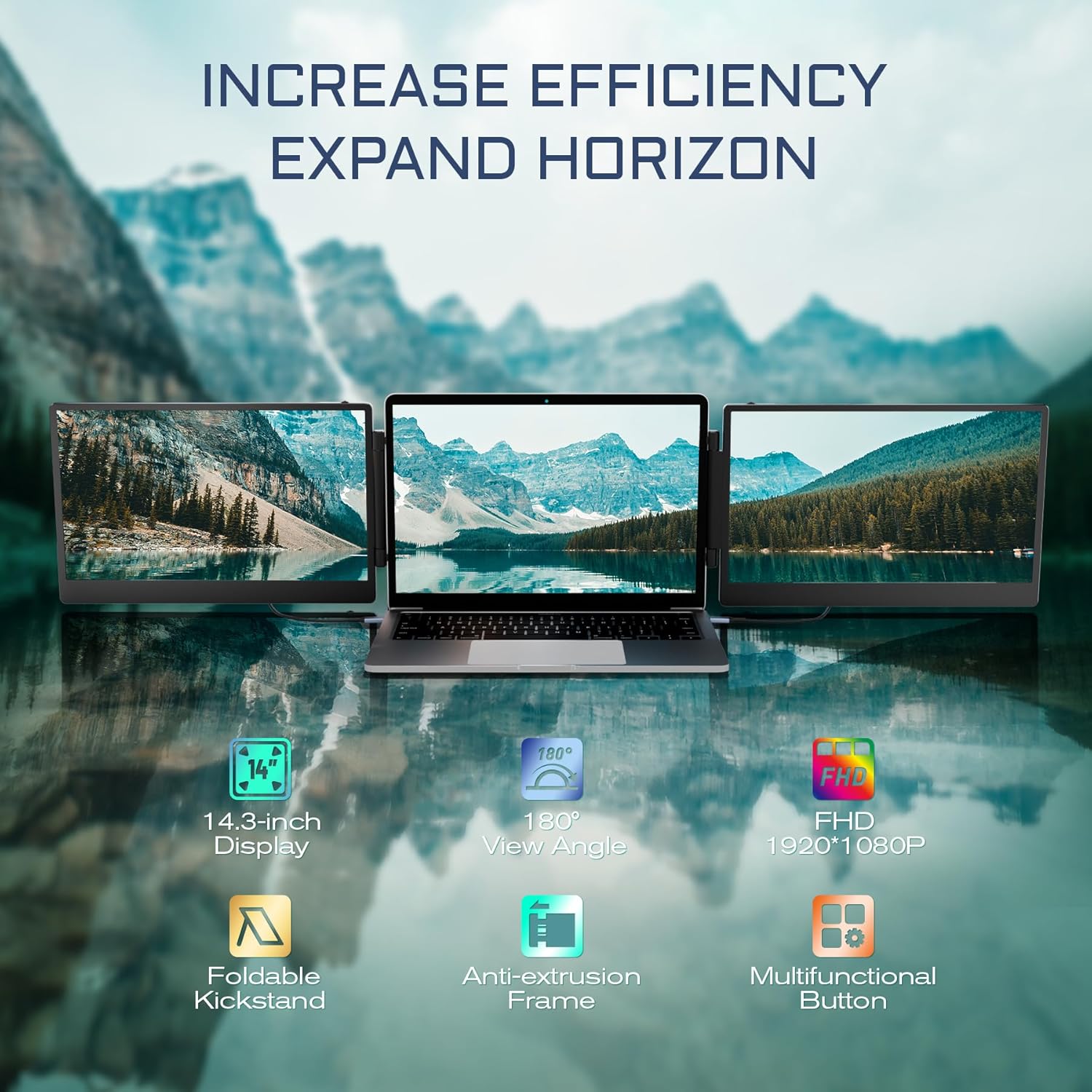
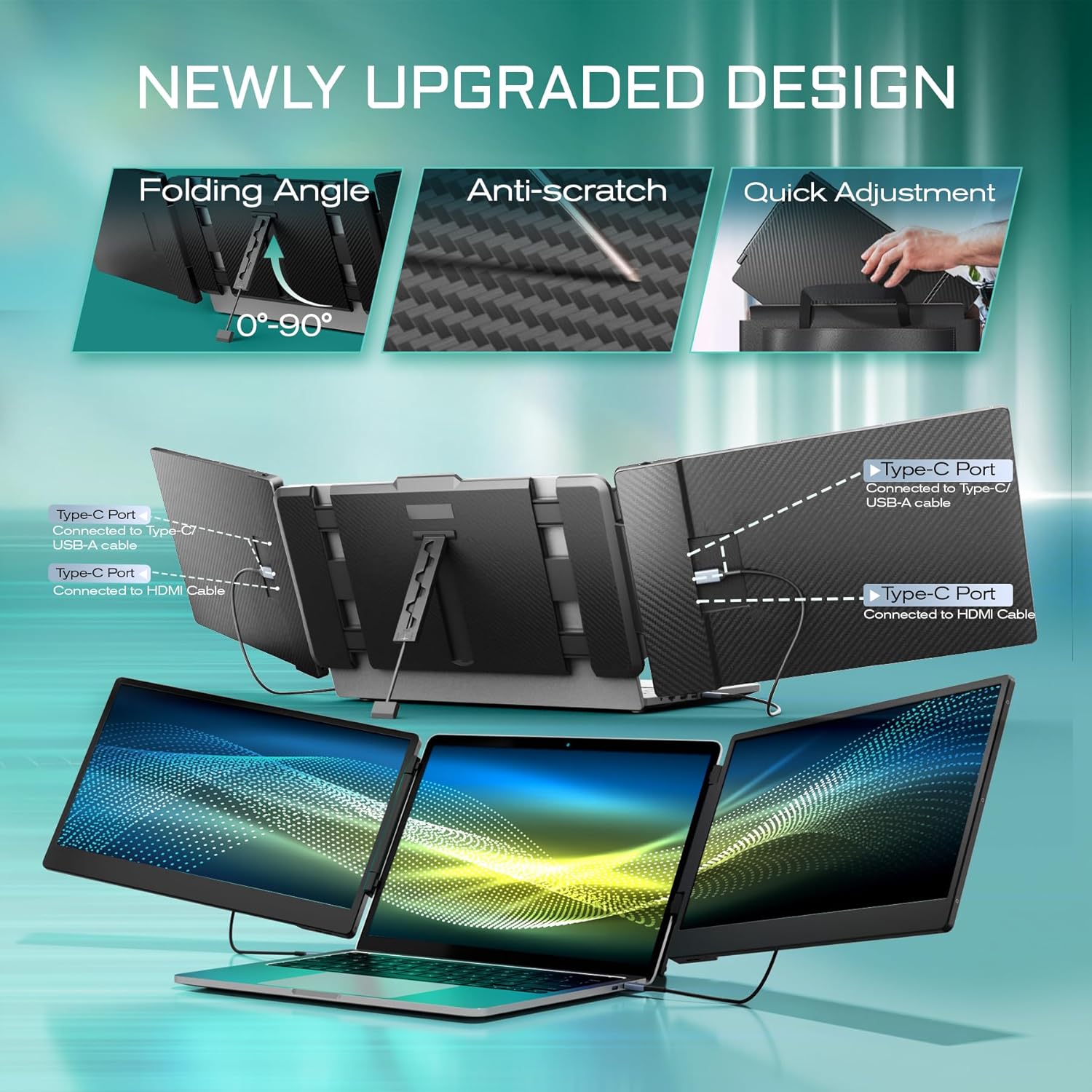
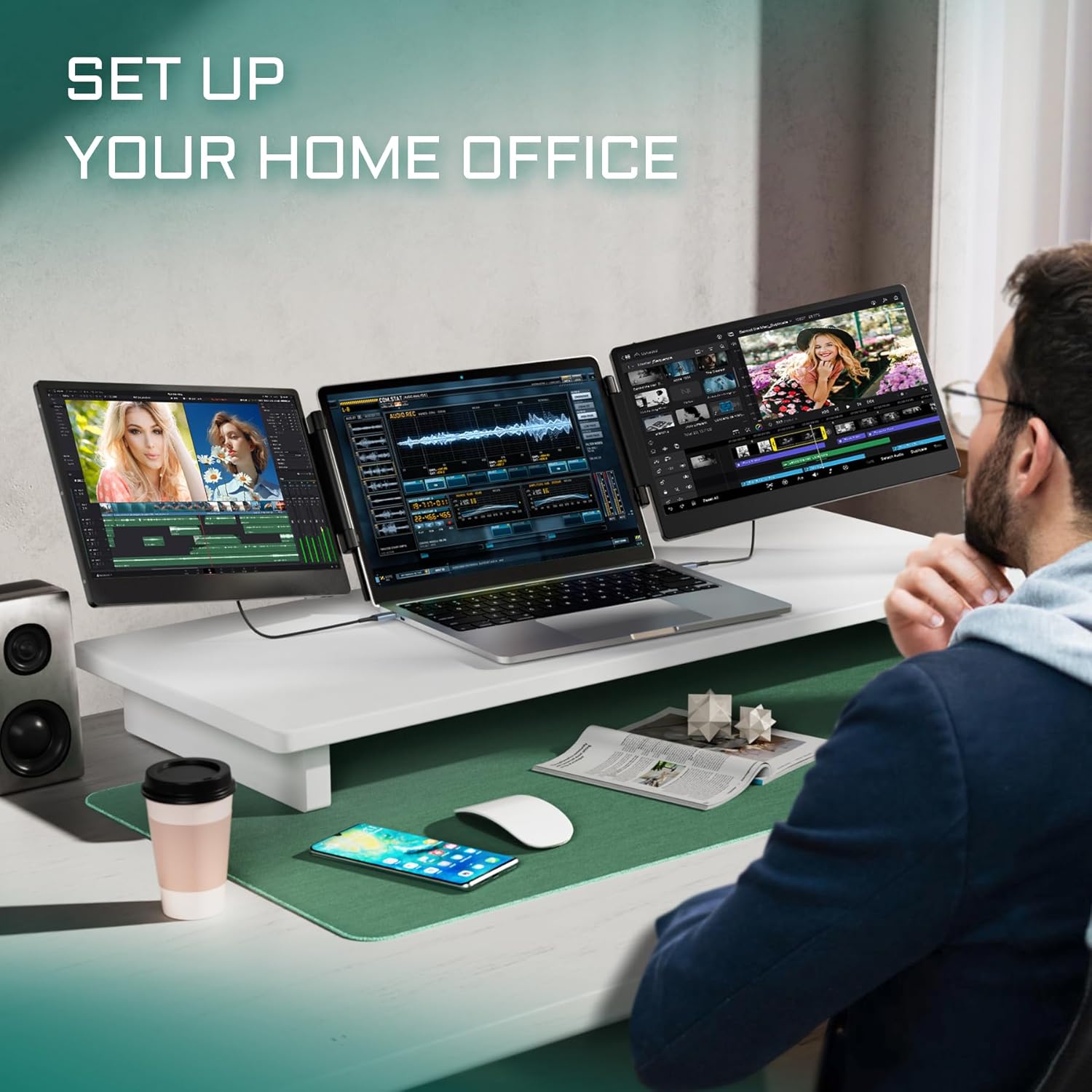

14.3" Vivid Visuals Performance: Enjoy vivid visuals on dual 14.3" IPS FHD displays with 1920x1080 resolution and 74% NTSC color coverage. The 300-nit brightness and 1000:1 contrast ratio deliver crisp detailed images. Flicker-free technology helps reduce eye strain during extended use. Easily adjust brightness contrast and color temperature via the multifunction button for your preferred viewing experience. A favorite among designers traders and content creators
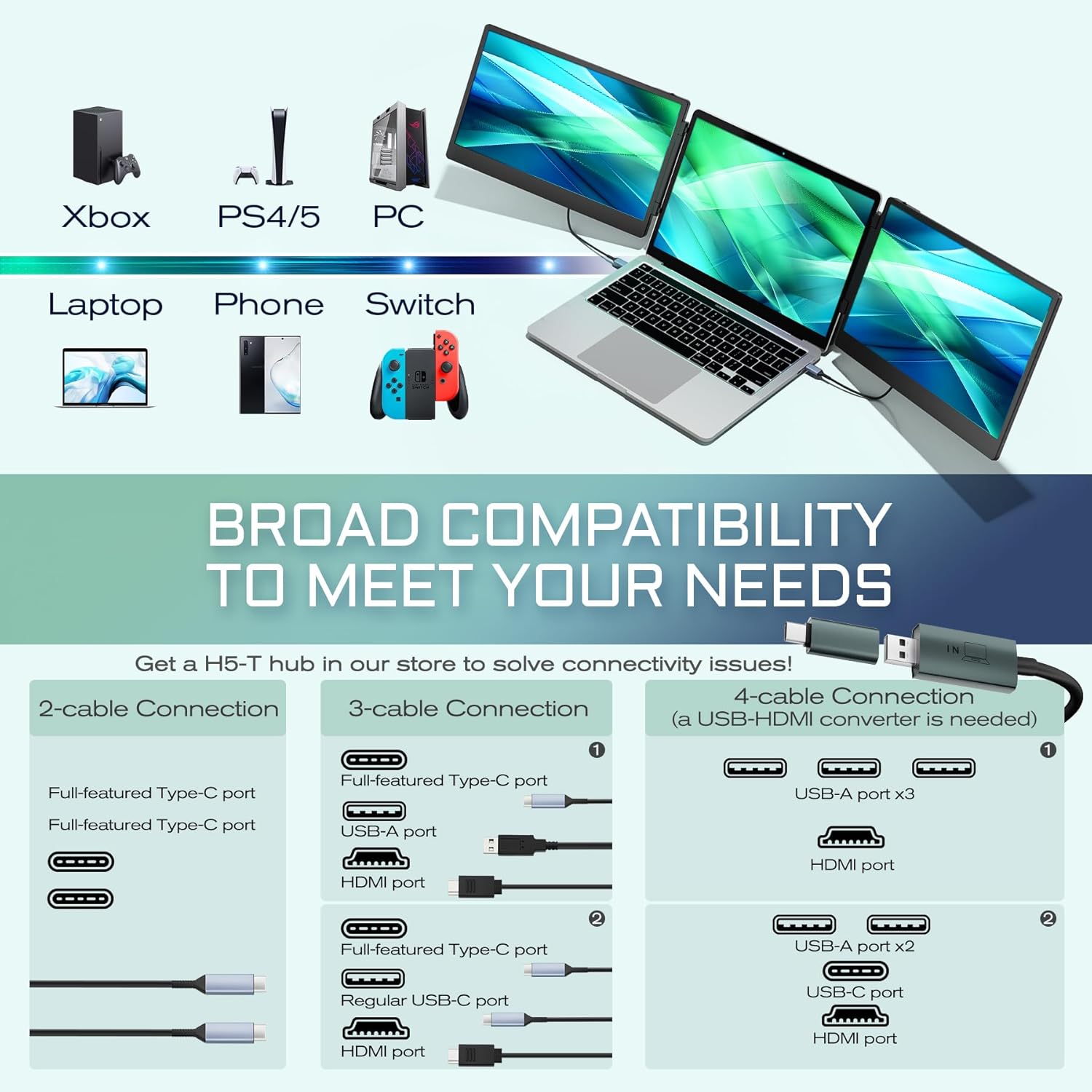
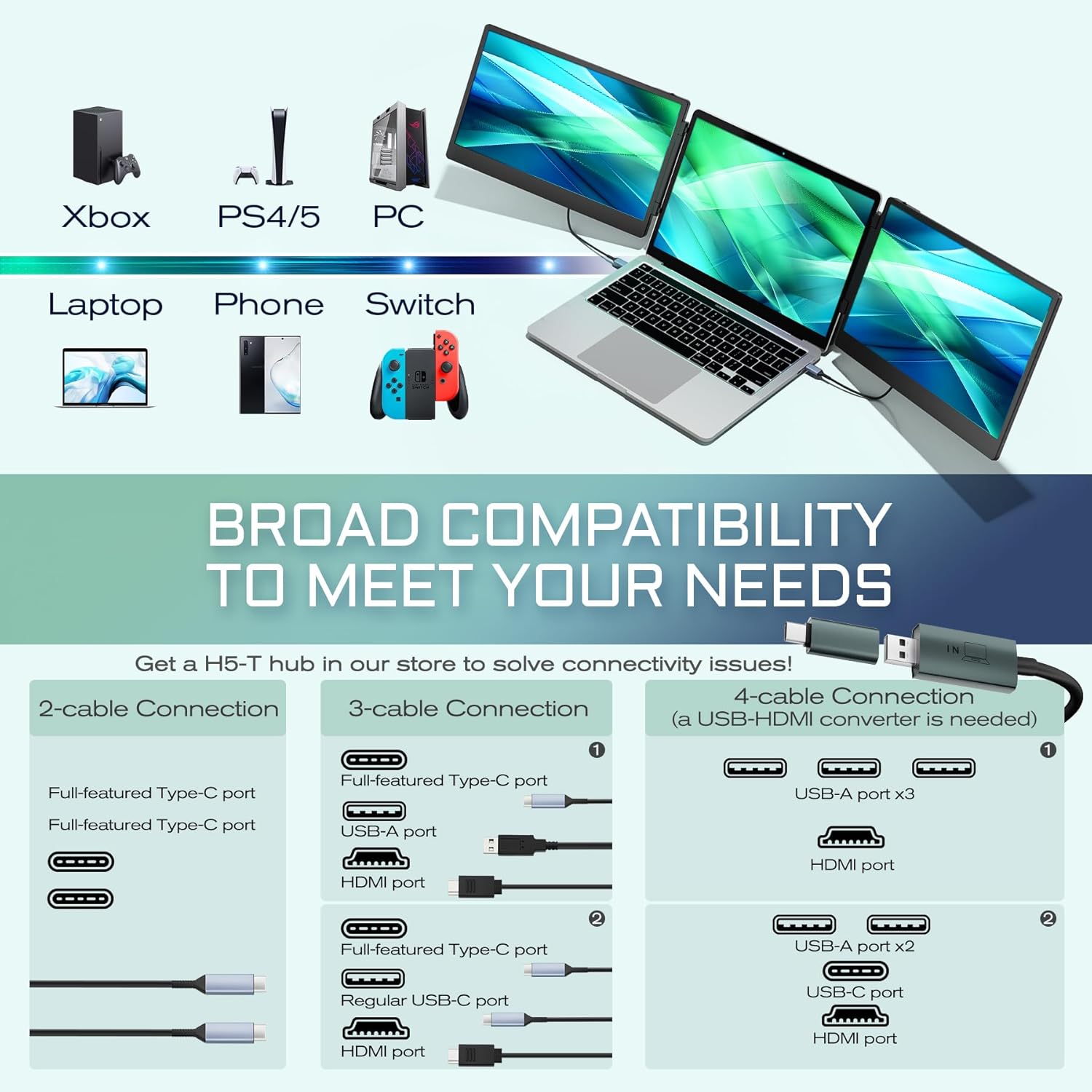
Universal Plug-and-Play Compatibility: To light up this laptop extender monitor full-featured USB-C ports USB-A ports and HDMI ports are helpful. Please note that you should connect USB-A cables first and then HDMI cables to the same display when using these two cables. Note that a docking station may be required for some devices such as MacBook with M1/2/3/4 chips Dell Latitude 5440 and Dell Precision 5690/3580. To solve this compatibility problem you can contact our support team for recommended converter options
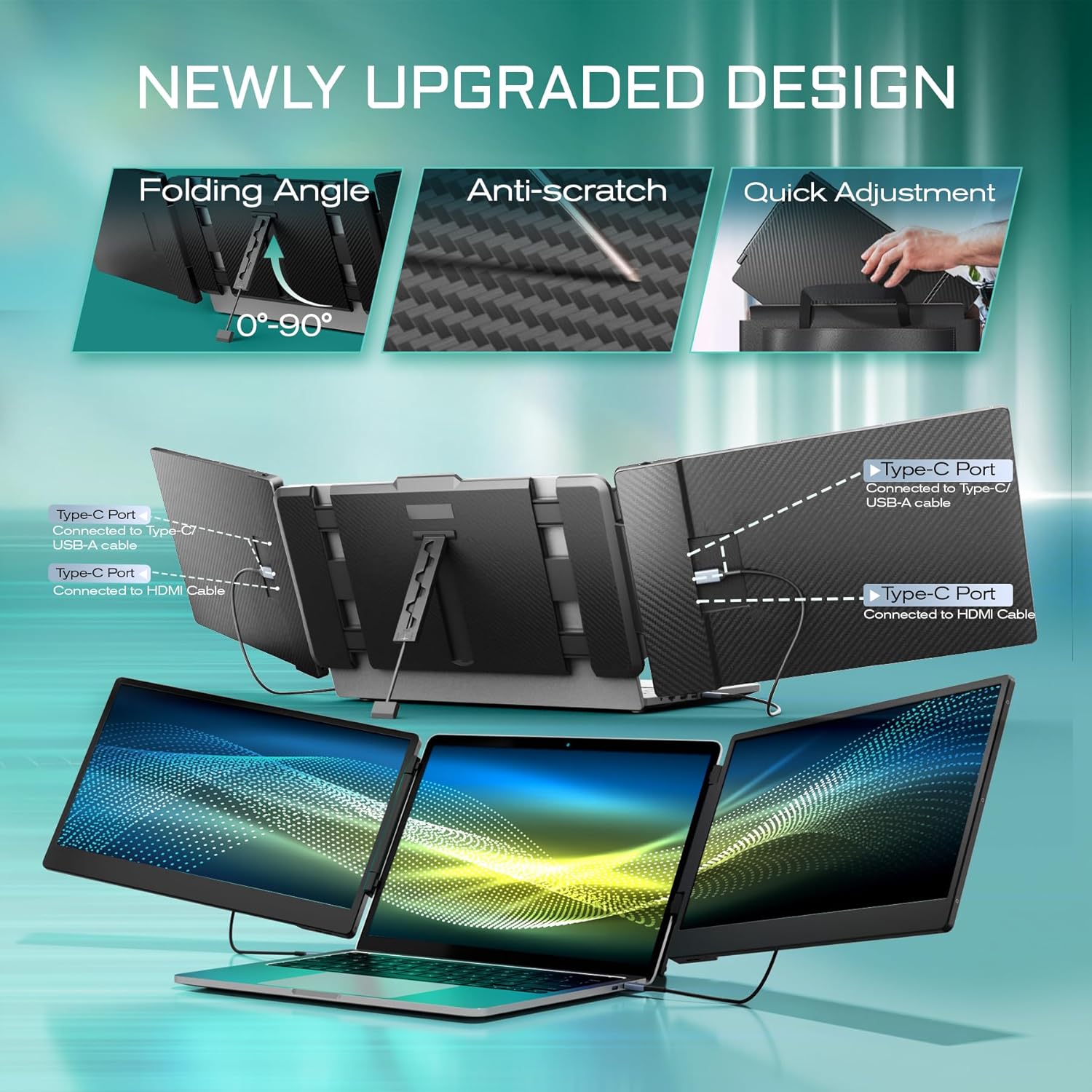
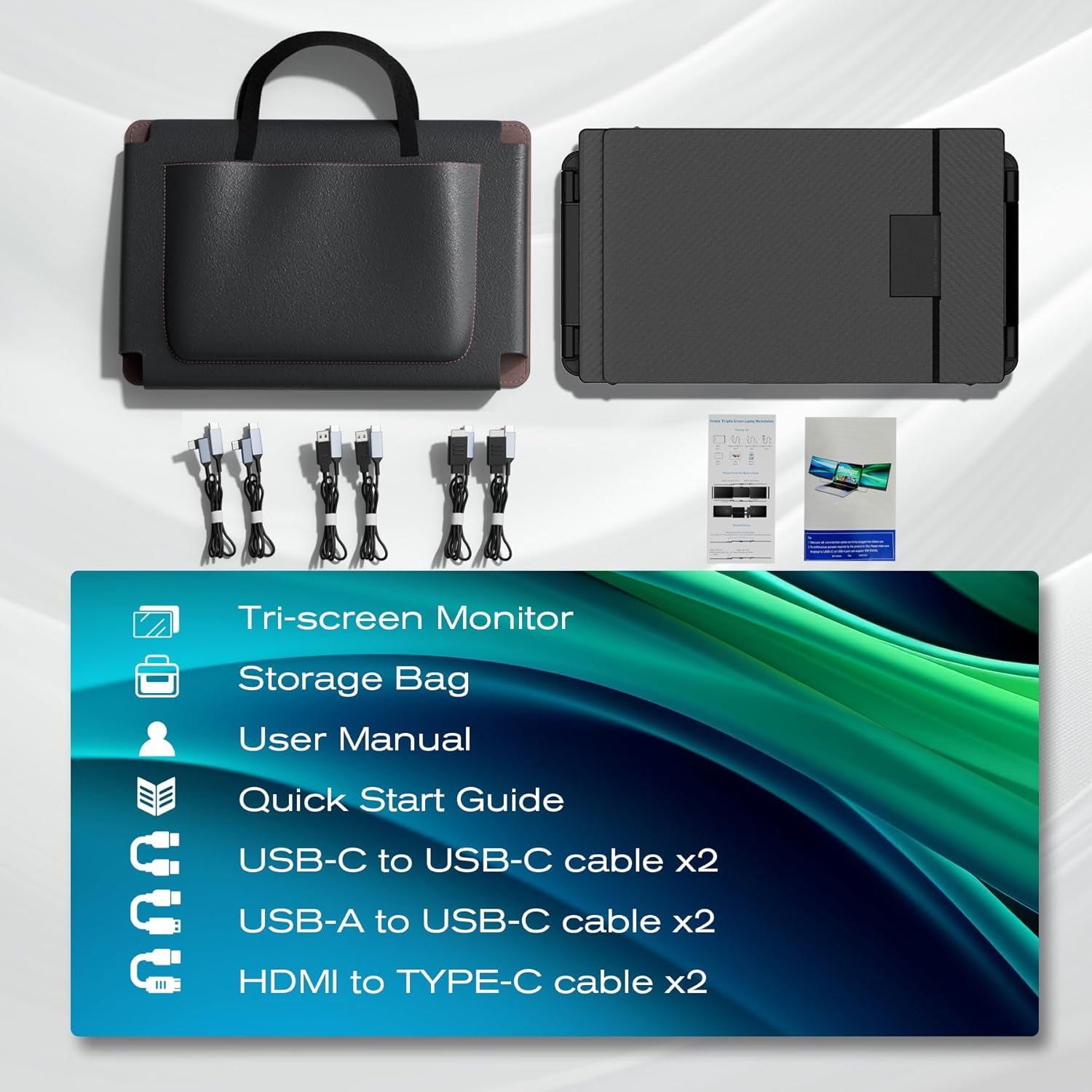
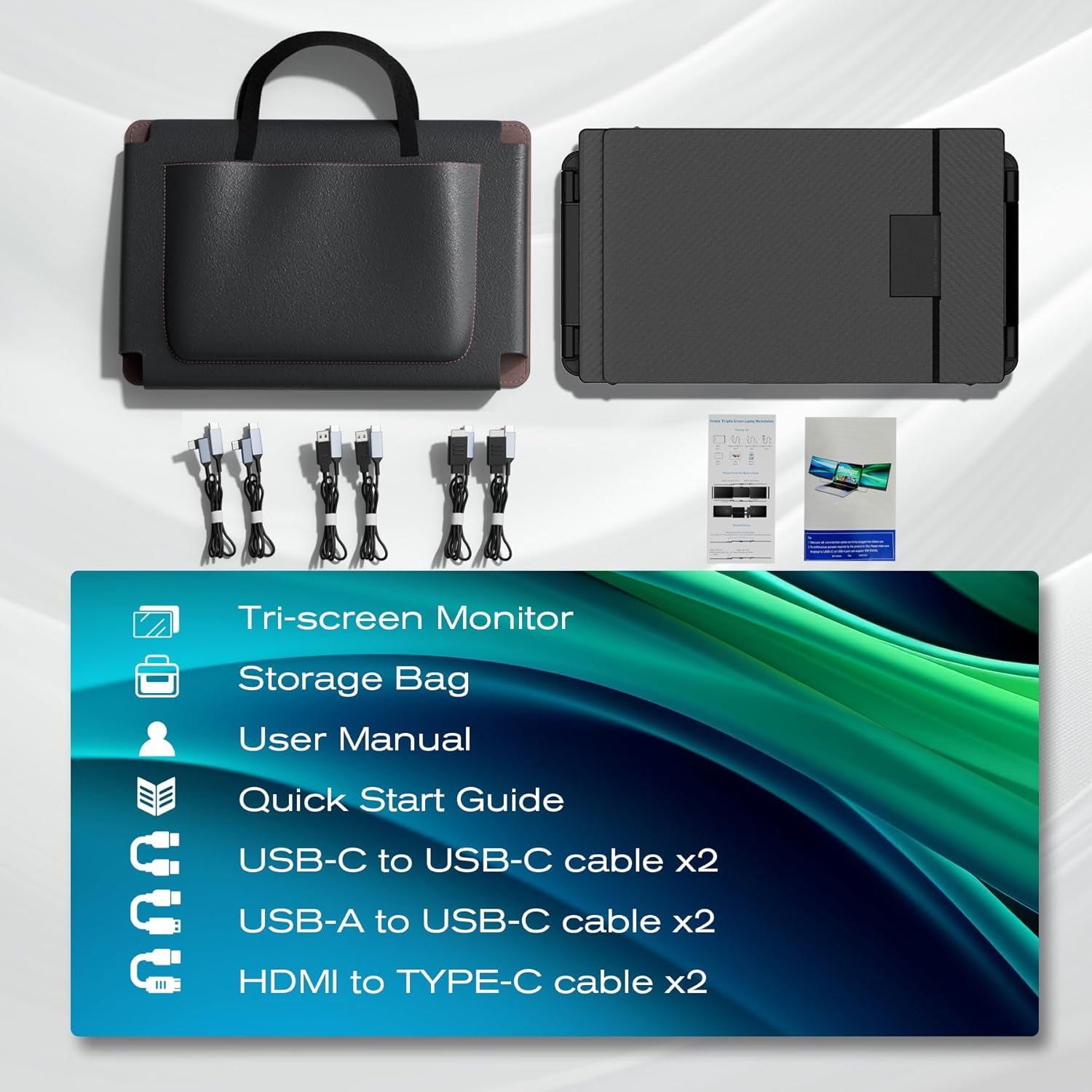
Mobile Workstation Display: laptop screen extender features a 90-degree folding kickstand for stability and easy storage. The included durable carrying case ensures complete protection during travel. Its innovative crush-proof frame with protective rubber pads safeguards your devices while flexibility fitting 13"-17" laptops (measured diagonally)
Friendly Reminder: Get started easily with our step-by-step guide and responsive support. If you face issues like no display or power problems please contact our after-sales team with your order number and laptop model. Official contact information is available only on our Seller Profile or product packaging
What type of ports are required for connection?
- Combo One: two full-featured USB-C ports
- Combo Two: a full-featured USB-C port & a USB-A port & an HDMI port
- Combo Three: three USB-A ports & an HDMI port (*a USB to HDMI converter is needed)
- Combo Four: a regular USB-C port & two USB-A ports & an HDMI port (*a USB to HDMI converter is needed)
Note: a full-featured USB-C port can supply power transfer data and output video.
Connection Precautions
- When making connections refer to the port markings on the back of each display. The first two Type-C ports are for USB-A and USB-C cables. The third type C port is for use with HDMI cables. To keep the product lightweight these ports are designed as Type-C ports.
- A full-featured USB-C port can supply power transfer data and output video. If the display shows no signal or no power when you connect with a USB-C port the C port isn't full-featured. A USB to HDMI converter can help solve the issue. If you need recommendation for a USB to HDMI converter you can search B0D2KF8J2M to get one.
- When connecting a display with both USB-A and HDMI cables be sure to connect the USB-A cable first and then the HDMI cable. Please don't reverse the order otherwise the display will show no signal.
Compatibility limitations
- A DisplayLink docking station is required for MacBook M1/M2/M3 chips. If you need a recommendation please come and message us.
- A Dell Display adpater is required for Dell series such as Dell Latitude 5440 Dell Precision 5690 and Dell Precision 3580.
Due to chip limitations not all laptops are compatible with this monitor. A docking station may be required for some devices. Please don't hesitate to message us if you're not sure the compatibilit of your laptop. We're always here to help!
What is the proper laptop size?
The 13"-17" of the size of the bracket refers to the diagonal length not the horizontal length. If the size of your computer does not fall within this range your computer will not fit on this monitor stand.
Where can I go for help?
Thank you for your support! Please feel free to find us in the manual if you need help with the connection or anything else. We're here to help! If you have issues with the connection please provide us with your laptop model and some pictures of how you have connected the displays. We will help you check compatibility and provide solutions as soon as possible.
Important Information You Should Know
More Details for Reference

You have successfully commented, please wait for review
Copied Successfully
You can enjoy up to 1 free gift!