What are you looking for?
Search

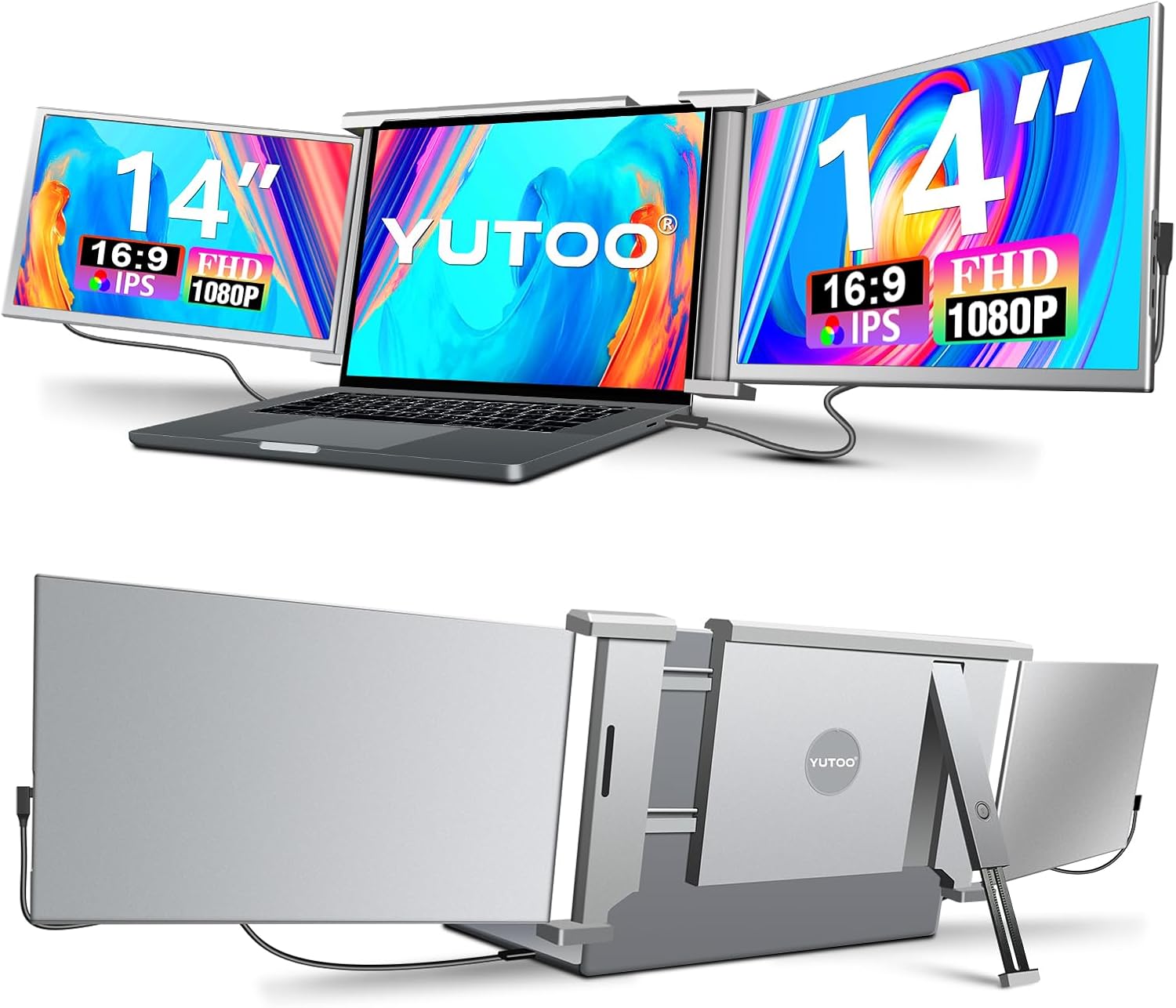
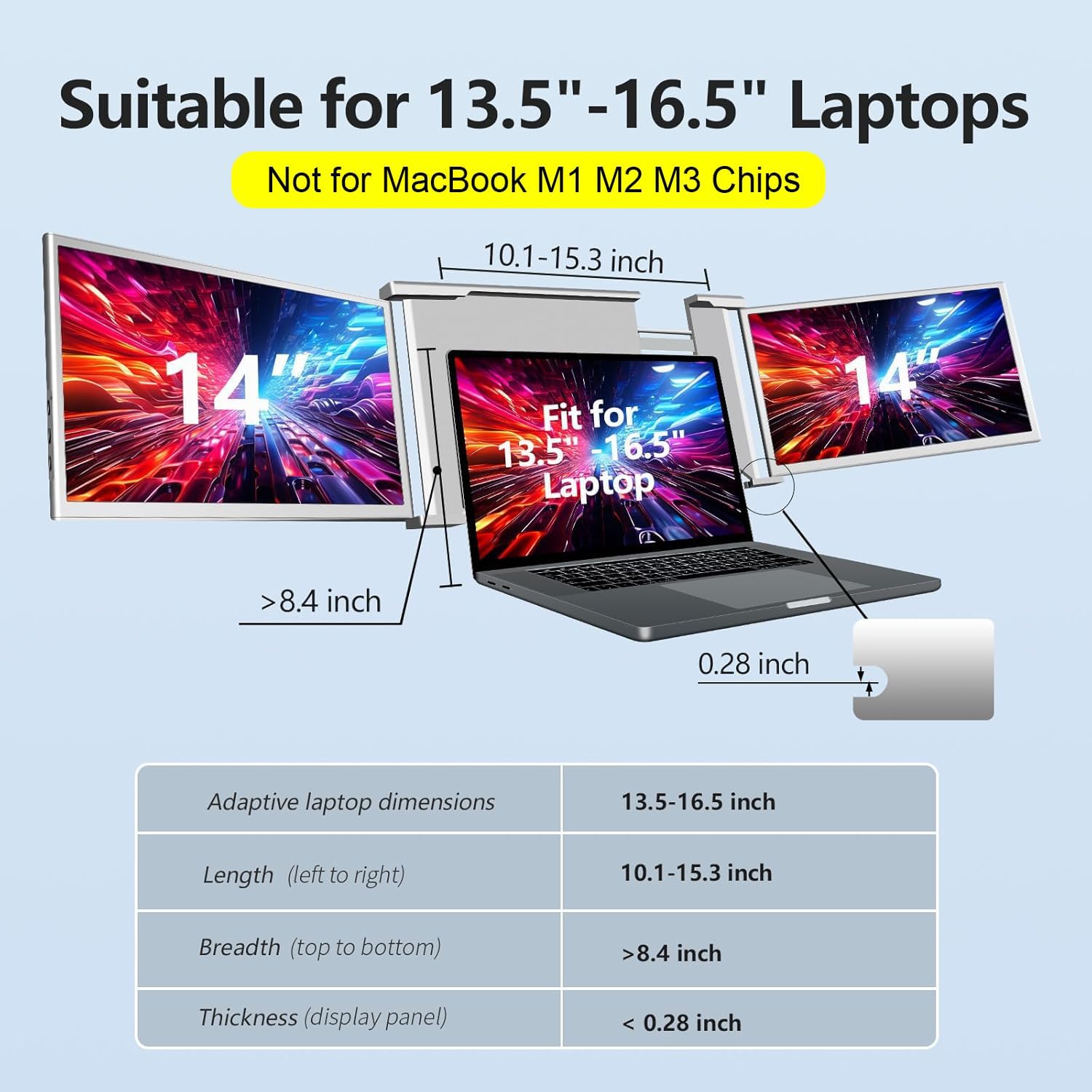
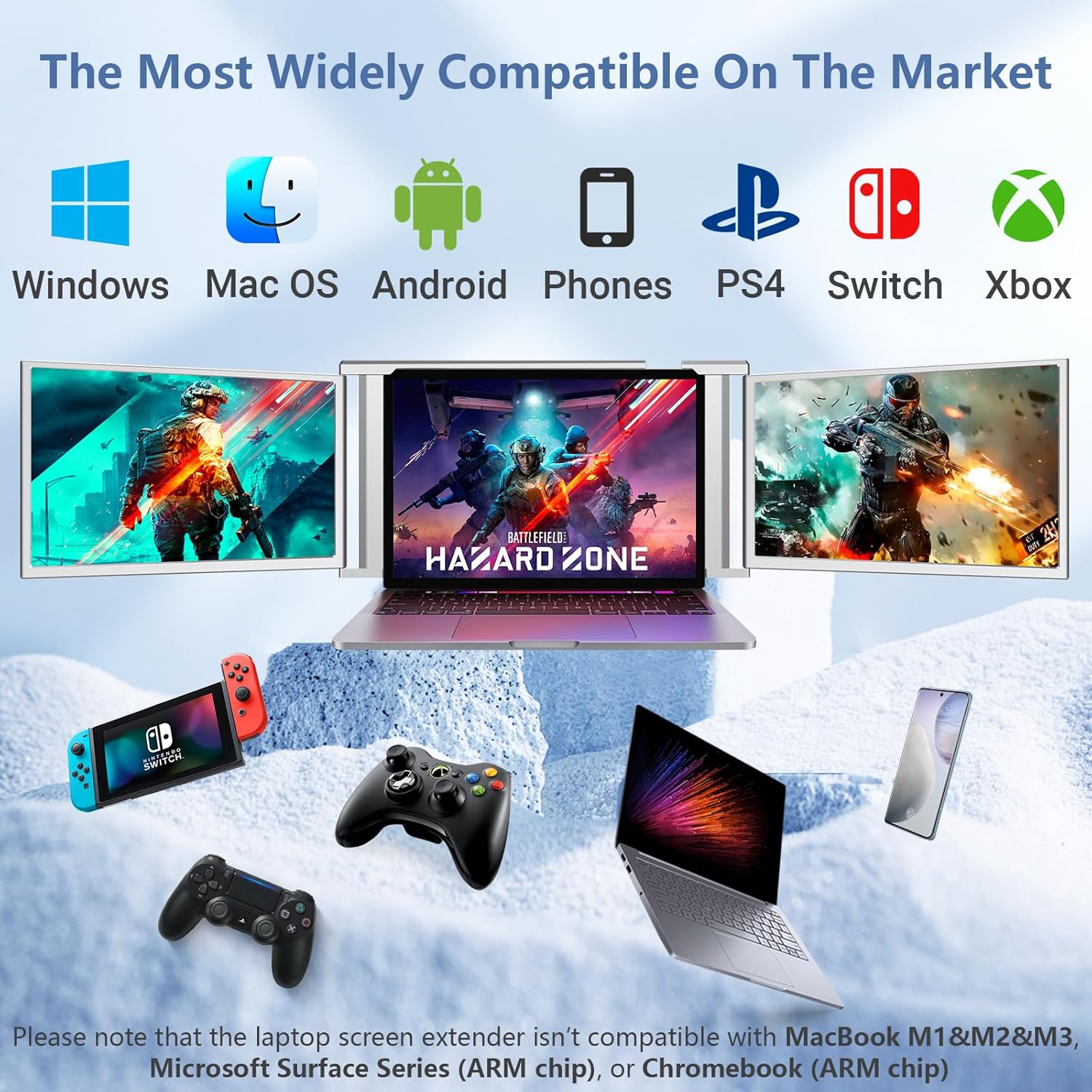
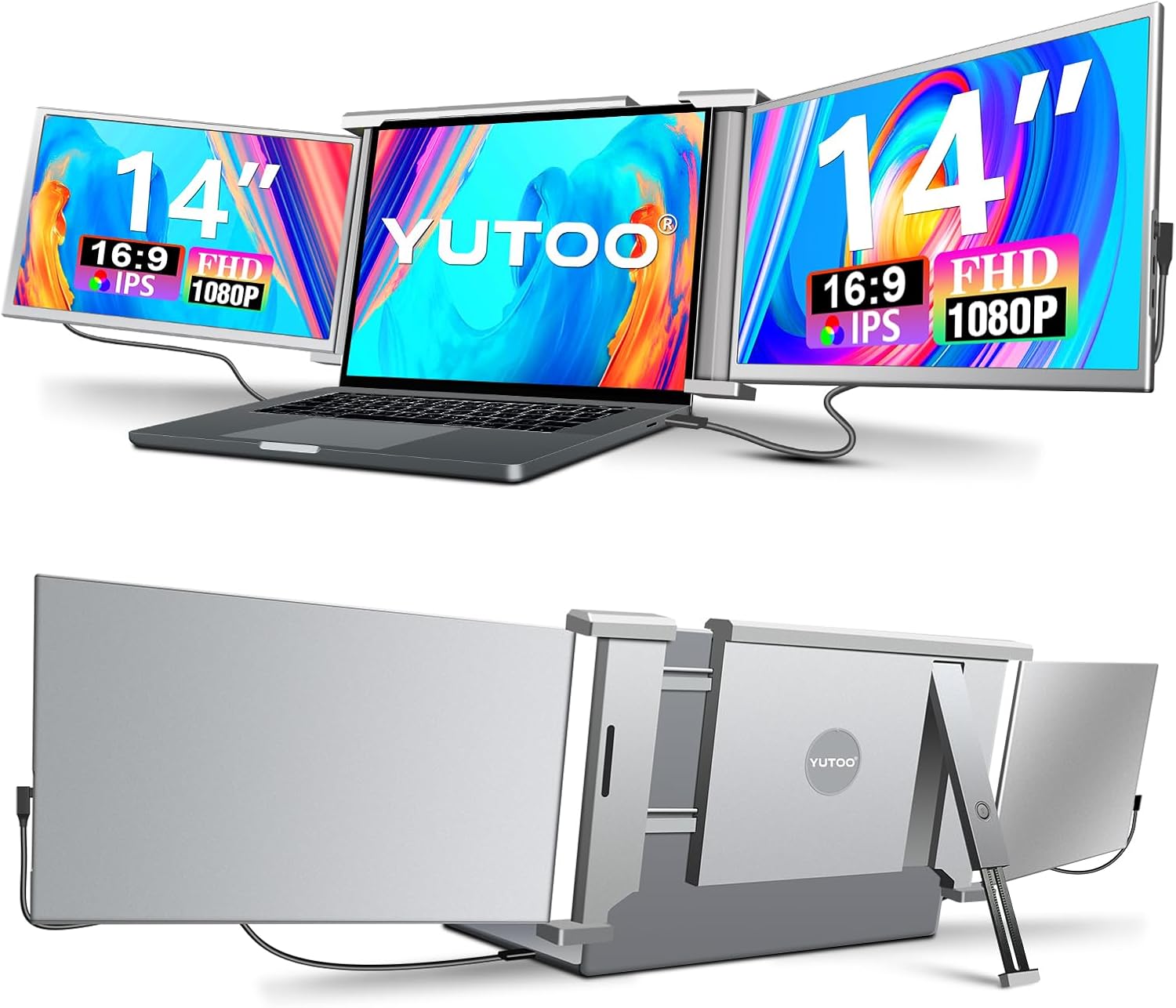
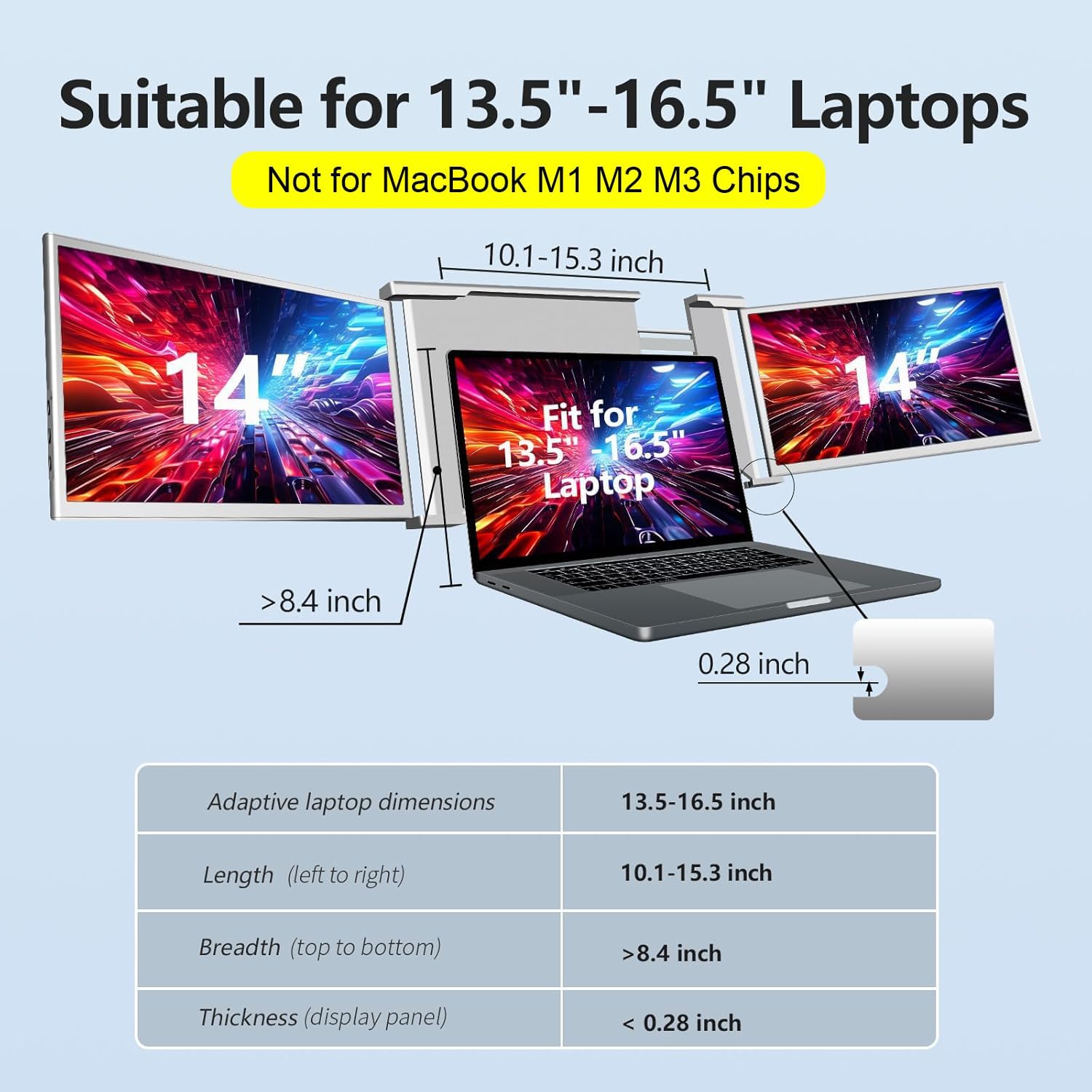
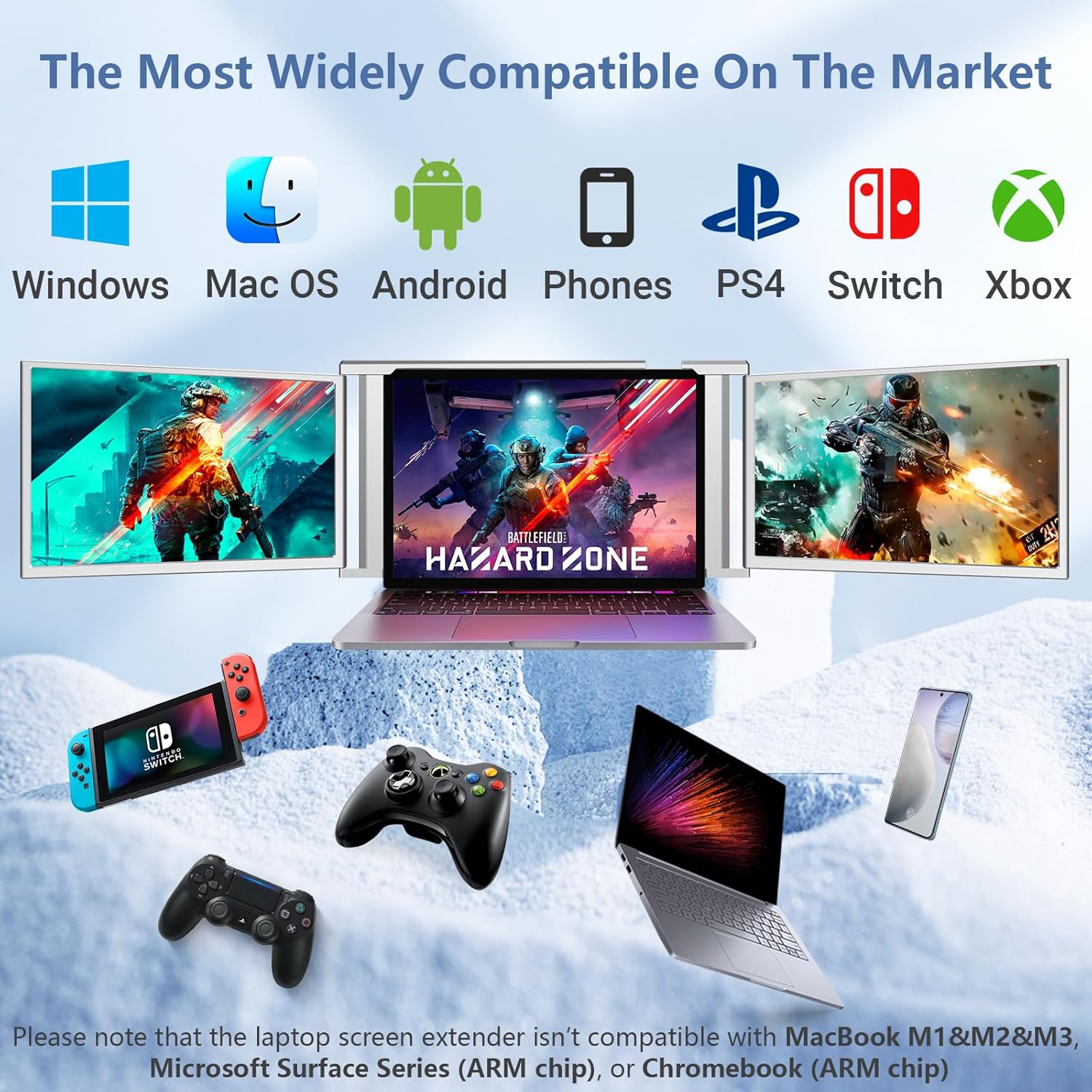

Wide CompatibilityThe Laptop Monitor Extender known as the S1 Portable Monitor is compatible with various devices including laptops mobile phones PS5 and Switch. No drivers are required simply plug and play. The package includes a comprehensive range of data cables ensuring compatibility with different devices. Please note that the laptop screen extender is not compatible with MacBook M1&M2&M3 Microsoft Surface Series (ARM chip) or Chromebook (ARM chip).
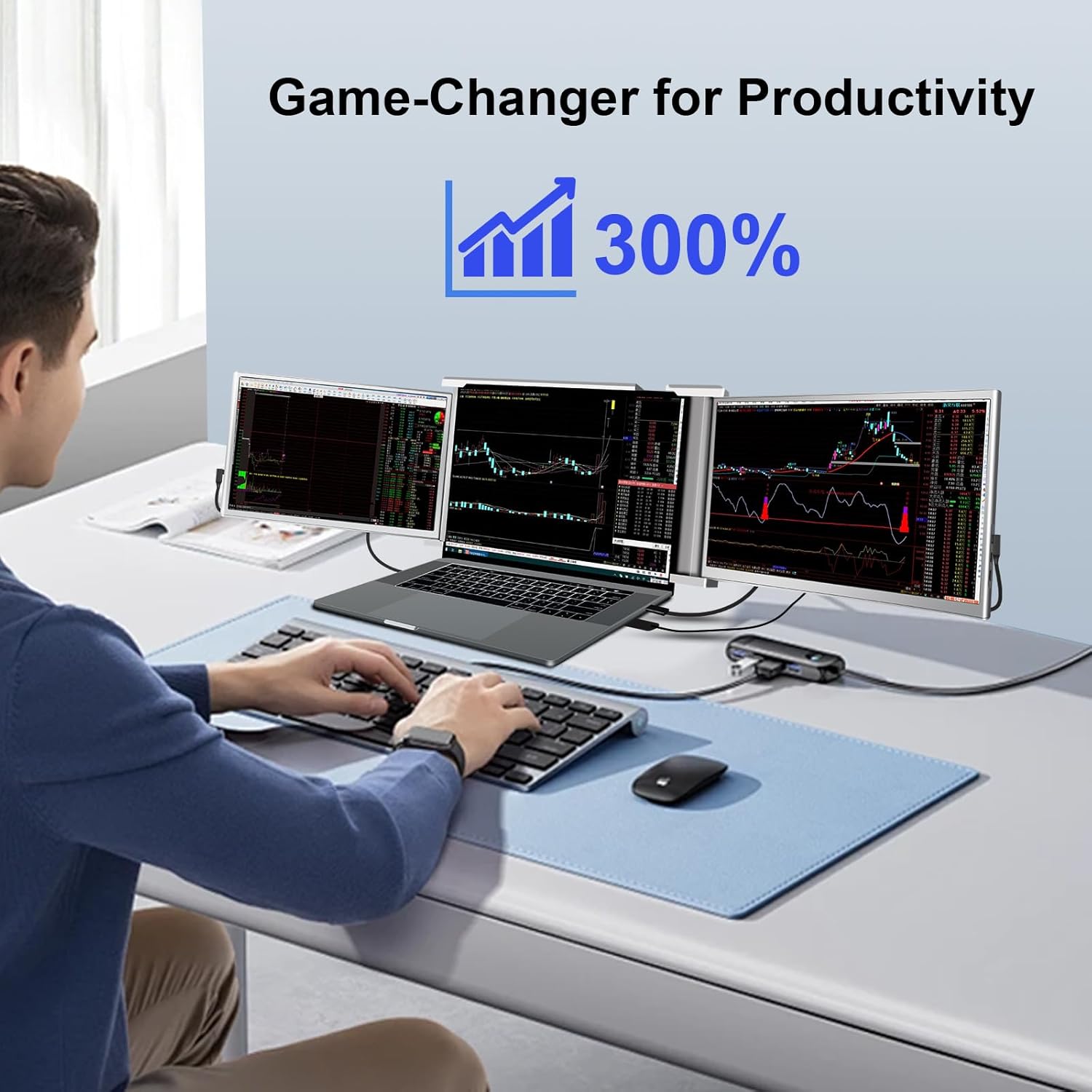
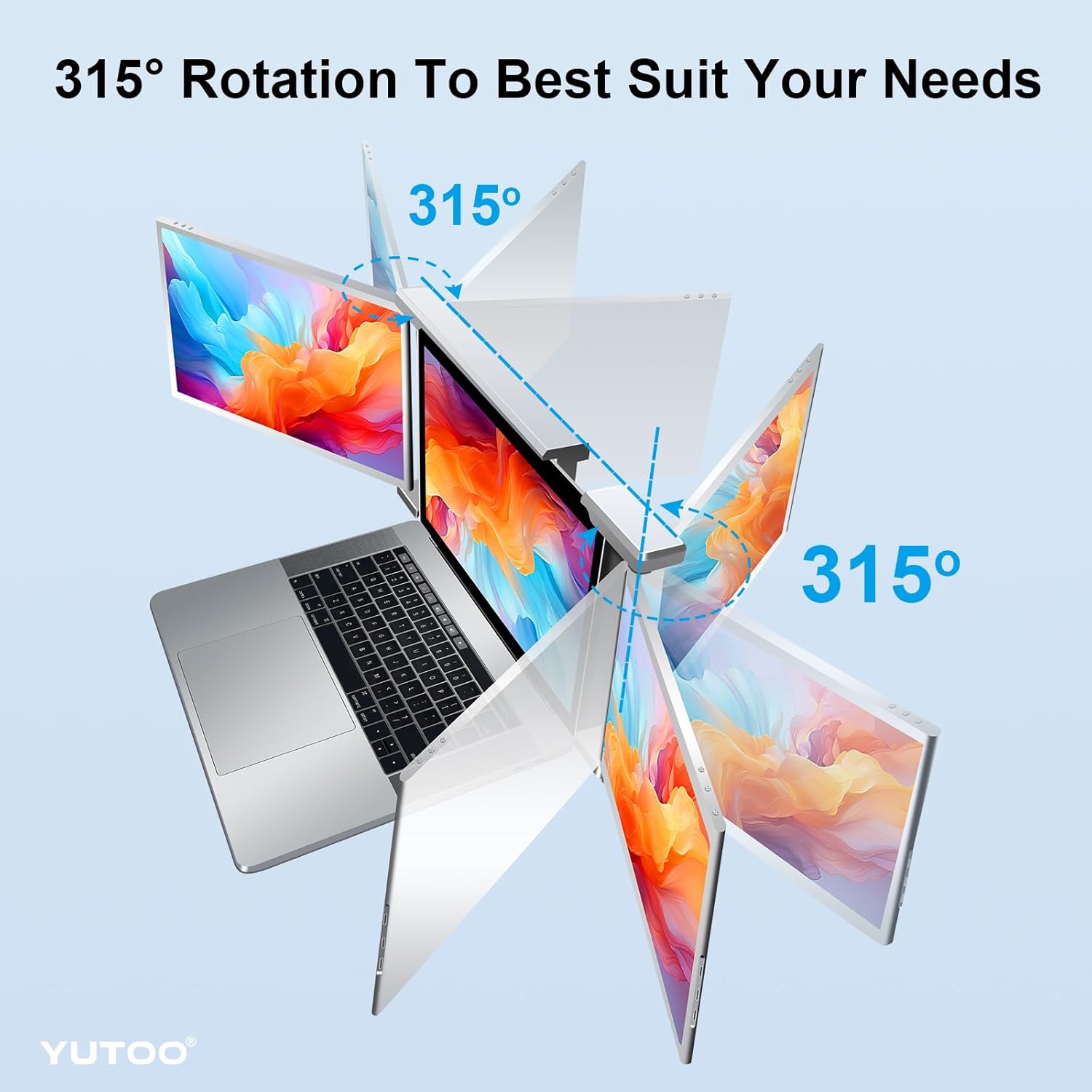
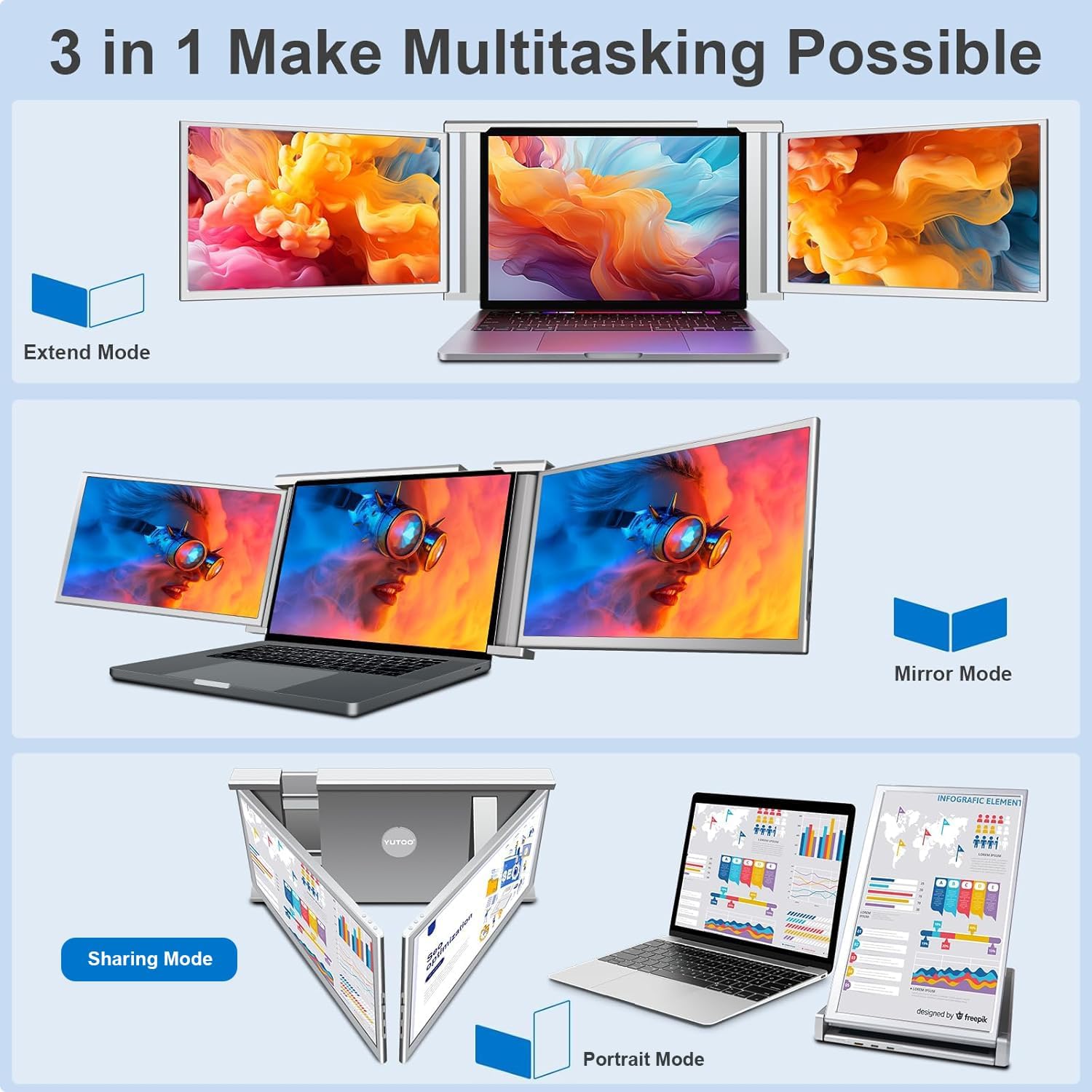
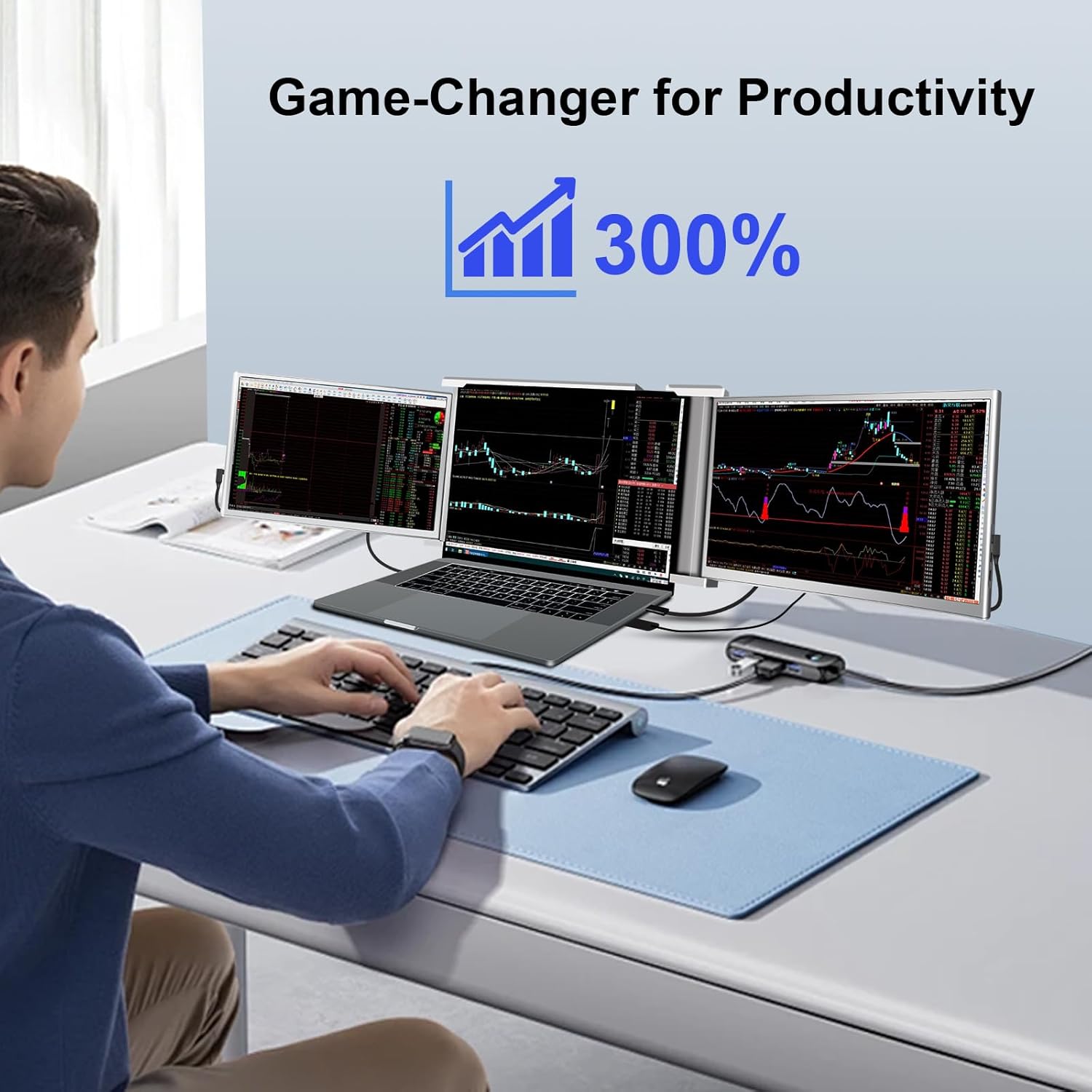
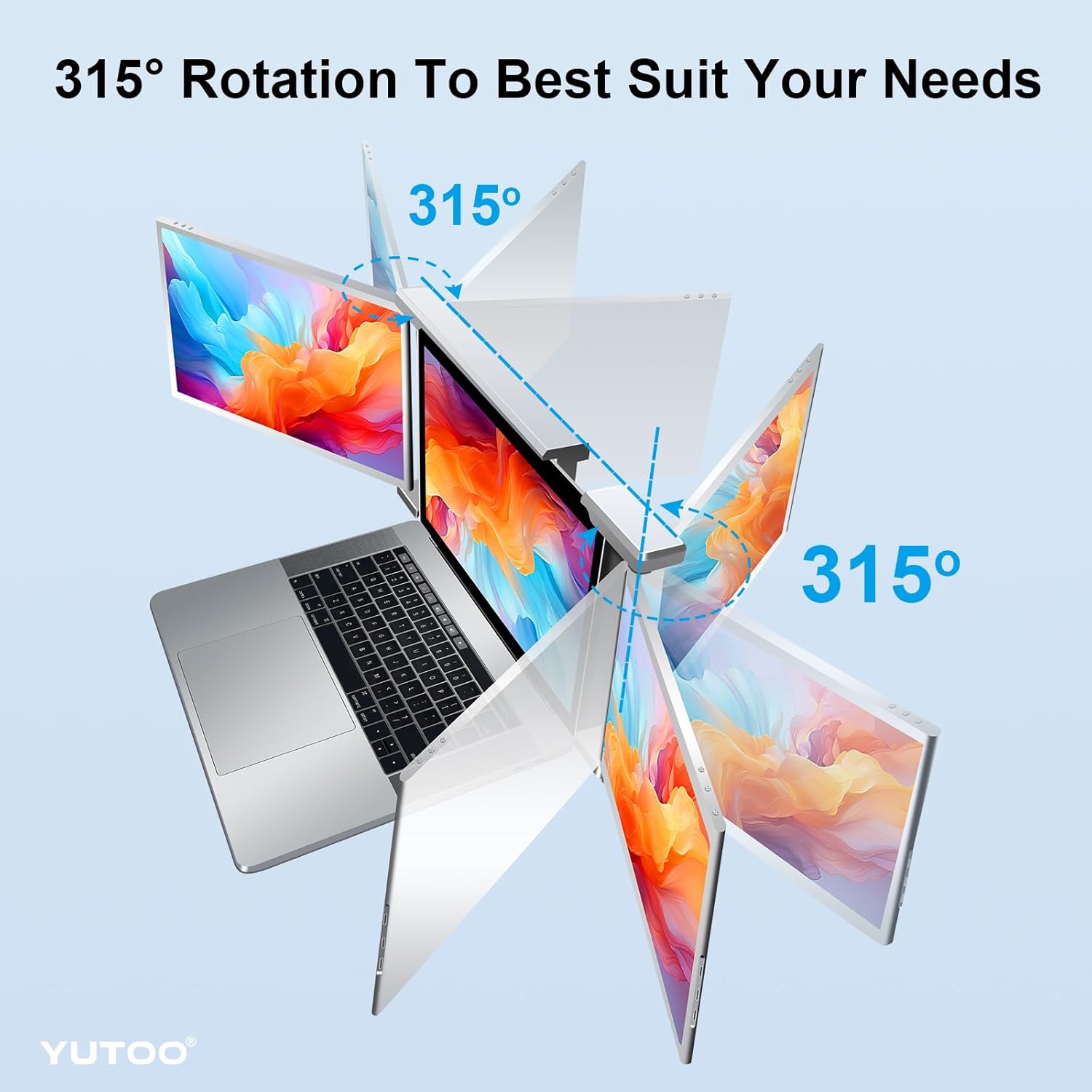
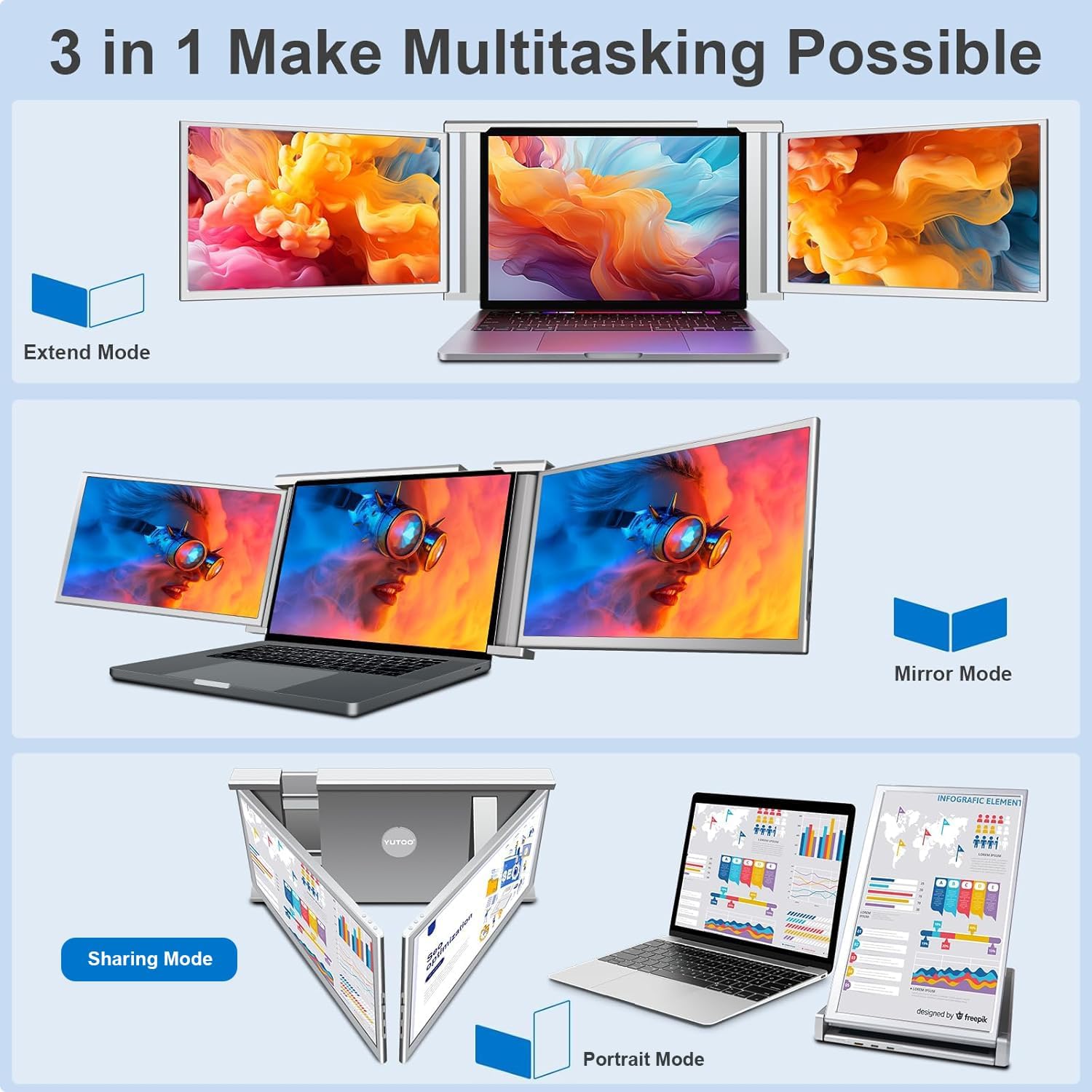
Versatile AdjustabilityOur laptop screen extender offers 315 rotation for dual screens along with three modes: extended AAB mirroring and portrait. Whether you're gaming working or on the go you can easily enhance your productivity by up to 300%. The S1 laptop monitor extender is foldable and compact making it convenient to carry. It also comes with a protective carry bag to safeguard your laptop.
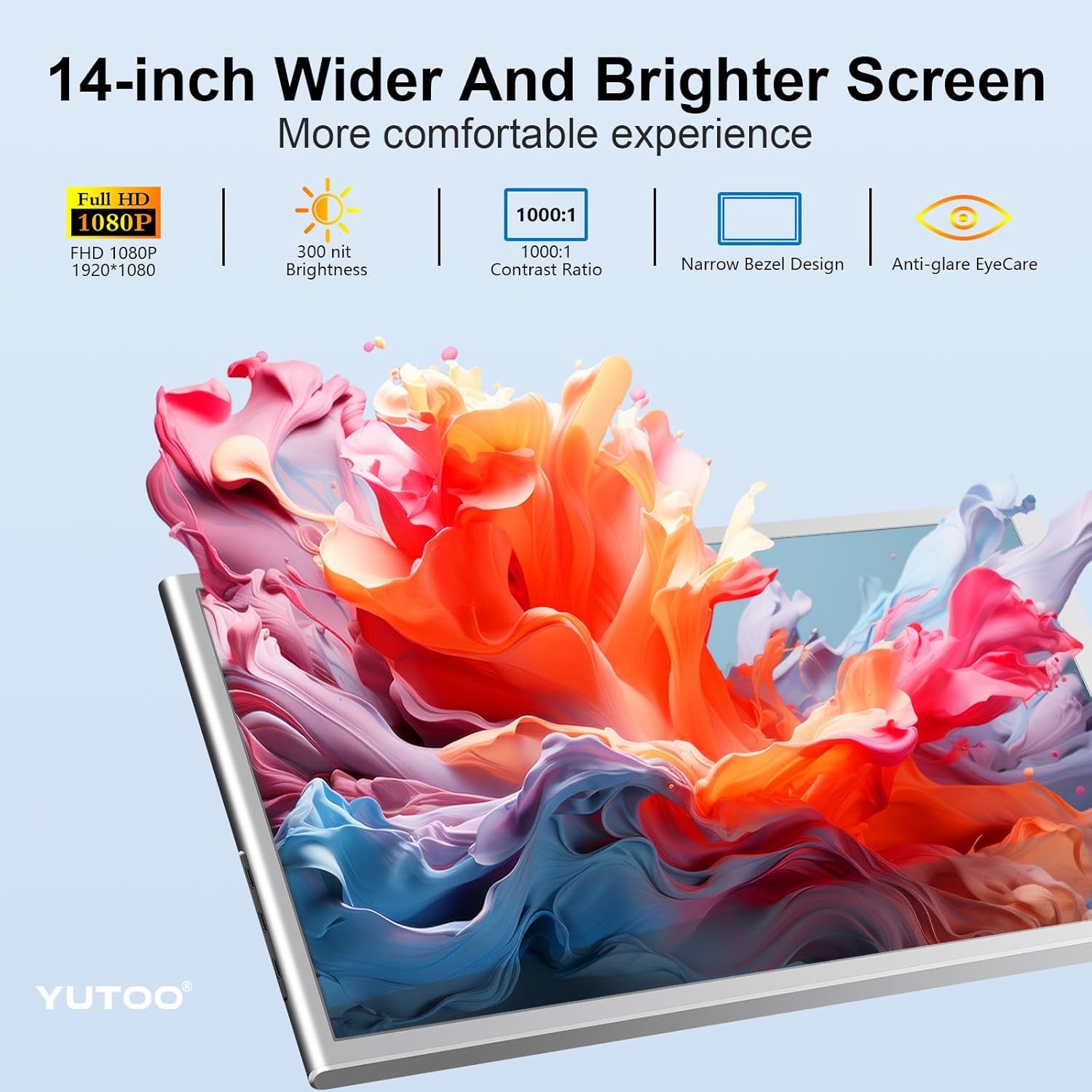
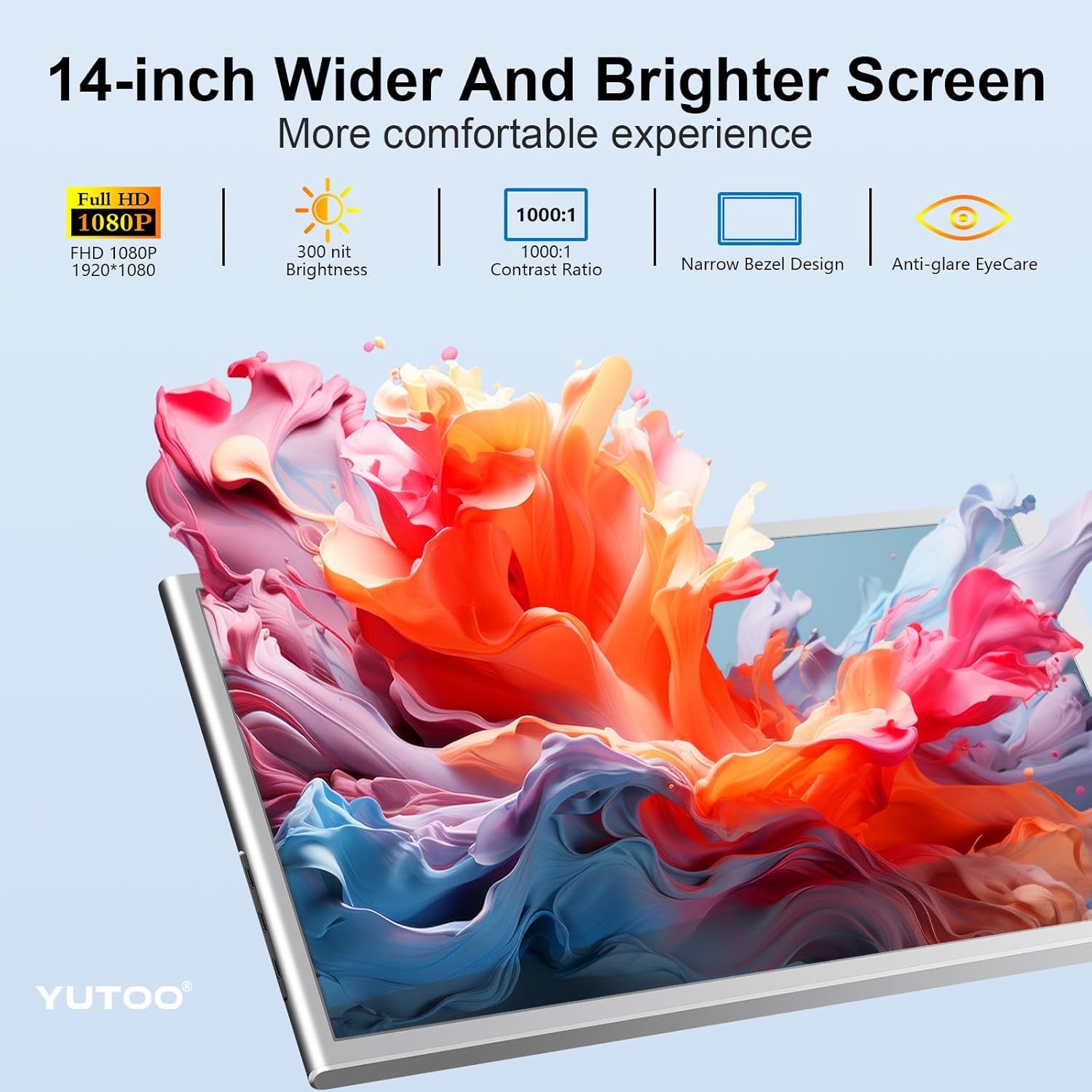
Boost Efficiency The Triple Laptop Screen Extender provides a smart solution for multitasking and screen sharing without the need to constantly switch between windows on a single laptop screen. This saves you time and improves work efficiency enabling you to take on higher roles. Additionally the dual screens feature brightness adjustment buttons allowing you to customize a comfortable display brightness with a single click while protecting your eyesight.
Hassle-free Installation and After-sales Support ensures a worry-free installation process by providing clear and detailed tutorials. Upon receiving the product you can easily follow the step-by-step instructions accompanied by pictures and texts. In case of any issues during installation our prompt customer service team is ready to assist you. We prioritize customer satisfaction and will promptly address any concerns you may have.
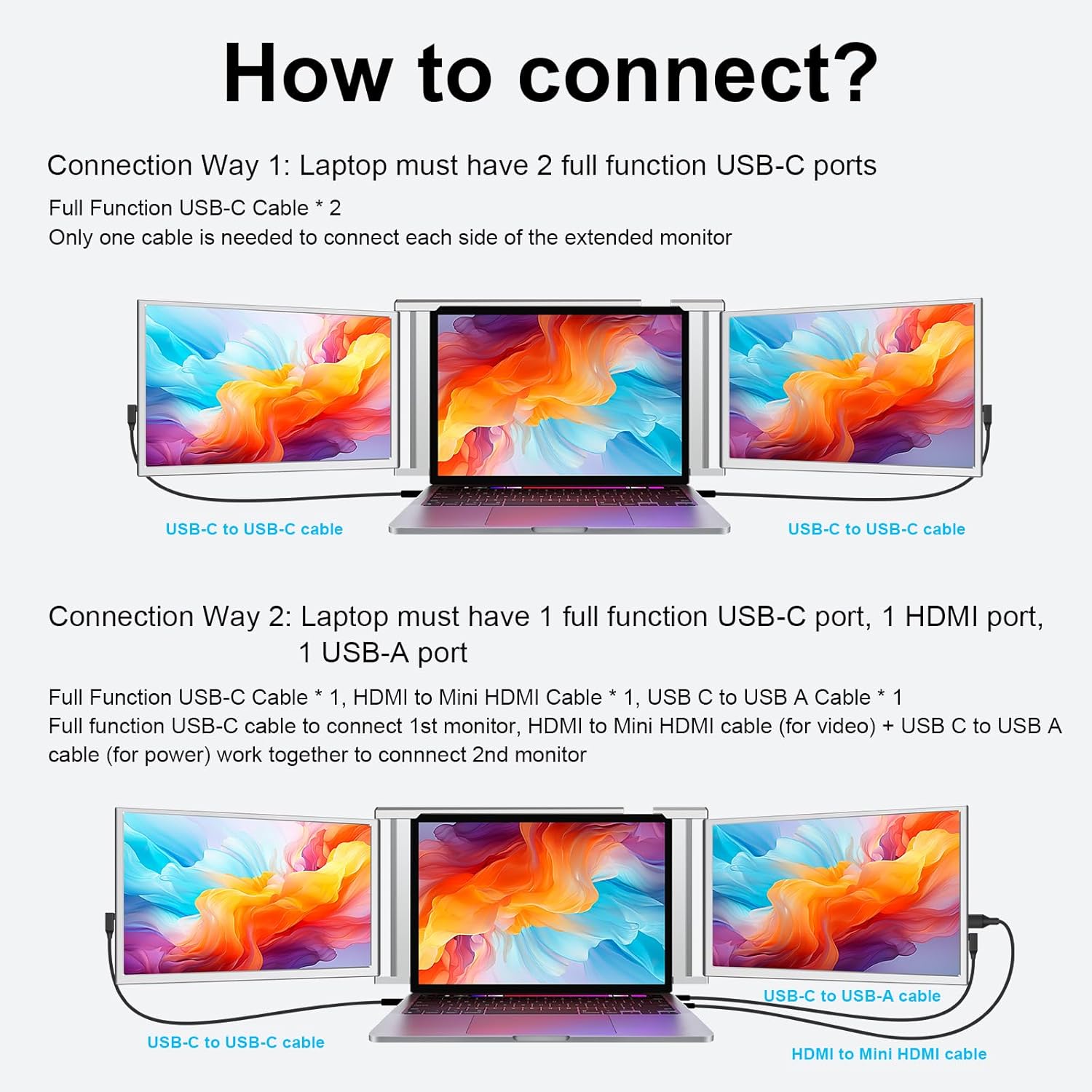
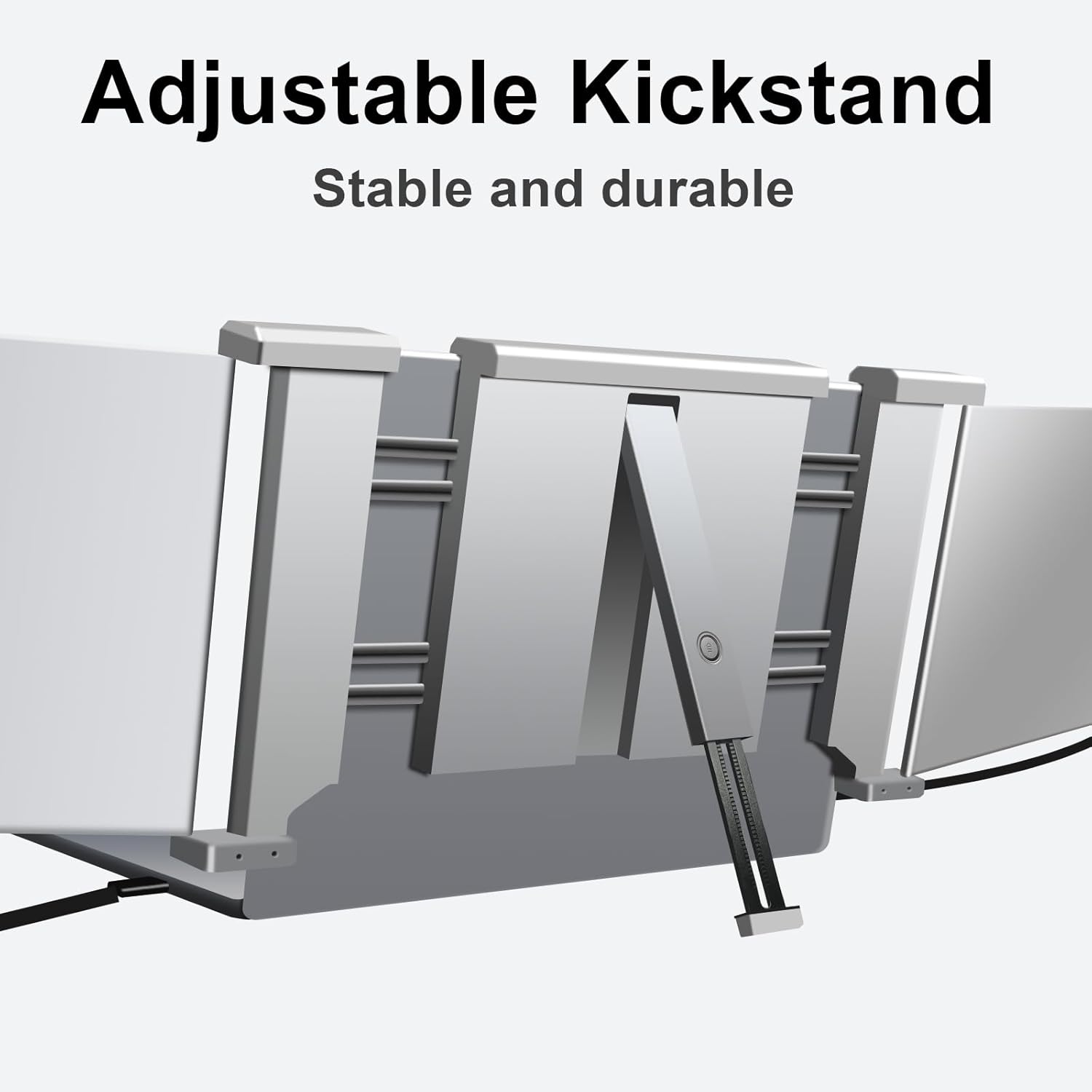
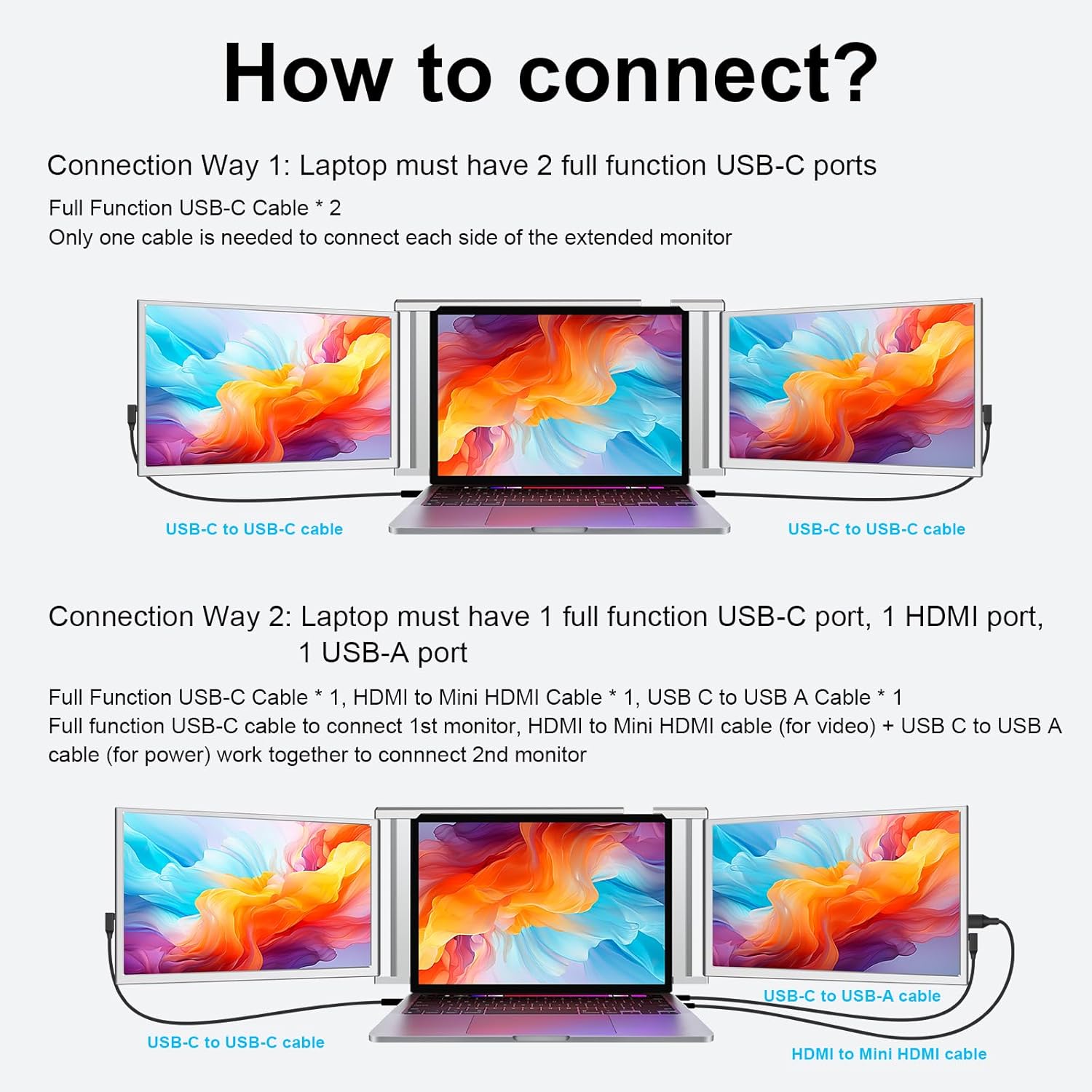
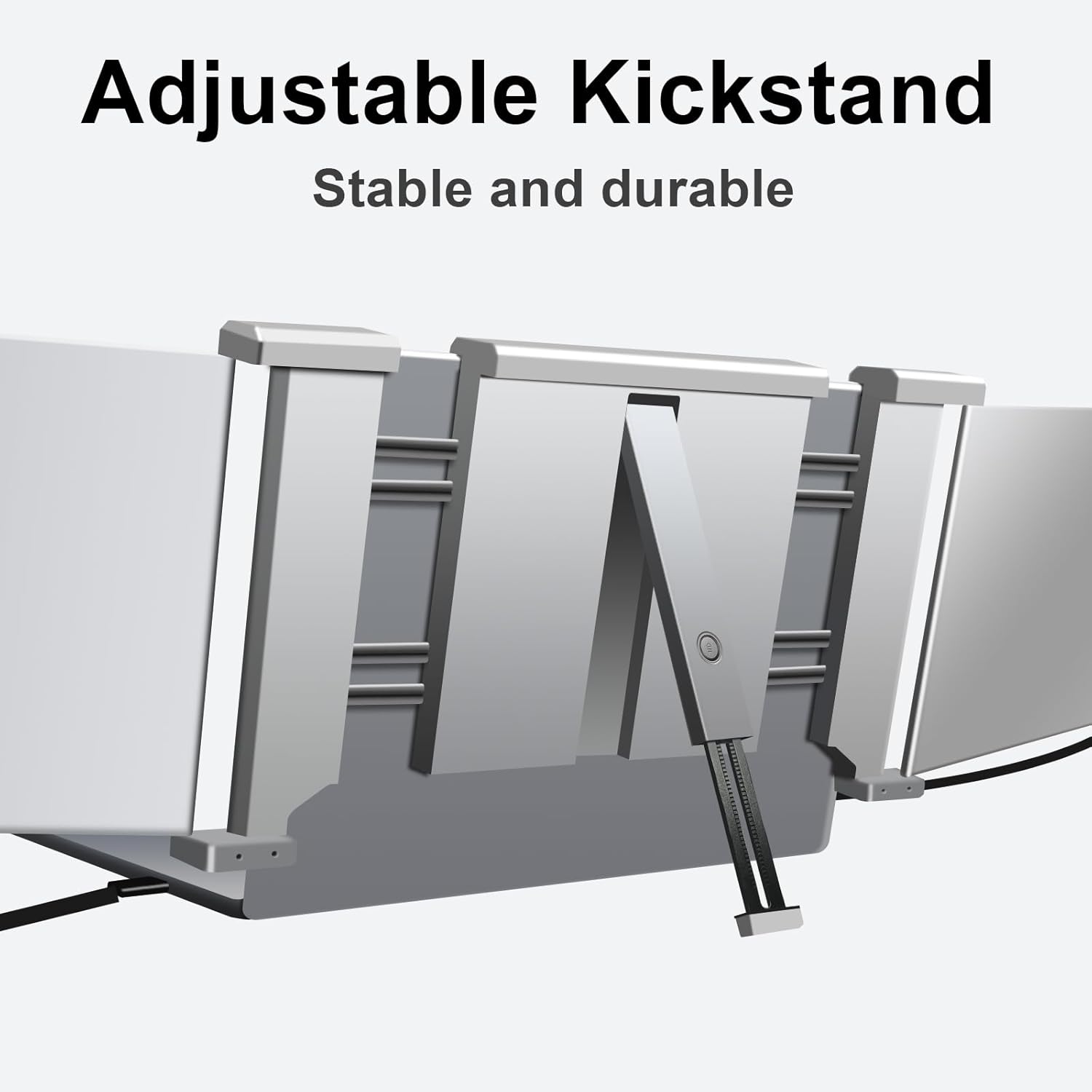
1Check Compatibility First2How to Connect3Incompatible Devices!4Compatible Devices!5Durable Kickstand
How to adjust the font of extender monitor?
Starting > Settings > System > Display > Scale & layout (1. Selected the monitor you need to adjust; 2. Choose the appropriate percentage)
How to fx it if the screen is upside down?
Starting > Settings > System > Display > Scale & layout > Display orientation (Switch to "Landscape(flipped)")
Why is only one screen works and the other is not? (No Signal)
a. Please make sure your laptop has the proper ports. (2 ful function UsB-C ports or 1 ful function USB-C 1 HDMl + USB-A combination port)
b. Please make sure you connect the ports correctly.
c. Check if the monitor has been disconnected.
Is this setup compatible with the MacBook?
For MacBook it supports M4 all series of Pro & Max Chips but not for M1 M2 M3 Chips
14-inch Triple Screen
14-inch Quad Monitor Clip On
14-inch Quad Monitor
Applicable Size Range
13.5~16.5"
Applicable Size Range
13.6~17.3"
Applicable Size Range
12~18"
Resolution
1080P FHD
Resolution
1080P FHD
Resolution
1080P FHD
Aspect Ratio
16:9
Aspect Ratio
16:9
Aspect Ratio
16:9
Refresh Rate
60 Hz
Refresh Rate
60 Hz
Refresh Rate
60 Hz
Weight
3.1 lbs
Weight
5.0 lbs
Weight
4.5 lbs
How to adjust the font of extender monitor?
How to fx it if the screen is upside down?
Why is only one screen works and the other is not? (No Signal)
Is this setup compatible with the MacBook?
Hot Sale Models

You have successfully commented, please wait for review
Copied Successfully
You can enjoy up to 1 free gift!